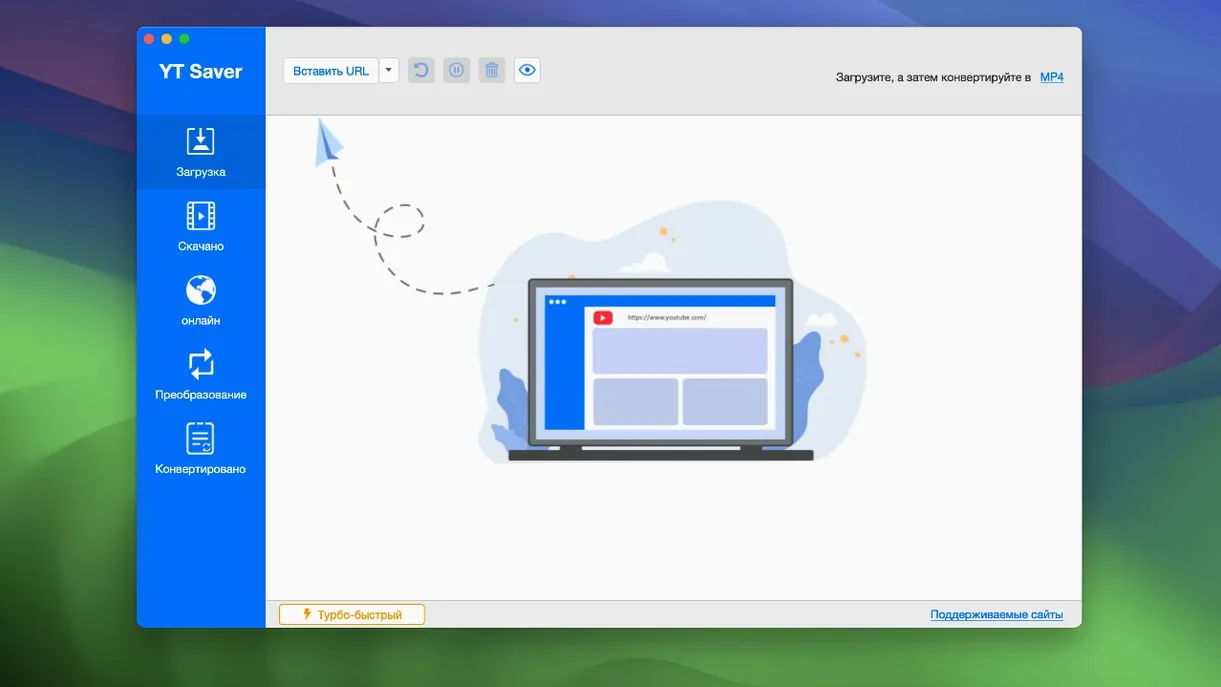
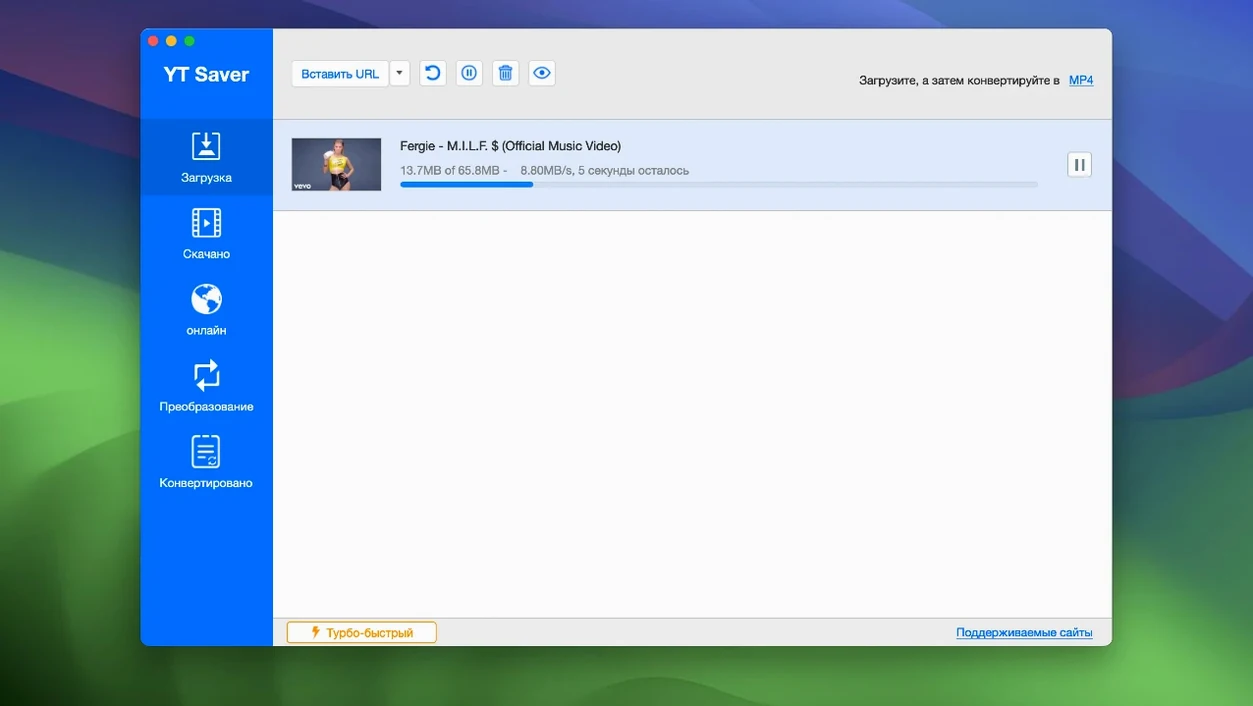
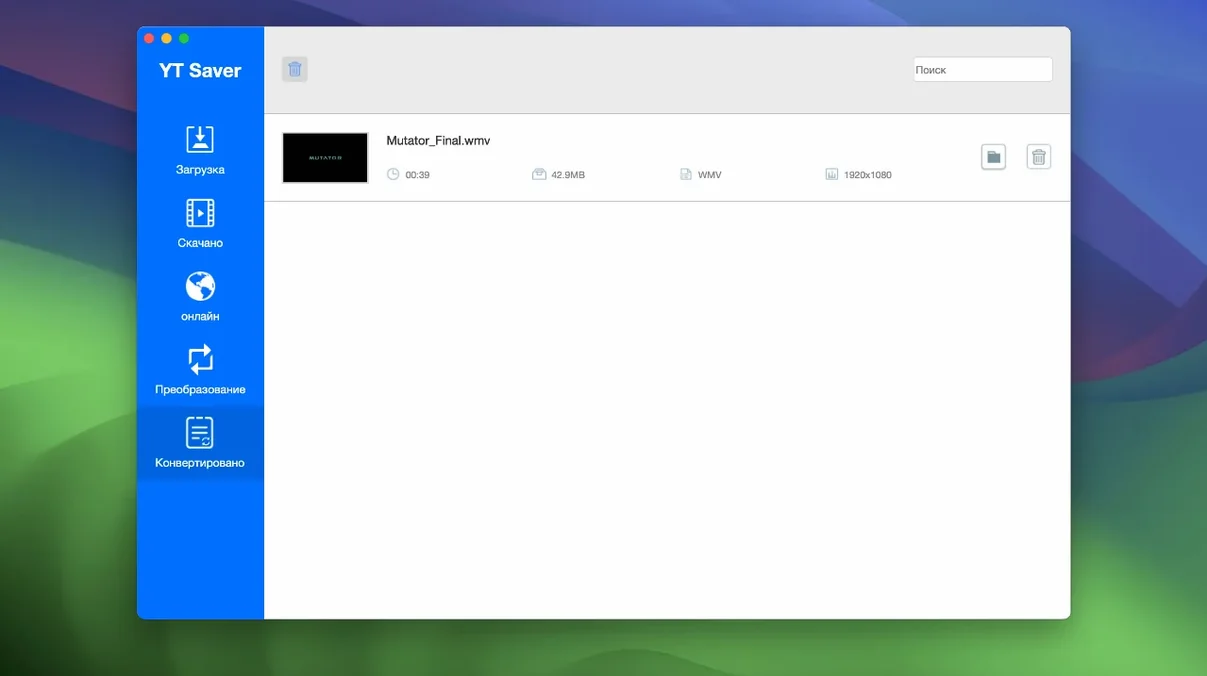
YT Saver 10.15.0 runs on any Mac with macOS 10.10 or later, but it’s Intel-only — no native Apple Silicon build yet. For an experienced user, the value is in the output options: you can grab video or audio from more than 10,000 sites, including streaming platforms, then export directly to device-specific presets. The iPhone/iPod and iPad profiles save you a conversion step if you’re moving files to an iOS device.
The format list is practical. Video exports cover MP4, MOV, HEVC MP4, MKV, AVI, FLV, and even Android tablet presets. Audio side is equally solid: M4A, FLAC, AIFF, WAV, AAC, OGG, MKA. If you’re pulling a playlist, the app handles that too. Interface languages include English, French, German, Spanish, Italian, Portuguese, Russian, Chinese, Korean, Japanese, and Indonesian — no locale barrier.
One limitation: the app is x86_64 only, so on Apple Silicon Macs it runs through Rosetta 2. That works, but it’s not as efficient. The download workflow itself is straightforward — paste a link, pick format, download. No account needed, no bandwidth throttling visible in the settings. For someone who wants a YT Saver torrent alternative, the app delivers the same output flexibility without the hunting.
YT Saver uses its own built-in browser, not a Safari or Chrome extension
Does YT Saver work with Safari or Chrome? It works independently. The app includes its own built-in browser, so you browse and select videos from inside YT Saver rather than using a browser extension. That means no conflicts with your existing browser setup, and no extra permissions to grant.
Is the private mode actually private? The private mode stores downloaded content in a password-protected folder within the app. That keeps the files hidden from anyone else who uses the same Mac, but it doesn't encrypt the files themselves on disk. It's a convenience layer for shared computers, not a security vault.
Can I queue downloads and walk away? Yes. The app supports simultaneous downloads of multiple videos, so you can add an entire playlist or a batch of individual links and let it run. The built-in speed claim aside — the app says it downloads faster than standard methods — the queue works predictably: add links, select formats, start, and the app processes them in order.
Do I need to install additional codecs or frameworks? No. YT Saver handles conversion internally. The input and output format lists cover everything from common MP4 to less common containers like MKA and FLAC. If you feed it a WEBM file and want AIFF output, it converts without external tools.
A scenario for someone archiving tutorials
Consider someone who collects video tutorials from multiple sites — YouTube for software walkthroughs, Vimeo for design talks, and a couple of smaller streaming platforms for niche topics. They want the files in a consistent format for their media server, and they want them organized by topic.
With YT Saver, that person would open the built-in browser, navigate to each site, and paste the playlist or individual video links into the download queue. They'd set the output format to HEVC MP4 for the tutorials — smaller file size without losing detail for screen recordings. For the audio-only versions of the same talks, they'd set a second download to FLAC for archival quality. The private mode isn't relevant here, so they'd save everything to a normal folder. After the batch finishes, the files are in one place, in the same format, ready to be tagged and sorted in the media server.
No browser extensions to manage, no site-specific tools to learn. One app covers the ten thousand sites in its supported list.
YT Saver requires macOS 10.10 or later to launch
Based on the requirements, here is what YT Saver asks of your system:
- macOS version: OS X 10.10 or later. That covers Yosemite through any newer version. If your Mac runs 10.9 or earlier, the app will not launch.
- Architecture: x86 64-bit only. Intel Macs from the Core 2 Duo era onward meet this. Apple Silicon Macs (M1, M2, M3) will run it through Rosetta 2, which translates Intel instructions on the fly.
- Disk space: Not specified in the requirements, but you will need room for the app itself plus the downloaded video and audio files. Converted files, especially FLAC and high-bitrate video, take up more space than the compressed originals on streaming sites.
- Languages: The interface is available in twelve languages. If you prefer English, French, German, Spanish, Italian, Portuguese, Russian, Chinese, Korean, Japanese, or Indonesian, one of them will match your system language or be selectable.
The installation steps are standard for a Gatekeeper-friendly app on macOS: mount the disk image, bypass Gatekeeper using the terminal command if needed, drag the app to Applications, and launch.
How YT Saver fits with other apps and macOS features
YT Saver works as a standalone tool, but it integrates into a broader workflow. The exported files land in whatever folder you choose, so they show up in Finder immediately. From there, you can drag them into QuickTime Player for preview, import them into iMovie or Final Cut Pro for editing, or add them to the Music app or VLC for playback.
The device-specific presets — iPhone/iPod, iPad, Android phones, Android tablets — mean you can export directly to a format that syncs without re-encoding. If you use iTunes or Finder to sync media to an iOS device, the MP4 or MOV files from YT Saver will transfer without complaint. Android users can pick the Android preset and copy the file via USB or a cloud service.
For users who search for yt saver mac or ytsaver download, the app fills the same role as browser-based downloaders but keeps everything in one window. The built-in browser means you do not need to switch between a browser and a download manager — the entire operation stays inside YT Saver. That can be helpful if you are downloading from sites that block third-party download extensions.
The format conversion also plays well with older media libraries. If you have a collection of WMA or FLAC files that your music player does not support, YT Saver can convert them to AAC or MP3. Similarly, video in MKV or AVI can become MP4 or MOV for compatibility with Apple's ecosystem. It is not a batch converter for arbitrary files, but it handles the formats that come from streaming sites and video archives.
If someone looks for yt saver torrent alternatives, the app's preset-based export covers the iPhone side directly, and the torrent crowd gets a direct download path without needing to find a torrent of the same content.
- macOS 10.10 or later
- Intel processor (x86 64-bit)
Questions from the notes
Can YT Saver download videos for iPhone?
Yes. It exports video using an iPhone/iPod preset, which outputs in a compatible format like MP4 or HEVC MP4.
Does YT Saver work on Apple Silicon Macs?
It runs via Rosetta 2 since the app uses x86 64-bit architecture. There is no native Apple Silicon version.
What audio formats can YT Saver export?
Audio exports include M4A, MKA, WAV, AAC, FLAC, AIFF, and OGG.
Install procedure
- Mount the disk image and launch the app. Gatekeeper may block it — that’s expected.
- Open Terminal and press Enter to bypass the Gatekeeper warning.
- Drag YT Saver into the Applications folder.
- Launch the app from Applications and start downloading.
Reports from players
Sign in or create a tester account to file a report.
No reports filed yet.