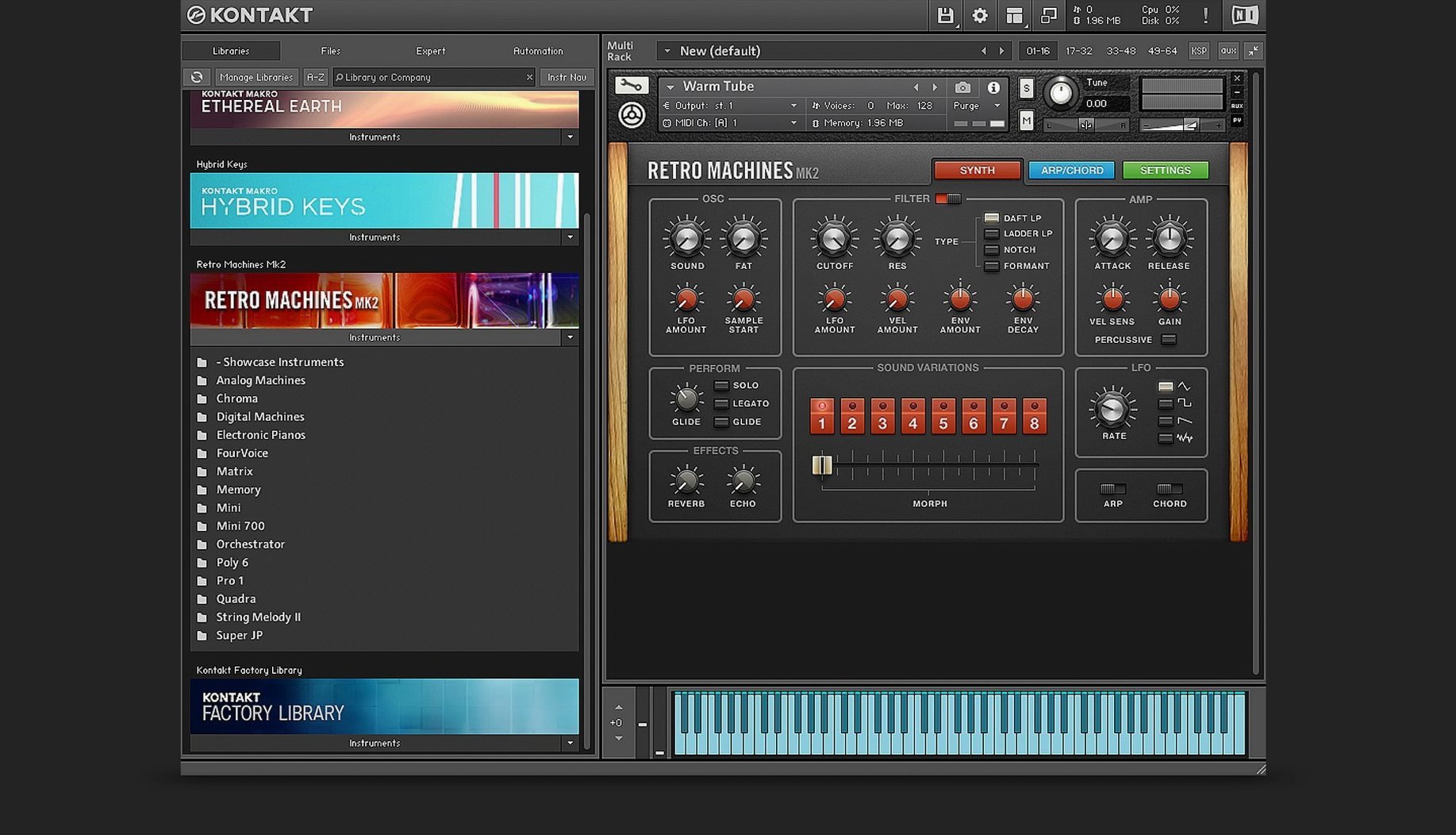
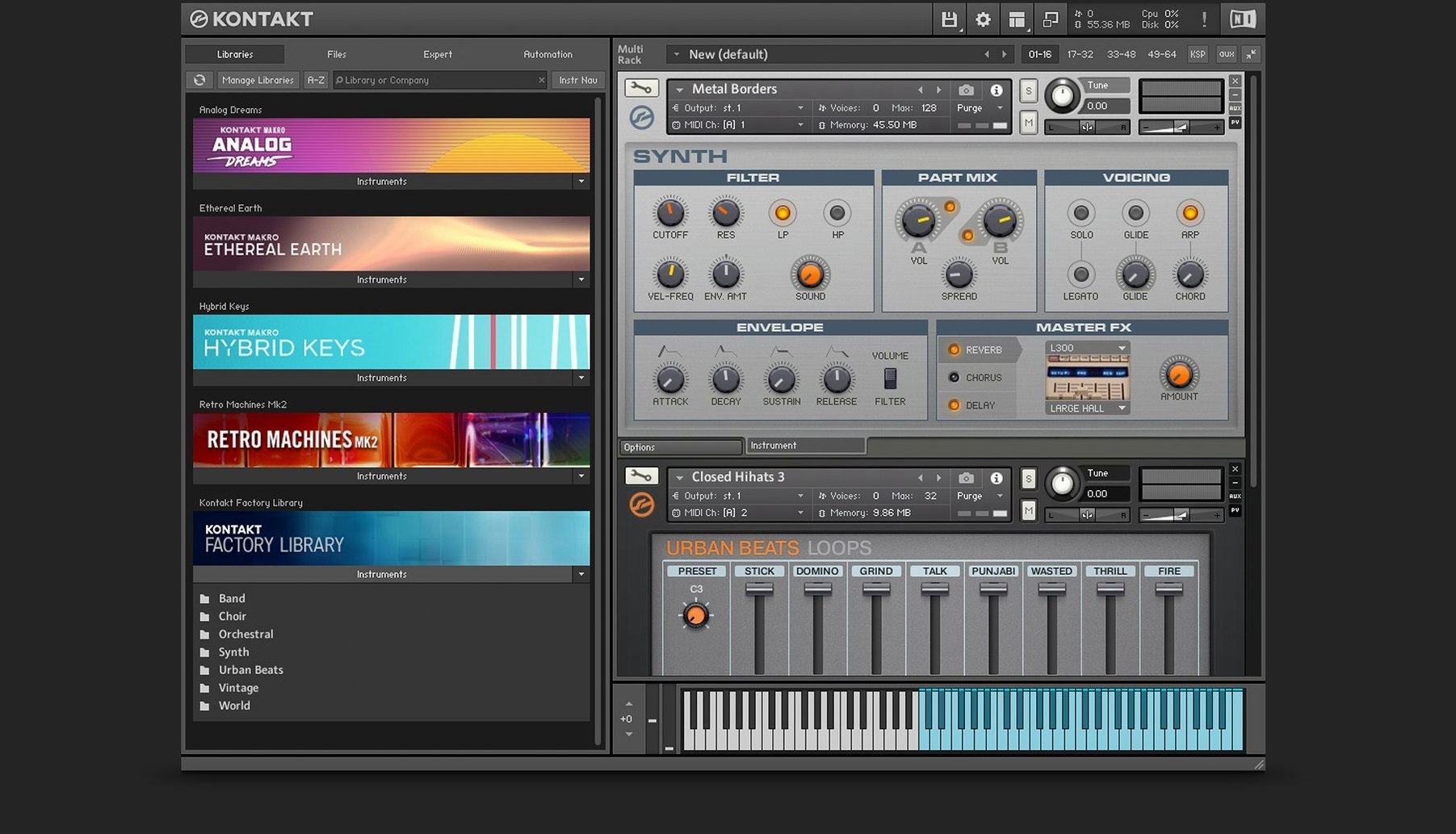
Kontakt 8 runs on macOS 14 and up, on both Intel and Apple Silicon Macs. It works as a standalone instrument or as a plug-in in any major DAW, supporting VST, AU, and AAX formats. That makes it a flexible center for sample-based instruments on modern Macs.
Kontakt 8's standout feature is the Tools utilities
| Item | Detail |
|---|---|
| Version | 8.13.1 |
| Developer | Native Instruments |
| macOS | 14 or later |
| Architecture | Intel and Apple Silicon |
| Interface language | English |
The standout feature in Kontakt 8 is Tools, a set of utilities for creatively manipulating MIDI before it hits the instrument. Leap handles loops and one-shot samples, letting you trigger and perform them without leaving the interface. The Wavetable module adds a second Form shaper and a modulation oscillator for deeper sound design. Adaptive Resonance automatically controls filter characteristics, preventing harsh artifacts from excessive resonance peaks. For instrument builders, Komplete Script and Komplete UI provide scripting and high-DPI interface options. Each feature does a specific job, and Kontakt 8 ties them together into a coherent sampling platform.
Libraries not showing up and how to fix it
A few things tend to trip people up after installing Kontakt 8. Here's what I've seen most often and what usually fixes it.
- Libraries not showing up. If a sample library you've installed doesn't appear in the Browser, the most common cause is that Native Access hasn't finished activating it. Open Native Access, check the status of each product, and re-run the activation if it shows as pending. Sometimes the library's folder permissions are wrong; make sure the user account has read access to the library directory.
- Plug-in not scanning in the DAW. Kontakt 8's AU, VST, or AAX plug-in might not register on first launch. Rescan your plug-in folders from the DAW's preferences. If it still doesn't show, quit the DAW, delete the plug-in cache (usually in
~/Library/Application Support/[DAW name]/), then restart the DAW and force a full rescan. - Audio crackling or dropouts. This is almost always a buffer size issue. In Kontakt 8's standalone mode, open Preferences > Audio and increase the buffer size. In a DAW, adjust the host's audio buffer setting. If you're running many instruments, try enabling the "Memory Server" option in Kontakt's Memory tab to offload samples to RAM more efficiently.
- Komplete UI looks tiny or huge. Kontakt 8 uses high-DPI scaling by default, but on some displays the interface can appear too small or too large. Toggle the "HighDPI" setting in the View menu, or adjust your Mac's display scaling in System Settings. If the panel is still off, restart Kontakt after changing the setting.
- Tools or Leap don't respond. Make sure you've connected them via the side pane. Open the side pane by clicking the arrow icon on the left edge of the interface, then drag a Tool or Leap module onto an instrument slot. They won't do anything until they're explicitly assigned.
Layering orchestral hits with Wavetable and Form shaper
A sound designer working on a trailer cue needs to layer orchestral hits with processed synth textures and rhythmic loops. They load a string patch into Kontakt 8, then open the Wavetable module and layer a second Form shaper over a modulating oscillator to create a sweeping, unstable texture beneath the strings. They route that through the side pane to a Tool that randomizes MIDI velocity and timing, giving the loop a live, imperfect feel. Leap is set up with a few one-shot hits (a riser, a sub boom, a metallic crash) mapped across the keyboard. With Adaptive Resonance engaged on the filter, the designer can push resonance without worrying about screeching peaks. The result is a layered, evolving hybrid instrument that stays under control — all inside one instance of Kontakt 8, no need to bounce audio mid-session.
Tools, Leap, and the Wavetable module change daily workflow
Kontakt 8's key additions — Tools, Leap, and the Wavetable module — aren't just marketing bullet points. They change how you work day to day.
- Tools mean you can do MIDI manipulation (humanization, arpeggiation, chord generation) right inside the sampler instead of relying on your DAW's MIDI effects. That saves routing and keeps your project file simpler.
- Leap turns Kontakt into a loop player and one-shot trigger without needing a separate sampler. For composers who work with sample packs, Leap cuts out the step of importing audio into a separate track.
- Wavetable module with the second Form shaper and modulation oscillator opens up sound design possibilities that earlier Kontakt versions didn't have. You can shape a waveform in real time and modulate it with an LFO or envelope, all within the instrument.
- Komplete UI and Komplete Script give instrument builders sharper, scalable interfaces and more powerful scripting. For end users, this means libraries built with these tools will look and behave better on modern displays.
- Adaptive Resonance is a practical fix: it automatically tames filter resonance peaks, so you can use aggressive filter sweeps without ear-splitting artifacts. A small but noticeable improvement for sound designers.
First-time users often skip Native Access
First-time Kontakt users often run into the same handful of issues. Here are the ones I see most.
- Skipping Native Access. A lot of downloaders assume they can just drag the Kontakt folder to their Applications directory. Native Access is required to download, activate, and update Kontakt and its libraries. Without it, libraries won't appear and updates won't install.
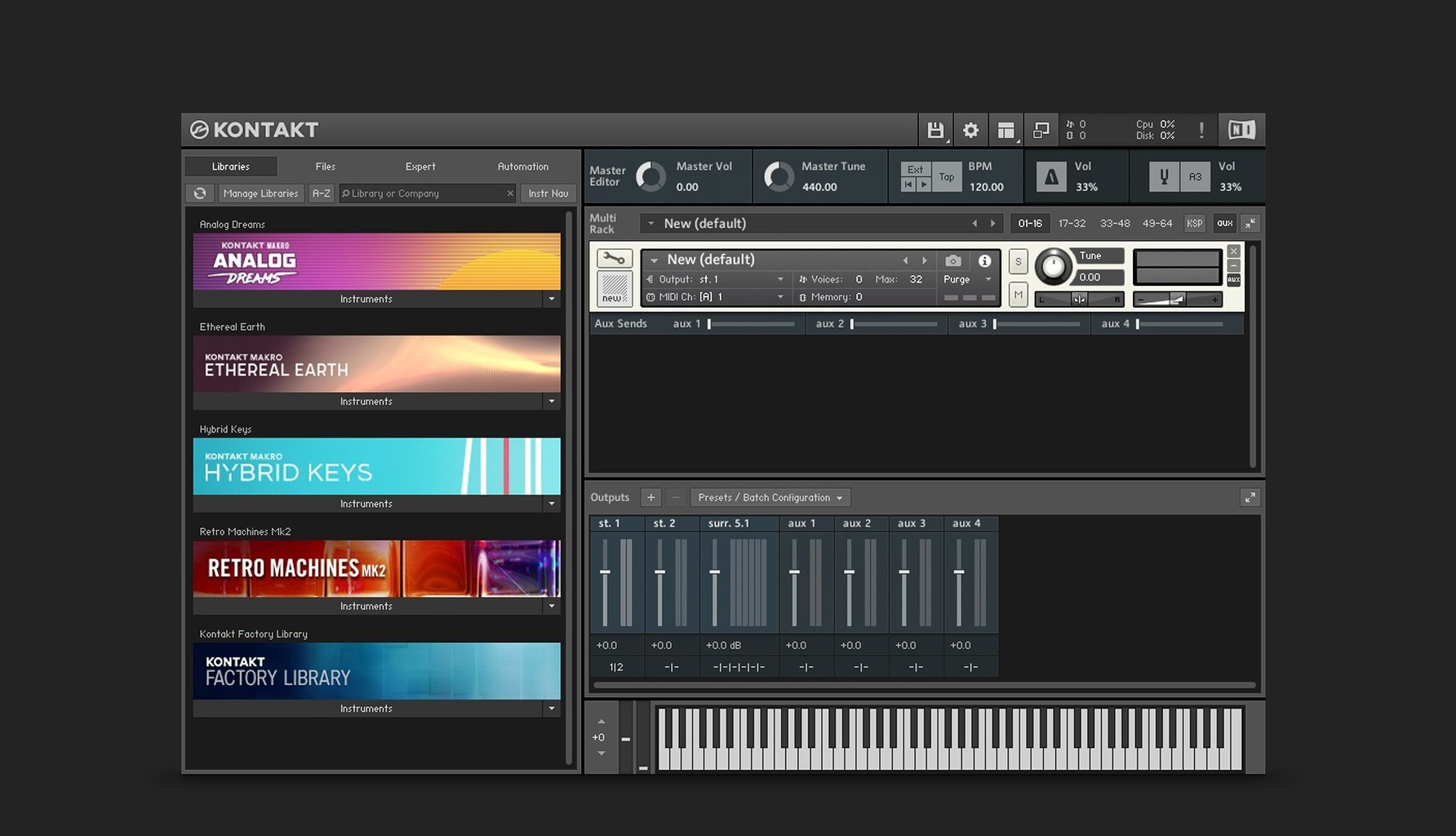
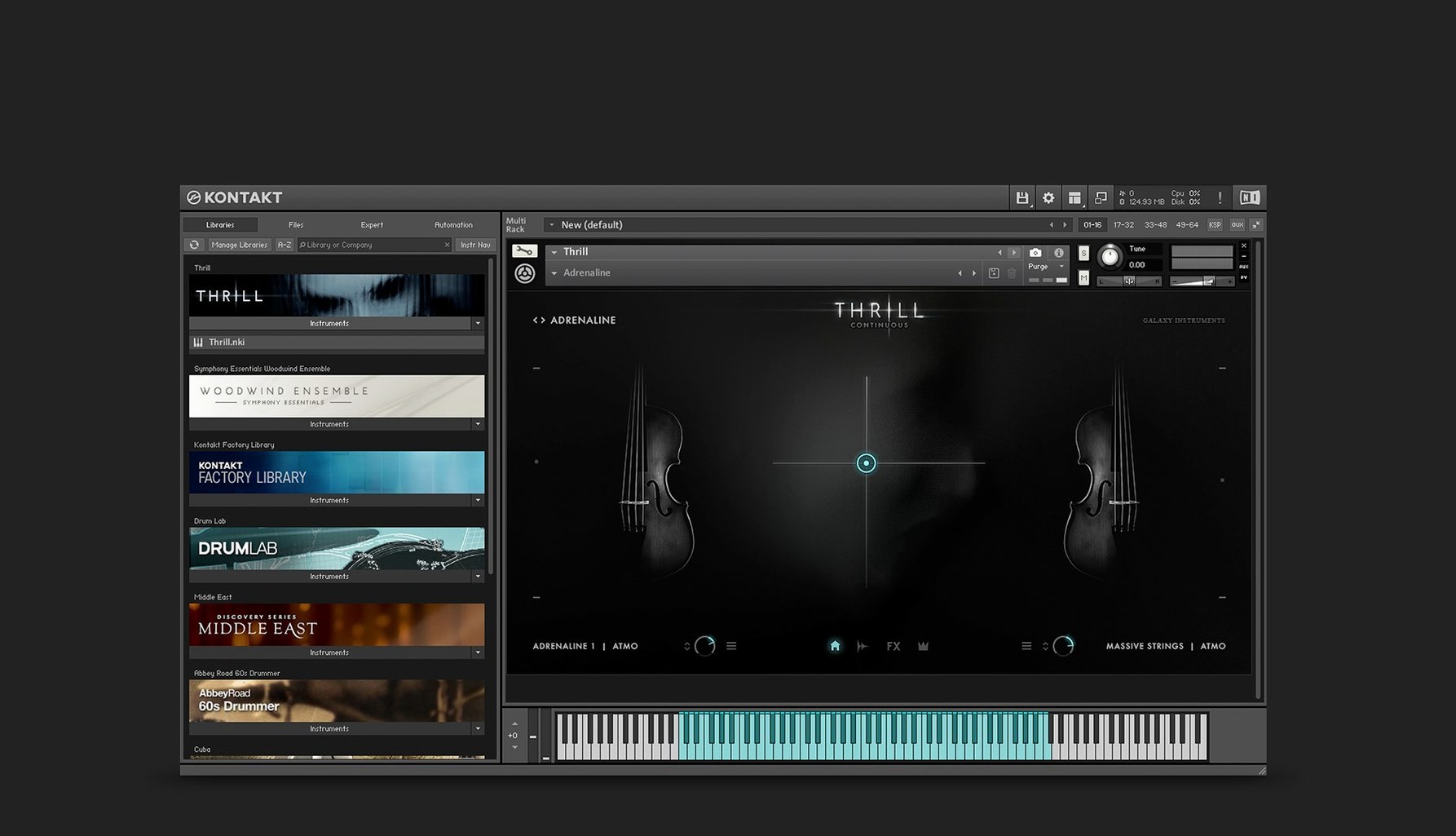
- Not setting up the Browser. The Browser is the left panel that lists all your installed libraries. New users sometimes try to load instruments by hunting through the file system. Instead, click the Browser tab, then drag the library folder onto the Browser window to add it. After that, instruments show up in a clean list.
- Forgetting to save instruments. When you build a multi-layered instrument (e.g., a piano with a pad layered on top), Kontakt doesn't auto-save your setup. Use the "Save as" option in the Instrument menu to create a
.nkifile. Otherwise, the next session starts from scratch. - Overloading the CPU with too many instances. Beginners often open a separate instance of Kontakt for each track in their DAW. That quickly eats CPU and RAM. Better practice: load multiple instruments into one instance via the Rack view, then route each instrument to a different MIDI channel. Kontakt can handle 16 channels per instance.
- Ignoring the side pane. Tools and Leap sit in the side pane, but new users often don't see it. Click the small arrow on the left edge of the Kontakt window. Once open, you can drag Tools onto any instrument slot. Without this step, Tools and Leap are just icons doing nothing.
Kontakt 8 runs on macOS 14 and works as a plug-in
I get similar questions about Kontakt 8's compatibility and workflow. Here's what I can tell you based on the facts.
If your Mac runs macOS 14, it should run Kontakt 8.
Can I use it as a plug-in in my DAW? Yes. Kontakt 8 supports VST, AU, and AAX formats. That covers Logic Pro, Ableton Live, Cubase, Pro Tools, and most other DAWs. Install the plug-in version alongside the standalone app.
It's a streamlined companion version with a smaller feature set, but it can load many commercial libraries.
Do I need an internet connection to install it? Yes, because Native Access handles downloading, activating, and updating. After installation, Kontakt can run offline, but initial setup requires a connection.
Will my old Kontakt 6 or 7 libraries work? Most libraries designed for earlier Kontakt versions should load in Kontakt 8. The Russian page notes that Kontakt 6 added TimeMachine Pro time-stretching, an expanded effects section (Solid G-EQ, Solid Bus Comp, Transient Designer, Tape Saturator), and a 16‑bus instrument system. Those features remain in Kontakt 8, so legacy libraries that rely on them continue to work. If a library uses very old scripting, check the developer's compatibility notes.
Can I run Kontakt 8 on a Mac with Apple Silicon and Intel libraries? Yes. Kontakt 8 runs natively on both architectures. If your library was built for Intel and you're on Apple Silicon, it should still load — Kontakt handles the translation layer.
How do I get the disk image and install? Open the downloaded disk image, then run the standard installation procedure. Native Access will guide you through the rest.
What's new in 8.14.1
- Fixes: Crash when loading older instruments in versions past 8.11.1 is resolved. Occasional crash when selecting an instrument header in Rack View is fixed. Partial UI clipping on some legacy instruments no longer occurs. Memory readout in the Classic View header now displays correctly. Screen flickering and freezes in Cubase on Windows have been addressed. Sidebar browser content failing to display under certain conditions is fixed. Transferring non‑Player libraries across multiple Kontakt instances in a project now works. Switching snapshots on some Apple Silicon machines no longer breaks the audio engine. DAW processes persisting after closing a Kontakt‑loaded project is fixed. Audio artifacts when using Program Out in a chain with an effect are resolved. LFO tempo sync with the DAW in instruments using those modulators is fixed. A memory leak present since version 6.3.2 has been plugged.
- Changes: Another batch of instrument and effect header updates is complete. Sync of state and order between the sidebar, overlay browser, and hardware browser has been improved. The sidebar browser now separates content and preset lists, adapting dynamically. The Default View gains a global parameters editor and a patch save function. The separate Leap tab in the browser is gone; Leap instruments live under the Instruments section now. Komplete UI updated to version 1.10. Claude AI integration added to Komplete UI Builder for creating and checking interfaces from Figma layouts.
- macOS 14 or later
- Apple Silicon or Intel 64‑bit
Install procedure
- Open the downloaded disk image.
- Run the standard installation procedure.
Reports from players
Sign in or create a tester account to file a report.
No reports filed yet.