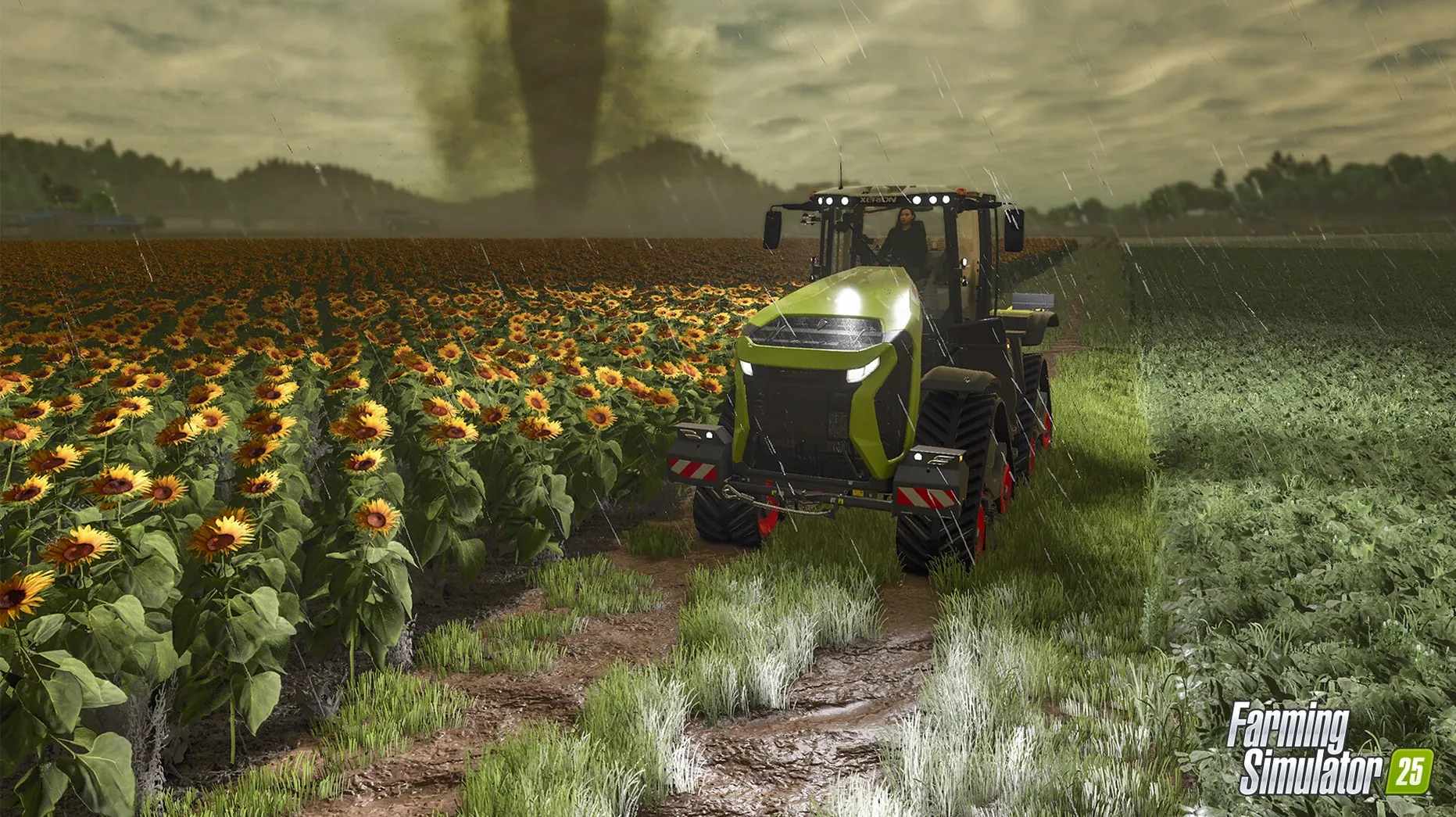
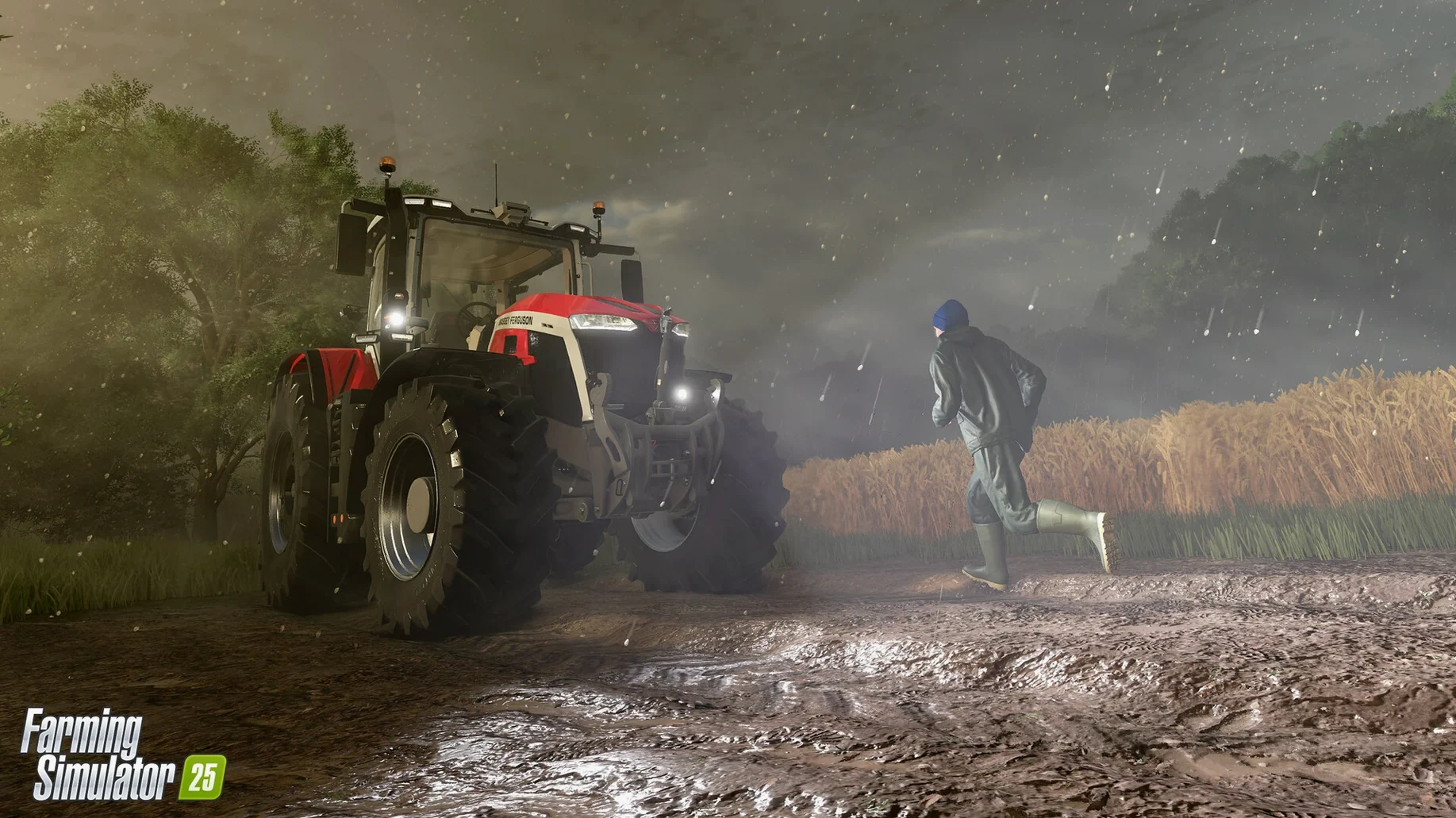
You start a day in Farming Simulator 25 by checking the sky. The forecast in the Central Europe setting might call for hail, which means you postpone the barley harvest and instead haul feed to the water buffalo. The game's weather system is not decorative; rain turns fields to mud, and a hurricane can flatten a crop you spent a week tending. That is the core loop: plan around conditions, then execute.
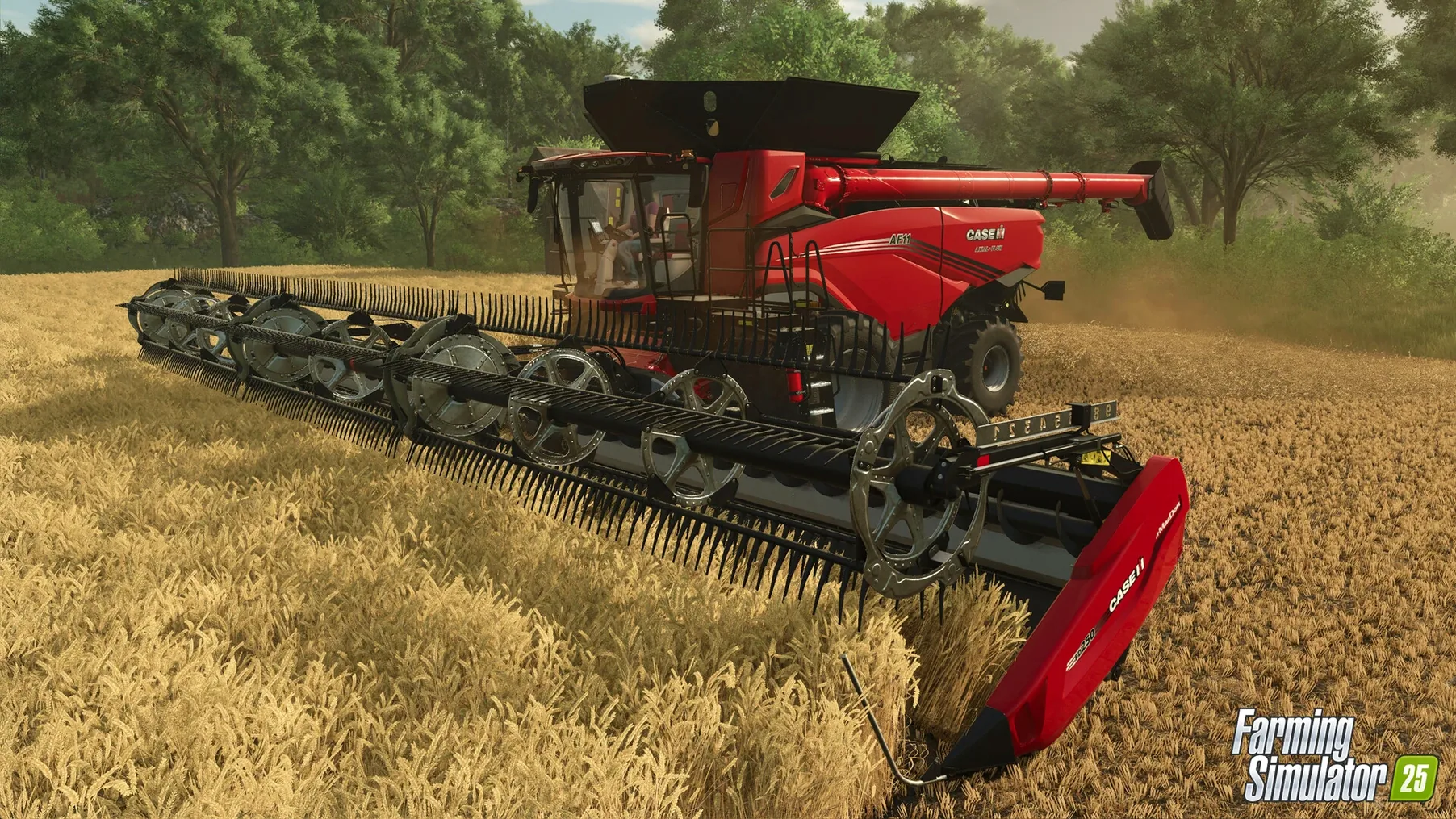
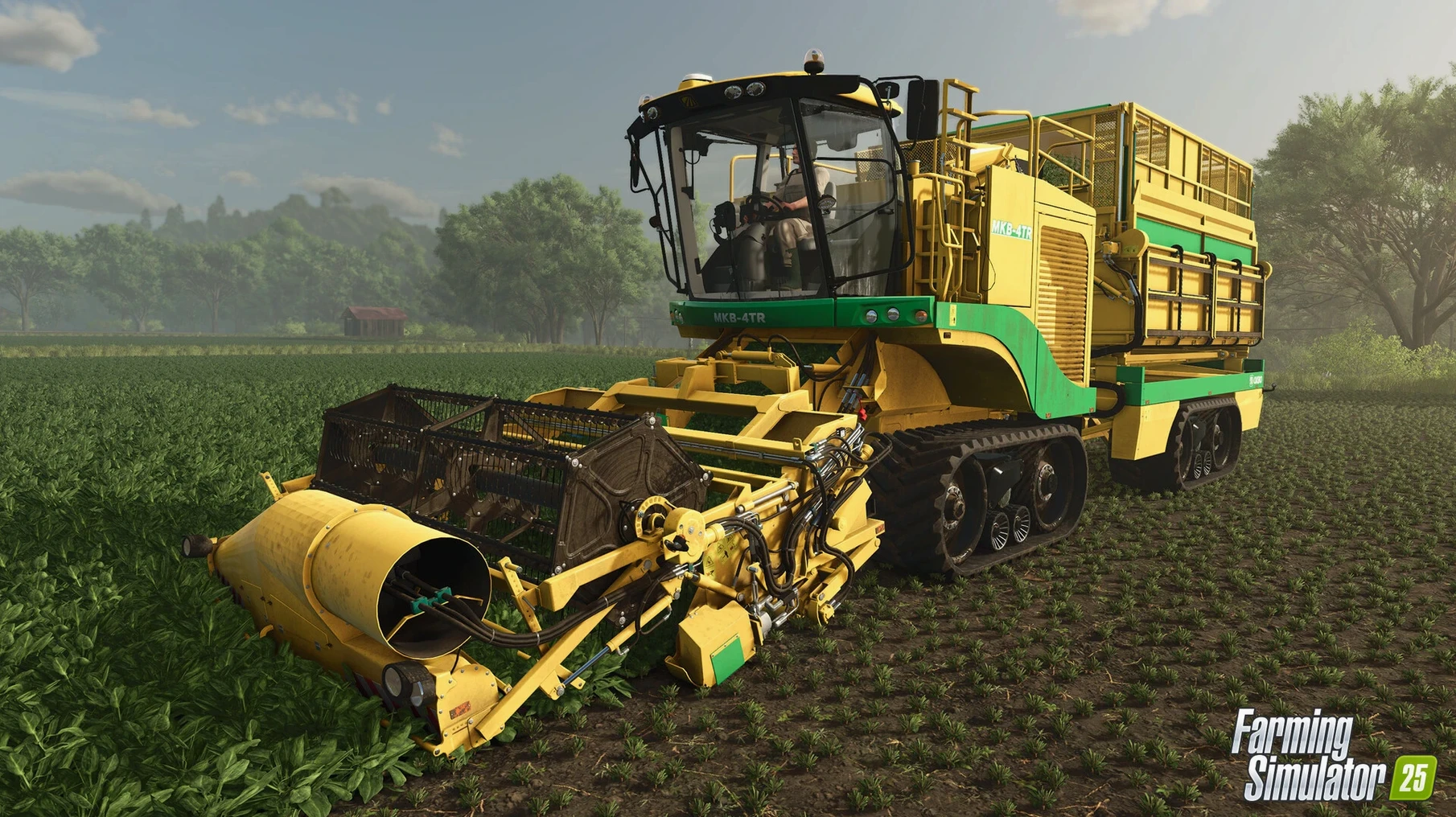
Minute to minute, you are driving machinery. You attach a cultivator to a tractor, work the soil, switch to a seeder, then return later with a harvester. The GIANTS Engine 10 handles the dirt and crop physics well enough that the work feels methodical rather than tedious. Between field passes, you check on the animals. The baby animals grow, and the water buffalo require a different feed mix than the cattle, so you manage that supply chain as much as the fields.
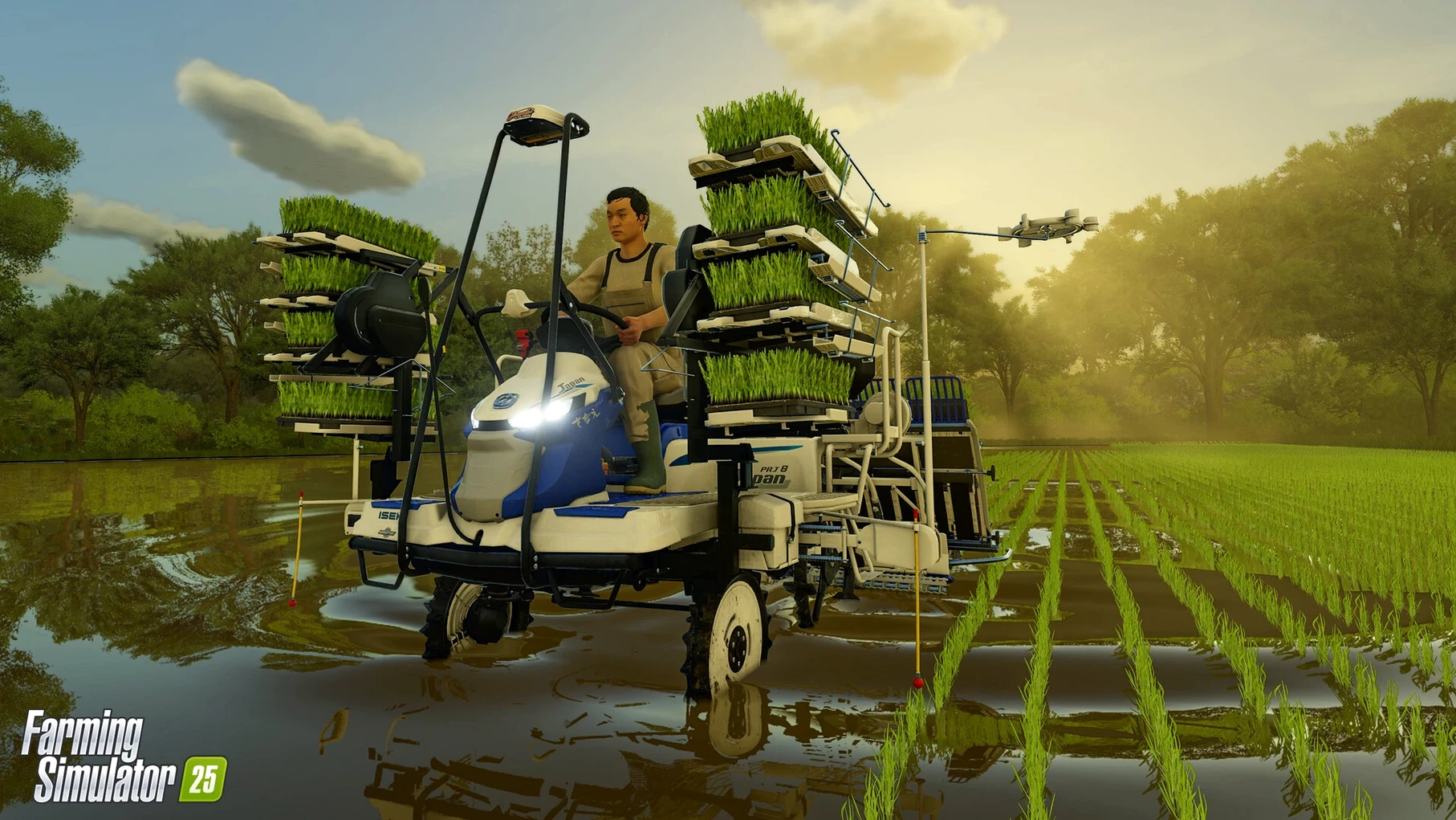
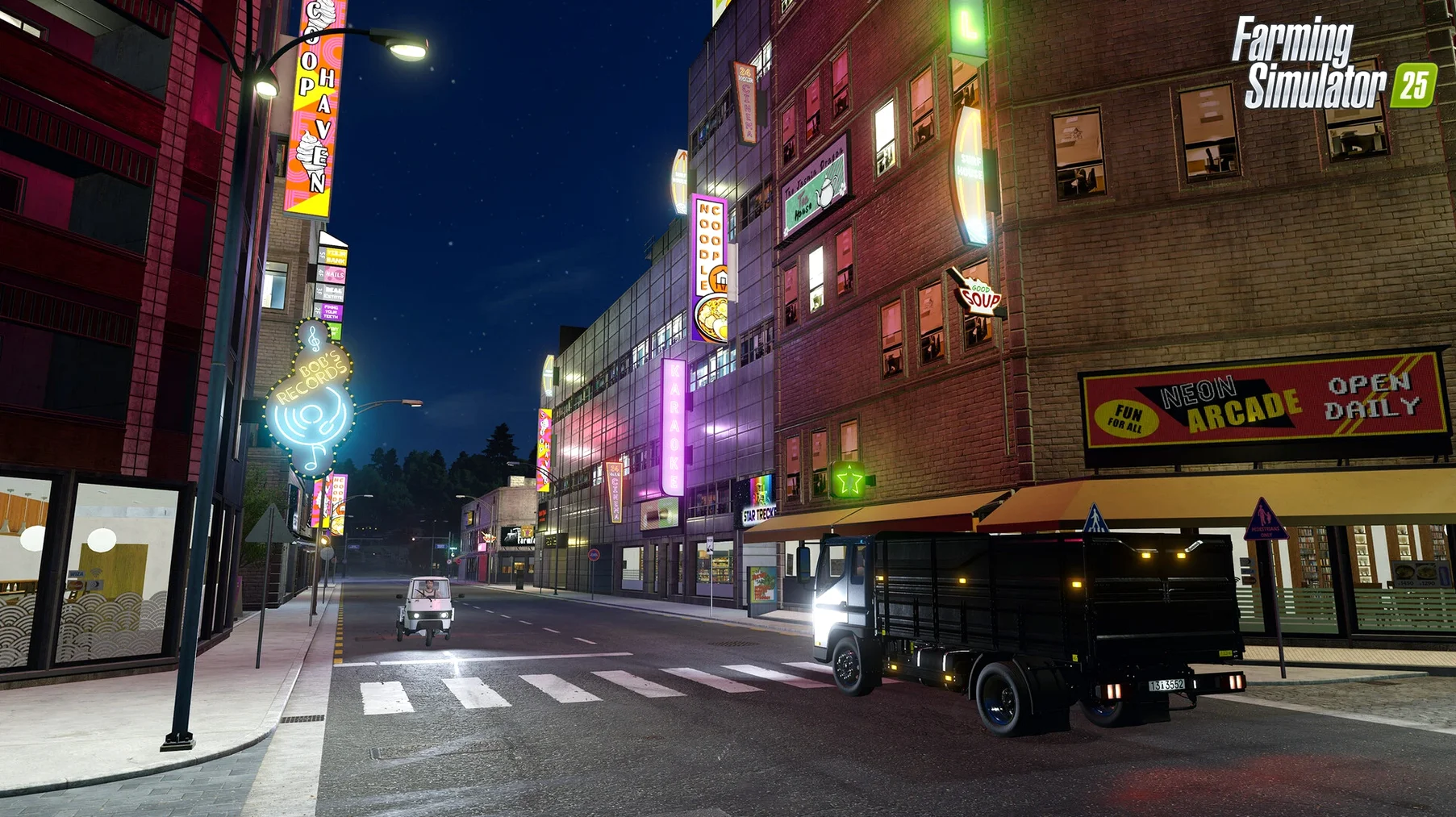
Beyond the primary farming loop, the game branches into forestry, production chains, and shop management. Construction lets you expand your farmstead with new buildings. Each setting — North America, Central Europe, East Asia — changes the land layout and the crops that make sense, so the same machinery feels different on a tight Asian paddy versus a broad American field.
There is also the maintenance layer. Equipment wears, fuel runs low, and you decide whether to repair now or push through the season. The accessibility options help if the menu density gets overwhelming, and the UI works fine with a controller or keyboard. It is a management sim first and a driving game second, and the daily rhythm reflects that.
Start with the Easy difficulty preset to avoid early bankruptcy
Start with the Easy difficulty preset. It gives you enough starting capital to make a mistake or two without restarting, and the AI workers are more forgiving when you hand off a field job. Spend the first few sessions driving the smaller tractors on the default field — the game does not explain that a 400-horsepower machine compacts wet soil, reducing yield, so stick to equipment sized for the task.
Bind GPS-assisted steering to a convenient key early. The feature keeps the vehicle centered on a straight line, which matters more than you expect on the first large field you tackle. Without it, you will overlap rows or skip strips, wasting seed and time.
The in-game help menu explains controls for each vehicle, but it does not tell you that hired AI workers stop if they hit a fence or a tree. You learn that the first time you walk away to manage animals and come back to a tractor idling at a hedge. Keep an eye on the map view to spot stalled helpers.
Bug-fix update 1.23.1.0 smooths out production building edge cases
Update 1.23.1.0, released in September 2026, lands as a collection of bug fixes and general improvements rather than a headline feature drop. For everyday play, the difference shows in how consistently the game handles edge cases. Crates in production buildings no longer disappear if you save and reload while a chain is active. The AI worker pathfinding on the East Asia map no longer gets stuck at certain canal crossings, which used to require manual intervention every second or third field pass.
Another change that affects daily rhythm: the weather radar now updates more reliably during storms. Before the patch, a hurricane could appear on the forecast but not trigger the visual effects until you changed maps. Now the sky transitions match the event timing, so you can trust the warning and move livestock indoors without second-guessing.
Save times are reportedly shorter in version 1.23.1.0 for large farms with many animals and production buildings. The improvement is not dramatic — you still wait a few seconds — but it does not interrupt the flow the way it could on a save with fifty cows and three bakeries running.
Don't buy equipment before you need it
The most common error is buying equipment before you need it. The in-game store lists combines and sprayers that cost tens of thousands, and the temptation to upgrade right away is strong. But a small tractor with a basic cultivator can handle the starting field.
Another mistake: ignoring the crop calendar. Each crop has a planting and harvest window, and missing the window by a day means the yield drops sharply. Beginners sometimes plant everything in spring, then wonder why half the fields are empty in fall. The game shows the calendar in the menu, but it is easy to skip.
Finally, many overlook the fact that hired workers cost money per hour. Leaving an AI worker running while you idle in the menu drains your account. Park the vehicle or dismiss the worker if you step away.
Map overlay shows field ownership and crop stage at a glance
Several features tucked into the menus save time once you know about them. The map overlay can display field ownership and crop stage at a glance. Tap the map key and switch to the field info layer — you see which fields are ready to harvest without driving to each one.
The store interface has a compare mode. Select two tractors or harvesters and the game shows side-by-side specs for power, tank capacity, and working width. It beats tabbing between pages.
ModHub is accessible from the main menu, not just in-game. Browsing and subscribing to mods before you load a save avoids a restart later. The mods are user creations for vehicles, maps, and gameplay tweaks, and they are free.
The game remembers your last GPS line if you turn off the engine and restart the same vehicle. Useful when you pause a field pass to refuel and come back without re-aligning.
Best for management game fans who want heavier machinery
Farming Simulator 25 fits best for players who already enjoy management games and do not need constant action. If you liked games like Cities: Skylines or Stardew Valley but wished the machinery felt heavier, this is the next step. The appeal is the simulated routine — planning a crop rotation, watching the weather, maintaining equipment.
Mac users with a recent Apple Silicon machine will find the game runs adequately at the default graphics preset. The GIANTS Engine 10 scales well enough that a base M1 can handle medium settings at the native resolution of a 24-inch iMac. Players on Intel Macs with discrete GPUs can also play, though the larger East Asia map with many active objects may require lowering the draw distance.
Cooperative multiplayer is where the game really opens up. You can host a session and invite a friend to manage animals while you handle fieldwork. The game supports up to the standard player count for the series, and each player can run their own equipment or ride as a passenger. It works over the internet without port forwarding on the default setup.
Players who enjoy modding will find the most longevity here. The game supports user creations from ModHub, and the community produces new maps, vehicles, and gameplay tweaks regularly. The Mac version is compatible with the same mod files as the PC version, so the library is large from day one.
- Apple Silicon or Intel 64-bit Mac
Install procedure
- Open the downloaded disk image.
- Drag the app into the Applications folder alias.
- After the copy finishes, open the app from Launchpad.
Reports from players
Sign in or create a tester account to file a report.
No reports filed yet.