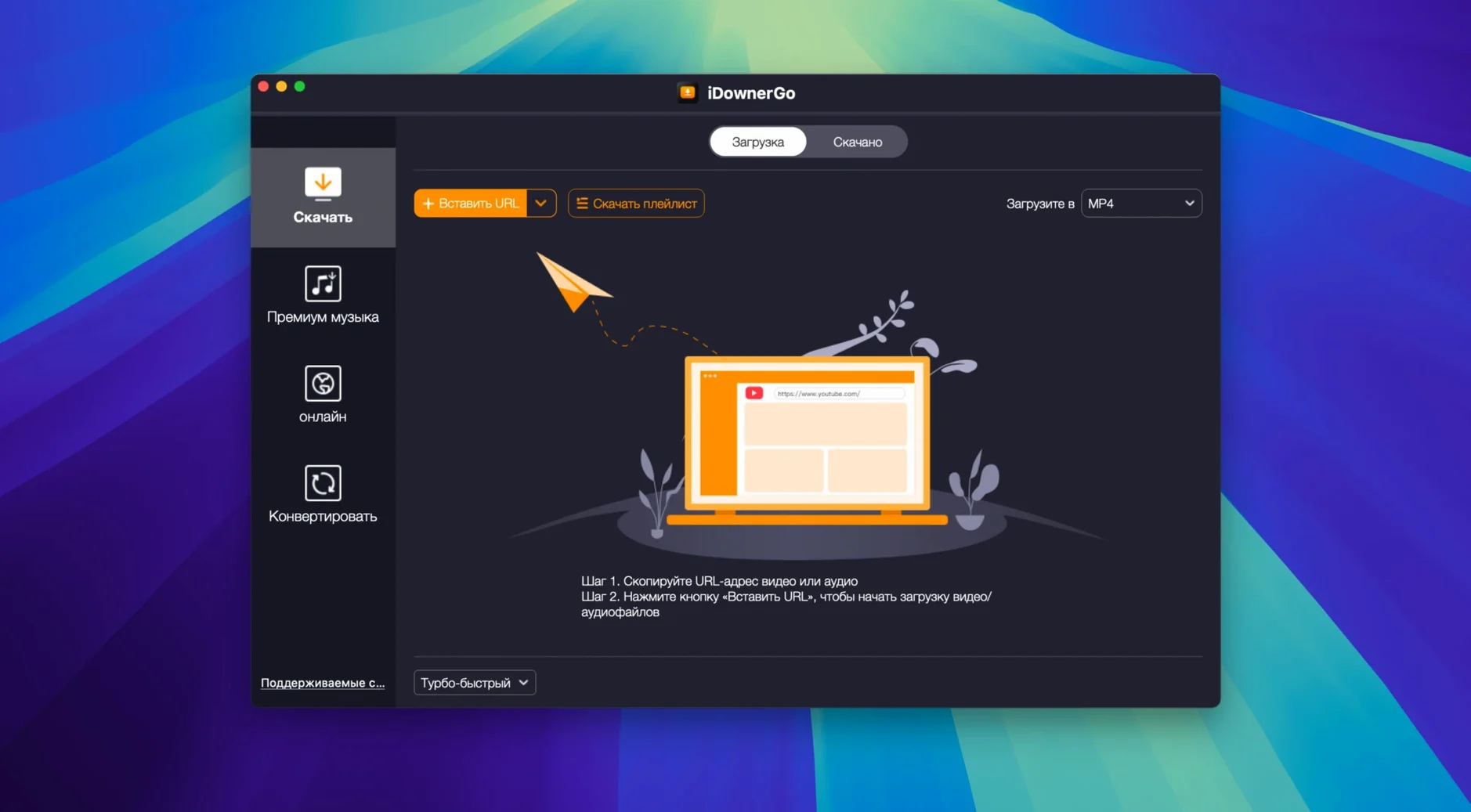
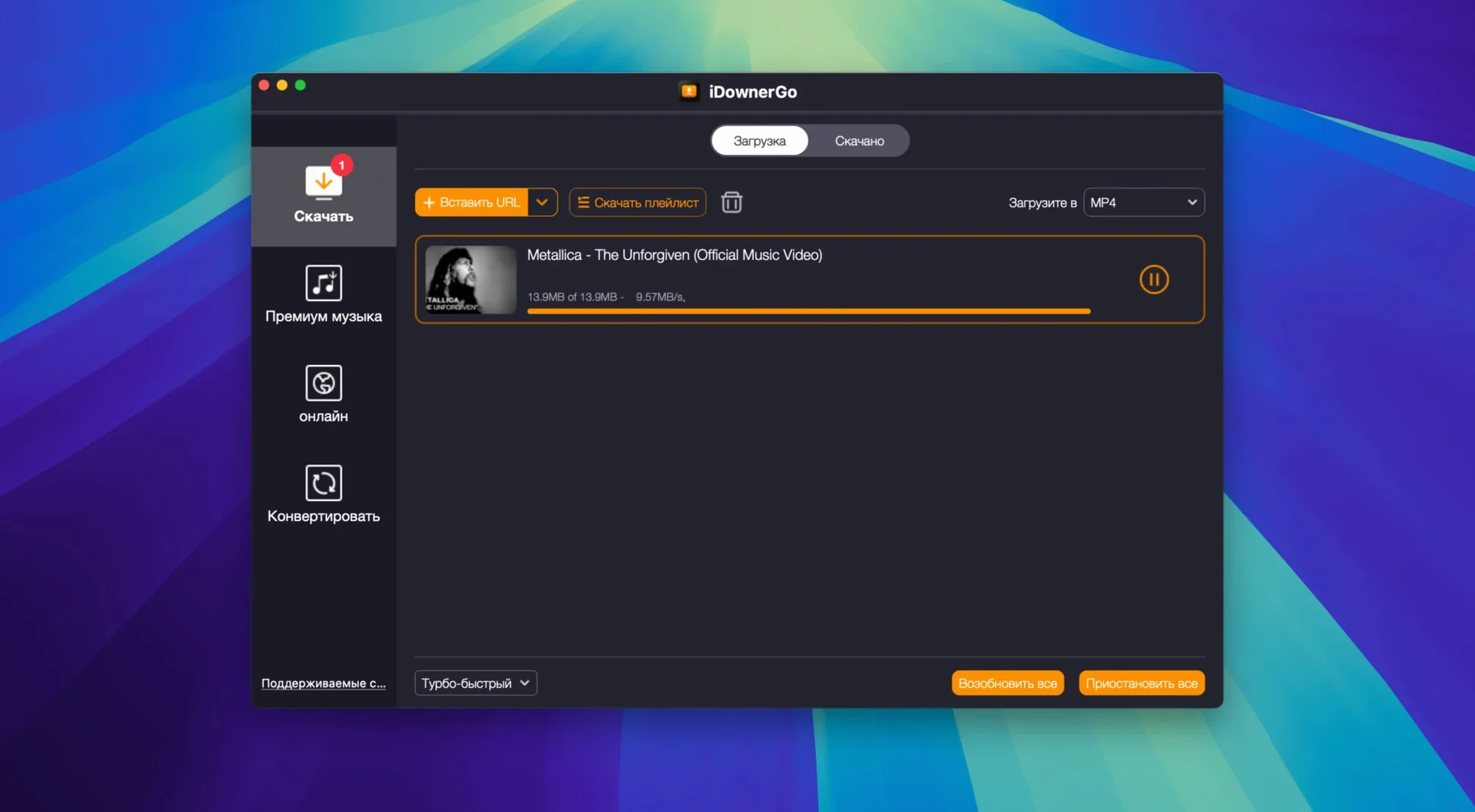
A video or music track you want saved locally — but the site doesn't offer a download button. That's the problem iDownerGo exists to solve. It's a universal downloader that grabs video, music, and playlists from over 10,000 websites and saves them in multiple formats, including HD, 4K, and 8K without quality loss. The audio extraction feature can pull the soundtrack out of a video and save it as MP3.
What formats and quality does iDownerGo support?
It saves video in HD, 4K Ultra HD, and 8K. Music and playlists are supported, and you can extract audio as MP3. The app handles multiple output formats, so you can pick what fits your device.
Which websites work with iDownerGo?
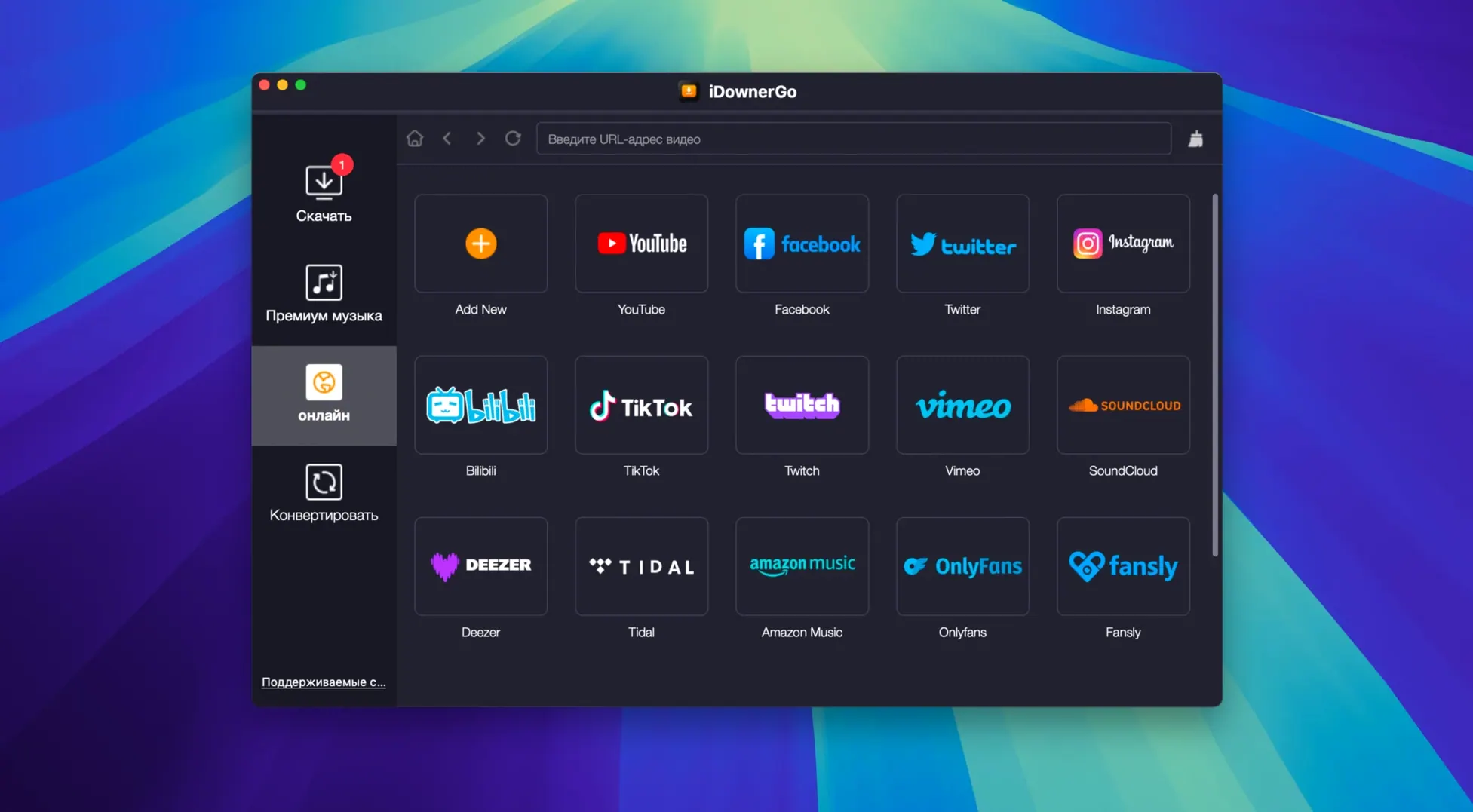
It claims compatibility with over 10,000 websites. That includes major video and music platforms, though the exact list depends on the site's structure. It's a universal downloader, not a site-specific tool, so coverage is broad.
What languages and systems are supported?
iDownerGo runs on macOS 10.10 or later on Intel Macs. The interface is available in 25 languages, including English, German, French, Spanish, Japanese, Korean, and both Simplified and Traditional Chinese.
- macOS 10.10 or later
- Intel processor
Questions from the notes
Can iDownerGo extract audio from video?
Yes. iDownerGo can extract audio from a video and save it as MP3.
Install procedure
- Mount the disk image and launch the Gatekeeper-friendly open step.
- Press Enter in Terminal to bypass Gatekeeper.
- Drag the app into the Applications folder.
- Launch the app after installation.
Reports from players
Sign in or create a tester account to file a report.
No reports filed yet.