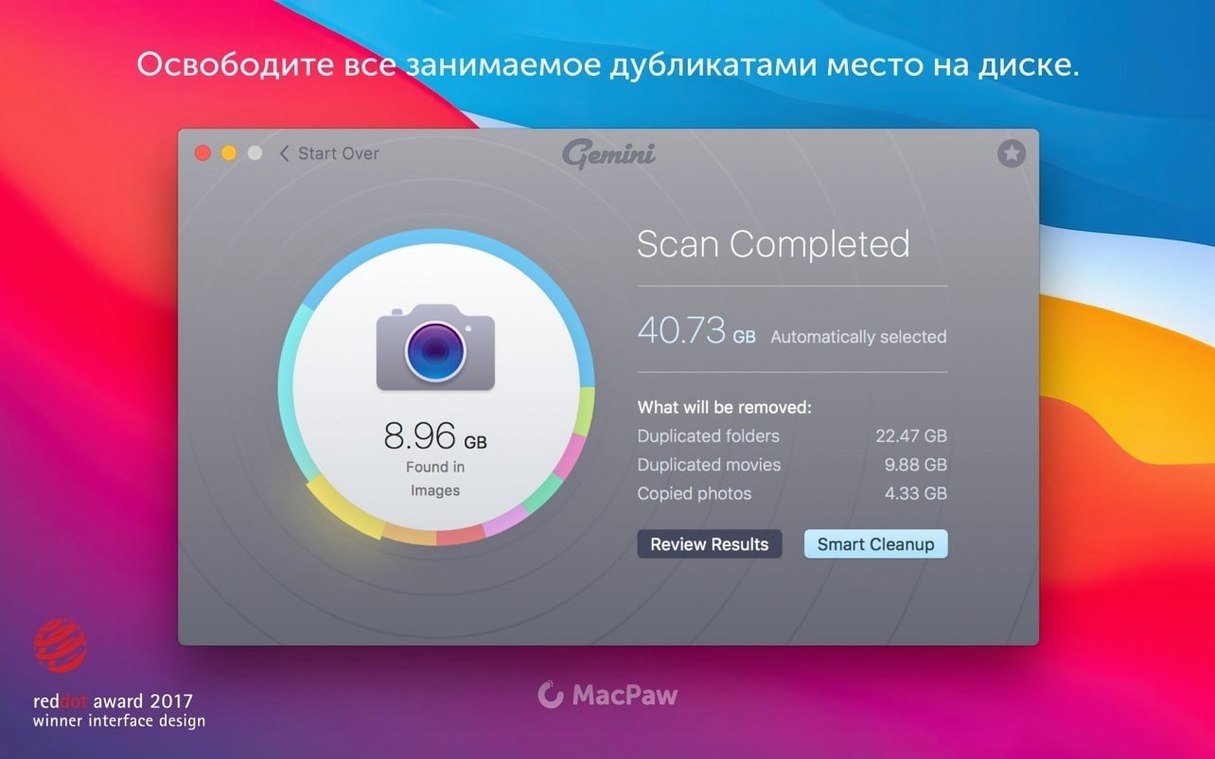
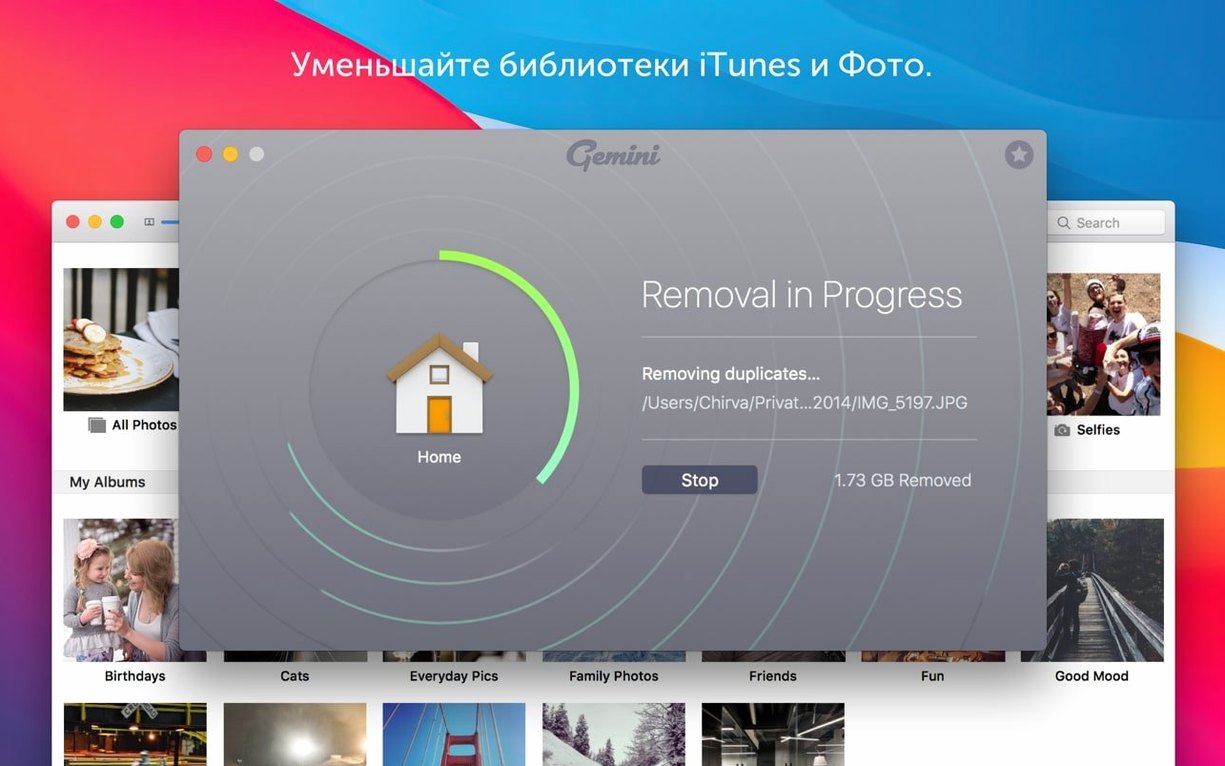
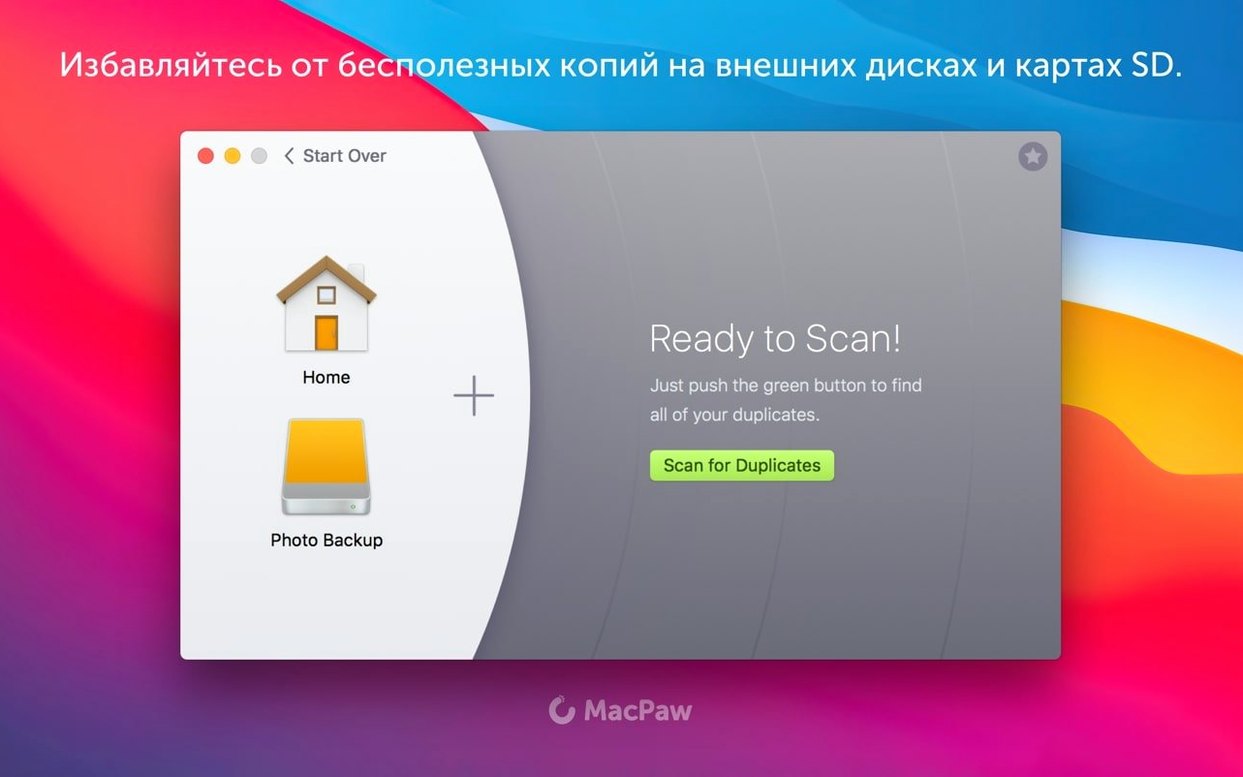
You already know the feeling: a Mac that slowly fills up with files that look the same, live in different folders, and take up space you can't spare. Gemini is the tool that finds them. It's a duplicate file finder for Mac, the newer version of Gemini Classic, and it scans more than just your hard drive — it also digs through iTunes, Photos, and those old folders you stopped opening years ago.
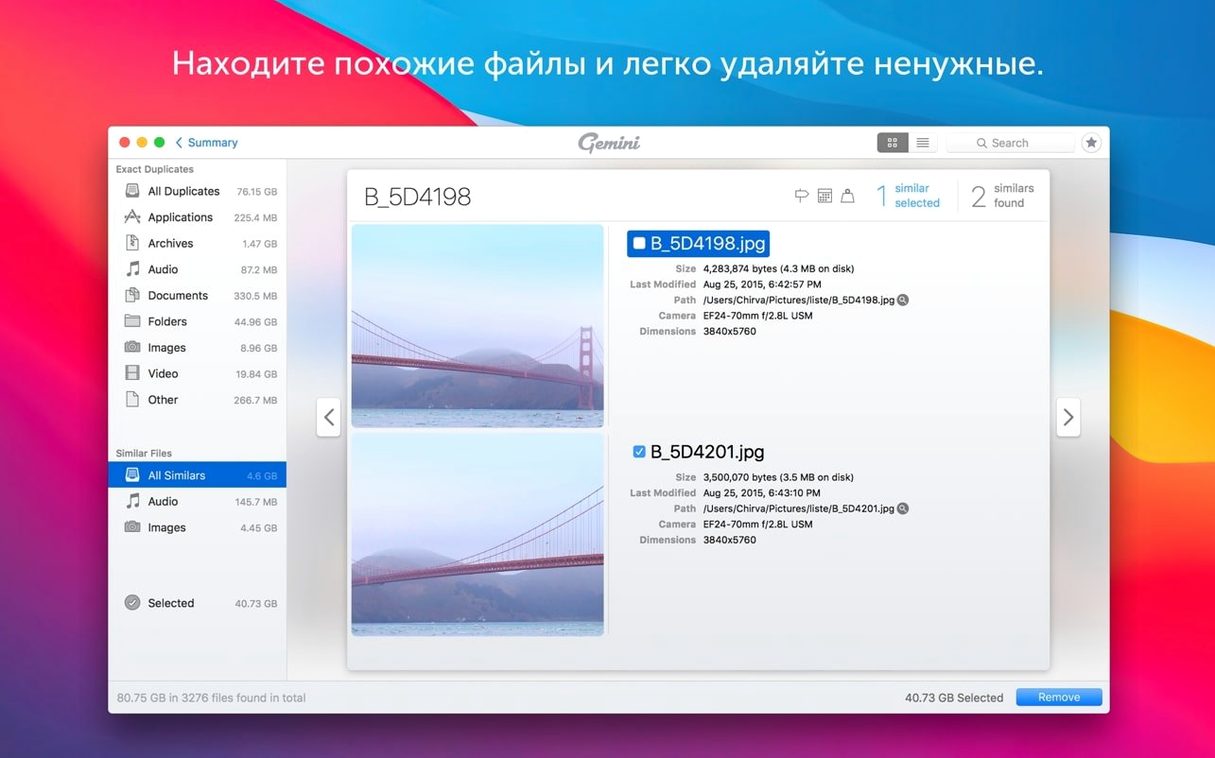
For a first run, let it scan the whole Mac. The app groups files that look alike or are nearly identical, not just exact copies, which is where the real space goes. It preselects files that can be removed safely, so you can review its choices and clear them out in one pass. If you'd rather keep both copies, you can select, group, and move duplicates instead of deleting them.
One thing to know before you start: Gemini 2 is for x86 64-bit Macs. If you're on an Intel model, it will run fine. The interface supports English, Russian, German, French, Spanish, Italian, Simplified Chinese, Dutch, Polish, Portuguese, Ukrainian, and Japanese — so language is rarely a barrier.
Once the first scan finishes, check the 'Similar Files' group. That's where the surprises hide: screenshots that differ by a pixel, exported PDFs, and photo edits you kept 'just in case.'
- macOS 10.13 High Sierra
- Intel (x86 64-bit)
Install procedure
- Mount the disk image and open the Gatekeeper-friendly installer.
- Press Enter in the Terminal window to bypass Gatekeeper.
- Drag the app into the Applications folder.
- Open the app after installation.
Reports from players
Sign in or create a tester account to file a report.
No reports filed yet.