Antivirus Zap - Virus Scanner 4.3.0 — Mac build
Utilities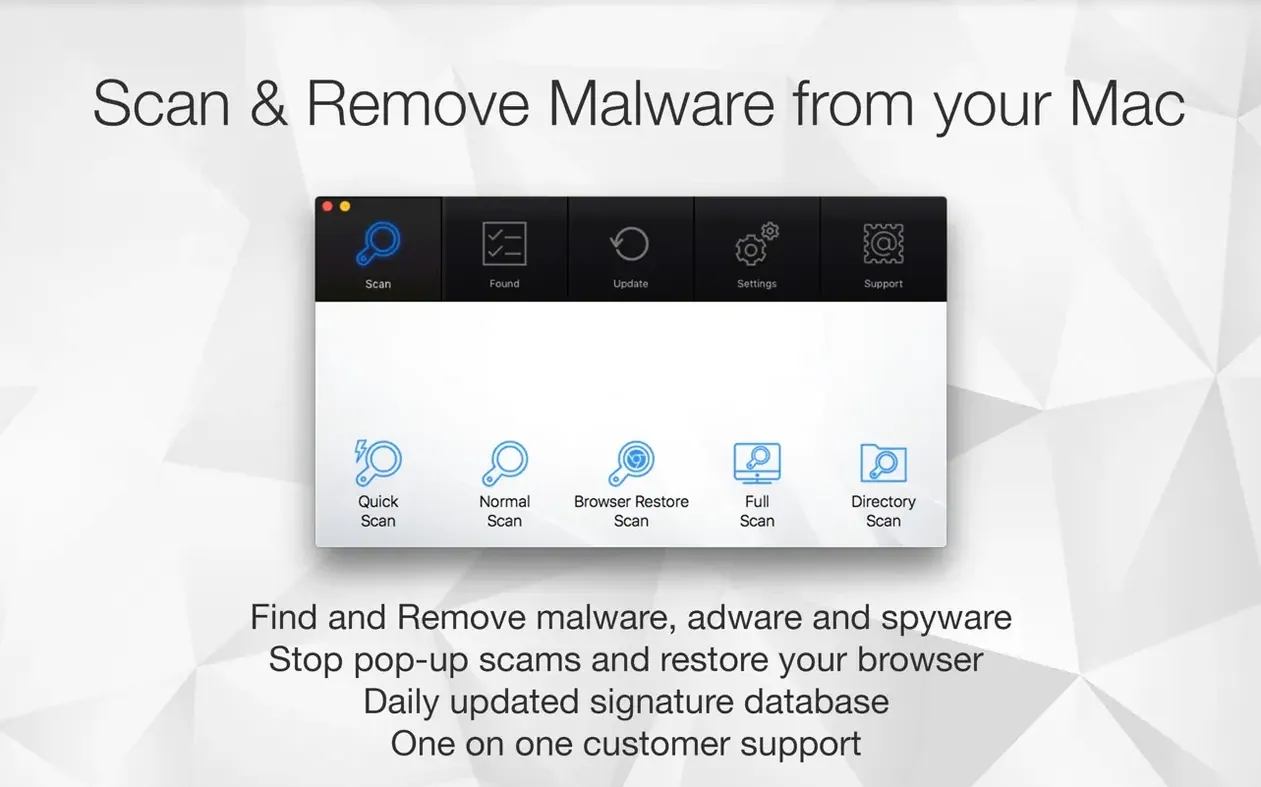
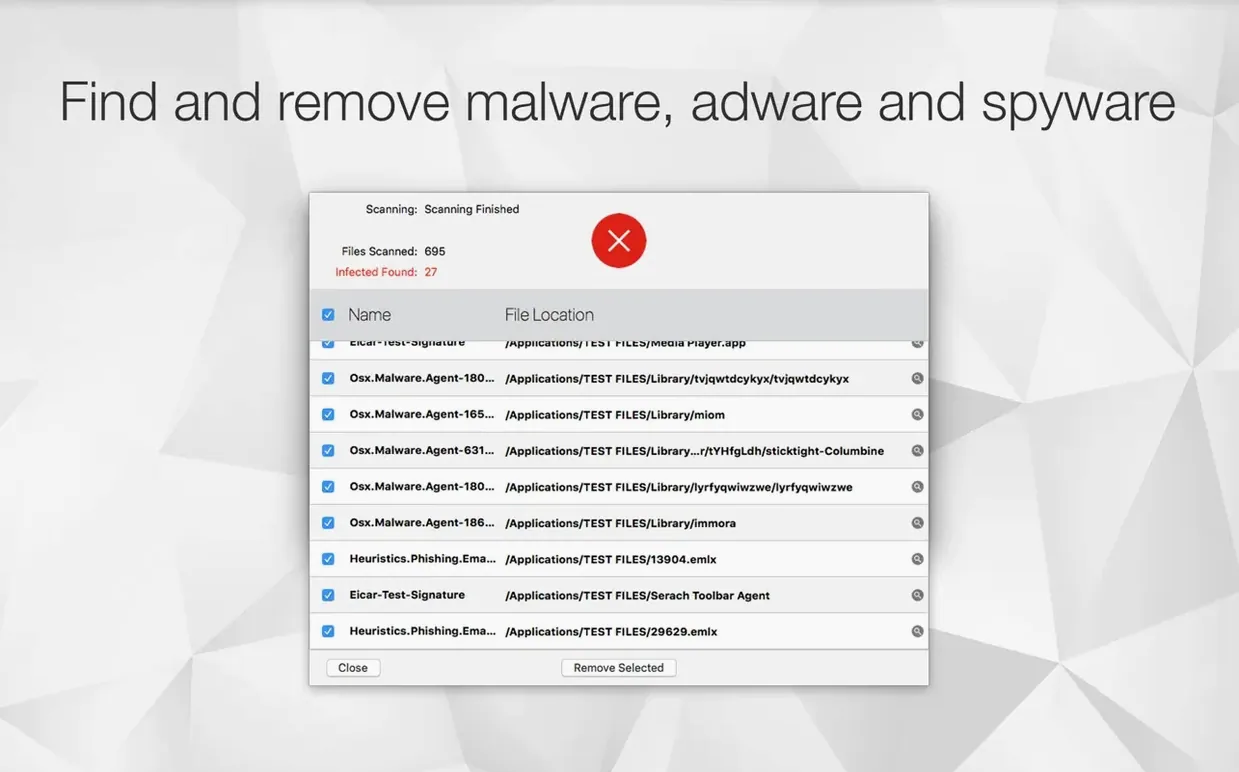
Antivirus Zap works like a utility you already know: the Finder. Just as you drag files to trash, you drag suspicious files into Antivirus Zap to have them checked and optimized. It handles both malware and adware, with a quick scan for a fast check and a standard scan for a deeper look.
Scan and remove threats
The app targets malware and adware specifically, not just generic junk. Two scan modes cover different needs: quick for a spot check, standard for a full sweep. You can schedule scans once or several times a day, so the Mac gets checked on its own.
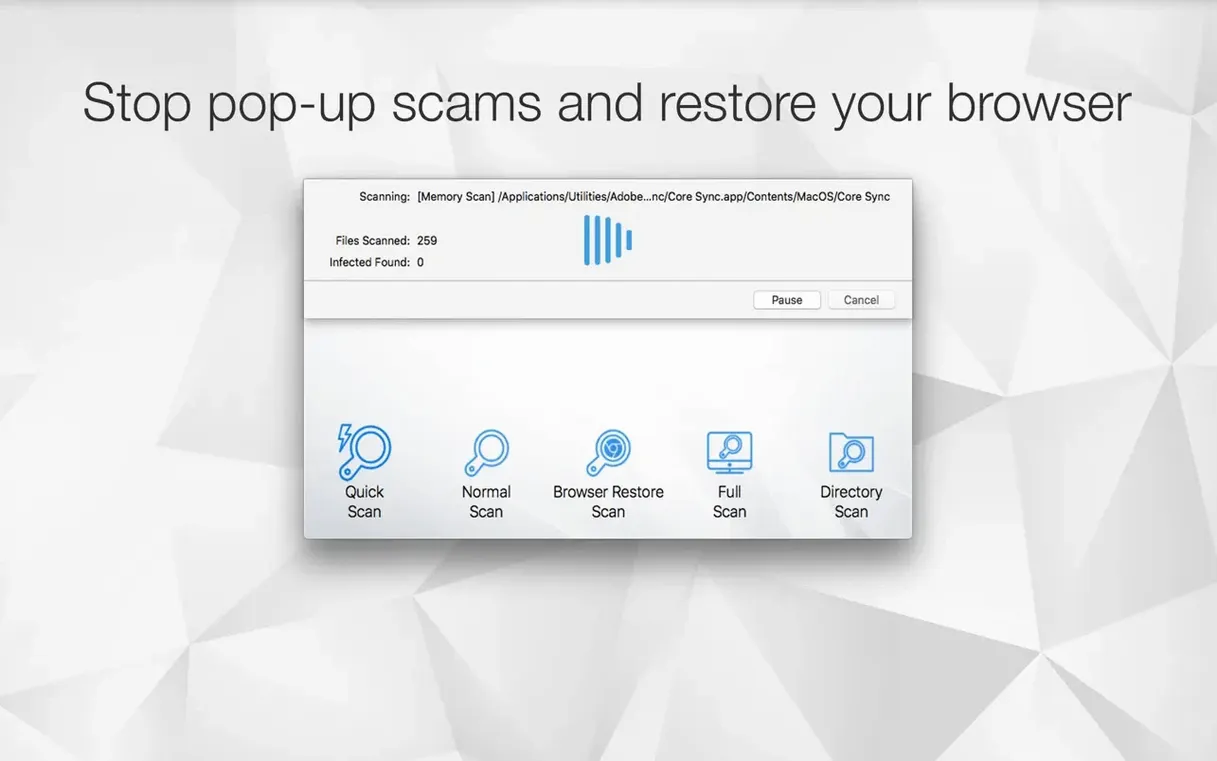
Restore browsers
Adware often hides in browsers as extensions, cookies, or caches. Browser Restore Scan clears those from installed browsers, returning them to a cleaner state. It is a separate scan, so you can run it when browser behavior feels off.
Optimize files and automate
Dragging files into the app triggers manual optimization, and Finder integration lets you do it from the context menu. Apple Shortcuts support means you can add scanning to an existing workflow. The app runs on both Apple Silicon and Intel Macs, and opens from Launchpad after installation.
Suits regular downloaders and software testers
People who test software — including QA testers like me — find it useful because adware often slips in through bundled installers or browser redirects. Users who manage multiple browsers on the same machine also benefit: the Browser Restore Scan catches leftover extensions and caches that a standalone antivirus might miss.
For anyone who runs a home office or shares a Mac with family members who aren't careful about what they click, the scheduled scan feature removes the need to remember to run a check manually. Set it once per day and the app handles the rest. Developers who work with HEIC, TIFF, or MOV files can also use the optimization tools to convert those formats into something more common, killing two tasks with one app.
Set a daily scan schedule right after installing
After installing Antivirus Zap, a few settings make the most difference right away. The first is the scan schedule. By default, the app may not be set to run automatically, so opening the schedule settings and choosing a daily or twice-daily scan ensures coverage without thinking about it.
If you plan to drag files into the app regularly, enable Finder integration in the preferences. This adds an option to the right-click menu, so you can scan a file or folder without opening Antivirus Zap first. For anyone who uses Shortcuts, adding a scan action to a morning automation takes about thirty seconds and cuts out another manual step.
Scenario: A designer cleaning up after a rogue download
Jérôme, a freelance designer in Montréal, downloaded a free font pack from a site he had not used before. The next day, Safari started opening pop-up tabs and his home page had changed. He ran Antivirus Zap's Browser Restore Scan first, which cleared the cookies and extensions the adware had installed. Then he ran a standard scan to find any leftover files outside the browser. The app flagged two suspicious items in his Downloads folder. He dragged them to the app window and let it optimize the remaining font files, converting a stray TIFF to JPEG in the same step. Total time: under ten minutes, and the browser was back to normal.
Don't skip the Browser Restore Scan for adware
- Skipping the Browser Restore Scan — Many new users run only the quick or standard scan and assume the job is done. Adware often embeds itself in browser data that a file scan does not touch. Running the Browser Restore Scan separately is the only way to clear extensions and caches from installed browsers.
- Not scheduling scans — A single scan catches whatever is there at that moment. Without a schedule, new threats can sit on the Mac for days or weeks before being noticed. Setting a daily scan takes almost no effort and prevents that gap.
- Forgetting Finder integration — Dragging files into the app window works, but it slows down when you scan many files across different folders. Enabling Finder integration lets you scan from the context menu, which is faster and less disruptive to the workflow.
- Ignoring the file optimization features — New users sometimes treat Antivirus Zap as a pure antivirus app and overlook the built-in tools for converting HEIC, TIFF, and MOV files. If you already drag files in for scanning, turning those into common formats is a free bonus that saves opening a separate converter.
The Mac App Store edition of Antivirus Zap has been updated to version 4.3.0.0. The developer didn't publish separate release notes for this build, so the changes remain under the hood.
- macOS 12 (Monterey) or later
- Apple Silicon or Intel 64-bit Mac
Questions from the notes
What does the Browser Restore Scan do?
It removes cookies, extensions, and caches from installed browsers, which helps clear out adware-related leftovers.
Can I schedule scans with Antivirus Zap?
Yes, scans can be scheduled one or multiple times per day.
Install procedure
- Open the downloaded disk image.
- Drag the app to the Applications folder alias.
- After copying finishes, open the app from Launchpad.
Reports from players
Sign in or create a tester account to file a report.
No reports filed yet.