
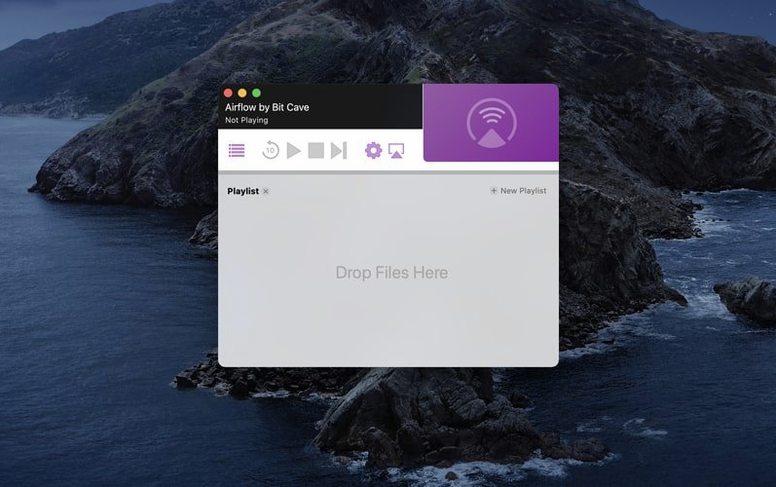
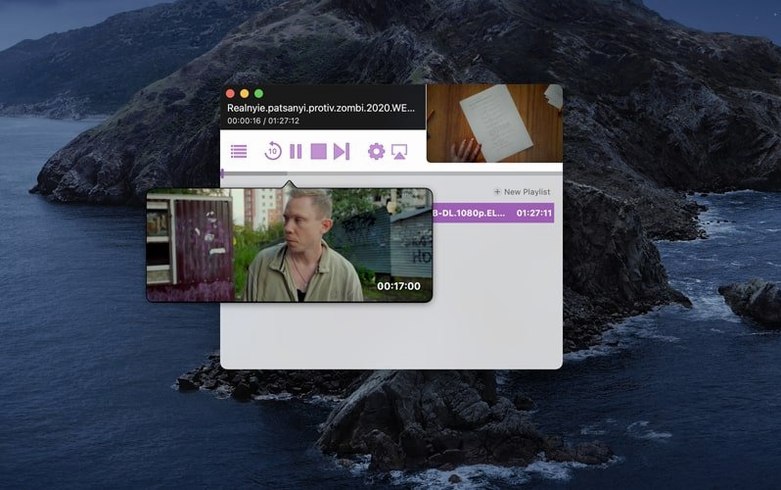
Airflow is a utility that streams video files from your Mac to a Chromecast device.
Workflow
- Drag a video file into the Airflow window.
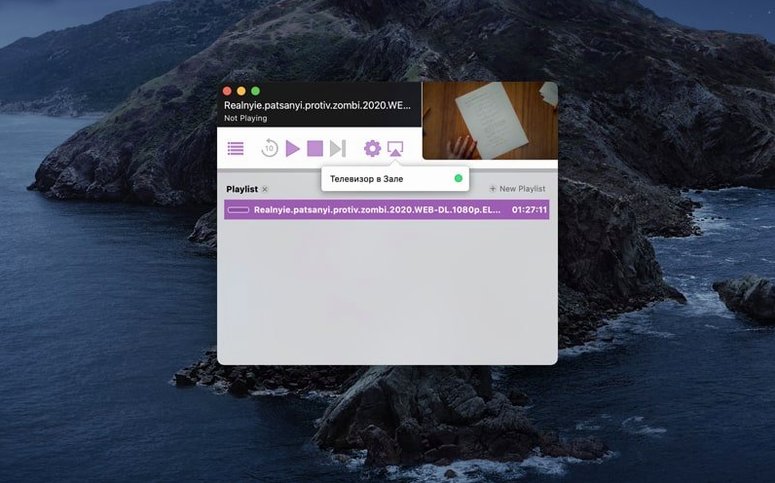
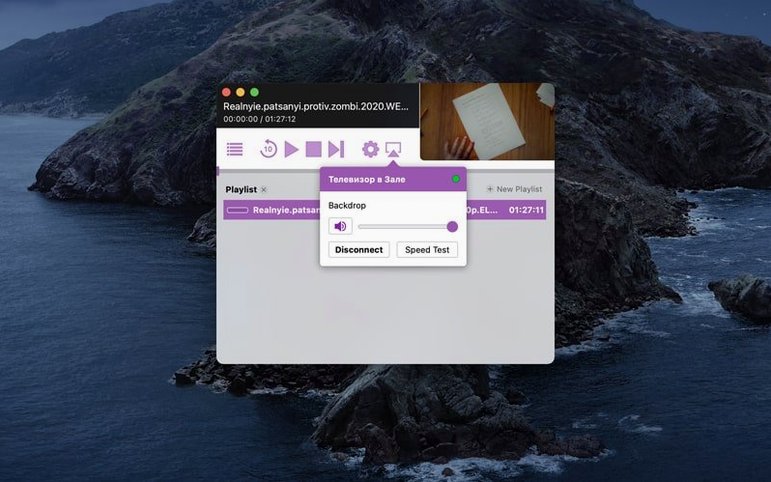
- Select the Chromecast device you want to use.
- Start playback. The video plays on the TV while your Mac acts as the source.
Version 3.3.10 is listed, and the interface is in English. The app handles the casting part, so you don't need to transcode or convert files beforehand. It works on 64-bit Intel Macs running macOS 10.12 or later. If you live in a household where the TV is the shared screen, Airflow is a straightforward way to get local video onto it.
Expecting Airflow to work like a media server
The main error new users make is expecting Airflow to work like a media server. It doesn't scan folders or index your library. You drag a file, it streams it. Trying to queue up an entire season's worth of episodes in one go is asking for trouble — the app processes one file at a time. Wait for playback to end or stop it before dropping the next video.
Another frequent one: forgetting that Airflow requires the Mac and the Chromecast to be on the same Wi-Fi network. If you're on a guest network or a segmented VLAN, the Chromecast won't show up in the device list. Check your network setup before blaming the app.
A few people also skip the step where they need to allow the app through macOS's firewall on first launch. If Airflow finds no devices, the firewall is the first thing to check.
Troubleshooting dropped streams and connection issues
The Chromecast doesn't appear
Restart the Chromecast and the Mac. If it still doesn't show, confirm both devices are on the same subnet. Airflow relies on mDNS/DNS-SD discovery, which doesn't cross subnets without a helper like an mDNS reflector. Home users rarely need that, but if you have a mesh network with client isolation turned on, you'll need to disable isolation for the casting to work.
Video plays but there is no audio
Airflow streams the container as-is. If your video file uses an audio codec the Chromecast doesn't support natively, you get silence. The fix is to either remux the file into a Chromecast-friendly format or use a tool like FFmpeg to convert the audio track to AAC or MP3. Airflow itself doesn't transcode.
Playback stutters or buffers
Wi-Fi interference is the usual suspect. Move the Mac closer to the router, or connect it via Ethernet. The Chromecast itself can be on Wi-Fi, but the Mac's connection to the network should be solid. Also, close other apps that are saturating the upload bandwidth — casting is essentially a real-time upload to the Chromecast.
Airflow remembers your last Chromecast choice
Airflow remembers the last Chromecast you picked. If you always cast to the living room TV, you don't have to reselect it each time. The device dropdown keeps your choice between sessions.
The drag-and-drop area accepts multiple file types, but it also accepts folders. Dragging a folder adds every playable file inside it. That saves time if you keep your movies in a single directory per title.
The app window stays small and doesn't demand focus while casting. You can minimize it or tuck it into a corner of the screen and continue working. Airflow doesn't need to be the foreground app to keep the stream going.
Version 3.3.10 of airflow 3.3.10 for Mac keeps the interface simple — no settings panels to hunt through. It's one of those apps where what you see is what you get. If you are coming from a more complex tool like Plex or a media center setup, airflow 3.3.10 feels like going from a Swiss Army knife to a single good blade.
- macOS 10.12 or later
- 64-bit Intel Mac
- English interface
Questions from the notes
Does Airflow require a specific macOS version?
Yes, Airflow requires macOS 10.12 or later.
What Mac models does Airflow support?
The current build is for 64-bit Intel Macs only.
Install procedure
- Mount the disk image and run Open Gatekeeper friendly.
- Press Enter in Terminal to bypass Gatekeeper.
- Drag the app into the Applications folder.
- Open the app after installation.
Reports from players
Sign in or create a tester account to file a report.
No reports filed yet.