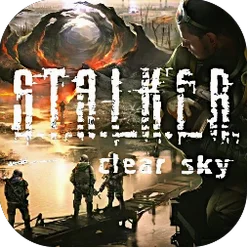
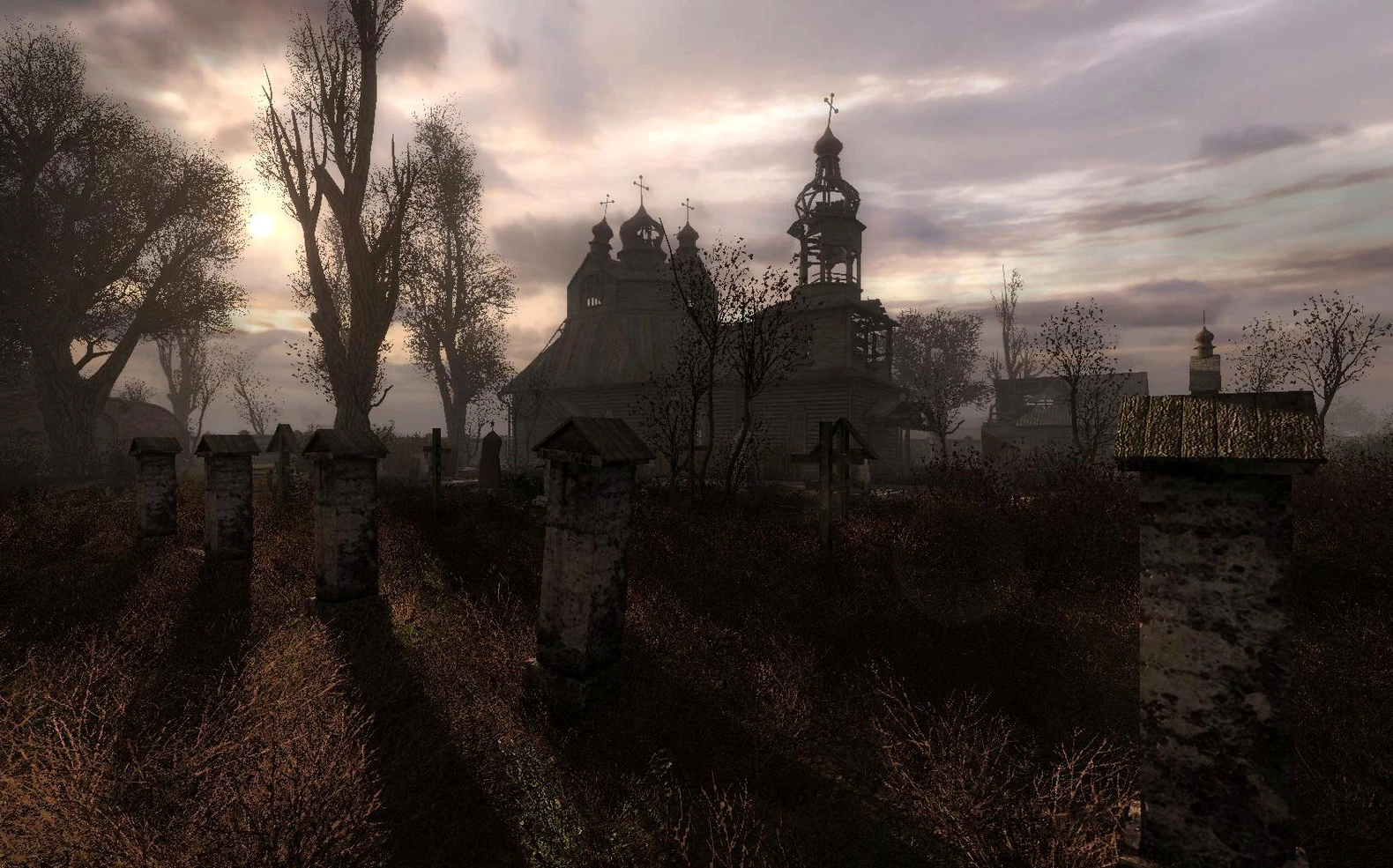
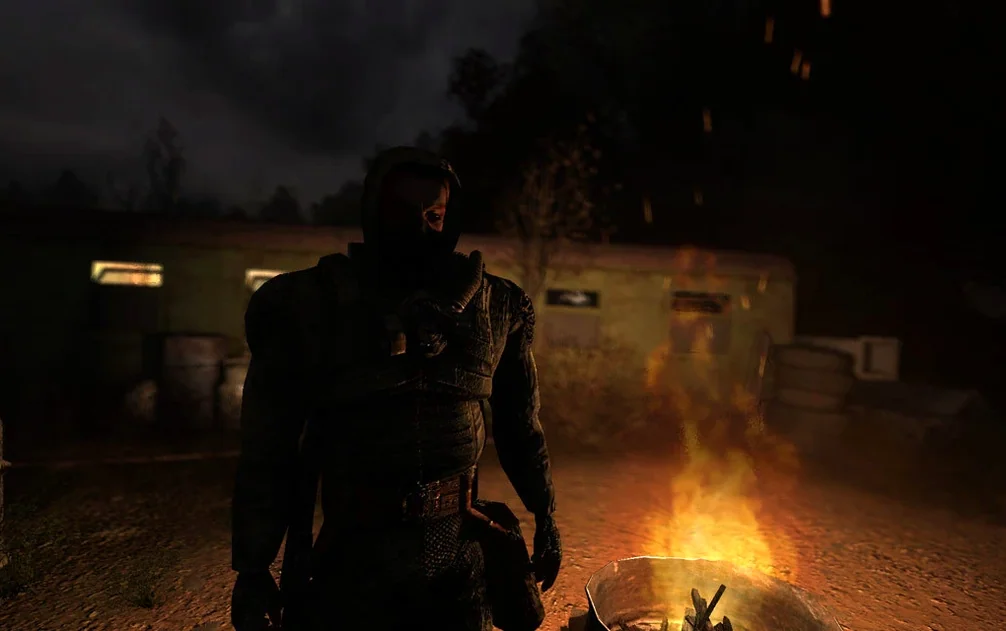
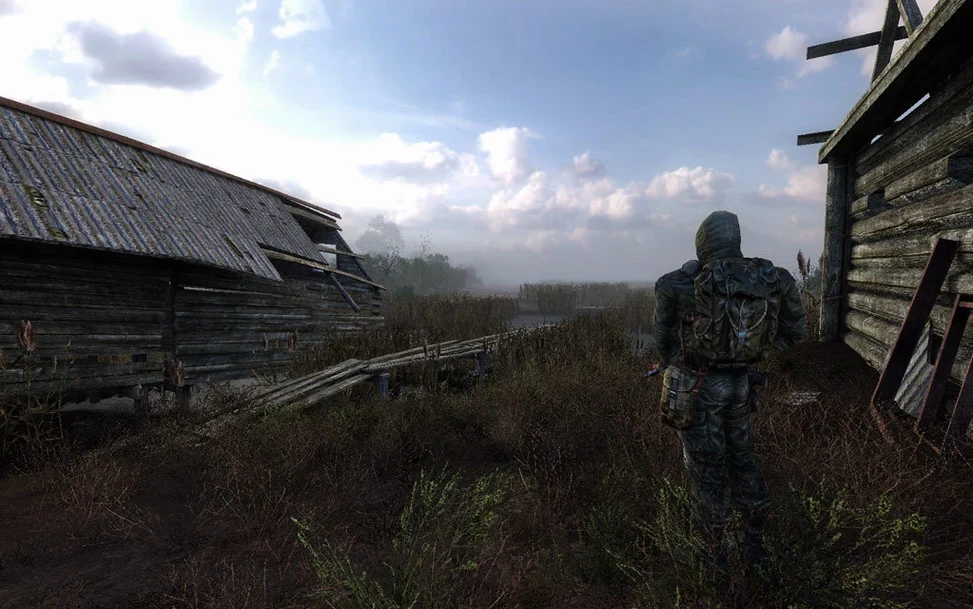
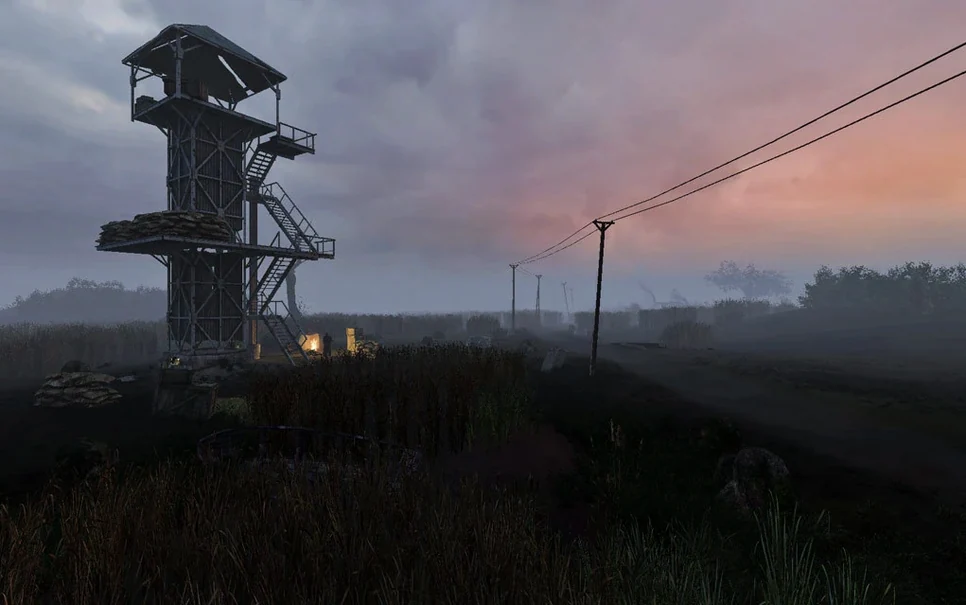
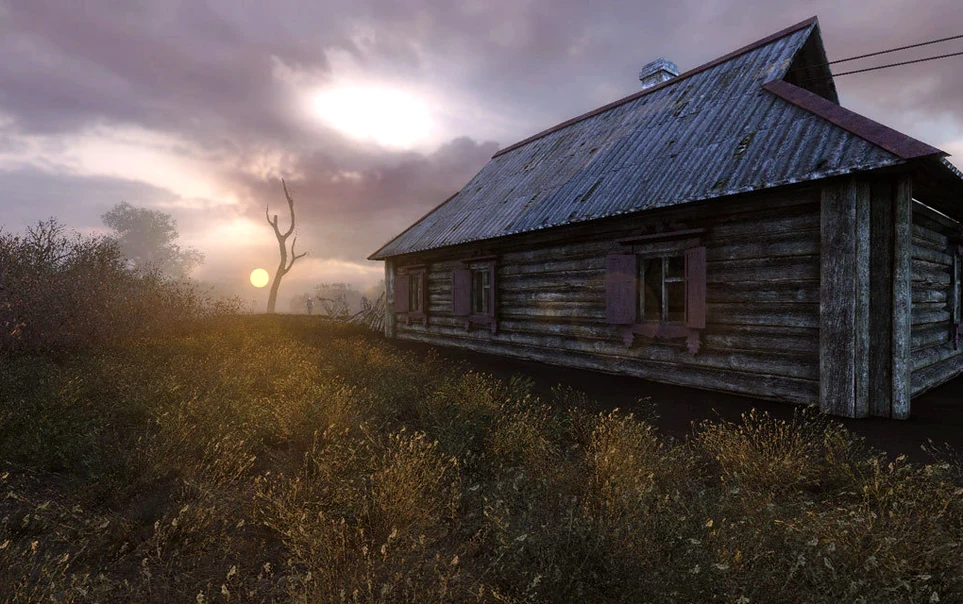
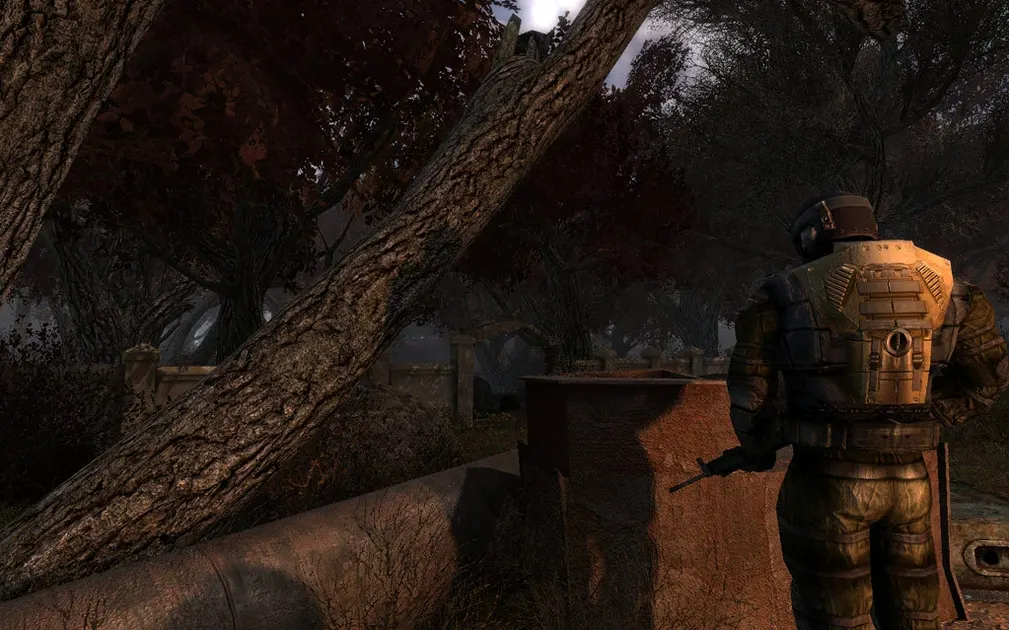
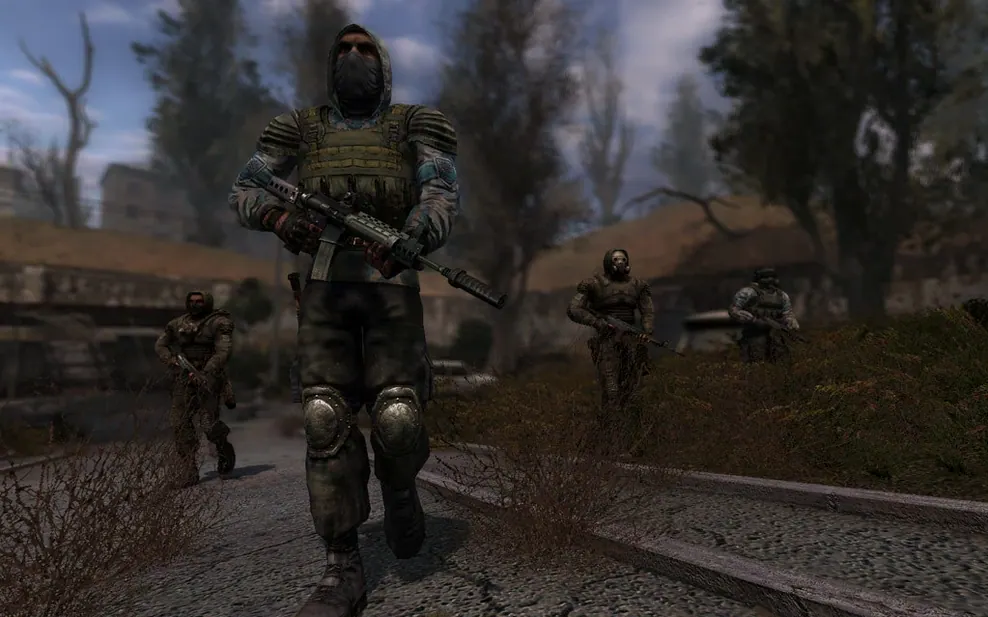
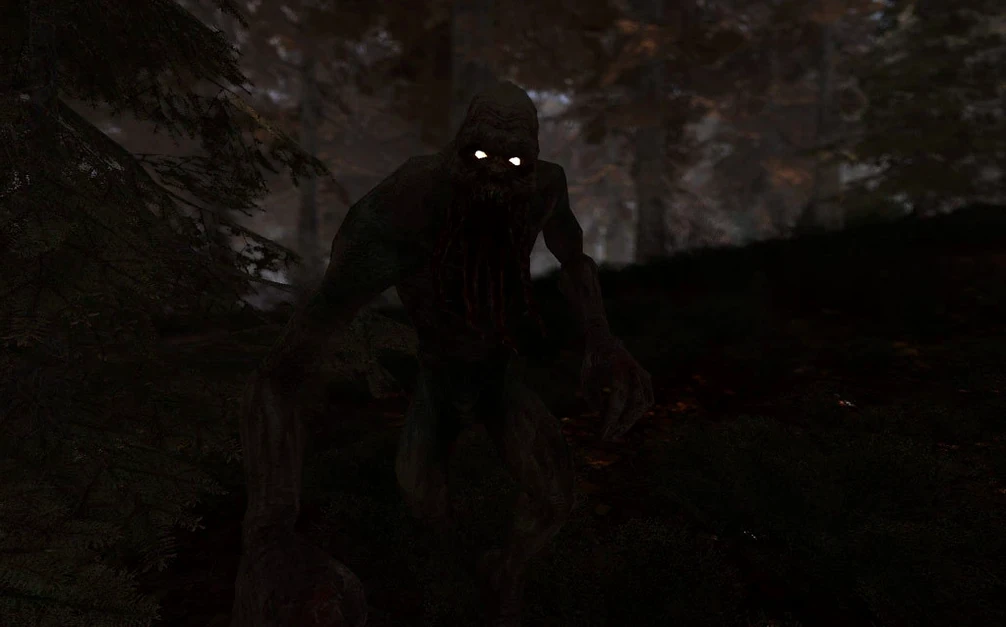
You know the Zone from Shadow of Chernobyl. Clear Sky drops you in before that story, as Scar, a mercenary who gets caught in the middle of a brewing war. The OpenXray 1.5.10 Wineskin build puts the prequel on your Mac, and the core loop is less about quiet exploration and more about picking sides.
- Walk into new territories that were blocked off in the original game, including swamps and a flooded factory.
- Take jobs from faction leaders and decide which group gets your support in the Faction Wars system.
- Fight with new weapons and gear that give you more options than the original rifle-and-shotgun spread.
- Track down artifacts in fresh anomaly fields while dodging emissions that push you toward cover.
- Manage relations with stalker groups — help one, and another might start shooting on sight.
- Skip the unskippable cutscenes with two Esc presses when the video stutters.
It’s a prequel that trades some of the lonely dread for open conflict. If you’ve already survived the Zone once, this is the other side of the story.
Starting a new game and choosing a faction
The first real decision comes early. After the opening cutscene, you land in the Swamps and meet a few stalkers who explain the local situation. A beginner might rush past these conversations, but the dialogue tells you which faction controls what territory. Listen or read the subtitles. The game doesn't mark your journal with obvious quest arrows, so pay attention to names and directions.
Walk toward the first camp you see. A few faction representatives will offer you tasks. Pick one that matches the gear you have. If you're carrying only a pistol and a low-grade assault rifle, avoid missions that send you into the Red Forest early. Stick to the Swamps and the Cordon until you find a technician who can upgrade your weapon. The upgrade system is straightforward — bring parts and cash to the technician, pick an improvement. New players often waste parts on guns they replace ten minutes later. Save upgrades for weapons you intend to carry through several areas.
Reloading in the open is a common fatal mistake
The most common error is treating it like Shadow of Chernobyl. Combat here is more frequent and groups are larger. Standing in the open while you reload gets you killed fast. Use cover, and keep a sidearm with a full magazine for emergencies. New players also ignore the detector system for artifacts. The detector beeps faster as you get closer, but you need to equip it and watch the display. Walking past an artifact without the detector active means missing a payout. Technicians pay well for rare artifacts.
Another mistake is ignoring faction relations. Helping one group too much can lock you out of quests from the other. The game does not warn you. If you want to see all content, spread your support roughly evenly until the story forces a choice. Save often, especially before turning in a major quest. The save file location is inside the Wineskin prefix, so make backups manually if you plan to replay choices.
New players also forget that the Emission events are not just atmospheric. When the sky flashes, get inside a building or under a solid overhang. Standing in the open during an Emission drains health fast and damages armor. The game gives a visual cue, but it's subtle if you're focused on aiming. Train yourself to check the sky every few minutes.
Clear Sky’s tone and mechanics sit between Metro 2033 Redux and Far Cry 2
Clear Sky sits between Metro 2033 Redux and Far Cry 2 in tone and mechanics. Metro 2033 Redux is more linear, with tighter corridors and a stronger survival horror feel. You can scavenge but the route is mostly fixed. Far Cry 2 gives you an open map with faction outposts and a buddy system, but its weapon degradation mechanic forces constant gear swapping. Clear Sky lands in the middle: open zones with multiple paths, faction reputation that matters, and equipment that degrades slowly enough that you can plan repairs instead of reacting to a jammed rifle mid-fight.
None of the three run without extra work on macOS. Metro 2033 Redux has a native Mac version but it is older and no longer updated by the publisher. Far Cry 2 requires Windows emulation through Wine or a wrapper. Clear Sky's OpenXray build is maintained specifically for Mac, which means less fiddling with Wine settings after installation. The trade-off is that the OpenXray engine is based on the X-Ray engine, not the more modern 4A Engine or Dunia. Graphics are noticeably dated: textures are lower resolution, shadows are simpler, and character models have fewer polygons. If you care about visual polish, Metro 2033 Redux's native port holds up better. If you want a dynamic world that reacts to your choices, Clear Sky wins.
Wineskin isolation affects system screenshots and stability
The Wineskin wrapper means Clear Sky runs inside its own prefix, isolated from the rest of your system. That helps for stability but creates a few quirks. Screenshots from the macOS screenshot tool capture the wrapper window, not just the game. Use the in-game screenshot key instead — F12 works on most keyboard layouts. The game also does not respect macOS's volume mixer in the same way as native apps. Set the volume inside the game's audio options, then adjust system volume if it is still too loud or quiet.
Save files sit inside the application bundle, so Time Machine or iCloud Drive will not back them up automatically unless you include the entire app folder. If you reinstall or move the game to another drive, copy the whole S.T.A.L.K.E.R. Clear Sky.app folder. The save path inside it is long but consistent. Save scumming for faction outcomes is straightforward: duplicate the savedgames folder before a big decision, then swap it back if things go badly.
For torrent downloads, qBittorrent handles the large files without issues. The game image is around six gigabytes. If the download stalls, pause and resume through qBittorrent or switch to Free Download Manager for direct HTTP links. Chrome-based browsers with the built-in download manager sometimes choke on files over four gigabytes. Motrix handles them fine on Apple Silicon and Intel alike.
Clear Sky also works with basic macOS accessibility features. The game uses standard Windows font rendering through Wine, so macOS's built-in high-contrast mode does not apply. However, the game's own interface is readable at 1080p without scaling. If you run the game on a 4K display, the UI becomes small. No in-game scaling option exists, so consider lowering the desktop resolution before launching if text is too tiny.
- Fixes: presented as a prequel to Shadow of Chernobyl, with the story set earlier.
- Changes: Faction conflict and relations now drive gameplay.
- Additions: new locations, weapons, anomalies, and artifacts.
- macOS: not specified
- Architecture: ARM and x86 64-bit
- Tested on macOS Sonoma, Mac mini 2020 M1
Questions from the notes
What is the goal in S.T.A.L.K.E.R.: Clear Sky?
You play as Scar, a mercenary who gets pulled into the Faction Wars. Your goal is to survive the Zone while choosing which faction to support in the conflict.
Install procedure
- Mount the downloaded image and drag the app into the Applications folder alias.
- After copying finishes, open the app from Launchpad.
- If the game shows an error at launch, run the Fix file in the image.
- If loading has problems, use Free Download Manager or Motrix with Chrome-based browser extensions.
- For torrent files, use qBittorrent.
- Save files are stored in S.T.A.L.K.E.R. Clear Sky.app/Contents/SharedSupport/prefix/drive_c/GOG Games/S.T.A.L.K.E.R. Clear Sky/_appdata_/savedgames.
- If videos do not play, press Esc twice to skip them.
Reports from players
Sign in or create a tester account to file a report.
No reports filed yet.