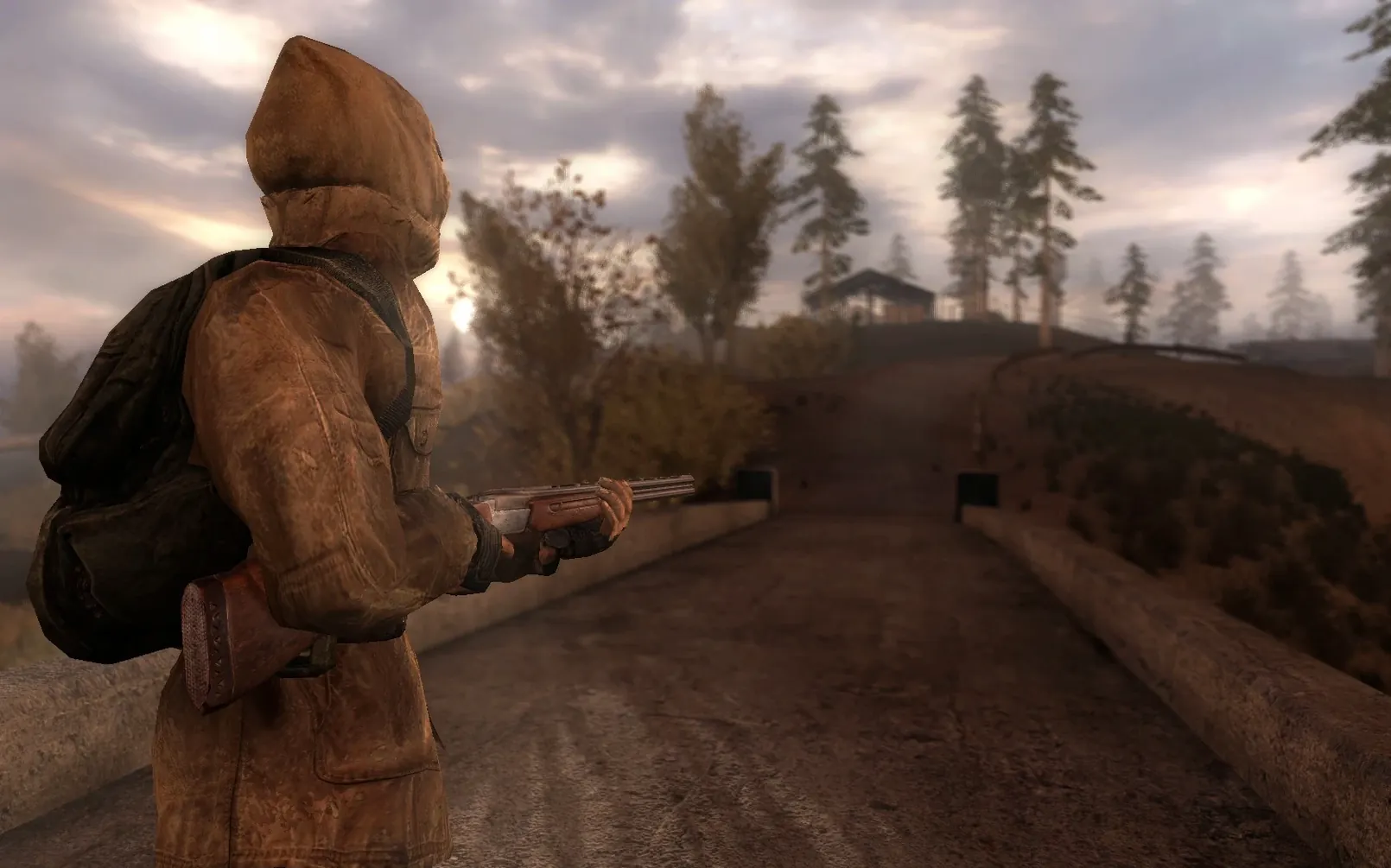
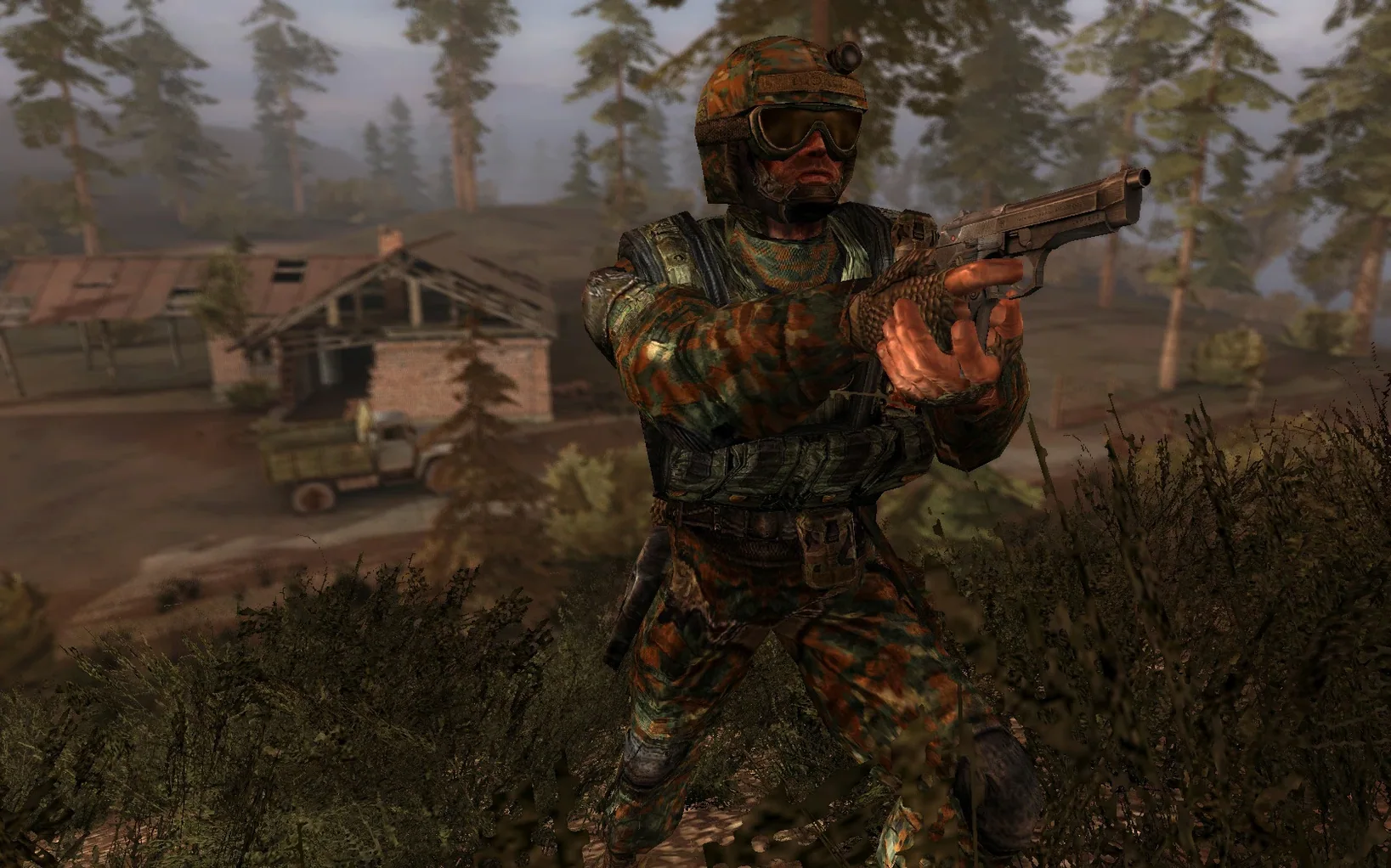
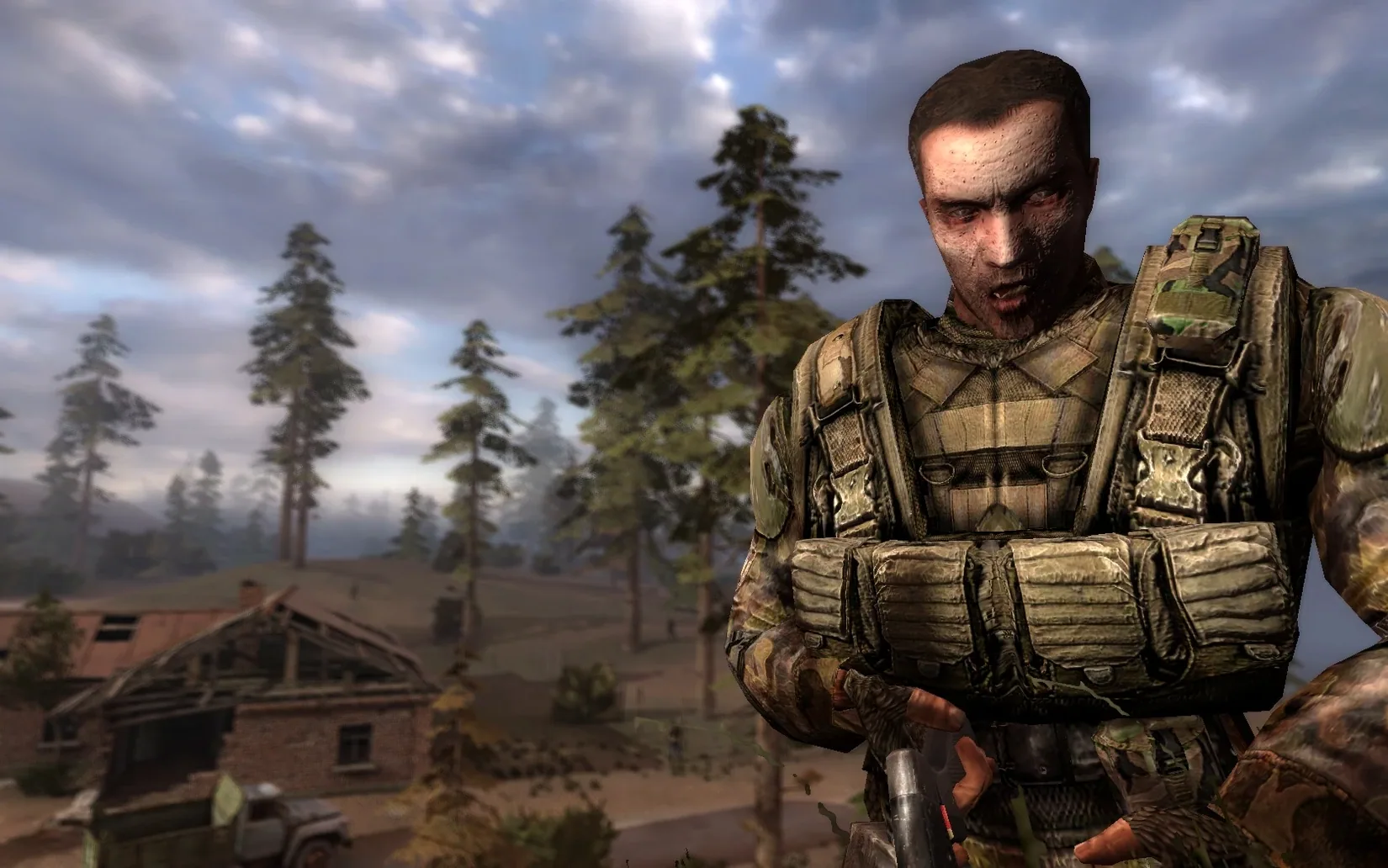
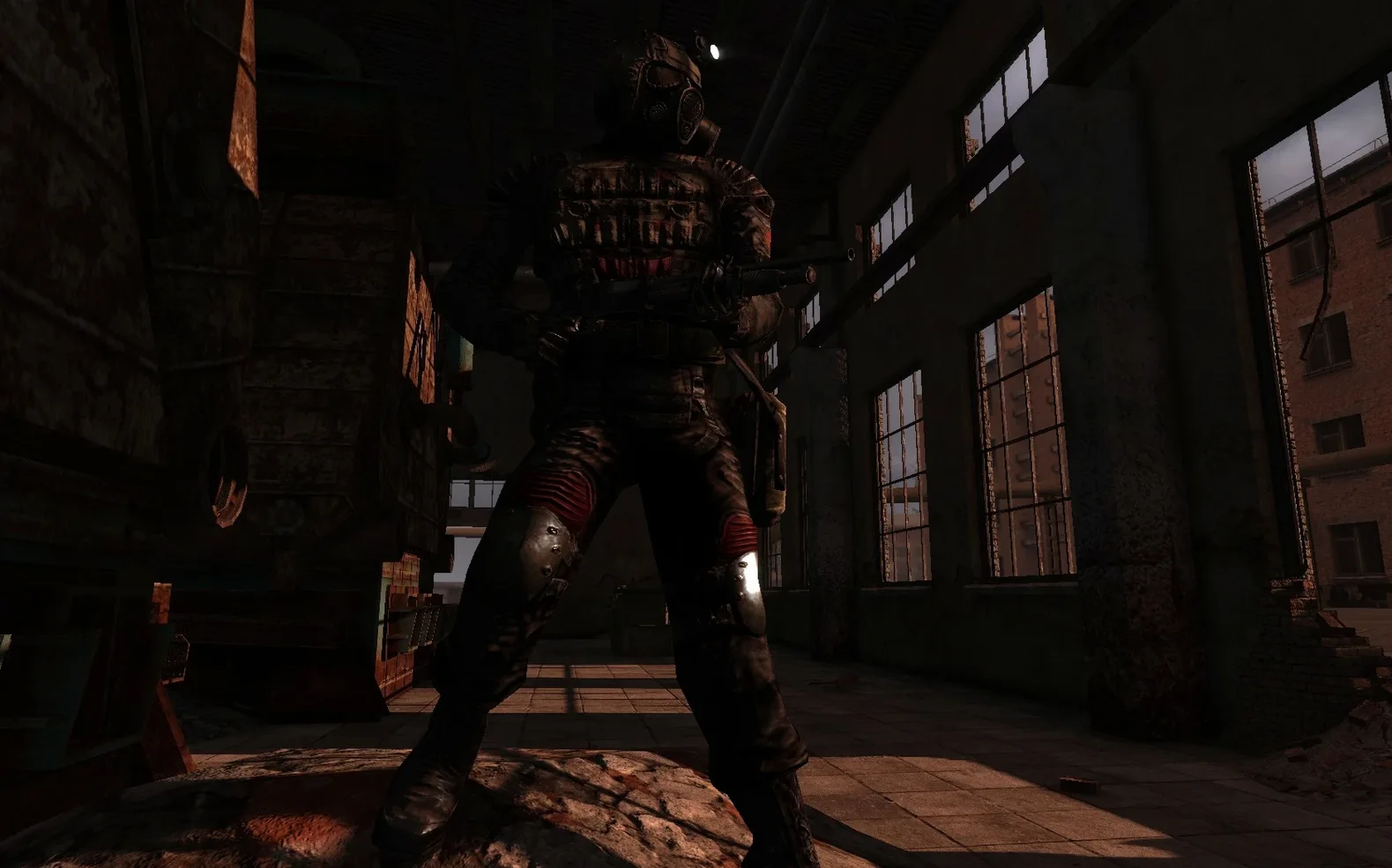
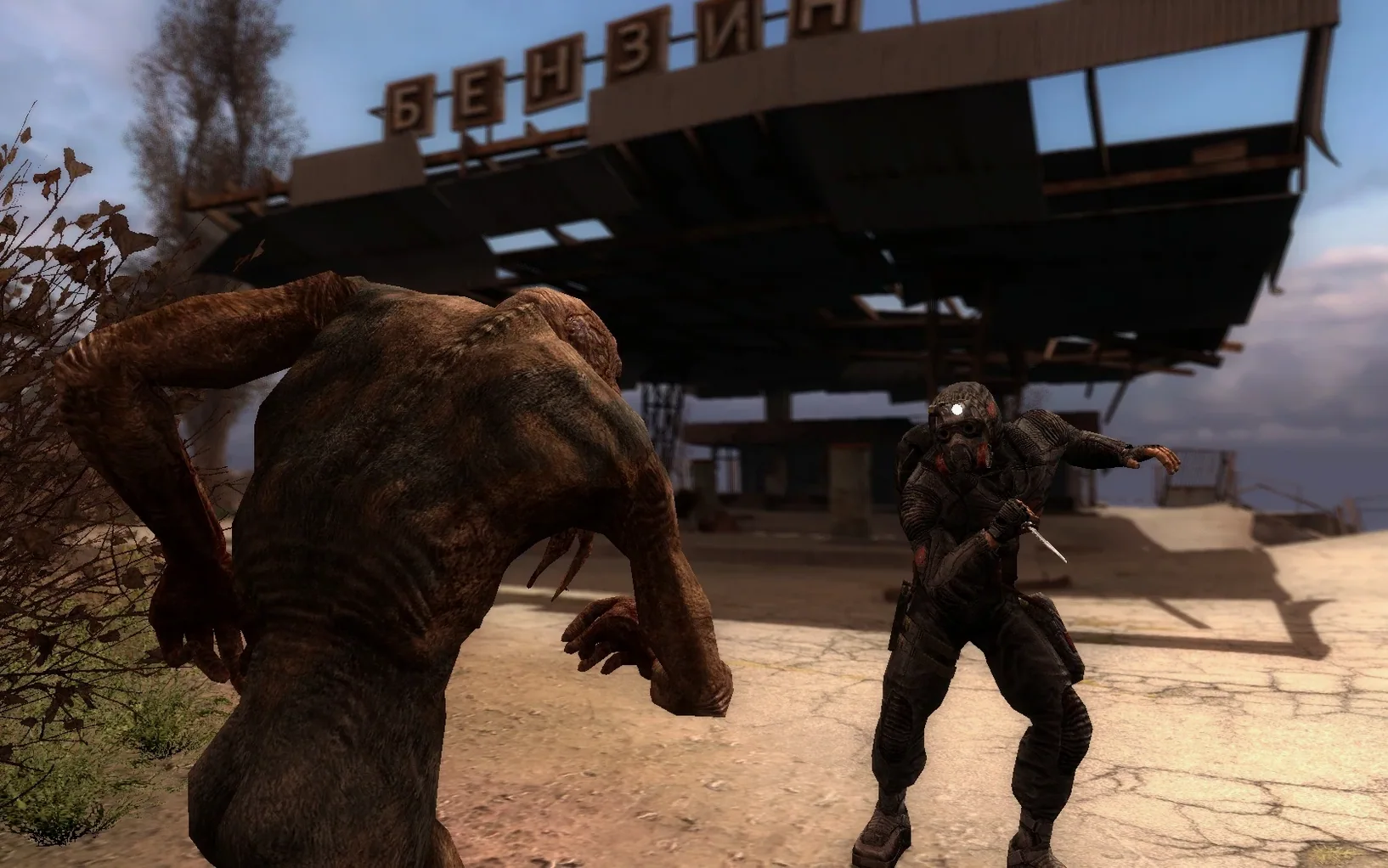
S.T.A.L.K.E.R.: Call of Pripyat is a first-person action game set in the Chernobyl Exclusion Zone, where you play Major Alexander Degtyarev investigating a helicopter crash. It is the third standalone entry in the series, blending action, horror, survival, and RPG elements across a dangerous open world.
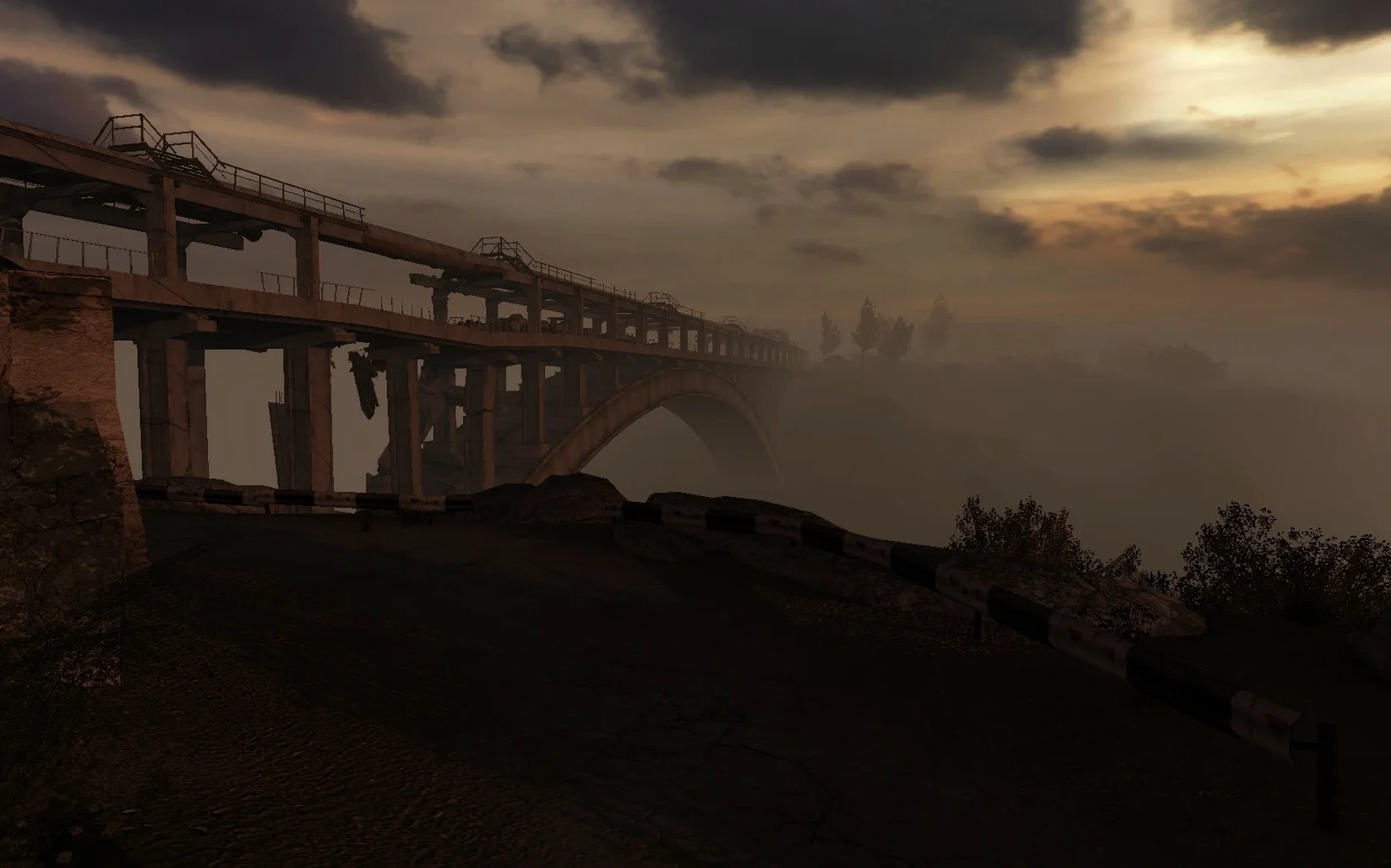
Random emissions strike without warning
- Architecture: works on both Apple Silicon and Intel Macs.
- Controls: standard mouse and keyboard, though the Wineskin wrapper may need remapping for some keys.
- Known quirk: random Emissions can hit without warning, causing sudden weather changes and psychic damage—save often.
Getting it running smoothly
The 1.6.02 OpenXray build is more stable than older wrappers, but graphics settings can still cause crashes. If that happens, delete user.ltx from the documents path inside the app package and restart. Also, the Russian build includes both Russian and English voice options, so pick yours at launch.
A-Life simulation drives your first hours
The first few hours in Call of Pripyat are about learning the rhythm of the Zone, not rushing through objectives. Start by getting comfortable with the A-Life simulation system — NPC squads move around on their own, and you will run into roaming bandits, stalkers fighting mutants, or groups heading to the same landmark you are aiming for. Listen for gunfire in the distance; that often means a fight you can join, avoid, or scavenge after.
Save often, especially before crossing open ground or entering buildings. Emissions are random and lethal if you are caught outside. When the sky starts flickering and the air hums, sprint for the nearest structure. Underground catacombs and basements count as shelter. Do not assume a door is safe — check for anomalies before stepping through.
Upgrade your starting gear early. The weapon and armor upgrade system lets you improve reliability, magazine size, or artifact container slots. You will find better weapons on dead stalkers as you explore Zaton and Jupiter.
What the specs say about performance on your Mac
This version is built with the OpenXray engine and packed in a Wineskin wrapper. It was tested on macOS Sequoia on an M1 Mac mini, but the wrapper supports both ARM and x86 64-bit architectures. That means the same build runs on Intel Macs and Apple Silicon machines without separate downloads.
No activation is required — mount the image, drag the app, and you are in. The game uses its own settings for resolution and graphics. If you run into a black screen or crash after changing video settings, delete user.ltx from the documents path inside the app package and launch again. That resets all graphics options to their defaults.
Scenario: a stalker looking for story and atmosphere
You are an action game player who also played the earlier S.T.A.L.K.E.R. titles on PC years ago. You remember the atmosphere of the Zone but never finished Call of Pripyat. On your Mac, you want the same feeling — the creepy underground labs, the sudden gunfights with bandits, the long walks between outposts with only your detector beeping.
The English voice option is there from the start. You pick a side quest from a trader in Skadovsk, head out into Zaton, and five minutes later an Emission forces you to take cover in a rusty warehouse. Inside, a burer is waiting. That moment — the panic of finding an anomaly-cloaked mutant while the sky howls outside — is what the game delivers. The OpenXray build handles that scenario the same way the Windows version did, with no activation steps getting in the way.
No internet connection needed after install
Does this build include both languages?
Yes. The interface and voice are available in Russian and English. You choose at launch. The Russian build label only refers to the distribution source, not a locked language.
Runs on Intel and Apple Silicon alike
Yes. The build is marked for both ARM and x86 64-bit. The same image works on Intel and Apple Silicon.
Why might the game not start after copying?
The Wineskin wrapper needs a proper copy. If the app fails to launch, run the Fix file from the mounted image. That configures permissions and wrapper paths. Also, if you moved the app before running Fix, delete it, re-copy, and apply Fix before launching.
Play offline from the first launch
No. The game has no activation requirement. You can play offline from the first launch.
What if a download fails or times out?
The package notes recommend using a download manager or a torrent client for the image. That avoids partial downloads on large files.
- OpenXray build for the game is listed for this Mac version.
- macOS: not specified
- Architecture: both Apple Silicon and Intel
- Other: none listed
Questions from the notes
Does S.T.A.L.K.E.R.: Call of Pripyat run on Apple Silicon Macs?
Yes, the 1.6.02 OpenXray Wineskin build works on both Apple Silicon and Intel Macs, and it was tested on an M1 Mac mini.
What languages are available in this version?
The interface and voice are offered in Russian and English. The Russian build lets you choose between the two voice tracks.
What should I do if the game crashes after changing graphics settings?
Open the app package and delete user.ltx from the saved user documents path. That resets the graphics configuration and lets you try again.
Install procedure
- Mount the downloaded image and drag the app into the Applications folder shortcut.
- After copying finishes, launch the app from Launchpad.
- If the game fails to start, run the file named Fix from the mounted image.
- If graphics settings cause a crash, open the app package, delete user.ltx from the specified user documents path, and try again.
- For download issues, use a download manager or a torrent client as recommended in the package notes.
Reports from players
Sign in or create a tester account to file a report.
No reports filed yet.