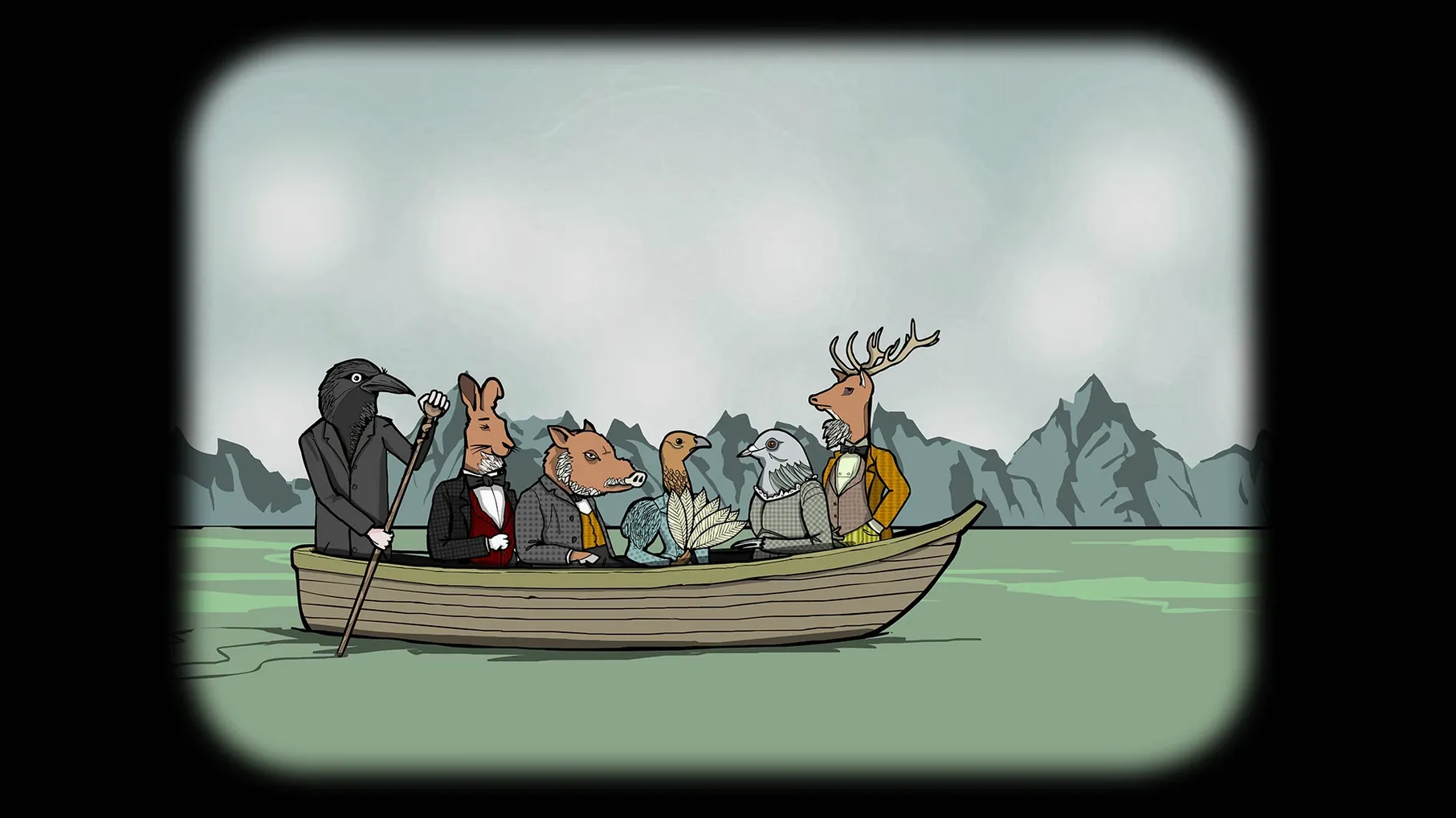
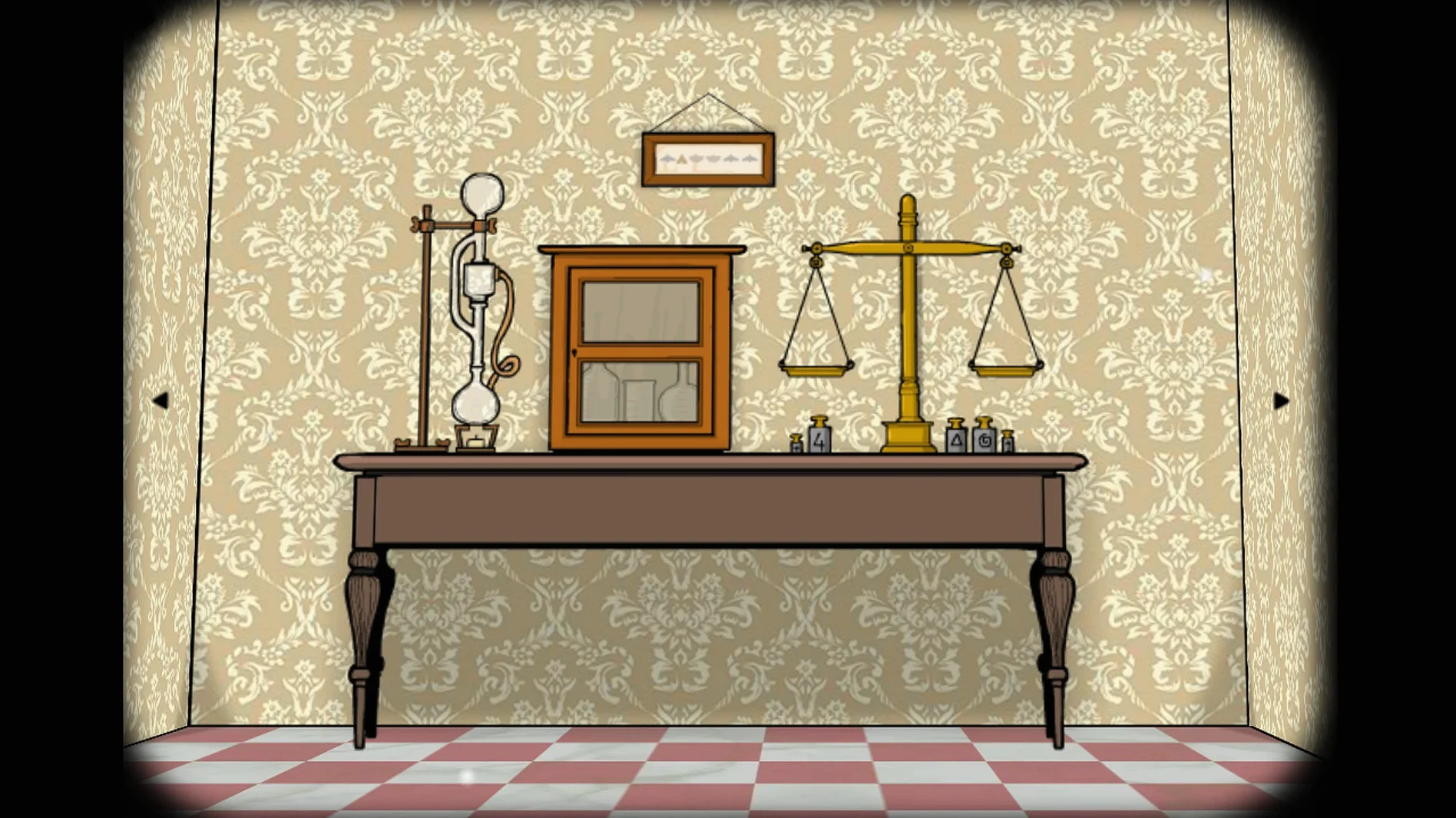
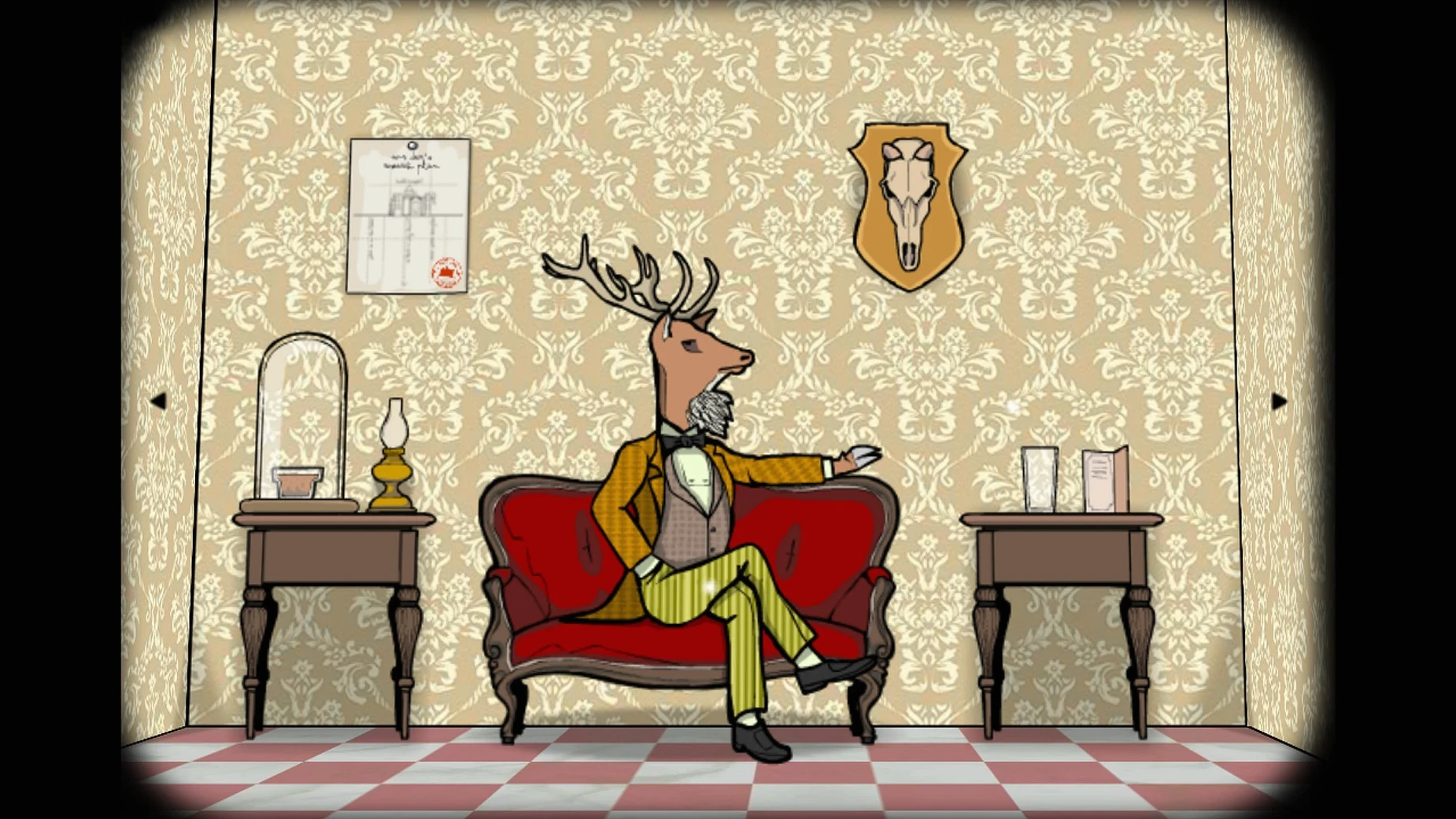
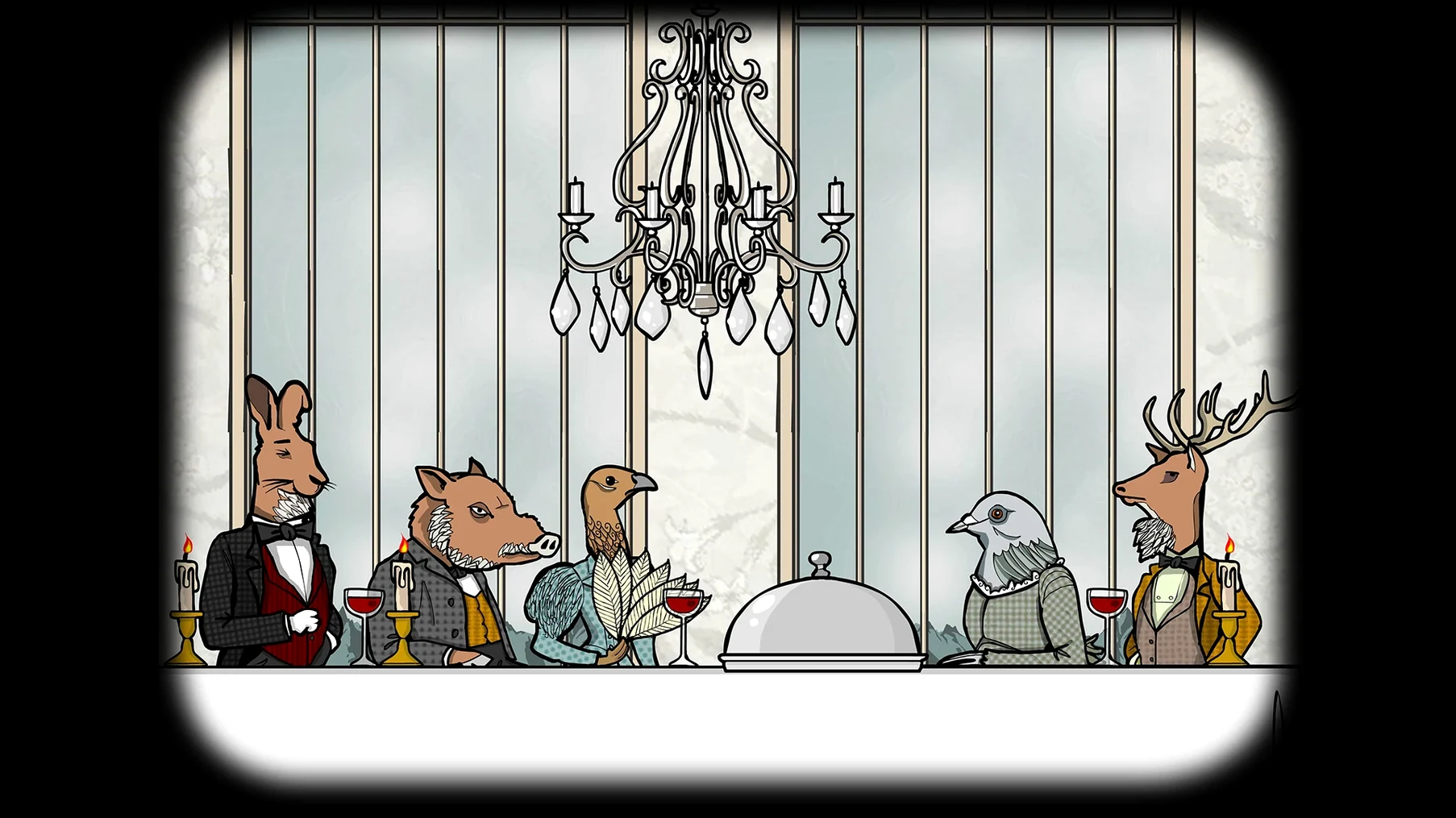
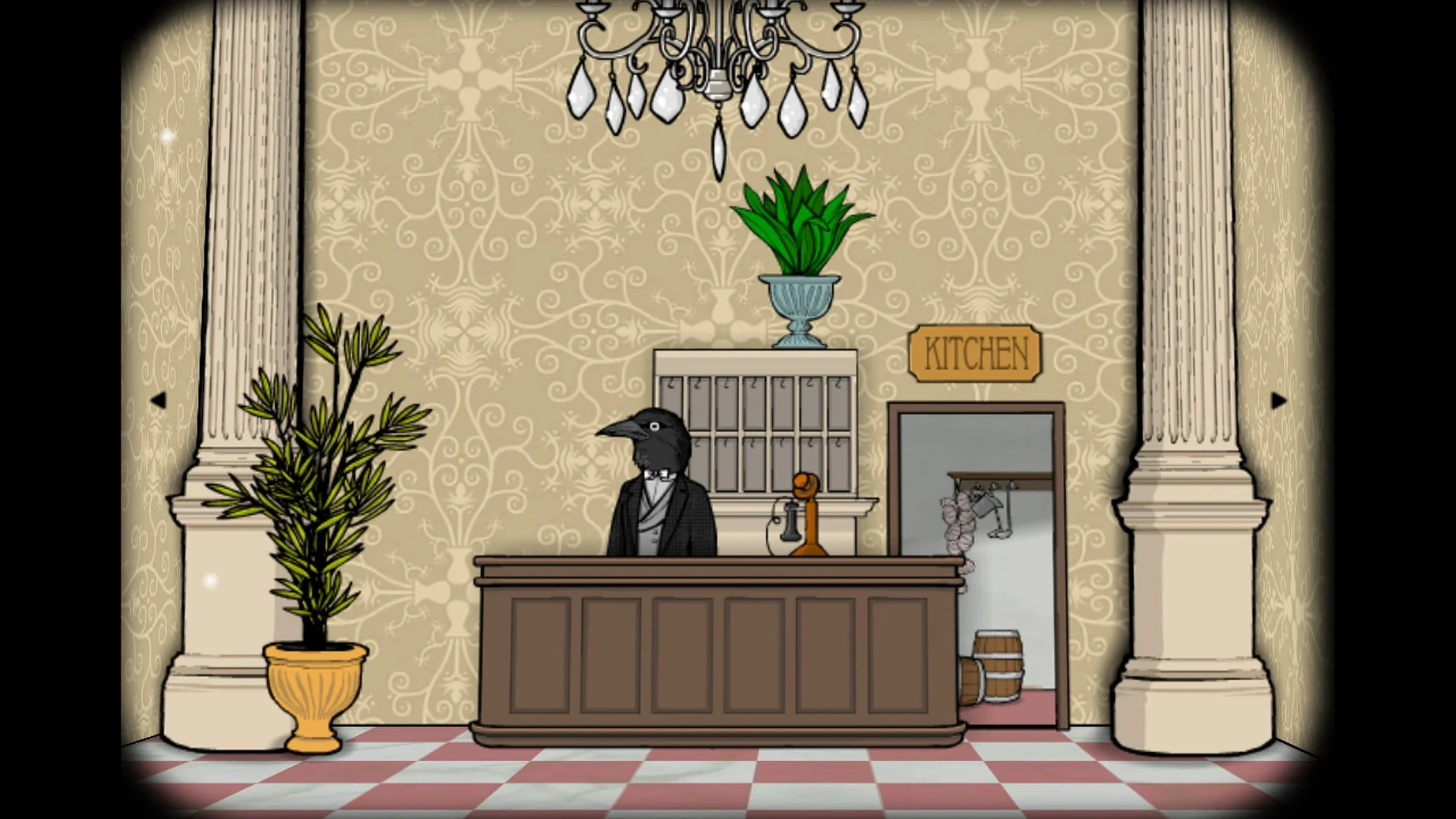
You check into a strange hotel where the guests have animal heads and the staff serve deadly dinners. Rusty Lake Hotel is a point-and-click adventure set in the same surreal world as the rest of the Rusty Lake series. You work through six rooms, each with its own puzzles and its own music, unlocking the story behind five dinners that don’t end well for the guests.
Who this game is for
This one is for people who like atmospheric puzzles with a dark, offbeat tone. If you’ve played other Rusty Lake games, you know the style: dreamlike logic, inventory-based puzzles, and a trophy gallery for repeat visits. The animal-headed guests are the hook, but the real draw is the room-by-room puzzle design that keeps each section feeling distinct. It’s short by adventure-game standards — a couple of hours — and rewards a slow, careful eye.
What works on Mac
The macOS version requires macOS 11.0 or later and an Apple M1 chip or later. That means it runs natively on Apple Silicon; no Intel support. The interface is available in eighteen languages, including English, French, German, Spanish, Italian, and Japanese. The puzzles and music themes are the same across all platforms.
A walkthrough approach for the dinner puzzles
Each of the five deadly dinners follows a pattern: find items in the room, combine them where needed, and serve the right thing at the right moment. A practical first step is to clear the room of every clickable object before you start solving anything. Rusty Lake Hotel rewards this because many solutions use objects you find in unrelated corners — a matchstick from one drawer that lights a candle in another. Keep a mental note of where doors or cabinets still won’t open; they usually unlock after you’ve triggered something elsewhere in the same room.
The trophy gallery tracks which dinners you’ve completed. If you get stuck, revisit a room’s music theme — the soundtrack sometimes hints at the order of actions you need to take. The puzzles are self-contained per room, so you never need to carry an item from one guest’s room to another.
Use Command-Shift-4 to capture puzzle states for later solving
The game runs as a standard Mac application after installation. Use the macOS screenshot tool (Command-Shift-4) to capture puzzle states you want to work through later — especially useful for rooms with multiple inventory combinations. If you play on a Mac laptop, the game works fine in full-screen mode, and the trackpad handles all point-and-click actions without extra configuration.
For players coming from the Cube Escape series, Rusty Lake Hotel shares the same visual style but uses a larger, room-based layout instead of the smaller screen-by-screen format. The game does not require an internet connection after installation, so it fits into a disconnected workflow as well.
A Cube Escape veteran navigates the first three rooms
A player who finished all nine Cube Escape games picks up Rusty Lake Hotel to see how the narrative ties together. They work through the first two dinners quickly, recognizing the inventory logic from earlier titles. The third room’s puzzle stalls them — a combination lock with no obvious clue. They switch to the room’s music, listen for pattern changes, and spot the cue in a wall painting they had dismissed as decoration. The trophy gallery confirms their progress, and they move on to the fourth dinner with a better sense of where the developers hide their hints. By the end, they have a clearer picture of the hotel’s place in the wider Rusty Lake timeline, even if the story stays intentionally oblique.
- macOS 11.0 or later
- Apple M1 chip or later
- No Intel support
Questions from the notes
How many rooms are in Rusty Lake Hotel?
There are six rooms, each with a unique set of puzzles and its own music theme.
What are the system requirements for Mac?
You need macOS 11.0 or later and an Apple M1 chip or later. Intel Macs are not supported.
Does the game have a trophy or achievement system?
Yes, there is a trophy gallery you can unlock by completing certain objectives in the game.
Install procedure
- Mount the downloaded disk image.
- Run the standard installation process.
- Choose the install location at the end of setup.
- Applications is the recommended destination folder.
Reports from players
Sign in or create a tester account to file a report.
No reports filed yet.