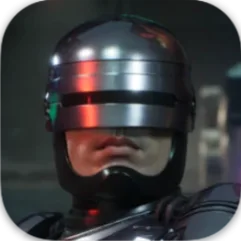
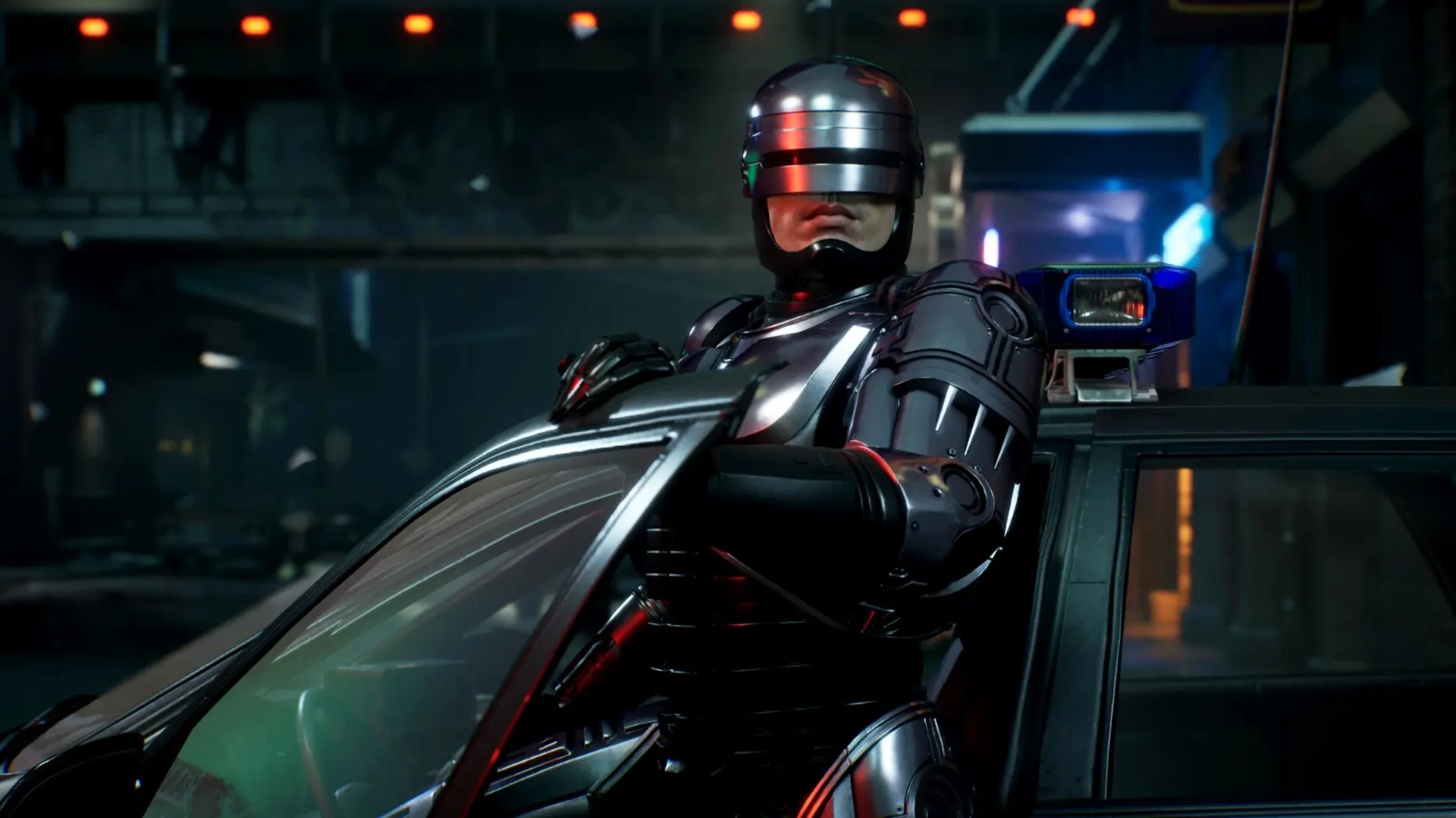
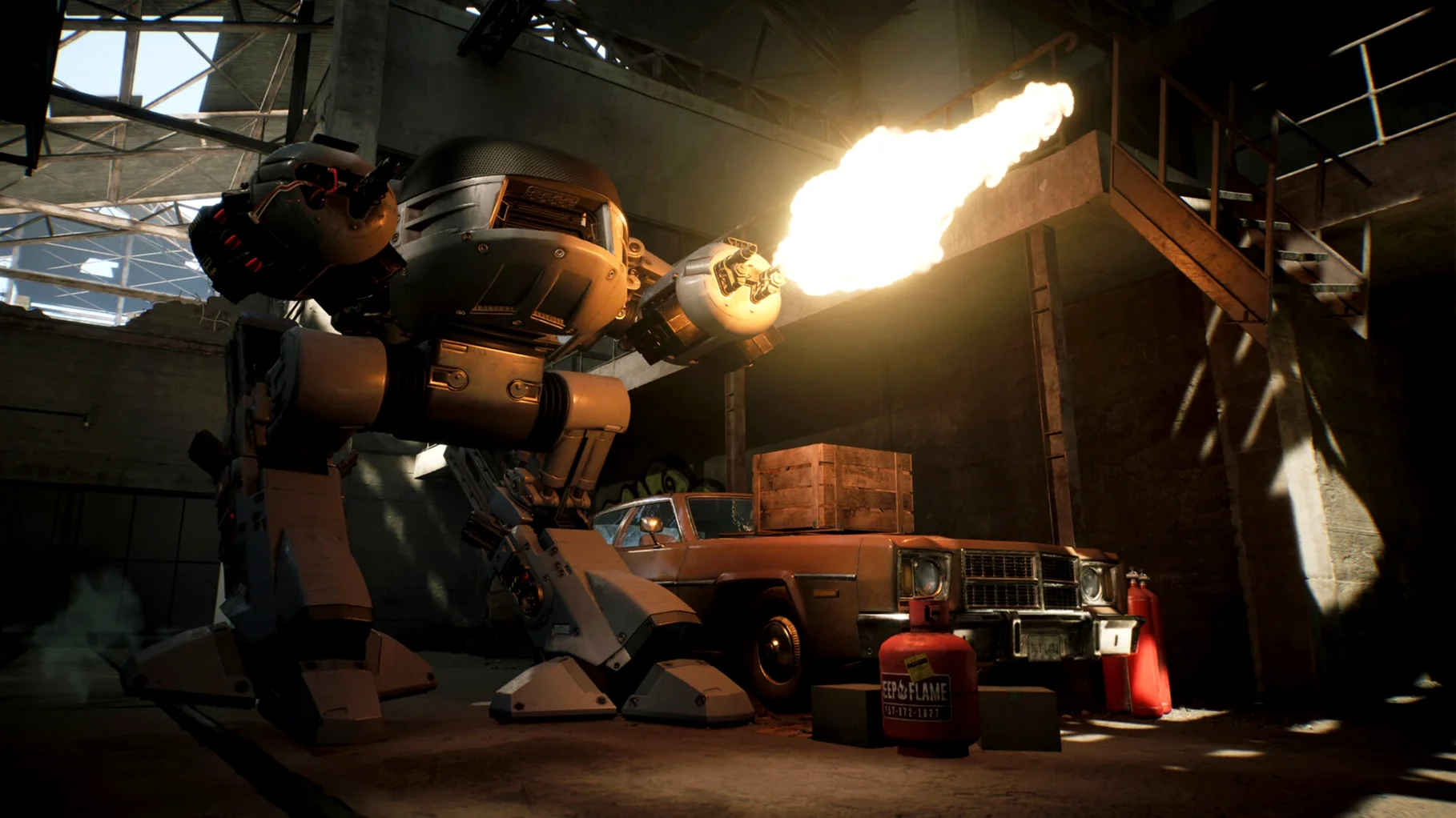
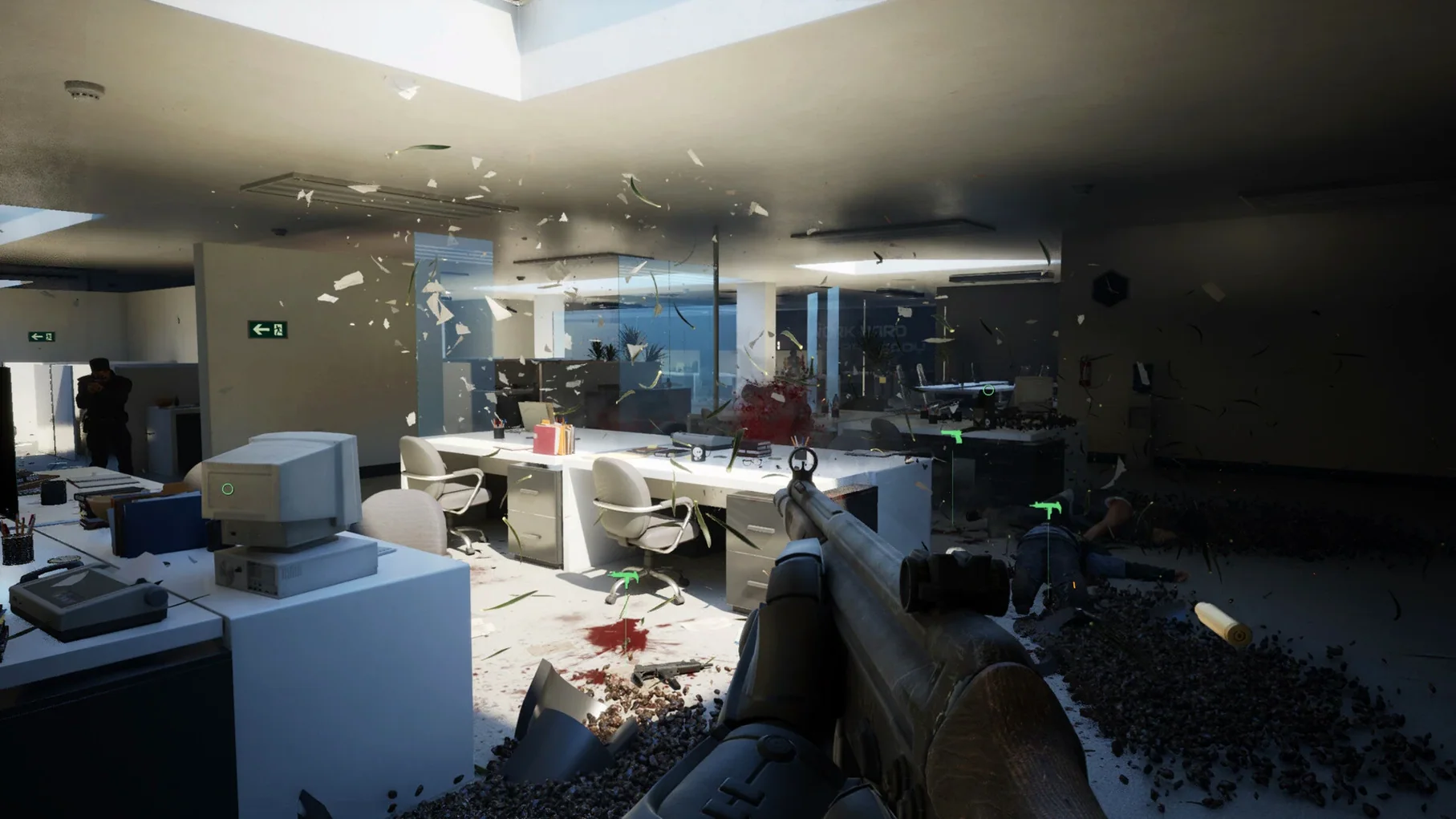
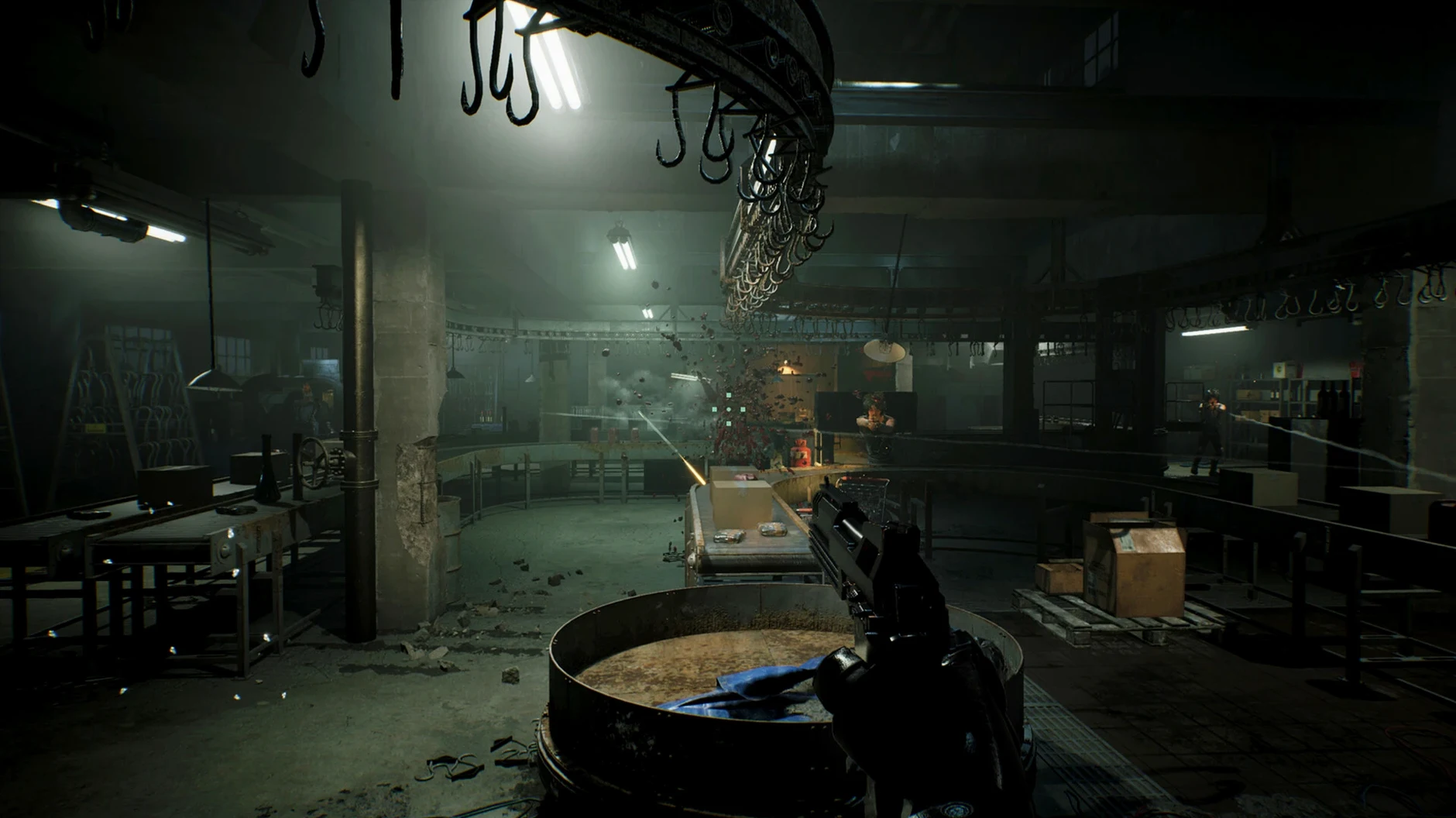
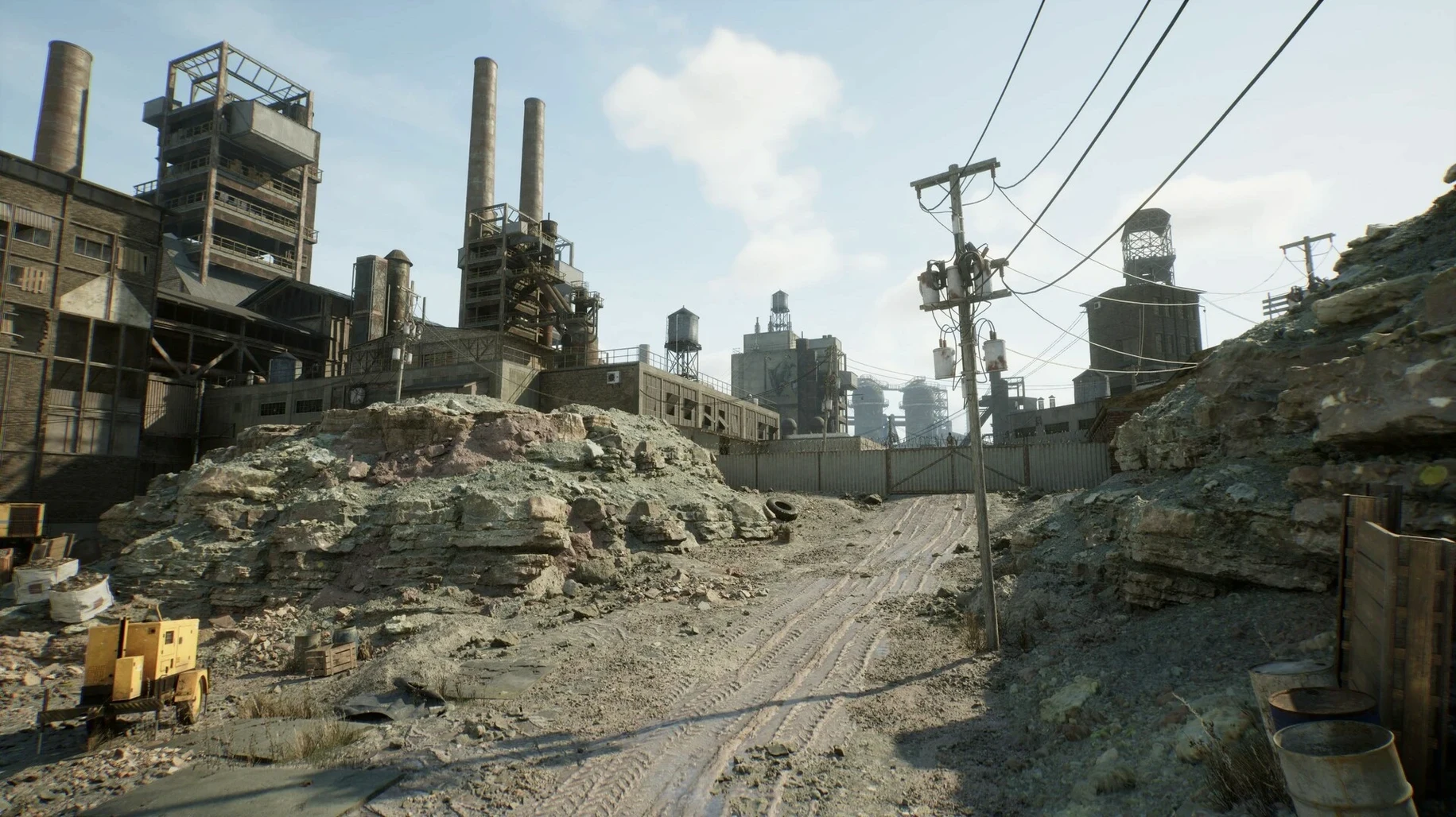
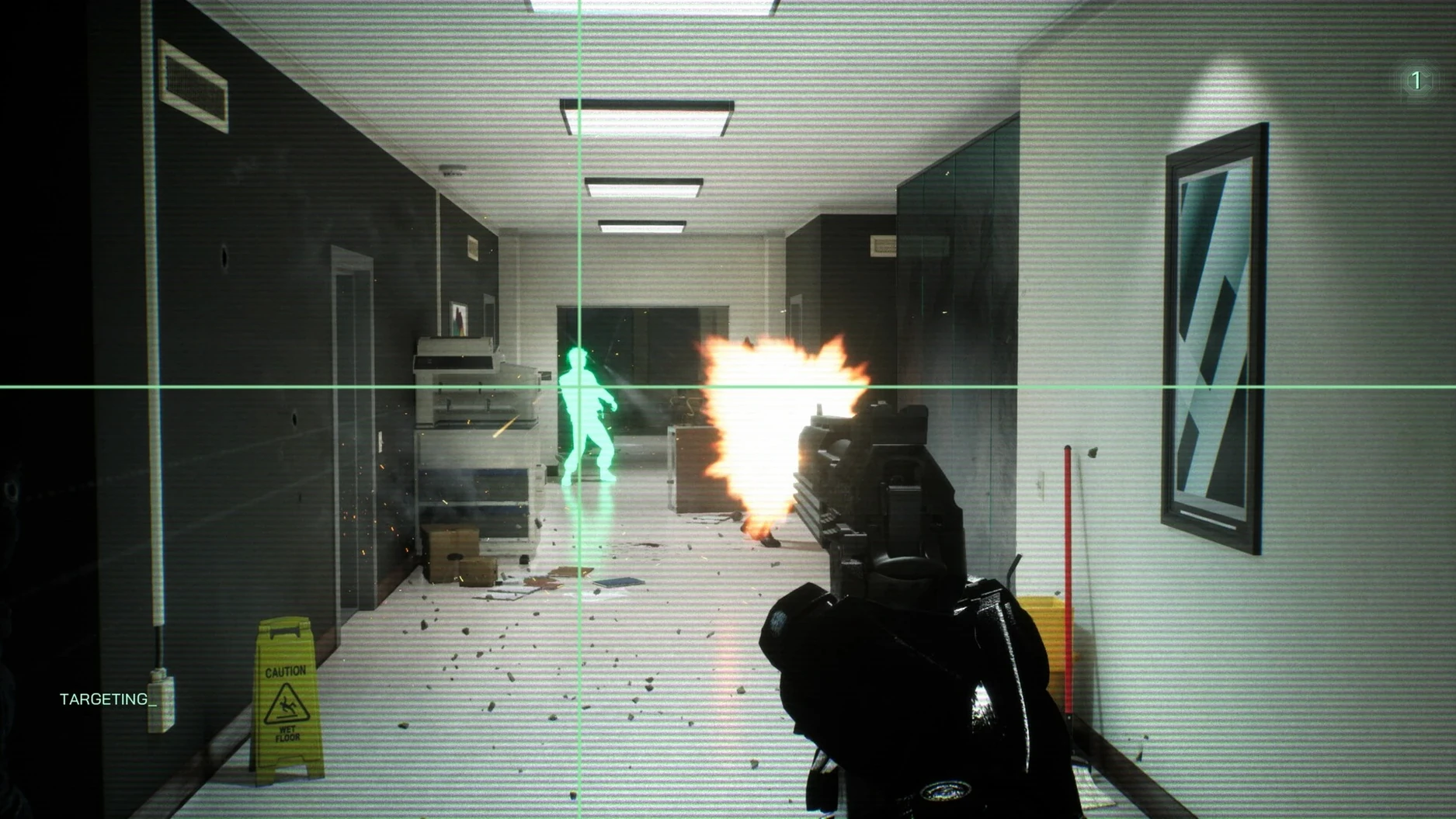
You drop into Old Detroit as the law — a walking tank with a badge. RoboCop: Rogue City for macOS is a native port, not a wrapper, built by Teyon and published by Nacon. Peter Weller voices the title character, which gives the dialogue the same deadpan weight as the films. The game runs on Apple Silicon Macs with macOS 15.0.0 or later.
What is the gameplay about?
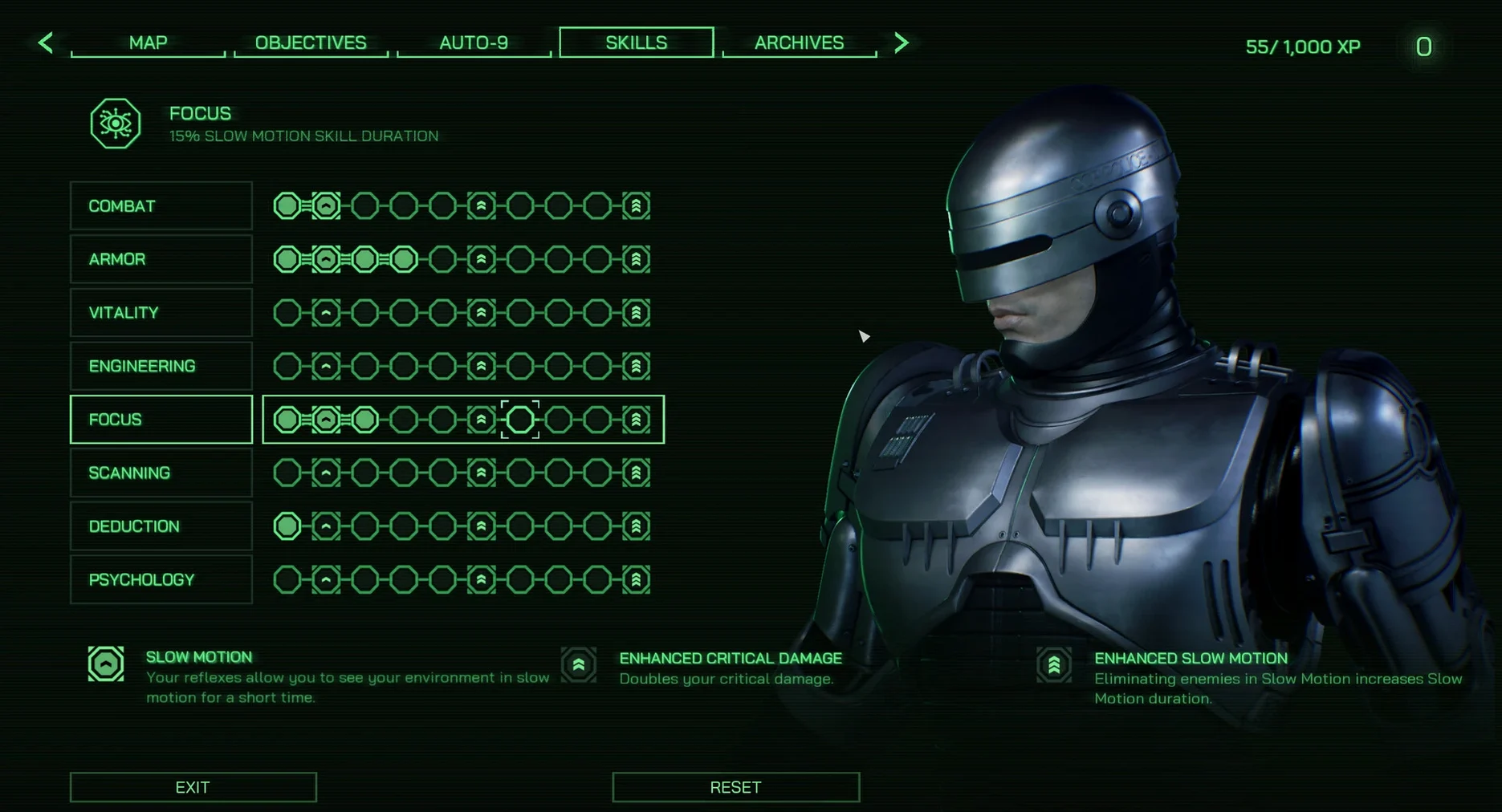
You patrol crime scenes, search for clues, and shoot through waves of thugs. The campaign mixes investigation beats with third-person firefights. You can upgrade RoboCop's abilities as you play, tailoring his performance to your style.
What weapons are available?
The game includes 20 weapon types. You start with the Auto-9, RoboCop's signature sidearm, and pick up shotguns, rifles, and heavy ordnance from downed enemies. Each weapon handles differently, so swapping between them changes your approach in combat.
Why treating RoboCop like a run-and-gun shooter fails
New players often treat the game like a standard run-and-gun shooter, which works for a few minutes but falls apart once the enemy count rises. RoboCop moves deliberately — you cannot sprint or dodge. Trying to strafe through open streets without using cover or scanning for threats first is a fast way to drain your health bar.
Another common error is ignoring the ability upgrade screen early on. The game gives you skill points after missions, and spending them only on weapon damage leaves you without the durability or scanning upgrades that make exploration smoother. Boost your armor and health regeneration first; the shooting improves by itself as you find better weapons.
Some players also skip the investigation sections, rushing through crime scenes to get back to the action. The game rewards thorough searching — clues unlock dialogue options during interrogations, and those choices can change how later missions play out. If you skip scanning a room, you might miss a shortcut or a side objective that makes a firefight easier.
Fixing the 'refuses to launch on first try' issue
One recurring issue on the Mac version is the game refusing to launch on the first try. This usually happens if macOS flags the app because it was copied from a disk image. Quit the installer, open System Settings > Privacy & Security, and look for a message about the app being blocked. Click Open Anyway, then launch again. After that, it opens normally.
Another snag: the game drops to a black screen after the title logo. This is often a resolution mismatch. Go into the display settings from the main menu and switch between fullscreen and windowed mode, or lower the resolution by one step. The game adapts on the next restart.
Some users report that the Auto-9 feels weak in the first few missions. That is not a bug — the weapon upgrades are tied to story progress. You unlock damage and ammo upgrades at specific points in the campaign. Until then, rely on the shotguns and rifles you pick up from enemies. They hit harder and make the early fights less tedious.
Two key settings to change before starting the campaign
Before you start the campaign, open the options menu and adjust these:
- Motion blur — turn it off. The default setting can make the image look smeary during fast turns. Disabling it keeps the view crisp.
- Camera sensitivity — lower it by a notch or two. The default speed is fine for menus, but during combat it can feel twitchy. A slower setting helps with aiming the Auto-9.
- Subtitles — enable them even if you understand English. Peter Weller's delivery is clear, but environmental audio can drown out lines during firefights.
- Auto-aim — leave it on. The game expects you to use it. Manual aiming works, but the hitboxes on some enemies are tight, and the assist makes the early missions less frustrating.
These small tweaks take less than a minute and save you the annoyance of digging through menus mid-mission.
Interface and subtitles are available in Russian, English, German, Spanish, Italian, Chinese (Traditional and Simplified), Korean, Polish, Portuguese, French, and Japanese.
- Mac release dated 2025-04-30 (version 1.0.4).
- macOS 15.0.0 or later
- Apple Silicon processor (M1, M2, M3, M4, etc.)
Questions from the notes
Is the Mac version a native release?
Yes. RoboCop: Rogue City for macOS is a native port, not a wrapper or emulated title.
Who voices RoboCop in this game?
Peter Weller, the actor from the original films, provides RoboCop's voice.
Can I improve RoboCop's abilities during play?
Yes. The player can upgrade RoboCop's abilities as they progress through the game.
Install procedure
- Open the downloaded disk image.
- Drag the app into the Applications folder shortcut.
- Launch the app from Launchpad after copying finishes.
Reports from players
Sign in or create a tester account to file a report.
No reports filed yet.