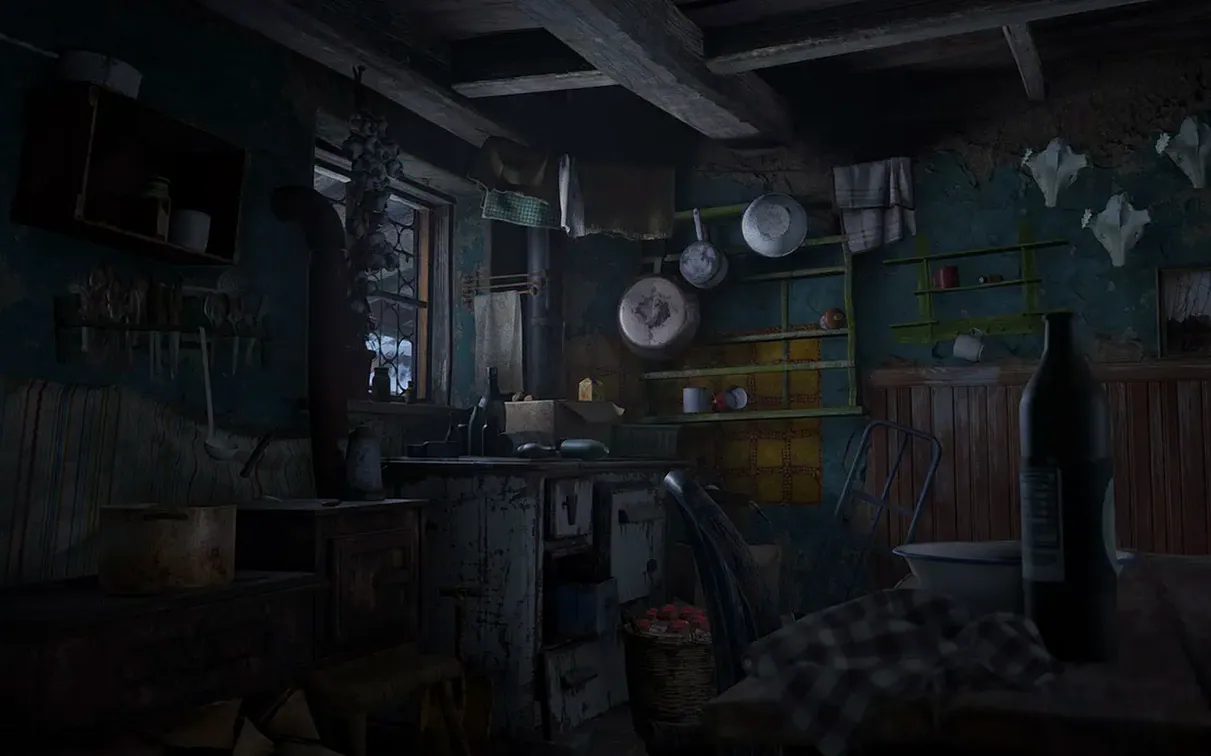
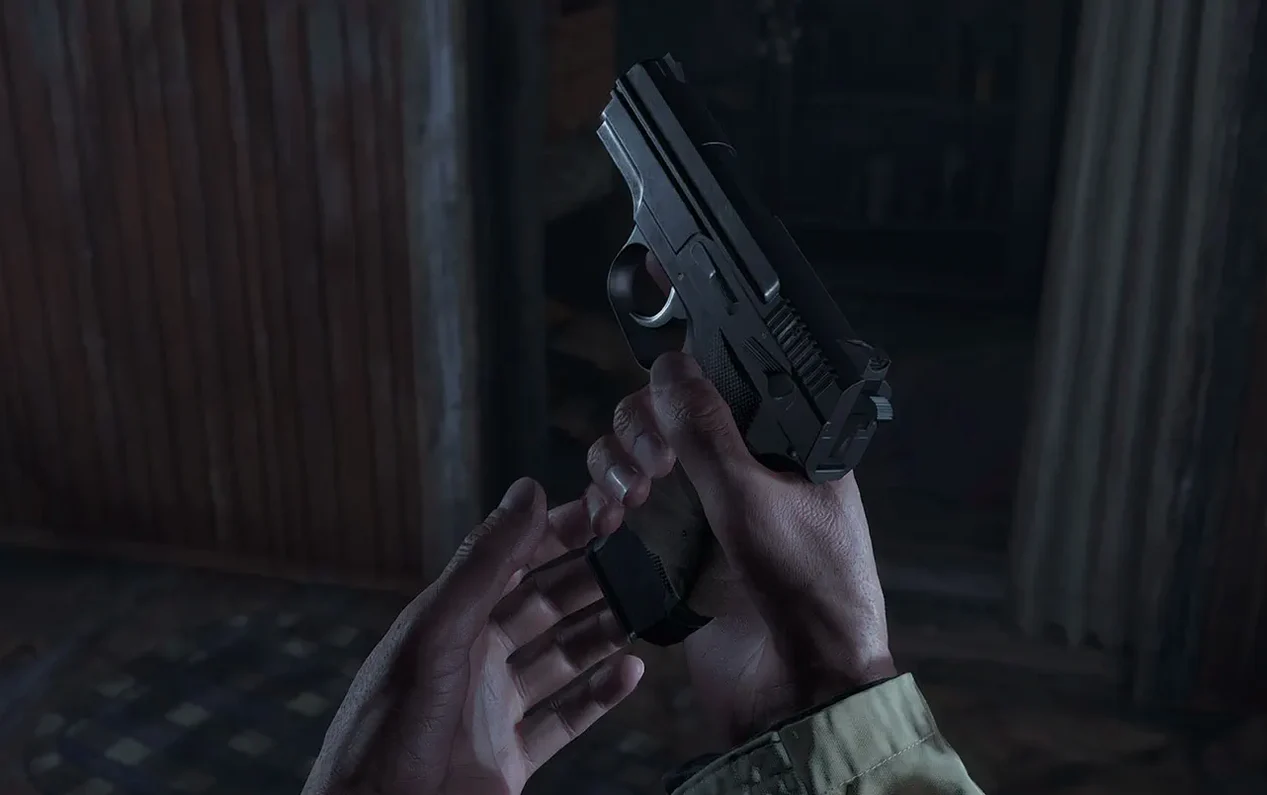

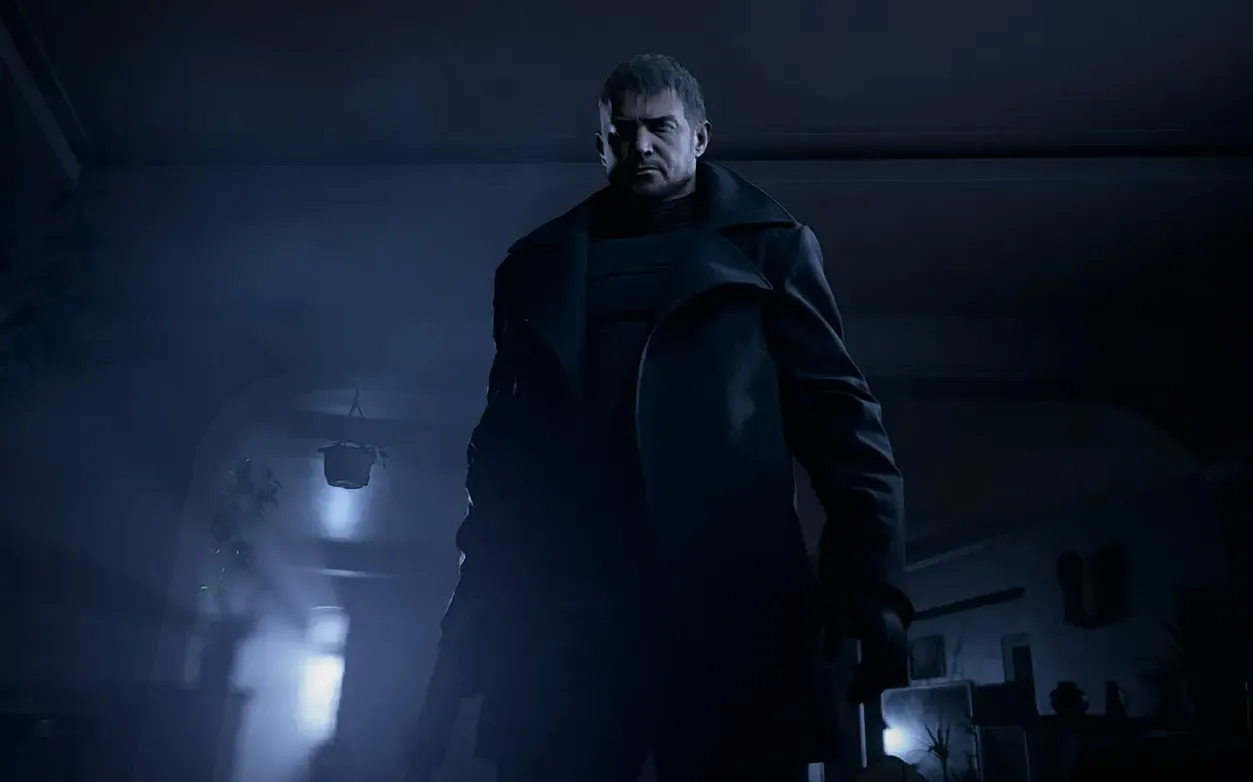
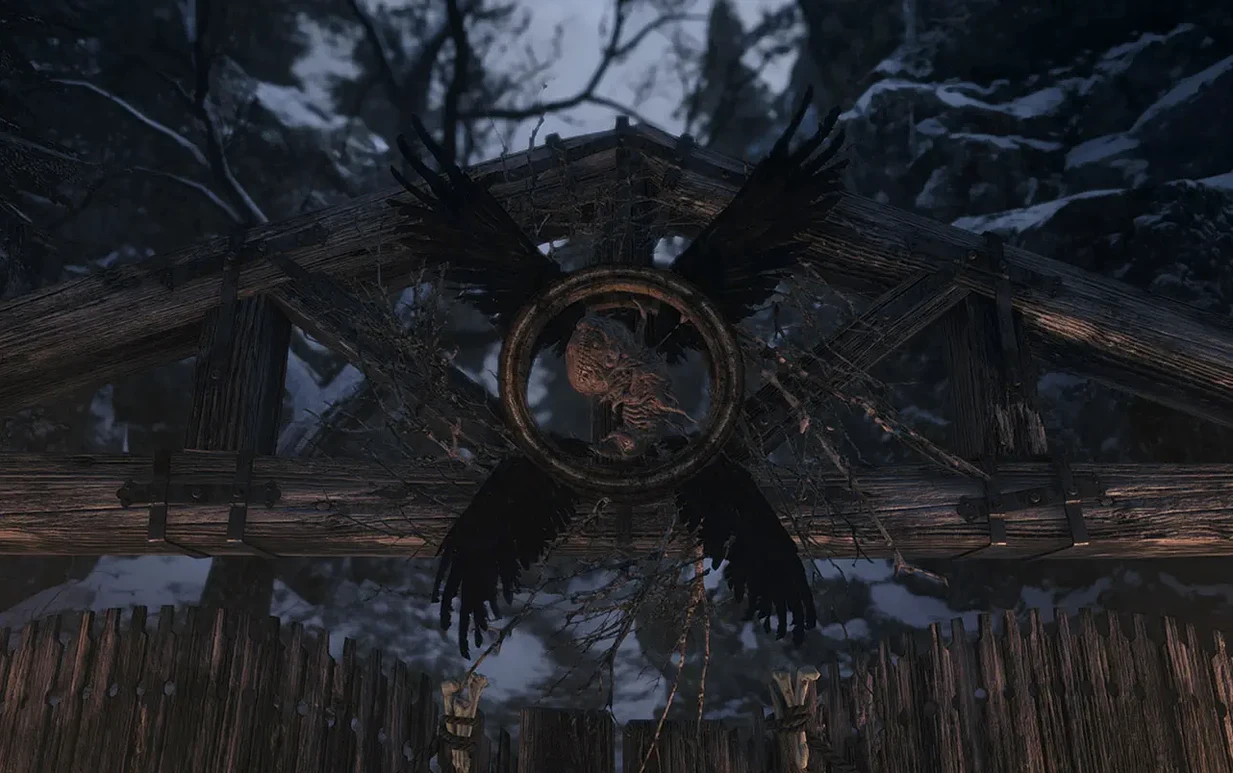
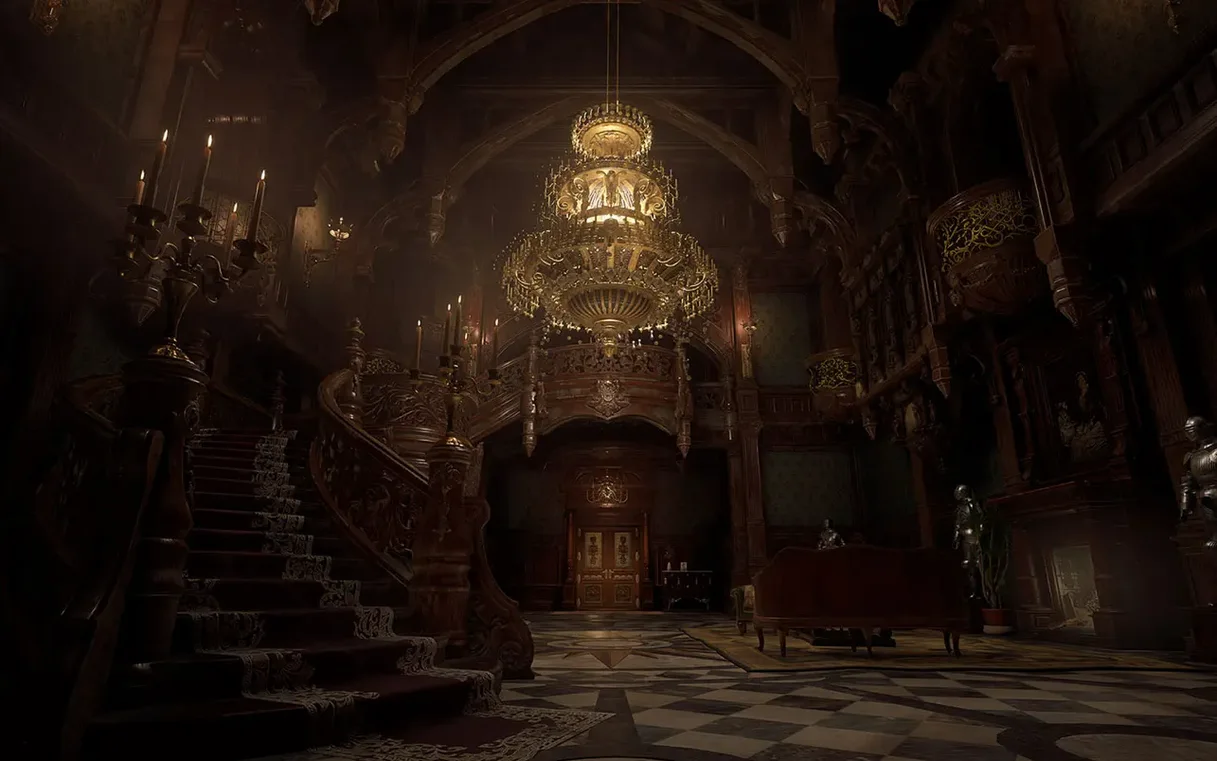
Resident Evil Village 1.1.2 fix runs natively on Apple Silicon Macs with macOS 12.0 or later. Intel Macs are not supported.
| Detail | Info |
|---|---|
| Version | 1.1.2 fix |
| Developer | CAPCOM |
| Genre | Survival horror |
| Apple Silicon | Native |
| Controller | Supported |
| DLC | Shadows of Rose included |
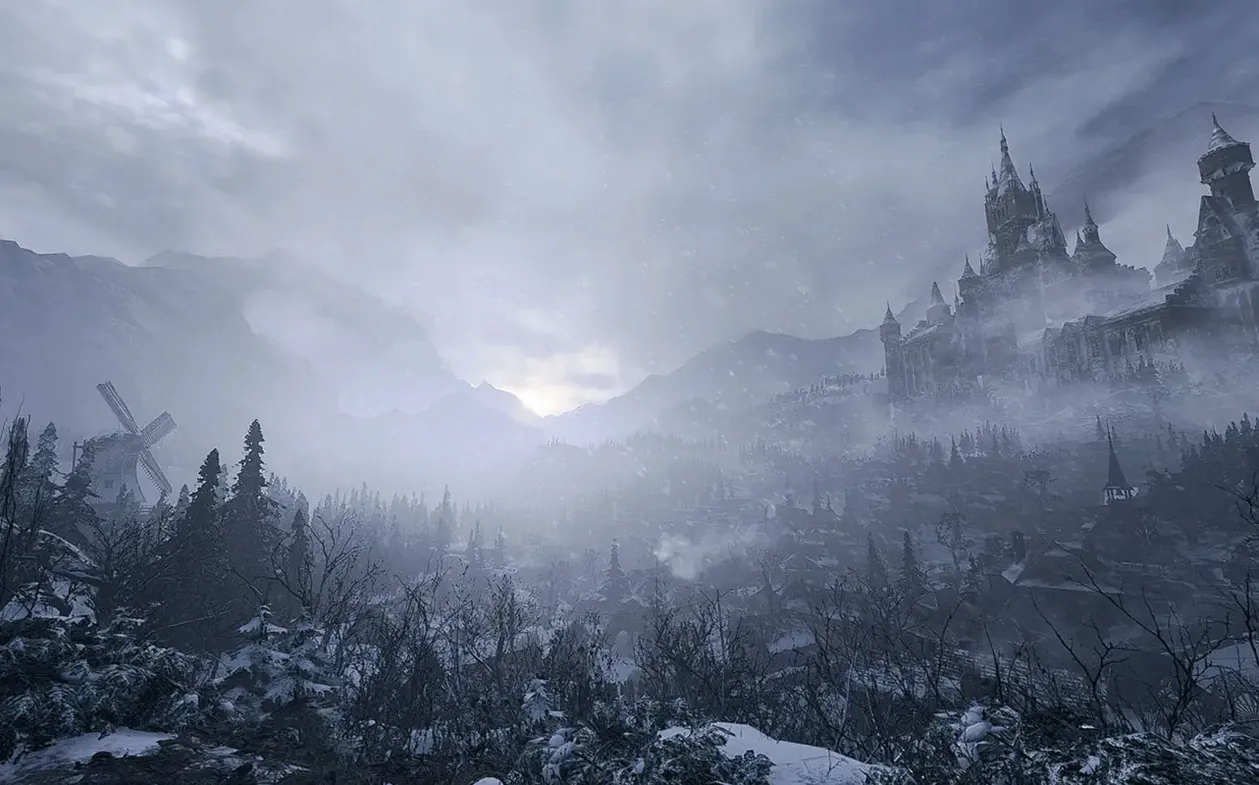
This eighth mainline entry continues Ethan Winters’ story after Resident Evil 7. The village setting replaces the Baker mansion with a more open, enemy-filled playground. Players who enjoy methodical resource management, puzzle-like exploration, and tense combat will find plenty to like here. The Shadows of Rose DLC adds a separate story chapter that runs about two hours. People who prefer fast-paced action or multiplayer modes should look elsewhere — Village is deliberately paced and single-player only. The horror leans into gothic atmosphere and scripted set-pieces rather than jump scares, so it may not satisfy players seeking pure survival horror in the vein of the early entries.
Workflow: starting a new game and getting through the first hour
After installing, disconnect from the internet before launching. This prevents the black screen that can appear when the game tries to verify the license. Open the game, select New Game from the main menu, and confirm your language preference — the voice language can be set separately from the subtitle language. The opening sequence is mostly cinematic. Once you regain control of Ethan, the tutorial prompts teach the basics: look around, interact with objects, and manage your inventory. The first combat encounter is scripted. Use the knife and pistol you find in the house. Aim for the head to conserve ammo. After escaping the initial house, explore the village freely. The first major puzzle involves finding a key item in a locked house. Look for a note on a table that hints at the solution. Save manually at the typewriter before entering the castle — the game does not autosave before boss fights.
No more freezing when switching display modes
The 1.1.2 fix addressed a few stability issues. The most noticeable change is that the game no longer freezes when switching between full-screen and windowed mode, which was a problem in earlier versions. Some users reported that the Shadows of Rose DLC would not start after the main story; this fix ensures the DLC loads correctly. The menu responsiveness also improved — navigating the inventory and settings screens no longer has the slight lag that was present before. If you have been playing on the 1.1.1 version, the save files carry over without any extra steps. The Mercenaries mode also runs without the occasional crash that occurred during high-score submissions.
Disable internet on first launch to avoid black screen
- Disable internet during first launch — the black screen issue is known and easy to avoid. After the game loads once, you can reconnect.
- Adjust the sensitivity — the default camera sensitivity feels slow for most people. Go to Options > Camera and increase the X and Y axis speed to your comfort level.
- Play with a controller — keyboard and mouse work, but the game was designed with a gamepad in mind. The controller support is full, including haptic feedback on compatible controllers.
- Save often — the game saves manually at typewriters. There is no quicksave. Save before entering a new area, especially if you see a lot of items on the ground — that usually means a tough encounter is coming.
- Learn the crafting system early — you can combine herbs for healing and gunpowder for ammo. Do not hoard everything; use resources as you find them. The game gives you enough materials to stay stocked if you craft regularly.
Clear the castle wing in one hour before dinner
You sit down after work, open the game, and load the last save. The screen shows the village courtyard. You have about an hour before dinner. The goal for this session is to clear the castle wing and find the mask piece. You start by checking the map — the game marks areas you have not fully explored. The castle hall has two locked doors. One needs a crest, the other a key you saw earlier but ignored. You backtrack to the storage room, pick up the iron key, and return. The door leads to a dining room with three enemies. You use the shotgun for the first one — the noise alerts the other two, so you finish them with the pistol. Conserve the shotgun shells for the boss later. After searching the room, you find the crest behind a painting. You place it on the altar in the hall, which opens a staircase to the lower floor. Then you save at the typewriter. The next room triggers a cutscene. The session ends there, with a clear next step for tomorrow: the boss fight in the courtyard.
- macOS 12.0 or later
- Apple Silicon (M1 or newer)
Questions from the notes
Does Resident Evil Village support Intel Macs?
No, the Mac version requires Apple Silicon (M1 or later) and macOS 12.0 or newer. Intel Macs are not supported.
Install procedure
- Open the downloaded disk image.
- Drag the app into the Applications folder alias.
- If the app does not open, run the Terminal command provided in the installer notes.
- Let the command finish even if Terminal appears to stop responding.
- Disconnect from the internet during launch to avoid a black screen.
Reports from players
Sign in or create a tester account to file a report.
No reports filed yet.