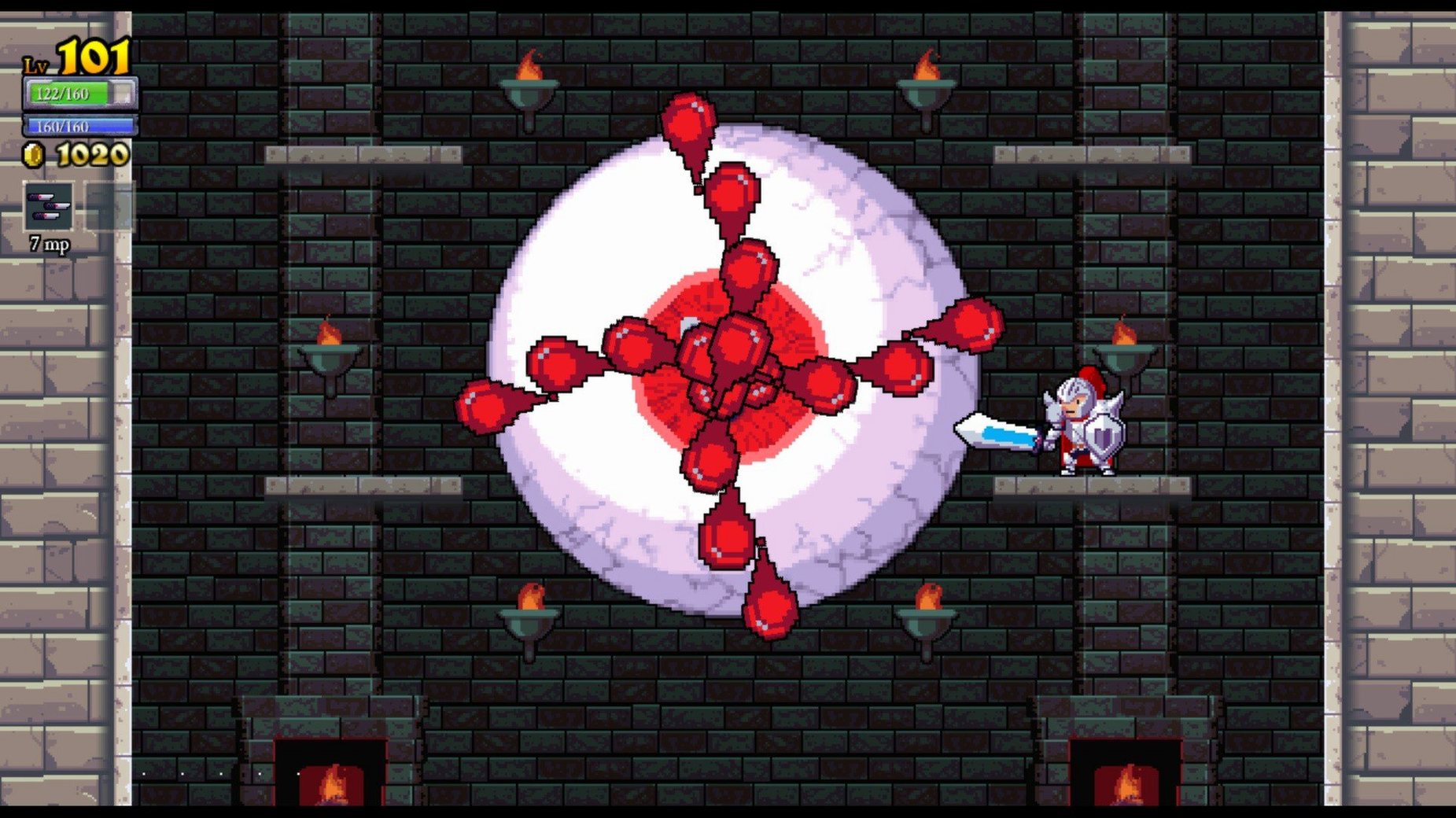
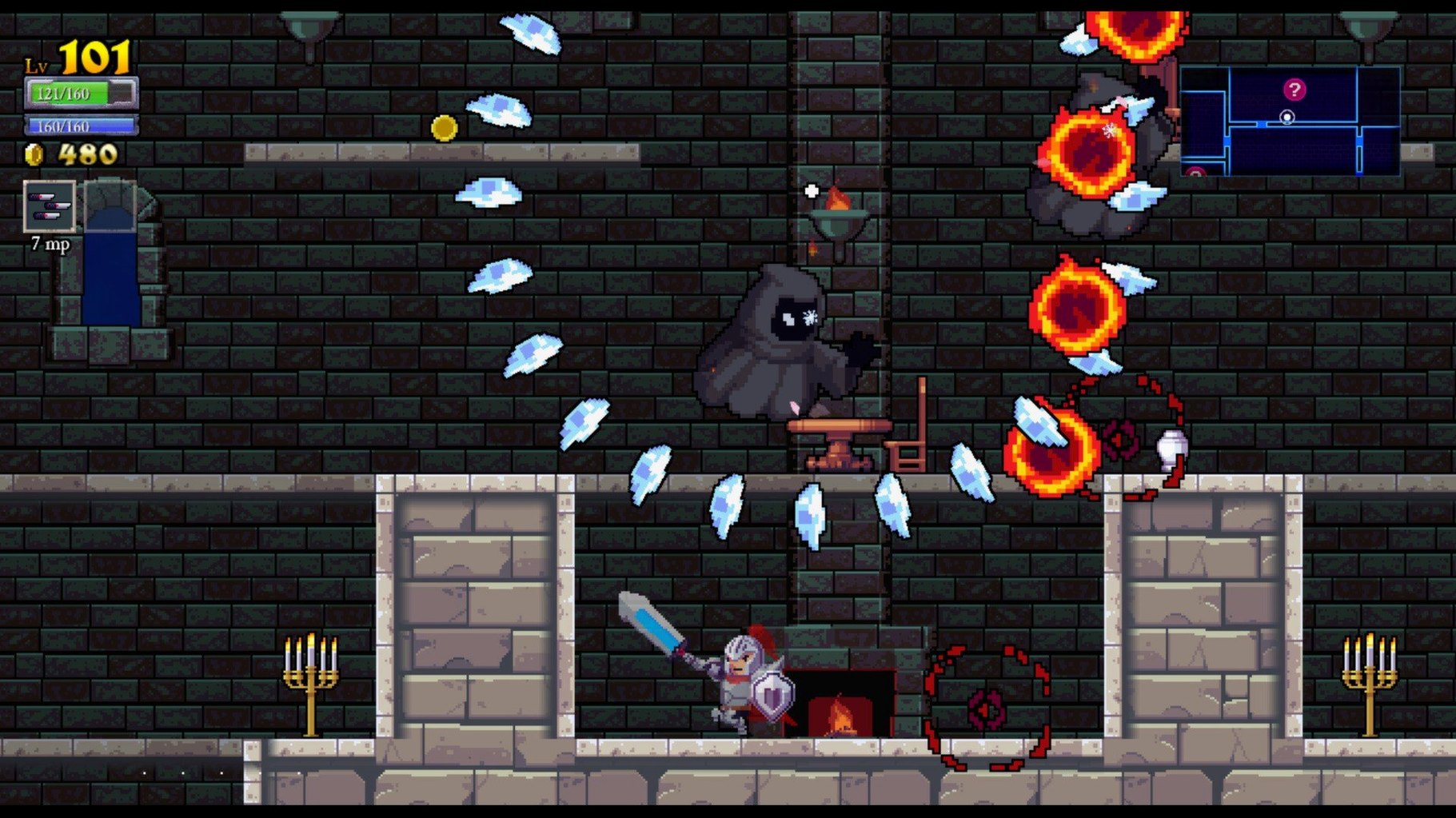
Rogue Legacy 1.4.1 brings no new changes but remains the same punishing genealogical rogue-lite from 2013. Each time your hero dies, their child takes over — and you spend the gold you collected on permanent manor upgrades back at the castle. It’s a loop that turns failure into progress, and it works just as well on a Mac today as it did on release.
Runs through Rosetta 2 on Apple Silicon
The build is x86 64-bit only. I tested it on a 2020 MacBook Air M1 under macOS Sonoma — it ran fine through Rosetta 2. No native Apple Silicon version is available.
Interface supports eight languages
The interface includes Russian, English, German, Spanish, Simplified Chinese, Polish, Portuguese, and French. No audio language options to worry about.
Is the game really that hard?
Yes. It’s designed around repeated deaths, and the manor upgrades are the only way to tip the odds in your favor. If you don’t enjoy dying to learn enemy patterns, this isn’t for you.
Prioritize stat-boosting manor upgrades first
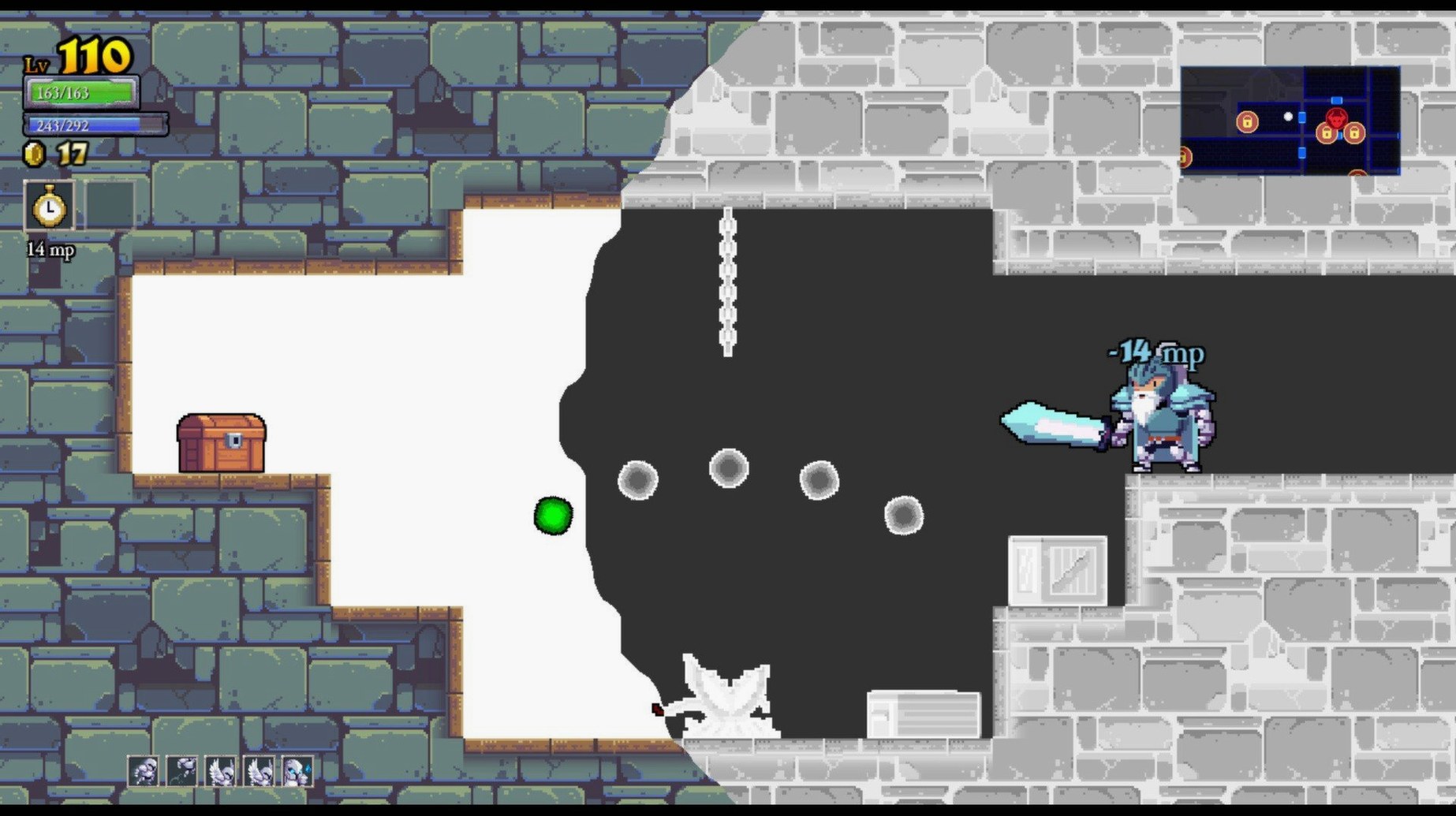
Start by spending gold on the manor upgrades that increase base stats — health, mana, and attack damage early on make the first few runs less punishing. Ignore the cosmetic upgrades until you can survive more than a room or two. The Pendant of True Sight, a rune you can equip, reveals hidden doors and treasure rooms; it’s worth keeping an eye out for it in the castle shops. Also, don’t hoard gold. Dying without spending it leaves nothing for the next heir, so buy what you can afford before each attempt.
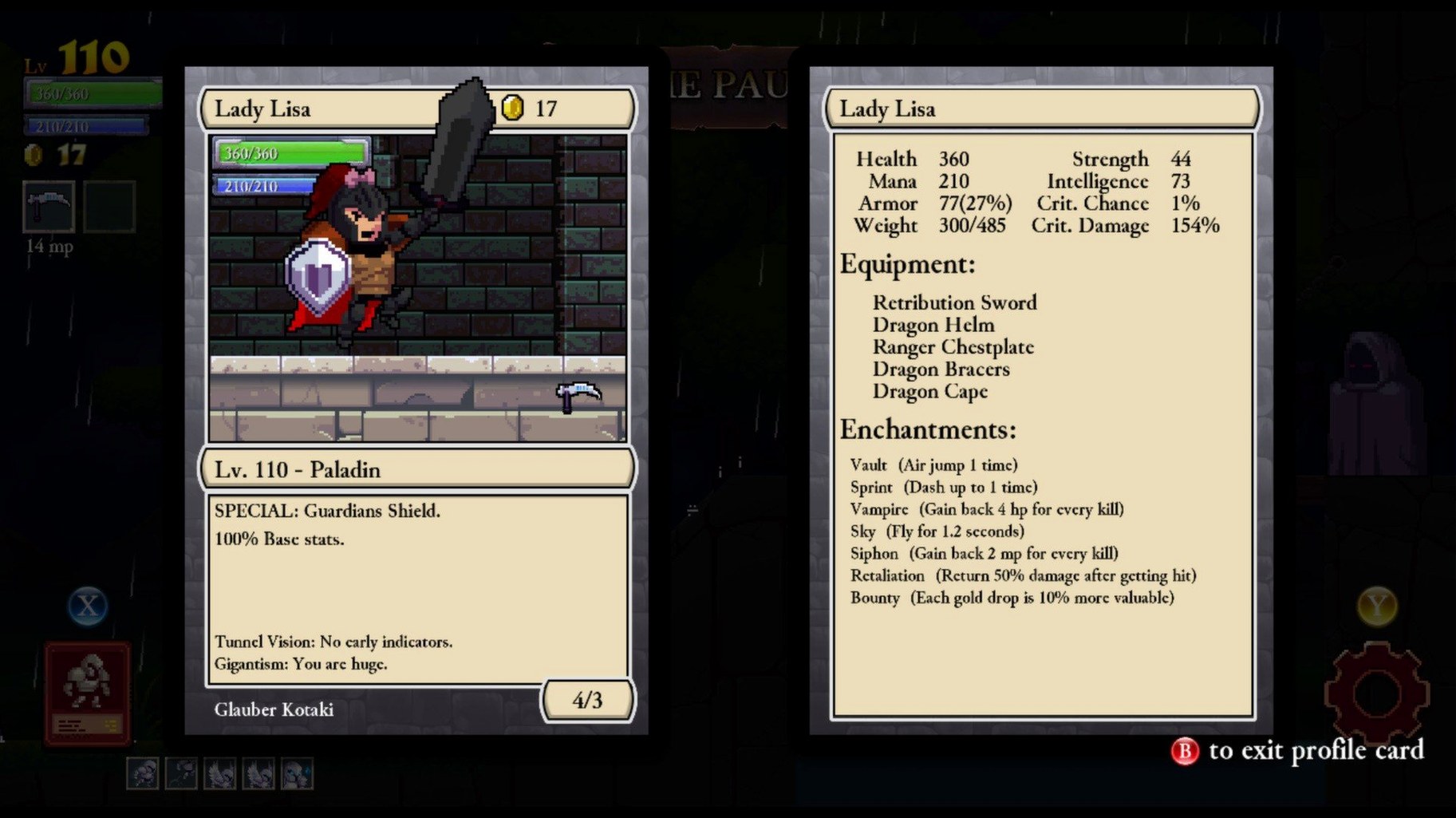
Switch classes often in the first hours. The Hokage’s double jump and the Knife’s fast attack help you learn enemy patterns without committing to a slow, heavy hitter. Each class trains a different reflex, and manor upgrades carry over regardless of which one you chose.
Delete a config file to fix resolution issues
Sometimes the game window fails to launch at full resolution after installation. If that happens, quit the app, navigate to ~/Library/Preferences/com.cellardoorgames.roguelegacy.plist in the Finder, and delete it. The next launch rebuilds the file with default settings. This also resolves a garbled text issue that occasionally appears on older macOS versions.
Save files can become unresponsive if you force-quit the game during a manor upgrade screen. The game autosaves only at certain points — after spending gold in the manor and before entering a new area. If you crash mid-upgrade, the gold is lost but the character progress is intact. To avoid this, let the upgrade animation finish before closing the game.
Audio may drop out on systems using Bluetooth headphones after a few minutes of play. Switching to the built-in speakers or wired headphones fixes it, and it’s a known Rosetta quirk that hasn’t been patched.
Locking the castle layout with the Architect helps practice
The biggest one is ignoring the Architect. You can pay gold to lock the castle layout so it doesn’t change on death, which lets you practice the same rooms repeatedly. New players often skip this because they think it wastes gold, but it saves time in the long run — you learn one section at a time instead of resetting everything.
Another common error is over-relying on a single class. The game expects you to adapt: the Barbarian is strong but slow, the Mage has range but low health, and the Spellsword balances both. Sticking with only one class means you’ll hit walls faster than someone who switches to fit the current castle layout.
Beginners also forget to check the pause menu mid-run for the map. Rooms you’ve visited are marked, and the boss door is shown once you discover it. Wandering aimlessly into a boss room with low health is a quick death, and the map is the only way to plan a route back to the entrance for a refill.
- macOS ?
- Intel processor
Questions from the notes
Does Rogue Legacy support controllers on Mac?
The game supports standard Xbox and PlayStation controllers via macOS, but you may need to pair them before launching the app.
Can I transfer my save from the Windows version?
Save files are not cross-platform. You would need to start fresh on Mac or manually convert the save data, which is not officially supported.
Does the game run on macOS Ventura?
I tested it on macOS Sonoma, and it ran without issues. It should work on Ventura as well, since the architecture hasn’t changed.
Install procedure
- Mount the downloaded disk image.
- Drag the application into the Applications folder alias.
- Once the copy finishes, launch Rogue Legacy from Launchpad.
Reports from players
Sign in or create a tester account to file a report.
No reports filed yet.