
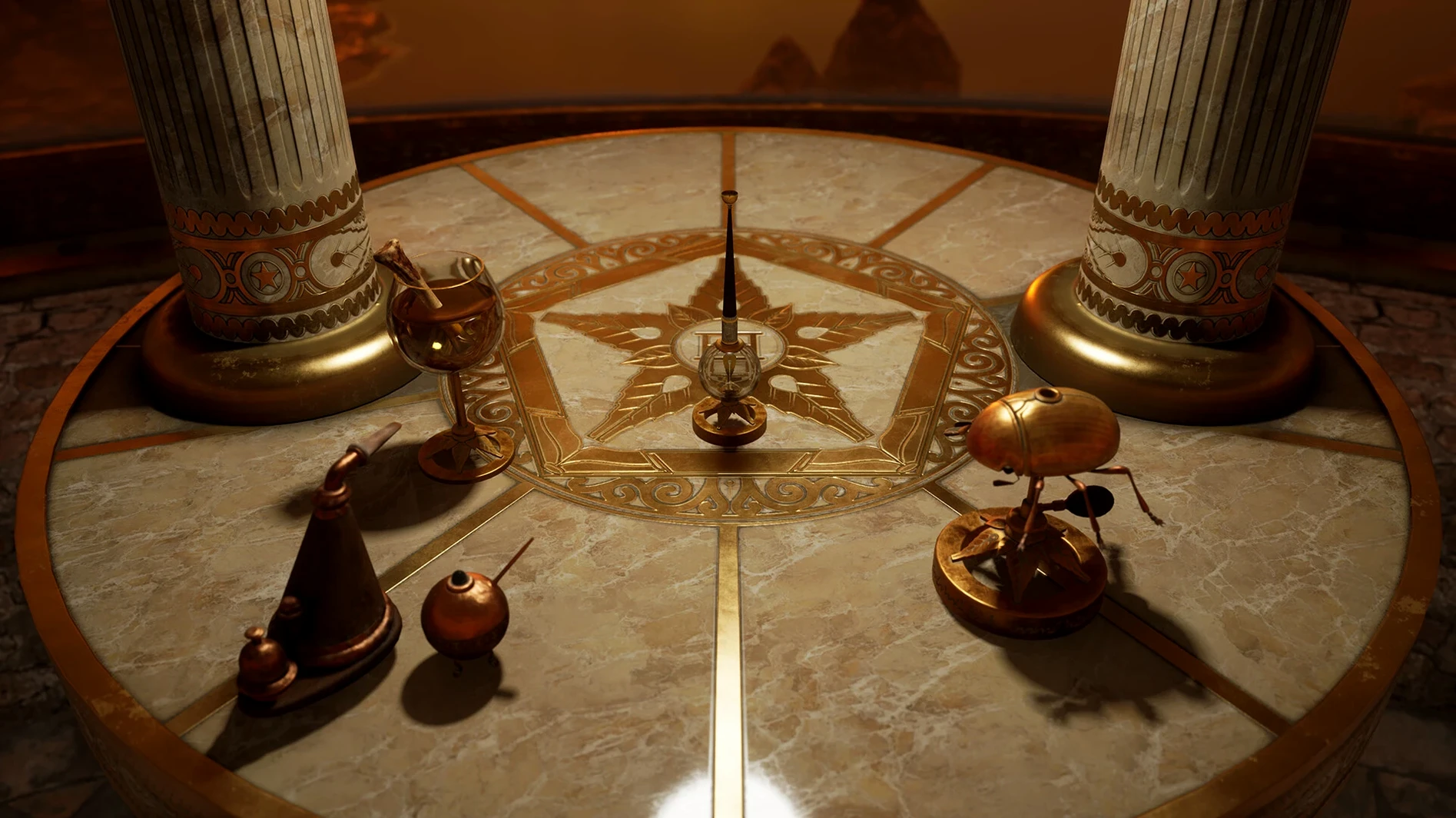
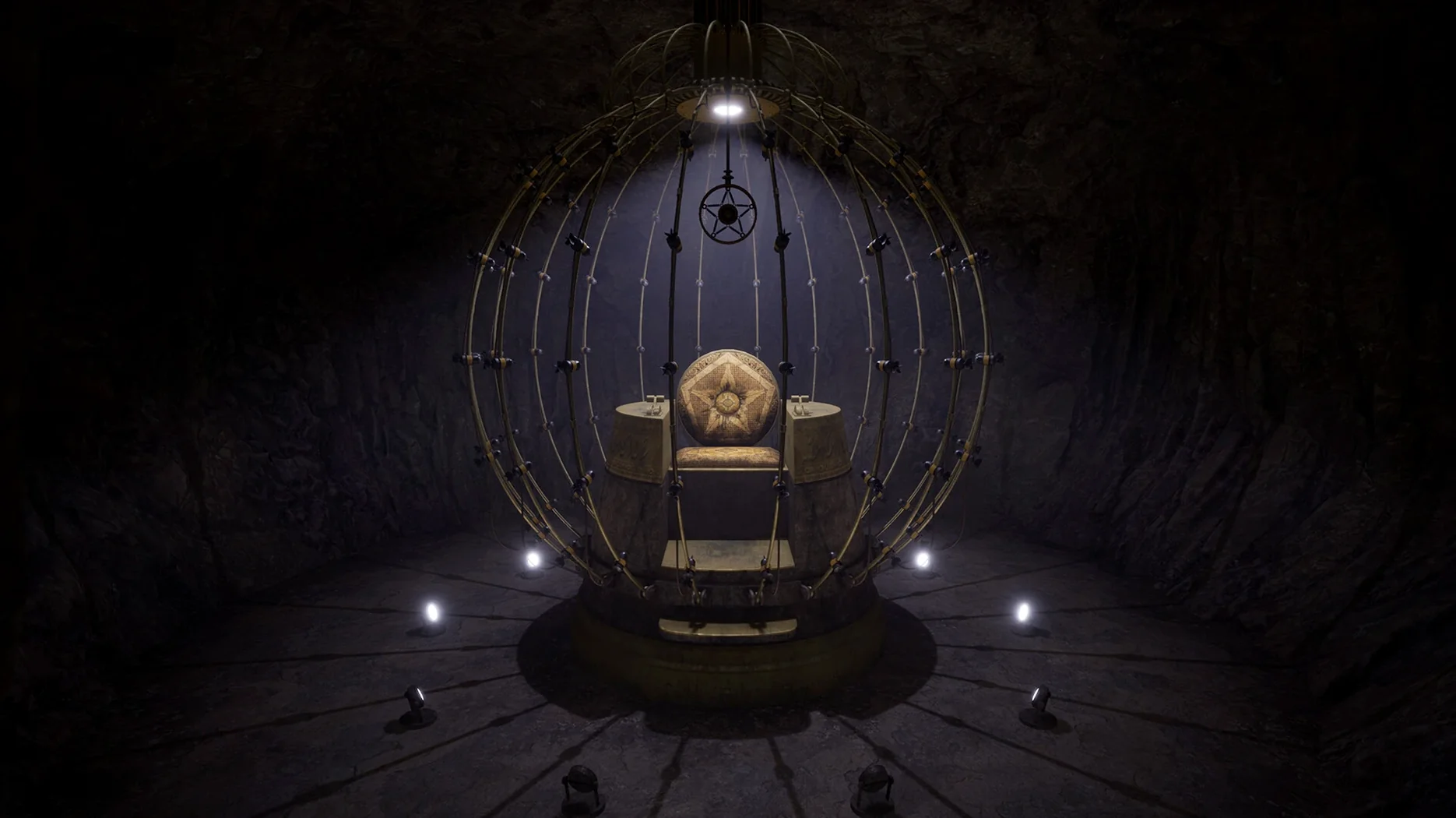
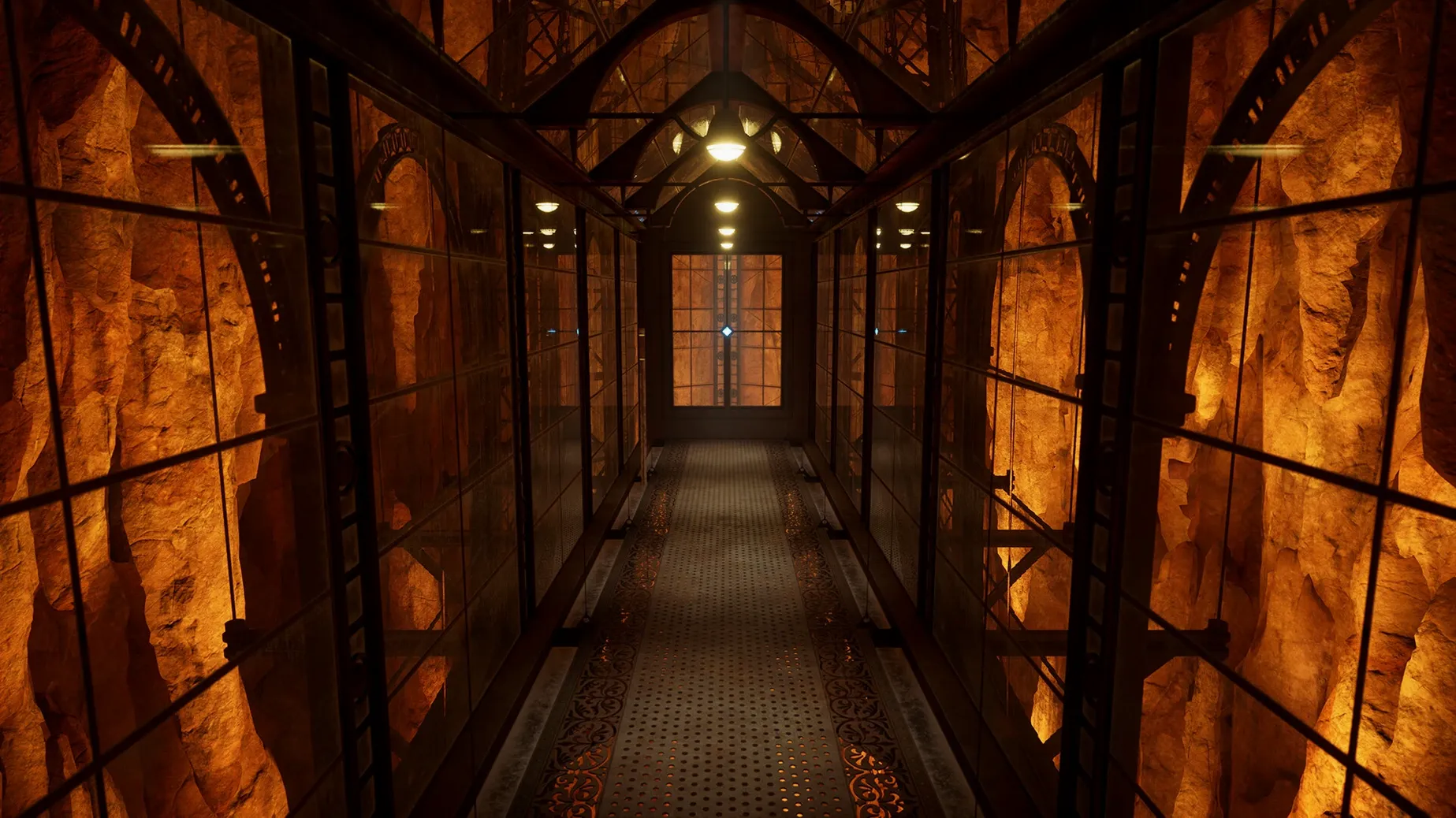
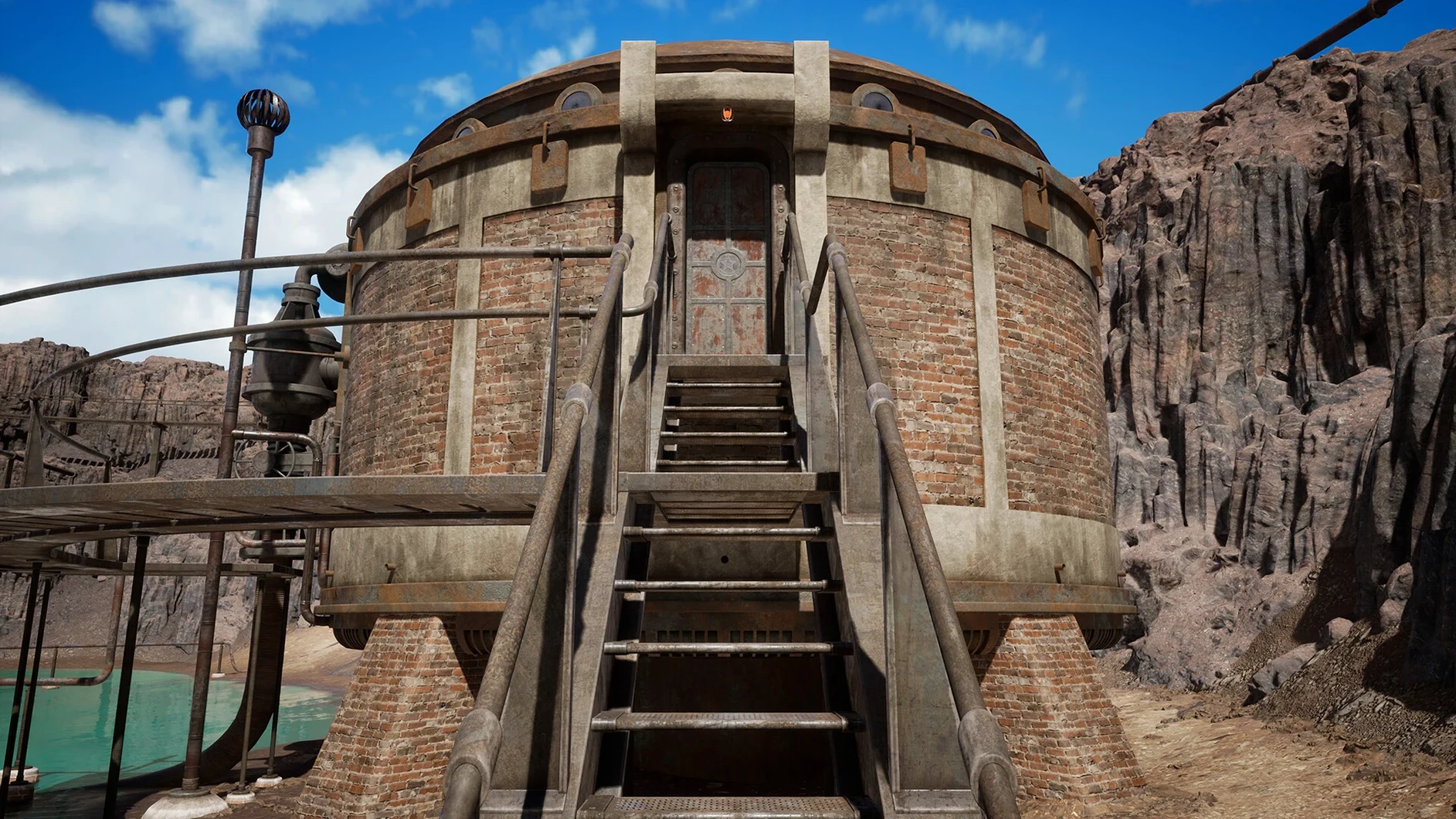
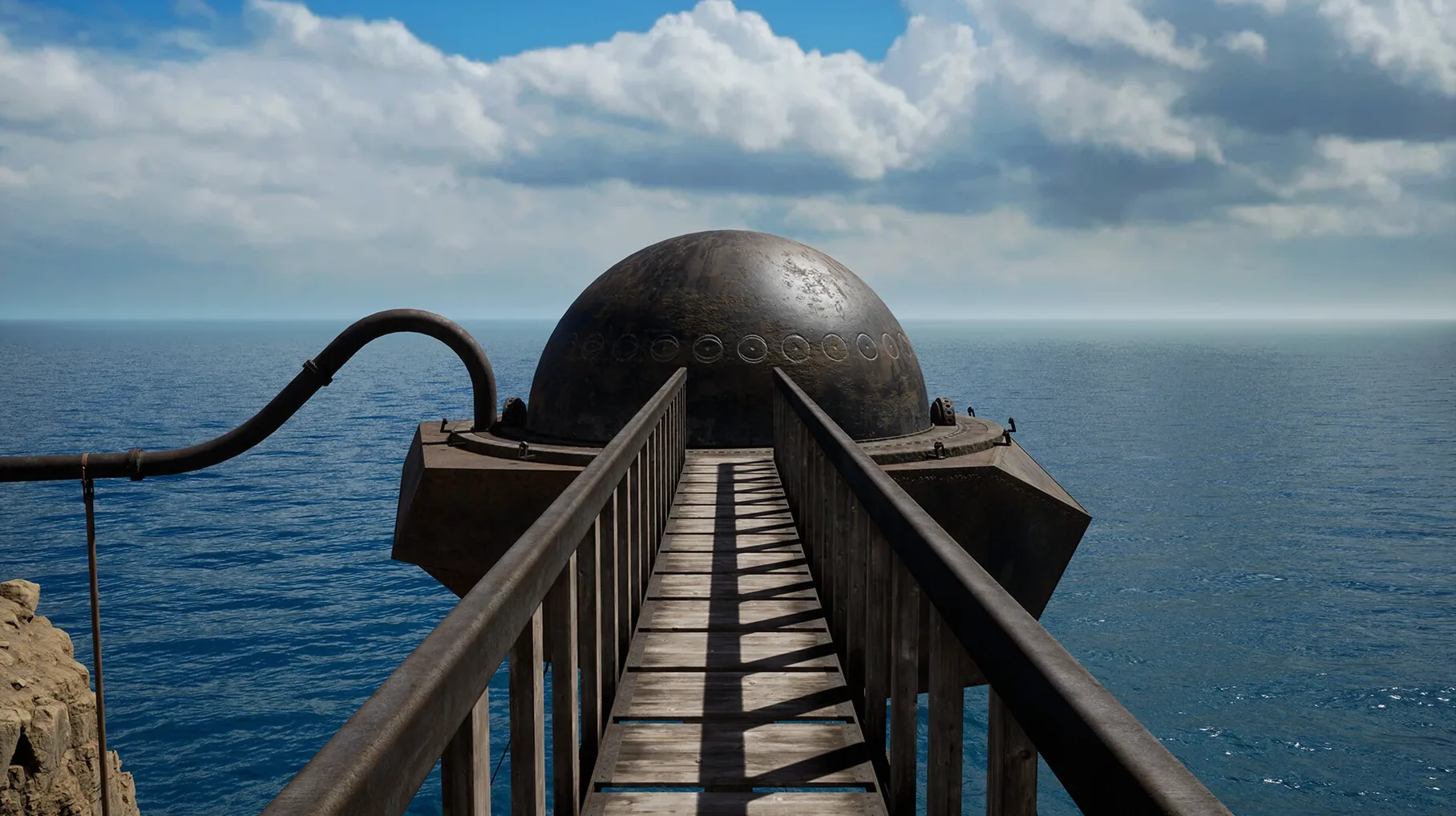
The original Riven from 1997 asked the player to think, not just click. This remake keeps that spirit and adds enough new story material to make a second playthrough feel fresh. You explore jungle, caves, and monoliths in real time, solving puzzles to rescue a person and escape. Voice acting is in English, and the interface supports ten languages including Russian, French, and Japanese.
| Detail | Info |
|---|---|
| Developer | Cyan Worlds, Inc. |
| Current version | 1.9.0 |
| macOS | ? (Apple Silicon only) |
Version 1.9.0 brings a few practical additions: TSR supersampling is now enabled on Mac, a Press Any Button welcome screen appears at launch, and controller haptics work in some locations. If you are installing from a disk image, mount it, run the installer, and choose where you want the game placed when the last step asks. No extra settings to tweak for most people.
Riven demands more notes and cross-island tracking than Myst
The remake lands somewhere between Myst (2020) and Obduction in tone and complexity. Myst is shorter and its puzzles lean on a smaller set of environmental clues. Riven asks you to track relationships across multiple islands and keep notes. Obduction shares the real-time exploration and the Cyan-style logic, but its setting is more sci-fi and less grounded in the stone-and-mechanical feel of Riven. If you finished Myst and wanted something denser, this is the next step. If you found Obduction too open-ended, Riven channels your attention through a narrower set of paths.
None of the three games rush you. All work natively on Apple Silicon, and all use the same basic interaction model: look, pick up, combine, use. The main difference is that the Riven remake adds new story scenes the original had in concept art but never built. That alone can tip someone toward replaying it.
A typical puzzle-solving workflow
The game does not hand you a quest log. You figure out what to do by paying attention to the environment. Here is a walk through the opening stretch to illustrate the flow.
- Start at the survey island. You arrive on a small rocky island with a metal dome in the center. Walk around it and note the switch on the side. Flick it.
- Watch the dome open. Inside is a viewing device. Look through it. You see a different island and a symbol drawn on a wall. Memorize the shape.
- Find the map room. Cross the bridge to the main island. Inside a stone building, a rotating map shows five islands. Each island has a slot for a marker. You have none yet.
- Locate the first marker. Near the lagoon, a broken mechanism sits on a pedestal. The symbol you saw earlier matches a slot on that mechanism. Rotate the rings until the symbol aligns. A metal marker pops out.
- Place it on the map. Carry the marker back to the map room. Insert it into the slot for the island you saw through the viewer. The map clicks and a bridge extends somewhere.
- Repeat. The same pattern continues on each island: find a clue from a viewer, locate the matching puzzle, retrieve a marker, place it on the map. The world opens up gradually.
The whole sequence teaches you the game's language without a tutorial. You learn that viewers, markers, and the map are the three core tools. Later puzzles build on that base.
The remake reworks several puzzle solutions from the 1997 version
People often ask whether the puzzles are the same as the 1997 version. They are structurally similar but the remake reworks several solutions because the world geometry changed. If you remember the exact solution to the telescope puzzle from the original, it will not work here. You have to re-observe and re-solve.
Another common question is about controller support. Version 1.9.0 adds haptics for some locations, which means a PlayStation or Xbox controller works and gives light feedback when you interact with certain machinery. Keyboard and mouse work fine too. The game does not require a controller.
A few people wonder if the remake requires an internet connection. It does not. Once installed, everything runs locally. There is no online authentication, no cloud save nag, and no DRM check at launch.
- TSR supersampling support enabled on Mac.
- Press Any Button welcome screen added.
- Controller haptics added in some locations.
- macOS ?
- Apple Silicon
Install procedure
- Mount the downloaded disk image.
- Run the standard installation procedure.
- Choose the install location when installation finishes.
Reports from players
Sign in or create a tester account to file a report.
No reports filed yet.