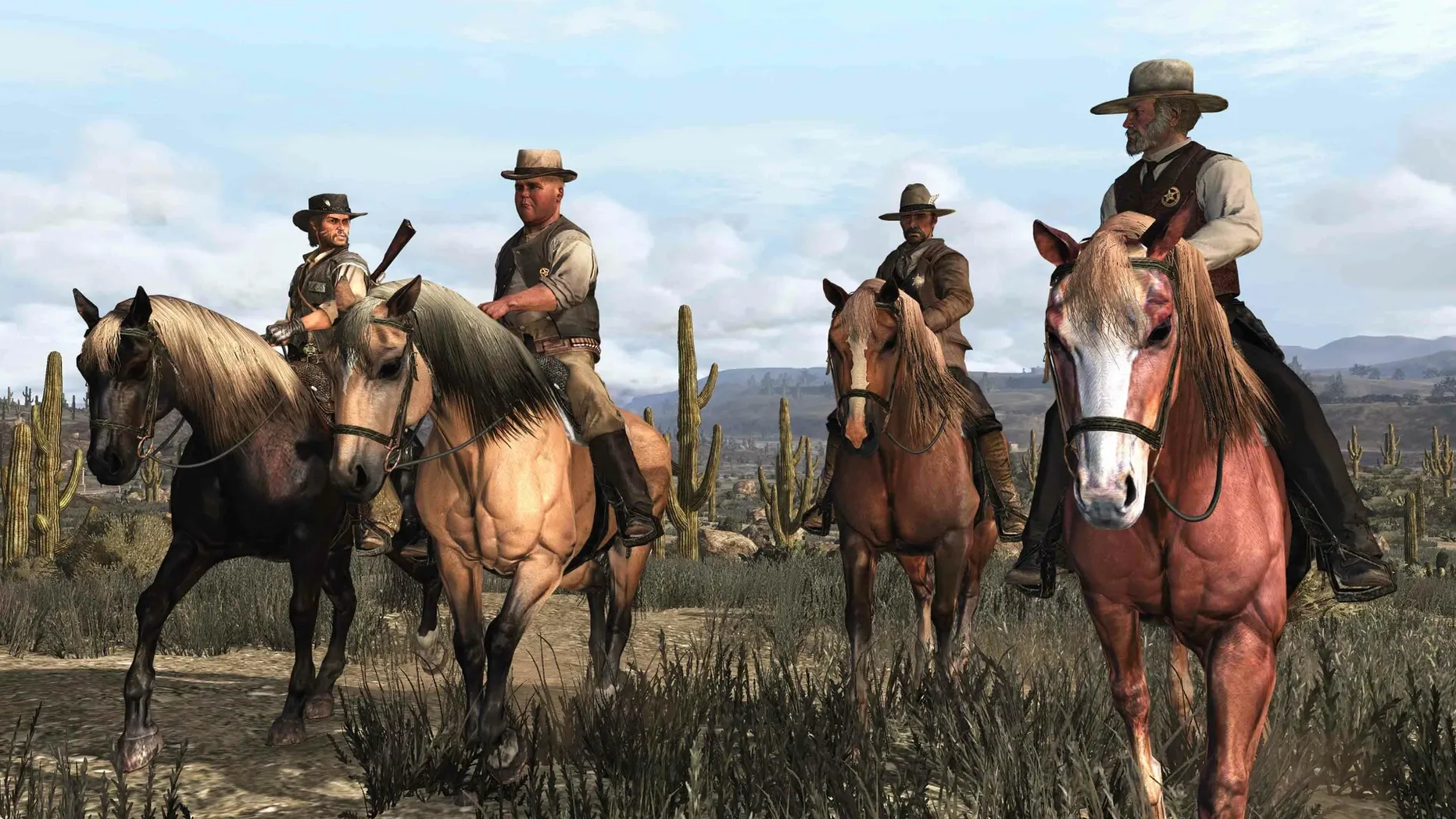
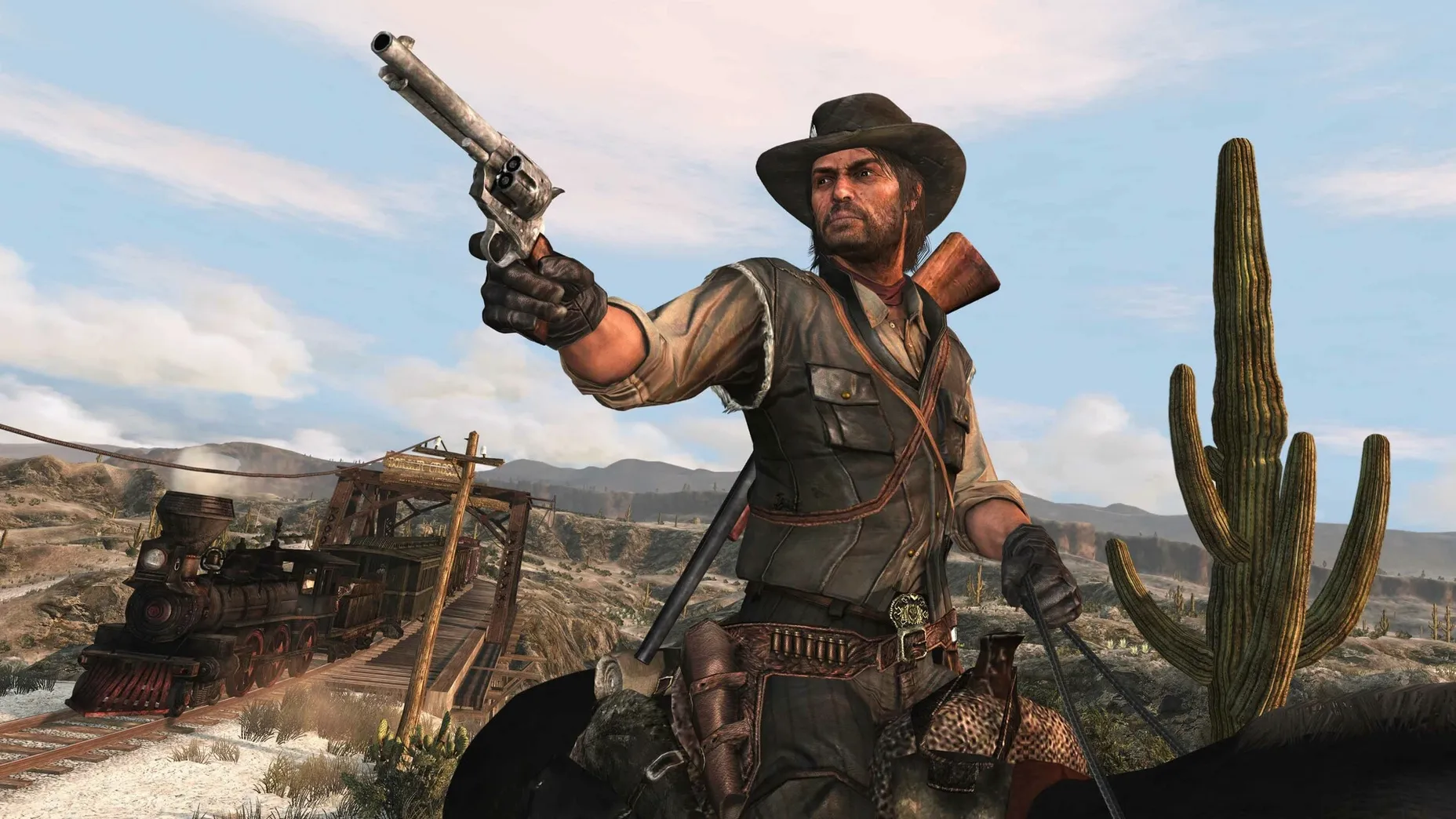
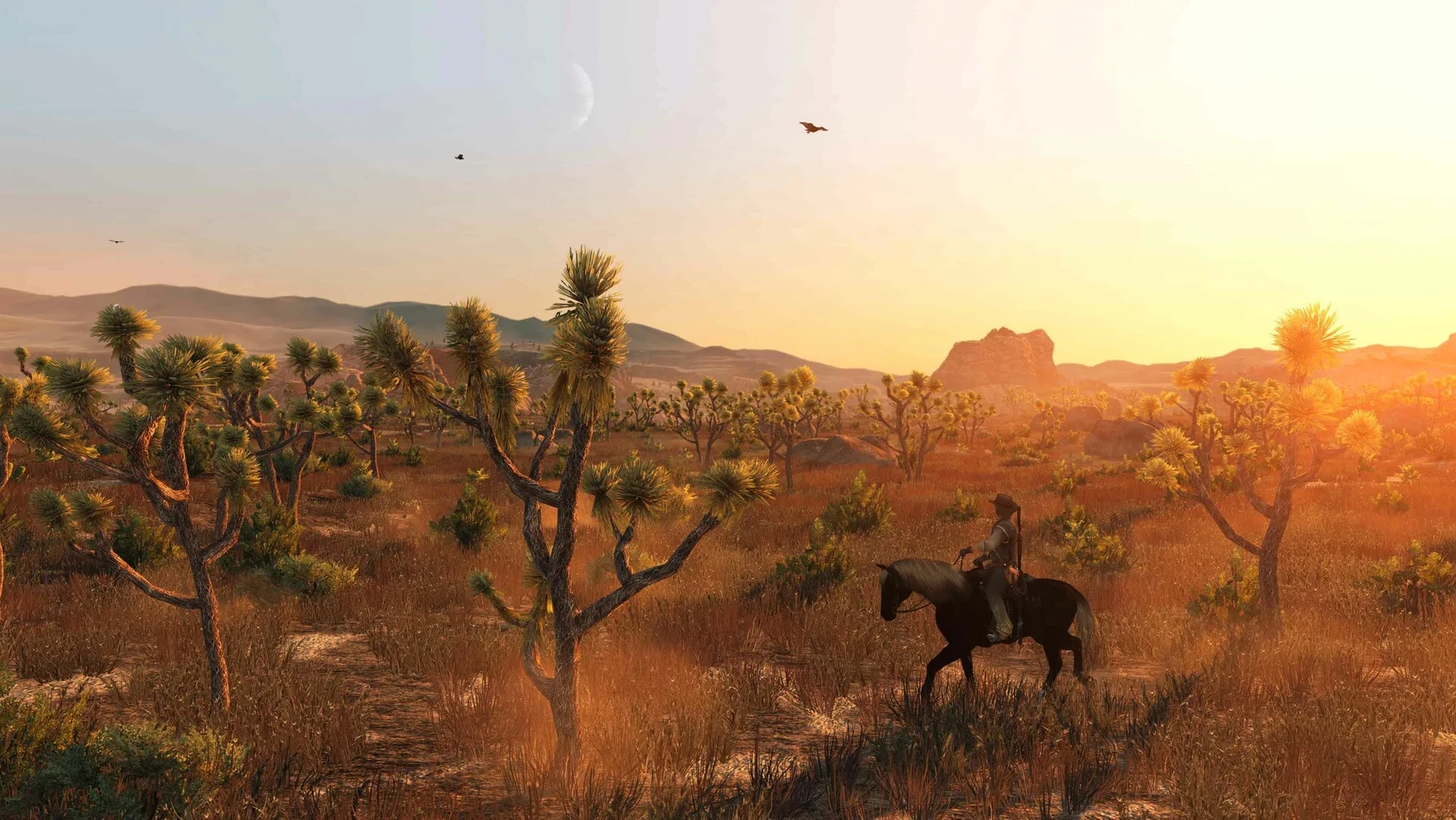
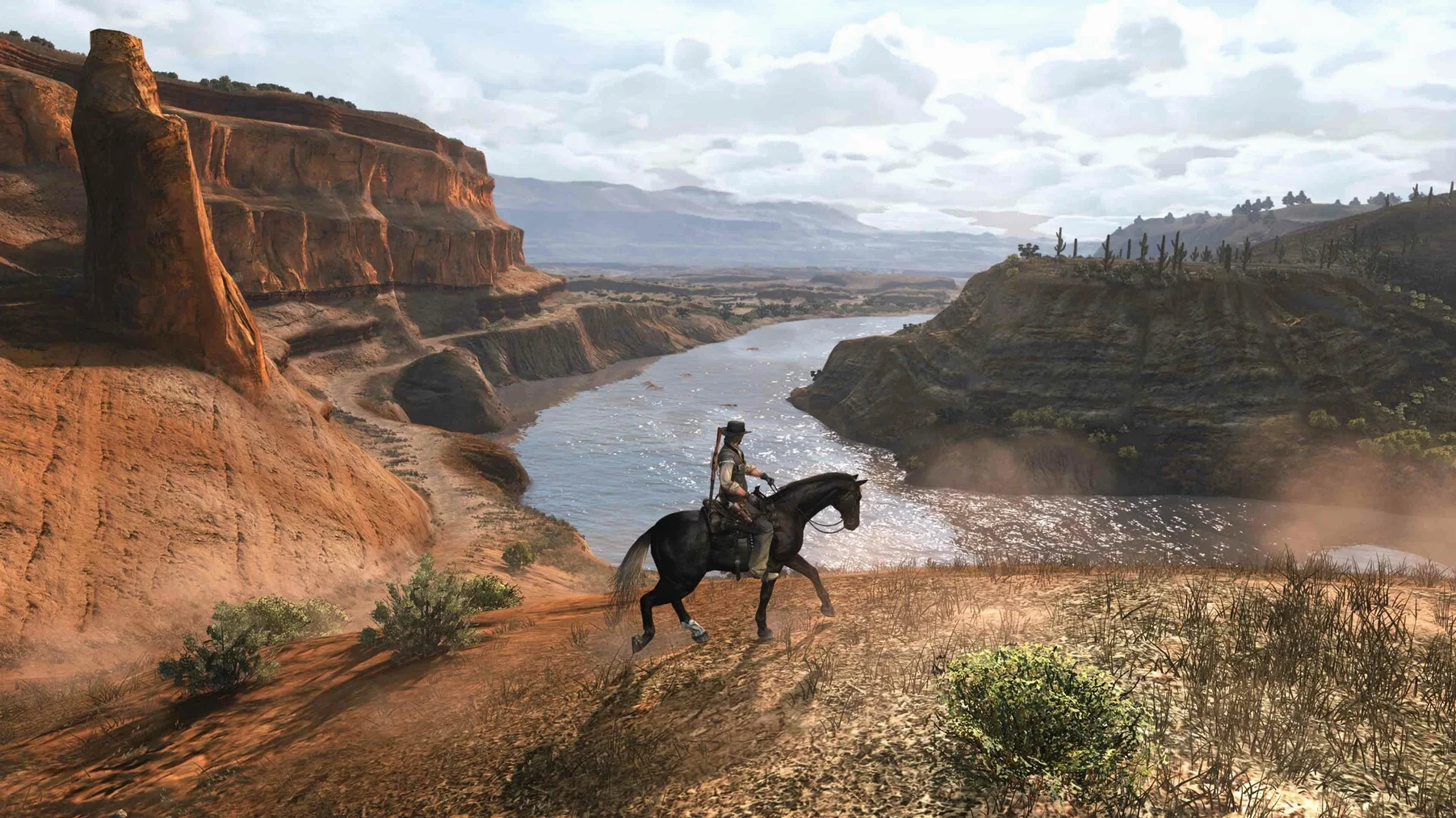
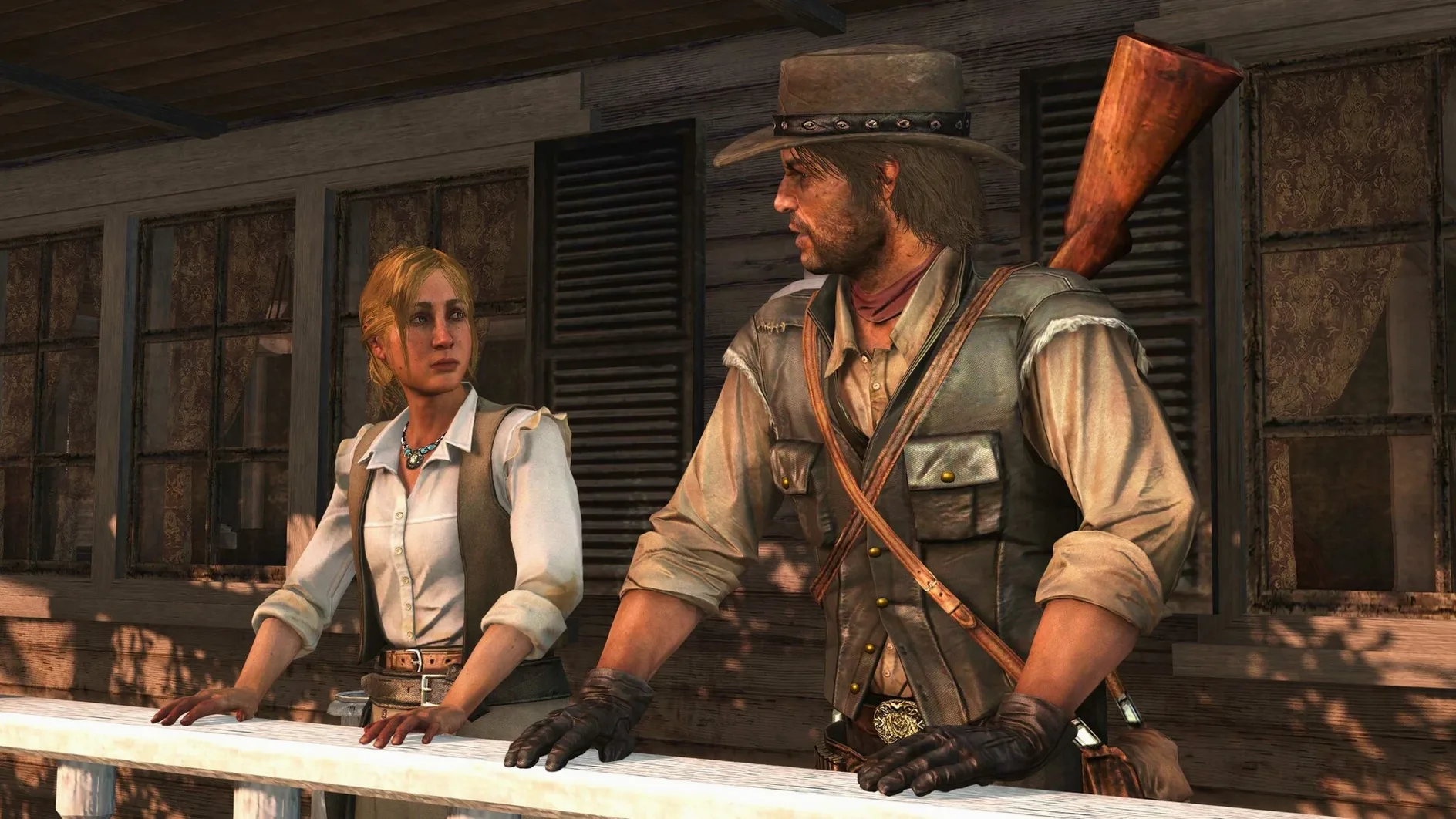
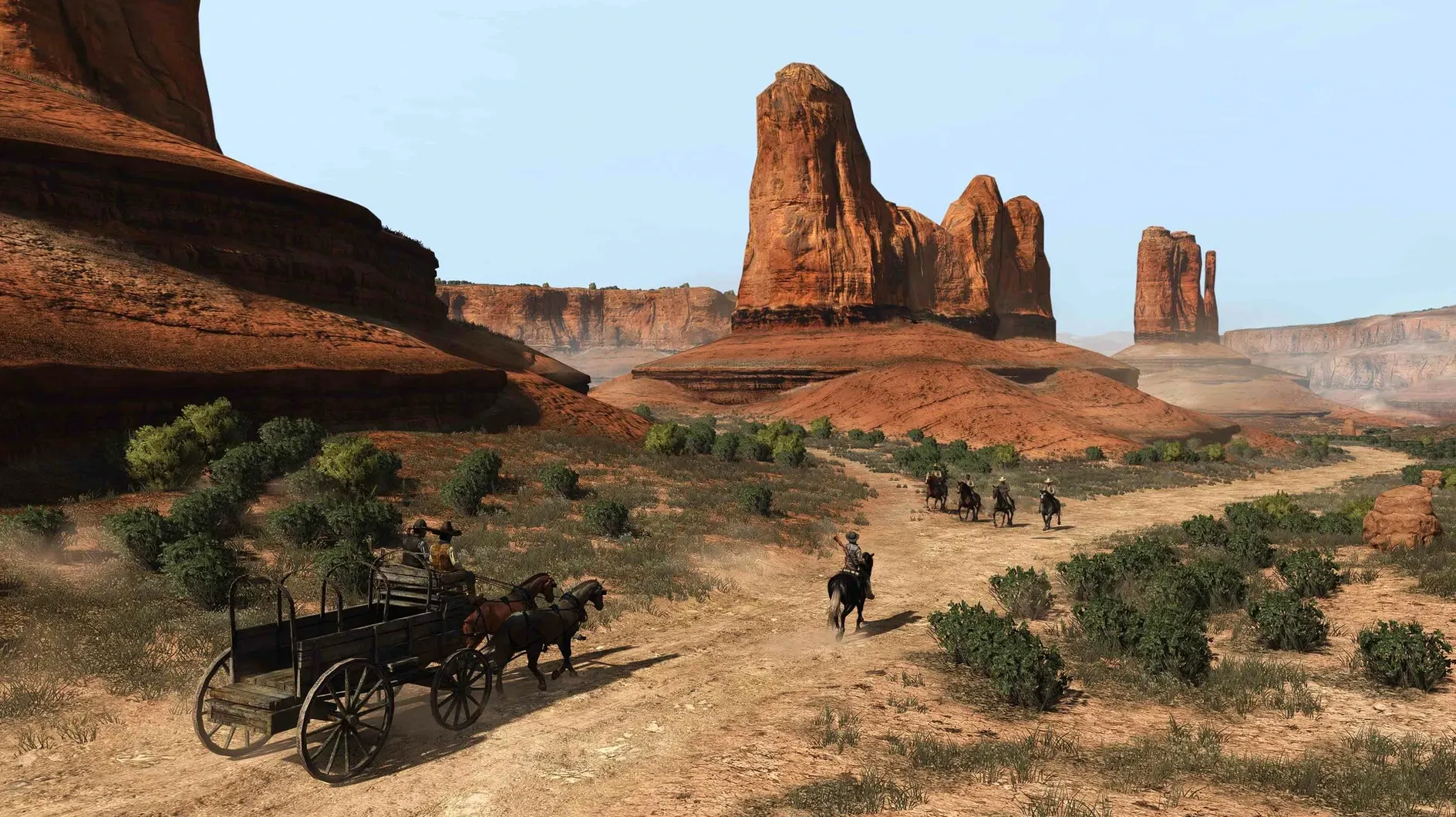
Red Dead Redemption runs on Apple Silicon Macs with macOS Sequoia, tested on a MacBook Air (M1, 2020). The current build is 1.0.42.46611 via Wineskin, which addresses several issues from the PC 1.05 update. This is the complete package: both John Marston's original campaign and the Undead Nightmare expansion are included as full single-player experiences, set across the American West and Mexico. It's the direct predecessor to Red Dead Redemption 2, so if you came in through that game, this is where the story starts.
The game ships with English voice acting only, though interface text is available in eleven languages including German, French, Spanish, Japanese, and Russian. The 1.05 fixes carried into this build improve exterior lighting in interior cutscenes, frame pacing during those same cutscenes, and Dynamic Resolution Scaling behavior. Stability gets attention too. You get the whole thing in one app, no separate downloads for the expansion.
Installation is straightforward: mount the disk image, drag the app to Applications, then launch from Launchpad. If it errors on first launch, run the Fix file inside the image. If enabling Vsync stops the game from starting, update macOS to the latest version first. That's the extent of the setup friction.
Save files stay inside the app bundle
The package keeps save files inside the app bundle itself, with a specific path documented on the install image. That means your progress lives entirely within the application folder, not scattered across Library folders or containers. If you want to back up a playthrough or move it between machines, you know exactly where to look.
Because activation is not required, there is no internet check when you launch. The game just starts after copying completes. That also means no account login, no launcher window to dismiss before you reach the menu. It's the kind of frictionlessness that matters more after the fifth launch than the first.
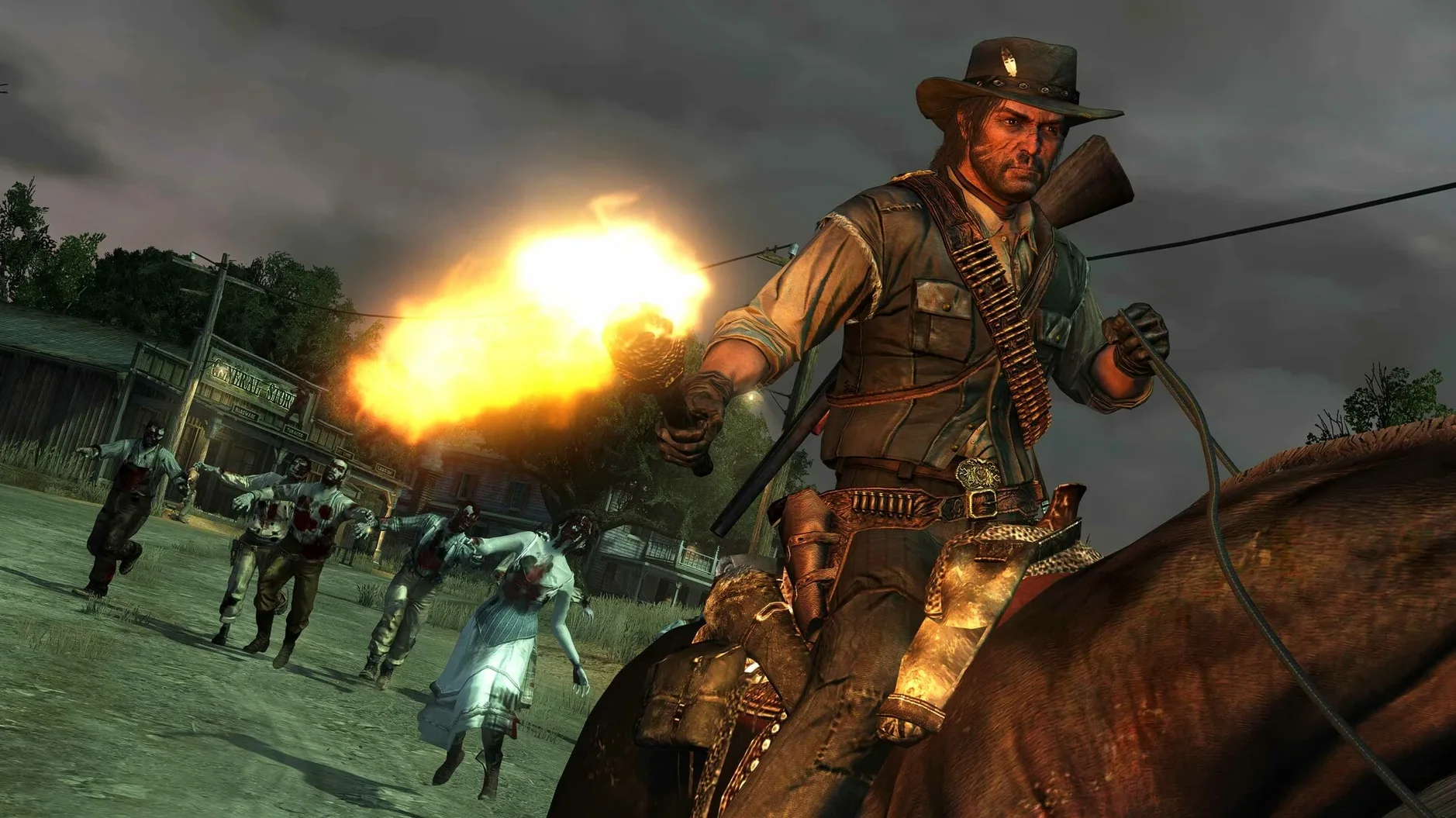
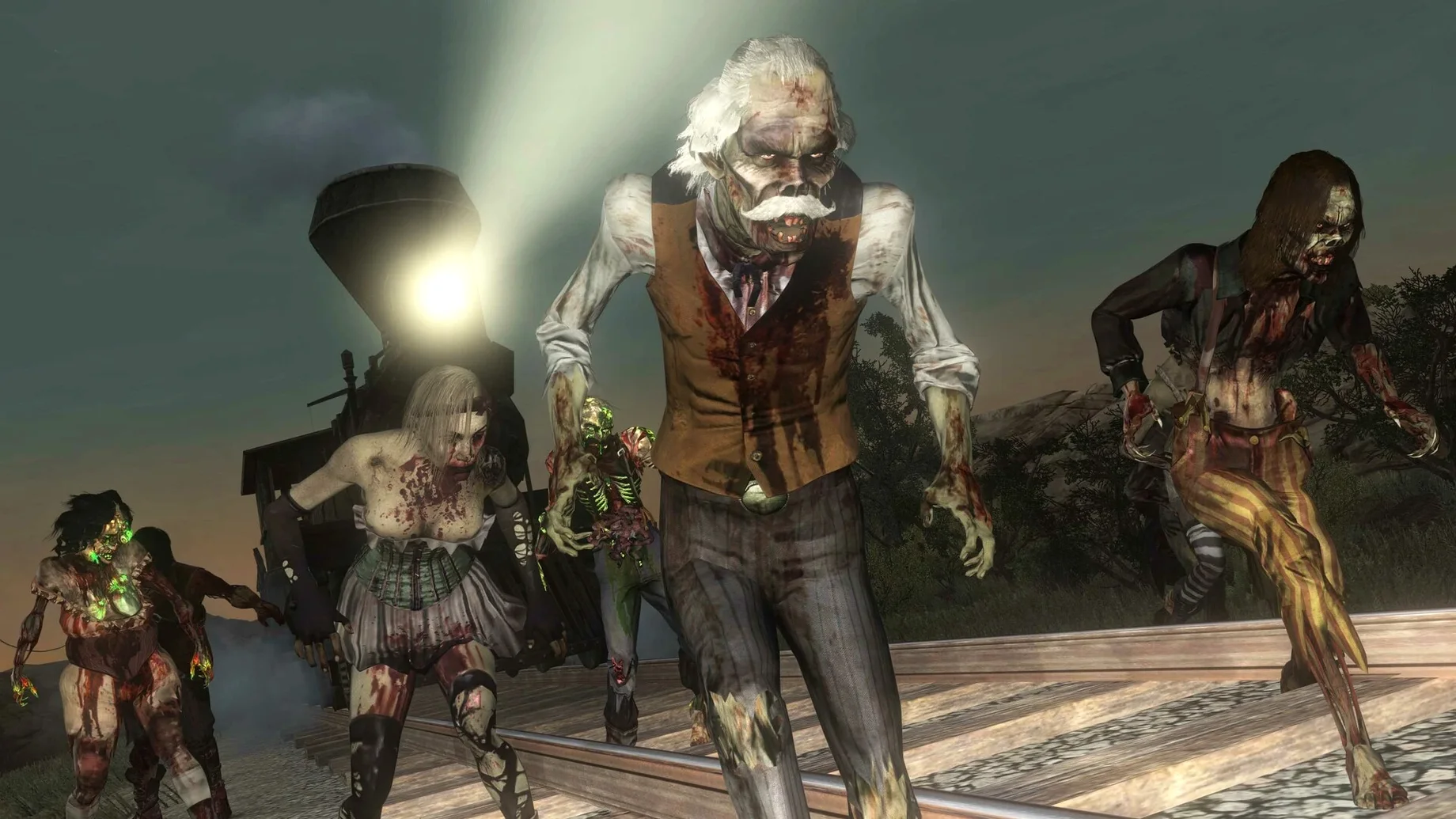
The single-player experiences of both the base game and Undead Nightmare are complete in one download. No extra steps to unlock the zombie campaign, no menu option that redirects to a store page. If you want to ride through Tall Trees with a blunderbuss against the undead, it is already there.
John Marston's origin story for RDR2 players
Players who came to the series through Red Dead Redemption 2 will find the origin story of John Marston's family setup. This is the game that establishes characters and locations Arthur Morgan only hears about. The tone is different, the pacing is faster, but the world is the same map seen from a different angle.
Open-world completionists benefit from the included Game of the Year bonus content. That means the stranger missions, outfits, and challenges that shipped as post-launch additions are baked in from the start.
Users on a single Mac who do not want to partition for Windows or maintain a virtual machine get a native-install option that runs within macOS Sequoia. The tested configuration was a MacBook Air with M1, so lower-end Apple Silicon machines are the baseline here.
Full controller support out of the box
Yes, the game includes full controller support through Apple's controller frameworks. The interface adapts button prompts based on what you have connected, whether that is a PlayStation or Xbox-style pad. Keyboard and mouse are also functional out of the box, but the original game was designed around analog sticks, and that aim assist is present.
Undead Nightmare is not a separate app or a toggle within the main menu. It appears as its own option from the title screen, just like you would see on the console releases. The campaign is standalone, with its own map, weapons, and progression that does not carry over to the main story.
No, you do not need Red Dead Redemption 2 installed to play this, nor does it share save files with that game. They are separate products that happen to be set in the same universe.
Fix the launch error with the included tool
The most common issue at launch is an immediate error before the menu appears. The Fix file inside the disk image handles that. Run it once, then launch the game normally. If the error persists after running the Fix, check that the app was fully copied into Applications before launching. Running from inside the mounted image will fail.
Sound crackling on a machine with less headroom can happen during busy scenes. That keeps audio from desyncing without requiring a settings file edit. The game's Vsync option is available, but if enabling it prevents the game from starting at all, update macOS to the latest Sequoia build before trying again.
If the game launches but stays at a black screen, the Wineskin wrapper may need a moment on first run. Wait up to thirty seconds. If it still does not transition to the logo sequence, verify that your copy completed without errors by checking the file size against what the disk image reports.
Language selection is limited to English for spoken dialogue regardless of the interface language you pick. The voice files are English only in this release, so subtitles are your option for any other spoken language choice. That is not a bug, it's how the PC assets were packaged.
- Fixed exterior lighting in interior cutscenes.
- Improved frame pacing during cutscenes.
- Improved Dynamic Resolution Scaling behavior.
- General stability fixes.
- macOS Sequoia
- Apple Silicon
- Tested on MacBook Air (M1, 2020)
Questions from the notes
Does Red Dead Redemption on Mac include Undead Nightmare?
Yes, Undead Nightmare is included, along with the complete single-player campaign of the base game.
Install procedure
- Mount the disk image.
- Drag the app into the Applications folder.
- Open the app from Launchpad after copying finishes.
- If the game errors at launch, run the Fix file inside the image.
- If the game won't start after enabling Vsync, update macOS to the latest version.
Reports from players
Sign in or create a tester account to file a report.
No reports filed yet.