
The current build, labeled 1.2.0.0 (451194) for Wineskin, still describes itself as a third-person sandbox adventure game. That’s accurate, but it undersells the amount of physics-based nonsense you’re expected to cause.
Headbutting gas cans into traffic
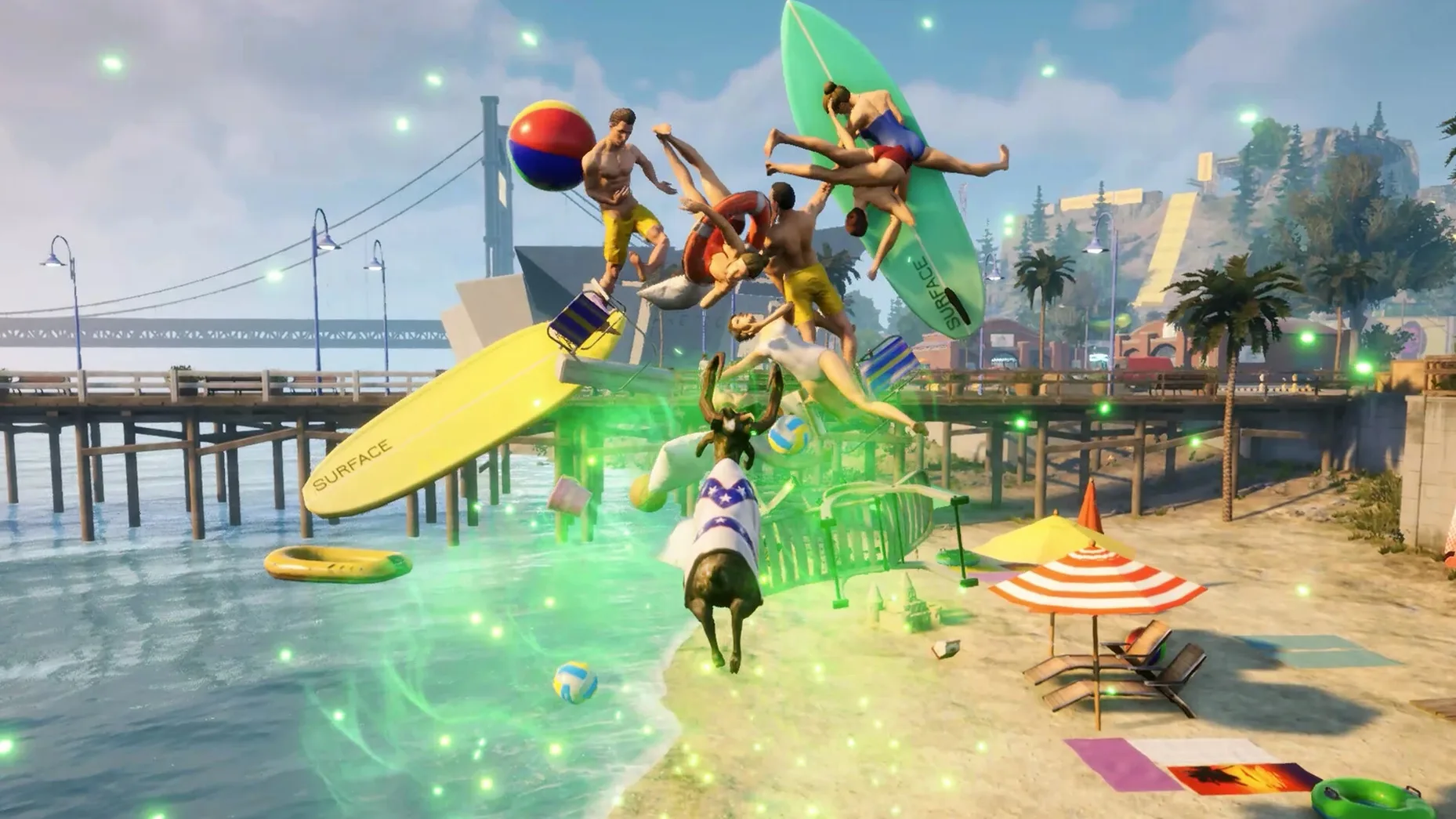
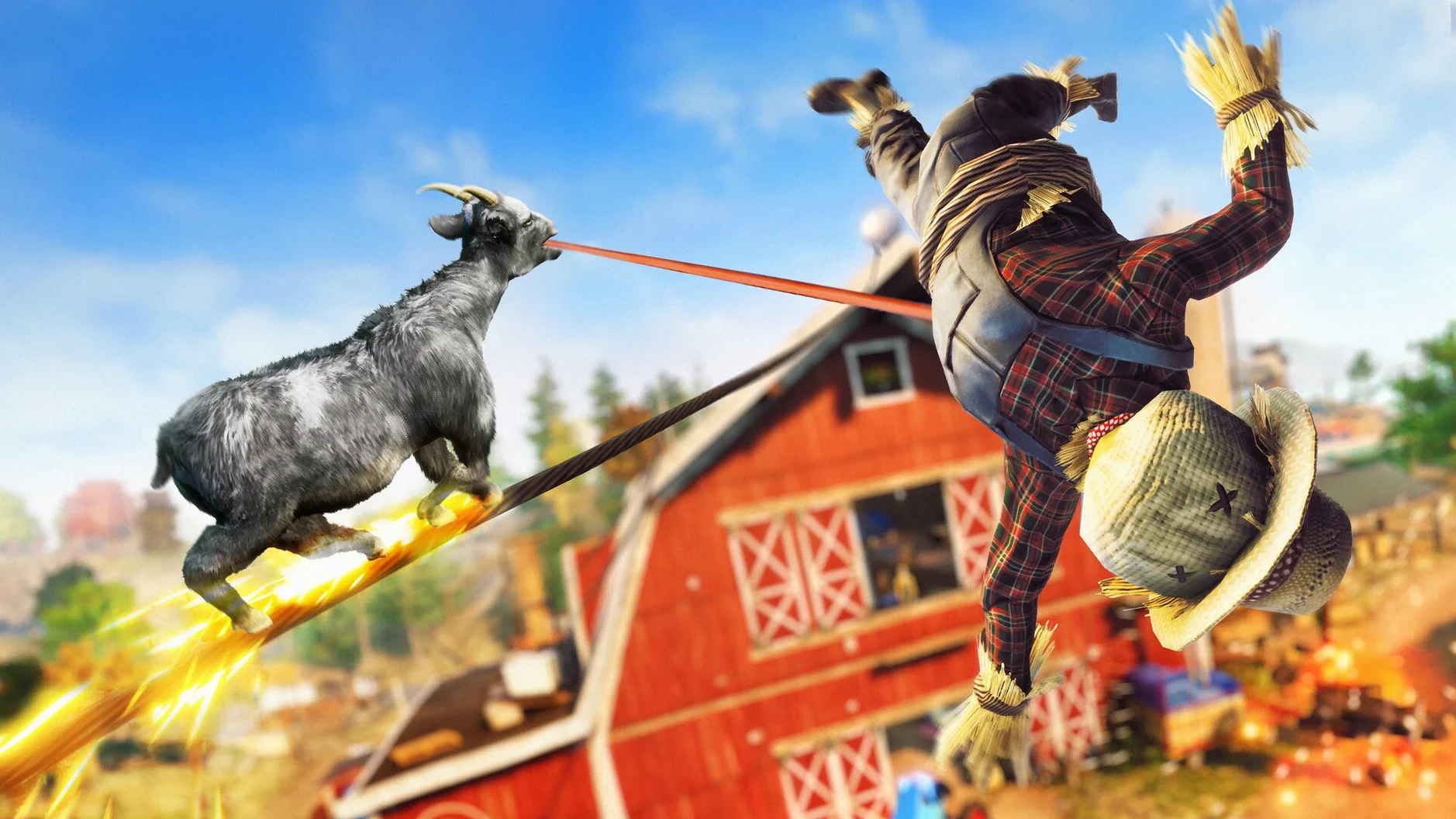
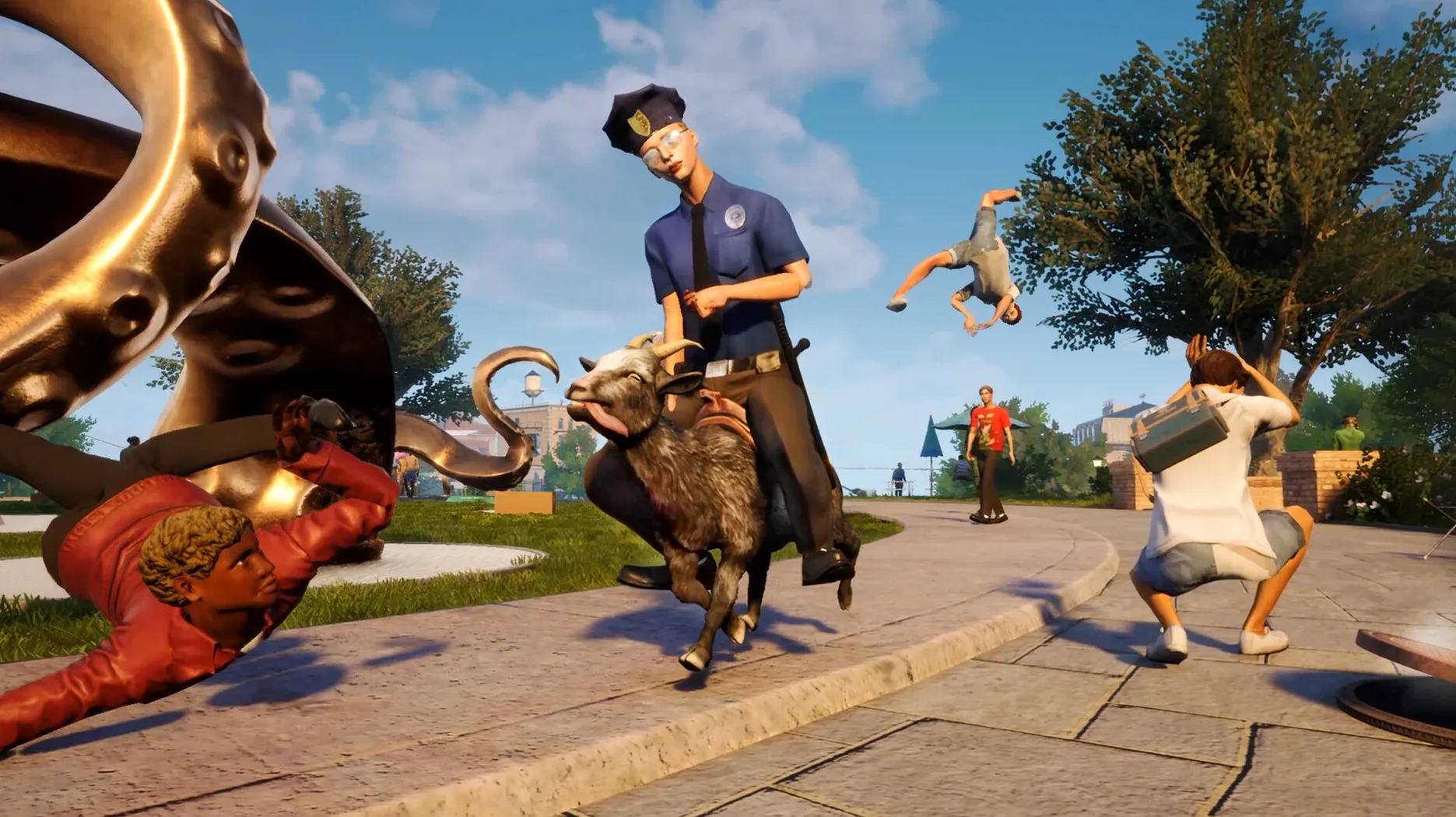
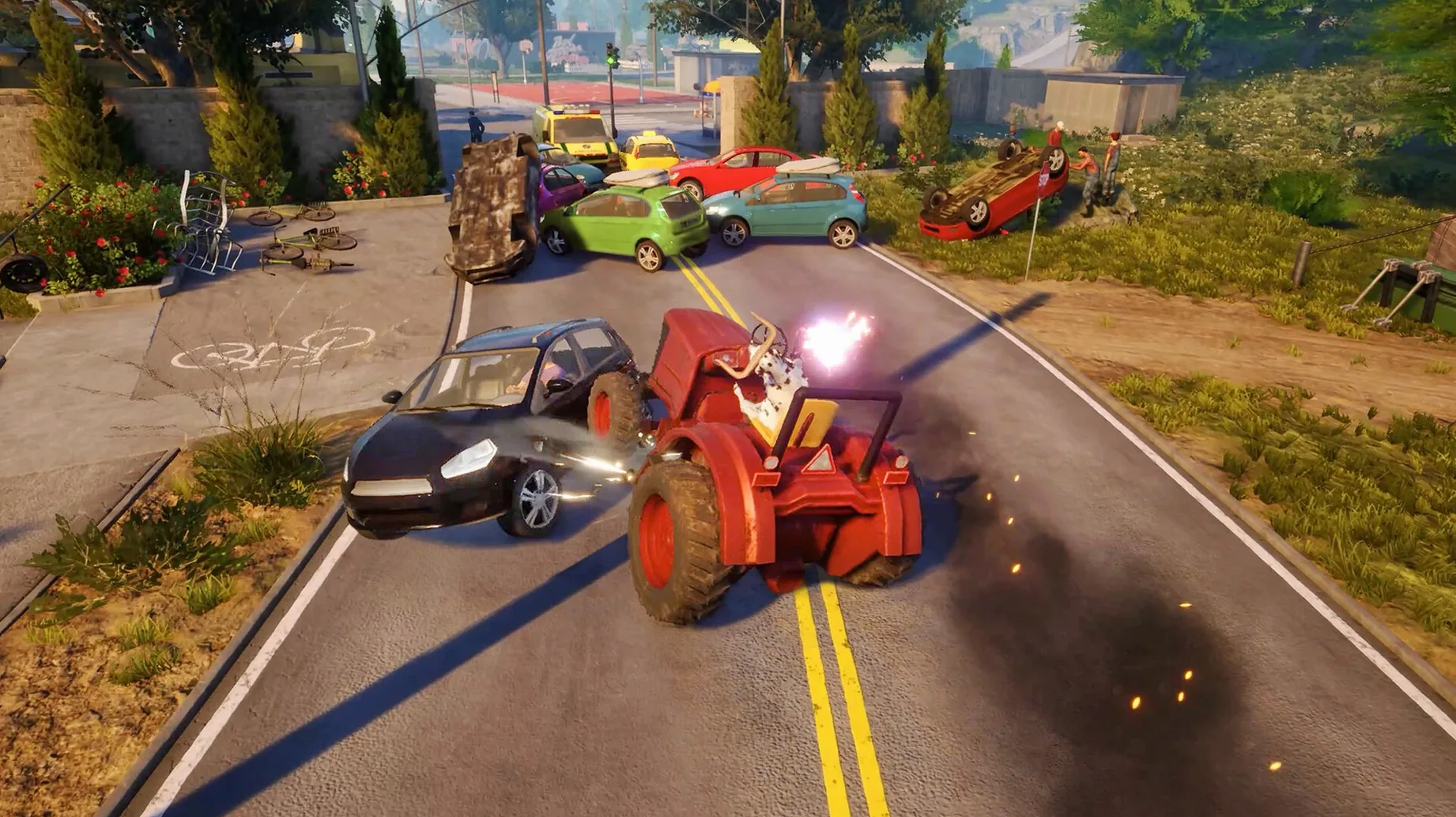
You control Pilgor, a goat, in an open world. The core loop is: find something, interact with it, see what breaks. That includes headbutting gas cans into traffic, licking random objects to trigger physics reactions, and using a jetpack strapped to your goat’s back to reach higher ledges. The game tracks a list of challenges—destroy specific objects, perform a certain number of flips, collect items—but you can ignore all of them and just cause property damage.
Easter eggs and collectibles
The world is packed with easter eggs (a hidden bowling alley, a scream-activated bridge) and collectibles scattered across the map. There’s no pressure to find them all, but they’re the main reason to explore beyond the first parking lot. The game runs in 12 interface languages including English, French, German, Spanish, Italian, Polish, Portuguese, Russian, Japanese, Korean, and both Simplified and Traditional Chinese.
Getting started with co-op: a typical session
I usually launch Goat Simulator 3 with a friend who hasn't played before. The tutorial area is quick and does what it needs to — teaches licking, headbutting, and the jump mechanic — so we're past it inside five minutes. From there I let them pick a direction on San Angora and we start causing problems.
First stop is usually a gas station. Headbutt the pump, watch the explosion chain into a car, listen to the physics engine do its thing. From there it's a natural path toward the nearest event marker. Events are short objective chunks — destroy x objects, reach y altitude, cause z dollars of damage — and they're the closest thing the game has to structured progression. We clear two or three of those, then wander off toward a mini-golf course I remember from a previous run.
The session becomes a pattern: spot something unusual, break it, see if an easter egg triggers. The scream-activated bridge is a good example — you stand on it and shout into the mic (or just press the button) and it lowers. It's not useful, but it's the kind of interaction that keeps a co-op session from stalling. By hour one we've found a hidden bowling alley, launched each other off a ramp with the jetpack, and accidentally triggered a physics glitch that sent a picnic table into orbit. Nobody is trying to complete the game. We're just occupying the world until it breaks.
Tested on M1 to M4 Macs
This version is built for Apple Silicon Macs and tested on macOS Sequoia, so anyone on an M1, M2, M3 or M4 machine is in the intended audience. That includes owners of MacBook Airs, MacBook Pros, and Mac minis. If you're on an Intel Mac with a dedicated GPU you can still try it, but the Wineskin wrapper is compiled for ARM and you may need to run the Fix file from the disk image to get it to launch at all.
The people who get the most out of it are the ones who treat sandbox games as social tools. If your Steam library doesn't cover Mac and you need a co-op game that doesn't demand precision timing, this is a good candidate. It also works for players who like physics toys — games where the fun is less about winning and more about watching rigid bodies collide. That audience is smaller than the action-game crowd, but it's the one that will stay with Goat Simulator 3 for more than one session.
Mounting the disk image in your first hour
Here is the path I use when introducing the game to someone new. It takes about an hour and covers most of what the sandbox offers without reading a manual.
- Mount the disk image and drag the Goat Simulator 3 app into Applications. Let the copy finish, then launch from Launchpad.
- If the game errors on startup, run the Fix file from the disk image. The game needs one or two seconds to apply the fix before it launches cleanly.
- Play through the tutorial. It's short and teaches licking, headbutting, and the jump-on-objects mechanic. You can skip it, but the controls are unusual enough that I don't recommend it.
- Head to the first gas station or construction site you see. Break everything. This gets the physics engine warmed up and shows new players how objects react to force differently.
- Open the event list from the pause menu and pick the closest one. Events are the fast way to unlock new areas and gear, including the jetpack.
- Once you have the jetpack, fly to high ledges and look for collectibles. These are often hidden behind buildings or inside structures that look unbreakable but aren't.
- Spend the remaining time on mini-games. Mini-golf and bowling are my go-tos. They're self-contained and play well in co-op.
That workflow avoids the explore-wander dilemma where you run in a straight line and miss everything. It keeps the session moving from tutorial to destruction to structured events to free play, and by the end the new player knows where to find the game's best content on their own.
- Build label updated to 1.2.0.0 (451194) [Wineskin].
- No patch notes provided beyond the version number.
- macOS version not specified
- Architecture: Apple Silicon only
- Other: none listed
Questions from the notes
Where are the save files located?
They are stored inside the app bundle at Goat Simulator 3.app/Contents/SharedSupport/prefix/drive_c/users/Sikarugir/AppData/Local/Goat2/Saved/SaveGames.
Install procedure
- Mount the downloaded disk image and drag the app into the Applications folder alias.
- Launch the app from Launchpad after the copy finishes.
- If the game shows an error at startup, run the Fix file from the disk image.
Reports from players
Sign in or create a tester account to file a report.
No reports filed yet.