


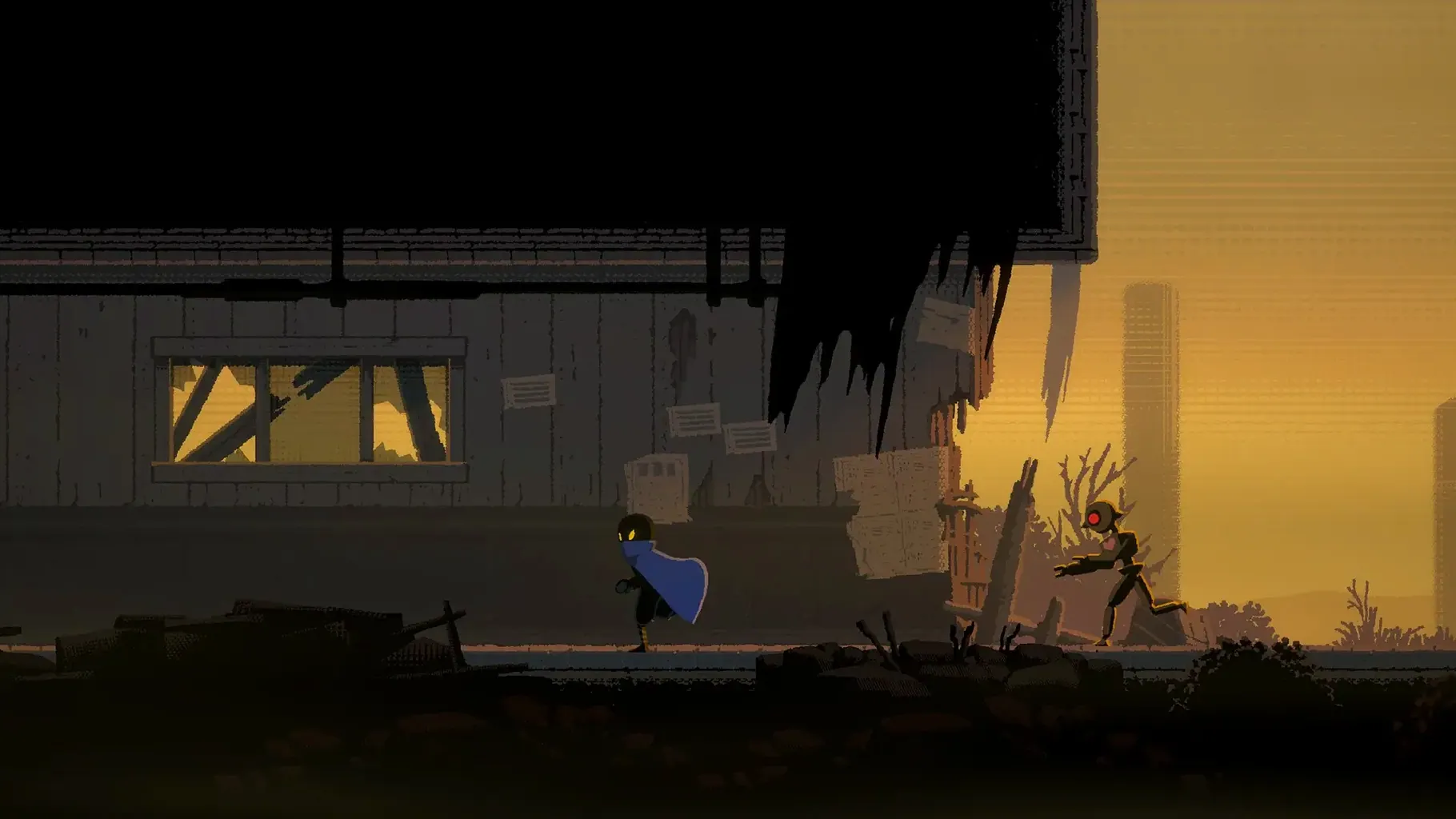
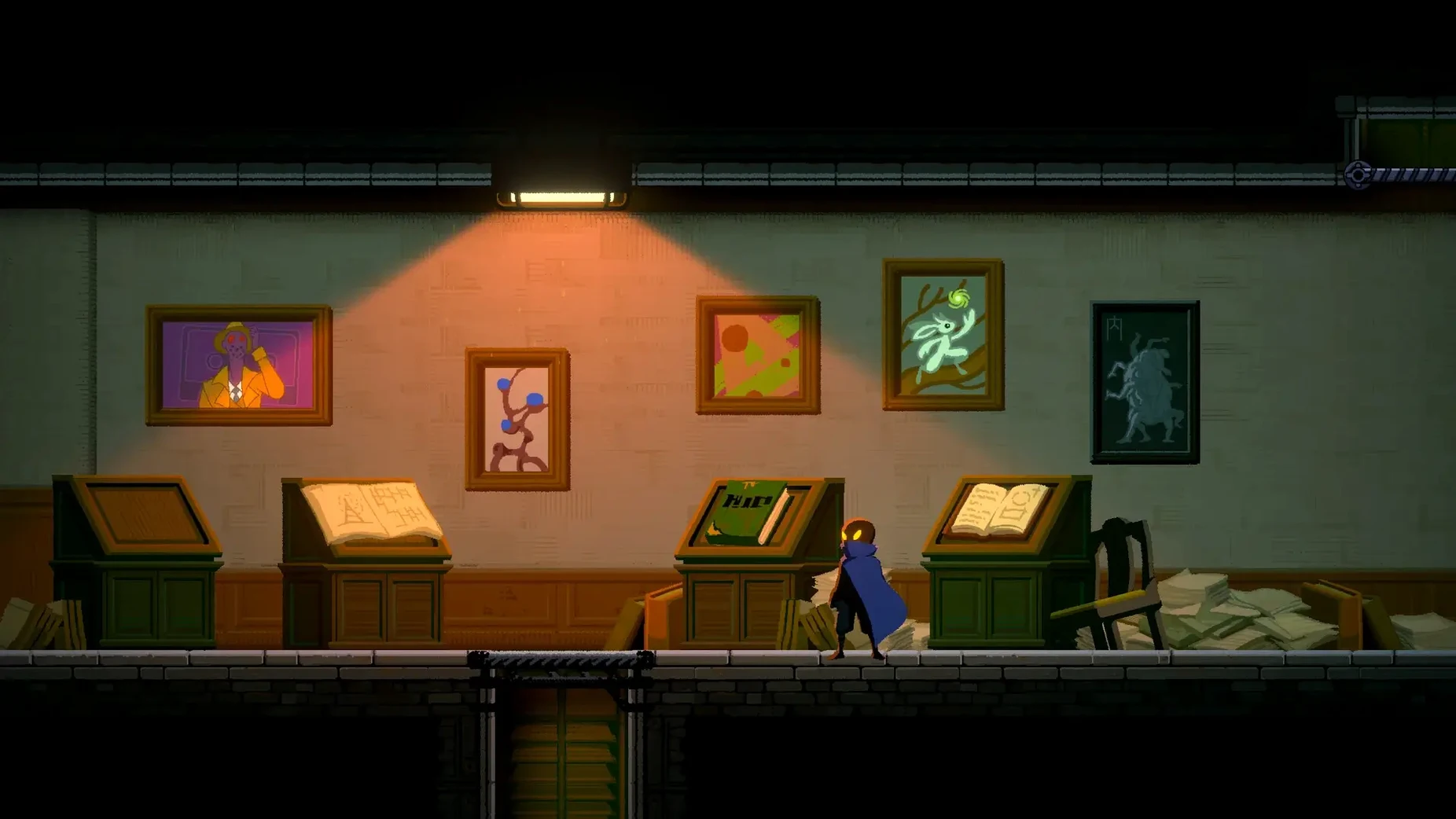


If you already play Mac platformers with a tool belt—hook throws, dashes, strikes—HAAK for Mac (version 1.3.2) builds on that muscle memory, then adds traps, puzzles, and secrets hidden off the main path. You play Haak, heading south through a post-apocalyptic wasteland looking for hope. The voice is music only; the interface reads in English, Russian, Chinese (two variants), Korean, or Japanese. Here are the first things a newcomer should try:
- Spend your first few minutes exploring every wall and ceiling for breakable blocks—treasures and shortcuts are tucked into corners the map doesn’t hint at.
- Use the hook throw on any overhead ledge, even if it looks decorative; some lead to optional puzzle rooms that reward ability upgrades.
- Test your dash timing against the first spike trap area—the game punishes rushing but rewards precise movement under pressure.
- Open the map after each new zone and look for grayed-out rooms that require a later ability to reach; mark them mentally for backtracking.
- If a combat encounter feels unfair, try pulling enemies one at a time with the hook instead of charging in—positioning matters more than raw damage.
- Switch the interface language early if you prefer something other than English—it’s set before you start, not mid-save.
HAAK runs natively on Apple Silicon under macOS 10.13.0 or later. No Intel version is listed, so assume it’s Apple Silicon only. The disk image includes a Fix file if you hit a launch error—run it once and the game starts clean after that.
Save files survive reinstall and difficulty is flexible
People often ask about save game compatibility and how the difficulty system works. Your save file lives inside the game's local data folder, not in the app bundle, so reinstalling HAAK won't wipe your progress. The flexible difficulty system isn't a slider you set at the start—it adjusts based on how you approach fights. Taking your time and pulling enemies apart makes things easier; rushing into groups makes them hit harder. You can't lock yourself into a permanent difficulty choice, so experiment.
Learn hook and dash rhythms before seeking puzzle solutions
Once HAAK is copied into Applications and launched, spend your first session learning the hook and dash rhythms on the earliest enemies. Avoid looking up puzzle solutions for the first few hours—many secrets are designed to be found by noticing environmental cues, not by brute-force searching. Keep your map open while exploring new areas; the grayed-out rooms you see now will make sense once you find a new ability. When you do unlock something new, revisit those marked spots before pushing further south.
If the launch error appears and you run the Fix file from the disk image, the game should start on the next attempt with no further trouble. The Fix only needs to run once; it patches whatever the macOS security layers flagged on first launch.
Using the hook only for traversal and ignoring map colors
- Skipping the hook throw as a combat tool. It pulls small enemies into melee range and yanks you toward ledges mid-jump—using it only for traversal misses half its value.
- Ignoring the map's color coding. Dark rooms mean you haven't been there yet; gray rooms mean you can't enter without a specific upgrade. Players often run past gray rooms assuming they're blocked permanently, but they're just delayed access points.
- Treating every encounter as a damage race. The flexible difficulty system punishes players who stand still and trade blows. Dodging and repositioning matter more than landing every hit.
- Forgetting to check for breakable blocks after every cutscene or boss fight. New paths often open up in previously visited zones, and the game doesn't flash a marker on them.
- Setting the interface language to something they can't read out of curiosity, then struggling to navigate the options screen back. Stick with your preferred language from the start—HAAK's menus are readable but not self-explanatory in every tongue.
- macOS 10.13.0 or later
- Apple Silicon
Install procedure
- Open the downloaded disk image.
- Drag the app into the Applications folder alias.
- After copying finishes, launch the app from Launchpad.
- If an error appears at launch, run the file named Fix in the disk image.
Reports from players
Sign in or create a tester account to file a report.
No reports filed yet.