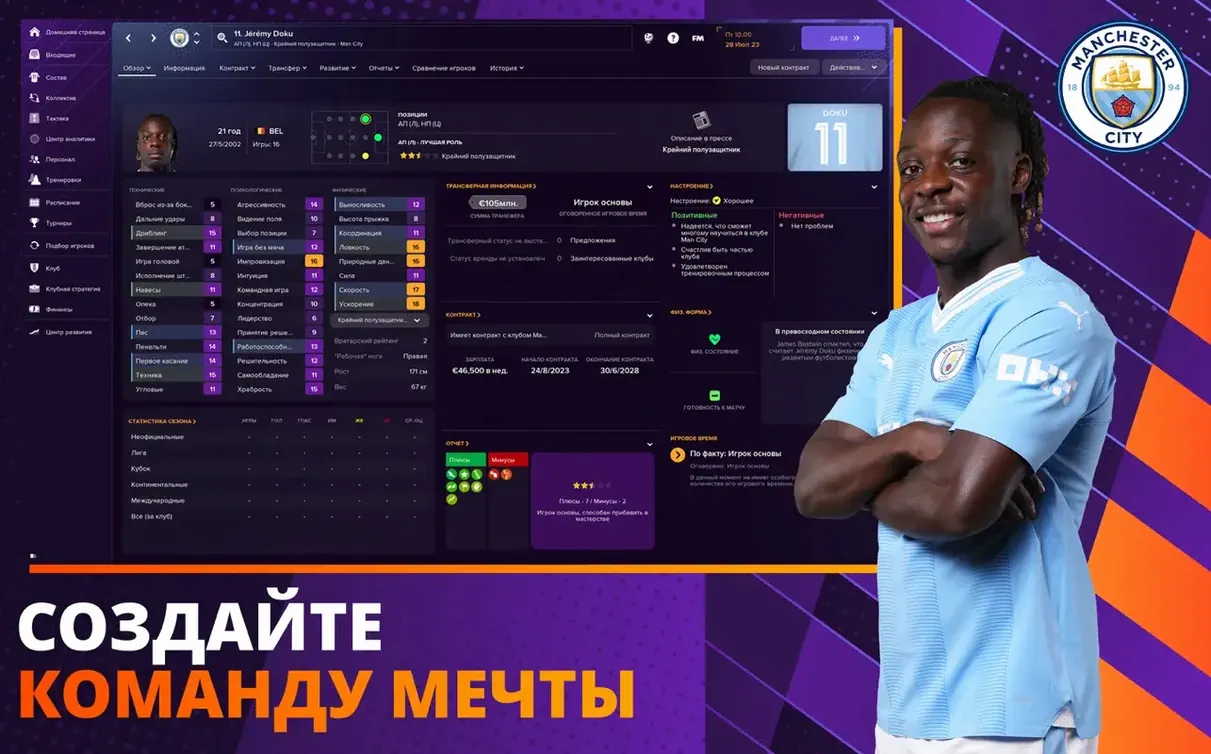
Football Manager Touch puts you in charge of one of the world’s top clubs, or lets you import a career from Football Manager 2023 Touch and continue where you left off. The standout features, each doing a specific job:
- Instant result – skips straight to the final whistle, saving time when you want the outcome without grinding through every match.
- Manager principles – a new system for shaping your tactical identity, from pressing intensity to passing style.
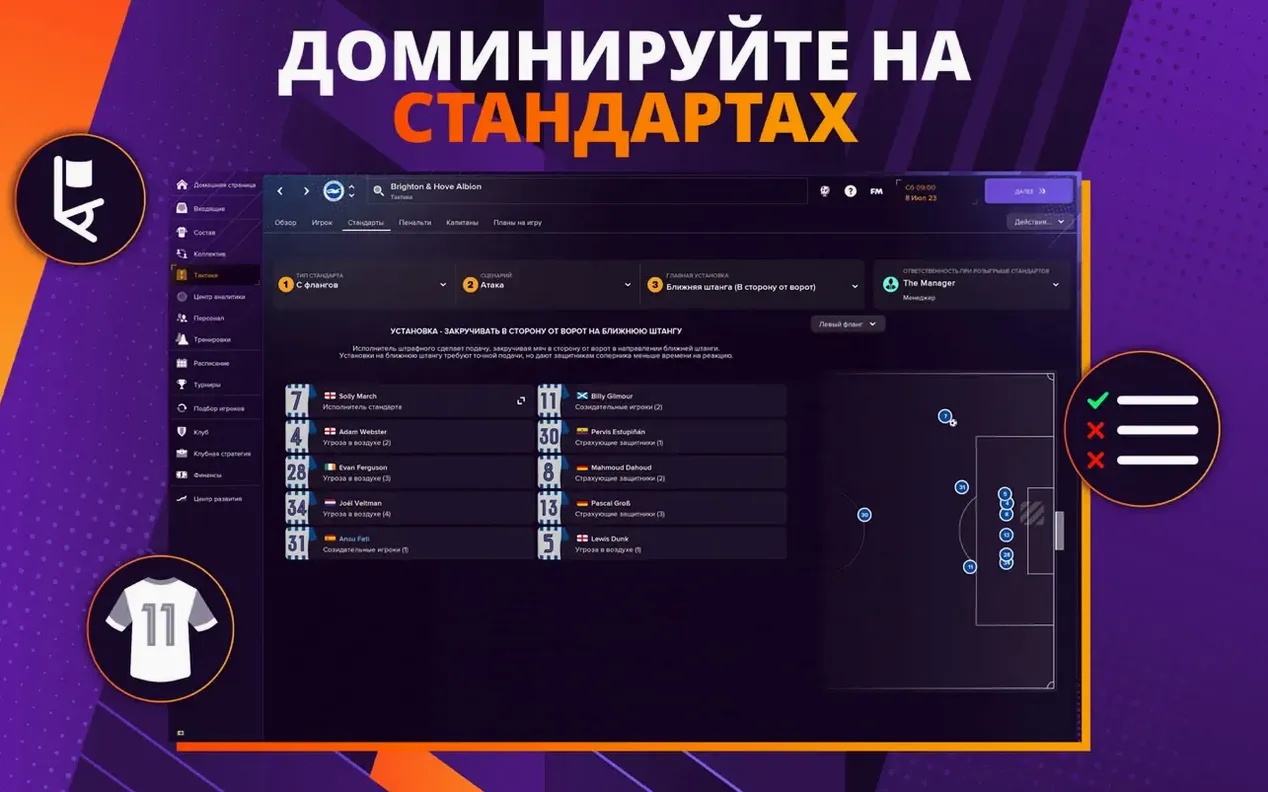
- Set piece creator – design corners and free kicks with custom routines, then watch them play out.
- Career import – carry your FM23 Touch save forward, keeping your progress and squad intact.
- Cross-device play – the same save works on iPhone, iPad, Mac, and Apple TV, so you can switch screens without restarting.
Training also gets a revised mentoring group setup, and match movement, ball physics, and lighting have been improved. It’s a solid pick for anyone who wants a full management sim without the deep time sink of the mainline game.
Mount the disk image and run a terminal fix if it won't start
Start by mounting the disk image and dragging the app into the Applications folder alias. After copying finishes, launch it from Launchpad. If the game does not start, the terminal command shown on the page gets it running. The whole install takes maybe three minutes.
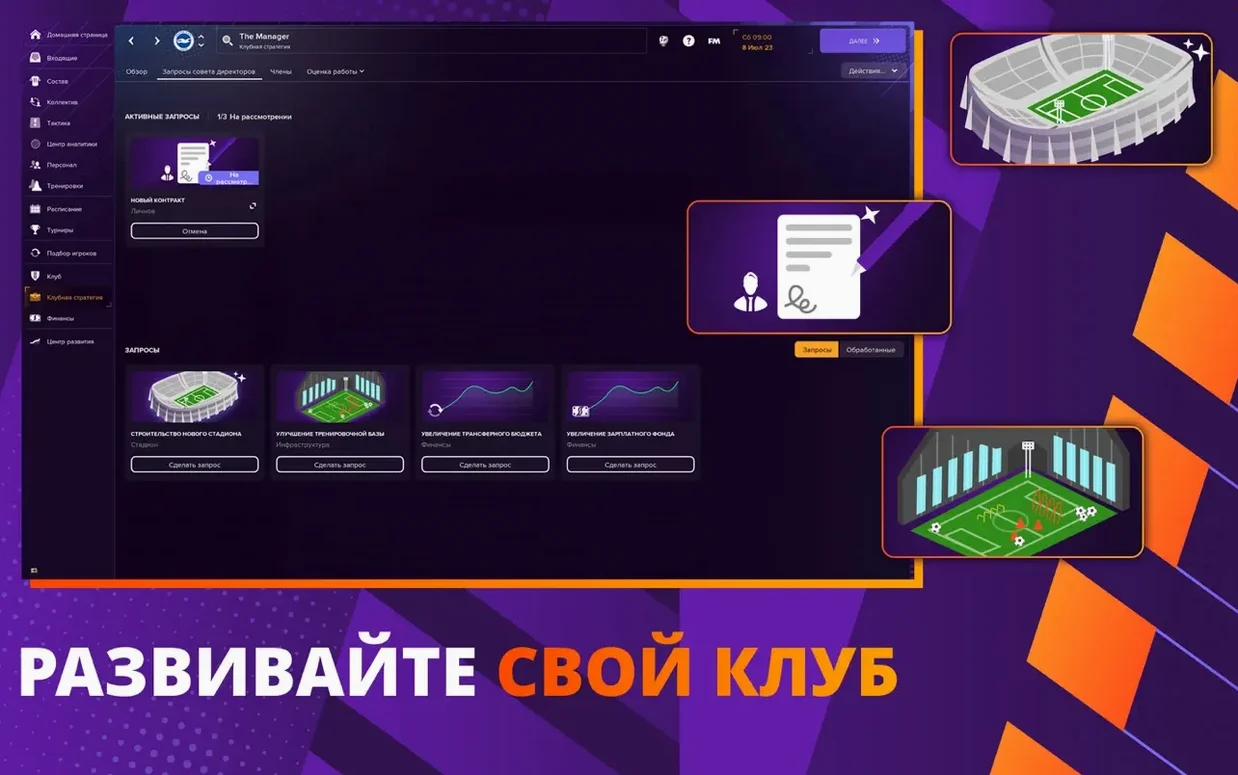
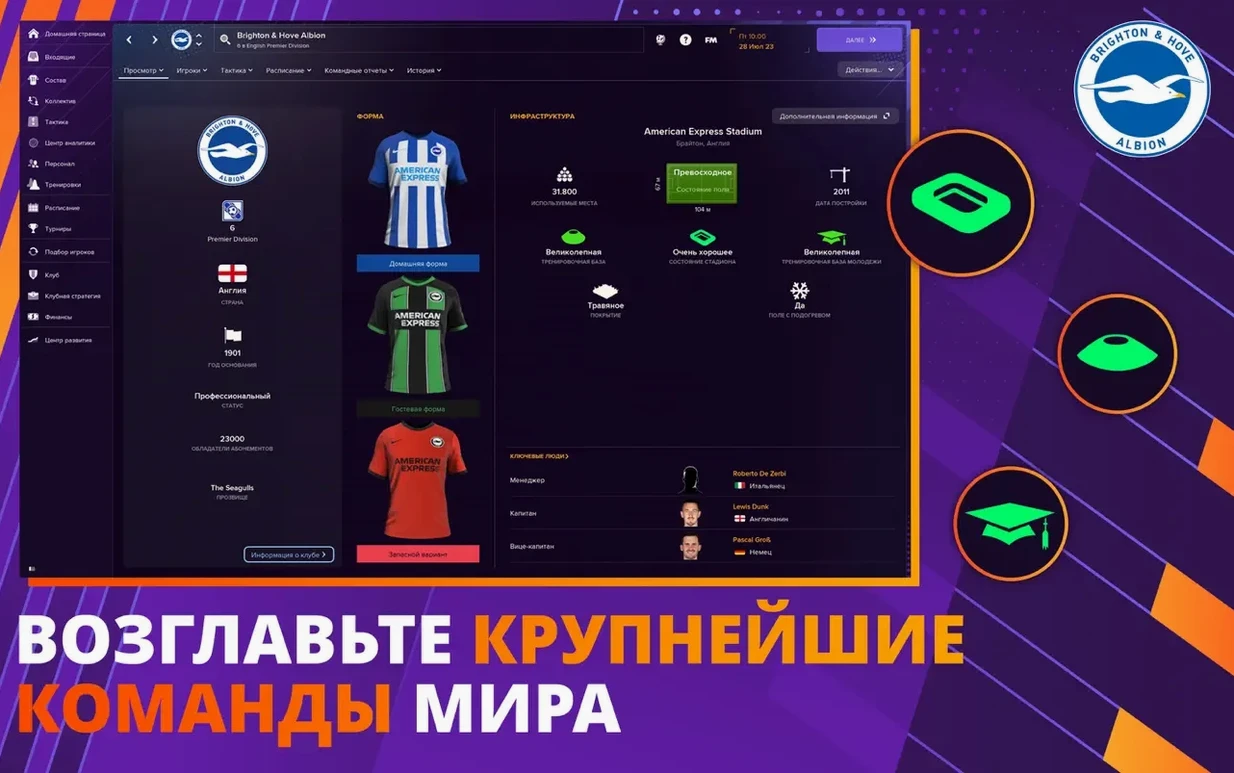
Once the title screen loads, you pick a club or import that FM23 Touch career. I usually go with a mid-table Premier League side — enough budget to play with, but not so much that the first season feels like easy mode. The club hierarchy system covers transfer budget and stadium construction, so you decide whether to spend on a new winger or expand the stands. That decision has consequences a few seasons down the line.
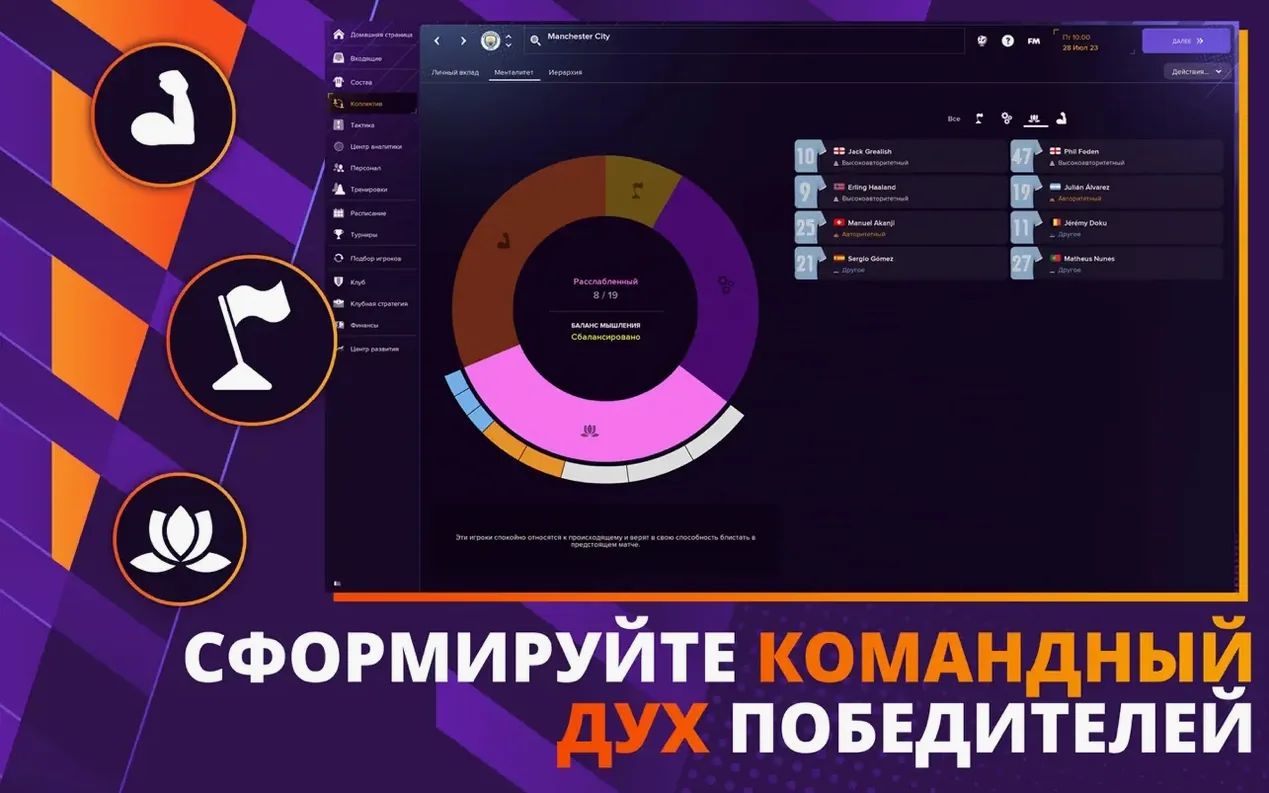
With the club set, you configure manager principles. This system lets you define pressing intensity, passing style, and a few other tactical pillars. It is not a deep sliders menu; it is a handful of choices that set a philosophy. I set high pressing and direct passing, which means my team chases the ball and looks for quick forward balls rather than possession play. The training system then adapts around that, using the revised mentoring group setup to pair young players with veterans.
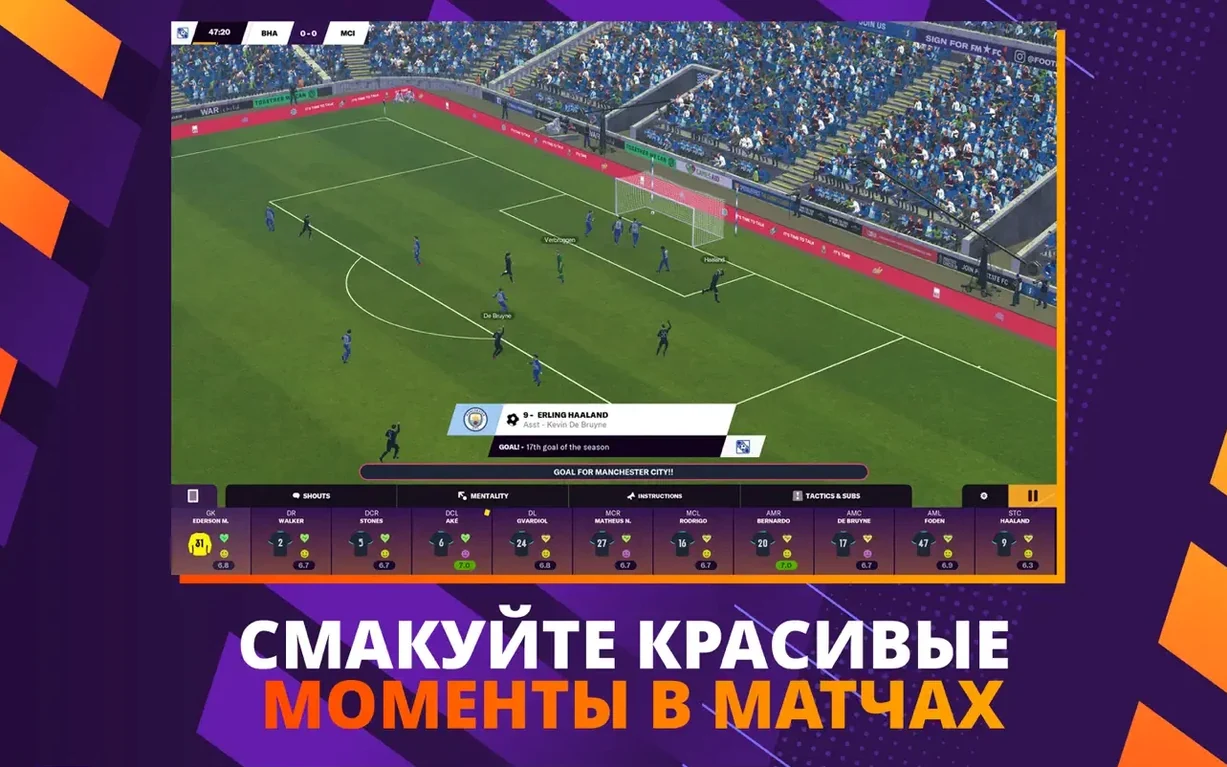
Matches play out in a top-down view. You can watch full games, or use the instant result option to skip straight to the final whistle. I use instant result for cup games against weaker opposition and watch the full match when I need to check if my set piece creator routines are working. The set piece creator lets you design corner and free kick routines beforehand, so when your star free kicker gets fouled just outside the box, the preset pattern runs automatically. The physics improvements mean the ball actually bends the way you told it to.
When I close the game, the save syncs across devices. I pick it up on an iPad later the same day, make a few transfer offers, then go back to the Mac for match day. Cross-device play works without extra steps — same save file, same season.
Real-world scenario: the daily commuter
A user named Marco works a 9-to-5 in Toronto and has a 40-minute subway ride each way. He plays Football Manager Touch on his iPhone during the morning commute — handling contract renewals, scouting reports, and training assignments. At home, he opens the same save on his Mac and runs the next match with instant result, so he can get through a game week in fifteen minutes before dinner. The club hierarchy decisions he made on the phone — approved a stadium expansion, denied a transfer request — carry over to the Mac session. He never replays the same day twice.
Toggle instant result on for easy matches and off for finals
A few defaults are worth adjusting before you start a career:
- Instant result preference – turn it on for league matches you dominate, off for finals and derbies. You can toggle per match, but setting a habit early saves clicks.
- Manager principles – do not leave these on neutral. Pick a style that fits your squad. A possession-based team with pressing on high will get caught out of position constantly.
- Mentoring groups – the revised system lets you assign multiple young players to a single veteran. Set this up in pre-season so the training gains compound over the year.
- Set piece routines – create at least two: one for corners from the left, one for the right. The creator takes five minutes and saves you from watching the same generic animation all season.
Once those are dialed in, the rest of the session runs on your terms. The game does not force you into menus you do not need, and the instant result option means you control how much match detail you sit through.
- Import careers from Football Manager 2023 Touch.
- New manager principles added.
- Training updated with revised mentoring group setup.
- Match movement, ball physics, and lighting improved.
- Set piece creator added.
- macOS 11.0 or later
- Intel or Apple Silicon
Questions from the notes
Can I import my career from Football Manager 2023 Touch?
Yes, the game supports importing a career from Football Manager 2023 Touch, so you can continue your existing save.
Does Football Manager Touch work on Apple Silicon Macs?
Yes, it supports both Intel and Apple Silicon architectures, and requires macOS 11.0 or later.
Install procedure
- Mount the downloaded disk image.
- Drag the app into the Applications folder alias.
- After copying finishes, launch the app from Launchpad.
- If the game does not start, run the terminal command shown on the page.
Reports from players
Sign in or create a tester account to file a report.
No reports filed yet.