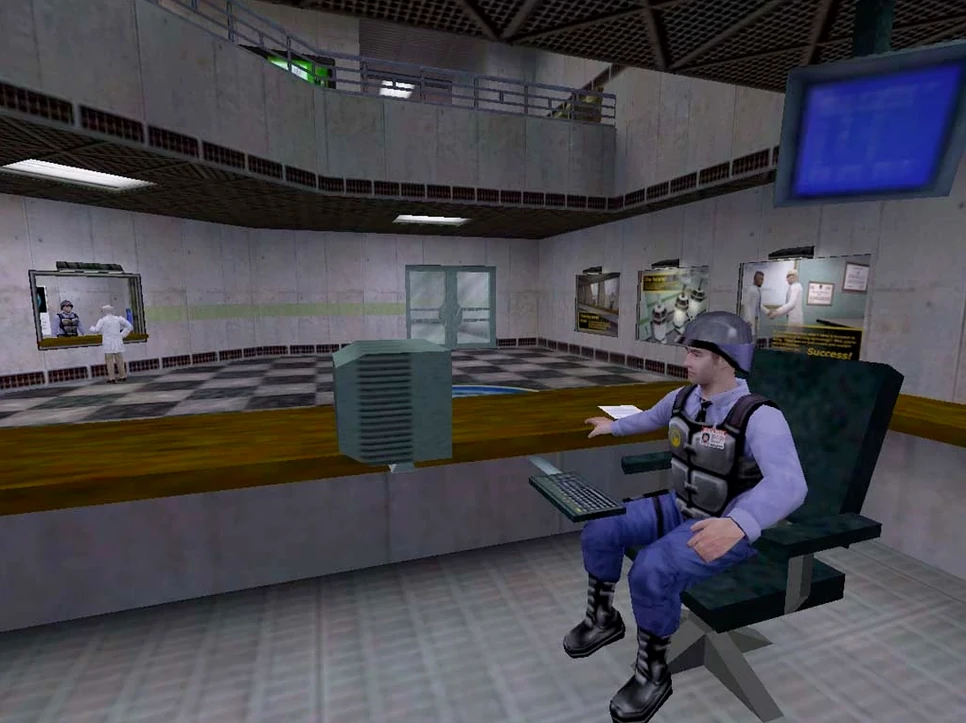
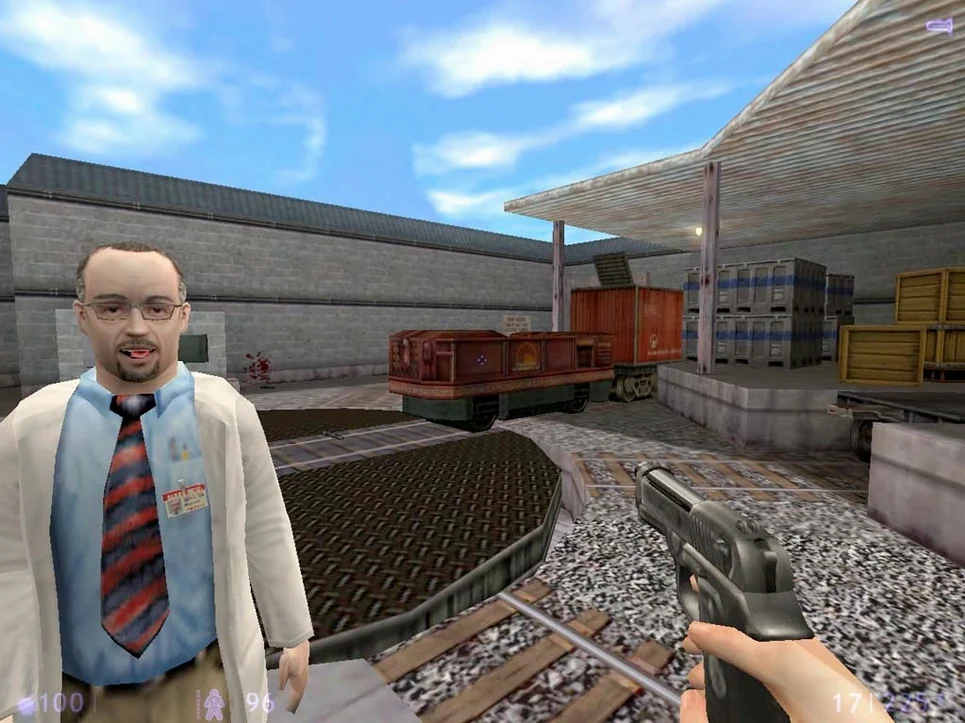
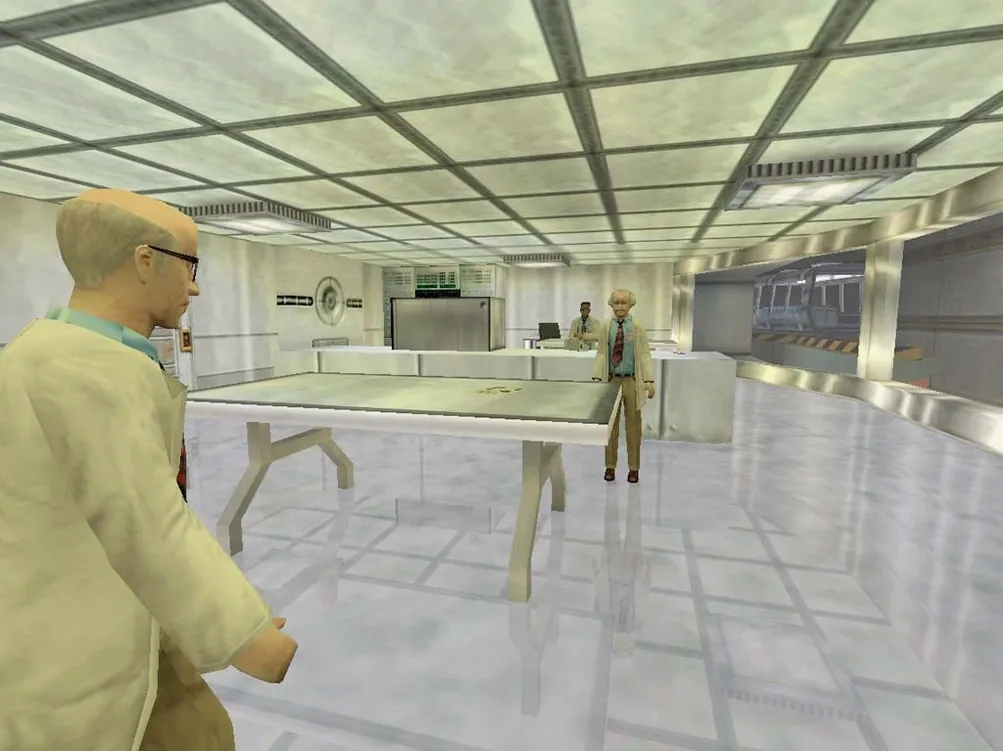
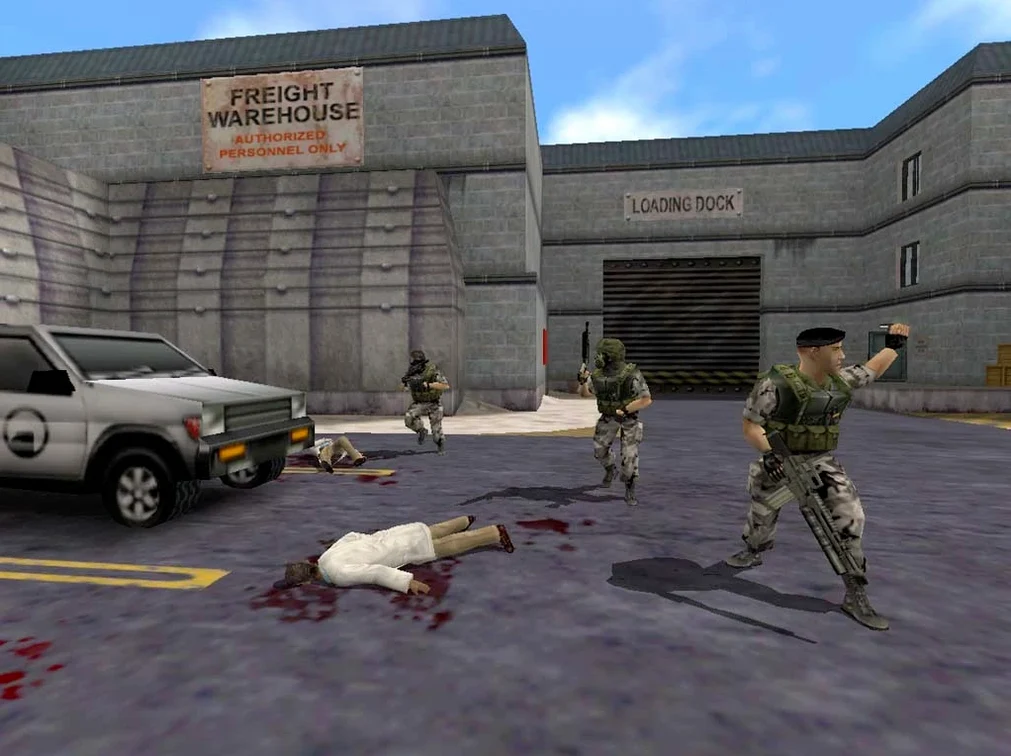
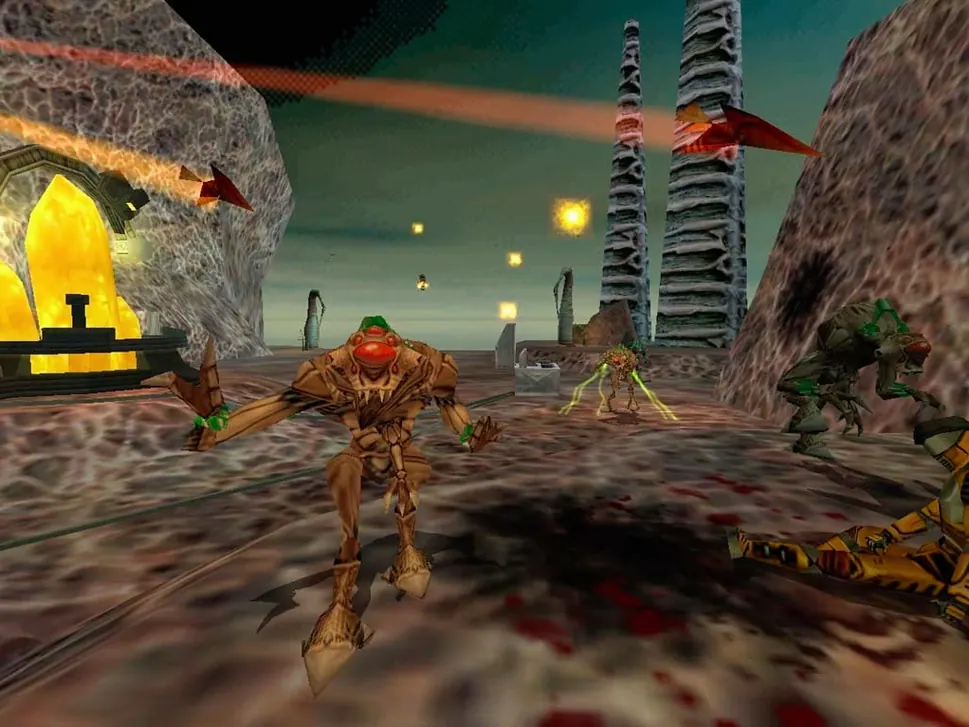
The current version, 1.1.2.1, brings the classic 2001 expansion to modern Macs with both ARM and x86 64-bit builds. It's the same Black Mesa security guard story, but the underlying Xash3D FWGS engine gives you more control than the original release ever did. For an experienced user, the interesting part is the file structure and the save system.
Save games live in /Users/your user/Library/Application Support/Xash3D FWGS/bshift/SAVE. That's useful if you want to back up progress, move it between machines, or just poke around. The game itself uses Russian and English voice acting, and you can switch between them in the options. The test system was macOS Tahoe on a Mac mini 2024 M4, so you're covered on recent Apple Silicon hardware.
The build targets both ARM and x86, meaning it runs native on Apple Silicon and Intel Macs. If you hit a launch error, the Fix file in the disk image usually sorts it out. Downloading is straightforward with Free Download Manager or Motrix plus a Chrome extension, and qBittorrent handles the torrent side. By default, the Library folder remains concealed; reveal it with Command+Shift+Period, or enter the path via Command+Shift+G after copying.
Run the Fix file before copying the game folder
You start by mounting the disk image. The included Fix file sits right next to the main installer; I'd run it first even if nothing has gone wrong yet, just to clear any permissions quirks. Then copy the game folder to your Applications or a place you keep games. The Xash3D FWGS engine launches without a launcher wrapper, so the first screen asks for a resolution and video mode. I pick one that matches my display's native ratio, and the engine remembers it.
Once inside, you get the familiar tram ride into Black Mesa. The audio in the test version defaults to English, but switching to Russian is one menu trip away. The controls feel like the original GoldSrc build, though the engine allows some tweaks under the keyboard section. I load into the first hangar, check that the quick-save slot works, and play through a few security checkpoints. Quitting and restarting is fast enough that testing a setting change doesn't become a chore.
For saving, I navigate to the SAVE folder after a session, copy the slot folder to an external drive, and note the date. That's the habit for anyone who wants guard against losing a run through the resonance cascade chapter.
workflow: backing up your save mid-playthrough
You are maybe ten minutes past the sniper ambush and you want a manual safety copy. Here is the sequence:
- Quit the game back to the main menu. Do not just force-close; let the engine flush the save file.
- Open Terminal or Finder. If you stay in Finder, press
Command+Shift+Periodto reveal hidden folders, then navigate to/Users/your user/Library/Application Support/Xash3D FWGS/bshift/SAVE. - Inside you see a folder named after your save slot, something like
save0or a timestamp tag. Right-click it and choose Copy. - Paste it into a location outside the Xash3D tree: your Documents folder, a Dropbox folder, or a USB drive.
- Rename the copy with the map or time, for example
blueshift_before_resonance. The game does not care about the name; only the original in the SAVE directory is read at launch. - To restore a backup, quit the game, replace the contents of the SAVE directory with the backed-up folder, and launch again.
The same workflow works if you copy saves between two Macs running Xash3D FWGS, as long as both use the same game version.
Blue Shift runs standalone without Half-Life or Steam
Do I need Half-Life installed to run Blue Shift?
No. The Xash3D FWGS engine bundles the base Half-Life files. Blue Shift runs as a standalone campaign once you point the engine at its bshift subfolder. You do not need Steam or any other Half-Life installation.
Which Macs does it actually run on?
The build is compiled for both ARM and x86 64-bit, so it runs on Apple Silicon machines (M1 through M4) and Intel Macs from the 2010s onward. The test system was macOS Tahoe on an M4 Mac mini, but it should boot on earlier macOS versions as long as the architecture matches.
What if the game shows an error immediately after launching?
The disk image contains a Fix file. Run it once before the first launch. It adjusts file permissions or library paths the engine needs. If you skip it and get an error, you can run it afterward and try again.
Can I switch language during the game?
Yes. The options menu inside the engine lets you toggle between English and Russian text, and also between English and Russian voiceovers. The change applies immediately or after the next map load, depending on the setting.
Where do modded maps or custom content go?
This version uses the Xash3D FWGS engine, which looks for game content in its own folder structure. Blue Shift content stays in the bshift subfolder. Custom maps intended for the original Half-Life engine may not work without conversion; the engine has its own mod compatibility lists.
- macOS version not specified
- Architecture: ARM and x86 64-bit
Questions from the notes
Where are Half-Life Blue Shift saved games stored on Mac?
Saved games are in /Users/your user/Library/Application Support/Xash3D FWGS/bshift/SAVE. If Library is hidden, press Command+Shift+Period to show it.
Install procedure
- Installation instructions are included with the package.
- If the game shows an error on launch, run the Fix file in the disk image.
- Use Free Download Manager or Motrix with a Chrome-based browser extension for downloading.
- Use qBittorrent for torrent files.
- To find saved games, open
/Users/your user/Library/Application Support/Xash3D FWGS/bshift/SAVE. - If Library is hidden, press Command+Shift+Period to show it.
- Or press Command+Shift+G and paste the path, replacing your_user with your own user name.
Reports from players
Sign in or create a tester account to file a report.
No reports filed yet.