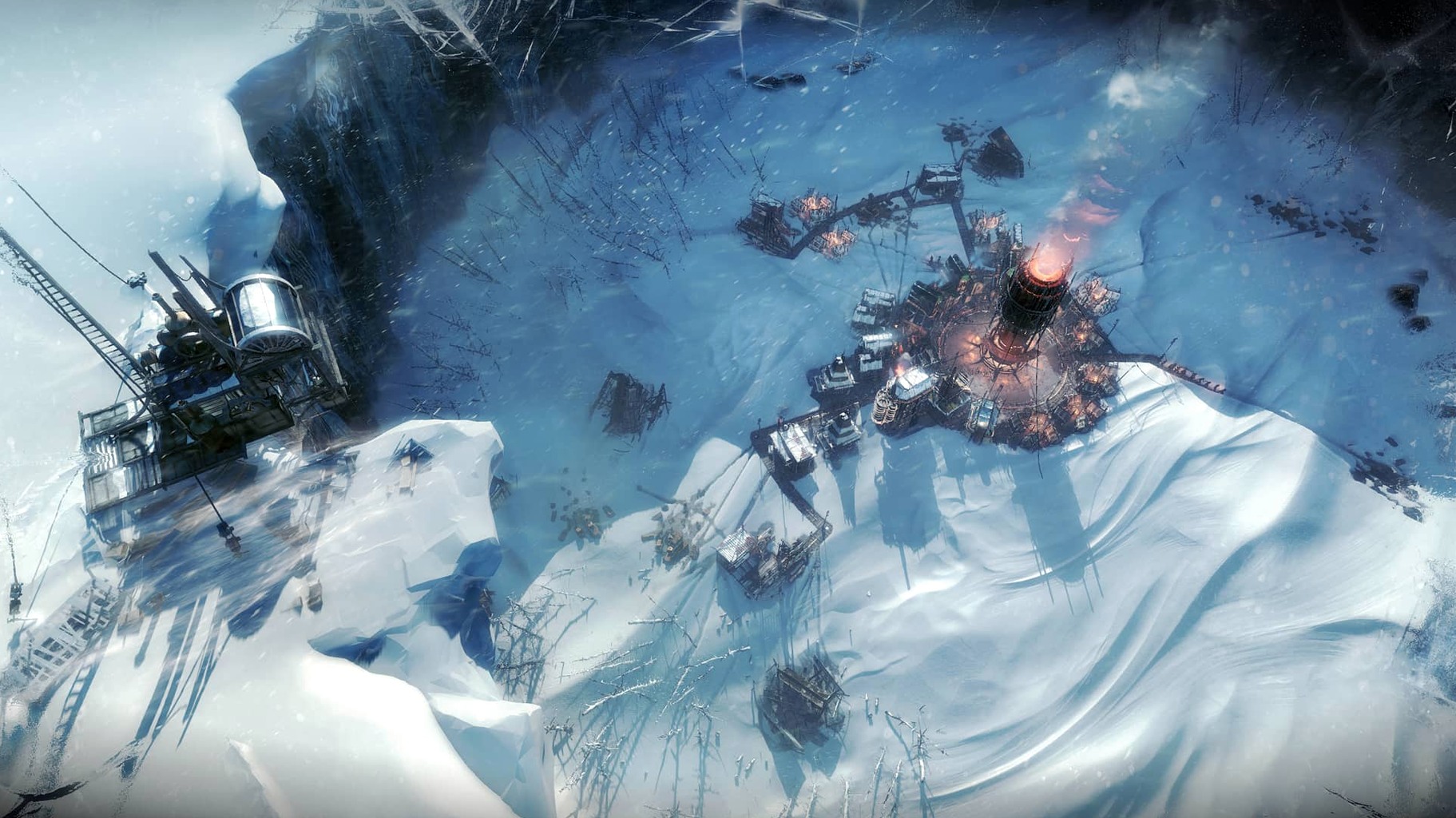
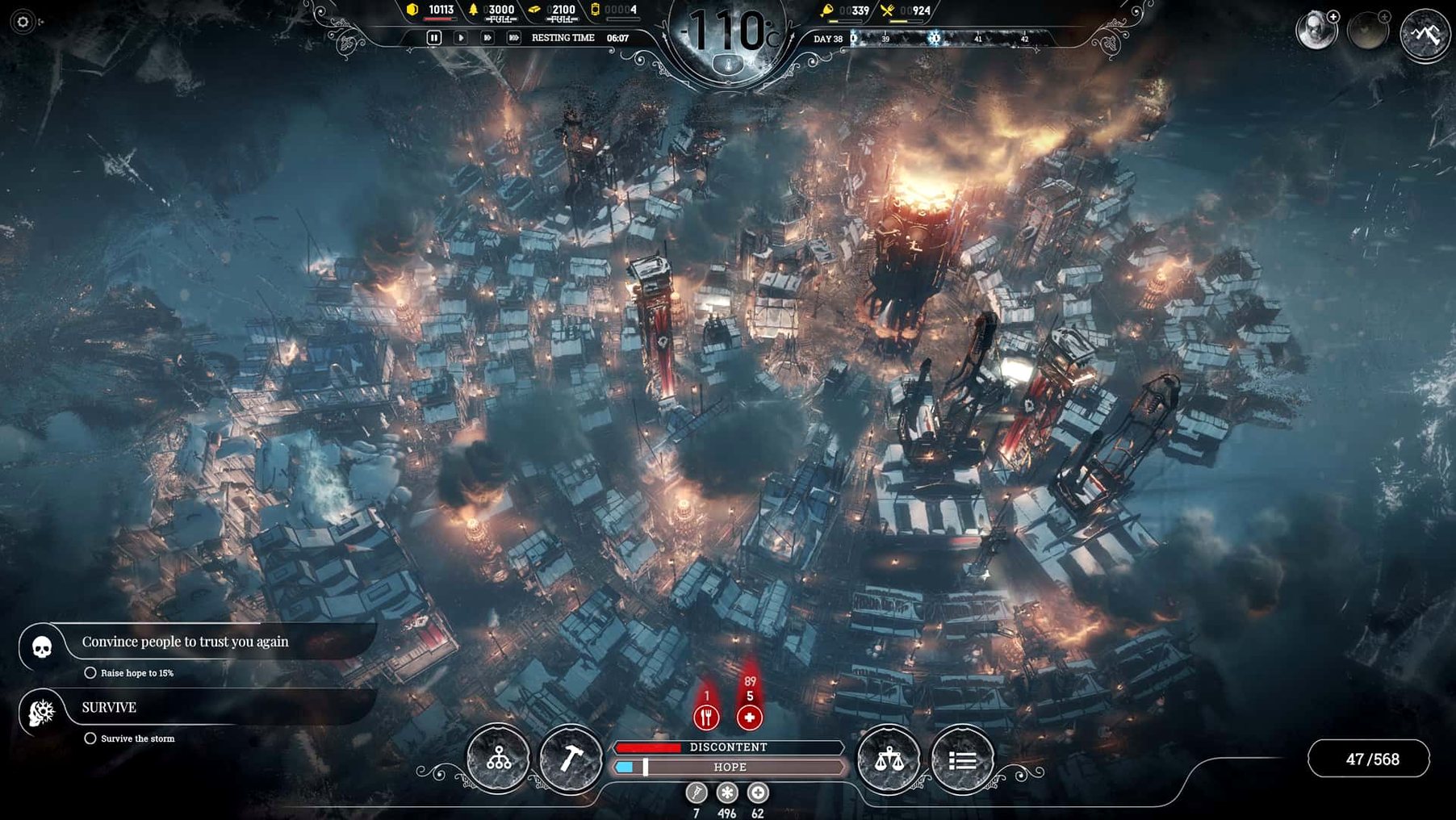
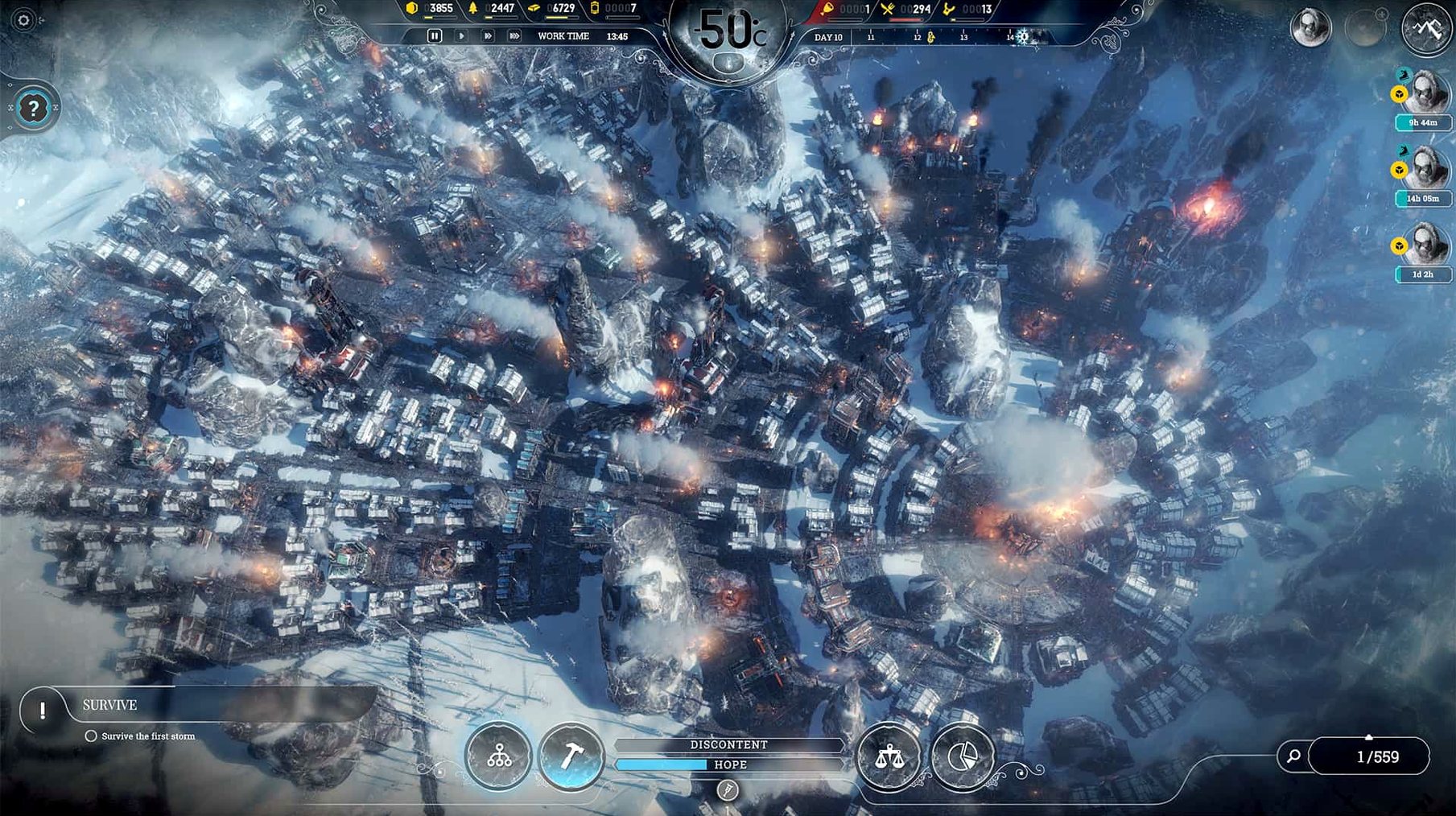
The Generator is the first thing you learn to protect. Frostpunk’s core loop — law setting, work hours, medical care, food management — all circles back to keeping that heat source alive. On a Mac, the experience holds up, but it depends on your hardware.
Running on a Mac
The Mac version requires 64-bit Intel architecture and macOS 10.15 or later. Expeditions outside the city, steam automatons, and airships add load; a 4 GB AMD Radeon Pro 5300M or better is recommended.
Controls and languages
Controls are mouse-driven, with keyboard shortcuts for speed and menus. Interface languages include English, German, Spanish, Italian, Simplified Chinese, Korean, Polish, Portuguese, Turkish, Russian, and French.
For those seeking the base game, note this is the base game — the sequel is a separate release. This version remains a solid entry point for the frozen survival genre.
Can Frostpunk run on Apple Silicon via Rosetta 2
Can the game run on Apple Silicon? The official system requirements list 64-bit Intel architecture and macOS 10.15 or later. The tested system above was an M1 MacBook Air, which uses Apple's Rosetta 2 translation layer to run Intel code. Performance will depend on the translation overhead and your specific hardware. There is no native Apple Silicon build.
How much disk space does the installation actually take? The store page lists 10 GB of storage. The final install size after unpacking can be slightly larger.
Does the game support mods? Mods typically replace or add files in the game's data folder. Check the mod's instructions for file paths and compatibility.
Can I use a controller? The game is designed for mouse and keyboard. Some community workarounds exist for controller mapping, but the interface and many actions assume a cursor. Stick to mouse and keyboard for the intended experience.
Why resource-chain strategists get a satisfying city builder
Strategy players who enjoy balancing resource chains will find the core loop satisfying. You manage coal, wood, steel, food, and heat while juggling a population's hope and discontent. City builder fans who liked Banished or Surviving Mars will recognize the tension between expansion and sustainability.
Survival game players who normally play something like The Long Dark will appreciate the narrative weight. Frostpunk is not a sandbox — it forces hard choices about child labor, medical care, and faith. The endless mode lets you test your build strategies on 8 different maps with three difficulty variants: Endurance, Builders, and Serenity.
Players who want a focused, story-driven strategy experience without the randomness of a 4X game will also find it appealing. The tech tree is linear and the story beats are scripted, so you can replay to see how different laws and decisions change outcomes.
Frostpunk's larger city scale versus This War of Mine's small-group survival
Frostpunk vs. This War of Mine. Both are from 11 bit studios and share a bleak tone. This War of Mine is a side-scrolling survival simulation with a small group of civilians. Frostpunk is a larger city builder with a single, centralized city management challenge. This War of Mine runs on lower-end hardware and has a smaller footprint, while Frostpunk demands a dedicated GPU.
Frostpunk vs. Banished. Banished is a pure city builder without combat or a story. You gather resources, expand, and manage population. Frostpunk adds the survival pressure of extreme cold, a linear tech tree, and an overarching narrative. Banished is lighter on system requirements and runs well on integrated graphics. Frostpunk's visual effects and larger city scale need the recommended GPU.
Frostpunk vs. Surviving Mars. Surviving Mars is a colony builder on the red planet. It has a similar resource loop — food, air, water — and dome-based city planning. Surviving Mars is slower paced and more forgiving. Frostpunk is more urgent, with the generator as a ticking clock. Both have similar Mac hardware requirements, but Surviving Mars also lacks native Apple Silicon support.
New players lose populations by ignoring heat and coal upgrades
New players often ignore the heat management system. The Generator must be upgraded and supplied with coal continuously. Running out of coal during a severe cold snap can kill a large portion of the population quickly. Build coal thumpers and gathering posts early.
Over-expanding the city is another frequent error. Each new tent or workshop requires more heat. The Generator's range is limited, and buildings at the edge may freeze. Plan your city layout so that infrastructure like medical posts and cookhouses stay within the heated area.
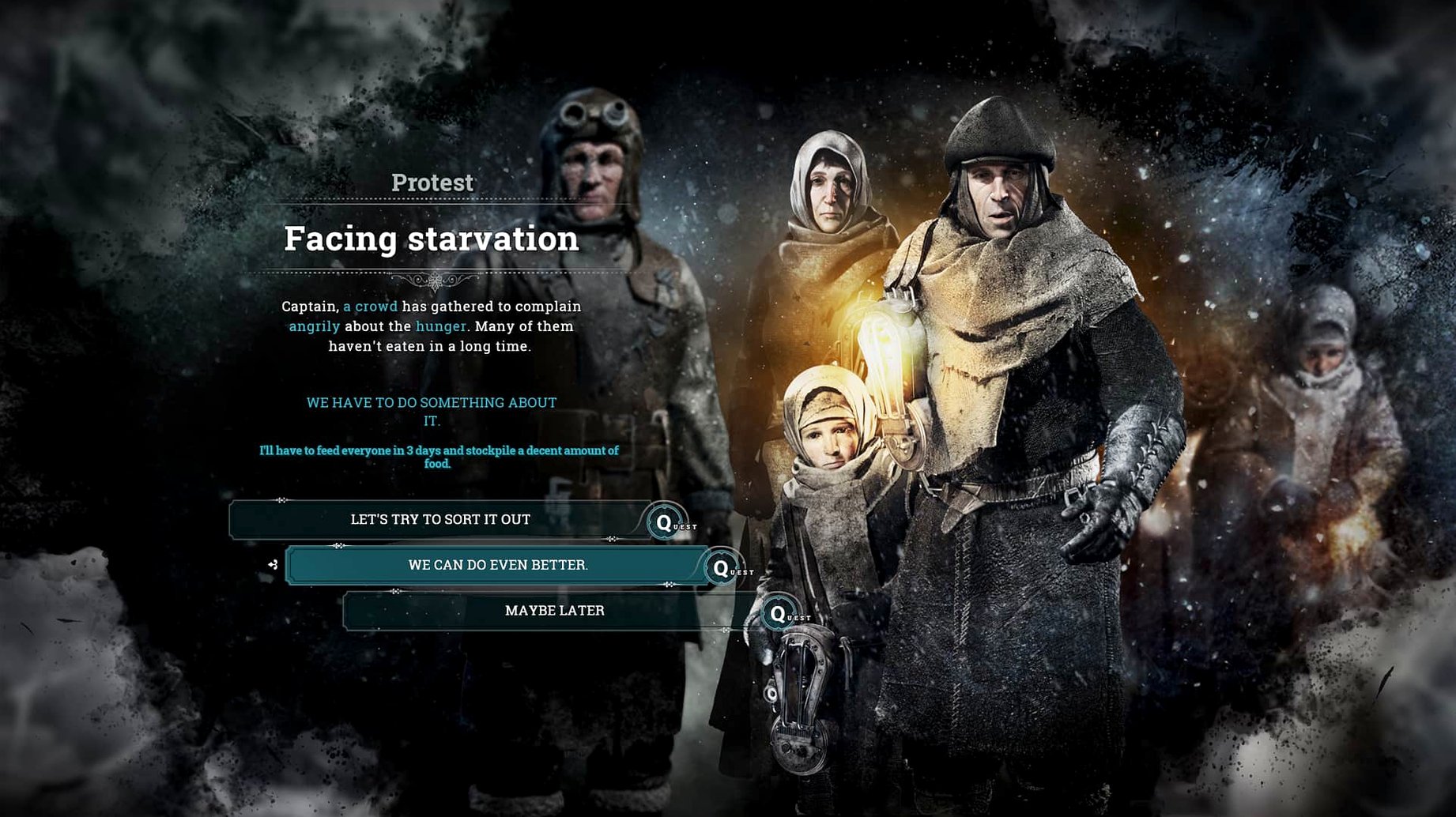
Beginners also underestimate the discontent system. Laws like extended work hours or child labor reduce hope. If discontent rises too fast, you can face riots or exile. Balance harsh rules with faith-based laws or promise improvements. The game gives you a discontent meter — watch it more than your food stockpile.
Expedition mismanagement is common. Sending scouts without enough supplies or planning for multiple trips wastes resources. Each scout team needs food and time. Send scouts early to find survivors and resources, but don't send them all at once. Keep one team near the city for emergencies.
Finally, many players neglect the research tree. Automatons, airships, and advanced medical care are locked behind technologies. Prioritize research that improves coal gathering, heat efficiency, or food production. The first 30 minutes of a new game decide whether the rest is manageable or a scramble.
- macOS 10.15 or later
- Intel x86 64-bit architecture
- 2.6 GHz Intel Core i7
- 4 GB AMD Radeon Pro 5300M or Radeon Pro 560X or better
- 16 GB RAM
- 10 GB available storage
Questions from the notes
Does Frostpunk run on Apple Silicon Macs?
The Mac version requires Intel x86 architecture, but it can run on Apple Silicon via Rosetta 2, as tested on a 2020 MacBook Air with M1 under macOS Sonoma.
Install procedure
- Run the downloaded package.
- Follow the standard installation process.
- Choose the installation location at the end.
- Applications is the recommended destination.
Reports from players
Sign in or create a tester account to file a report.
No reports filed yet.