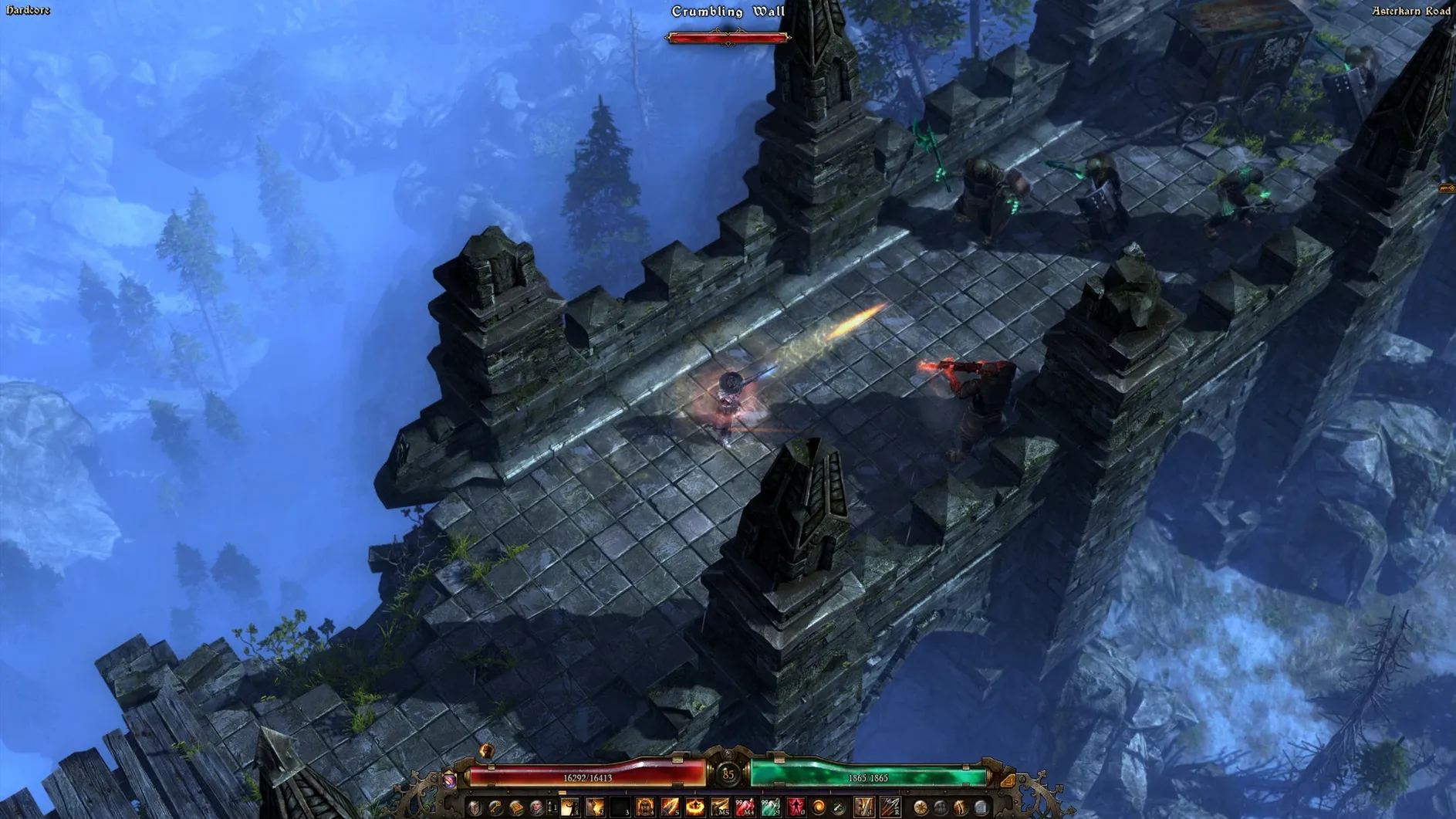
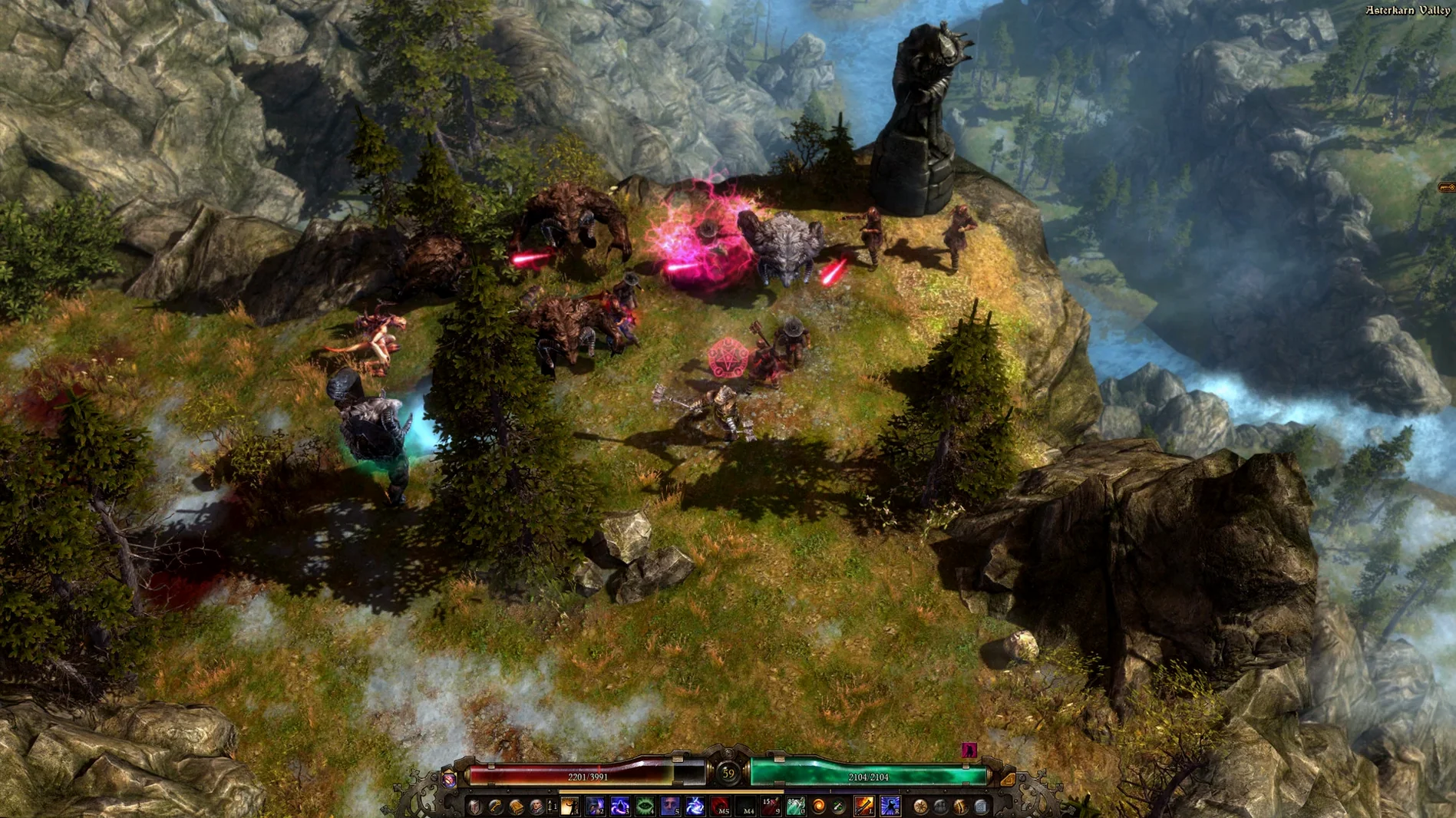
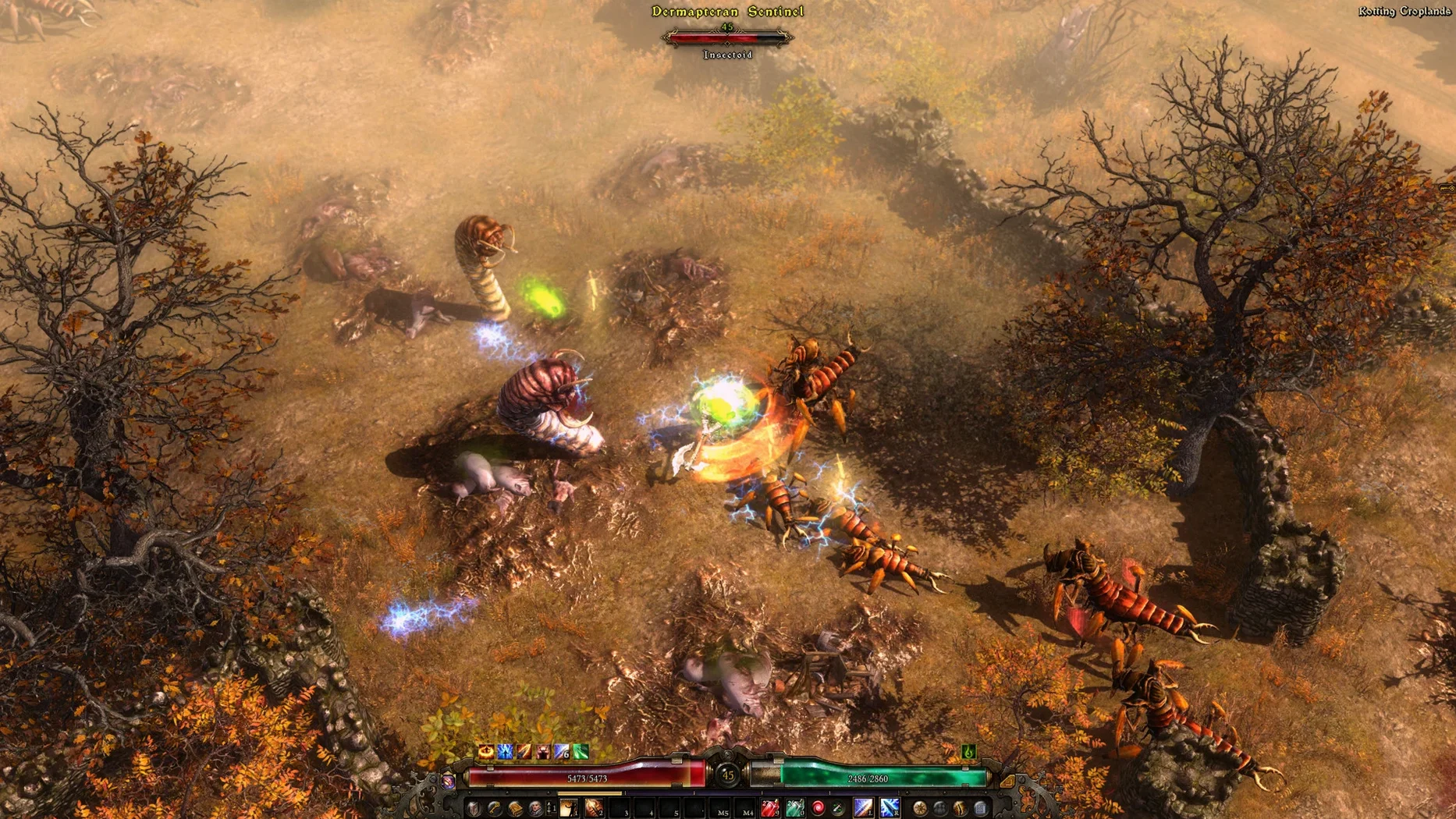
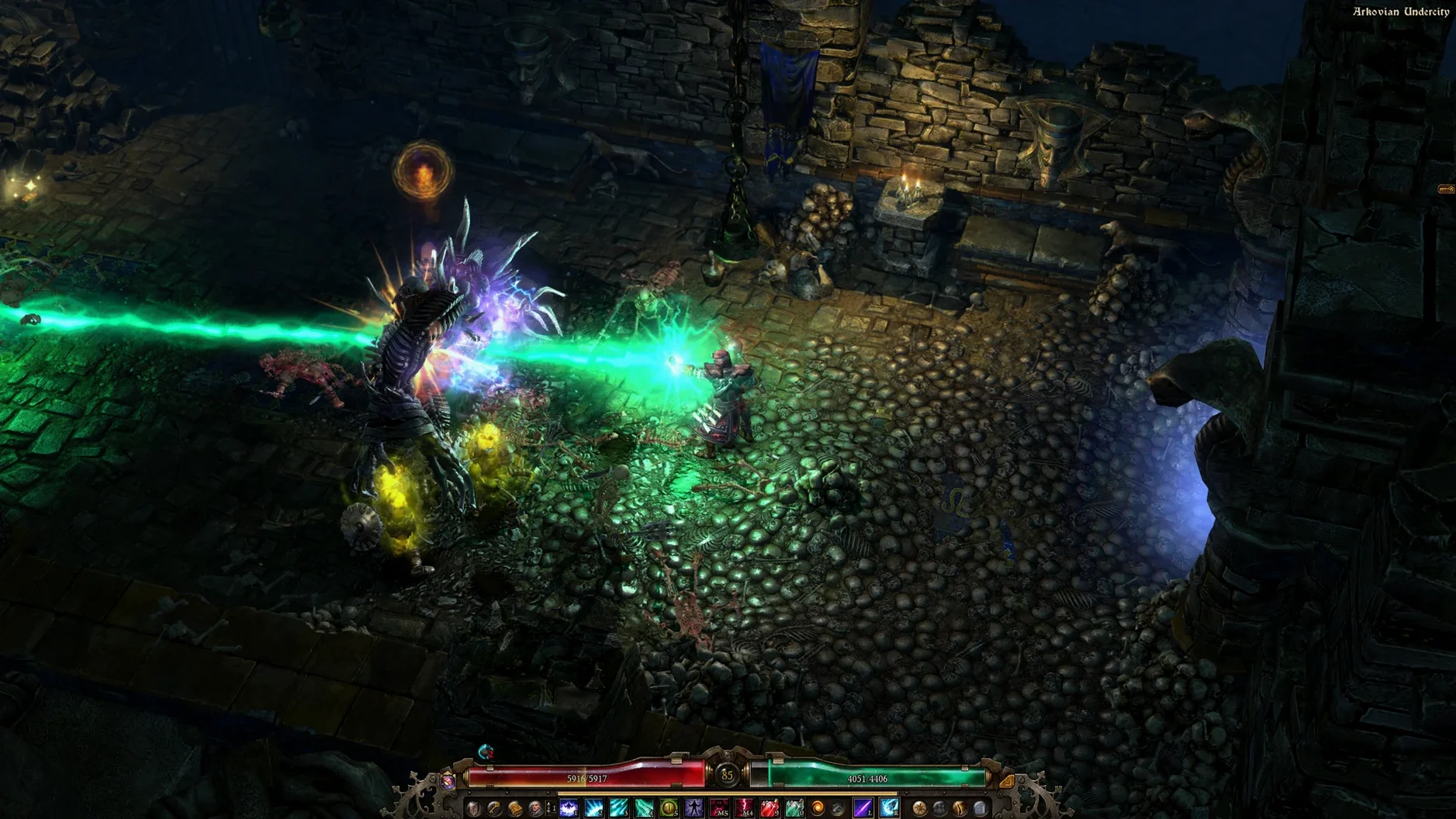
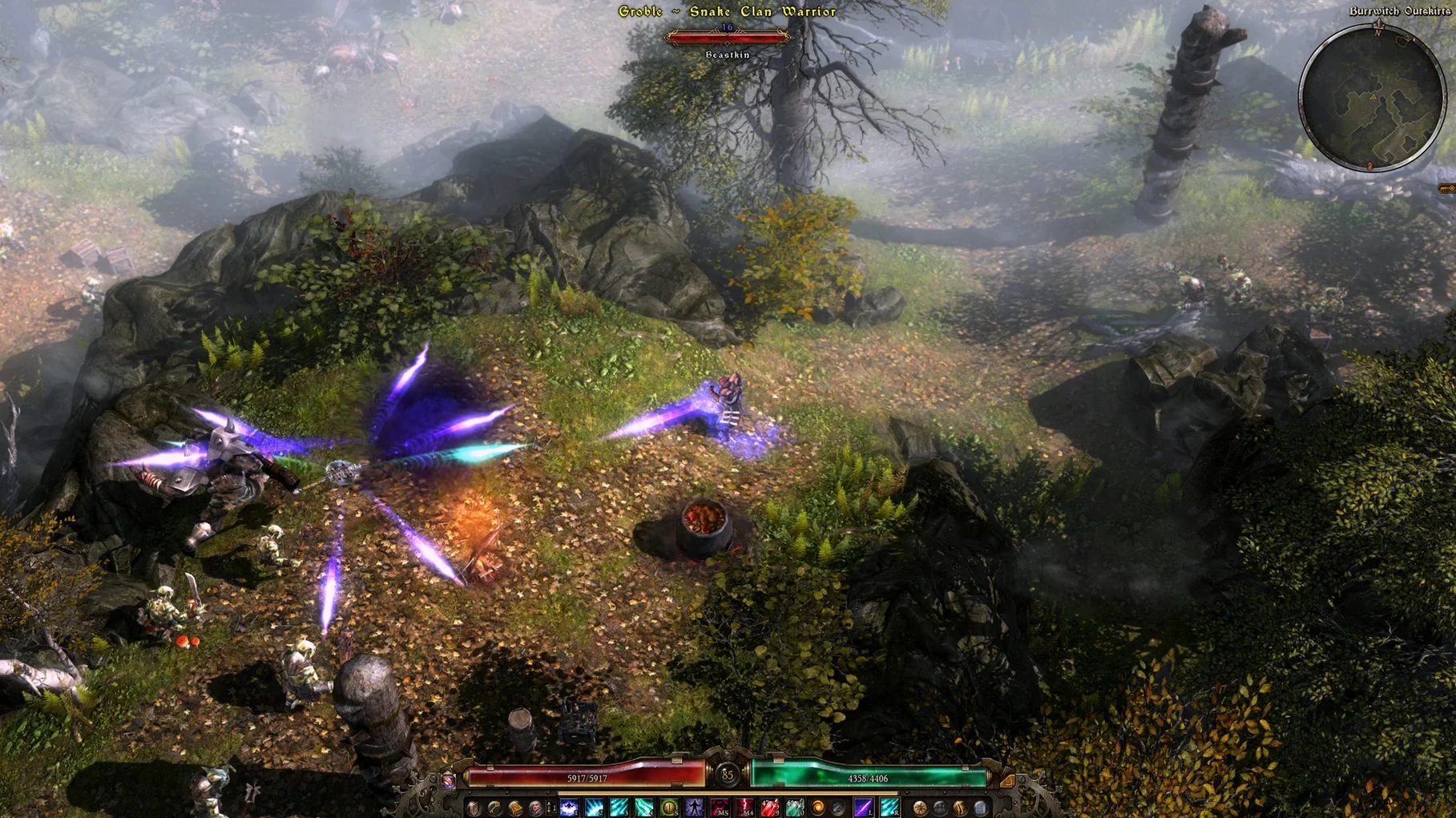
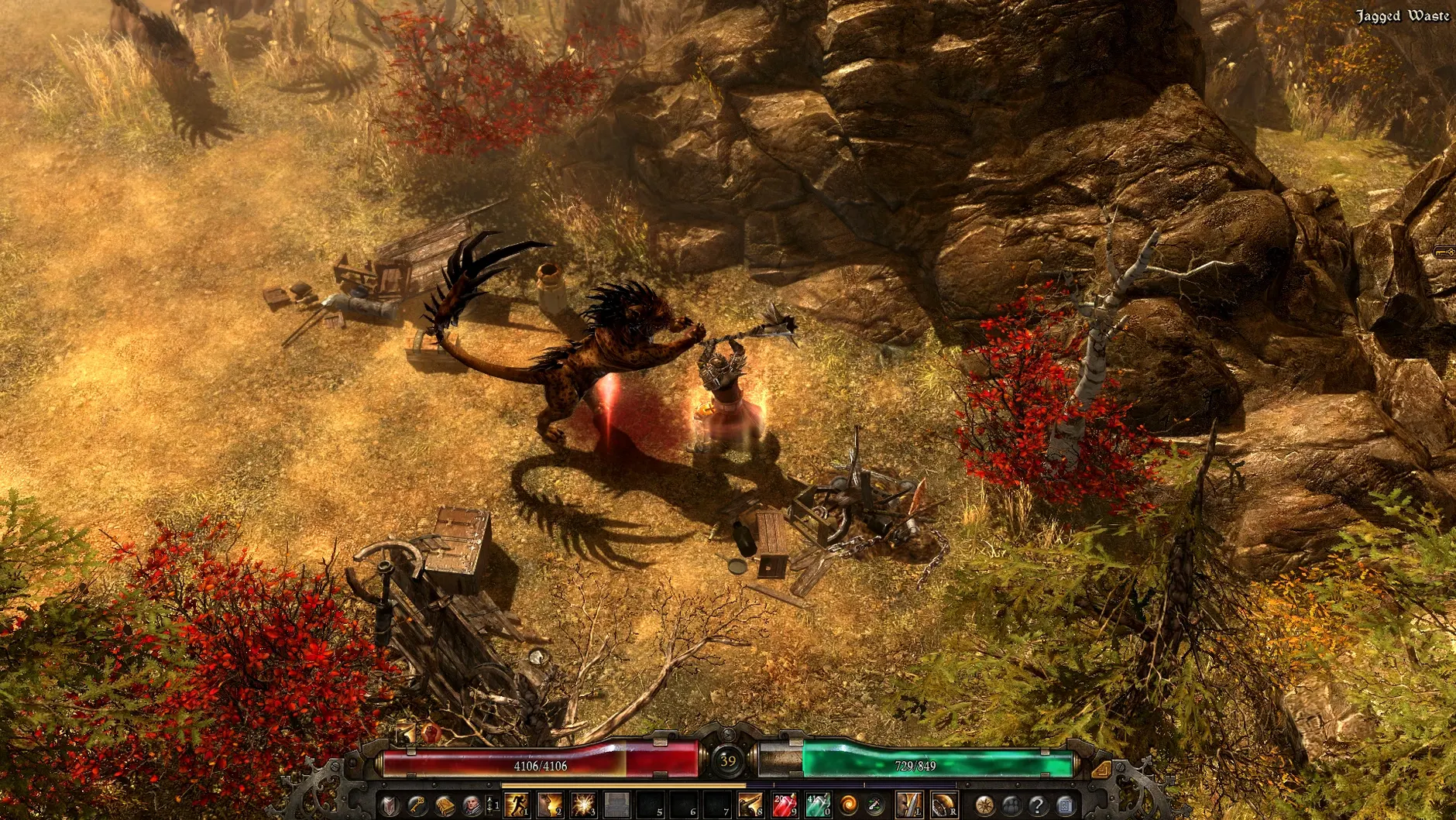
The class system is what sets Grim Dawn apart from other ARPGs. You pick two of six base classes—Soldier, Demolitionist, Occultist, Nightblade, Arcanist, or Shaman—and combine their skill trees into a hybrid build. Each class has over 25 skills and modifiers, so experimentation matters more than following a guide.
- Start with a single class until you reach level 10. That unlocks the second class choice and keeps things manageable.
- Check the faction reputation screen early. Friendly factions offer quests and gear; hostile ones spawn nemesis bosses that drop high-tier loot.
- Explore every corner of the map. The game hides more than 20 secret areas, often behind cracked walls or hidden switches.
- Loot rarity matters. Normal and magic items are vendor fodder; rare, epic, and legendary pieces define your build. Stash anything with a stat that looks useful.
- Respeccing is possible but costs materials. Don't stress over early skill points—you can fix mistakes.
- Turn on the in-game loot filter from the options menu. It saves time when dozens of items drop at once.
Theory-crafters who want offline ARPG depth
This port suits anyone who spent hours theory-crafting builds in Diablo II or Path of Exile and wants that same depth without always-online requirements. The dual-class system rewards players who enjoy planning stat splits—Soldier plus Occultist plays differently than Demolitionist plus Nightblade, and the devotion layer adds another axis to fine-tune. Completionists get the most value from the 75 lore notes and the faction reputation system, which requires multiple playthroughs to see all outcomes.
Starting a session by checking faction relations in Devil's Crossing
You launch the app from Launchpad, select your character, and load into Devil's Crossing. The first thing you do is open the faction screen to see which groups are friendly this run. If Kymon's Chosen are green, you head east for the bounty quests. If they are red, you avoid that road and farm the Arkovian undercroft instead.
By level 10 you unlock the second class. You already planned a Demolitionist–Arcanist hybrid, so you dump points into fire grenades and the transmutation passive. The skill refund vendor sits right next to the main gate, so you experiment without penalty. Around level 18 a Nemesis boss spawns in the Old Arkovia region—you drag it into a chokepoint and kite with your grenade cooldowns. It drops an epic two-handed mace with +3 to demolitionist skills, which changes your melee rotation for the next three zones.
You pause to read two lore notes found near a collapsed shrine. One hints at a secret area behind the waterfall in the Flooded Passage. You mark it on your mental map and push forward. After twenty minutes you reach the next waypoint, stash worthwhile loot, and sell everything else before logging off.
Scenario: the faction completionist
Marie plays Grim Dawn to see every faction outcome. On her current run she keeps the Order of Death's Vigil friendly while antagonizing the Kymon's Chosen. That triggers a Nemesis boss at shard 28 in the Shattered Realm—exactly where the 1.2.1.6 update increased spawn reliability. She clears the boss, gets a legendary relic that boosts nightblade bleed damage, and heads back to town to check if the faction shift opened a new quest chain. Over the weekend she plans a third playthrough with the opposite allegiance to unlock the remaining lore notes.
The current version 1.2.1.6 fixes a Crucible exploit and makes nemesis bosses more consistent in the Shattered Realm. A solid time to start fresh.
- At least one Nemesis boss now always spawns on Shards 25+ in Shattered Realm, with a higher chance of additional Nemesis spawns.
- Nemesis bosses are now more likely to spawn in lower shards.
- An exploit in Crucible related to checkpoint changes was fixed.
- macOS: Unknown
- Architecture: Apple Silicon
- Tested on macOS Sequoia on a Mac mini 2024 M4
- Interface languages: Russian, English, German, Vietnamese, Spanish, Italian, Simplified Chinese, Korean, Polish, Portuguese, French, Czech, Japanese
Install procedure
- Mount the downloaded disk image and drag the app to the Applications folder alias.
- After copying finishes, launch the app from Launchpad.
- If the game shows an error on startup, run the file named Fix inside the disk image.
Reports from players
Sign in or create a tester account to file a report.
No reports filed yet.