
Gas Station Simulator for macOS is the same game that runs on Windows, now as a universal app with native Apple Silicon support. If you have used a Mac game port before, the pattern is familiar: a straightforward simulation that does not ask for much beyond a mouse and some patience.
Start with a rundown desert station and clean it up
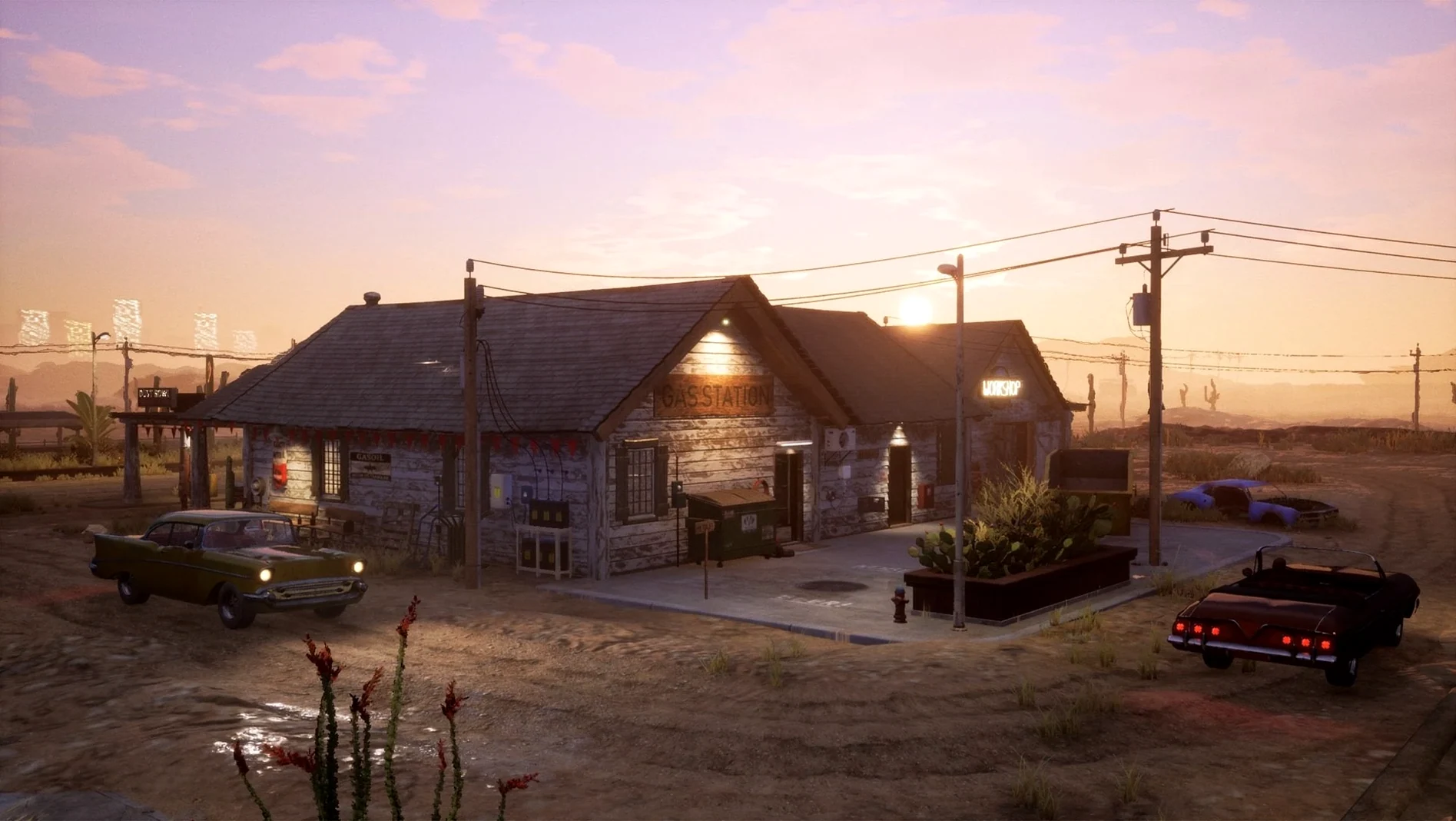
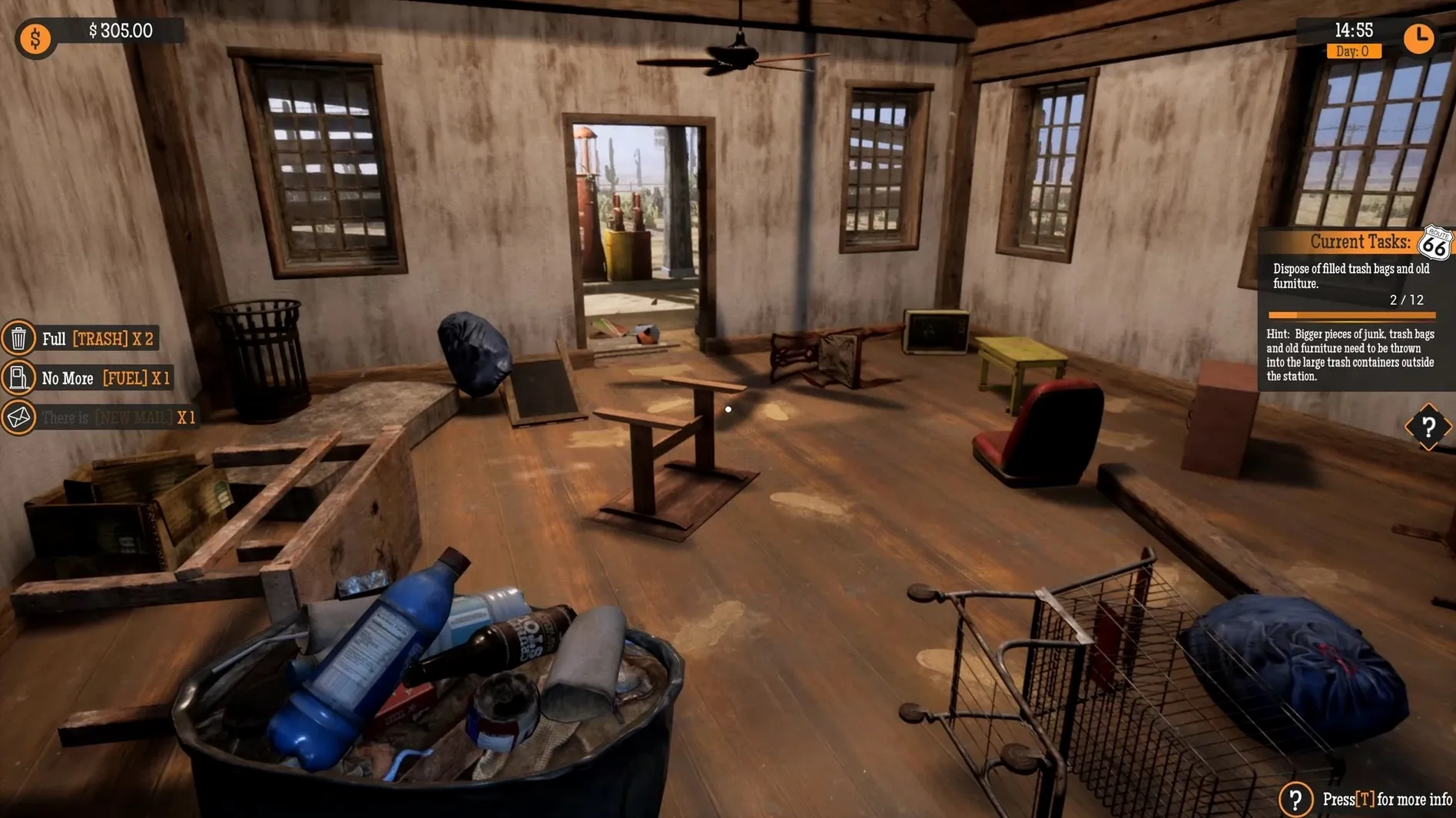
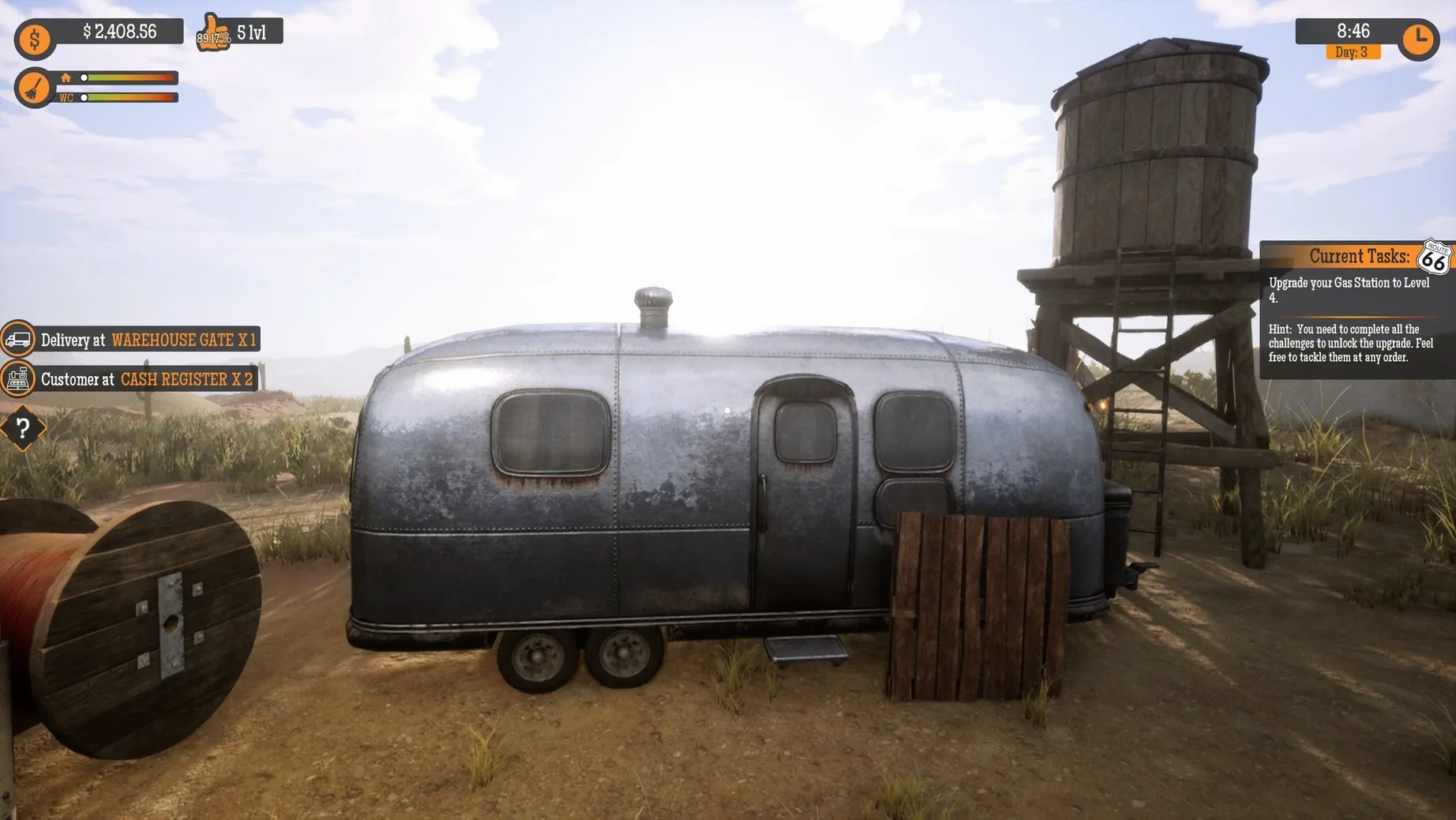
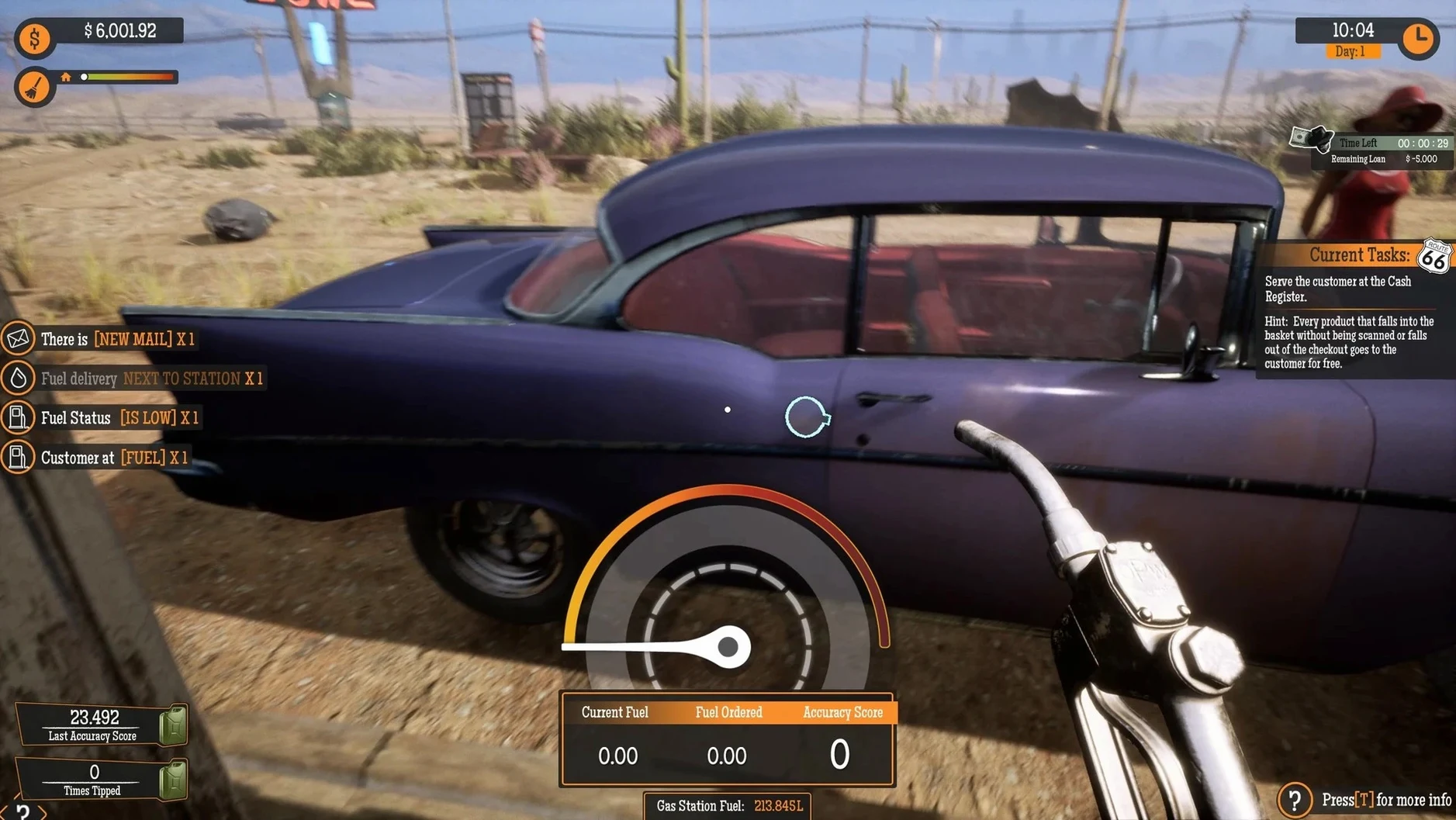
This one is for players who like the slow, messy process of making something out of nothing. You start with a rundown desert station, remove trash, repair walls, paint, and decorate. The loop is simple: serve customers, earn money, then spend it on renovations or new services like a workshop, shop, warehouse, and car wash. The warehouse can be expanded, giving you more storage and a reason to keep playing. Employees have skills that level up as they work, which adds a light management layer. If you enjoy games where progress is visible in the environment, not just in a stats screen, this fits.
Slow pacing without a strong story may disappoint
Players who need a strong story or fast, reactive gameplay will likely bounce off. There is no plot to pull you forward. The pace is deliberate, and most of your time goes into cleaning, painting, and stacking shelves. Multi-tasking is part of the job, but it never gets frantic. If you prefer action or narrative-driven titles, this will feel slow. Also note that the macOS version does not include the Christmas Content Update yet, so that content is missing for now.
Lower camera sensitivity before lining up wall decals
Before you start scrubbing the grime off the pumps, open the options menu. The default camera sensitivity can feel a bit loose when you are trying to line up a wall decal. Dial it down a notch or two. You will thank yourself later when you are painting the interior. The game also lets you adjust the frequency of customer demands. If you prefer a slower, more methodical pace, lower the customer spawn rate. That gives you more time to organize the warehouse and order stock without a line forming at the register. The inventory auto-order toggle is another one to set early. Turn it on if you do not want to babysit the supply list, or leave it off if you enjoy the micromanagement side.
Level up employees to speed up credit card payments
The employee skill system is easy to ignore until you notice your cashier taking forever with a credit card. Employees gain experience by doing their jobs. A leveled-up employee handles customers faster, which matters once the station gets busy. Check the employee tab every few game days and assign your best worker to the busiest position. The warehouse expansion is also worth planning from the start. You do not need a massive storage room right away, but reserving the space now saves you from having to reorganize later. The decorative options for finished rooms are purely cosmetic but break up the monotony of cleaning and stacking. Drop a neon sign or a poster when you need a visual reward for a job done.
Universal macOS build works on Intel and Apple Silicon
Version 1.0.2.51989S brought the macOS version in line with the PC release, minus the Christmas Content Update. The universal app structure means the same download works on Intel Macs and Apple Silicon machines. No separate builds, no confusion. The language list is substantial — seventeen interface languages including Finnish, Vietnamese, and Traditional Chinese — but voice remains English only. That is consistent with the original release. The installation is still a simple drag-and-drop from a mounted disk image into Applications. No activation steps, no serial codes. Gas Station Simulator lets you manage a roadside stop, perfect for players who enjoy business tycoon games.
- The macOS version arrived as a universal app with native Apple Silicon support.
- The macOS version supported both Intel and Apple Silicon Macs.
- macOS version not specified
- Architecture: ARM and 64-bit x86
- Voice language: English
Install procedure
- Mount the downloaded disk image.
- Drag the app into the Applications folder alias.
- After copying finishes, open the app from Launchpad.
Reports from players
Sign in or create a tester account to file a report.
No reports filed yet.