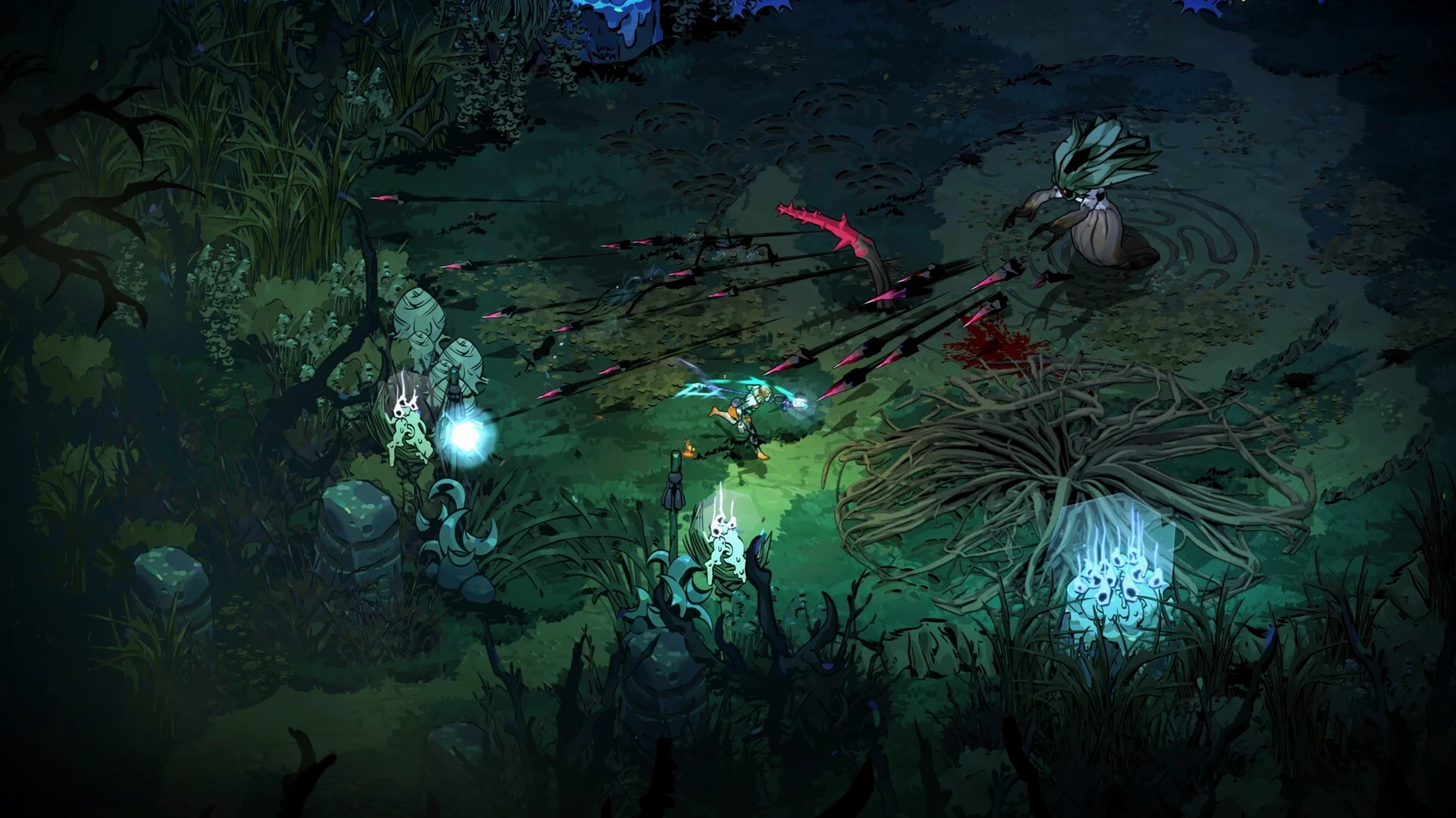
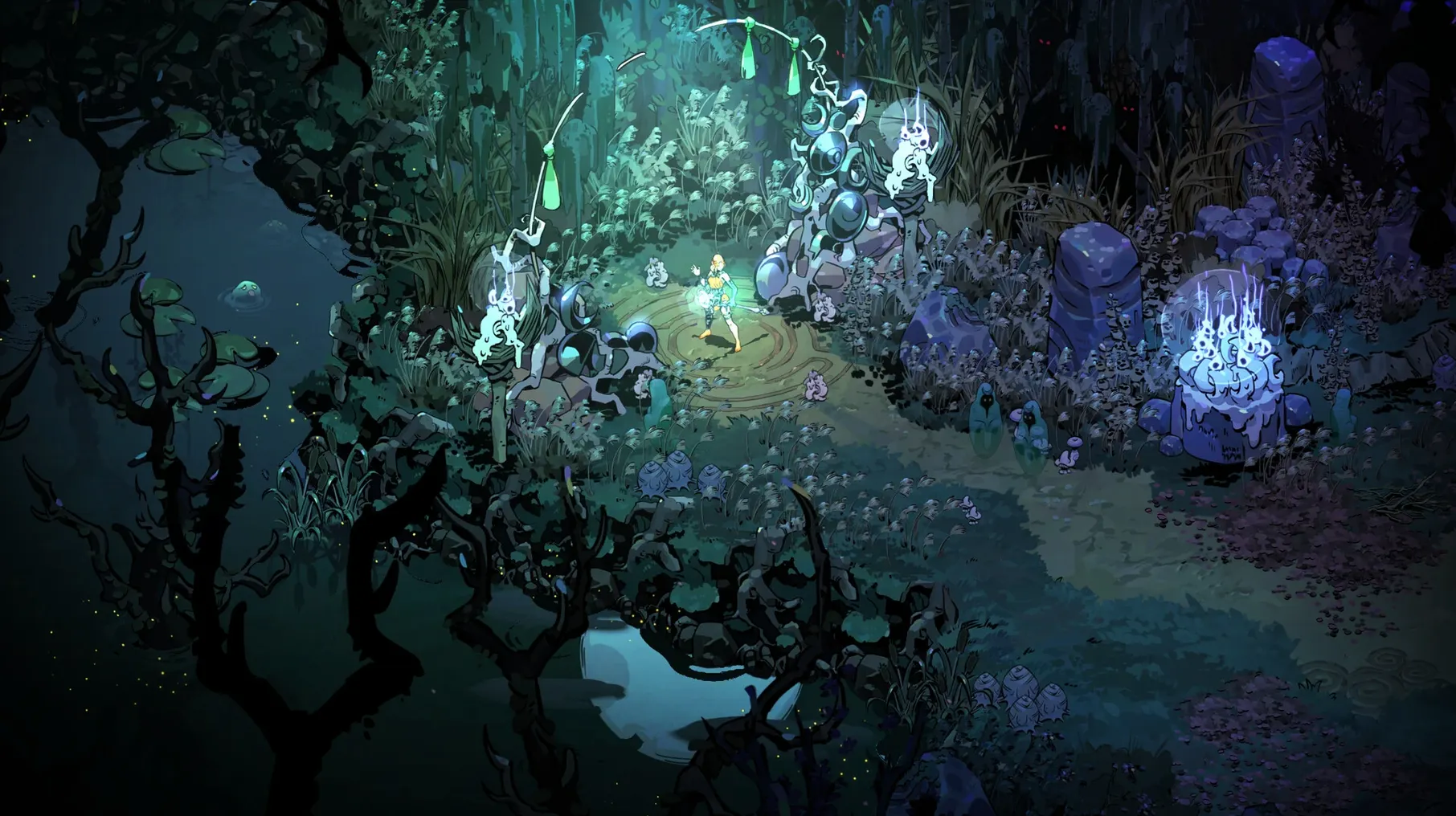
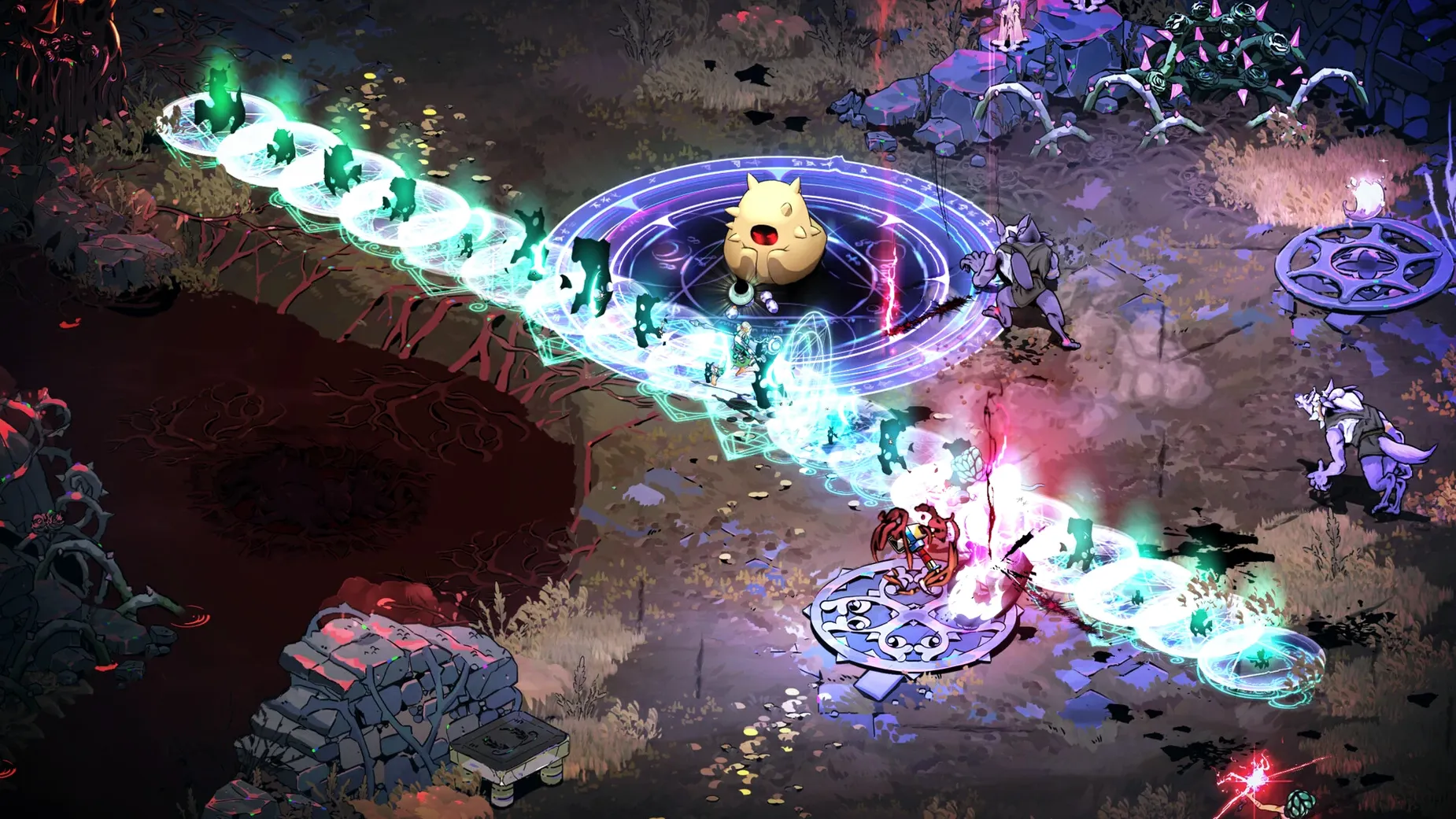
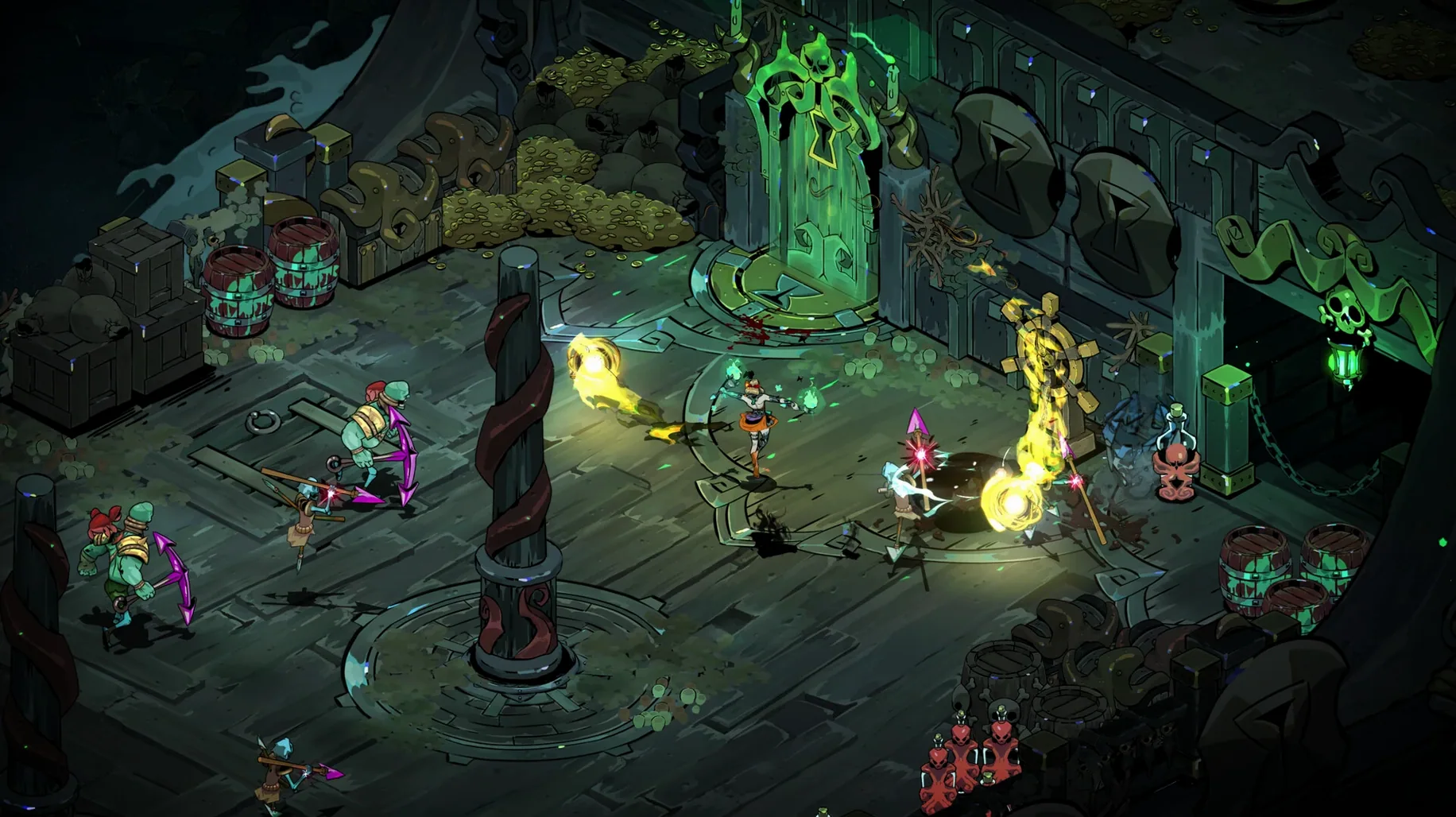
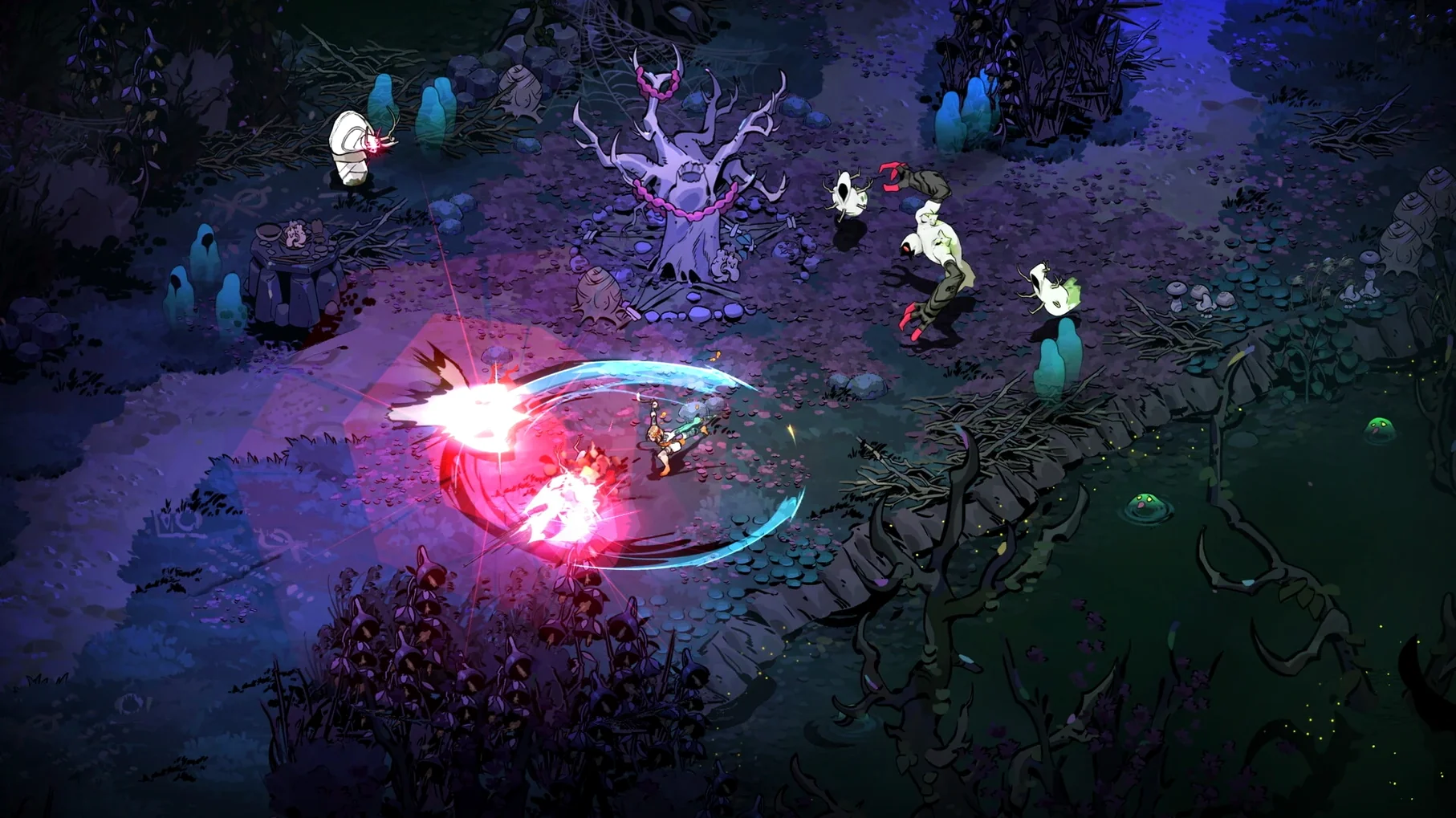
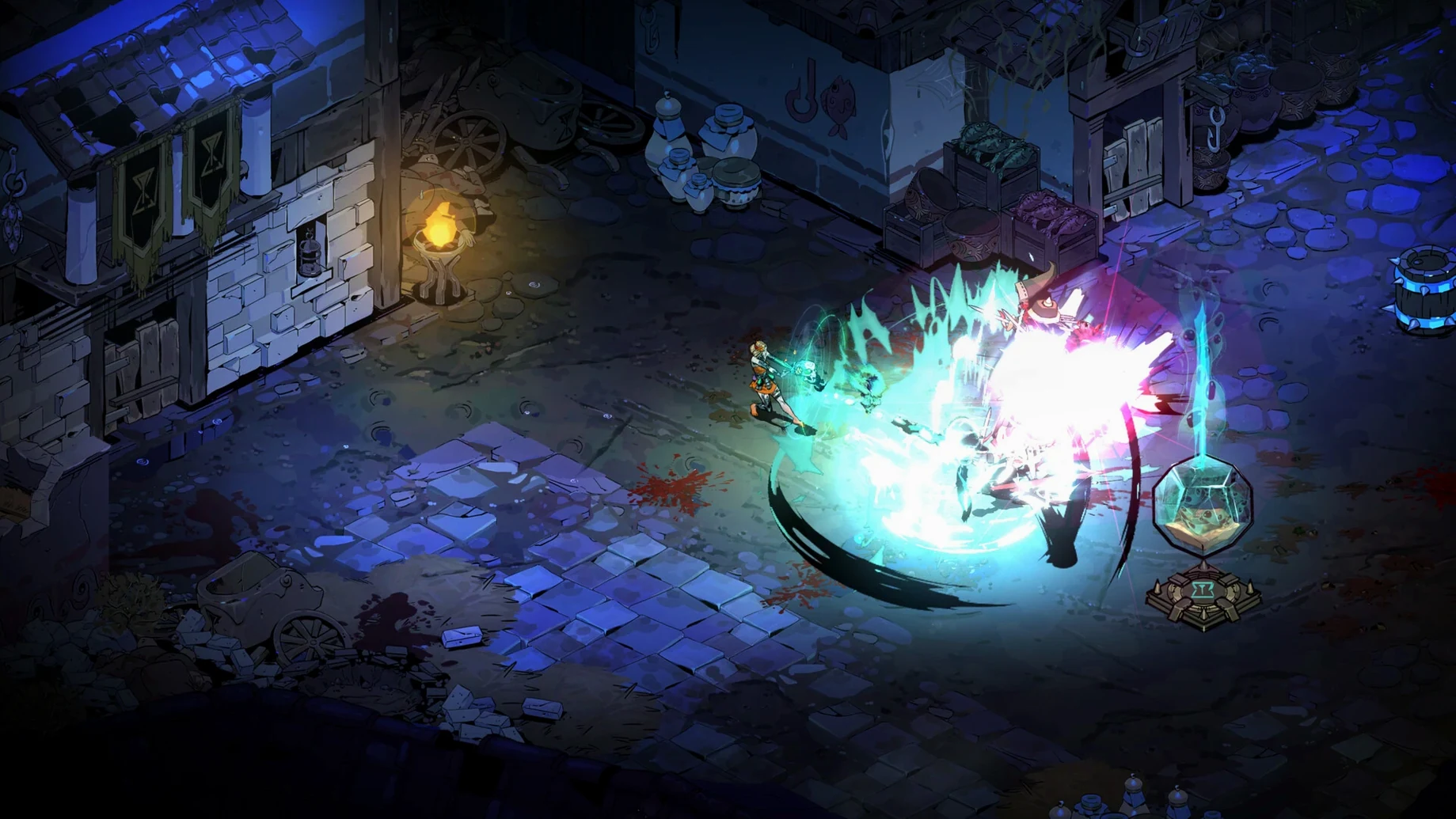
Hades II runs natively on Apple Silicon Macs, so any M-series machine from the M1 onward is good to go. The current build, version 1.143476, was tested on macOS Tahoe with a Mac mini 2024 M4, and it performs as expected for an early access title.
Learn the basics of dark sorcery
Your first run should be about getting comfortable with the new protagonist and her magical attacks. Spend time with the cast and the dash — they're your bread and butter.
Experiment with boons
Boons from the gods change how each run plays. Try a few different combinations early on so you know what fits your style before the difficulty ramps up.
What changed after early access launch
Since the May 2024 early access release, version 1.143476 has been the current build. The game's world is larger and deeper than the original Hades, with an expanded story centered on the Titan of Time. The core combat loop remains familiar, but the scope of each run feels broader. Dark sorcery replaces some of Zagreus's melee-focused attacks, and the gifts from more than a dozen Olympian gods give you more variables to juggle during a run.
For anyone coming from the first game, the biggest shift is the new protagonist. Melinoë, the Princess of the Underworld, fights differently. Her attacks are magic-based, and the timing for her dashes and casts requires a short adjustment period. The resource management between runs also has more layers now.
Fifteen interface languages to choose from
A few details in the interface and flow aren't obvious on the first launch. The game supports fifteen interface languages, including Russian, English, German, Greek, Spanish, Italian, Traditional Chinese, Simplified Chinese, Korean, Polish, Portuguese, Turkish, Ukrainian, French, and Japanese. Voice language is English only, so subtitles matter if you're not reading English.
After a run, the hub area is where you spend your persistent resources. Upgrades here are the only way to unlock new options for subsequent runs. Don't skip exploring each NPC and upgrade station between attempts. The game doesn't spell out every interaction, so clicking around the hub is worth your time.
Adjust language and controls before your first run
Before your first run, open the settings menu and adjust these:
- Language — Set the interface to your preferred language from the list. This is the only place to change it; there's no in-run toggle.
- Controls — Remap the dash and cast buttons if the default layout doesn't feel natural. The game doesn't explain every control upfront.
- Display — The game defaults to a windowed mode on some setups. Switch to fullscreen if you want the full view.
These adjustments take two minutes and save you from fumbling during combat. The settings menu is straightforward, but the options are grouped by category, so browse each tab once before diving in.
You'll collect resources that persist between runs. Use them to upgrade the hub area, which opens up more options for future attempts.
- macOS (version not specified)
- Apple Silicon (ARM)
Install procedure
- Open the downloaded disk image.
- Drag the app to the Applications folder shortcut.
- After copying finishes, launch the app from Launchpad.
Reports from players
Sign in or create a tester account to file a report.
No reports filed yet.