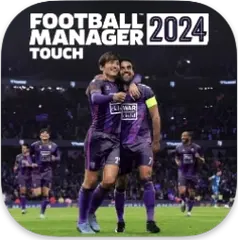
Football manager is a game of decisions, not highlights. The 2026 edition of FM 26 Touch for Mac puts the steady grind of squad building, tactical tweaks, and transfer negotiation at the center. The reworked interface gets out of the way so the work itself is the point.
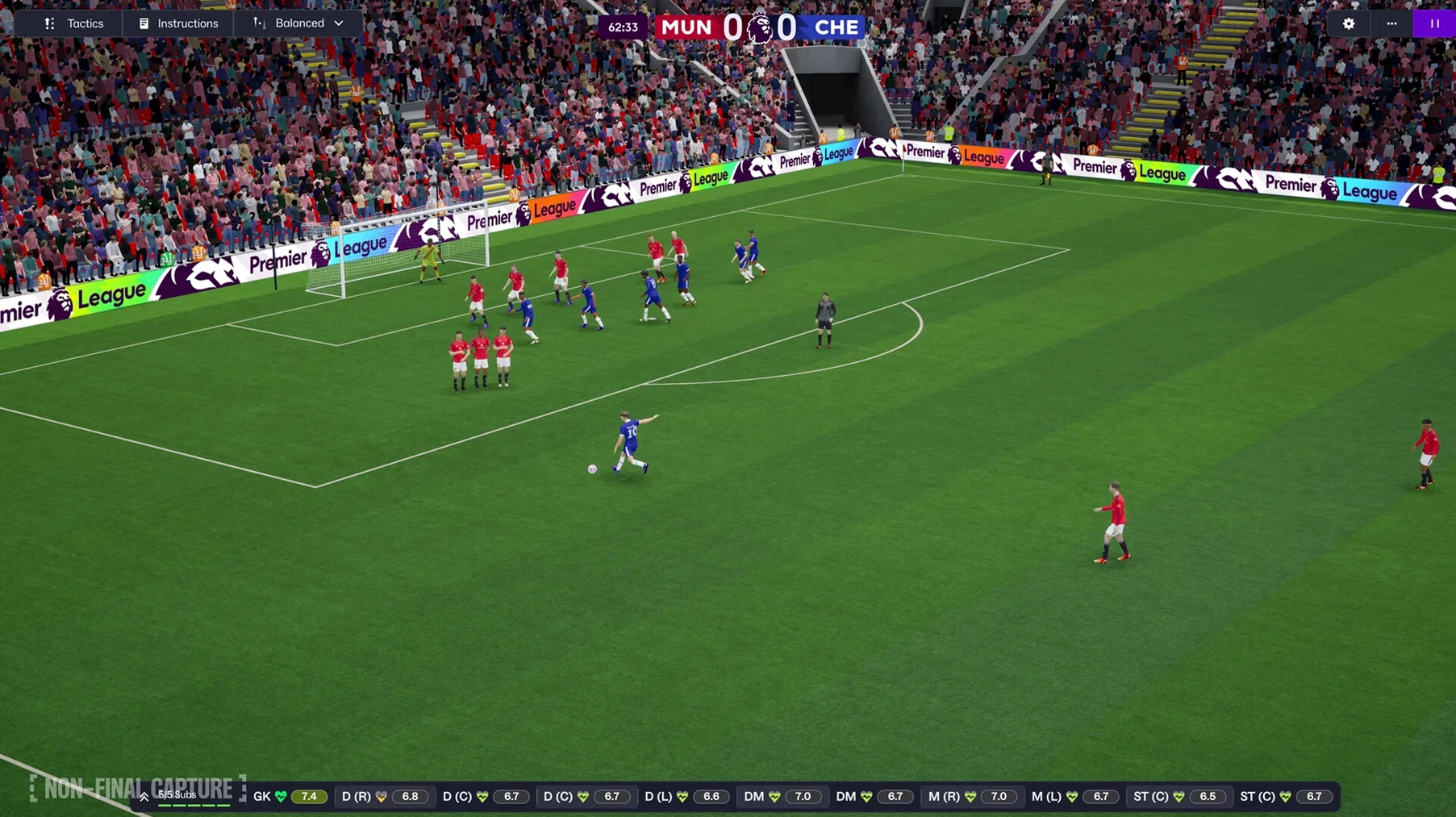
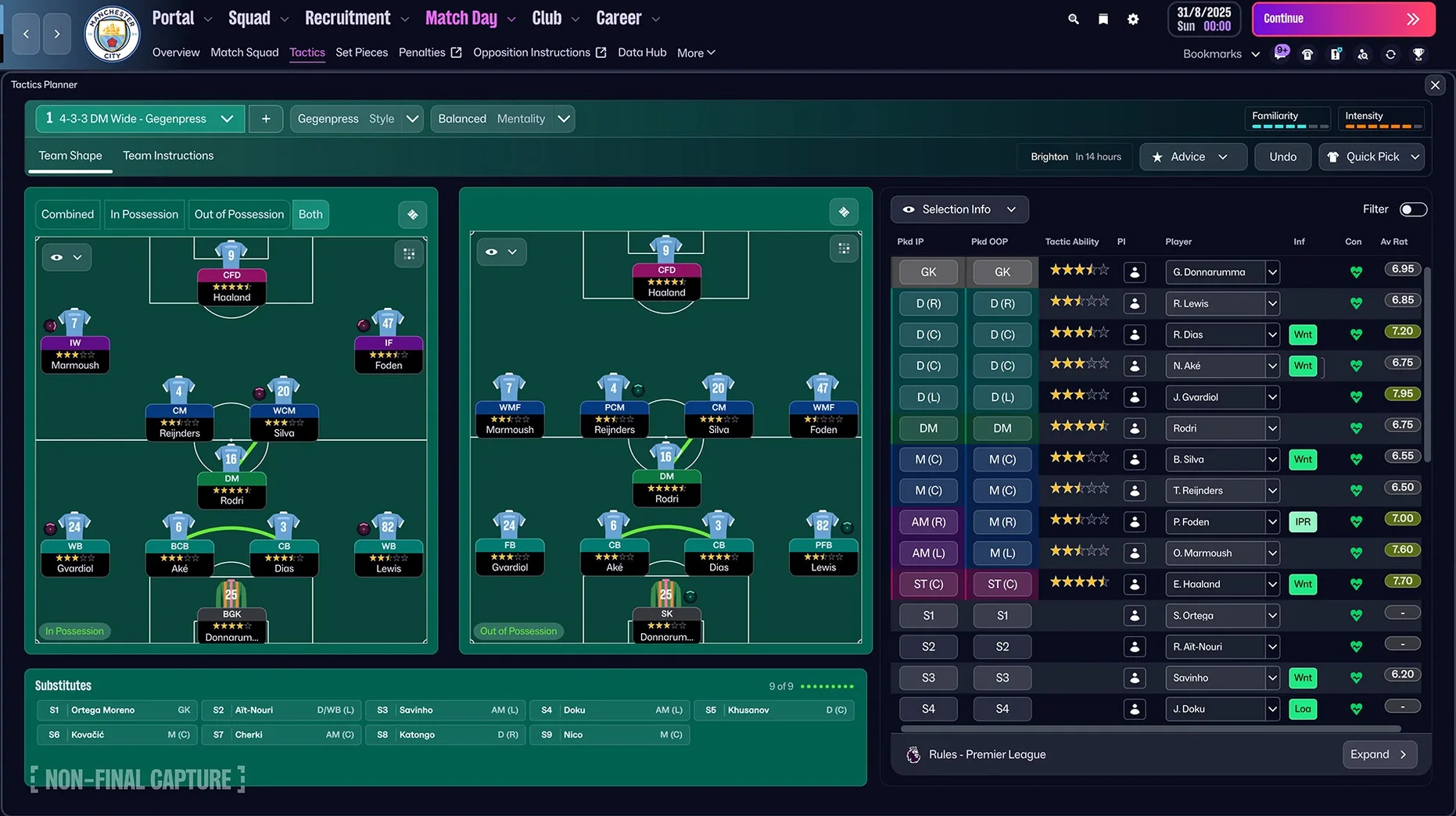
Setting separate attacking and defensive tactics mid-match
- Setting separate attacking and defensive tactics, then adjusting them mid-match as the game shifts.
- Using TransferRoom-based recruitment tools to find players who fit a specific role rather than just a big name.
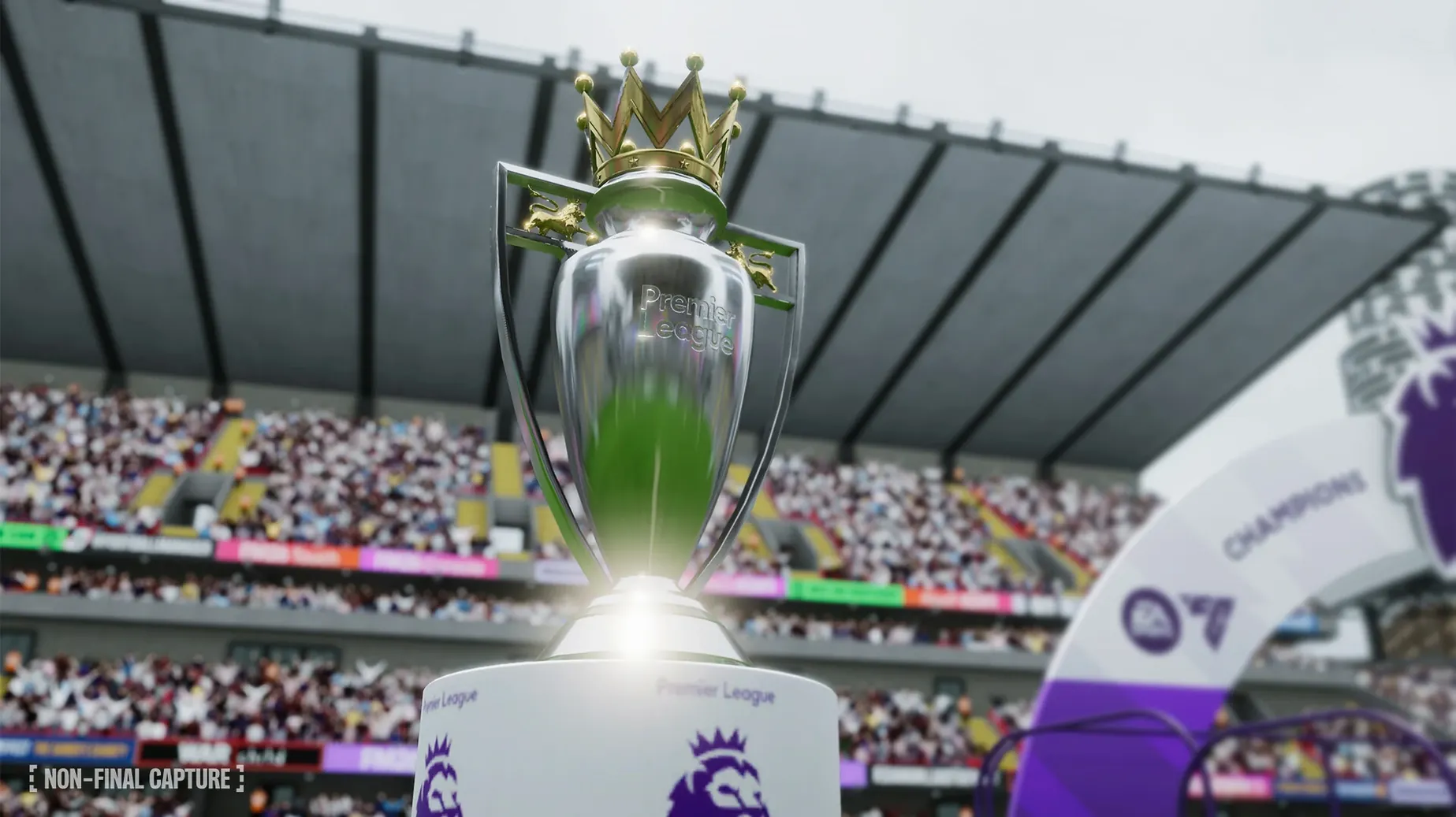
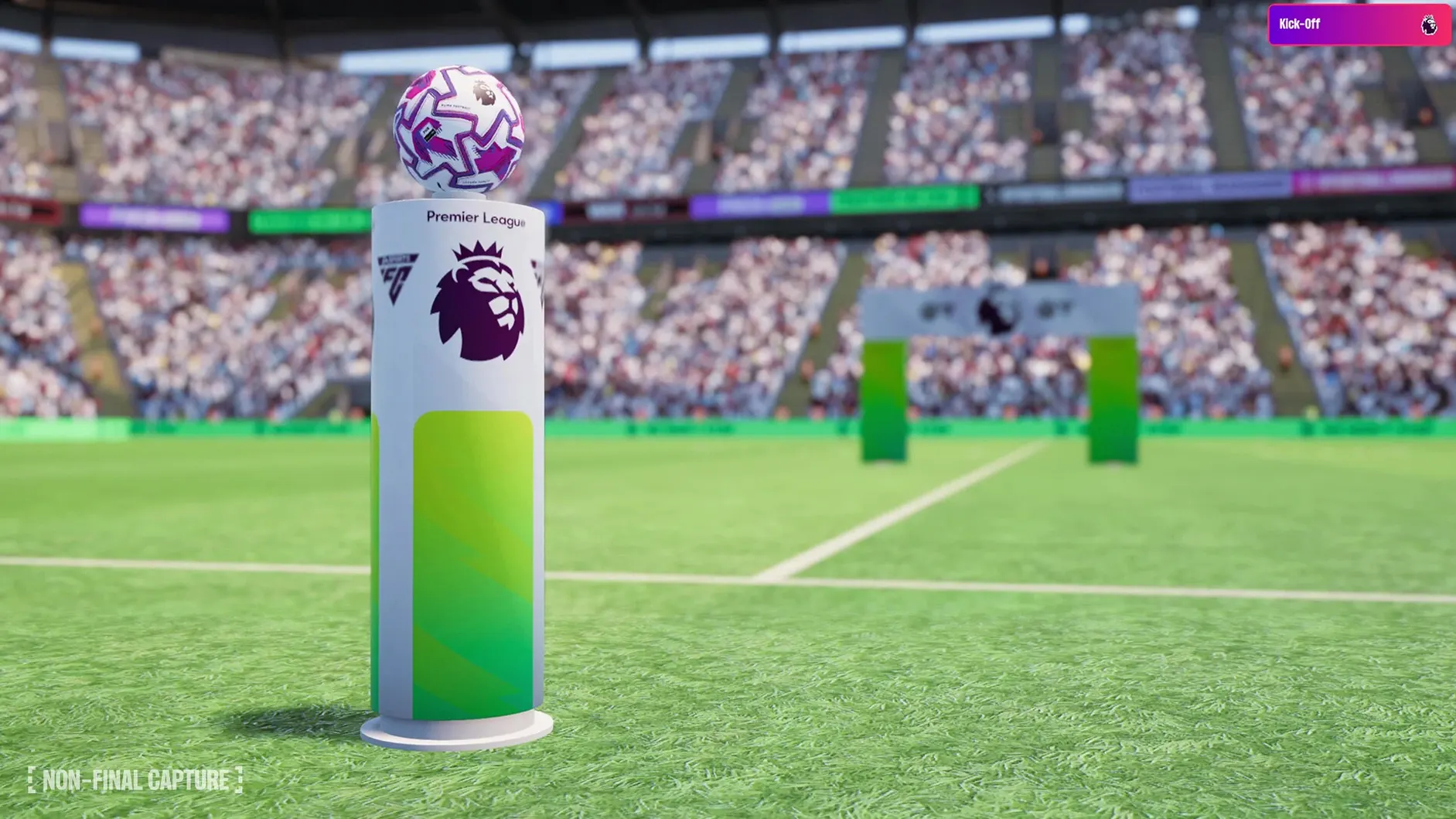
- Working with the Premier League licensing — official club badges, kits, and player photos make the league feel concrete.
- Grabbing context quickly via quick bookmarks, improved search, and the FMPedia glossary when a term slips your mind.
Runs on macOS 11.0 or later as the Touch version
- This is the Touch version, the Apple Arcade edition for Mac and other Apple devices.
- It runs on macOS 11.0 or later.
- Built on Unity; the current version is 26.3.2.2329565.
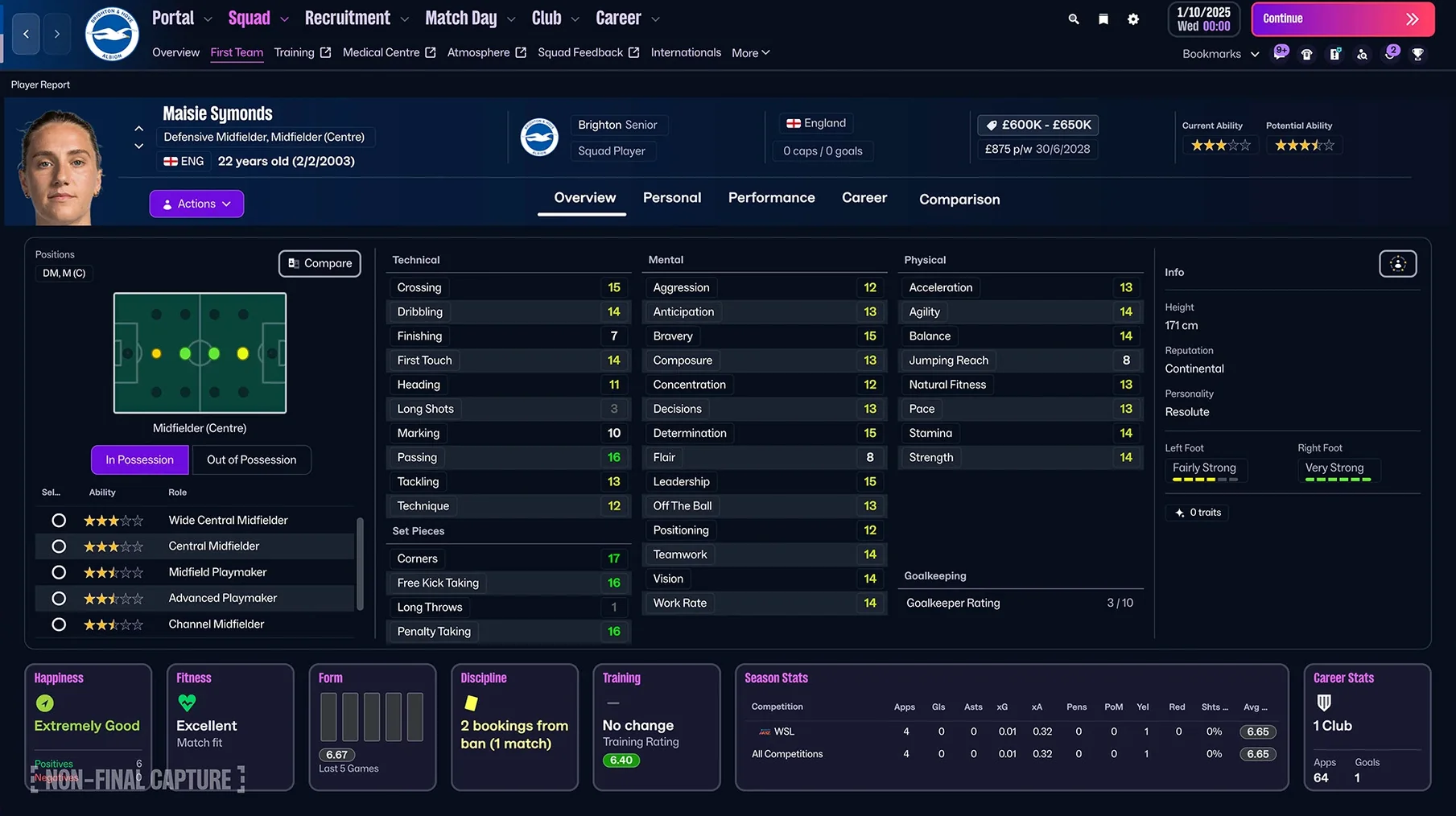
- Women’s football is now part of the game world.
- The information portal aggregates football-related news so you don't have to tab out.
Reworked manager creation process at launch
You launch the game from Launchpad, and the first thing you see is the reworked manager creation process. You pick a starting nationality, set your experience level, and choose your coaching badges — no more hunting around for a menu. After that, you pick a club. If you're going into women's football for the first time, there are 14 leagues across 11 countries to choose from, including the Women's Super League and the National Women's Soccer League. The process is straightforward.
From the main screen, you land on the portal, which aggregates football-related information. It's a feed of news, rumors, and transfer gossip that changes over the season. You can quick-bookmark a story about a striker whose contract is up in six months. Later, when you're at the TransferRoom, that bookmark is still there, and you can start a recruitment search for a player with similar attributes to the one you just read about. The improved search lets you filter by role, salary expectation, and scouting knowledge.
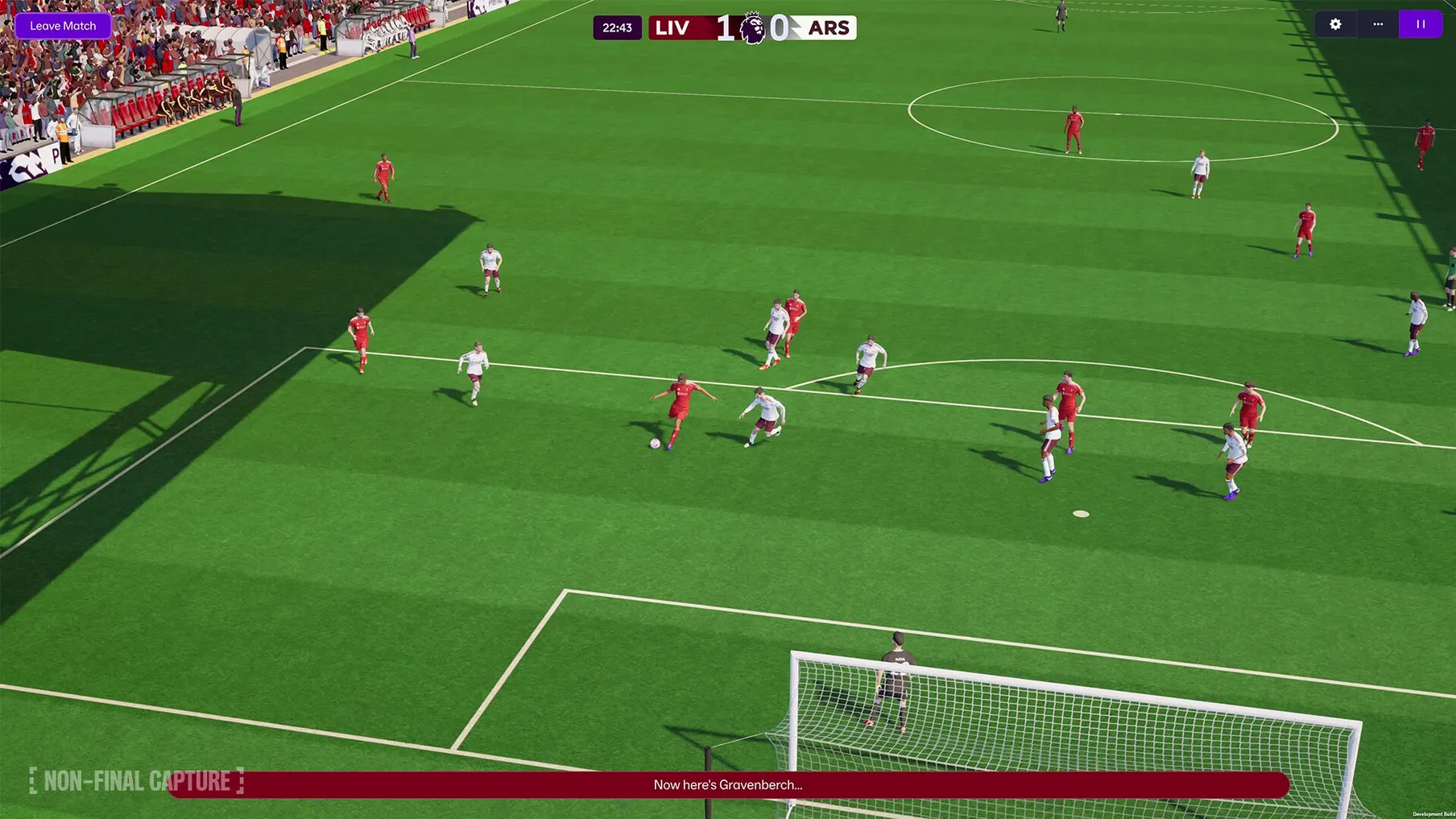
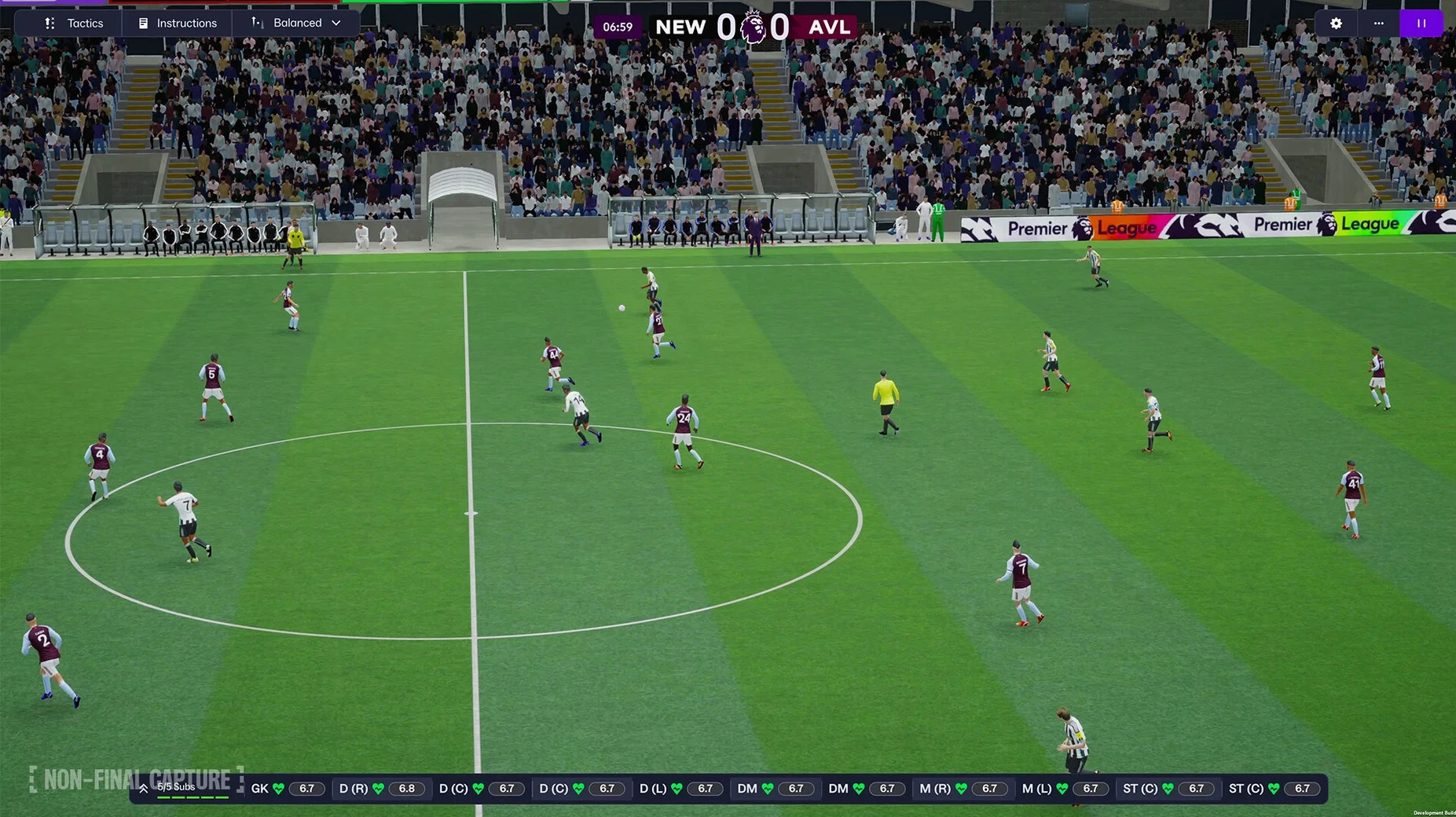
When match day comes, you set your attacking and defensive tactics separately. You can have the defense sit deep while the attack pushes up on the wings. Mid-match, you see the enhanced match presentation — the camera angles, the player movement, the way possession shifts. If something isn't working, you can change the tactic on the fly: pull the defense forward a bit, tell the attack to hold width. It's a live call, not a done deal.
After the match, you check the FMPedia glossary if a term like "expected goals" or "formation discipline" needs a refresher. The info is in the same UI, so you don't leave the screen. Then back to the TransferRoom for the next round of roster tweaks.
New portal view replaces old tab-based layout
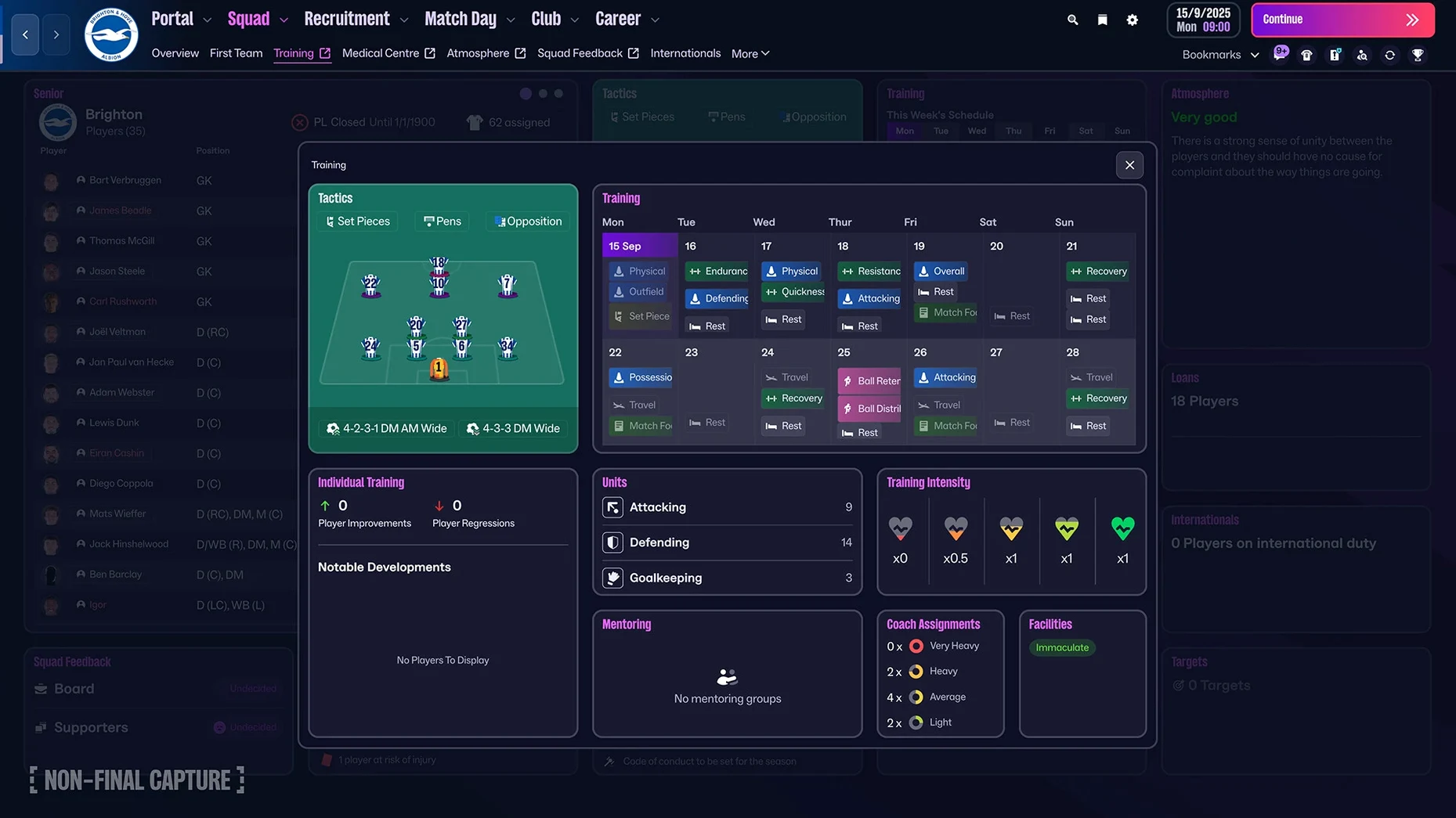
People who come from older versions sometimes expect the old tab-based layout. The new interface is different — menus are collapsed into the portal view, and the quick bookmarks are the primary navigation. If you can't find a screen you used to open by muscle memory, try the search bar. It's improved, and it surfaces screens as well as players.
Another snag: the separate attacking and defensive tactics menus look similar. If you're adjusting one and wonder why the other didn't change, you probably edited the wrong panel. Check the header — it labels which tactic you're in. The game doesn't warn you; it just shows the panel you clicked on.
TransferRoom recruitment can feel overwhelming because the filters are detailed. New users sometimes skip the role-based search and end up with a list of 200 midfielders who are all wrong. Narrow it by the specific role you need — the player roles have been updated, so a "deep-lying midfielder" is a real category now, not just a label. Use it.
If the game doesn't launch after you drag it to the Applications folder, make sure the copy finished. The disk image has to fully extract before you drag. If it still sits there, eject the image and remount it. The installer doesn't require activation, so that's not the blocker.
Tested on macOS Tahoe with a Mac mini 2024 M4
The game is built on Unity, which means it loads and runs within the constraints of that engine. It was tested on macOS Tahoe using a Mac mini 2024 M4, so if you're on an Apple Silicon machine, that's the known configuration. It supports both ARM and 64-bit x86 architectures, so Intel Macs are also covered. The Touch version specifically requires macOS 11.0 or later.
You are not going to see high-octane graphics. This is a management sim — the visuals are in the match presentation and the UI, not in particle effects. The enhanced match presentation gives you better camera work and player animation, but it's still a simulation, not a sports action game. The reworked user interface means fewer clicks to get where you're going, which helps on a laptop screen.
The game itself is a single app, no launcher, no activation step. You open the disk image, drag, wait, and launch. Languages are listed as 17 options including English, Russian, Simplified Chinese, Korean, Thai, and Japanese. Audio is music only.
New tactic system and TransferRoom tools for management sim fans
People who already spend time in management sims will find the new tactic system and TransferRoom tools worth the effort of learning. If you're the sort who replays the same season with different clubs to test strategies, the separate attack and defense settings give you more to tweak between saves.
Football fans who follow the women's game now have representation with real leagues and a framework that doesn't treat them as an afterthought. The 14 leagues in 11 countries mean you can run a season in the NWSL and then switch to the Women's Super League without mods or third-party databases.
Casual players who just want to manage a Premier League club will get value from the official licensing — club badges, kits, and player photos are all in the game. You don't need to install anything extra to see Manchester United in its current kit. The improved manager creation process also lowers the barrier for someone who just wants to pick a face, pick a badge, and start.
Finally, anyone who plays on a Mac because it's their only machine rather than a gaming rig benefits from the ARM support and the fact that it doesn't need a dedicated GPU. The Touch version is built for Apple devices, so it runs within the ecosystem without workarounds.
Set quick bookmarks in portal settings before starting a save
Before you start a save, open the portal settings and set your quick bookmarks. The game gives you a feed of football-related information, but it's only useful if you pin the topics you care about — transfer rumors, injury reports, league updates. Without bookmarks, the portal is just noise.
In the tactics panel, set your attacking and defensive defaults before you enter your first match. The game remembers them per save, but if you leave them on default, you'll get a balanced approach that doesn't exploit your squad's strengths. Decide early if your team is going to sit deep and counter or press high and hold.
Language can be changed from the main screen. The game ships with 17 languages including Greek, Danish, Korean, and Japanese. If the default isn't English, it's one setting change before you start, not in a sub-sub-menu.
- Created with Unity.
- Introduced women’s football.
- Added Premier League licensing with club badges, kits, and official player photos.
- Added separate attacking and defensive tactics.
- Added a reworked user interface and portal.
- macOS 11.0 or later
- Architecture: both Intel and Apple Silicon
Questions from the notes
What is FMPedia in FM 26 Touch?
FMPedia is an in-game glossary that explains football terms and concepts without leaving the match screen.
Does FM 26 Touch support women's football?
Yes, the current version introduced women's football as a playable part of the game.
Which Mac systems can run FM 26 Touch?
The game requires macOS 11.0 or later and runs on both Intel and Apple Silicon Macs.
Install procedure
- Open the downloaded disk image.
- Drag the app to the Applications folder alias.
- Launch the app from Launchpad once the copy finishes.
Reports from players
Sign in or create a tester account to file a report.
No reports filed yet.