
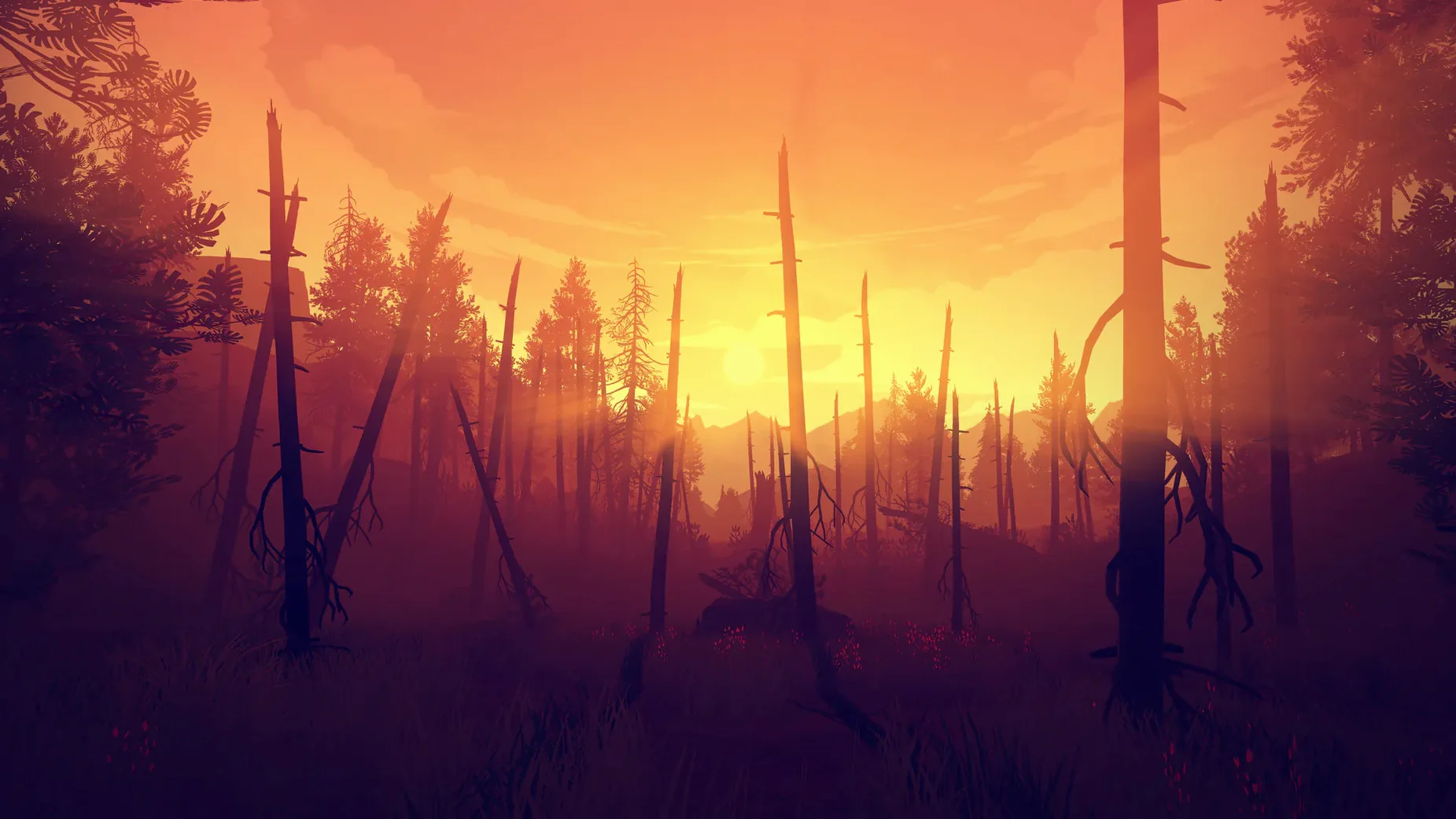
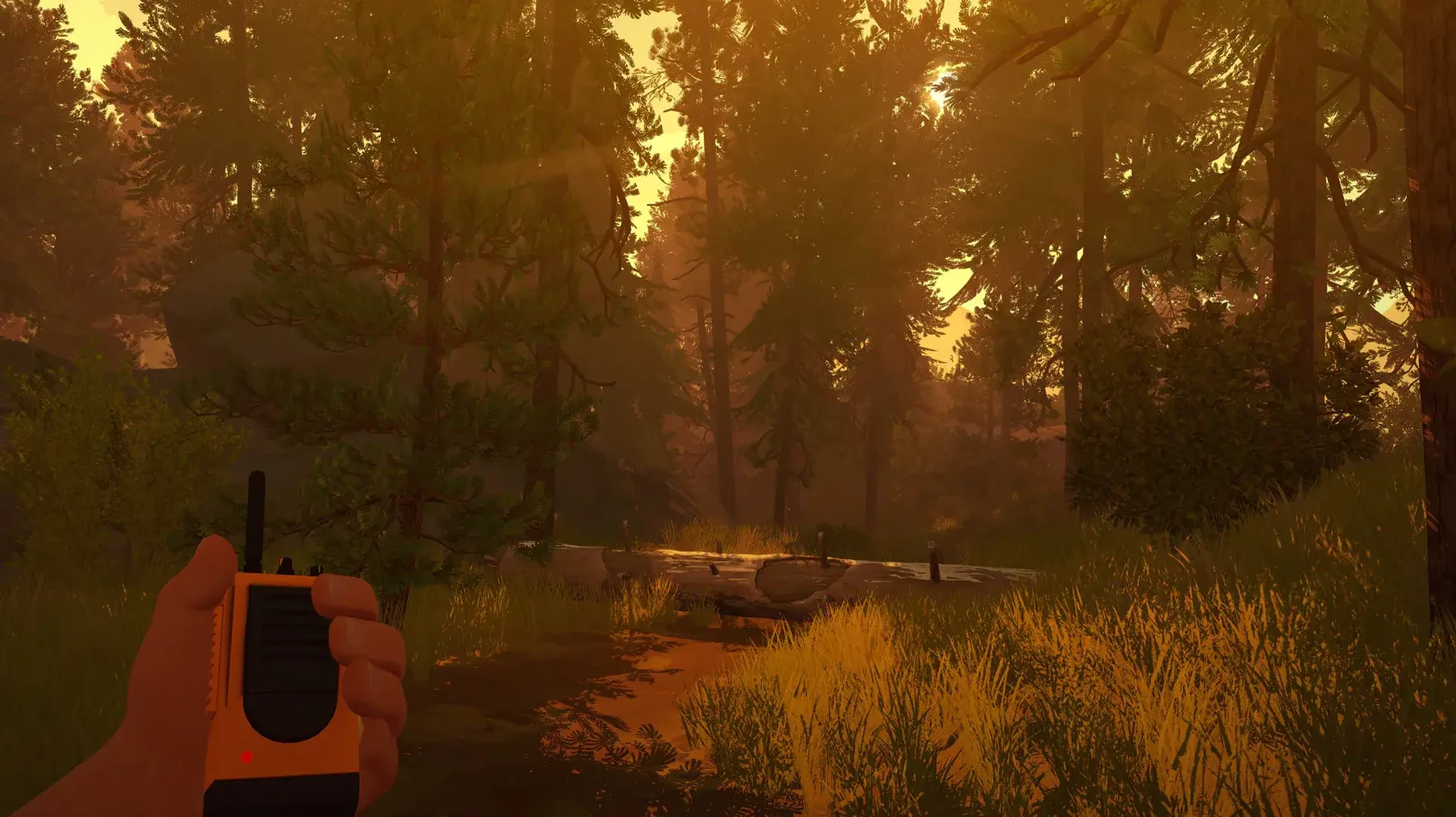
Firewatch solves a specific problem: how to make a mystery game that doesn't rely on combat or jump scares. You play Henry, a fire lookout in the Wyoming wilderness in 1989, and your only human contact is Delilah, a supervisor on the other end of a handheld radio. The tension comes from the conversations and the slow unraveling of what's actually going on around you.
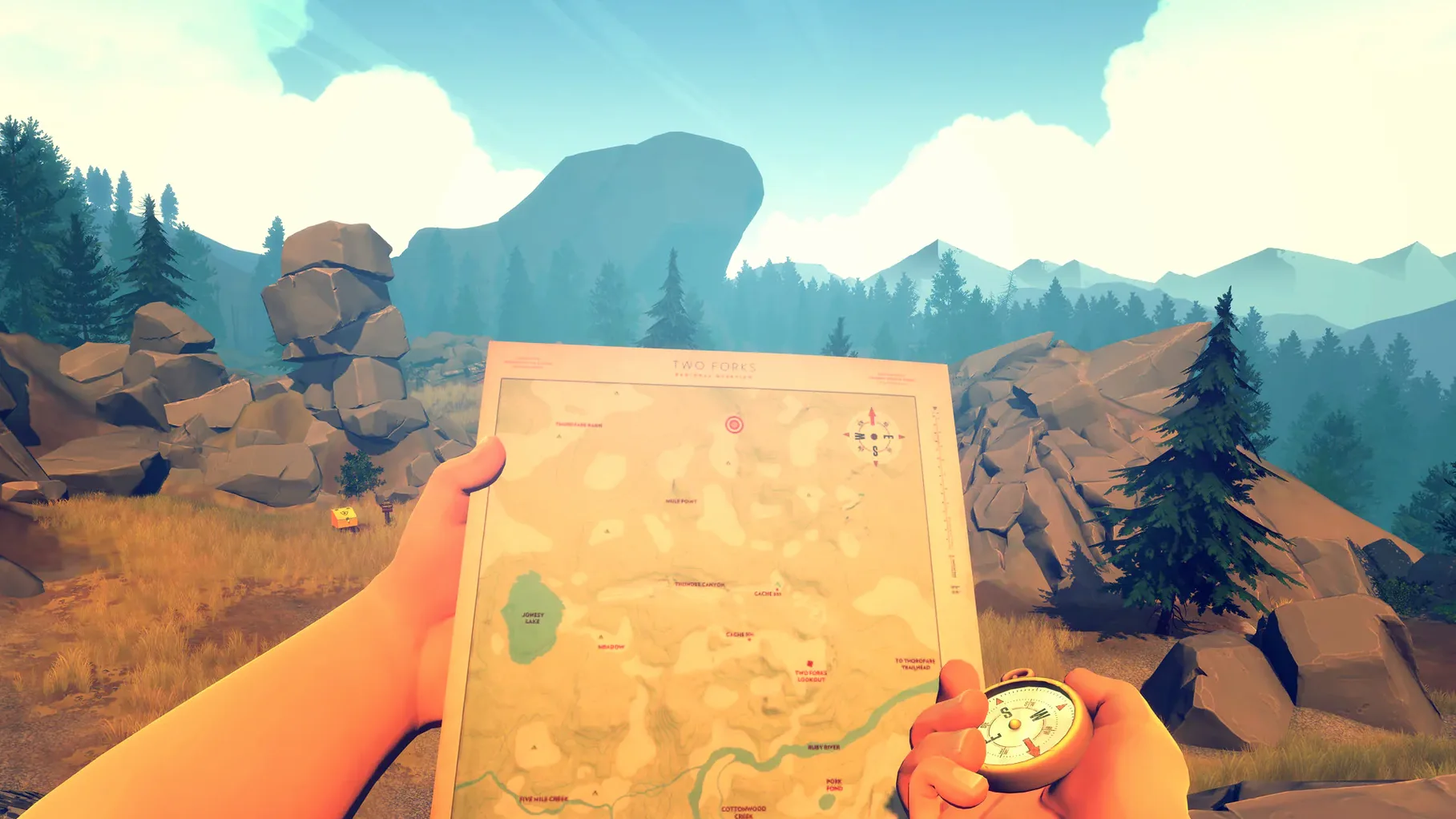
Navigate forests with a map and compass
- Walk through forests and canyons, using a map and compass to find landmarks.
- Talk to Delilah over the radio, choosing what to say or stay silent on.
- Investigate objects and locations that don't fit the quiet routine.
- Climb, cut through overgrowth, and navigate terrain that blocks straight paths.
- Piece together the story from notes, photos, and what Delilah lets slip.
- Make choices that shift how the relationship and the plot develop.
Where Firewatch sits in your app setup
Firewatch is a self-contained game — it doesn't need a launcher, an account, or an internet connection after installation. That means it works alongside other macOS apps without background services fighting for resources. You can keep your browser, music player, or note-taking app open; the game runs at its own pace and won't demand focus during menus or radio conversations.
The save files live in a standard location under your user folder, which makes manual backups or transfers straightforward if you switch machines. Because the game is DRM-free, there's no extra authentication layer to trip over when you open it after a reboot.
macOS features that line up naturally
- Do Not Disturb mode — Firewatch is a single-player, narrative game. No notifications will break the atmosphere if you turn on Focus or Do Not Disturb before starting.
- Game controllers via macOS — If you use a controller, macOS recognizes most Xbox and PlayStation pads natively. Firewatch supports them without extra configuration in most cases.
- Multiple desktops — The game stays happy in one virtual desktop while you keep reference material (maps, walkthrough notes) in another.
- External displays — The 1989 Wyoming landscape works fine on any resolution your monitor supports. The game adjusts letterboxing as needed.
Widen the field of view before starting
The default settings are serviceable, but a few adjustments make the experience more comfortable on a Mac. These are based on the options available in the game's settings panel.
- Field of view — Bump it to the widest setting. The game's environments are the main attraction, and a wider angle lets you spot landmarks and trail markers without constant head-turning.
- Mouse sensitivity — Lower it by a third from default. The game rewards slow, deliberate looking, not quick flicks. A slower cursor matches the pace of walking through woods.
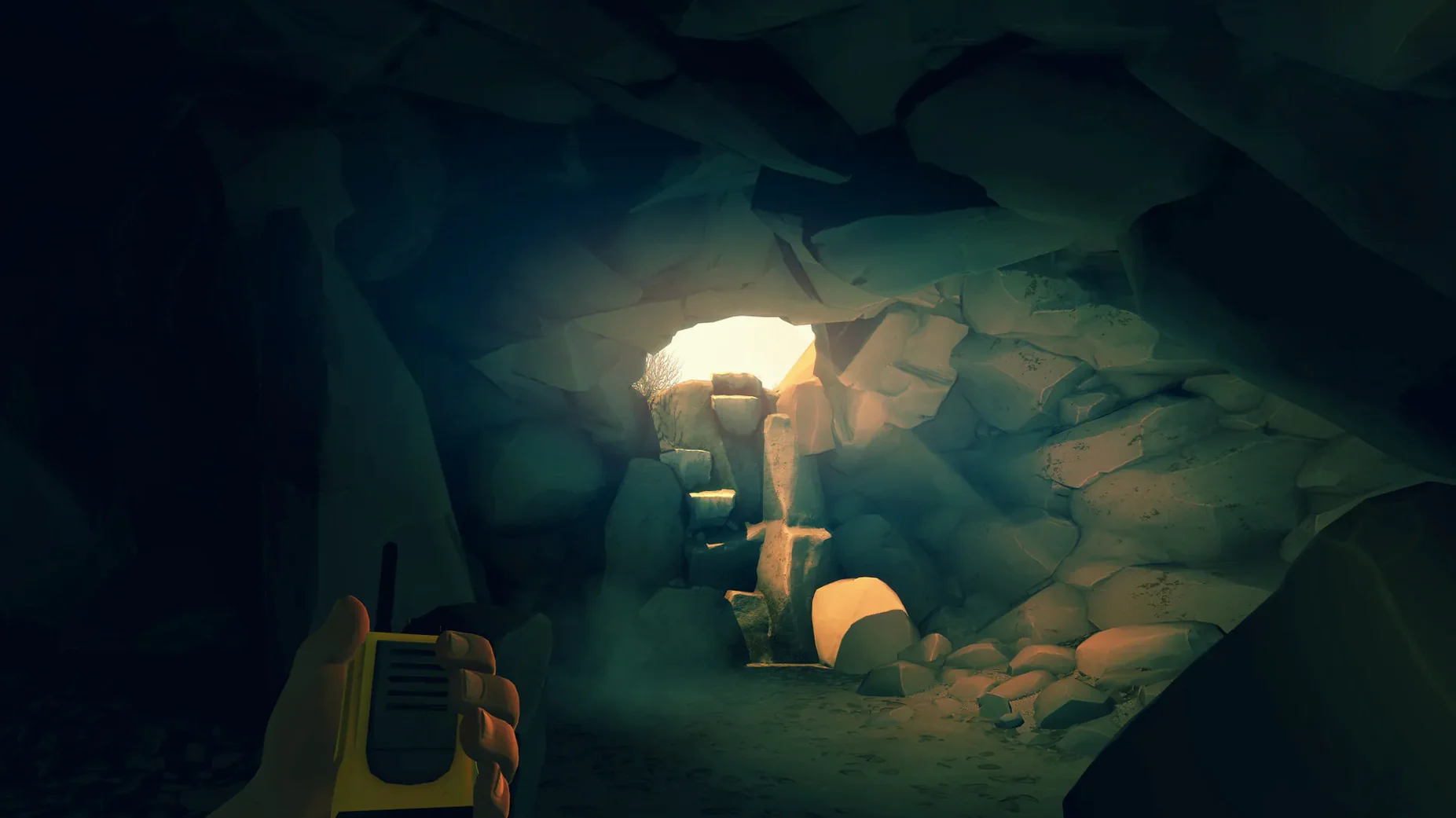
- Brightness — Set it so that the darkest shadows (inside a lookout tower at dawn, for example) are still readable. The game has no gamma slider, so adjust your display brightness instead if the in-game option doesn't feel right.
- Subtitle language — Pick from Russian, English, German, Spanish, Simplified Chinese, French, or Japanese. The voice track is English, so subtitles are the only way to get the dialogue in other languages.
None of these require a restart. You can tweak them mid-session if the default feel doesn't stick.
What you get on a Mac: architecture and limits
The build is x86 (64-bit) only. That means it runs natively on Intel Macs and under Rosetta 2 on Apple Silicon machines — it was tested on macOS Sonoma on an M1 MacBook Air and worked there. No native ARM version exists.
System requirements are modest by today's standards. The game was released in 2016, and its art style leans on stylized environments rather than photorealistic textures.
The game's DRM-free activation means no online check, no launcher updates, and no account prompts. Install it, launch it, and it runs.
Workflow: start a new game and reach the first radio call
- Install and launch. Follow the standard setup, choose the install location (Applications is the recommended folder), and launch the game after installation completes.
- Set your language and subtitles. At the main menu, open settings and select your subtitle language from the available list. Voice stays English regardless.
- Adjust field of view and sensitivity. Make the two changes described above before starting a new game. They save automatically.
- Start a new game. Click New Game. The opening sequence shows Henry arriving at Two Forks Lookout. You control movement immediately after the train platform scene.
- Learn the interface. The game teaches you to use the map and compass during the first few minutes. Follow the on-screen prompts to open your map and orient yourself toward the lookout tower.
- Reach the tower and check in. Climb the path, enter the tower, and find the radio. The first call with Delilah introduces the game's conversation system. Your responses here set the tone for the whole relationship.
- Save manually after the call. The game autosaves at checkpoints, but it's smart to confirm a manual save exists before you explore off the beaten path.
From start to the first radio conversation takes about ten minutes, give or take, depending on how much you stop to look at the scenery. The game doesn't rush you, and there's no fail state in this section.
The game runs on Intel Macs, with subtitles in Russian, French, German, Spanish, and Simplified Chinese. Version 1.12a is the current release.
- Architecture: Intel (x86 64-bit)
- Interface languages: Russian, English, German, Spanish, Simplified Chinese, French, Japanese
Questions from the notes
Does Firewatch support Apple Silicon Macs?
No. The Mac version is x86 (64-bit), so it runs on Intel Macs. Apple Silicon users would need a translation layer like Rosetta.
What languages are available for subtitles?
The game includes Russian, French, German, Spanish, and Simplified Chinese subtitles on Mac.
Install procedure
- Run the standard installer.
- Pick the install location when prompted.
- Choose Applications as the destination folder.
Reports from players
Sign in or create a tester account to file a report.
No reports filed yet.