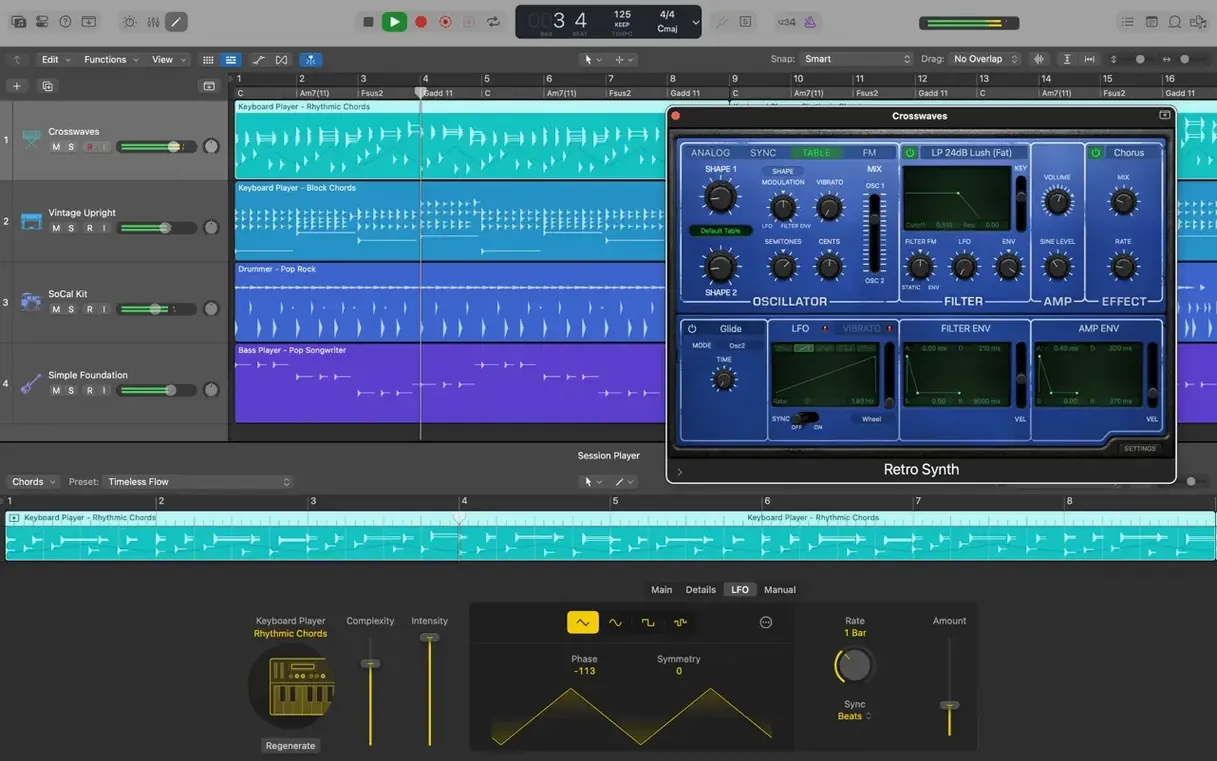
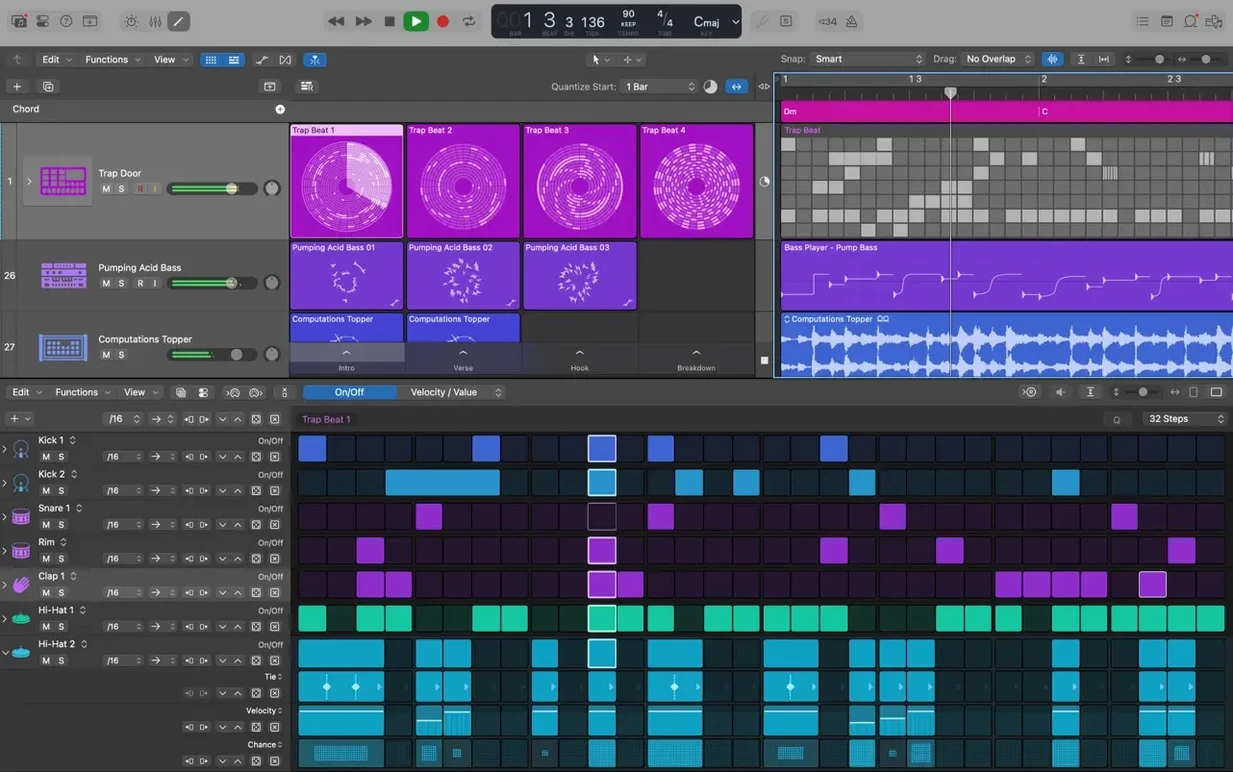
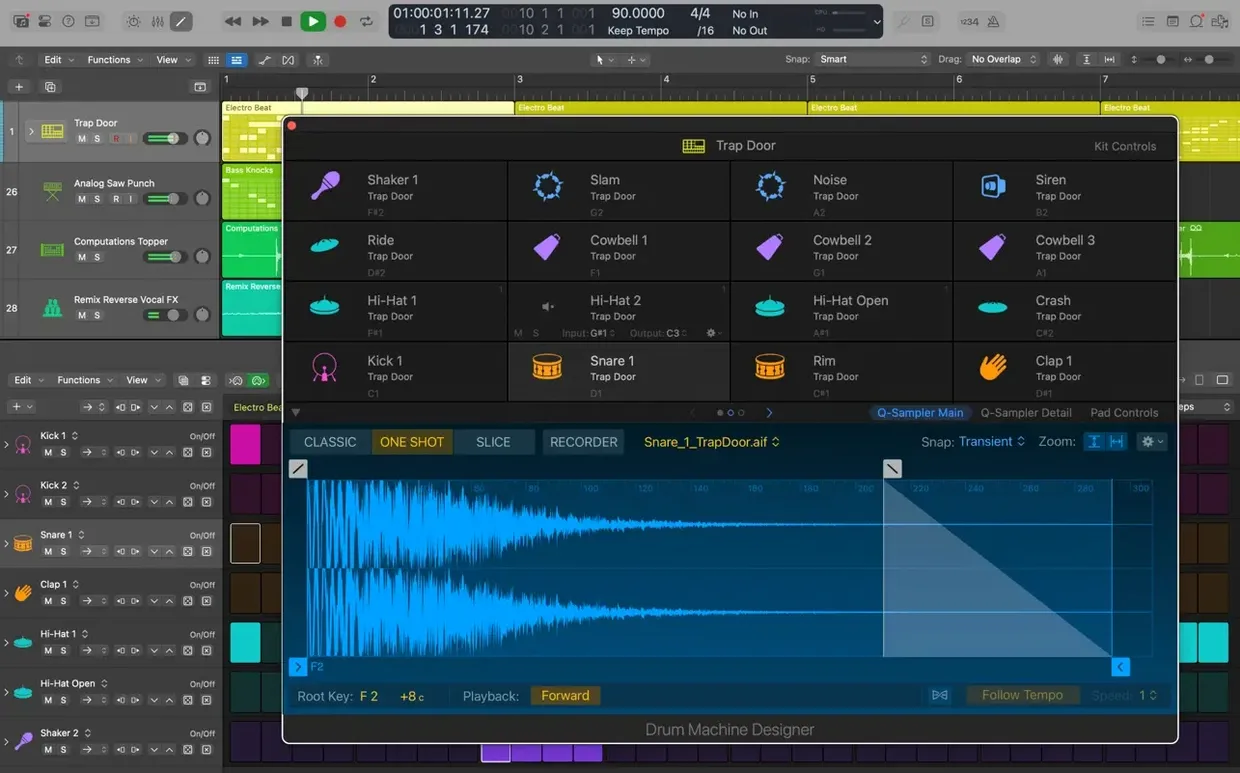
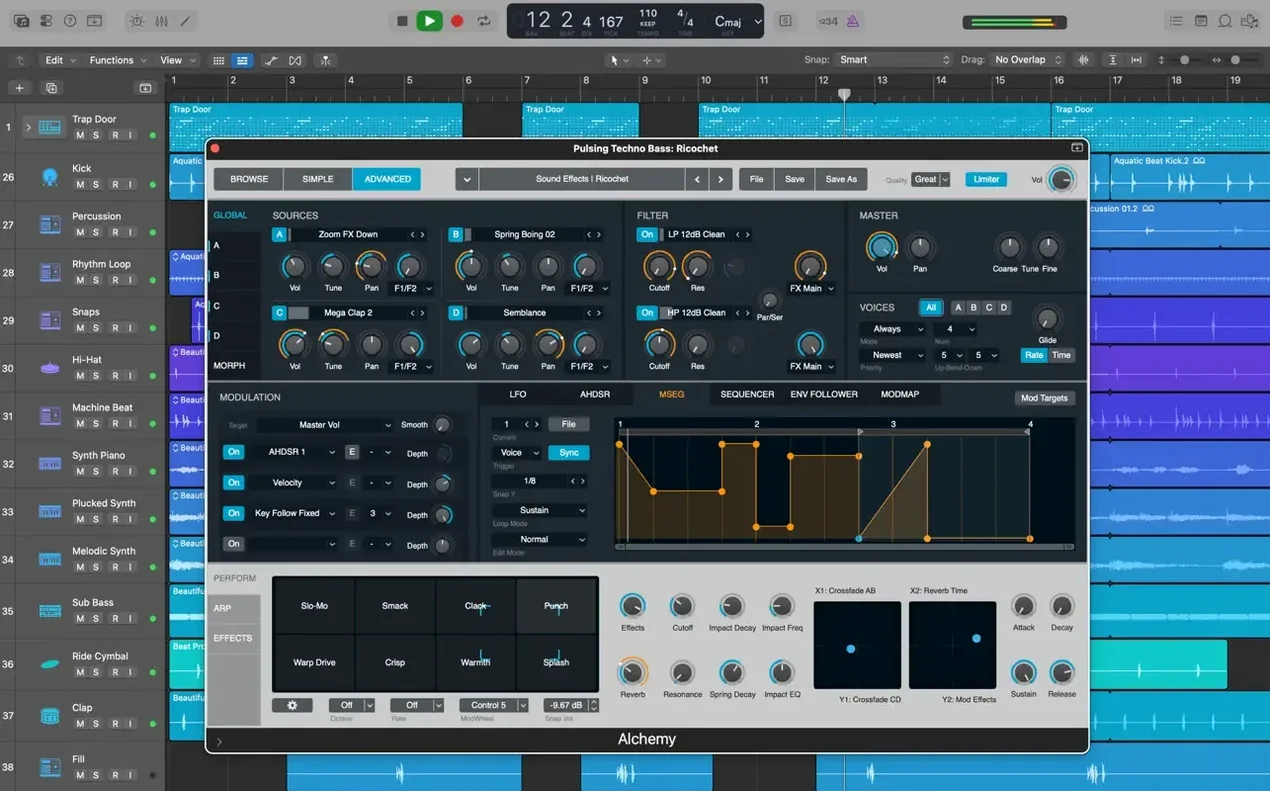
When a project grows past a few dozen tracks, the tools you use to organize and edit become as important as the sounds themselves. Logic Pro has been handling that job on the Mac for years, and the current version, 12.3.1, keeps the core workflow intact while fixing a handful of issues that could slow you down.
Recording, arranging, and editing audio and MIDI
- Recording, arranging, and editing audio and MIDI regions.
- Building drum kits with Drum Kit Designer or swapping electronic beats in Drum Machine Designer.
- Creating guitar and bass setups with Amp Designer.
- Grouping tracks with Track Stacks and comping takes with Quick Swipe Comping.
- Using third-party Audio Unit plug-ins alongside the included instruments and effects.
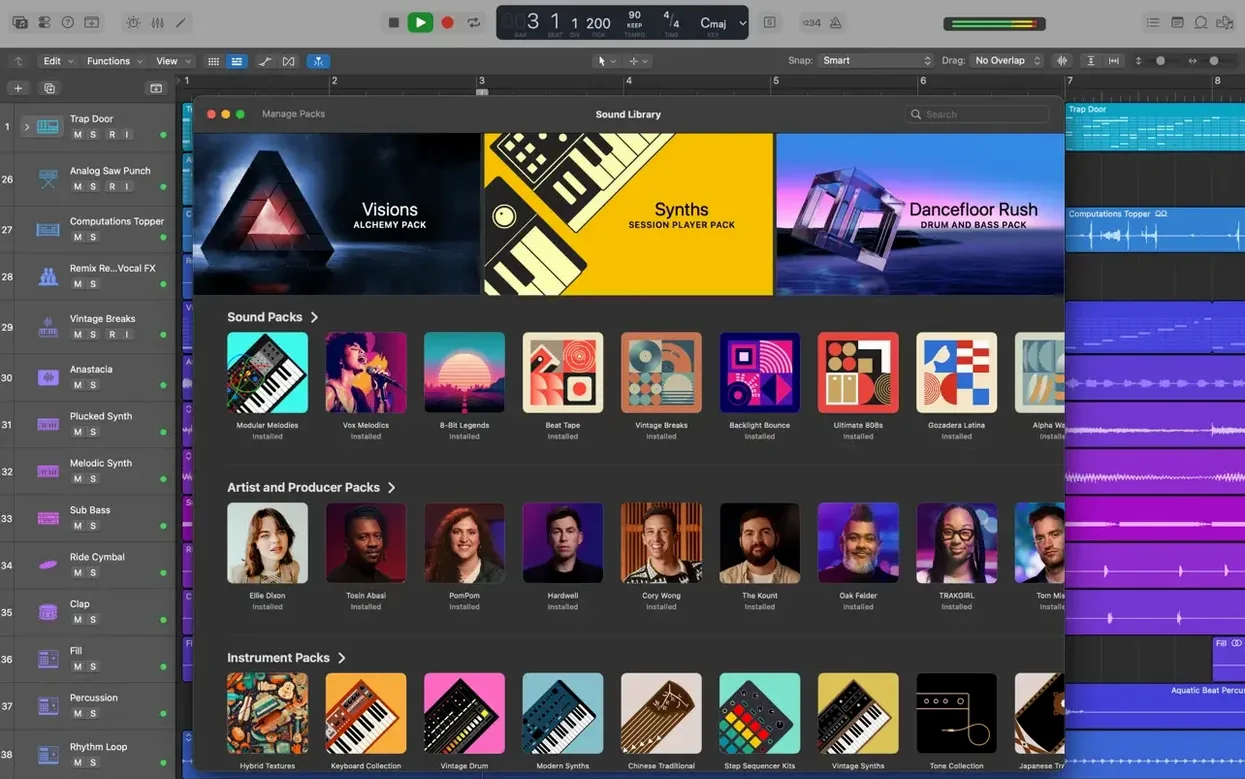
1,000 sampled instruments and 7,000 Apple Loops
- Includes 1,000 sampled instruments and more than 7,000 Apple Loops.
- Opens projects created in Logic 5 or later.
- Requires macOS 15.6 or newer, 4 GB RAM, and 6 GB free space for a minimal install (63 GB for the full Sound Library).
- Works on both Intel and Apple Silicon Macs.
Trading projects with GarageBand on iPhone or iPad
Logic Pro doesn't sit in isolation. It's built to trade projects with other parts of the Apple ecosystem. You can open projects that were started in GarageBand on an iPhone or iPad by placing them in iCloud and exporting from GarageBand. Once they land in Logic, you can add new tracks, rearrange what's there, and send the project back the same way. It's a practical path if you sketch ideas on a tablet and finish them on a Mac.
The XML import and export for Final Cut Pro X workflows is a less obvious connection. If you're scoring a video project, you can export a rough mix and a timeline reference to Final Cut, then bring edits back into Logic. The Score editor also responds to Staff Style changes made in the Inspector, so notation adjustments stick across the session.
For producers who work in surround or stereo, the export tools cover the usual formats. There's no built-in cloud sync for the app itself, but the iCloud route covers project transport. And if you're on a machine with limited space, the full Sound Library is a separate download — you can install just the essentials and keep the rest on an external drive.
Quick Swipe Comping for picking best lines across takes
Imagine you're a songwriter who records multiple takes of a verse, then wants to pick the best lines without stopping playback. Quick Swipe Comping lets you mark the keeper sections across takes without duplicating regions. You swipe through each take, Logic highlights the chosen segments, and the comp appears as a single track.
After the comp is set, you might notice the vocal timing drifts in the second half. Flex Pitch handles that — you select the region, open the pitch editor, and drag wayward notes back to the right pitch or timing. No need to re-record. If the drum groove needs tightening, Flex Time can nudge the kick and snare hits into the grid while keeping the feel intact.
When you're happy with the arrangement, Track Alternatives let you store a second mix or a different drum pattern on the same track. You switch between alternatives without cluttering the timeline. It's a clean way to audition a version with more reverb or a different bass line without committing.
Fixing snags with export formats and session transfers
Plug-in compatibility on Apple Silicon
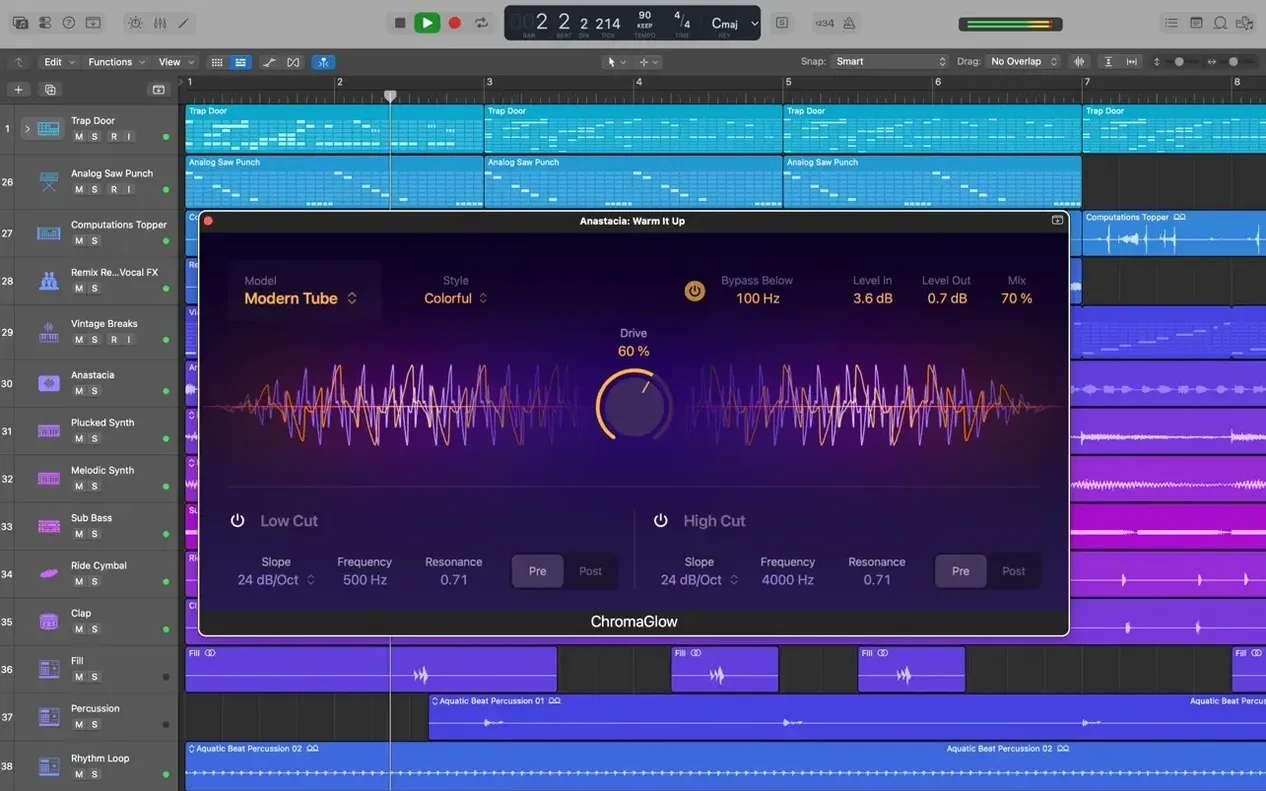
Logic 12.3.1 runs natively on ARM, but some third-party Audio Unit plug-ins haven't been updated. If a plug-in doesn't appear in the list, check whether the developer provides a native ARM build. Running the app in Rosetta mode isn't recommended — Logic expects 64-bit Audio Unit plug-ins, and mixing architectures can cause instability. Stick to plug-ins that are confirmed for Apple Silicon.
Projects from older Logic versions
Logic can open projects created in Logic 5 or later, but the transition isn't always smooth. Plug-in configurations from old versions may reset to default, and some third-party effects might need reinstalling. Save a copy of the original project before opening it in 12.3.1, then work through the track list to confirm that routing and sends are intact.
Missing Sound Library content
If you install only the minimum 6 GB and later decide you want the full instrument set, you don't need to reinstall the whole app. The Logic installer lets you add the optional Sound Library content afterward. Keep the original disk image handy, or check your download folder — the installer can pull the remaining files from there.
Beat mapping transients
Version 12.3.1 restores the ability to relocate beat mapping transients, which was broken in an earlier release. If you rely on beat mapping to align audio to the grid, that fix matters. The transient markers now move where you place them, and the tempo adjusts accordingly.
Crossfade dragging
The right side of a crossfade can be dragged and extended again. If you're used to adjusting fade lengths on the timeline, make sure you're clicking the right edge of the fade handle. The left side still works, but the right side now behaves as expected.
Runs on macOS 15.6 and Apple Silicon
Logic 12.3.1 runs on macOS 15.6 or newer. It works on both Intel and Apple Silicon hardware. The installer checks for 4 GB of RAM and a display resolution of 1280 x 768 or higher. The minimum installation requires 6 GB of free disk space. If you want the complete Sound Library — 1,000 sampled instruments, 28 drummers, and more than 7,000 Apple Loops — that takes 63 GB.
The app itself is distributed as a disk image. You mount it, drag the Logic Pro icon to the Applications folder alias, and wait for the copy to finish. After that, launch it from Launchpad. No online activation is needed, and the installer doesn't phone home.
Languages included are English, German, Spanish, Simplified Chinese, French, and Japanese. The interface switches in Preferences; the project content stays the same regardless of language.
Checking system requirements before installing
Exporting audio and MIDI for Pro Tools or Ableton Live
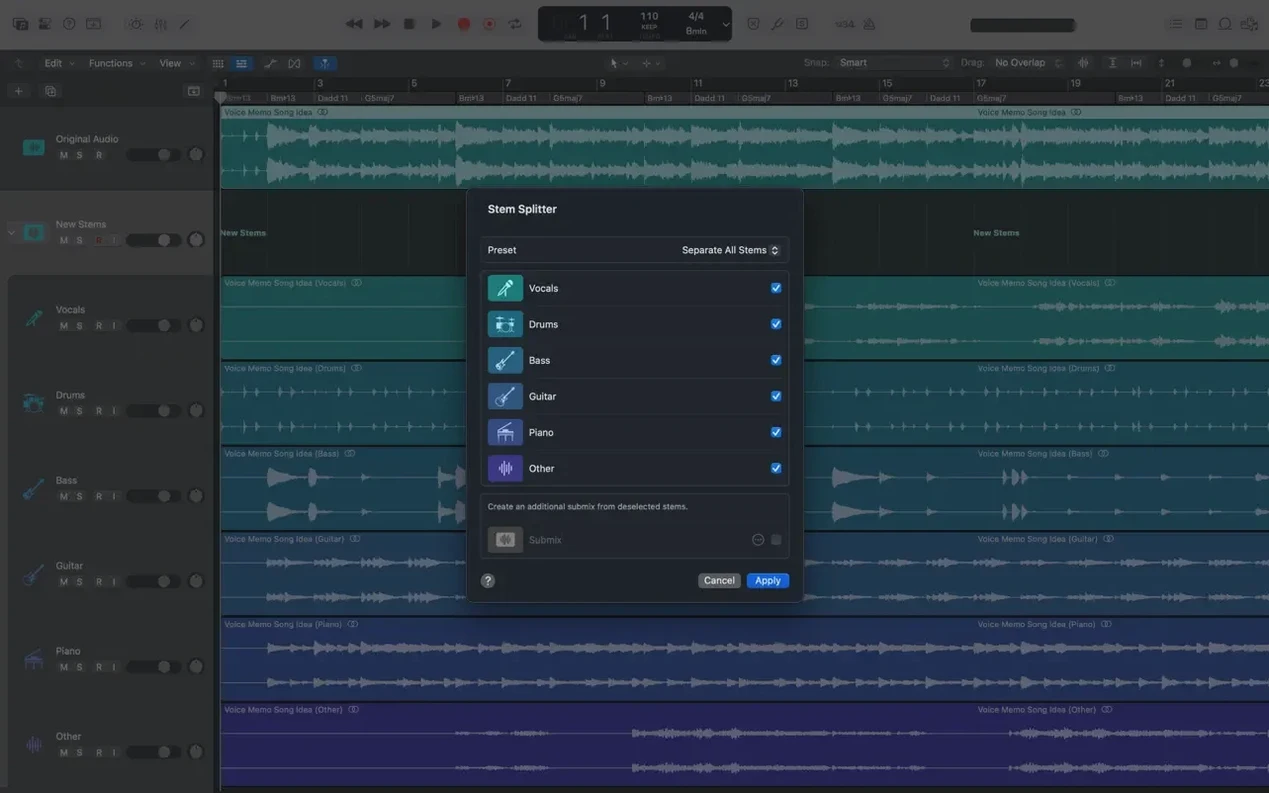
Yes, as long as you export audio or MIDI between them. Logic's export formats cover WAV, AIFF, and MIDI files. It doesn't support AAF or OMF import natively, so for complex session transfers you'll want to bounce stems individually.
Does it need an internet connection?
No. The installer is offline, and the app doesn't require a connection to launch or save projects. Updates are delivered through the standard Apple updater, but you can skip them.
What if I download logic pro x dmg files from other sources?
That depends on the source. Logic Pro is a Mac native app; any disk image that claims to be a cracked version for Mac should be treated with caution. The official installer is a single .dmg file that you mount directly. If you find a download labeled "logic pro crackeado para mac" or "logic pro x free download mac monterey," it's unlikely to match the version or the requirements listed here. Version 12.3.1 requires macOS 15.6, not Monterey.
Can I run it on a machine with less than 4 GB of RAM?
The installer checks for 4 GB. You might get it to launch with less, but you'll run into performance issues quickly, especially when loading instrument patches or working with many tracks. The 4 GB figure is a practical minimum.
Is there a separate download for the Sound Library?
The Sound Library content is part of the full installer, but you choose how much to install. The 6 GB option covers the core app and basic instruments. The 63 GB option adds the full library. You can upgrade later without reinstalling the app.
Does it support third-party controllers or MIDI keyboards?
Yes. Logic recognizes class-compliant MIDI devices over USB. For older hardware, you may need a MIDI interface. The app maps controllers automatically, but you can reassign them in the Preferences panel.
- Fixed: beat mapping transients can be relocated again.
- Fixed: Score now responds to Staff Style changes in the Inspector.
- Fixed: the right side of a crossfade can be dragged and extended again.
- Fixed: no more unexpected quits when playing MIDI in a project with video.
- Improved: performance when working with tracks that contain many regions.
- macOS 15.6 or later
- Intel or Apple Silicon
- 4 GB RAM
- 1280 x 768 display or higher
- 64-bit Audio Unit plug-ins required
- 6 GB free disk space for minimum installation, 63 GB for full Sound Library
Questions from the notes
Can Logic Pro open older projects?
Yes, Logic Pro can open projects created in Logic 5 or later, so you can revisit older work without conversion headaches.
Install procedure
- Open the downloaded disk image.
- Drag the app to the Applications folder alias.
- After the copy finishes, launch the app from Launchpad.
Reports from players
Sign in or create a tester account to file a report.
No reports filed yet.