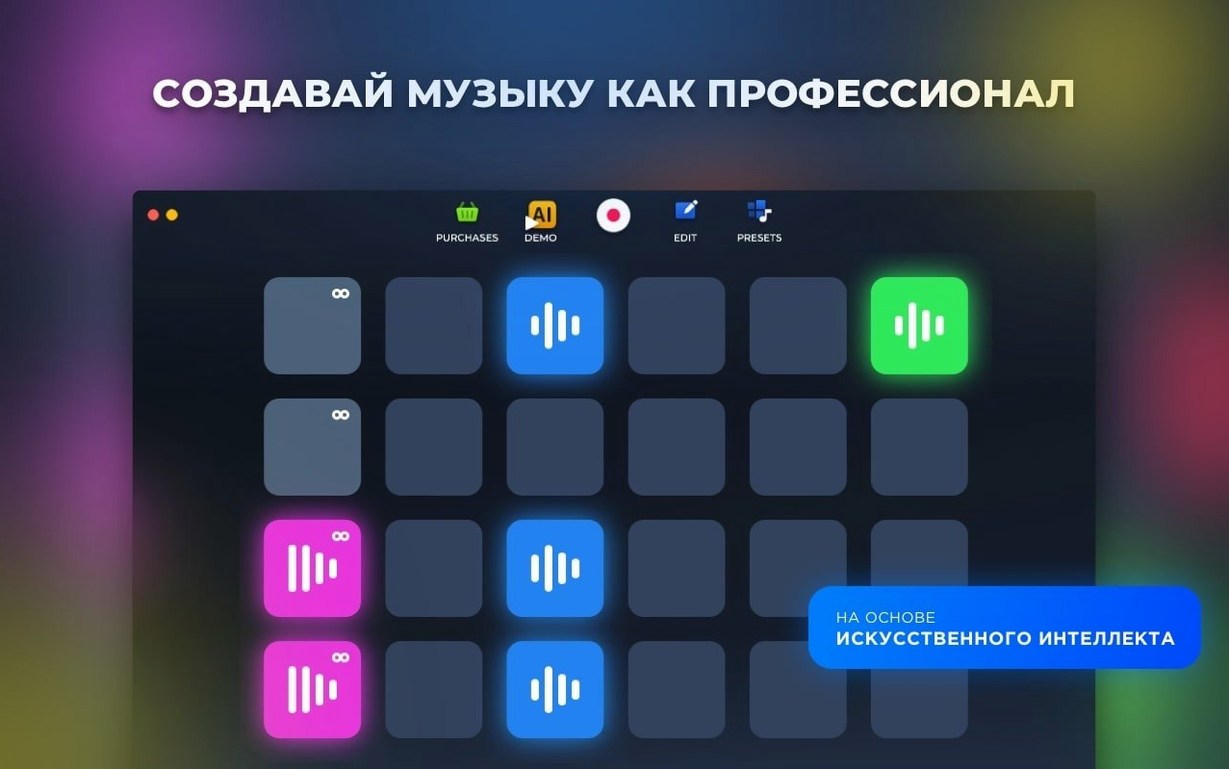
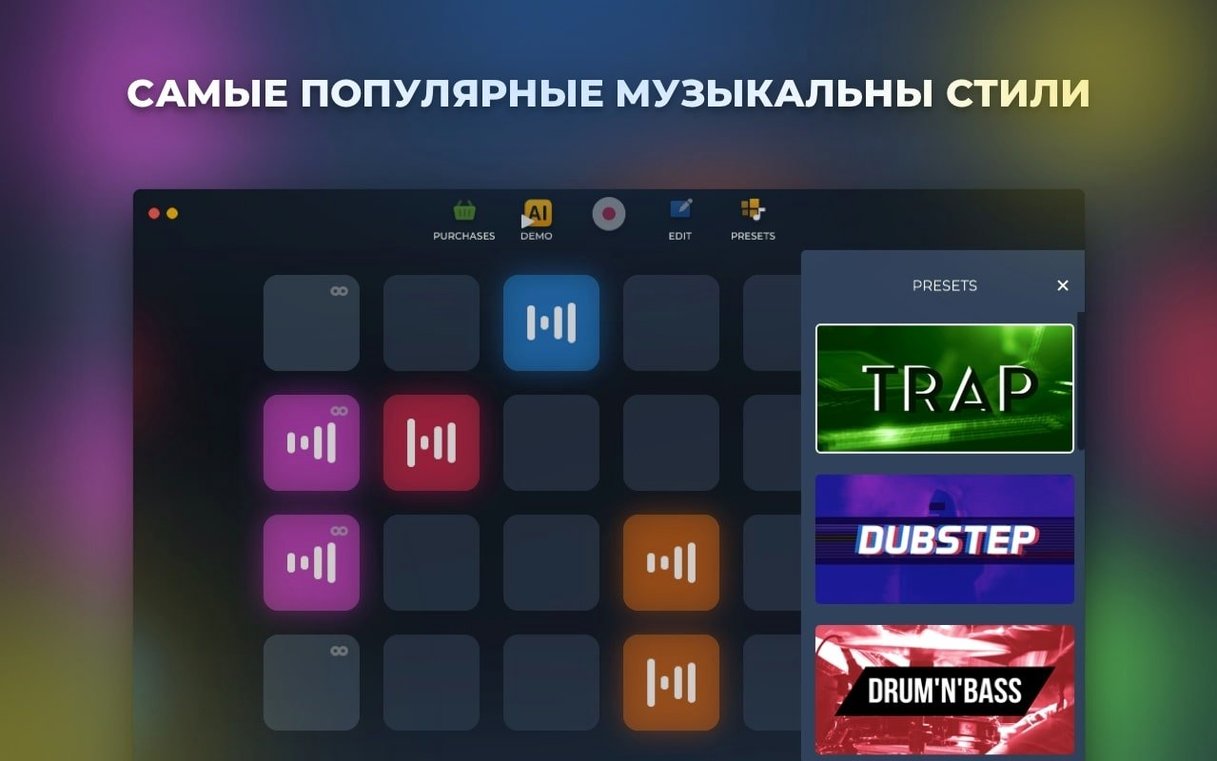
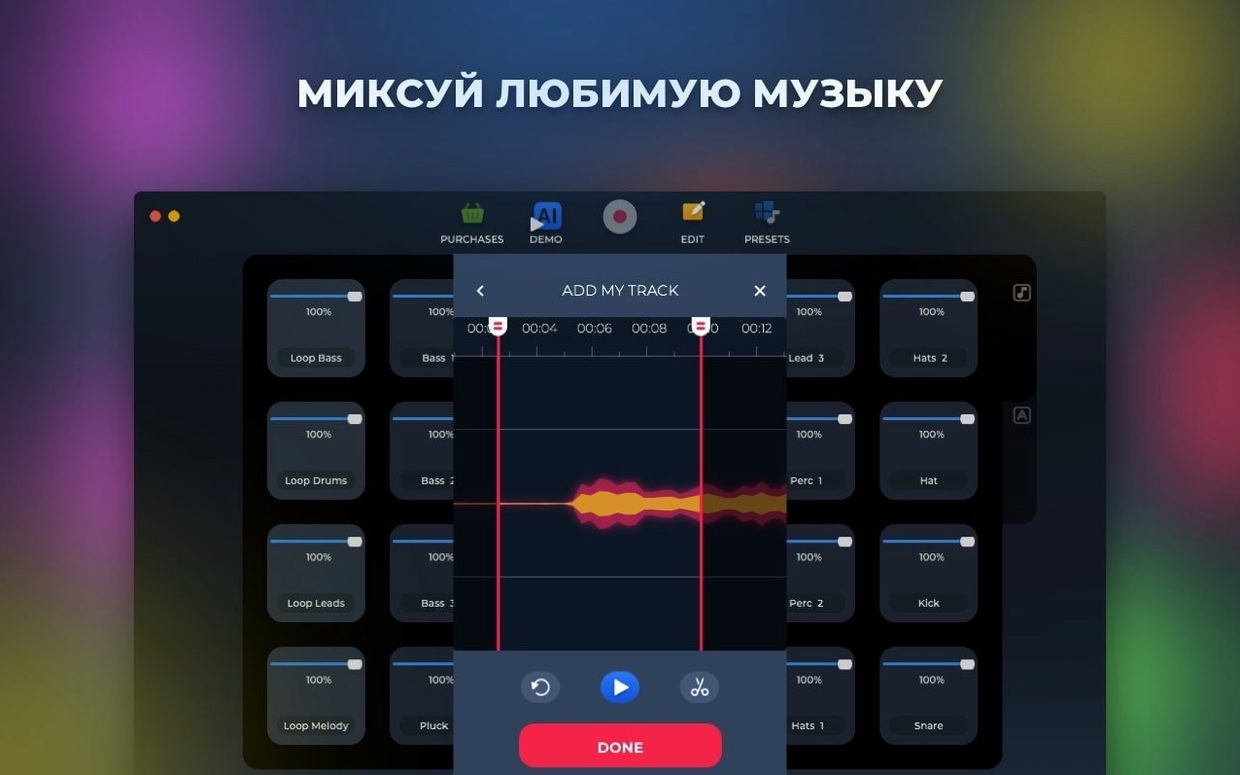
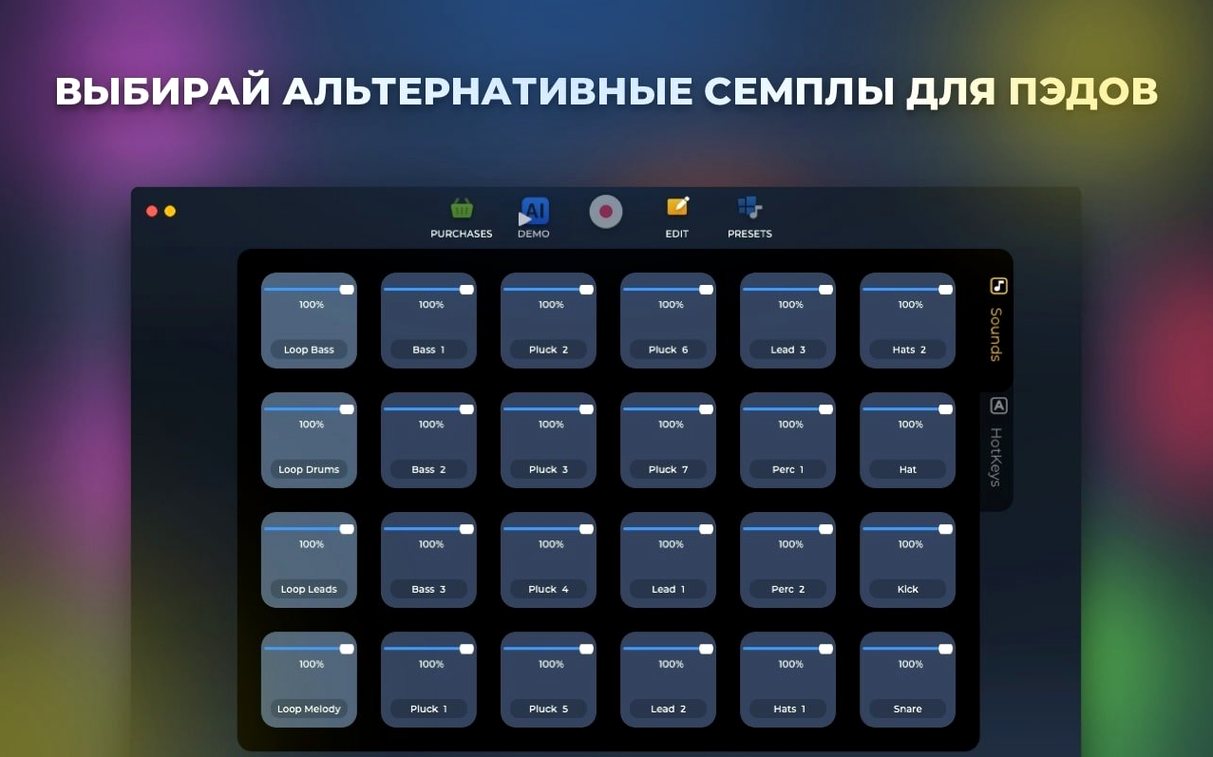
Loop Mash Up Pro 1.2.17 packs dozens of samples per music style, all recorded by working musicians and DJs. For an experienced user, the real value is in the tools underneath: pads and loops can be rearranged, hotkey assignments let you trigger clips without mouse-hunting, and live recording captures your performance straight to the machine. It works as both a sampler and a loop player, so you can build tracks from presets or carve your own loops from scratch.
Arranges live loops with hotkey-mapped pads
- Quick live arrangement with hotkey-mapped pads and loops
- Building tracks from pro-made samples across multiple styles
- Recording live takes and saving them to disk
Intel-only with macOS 11 or later
- Intel-only — no native Apple Silicon build
- Requires macOS 11 or later
- Interface in English, Russian, German, Spanish, Italian, Traditional Chinese, Simplified Chinese, Korean, Portuguese, French, Japanese
Fits electronic producers and DJs on Intel Macs
Loop Mash Up Pro fits best for electronic music producers working on Intel Macs who want a focused sample-based workflow. DJs building transition loops, beat makers who need quick loop mash up pro sessions, and sound designers experimenting with AI-based track generation will find the most use. The app's strength is its curated sample library—six electronic music styles with multiple sounds each—so it suits producers who prefer working from professional source material rather than recording their own. Casual users exploring loop torrents or loop torent for inspiration will also get value, as the built-in loops remove the need to hunt for samples elsewhere.
A typical workflow: building a dubstep loop from scratch
- Open Loop Mash Up Pro and select the dubstep style from the six available electronic music styles.
- Browse the presets to find a drum loop that fits your intended tempo. Drag it to a pad slot.
- Pick a bass loop from the same style and assign it to a second pad. Rearrange the loop's start point if needed by adjusting the pad's trigger range.
- Assign hotkeys to both pads so you can trigger them without clicking. This is useful for live recording—you can switch between loops mid-performance.
- Press record in the live recording panel and start triggering pads to build your arrangement. The app captures everything as you play.
- Stop recording and save the take to your computer. You now have a raw dubstep loop ready for export or further editing in your DAW.
- Optionally, use the AI-based track generation to create a variation of your loop for contrast in a longer piece.
The entire process stays inside Loop Mash Up Pro—no external tools required until you want to arrange the output into a full track. Hotkeys and pad rearrangement make it fast to iterate, which is the main reason experienced beat creators prefer this approach over timeline-based editing.
Loop Mash Up Pro 1.2.17 runs on macOS 11 and later, Intel architecture only. The app is 64-bit and has been tested on a range of Intel Macs from that era. The interface supports eleven languages, so you can set it to English, Russian, German, Spanish, Italian, Traditional Chinese, Simplified Chinese, Korean, Portuguese, French, or Japanese. The current version includes bug fixes and under-the-hood improvements for stability and responsiveness. No specific RAM or disk space figures are provided by the developer, but as a sample-based tool, expect moderate usage typical of loop players.
No questions section text was provided
Does not run on Apple Silicon without verified Rosetta support
No. Loop Mash Up Pro is Intel-only (x86 64-bit). It will not run natively on Apple Silicon. You would need Rosetta 2 emulation, which is not verified for this app. If you have an M1 or M2 Mac, this version may not be the right fit.
Uses only its included library of professional loops, no custom imports
The app is built around its included library of professionally recorded loops and sounds across six styles. There is no mention of importing custom samples in the current version. You work with what is provided, rearranging and triggering pads and loops as you see fit.
What is the difference between the free and Pro versions?
The exact Pro features are not detailed in the release notes, but typically for this type of app, it unlocks all styles and additional sample packs.
Is it a DAW replacement?
No. Loop Mash Up Pro is a sampler and loop player for creating loops, not a full digital audio workstation. You record live takes and save them to disk, but arrangement, mixing, and mastering happen elsewhere. It works best as a source of material for your main DAW.
- Several bug fixes.
- macOS 11 or later
- Intel processor
Questions from the notes
Can I assign keyboard shortcuts to specific loops or pads?
Yes. Pads and loops can be rearranged and assigned hotkeys for quick access during performance.
What kind of sounds come with the app?
It includes dozens of samples per music style, all created by professional musicians and DJs.
Install procedure
- Mount the disk image and launch Open Gatekeeper friendly.
- Press Enter in Terminal to bypass Gatekeeper.
- Drag the app to the Applications folder.
- Start using the app.
Reports from players
Sign in or create a tester account to file a report.
No reports filed yet.