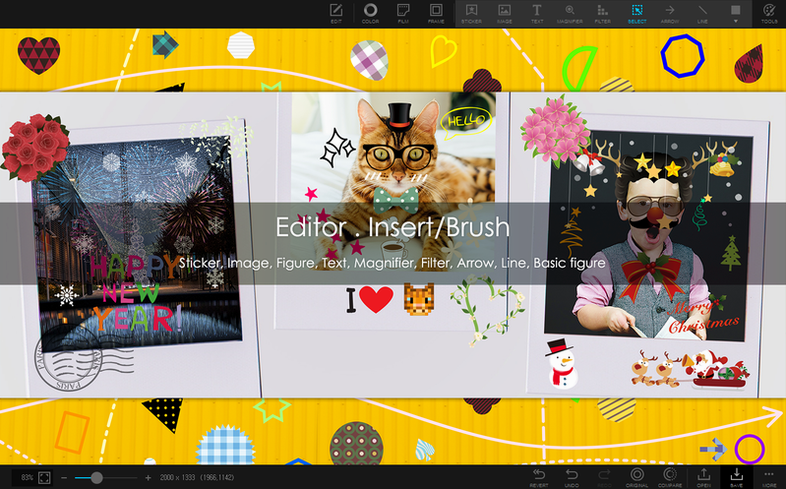
1,000+ stickers and 240+ figures come bundled in PhotoScape X Pro 4.3, but the batch tools are what keep me coming back. A newcomer should start with the Viewer module: it handles photo, video, and audio browsing with loupe view, fullscreen, flags, star ratings, and metadata. Lossless rotation means you can fix orientation without re-encoding.
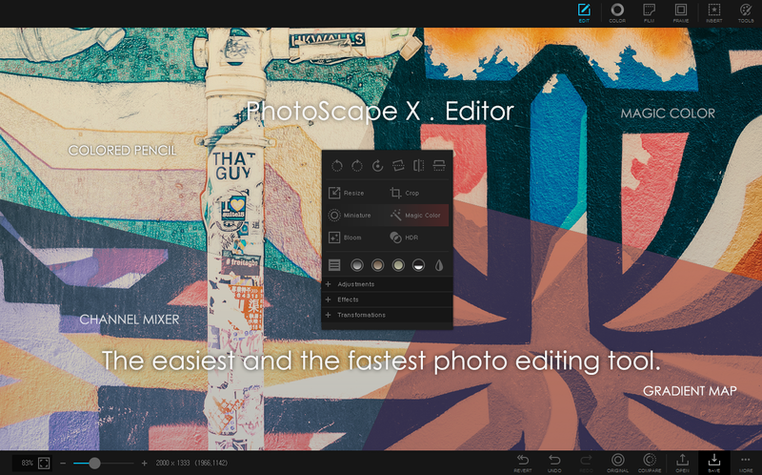
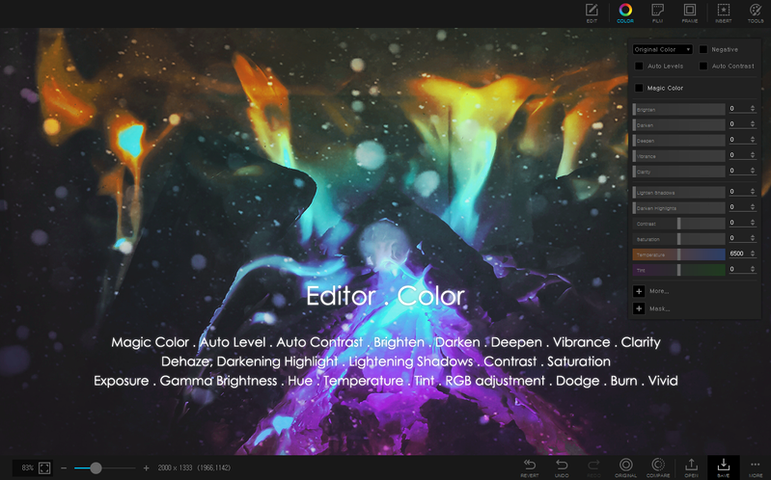
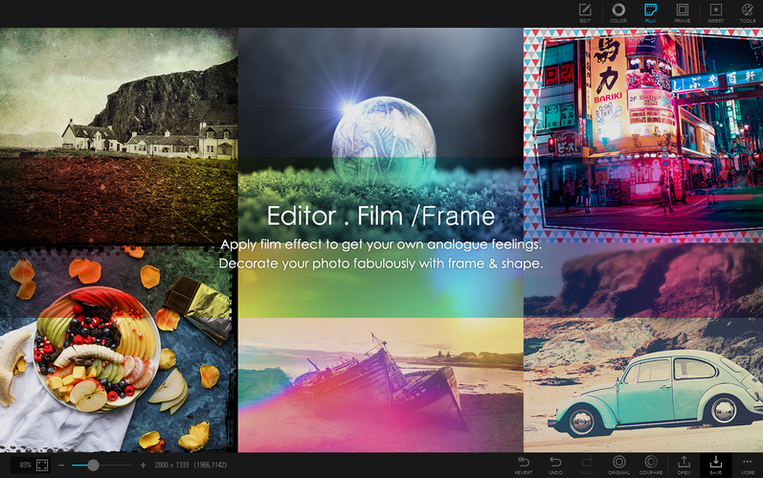
Then try the Editor. It has frames, objects, brushes, a color picker, and background removal via magic eraser, lasso, or brush. For stacked shots, the focus stacking and HDR merging save time. If you shoot bursts, batch resizing or format conversion in the Batch module will handle a whole folder at once.
Collage mode is straightforward: drop in several photos, pick a layout, and export. For sharing, combine images vertically or horizontally into one file, or make an animated GIF. The Print module covers paper sizes and layouts.
PhotoScape X Pro runs on Apple Silicon with macOS 13 Ventura or later. Interface languages include English, Spanish, French, Japanese, and Korean.
Requires macOS 13 or later and Apple Silicon
The requirements are straightforward: macOS 13 Ventura or later and Apple Silicon. That means no Intel-native fallback, so you will need an M1, M2, or M3 series Mac to run it. The app is built specifically for ARM, so it uses the native architecture throughout the viewer and all editing modules. Expect it to launch as a Universal binary would, but tuned for the M-series efficiency cores.
Given the 1,000+ filters and effects, the editor module may take a moment to load the preview list on first launch. The batch module handles format conversion, resizing, and renaming without external dependencies, so it does not need Rosetta or any compatibility layers. Disk image installation is standard: download the DMG, drag the app into Applications, and launch from Launchpad. No extra configuration is needed after the first run.
Using the Viewer module avoids editing without organization
The most common one is skipping the Viewer module and jumping straight into the Editor. The Viewer handles file management, star ratings, flags, and metadata viewing, and it is useful to review and sort images before editing. Without using flags or ratings, you end up editing unorganized folders and waste time finding the right shot.
Another mistake is ignoring the lossless rotation. New users often rotate images inside the Editor, which re-encodes the file. The Viewer has a lossless rotation option that preserves quality and speed. Use it first.
Beginners also overlook the batch tools for repetitive tasks. Instead of converting or resizing one file at a time, the Batch module can handle an entire folder in one pass. It also supports renaming, which saves manual typing.
Finally, the collage tool gets used for everything, but the Combine mode (vertical or horizontal stitching) is often a better fit for sharing multiple screenshots or product photos. Check both before committing to a layout.
Color picker samples any pixel on screen outside the app
The color picker sits in the Editor tools, but it can also be used outside the app by sampling any pixel on screen. That makes it a quick reference for matching colors across images without leaving the workflow.
Focus stacking and HDR merging are tucked into the Editor, not the Batch module. They work on two or more source shots. If you shoot landscapes or macro, try those before layering manually.
The GIF creation tool is in its own module, separate from the Editor. You drag in frames, adjust timing, and export. It supports still images as frames, not just video sources, so it works for simple animations without extra software.
Print module layouts include standard paper sizes and custom options. If you print proofs or contact sheets, the layout preview shows borders and margins before you commit ink.
The screenshot capture tool saves directly to disk, avoiding the macOS screenshot interface. It is a minor thing, but it keeps your workflow inside the app when you need a quick grab.
Fix release addressing stability and behavior issues
The listed build is marked as a fix release. That means no major new modules or a redesigned interface, but the changes address stability or behavior issues from earlier 4.x builds. If you were on a previous 4.x version and experienced crashes or odd behavior in the batch or collage modules, 4.3 is worth updating for. The fix designation suggests the developer targeted specific bugs rather than adding features.
For everyday use, the change is invisible. The workflow stays the same: browse in Viewer, edit in Editor, batch in Batch, collage in Collage. The fix should make those modules operate without the quirks that some users reported in 4.0 or 4.1. If you are downloading PhotoScape X Pro for the first time, this build is the one to use from the start.
- Fixes in the current build.
- macOS 13 Ventura or later
- Apple Silicon
- In-app purchases included
Install procedure
- Open the downloaded disk image.
- Drag the app onto the Applications folder shortcut.
- Launch from Launchpad once copying finishes.
Reports from players
Sign in or create a tester account to file a report.
No reports filed yet.