Marvelous Designer 2024.2.139 — Mac build
Mac Apps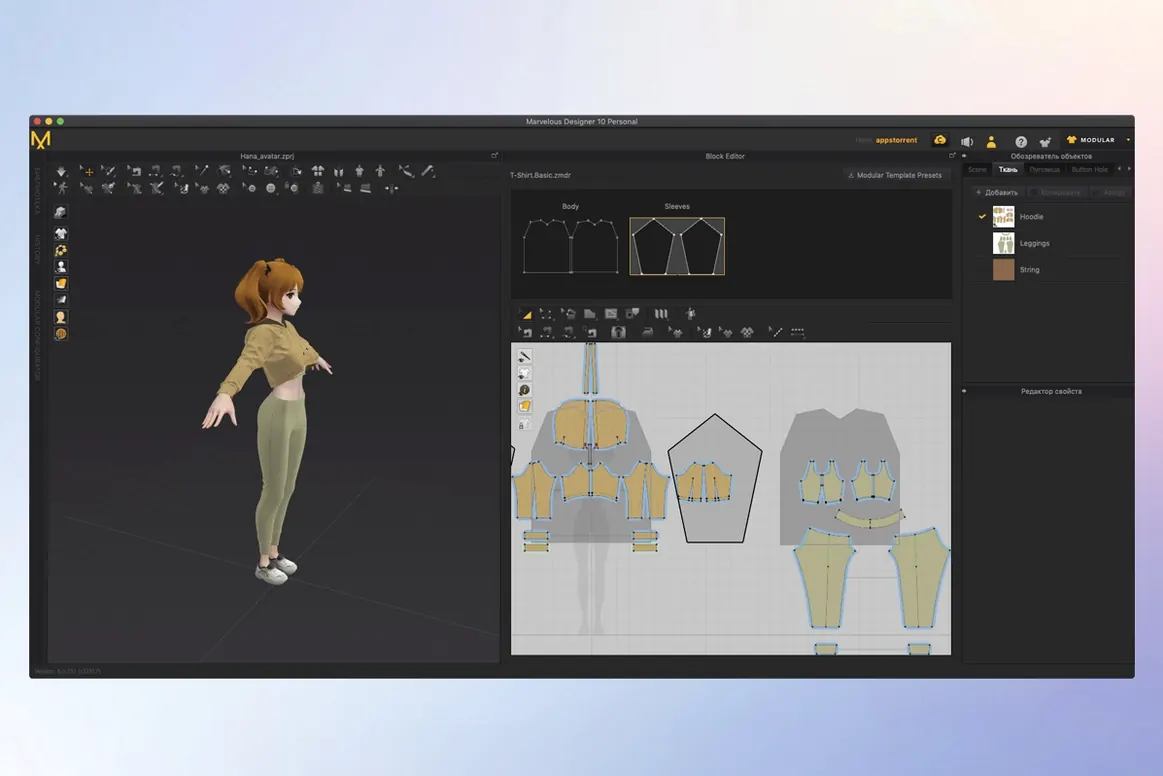
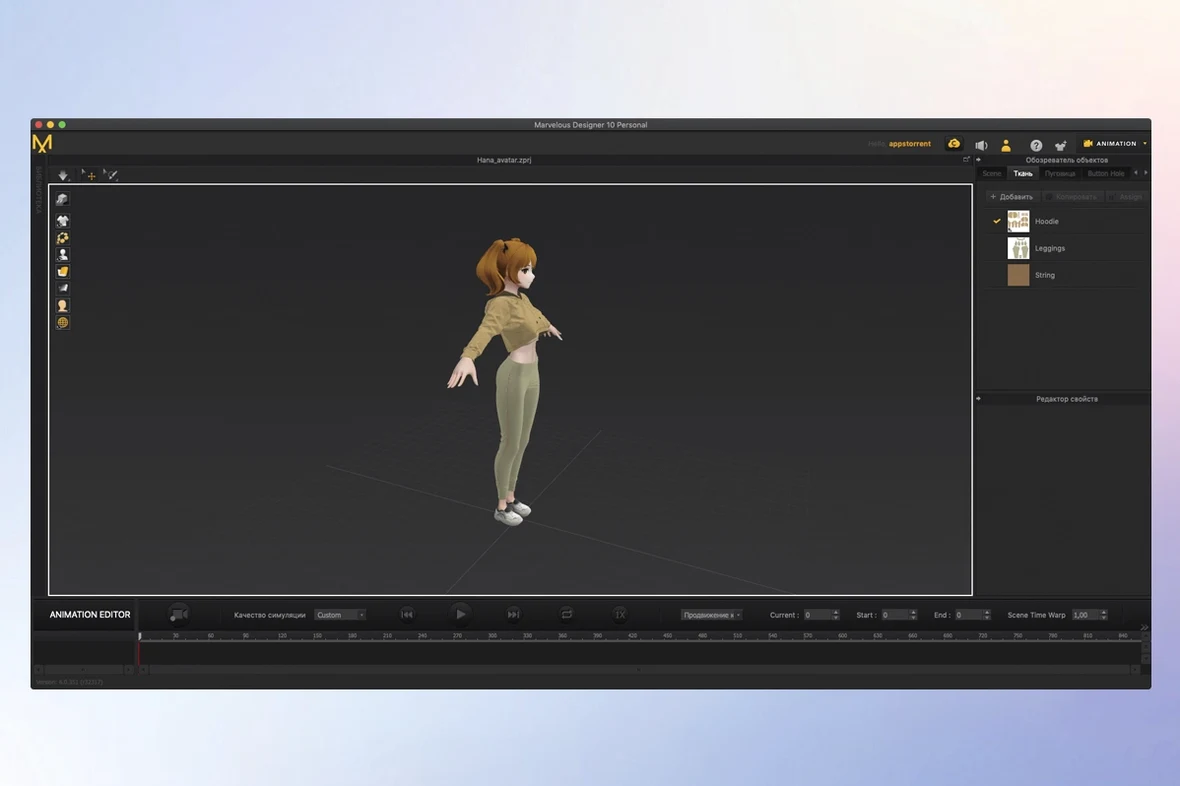
Marvelous Designer 2024.2.139 (r52064) runs on any Mac with macOS 12 or later, on both Intel and Apple Silicon. It is a 3D clothing design and simulation tool used for virtual garments and avatar modeling.
Create garments from scratch
Start with a simple shirt or a full dress with folds and uniforms. The intuitive interface includes point placement and contact tools, plus a sewing tool that controls sewing direction and range.
Simulate and animate
Build, simulate, and animate clothing in one place. You can record realistic fabric motion while a character moves, which is useful for pre-visualization or final shots.
Exchange assets with other tools
Import and export data with Maya, 3ds Max, Softimage, Modo, and ZBrush. That keeps Marvelous Designer in a larger pipeline without forcing you to redo work in another app.
Starting a session by importing an avatar model and sketching garment pieces
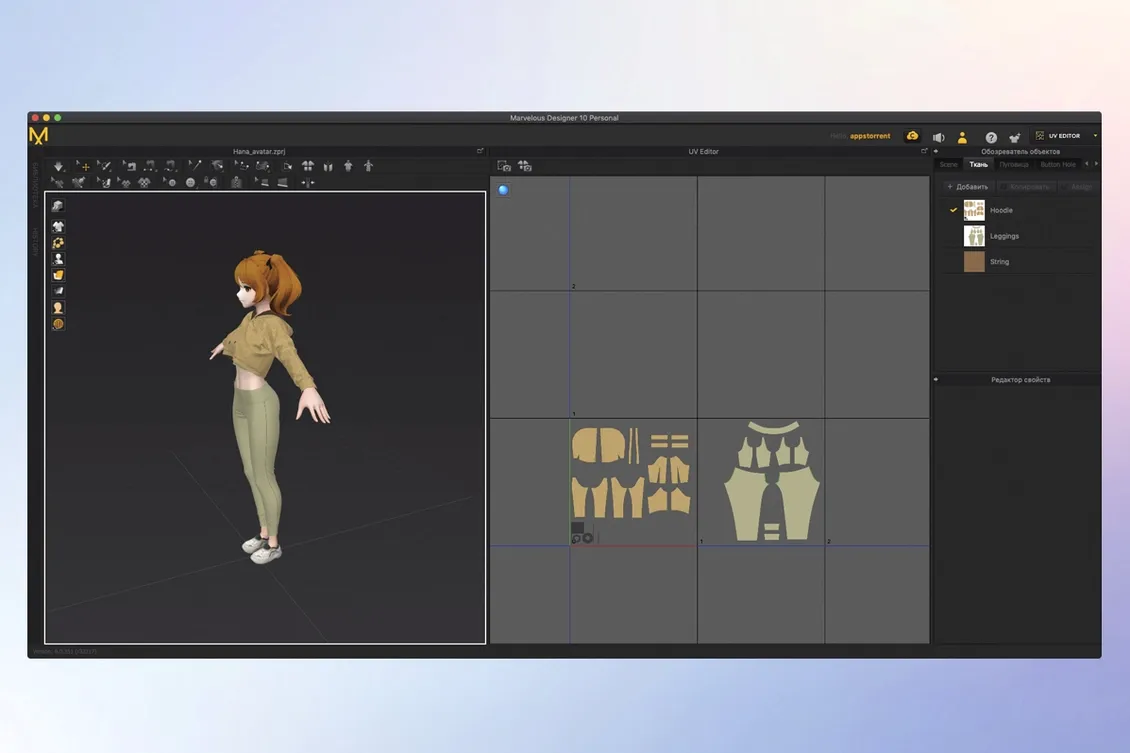
A session usually starts by importing an avatar model, then moving to pattern creation. You sketch the garment pieces using polylines and free curves, placing seams where fabric panels will join. The sewing tool lets you define direction and range for each seam, which matters for how the final garment drapes.
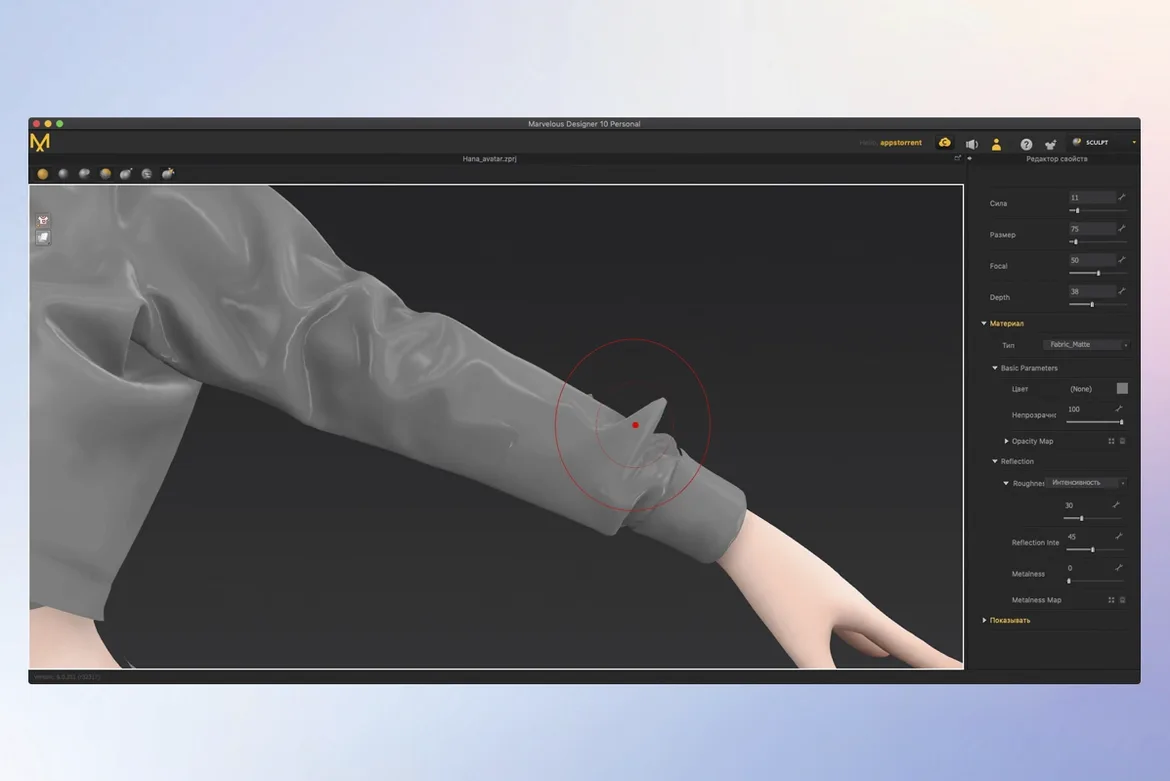
Once the basic pattern is laid out, you switch to 3D view. Changes appear on the model in real time, so you can adjust a seam or move a point and see the effect immediately. Texture and fabric properties come next — you assign materials to buttons, folds, and accessories, then run a simulation to check how the cloth behaves. If the character is animated, you record the clothing motion during the move to verify nothing clips or bunches unnaturally.
The last step is either exporting the finished garment as an Alembic or USD file for another tool, or saving it into a reusable character wardrobe for later use.
Skipping the sewing direction causes garments to pull or fold wrong
- Skipping the sewing direction — The sewing tool has a direction parameter. New users often leave it on default, then wonder why the garment pulls or folds wrong on one side. Setting the direction to match the fabric grain fixes this.
- Overcomplicating the first pattern — It is tempting to start with a complex coat or uniform. A simple shirt or skirt teaches the point placement and seam workflow faster, and the online learning materials cover those basics well.
- Ignoring the real-time preview — Some designers tweak patterns in 2D without checking the 3D model until later. That leads to repeated back-and-forth. Watching the 3D preview as you edit saves time because you catch fit issues immediately.
- Forgetting to save reusable items — A well-made shirt or pant pattern can be saved as a reusable clothing item. Beginners often rebuild the same base garment from scratch instead of adding it to a character wardrobe.
Real-world scenario: a game artist building a uniform
A character artist at a small game studio needs a faction uniform for an NPC. They start with a base shirt pattern, modify it with seam lines and a collar, then assign a stiff fabric to the shoulders and a lighter one to the sleeves. After a quick simulation on a walking cycle, they export the finished garment as a USD file into Maya, where the character rig already lives. The whole process, from blank pattern to export, takes about an hour once the pattern shapes are right. Without Marvelous Designer, that workflow would require multiple passes between a 2D pattern app and a 3D modeler, with no real-time fabric preview.
The Toon Shader renders garments in a cel-shaded style for concept art
- Toon Shader — Version 2026.0 added a Toon Shader that renders garments in a cel-shaded style. It is useful for concept art or games with a drawn aesthetic, and it works inside the same session without a separate export.
- Template-based rigging in EveryWear — Also from version 2026.0, this lets you rig a garment onto a character template once, then apply it to multiple avatars. It is easy to overlook if you only use the manual rigging tools.
- Polygonal pattern shapes — Most pattern tools assume curves, but Marvelous Designer supports creating and editing polygonal shapes directly. That matters for hard-surface costume pieces like armor plates or shoulder pads, where smooth curves are not what you want.
- Multiple format support for Alembic — The format reference lists both USD and Alembic import and export. That means you can bring Alembic files from ZBrush or Modo and send them back without conversion steps.
- macOS 12 or later
- Intel or Apple Silicon
Questions from the notes
Does Marvelous Designer work on Apple Silicon Macs?
Yes, Marvelous Designer supports both Intel and Apple Silicon Macs, as long as you run macOS 12 or later.
Can I import models from other 3D software?
Yes, it imports and exports data with Maya, 3ds Max, Softimage, Modo, and ZBrush.
Is there learning material for beginners?
Yes, the software includes online learning materials for beginners.
Install procedure
- Open the downloaded package.
- Follow the installation and activation instructions included in the package.
Reports from players
Sign in or create a tester account to file a report.
No reports filed yet.