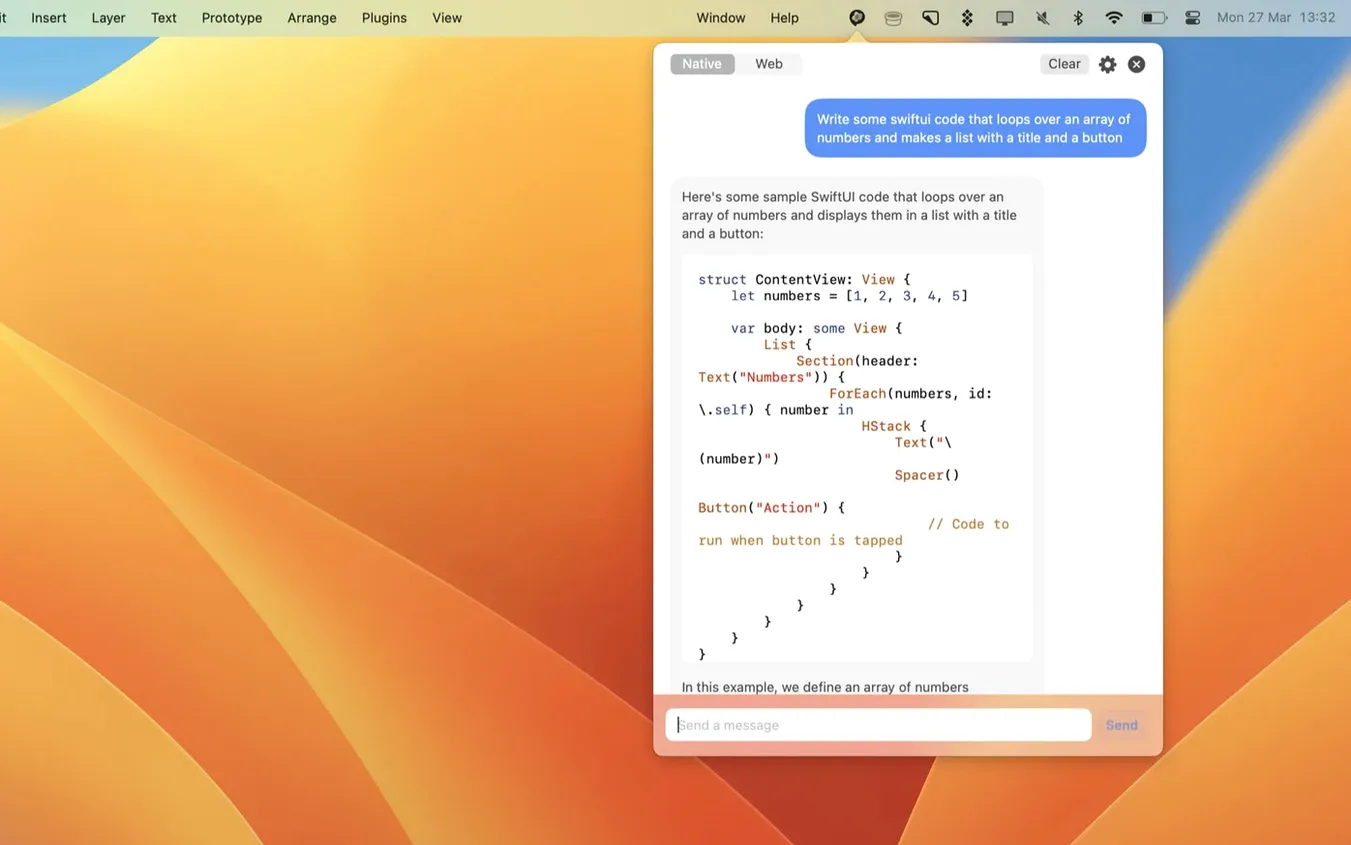
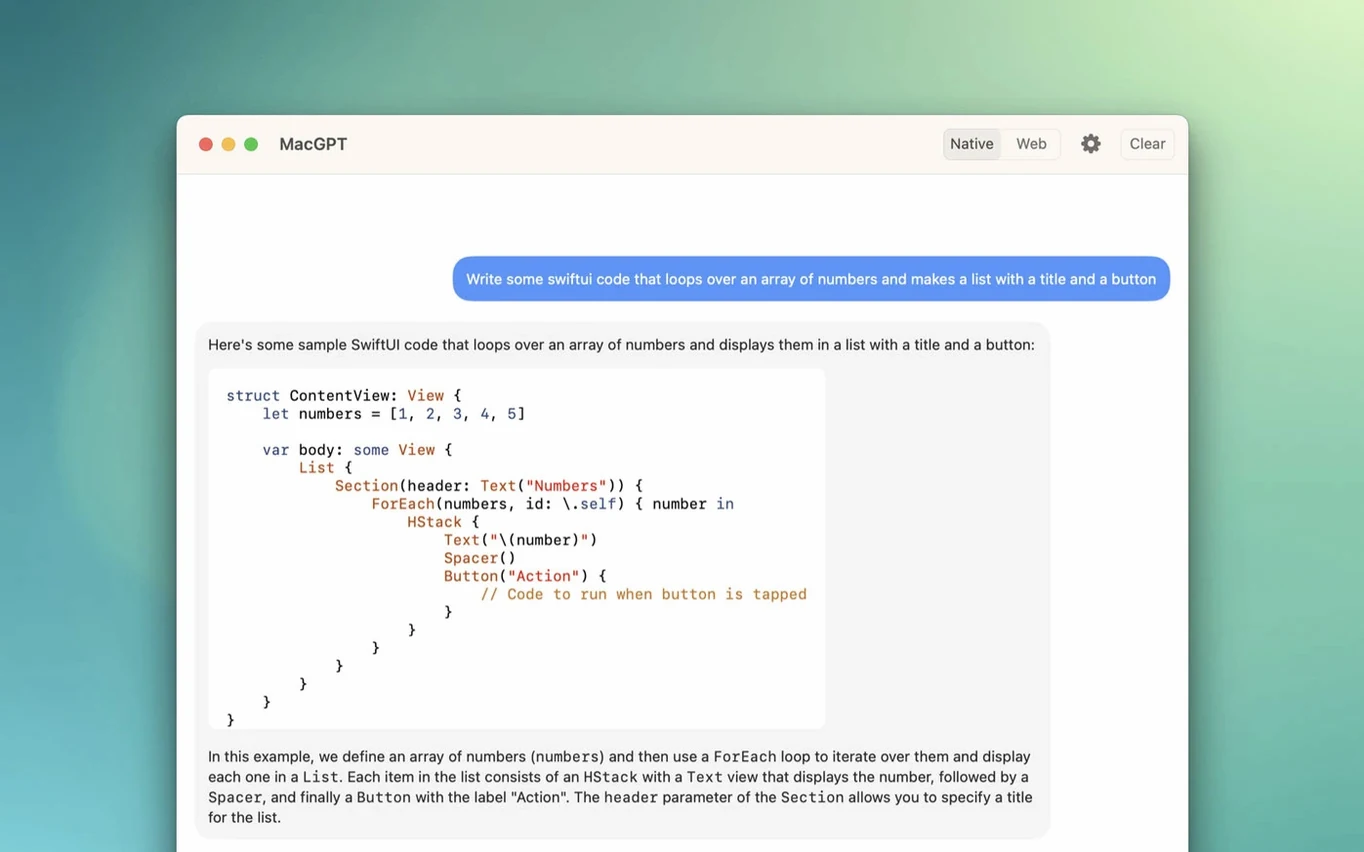
People who keep ChatGPT open in a browser tab might prefer something that lives in the menu bar. MacGPT does that: it wraps ChatGPT into a small app you can summon with a click or a keyboard shortcut.
- Launch and sign in. Open MacGPT from the menu bar. The app loads the ChatGPT web interface inside its own window. Sign in with your OpenAI account credentials — no extra setup needed if you already have an account.
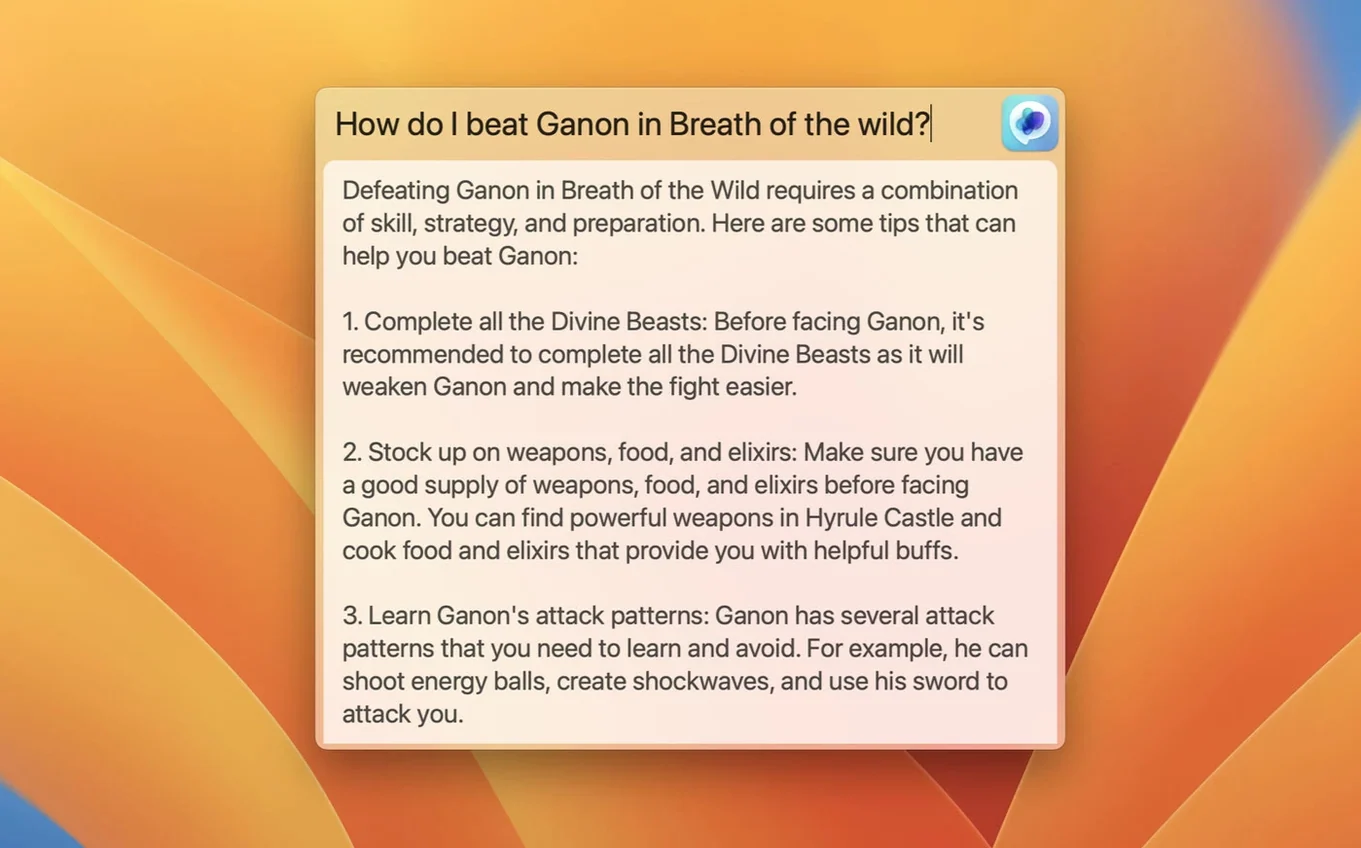
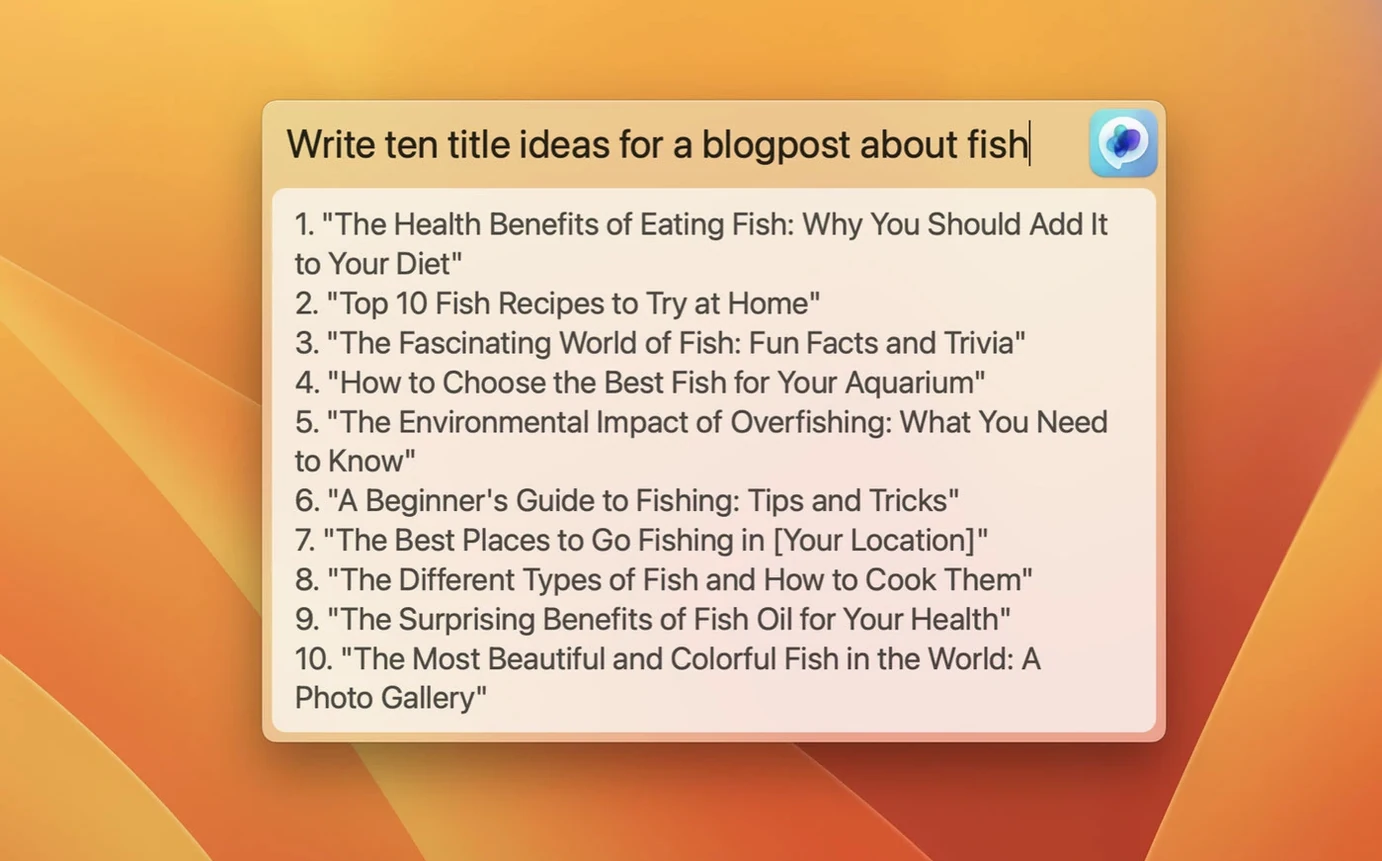
- Use the global text field. Press the configured global shortcut. A centered input field appears anywhere on screen. Type a prompt, press Enter, and the reply shows up in the app window. This works even if you are in another application.
- Switch models if needed. Version 3.21 adds gpt-4o support. You can also fall back to web mode if the API key route gives you unclear errors — the app shows better messages now when the key is missing or wrong.
MacGPT runs as a native macOS app, which means it behaves like any other application on your system rather than a web wrapper with compromises. The requirements list macOS 12 Monterey or newer, and both Intel and Apple Silicon architectures are supported. Since the app uses newer macOS APIs, it won't work on older systems — macOS 11 Big Sur and earlier are out. The app sits in the menu bar and draws minimal attention until you need it.
What stays in the menu bar, what doesn't
MacGPT has two distinct modes of operation. The first is web mode: it loads the ChatGPT web interface in its own window, and you interact with it through your OpenAI account. The second uses a custom API key for direct interaction, skipping the web interface entirely for sending prompts and receiving replies. Version 3.21's support for gpt-4o applies to both modes, so whichever route you choose, the latest model is available.
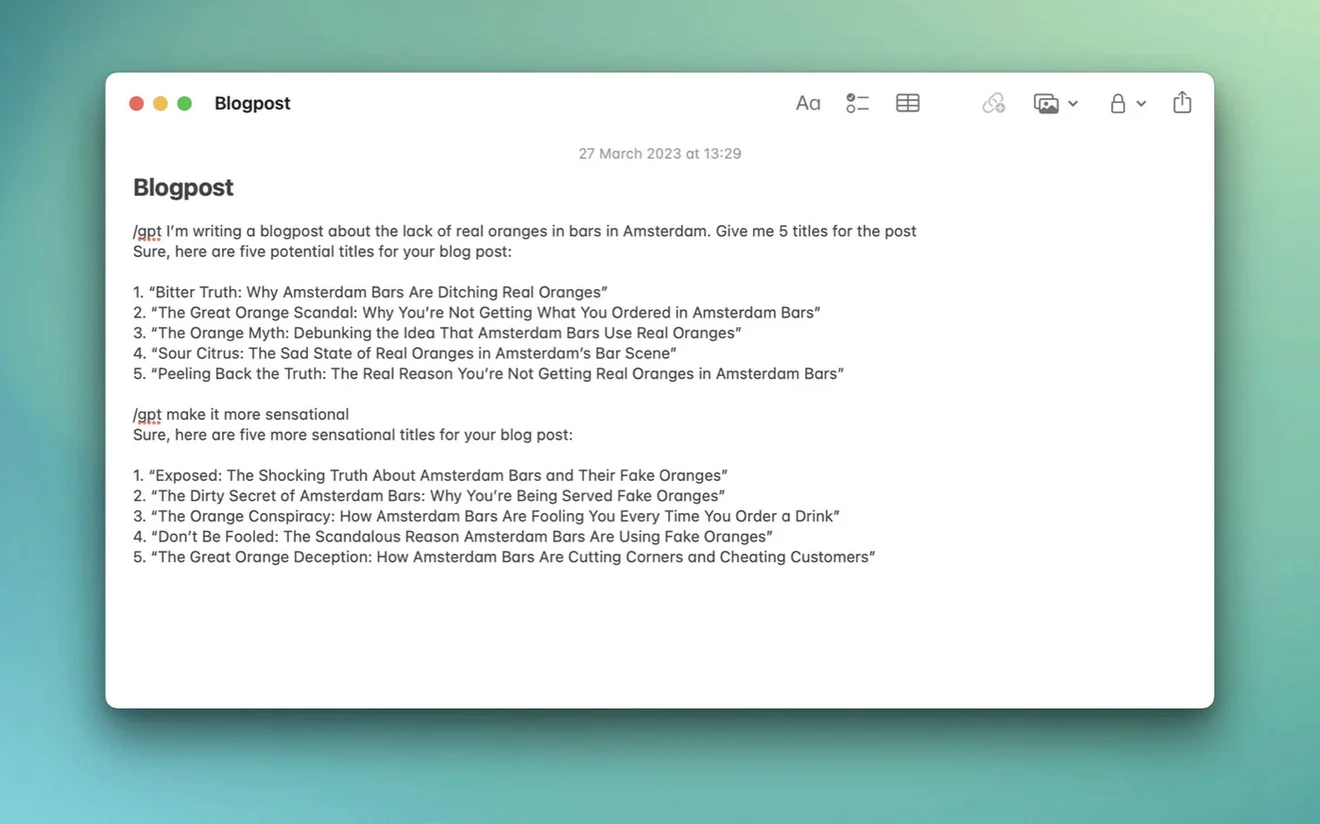
The keyboard shortcut is configurable from settings. That is the only shortcut in the app — no hidden key combos for model switching or history browsing. You set one global shortcut, and that opens the centered input field from anywhere. The inline feature works inside text fields, which means you can draft responses or code snippets without leaving the text area you are typing in.
Global text field for multi-app technical writers
A technical writer who drafts API documentation across multiple apps — a text editor, a terminal, a note app — might appreciate the global text field most. You are in the middle of describing an endpoint call, realize you need a sample response, press the global shortcut, type "show me a JSON response for a GET /users endpoint," and get the result without switching windows. The reply appears in the MacGPT window, which you can check and close with another shortcut. No browser tab, no copy-paste between windows.
This scenario works because the global input field is system-wide. It is not limited to MacGPT's own window. The inline feature extends that further: inside a text field in another application, you can trigger MacGPT to complete or suggest text without leaving that field.
Stays in the menu bar where the official app runs full window
There are a few ways to access ChatGPT on a Mac without opening a browser. The official ChatGPT desktop app covers the basics but requires a separate download and runs as a full window. MacGPT stays in the menu bar and takes less screen space day-to-day.
Text Blaze and similar text expansion tools can insert canned responses, but they do not connect to ChatGPT's API. For dynamic replies, you need either a plugin inside your editor or a dedicated app like MacGPT. The inline feature here gives you that dynamic completion inside text fields without a plugin architecture.
Some users look for a macgpt free download to test before committing to API usage. The app itself is free to try, and the main cost comes from OpenAI's API fees if you use that route instead of the web mode.
How MacGPT fits into a macOS workflow
Because MacGPT is a menu bar app, it works alongside other menu bar utilities without conflict. You can keep Dropbox, a clipboard manager, and MacGPT in the same bar area. The global shortcut can be assigned to a combination that does not clash with your system-wide shortcuts — that is up to you in the settings panel.
The app does not require a persistent internet connection beyond what ChatGPT needs. If your connection drops, the web mode's timeout messages appear faster than a browser would show them, and the API mode gives a clear error. macOS notifications are not used by the app, so replies appear inside MacGPT's own window rather than as system alerts.
For users who rely on macOS virtual desktops, MacGPT stays pinned to the menu bar across all desktops. The global input field works regardless of which desktop is active. The app does not integrate with macOS's dictation or accessibility features beyond standard keyboard navigation.
That is the core loop. You get ChatGPT without keeping a browser tab open, and the global input saves a few clicks per query.
- Added support for gpt-4o.
- macOS 12 Monterey or later
- Intel or Apple Silicon
- OpenAI account credentials or an API key
- English interface
Questions from the notes
Does MacGPT require an OpenAI API key?
You can sign in with your OpenAI account credentials instead, which is simpler for most users. An API key is optional.
Which macOS versions are supported?
MacGPT officially supports macOS Monterey (12) and Ventura (13) only, because it uses newer APIs not available on older systems.
What models can I use in MacGPT?
Version 3.21 added support for gpt-4o. The app works with whatever model your OpenAI account has access to.
Install procedure
- Unpack the downloaded archive.
- Move the app to the Applications folder.
Reports from players
Sign in or create a tester account to file a report.
No reports filed yet.