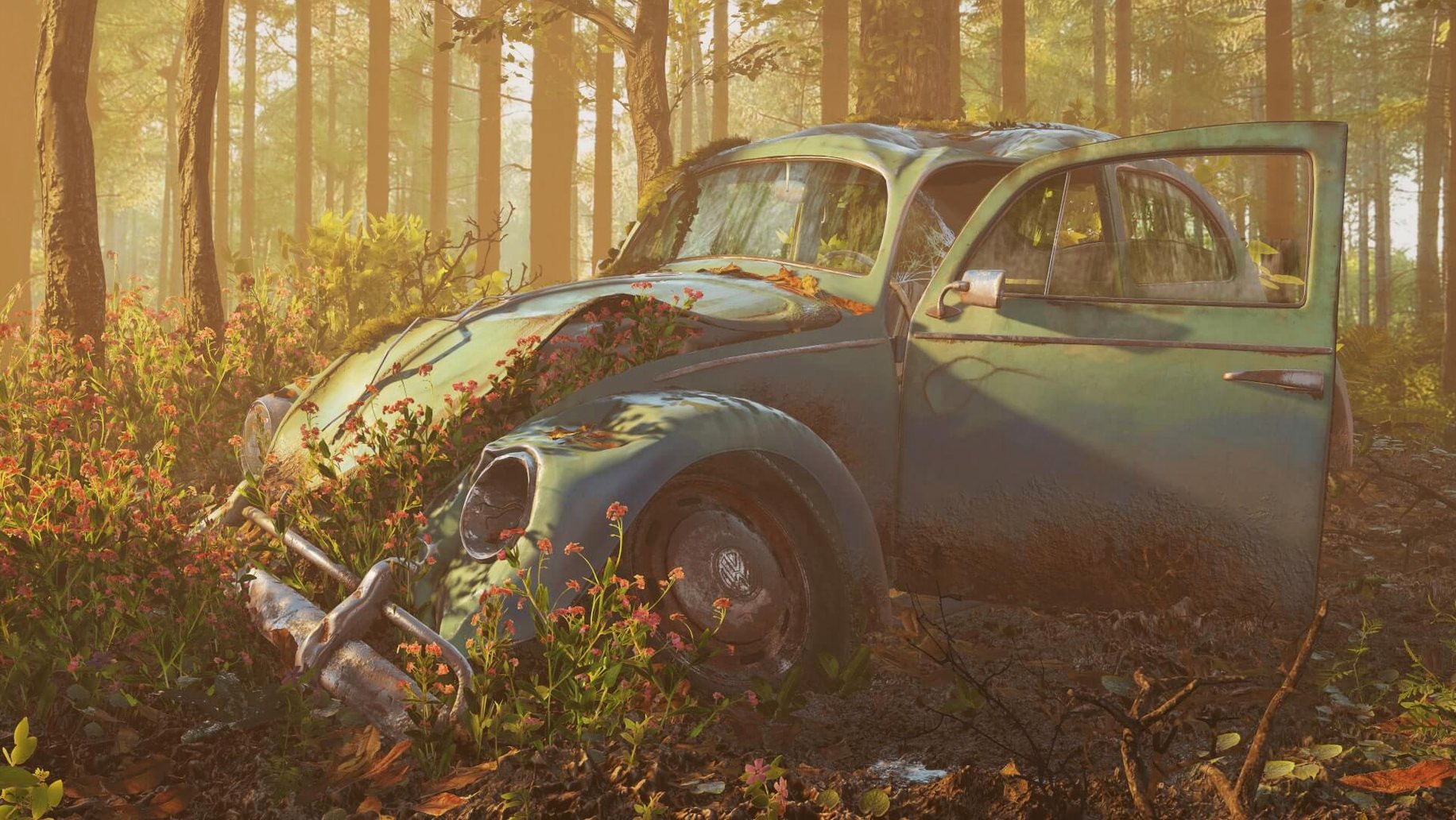
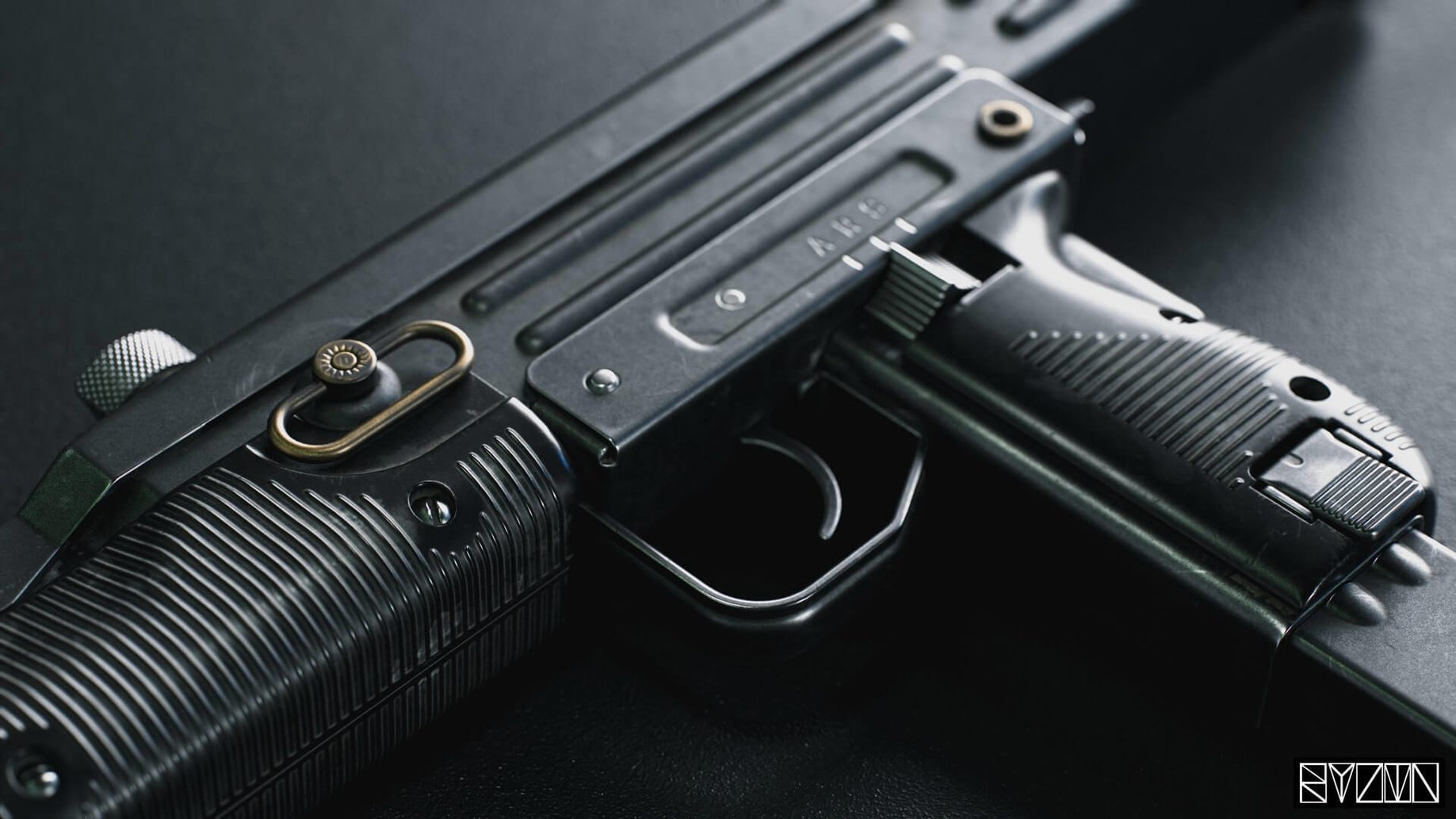

Marmoset Toolbag is used by 3D artists and technical artists who need to place models into different environments without leaving their rendering app. It handles real-time rendering, material editing, and fine-tuning of lighting and camera settings in one interface.
Place models into any environment
Toolbag uses HDRI maps to adapt a model’s lighting and reflections to the scene. It also supports AO maps in Viewer, so the result reads as if the model was shot on location.
Fine-tune materials and output
You can adjust materials, lighting, and camera settings in real time. Texture warping and variant filtering are available during export, and camera limits can be set for Viewer output.
Keep the view clean on any display
Version 4.02 fixes window elements going out of bounds on widescreen monitors, window flicker after changing DPI scaling, and blurry text at 125% and 175% scales. Volumetric fog is included, and the mesh updates automatically.
Starting a rendering session
A typical session begins with opening a 3D model file. Toolbag loads the model and presents it in the default environment. The first step is usually swapping the HDRI map to match the lighting you need. From there, you work through materials, adjusting shaders and checking how light interacts with surfaces. The real-time rendering means every slider move updates the view without a separate render step.
Once materials sit right, you set the camera angle and export limits. You can import lights and cameras directly from an FBX file if the scene was composed in another app. After framing the shot, you run a final render. The output goes back into your project or straight to ArtStation if you publish from within Toolbag.
Pulls scene structure from your main app via FBX
Toolbag fits into a workflow that already uses a modeling application or a game engine. It reads common 3D model formats and can pull lighting and camera data from FBX, so you keep the scene structure from your main app and only use Toolbag for finishing. The HDRI maps let you drop the same model into different environments without rebuilding materials for each one.
On macOS, Toolbag works alongside the rest of your graphics tools. You can export renders to formats that Photoshop or other image editors open, and the Viewer output with AO maps and lossless normal maps stays usable for compositing. The app does not depend on macOS-exclusive APIs, so behavior is consistent across Intel Macs.
Keeps render updates snappy by avoiding full-frame refreshes
Tooltips cause a crash on multi-monitor setups
If you run two displays with different resolutions, version 4.02 fixed the tooltip crash that older builds had. If you still see an issue, check Preferences and make sure tooltip display is enabled there. The fix applies to the option itself, not just the crash.
Window elements drift off screen on a widescreen monitor
Load a project and panels or buttons appear cut off. This was addressed in 4.02 for widescreen displays. If you run into it, reset the window layout from the View menu.
Blurry text at nonstandard scaling
Text at 125% and 175% scaling was fixed in this version. If text still looks soft, your setting might be at a value between those steps. Set scaling to one of the exact supported values and restart Toolbag.
Flicker after changing DPI scaling
Switching monitor scaling while the app is open caused flicker. Close and reopen Toolbag after changing display scaling in macOS. The fix in 4.02 prevents the flicker from happening during the session, but it takes effect only after a restart.
Volumetric fog does not appear in preview
Check that volumetric fog is enabled in the render settings, not just in the scene file. The fog renders in real time, so if the preview is off, the export will be off too. Toggle it on and adjust density before the final render.
- Fixes
- Tooltips no longer crash on mixed-resolution display setups.
- Tooltip display option in preferences works again.
- Window elements no longer go out of bounds on widescreen monitors.
- The window no longer flickers after changing monitor DPI scaling.
- Text is no longer blurry at 125% and 175% scales.
- macOS 10.15 or later
- Intel processor
Questions from the notes
Does Marmoset Toolbag support Apple Silicon Macs?
No, the listed system requirements are Intel only (macOS 10.15 or later).
What languages does the interface support?
The listed interface language is English.
Install procedure
- Mount the downloaded disk image and run the standard installer.
- Use the executable file from the Patch folder to activate it.
Reports from players
Sign in or create a tester account to file a report.
No reports filed yet.