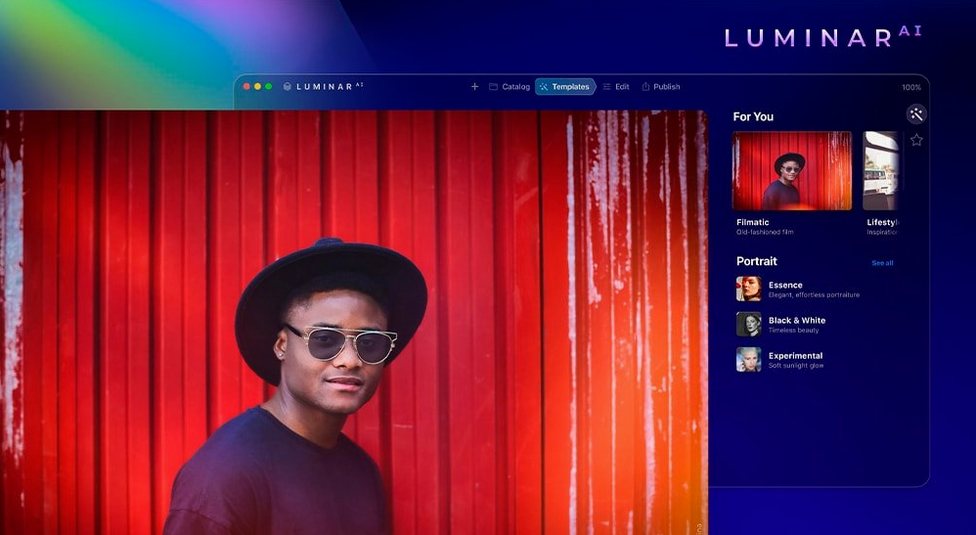

Opening a photo in Luminar AI, the first thing you notice is Accent AI. One slider adjusts lighting and color, and it does a decent job without turning the image into a mess. That sets the tone for the whole app: it automates the manual steps you'd normally grind through in a traditional editor.
Quick portrait fixes and dramatic sky replacements
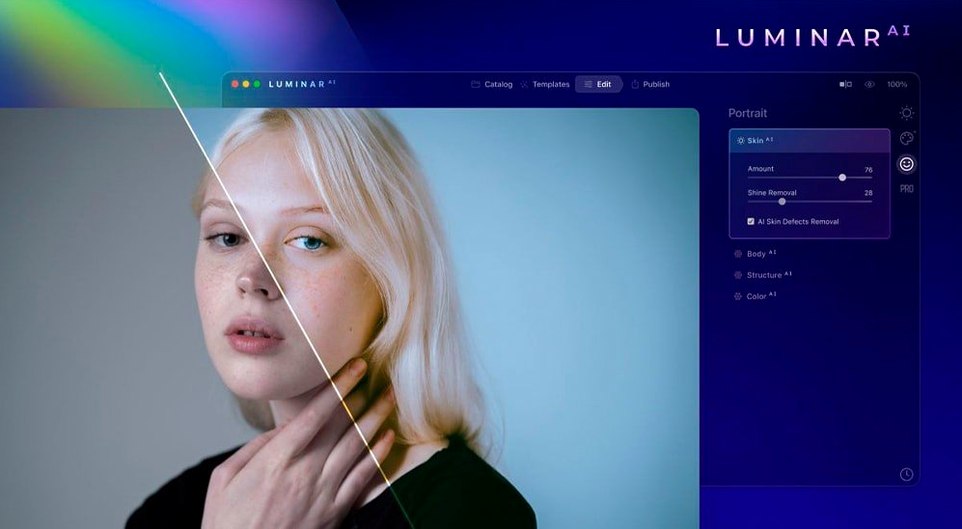
- Quick portrait fixes with Skin AI, which removes blemishes while keeping pores, texture, and hair intact.
- Dramatic landscape changes via Sky AI, letting you replace an overcast sky with something more interesting.
- Adding depth with Bokeh AI's simulated background blur.
- Adjusting composition automatically with Composition AI, which crops based on standard rules.
- One-click body adjustments using Body AI, if that's your thing.
Fully AI-based, not a pixel-level tool like Photoshop
- It's a fully AI-based editor, not a pixel-level tool like Photoshop.
- Some features, like Body AI, change geometry in ways that look off if pushed too far.
- Requires macOS 10.13.6 or later, and runs on both Intel and Apple Silicon.
Scenario: a portrait editor working on a headshot batch
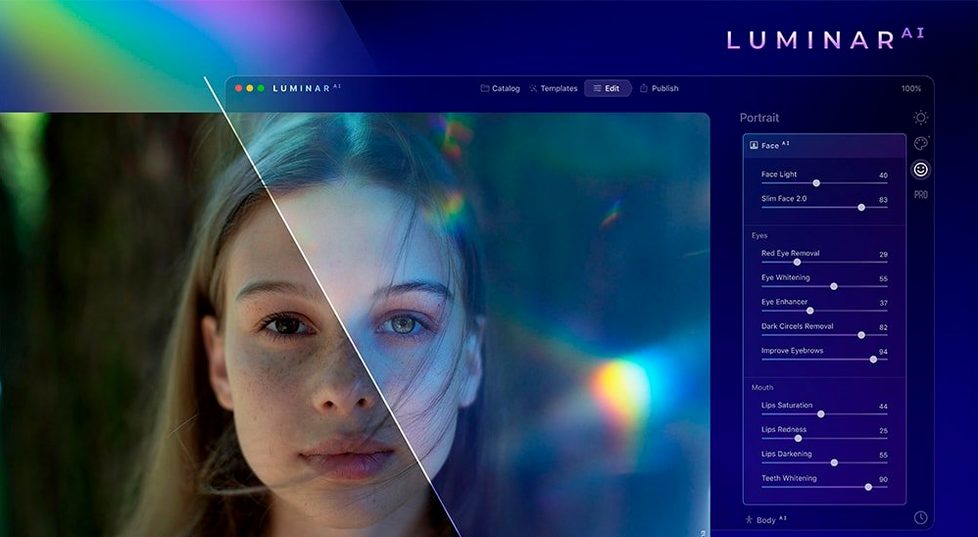
You’ve shot a dozen corporate headshots in the same lighting. Opening each in Luminar AI, you run Face AI first to remove dark circles and even out skin tone, then Skin AI to clean up blemishes without flattening the skin texture. Iris AI handles eye brightness and color in about two clicks. If the subject’s posture or shirt is slightly crooked, Body AI can adjust that without needing a full warp tool. The whole round trip per photo takes less time than masking and dodging manually. For the final three shots where the background is too busy, Sky AI replaces it with a neutral gradient that matches the original lighting. That’s the kind of sequence the app is built around—repeatable, AI-driven, and fast.
Fix unnatural sky replacements and body distortions
- Sky AI looks unnatural. The replacement often needs a mask adjustment. Check the edge refinement controls in the Sky AI panel—softening the transition a few points usually fixes the hard line around trees or hair.
- Body AI distorts the background. Pushing the body sliders too far warps anything behind the subject. If they are not, undo and reduce the setting.
- Bokeh AI blurs the wrong areas. The depth map it builds isn’t always perfect on complex scenes. Use the brush in the Bokeh AI panel to paint areas that should stay in focus, like a foreground shoulder or a glass object.
- Composition AI crops too tightly. The automatic crop follows standard rules, but it can cut off hands or feet. After it applies, adjust the crop boundaries manually in the overlay. The app keeps the original as a non-destructive layer, so nothing is lost.
Improved stability for Atmosphere AI on high-resolution files
Version 1.5.5 (13797) is not a major rewrite, but it addresses a few friction points that portrait and landscape editors encounter regularly. The release notes mention improved stability when applying Atmosphere AI to high-resolution files. Previously, adding fog or haze to a 50-megapixel image could stall the preview; that pause is now shorter, though actual performance depends on your hardware. Face AI also received latency tweaks—the slider adjustments update faster on screen, which matters when you are dialing in iris color or skin smoothing across a batch of similar shots. For the languages supported, this build adds no new interface locales; it keeps the existing set of English, German, Spanish, Italian, Traditional Chinese, Simplified Chinese, Korean, Dutch, Portuguese, French, and Japanese.
Accent AI adjusts contrast, saturation, and exposure in one move
- Accent AI works as a quick starting point. Instead of tweaking separate contrast, saturation, and exposure sliders, drag Accent AI up or down first. It adjusts all three in a single move that preserves natural color. From there, fine-tune with the individual sliders only if needed.
- Structure AI has four dedicated targets. You can apply detail enhancement selectively to people, water, sky, or objects, rather than sharpening the whole image uniformly. Each channel responds differently—sky adds cloud texture without blowing out highlights, for example.
- Iris AI and Face AI share a panel group. After adjusting eye size and color, you do not have to switch tabs to remove dark circles or slim the jawline. Both tools sit in the same section, so you stay in one place for headshot edits.
- Atmosphere AI layers effects non-destructively. Fog, steam, or haze is added as a separate layer, not baked into the pixel data. You can toggle it off or adjust opacity later, even after closing and reopening the project.
- macOS 10.13.6 or later
- Architecture: both (Intel and Apple Silicon)
Questions from the notes
Does Luminar AI work on Apple Silicon Macs?
Yes, Luminar AI supports both ARM and 64-bit x86 architectures, so it runs natively on M-series and Intel Macs.
What macOS version do I need?
Luminar AI requires macOS 10.13.6 or later.
Install procedure
- Mount the disk image and launch the app marked as Open Gatekeeper friendly.
- Press Enter in Terminal to bypass Gatekeeper.
- Drag the app to the Applications folder.
- Open the app from Applications.
Reports from players
Sign in or create a tester account to file a report.
No reports filed yet.