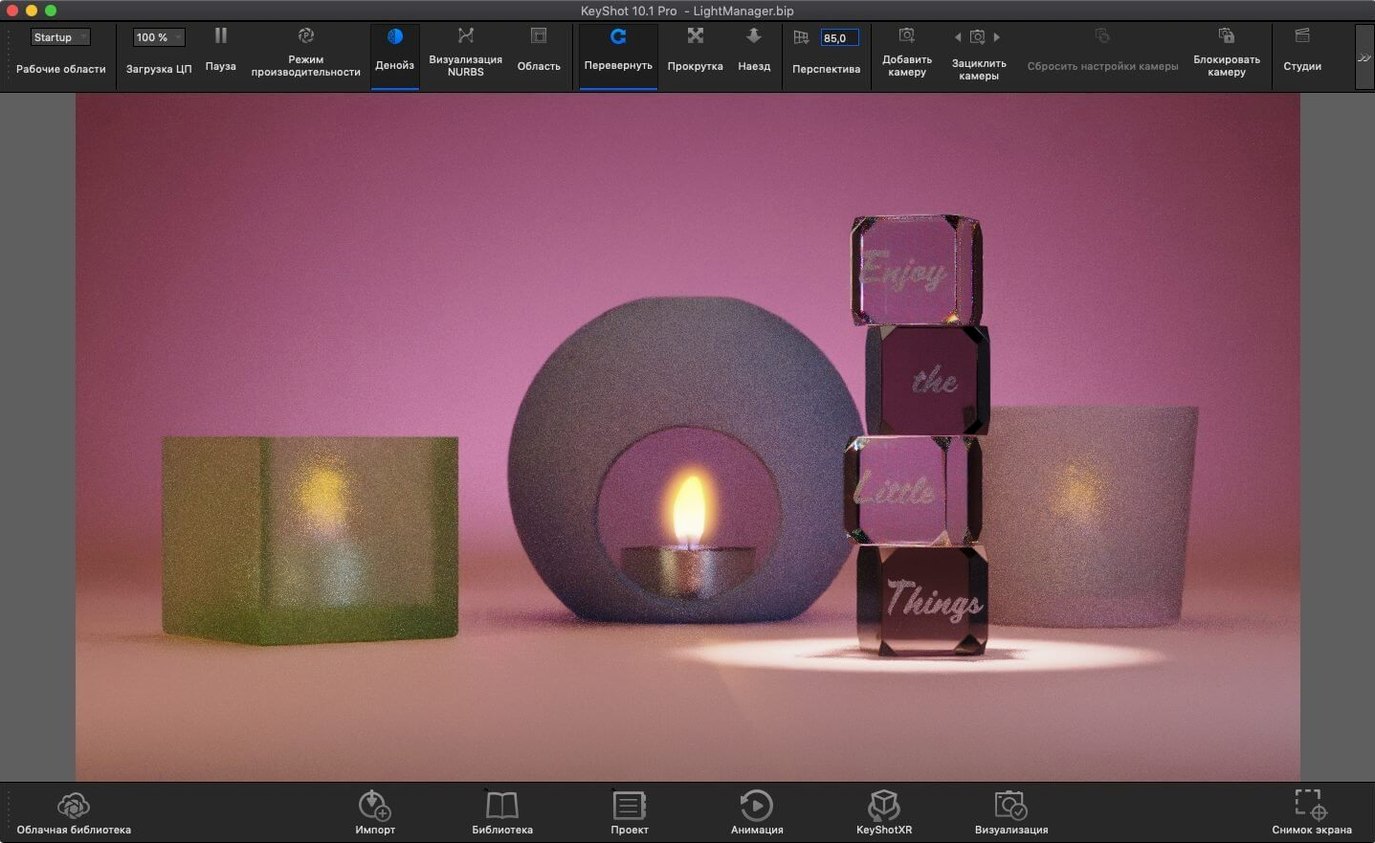
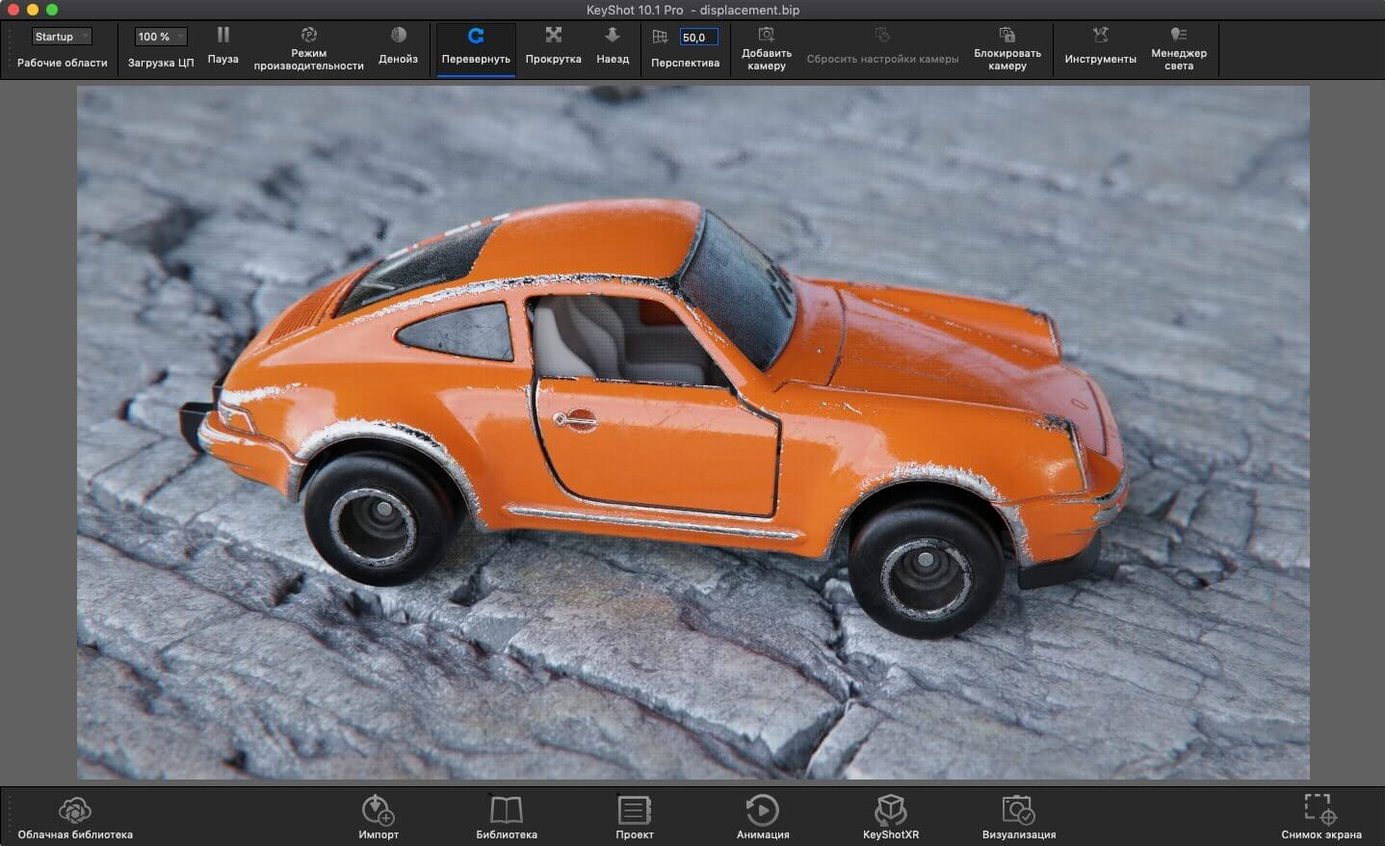
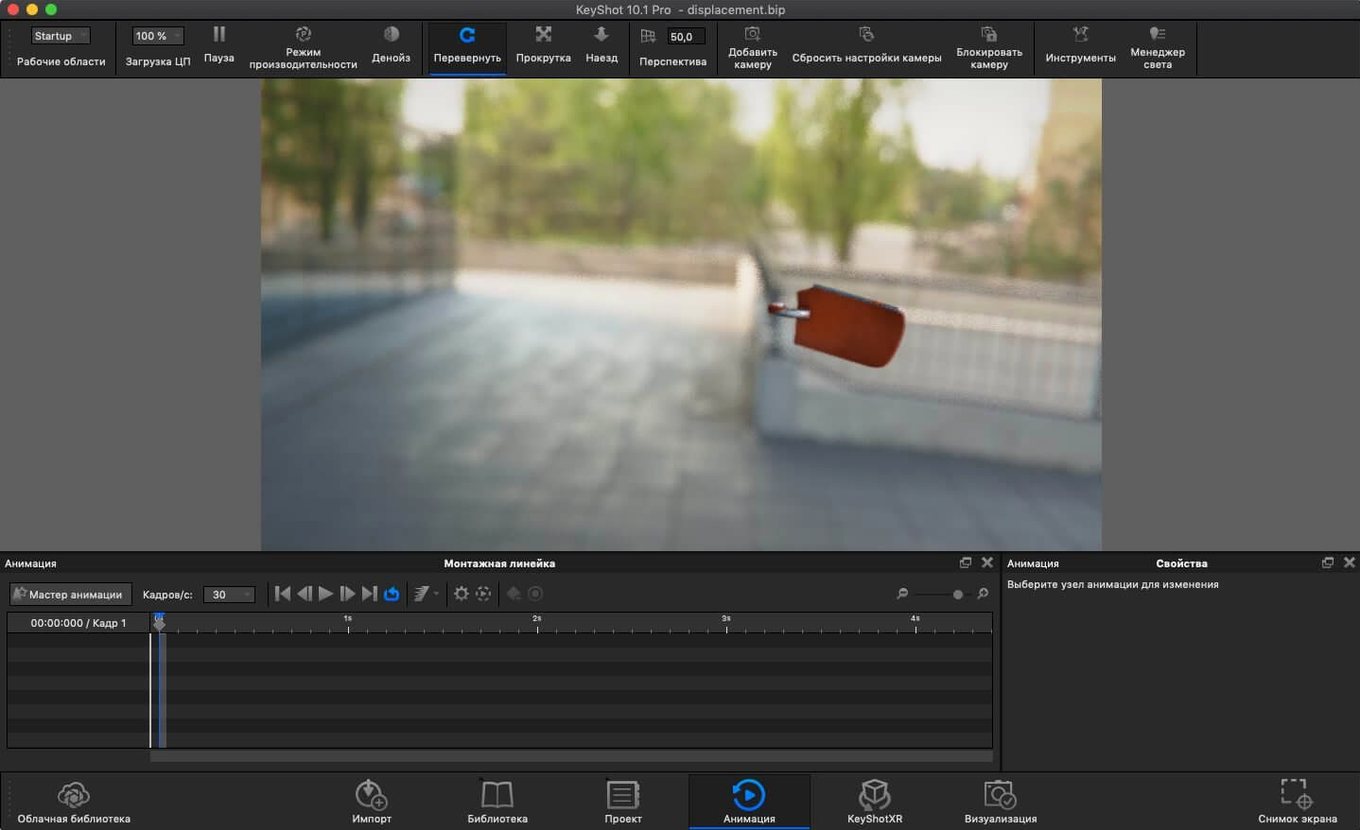
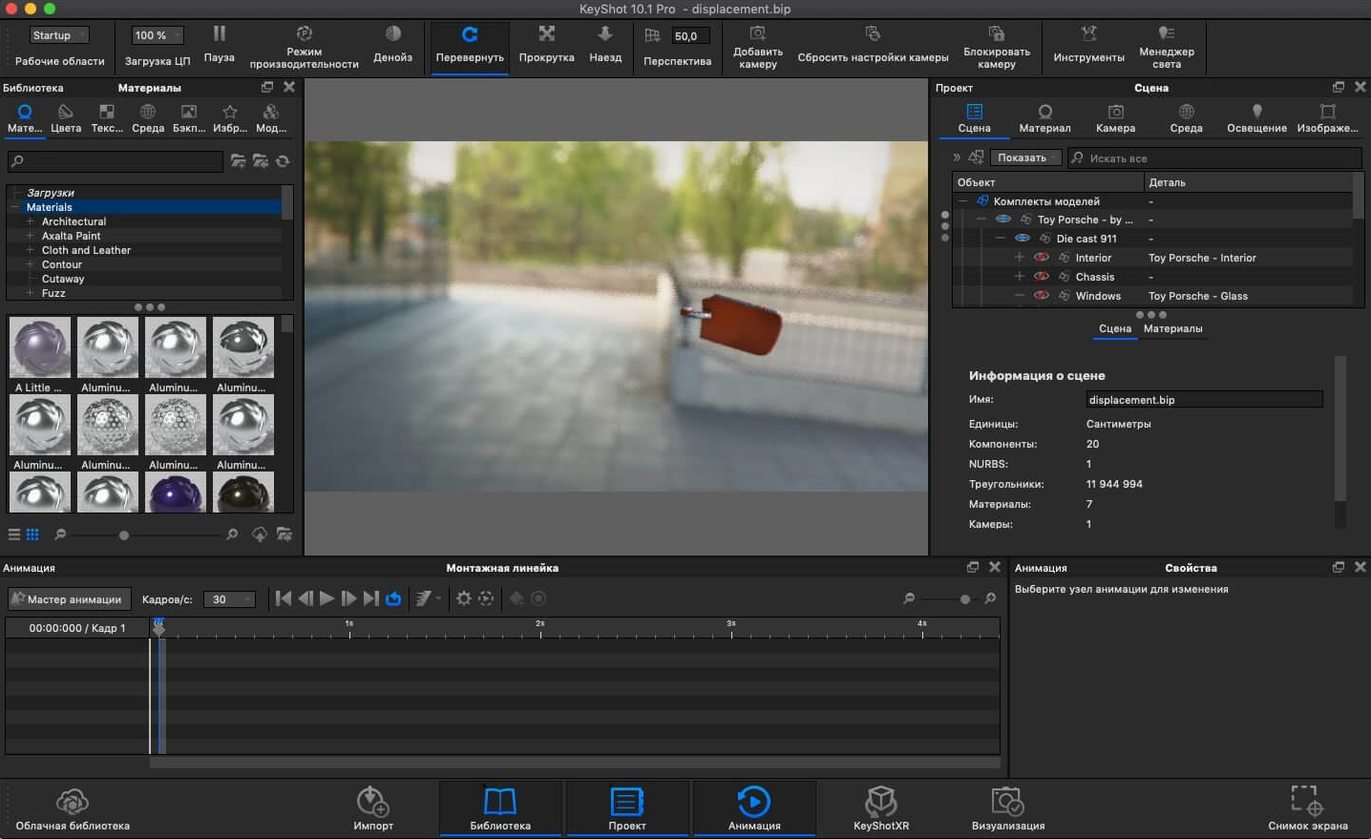
KeyShot is a 3D visualization application for rendering and animation on Mac.
Before installing, people usually want to know a few concrete things. Here is what matters:
- System support: KeyShot Studio runs on macOS 12 and later, and works on both Intel and Apple Silicon Macs.
- Rendering approach: It uses real-time ray tracing with WYSIWYG output. Changes to materials, lighting, or camera respond immediately in the viewport.
- File compatibility: Imports from major CAD tools including SolidWorks, Rhinoceros, SketchUp, and Maya. The 2025.1 release adds USD export for broader pipeline integration.
- Interface language: The UI is available in 12 languages, including English, German, French, Spanish, and Japanese.
- Known setup quirk: The included installer may throw a Host or Host name error. The fix is a quick Terminal command to add a local host mapping — detailed in the install notes.
KeyShot Studio 2025.1 also adds a hotkey for Add Studio, a new Light Tool for placing physical lights, and Scripting API support for the Re-tessellate Tool. If you work with CAD data and need fast, interactive previews, this is a solid fit.
Common pre-install questions answered
People often ask whether KeyShot Studio works as a plugin or standalone. It does both — you can run it as a standalone application or use it as a plugin inside supported workflows. The plugin route matters mostly if you come from SolidWorks, SketchUp, or Maya and want to send geometry directly from those environments without exporting and importing.
Another frequent question is about file support for older CAD formats. KeyShot Studio imports OBJ, FBX, 3DS, IGES, STEP, JT, Collada, and Parasolid. That covers most engineering and design pipelines I have seen. If your team uses CATIA V5, Creo, Inventor, NX, Pro/ENGINEER, Rhinoceros, or Alias, those are listed as supported workflows too. The 2025.1 version adds USD, glTF, AR export in USDz and GLB formats — so you can push renders into web viewers or AR apps directly.
People also ask about the rendering engine itself. KeyShot uses physically based materials and global illumination with ray tracing. The interactive WYSIWYG output means you see your changes to materials, lights, and camera position as you make them, not after a long render pass. It supports photon mapping, HDRI lighting, ambient occlusion, final gathering, environment shadow casting, self and inter-object shadow casting, environment reflections, refraction, caustics, and inter-object light bouncing. That list covers most of the optical effects you would need for product visualization or architectural rendering.
Runs natively on Intel and Apple Silicon Macs
KeyShot Studio 2025.1 requires macOS 12 or later. The architecture requirement says both — so it runs on Intel 64-bit Macs and Apple Silicon models natively. No emulation layer needed on an M-series machine. The installer is a single package that works on either architecture.
The interface language can be set to any of the 12 available: Russian, English, German, Spanish, Italian, Traditional Chinese, Simplified Chinese, Korean, Polish, French, Czech, or Japanese. That is useful for teams with multilingual members or if you prefer working in a language other than English.
The 2025.1 build adds a few new features you will see immediately: a hotkey for Add Studio, a Light Tool specifically for placing Physical Lights, and Scripting API support for the Re-tessellate Tool. The new Planar Light material type gives you another option for surface-based lighting effects. These are not hidden — they show up in the interface after installation.
A real-world scenario: product designer moving from CAD to render
Consider a product designer who works in SolidWorks for geometry and needs to produce marketing renders of a new consumer electronic device. The usual workflow: model the enclosure on a PC in SolidWorks, export to a neutral format like STEP, bring it into a renderer, set up studio lighting, apply materials, and iterate on the look with the client.
On a Mac, the same designer can import the STEP file directly into KeyShot Studio. The physically based materials mean the plastic and brushed-metal finishes behave like real surfaces under the ray tracer. The new Light Tool lets the designer place physical lights in the scene without digging through menus — useful when the client asks for a specific highlight on the edge of the device. The hotkey for Add Studio speeds up setting up a standard three-point lighting arrangement. The WYSIWYG ray tracer shows the result immediately, so the designer can adjust material gloss or light intensity and see the change without waiting for a full render pass.
For delivery, the 2025.1 release adds USD and glTF export, which means the render can go into a web viewer or an AR app without conversion. The designer sends the client a USDz file for AR viewing on a phone — no separate export tool needed.
Set interface language first in preferences
When you open KeyShot Studio for the first time, a few settings make the difference between a smooth start and confusion.
- Interface language: If the installer default is not your language, change it in the preferences before you start a project. The language list includes 12 options — pick yours early so menus and tooltips read naturally.
- Display and rendering preferences: The real-time ray tracer adjusts its quality based on your preferences. If the viewport feels slow on a larger scene, lower the render quality temporarily while you position objects and lights, then raise it for final checks.
- File import defaults: When importing CAD files, check the import units setting. A mismatch between your source file's units and the scene units will scale geometry incorrectly. Setting this before import saves a rescaling step later.
- Hotkey configuration: The 2025.1 version adds a hotkey for Add Studio. If you use studio lighting often, learn that key combination. It saves a few clicks per scene.
Skipping the host mapping Terminal step causes errors
A few common mistakes show up when people start using KeyShot Studio on Mac.
- Skipping the host mapping step during installation. The installer includes a note about a Host or Host name error that requires a Terminal command to add a local host mapping to /etc/hosts. Beginners sometimes skip this step and then wonder why the application does not start. The fix is in the install notes — follow it exactly, then restart the Mac.
- Ignoring the architecture compatibility. KeyShot Studio runs on both ARM and x86 Macs, but the installer package is unified. Beginners sometimes try to download separate builds for Apple Silicon and Intel. There is only one installer — it works on both.
- Overlooking the new Light Tool. The 2025.1 release adds a dedicated Light Tool for placing Physical Lights. Beginners often try to create lights through material assignment instead of using the tool. The Light Tool places lights as scene objects, which gives you direct control over position, intensity, and shadow behavior.
- Forgetting to set export formats before rendering. The new USD, glTF, USDz, and GLB exports are available, but they are not the default. If you need AR output or web-friendly formats, set the export type before you start the render pass. Running a full render only to realize the format is wrong costs time.
- Working in a language you do not know well. The 12-language interface is a strength, but beginners sometimes leave the installer default without checking. If the default is not comfortable for you, change it in preferences. Translating menu items while learning the software slows everything down.
- Added a new hotkey for Add Studio.
- Added a new Light Tool for easier placement of Physical Lights.
- Added support for the Re-tessellate Tool in the Scripting API.
- macOS 12 or later
- Intel or Apple Silicon
Install procedure
- Open the included installation and activation instructions.
- If the server shows a Host or Host name error, open Terminal.
- Run the provided command to add the local host mapping to /etc/hosts.
- Restart the Mac.
Reports from players
Sign in or create a tester account to file a report.
No reports filed yet.