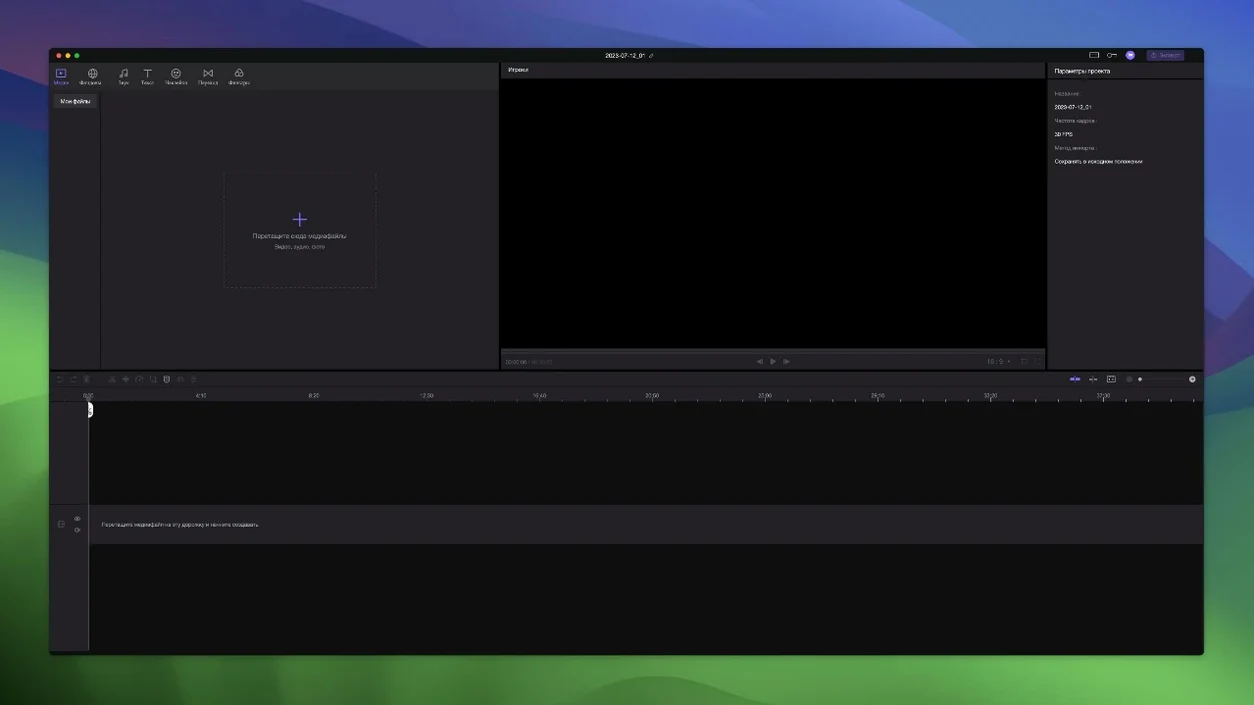
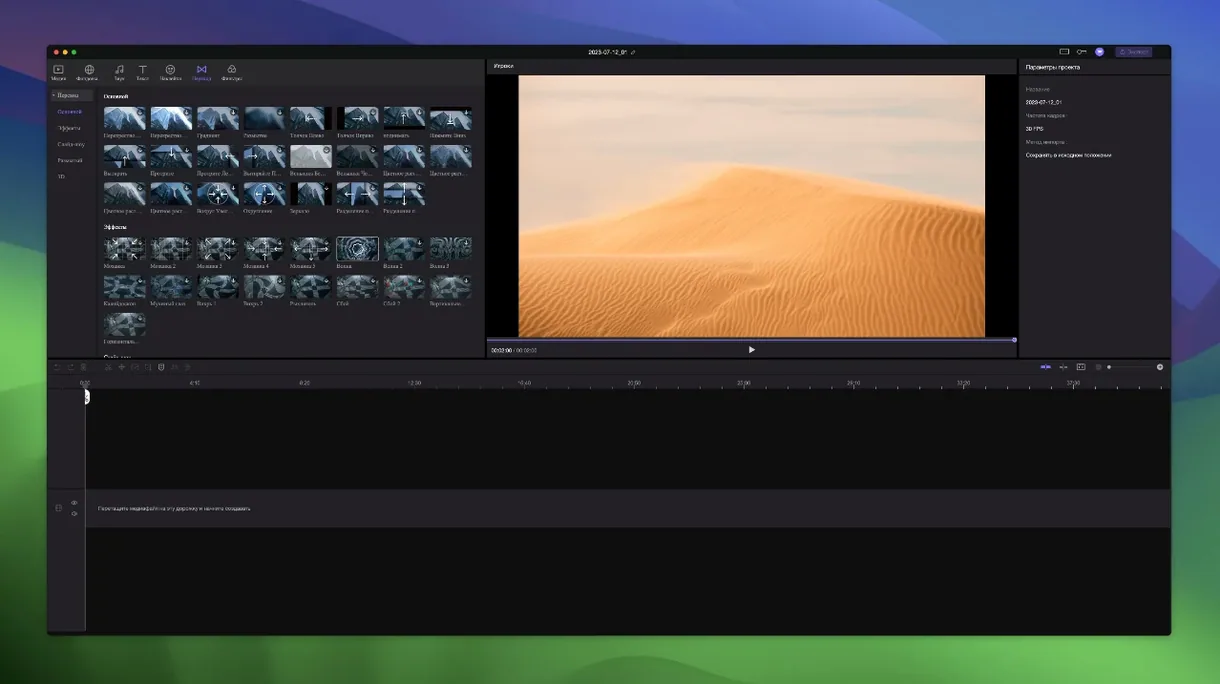
You have a batch of clips from a weekend shoot and need to trim, merge, and add a few AI-assisted effects without opening a heavyweight suite. HitPaw Edimakor is a video editing application for Mac that handles basic cutting and joining, plus a set of AI-powered features labeled for creators. The timeline lets you position specific points precisely, and when you drag the main video, attached materials move with it.
What works on your Mac
The app runs on Intel x86 64-bit Macs starting from macOS 10.15 Catalina, with official support listed up to macOS 26. Interface languages cover English, Russian, German, Arabic, Indonesian, Spanish, Italian, Chinese (both), Korean, Dutch, Portuguese, Turkish, French, Hindi, and Japanese. The build is distributed as a disk image; after mounting, you bypass Gatekeeper via Terminal, then drag the app to Applications.
Common concerns before installing
Because the app is Intel-only, Apple Silicon Macs run it through Rosetta 2 — no native ARM build is provided. The Russian-hosted download is a MediaFire link, and the install steps require a one-time Terminal command to bypass Gatekeeper. No version 2.6.0 changelog was published.
Small details that are easy to overlook
The timeline precision tool is useful, but the auto-attach behavior of elements from other tracks is the feature that catches new users off guard. When you drag the main video, anything placed on another track that overlaps with it moves along. This is intentional — it keeps synced materials like stickers or audio aligned — but if you want to reposition a sticker independently, you need to detach it first. The app does not highlight this attachment state visually, so it takes a moment to understand why something won't stay put.
Unlimited tracks sound generous, and they are, but the interface does not auto-name them. If you add five or six tracks of voice-overs and sound effects, finding the right one later means expanding the track header and reading the thumbnail. A short naming habit early in a project saves time later. The timeline precision markers are there for exact frame positioning — they work, but they do not snap to keyframes, so you are placing in-points manually.
Auto-attach causes sticker and overlay moves
A common first-timer error is dragging the main video clip and wondering why a sticker or overlay moved too. As noted above, the auto-attach is on by default, and there is no obvious toggle in the main toolbar. The workaround is to select the attached element on its own track and move it back. Learning to lock the main timeline position before fine-tuning overlays avoids the shuffle.
Another mistake is ignoring the language setting. Edimakor ships with a long list of interface languages, but the default may not be English on every build. If the menus appear in an unexpected language, the language selector is in the preferences, not the main menu bar. New users sometimes reinstall instead of switching it there.
Because the install uses a Terminal command to bypass Gatekeeper, some users skip that step and try to launch the app from the mounted image directly. The app will not open that way — it must be dragged to Applications first, then Gatekeeper bypassed, and launched from the Applications folder. The sequence matters. Running the Gatekeeper-friendly tool without dragging first also fails silently.
Edimakor sits between DaVinci Resolve and Shotcut
Edimakor sits between apps like DaVinci Resolve and Shotcut in terms of scope. Resolve offers professional color grading and a full post-production suite, but its Mac version demands more system resources, and the free tier limits export resolution. Edimakor is lighter and includes AI features like auto-dubbing and background removal that Resolve does not bundle without paid add-ons. HitPaw Edimakor offers AI-powered editing shortcuts for creators who want faster video production.
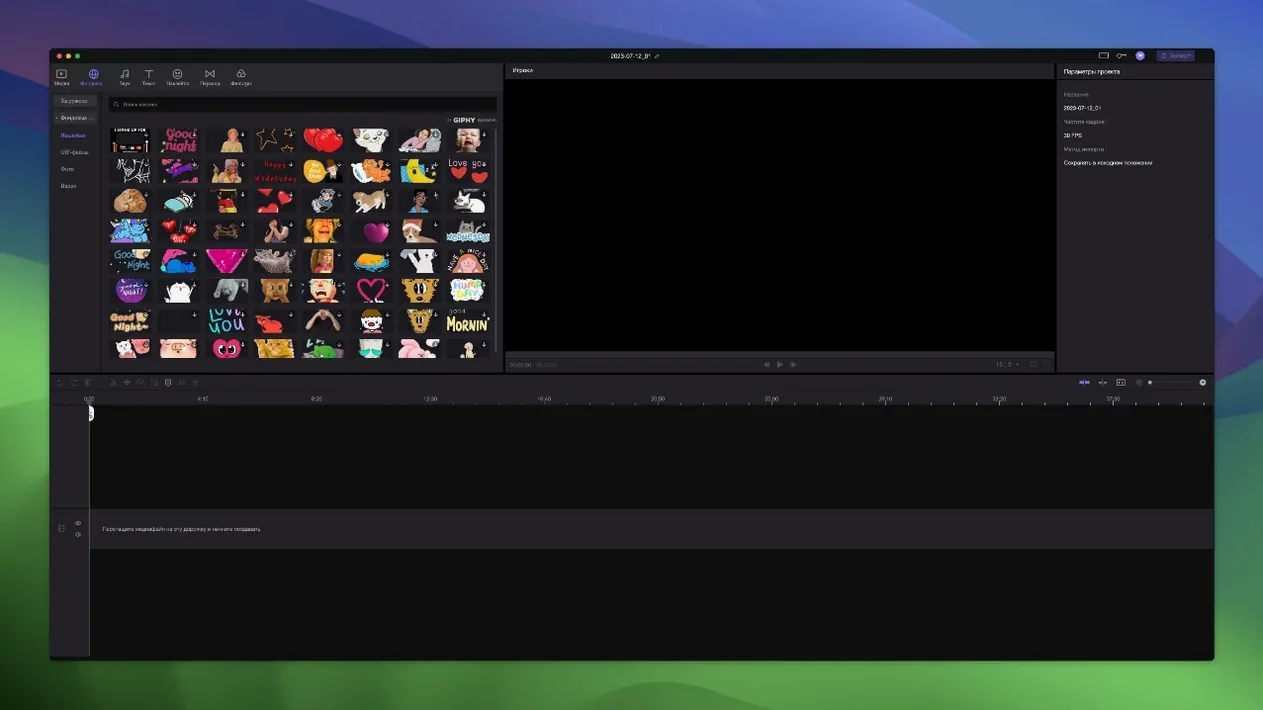
Shotcut is open source and runs on Intel and ARM Macs natively, with a straightforward timeline. It does not include AI tools or a dedicated sticker/transition library. Edimakor's auto-attach timeline behavior and pre-built effects give it an edge for quick social video cuts, while Shotcut stays more flexible for custom workflows. Both handle trimming and merging, but Edimakor's interface targets users who want results without adjusting filters manually.
A third comparison is Adobe Premiere Rush, a lightweight sibling to Premiere Pro. Rush offers cloud sync and mobile editing, but its free tier limits exports to three. Edimakor's offline install approach also differs from Rush's always-online model.
- macOS 10.15 Catalina or later
- Intel x86 64-bit processor
Questions from the notes
Does HitPaw Edimakor work on Apple Silicon Macs?
Yes, but only through Rosetta 2. The app is Intel x86 64-bit; there is no native ARM version.
What macOS versions does Edimakor support?
The official site says it supports macOS 10.15 Catalina up to macOS 26.
What languages are available in the interface?
Sixteen languages: Russian, English, German, Arabic, Indonesian, Spanish, Italian, Traditional Chinese, Simplified Chinese, Korean, Dutch, Portuguese, Turkish, French, Hindi, and Japanese.
Install procedure
- Mount the disk image and run Open Gatekeeper friendly.
- Press Enter in Terminal to bypass Gatekeeper.
- Drag the app to the Applications folder.
Reports from players
Sign in or create a tester account to file a report.
No reports filed yet.