
FileMaker Pro 2024 version 21.0.1 adds Configure AI Account, letting you hook into semantic search and embedding directly from your databases. Insert Embedding, Insert Embedding in Found Set, and Perform Semantic Find are the other new tools — they turn FileMaker into something closer to a vector-aware workspace without writing a custom integration. Set AI Call Logging rounds out the changes, giving you a audit trail on AI queries.
Sits between Numbers and Xcode as a low-code platform
If you already use Numbers for quick tables, Script Editor for automation, or Xcode for serious development, FileMaker Pro sits in the middle. It is a low-code platform: you build forms, reports, and business logic by dragging fields and connecting actions, not by writing SQL or Swift. The ready-made add-ons — charts, calendars, Kanban boards, activity graphs — cover the layouts most teams ask for first. For a Mac user who maintains a contact database or a project tracker, it replaces the mess of shared spreadsheets without requiring a separate server or a web framework. The current build runs on macOS 10.14 and up, Intel and Apple Silicon both supported.
What changed in this version
The 21.0.1 update is focused on AI features. Configure AI Account is the gateway: you point it at a supported embedding service, then the new Insert Embedding steps store vector data in your records. Perform Semantic Find replaces keyword matching with meaning-based results — useful for searching notes or descriptions where the exact wording varies. Set AI Call Logging is the audit toggle. Everything else — the layout tools, the add-ons library, the scripting engine — stays as it was.
Beats LibreOffice Base for multi-user relational work
On macOS you have a few paths for structured data. LibreOffice Base covers basic relational work but feels like a spreadsheet port — it does the job for single-user address books and inventory lists, then strains when you need a web front-end or mobile access. TablePlus is excellent for direct SQL work on PostgreSQL, MySQL, or SQLite, but it is a query tool, not an app builder. You write the schema, the queries, and the UI separately. FileMaker Pro sits between them: it gives you a visual layout editor and a scripting engine so you can produce a finished app — forms, reports, buttons — without writing SQL by hand. The new AI steps in 21.0.1 are something neither Base nor TablePlus offers. If your workflow is purely developer-side SQL, TablePlus is faster. If you need to ship a working app to non-technical colleagues who use iPads and web browsers, FileMaker Pro is the closer match.
Save time by starting with the built-in template library
A few things save time early on.
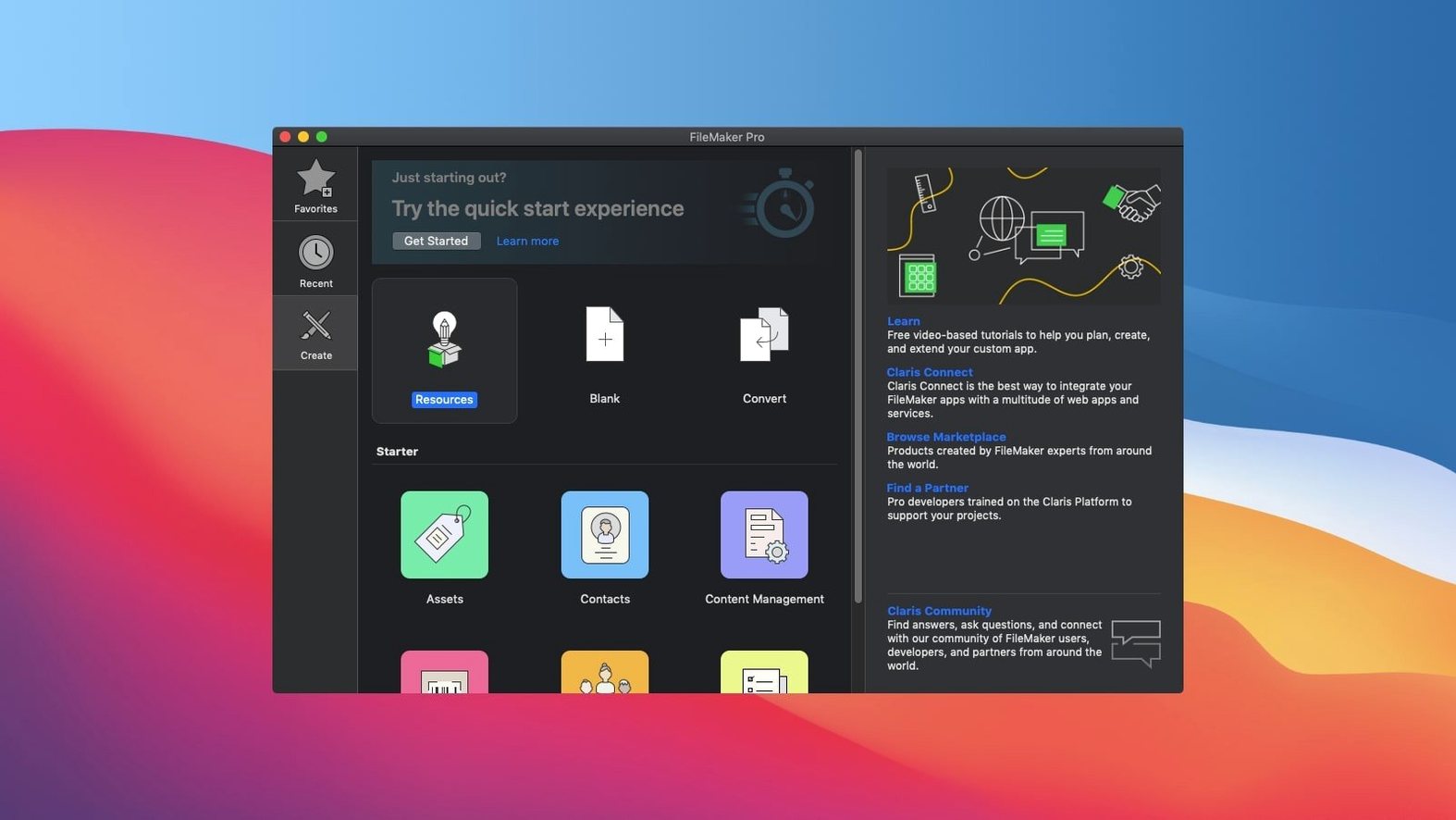
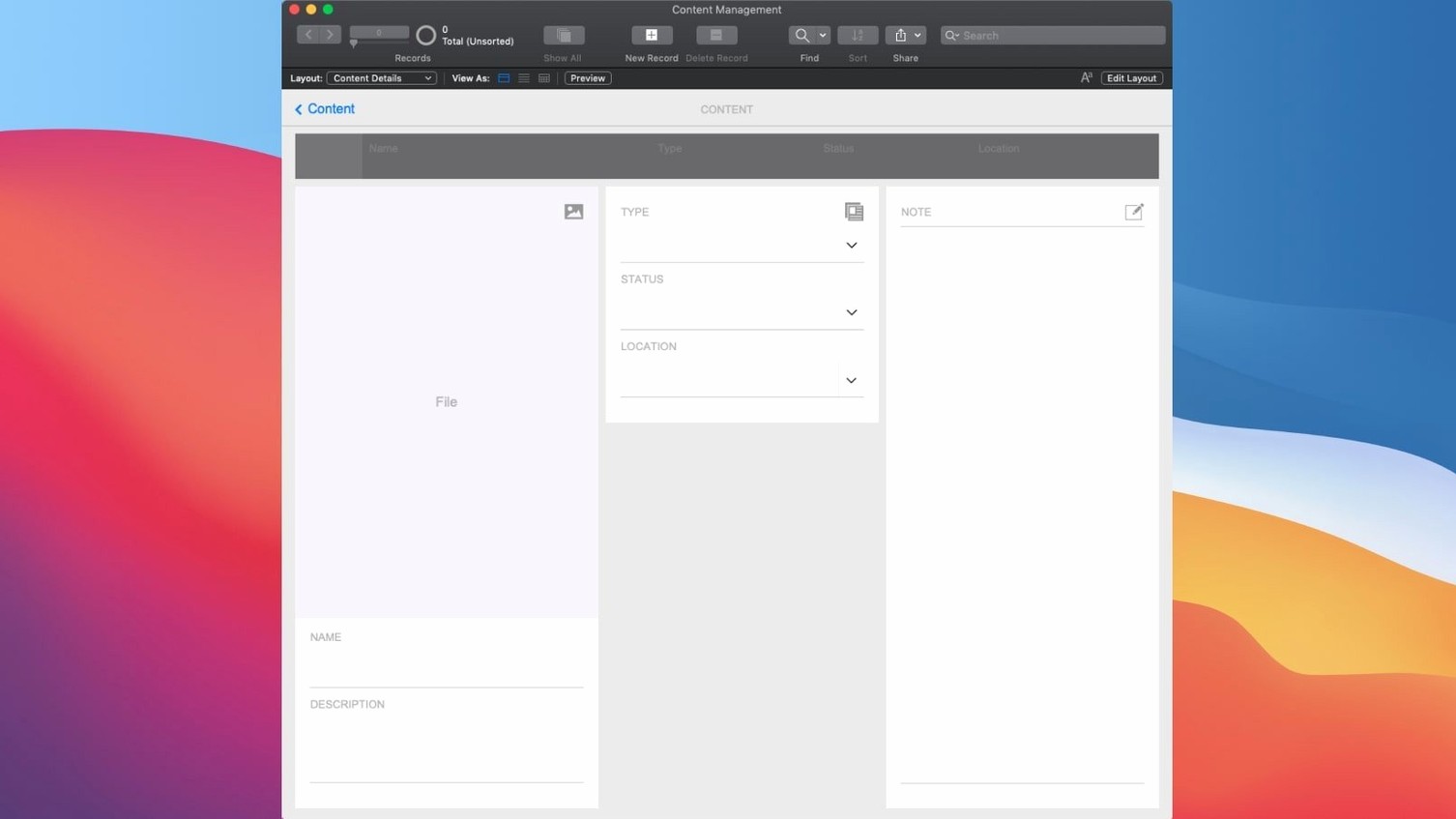
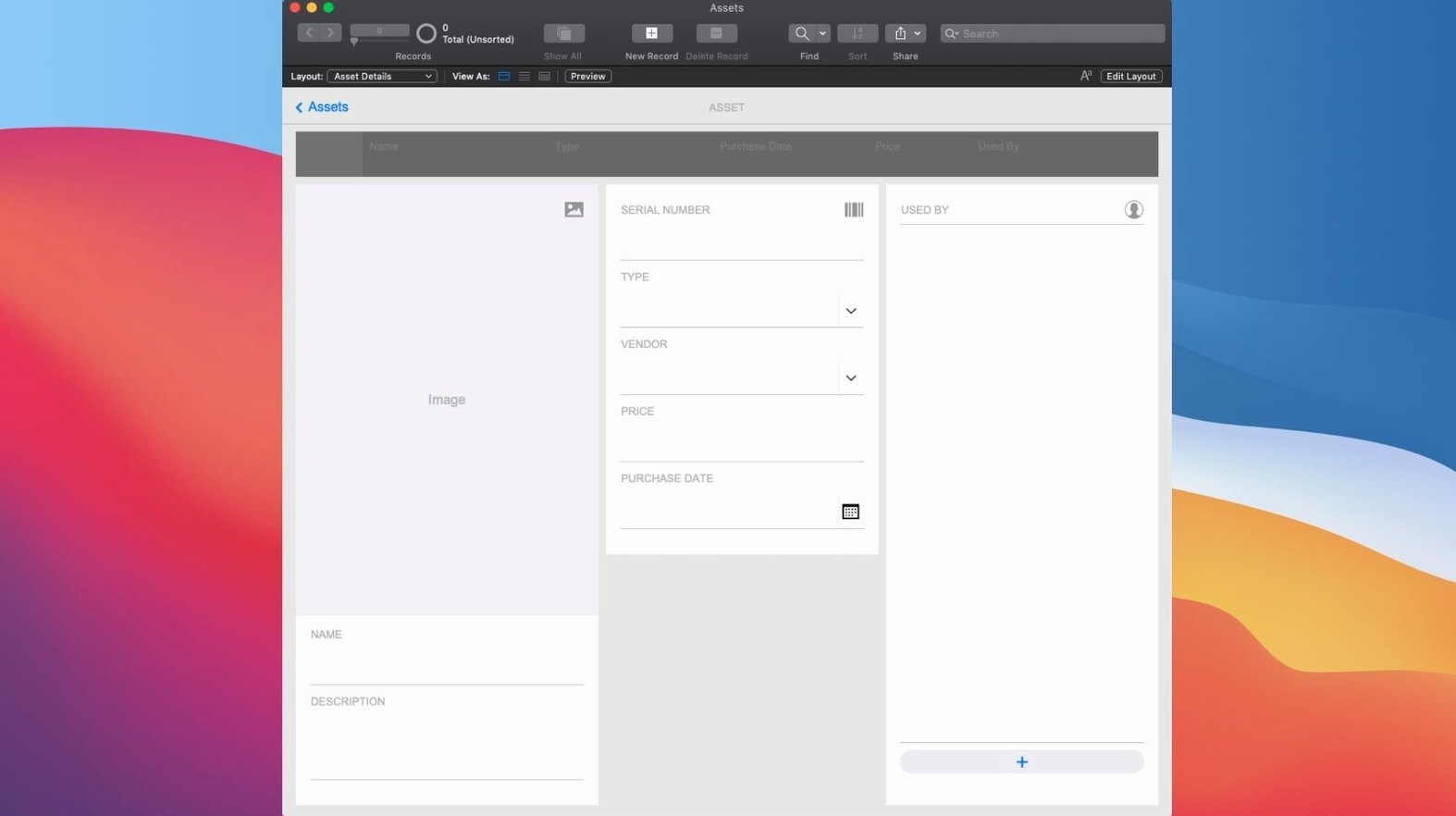
- Open the built-in template library before starting a blank file. The CRM, project management, and content library templates cover common layouts and relationships. You can modify them instead of building from zero.
- Set up at least one table relationship in the Relationship Graph right away. FileMaker Pro is relational; a single flat table works for lists but limits the reporting and the add-ons later.
- Enable the new AI features only after you have a test record with enough text to search. Configure AI Account needs a confirmed endpoint before Insert Embedding will work — do not skip the account setup step.
- Turn on Set AI Call Logging during the first week. You get a record of every embedding and semantic search call, which helps debug unexpected results before the database goes into production.
Workflow: building a simple contact manager from start to finish
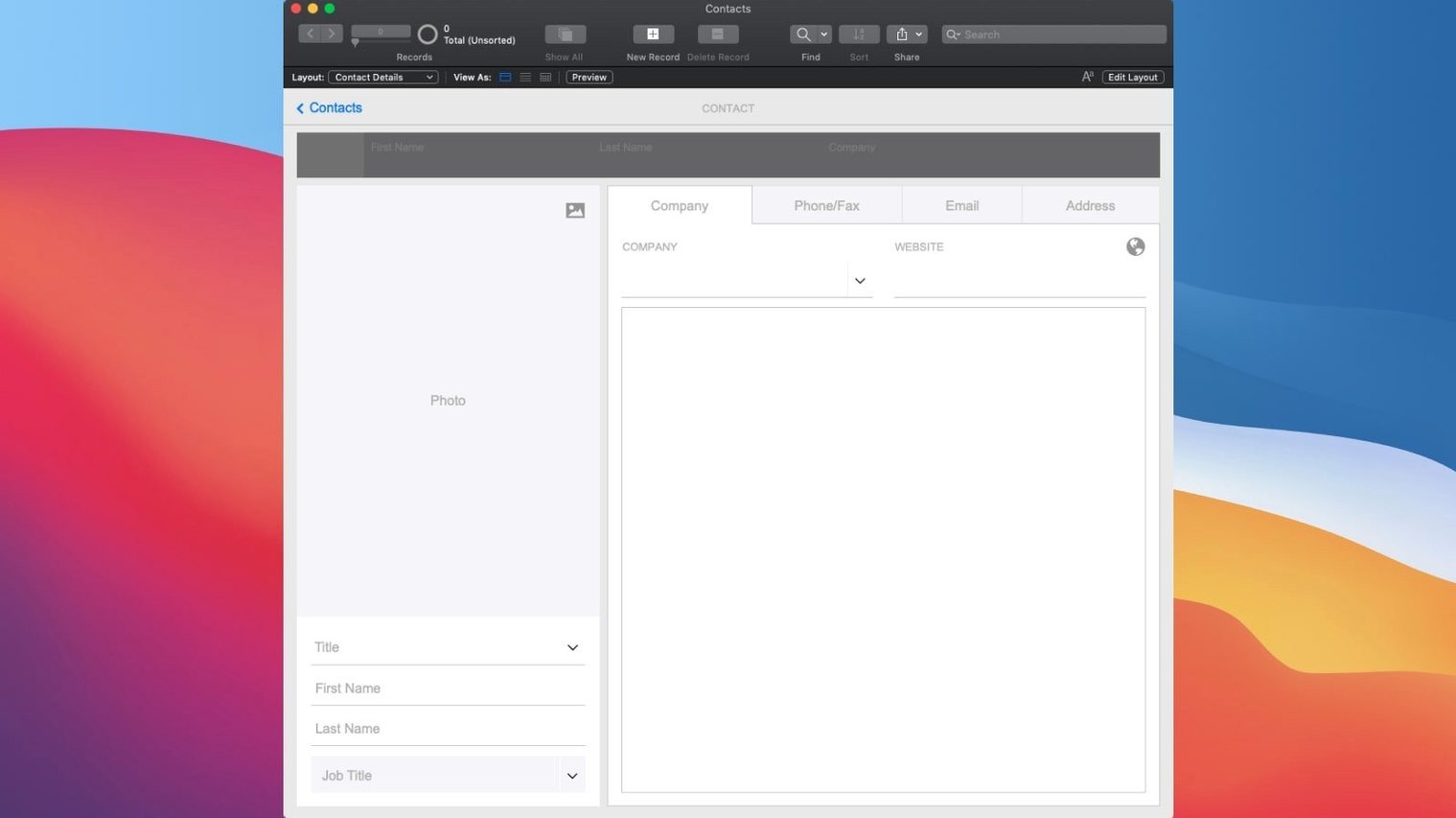
This is the scenario most new users try first — a contact database shared across a small team.
- Create a new FileMaker Pro file and name it
Contacts_2024. The Relationships Graph opens automatically. Add one table:Contacts. - In Manage > Fields, add fields for
First Name(Text),Last Name(Text),Company(Text),Email(Text),Notes(Text). SetNotesto a long text field so it can hold paragraphs. - Switch to Layout Mode. Drag the fields onto a blank layout. Arrange them in a single-column form. Add a header with the title Contact Manager.
- Add a button labeled New Contact. Attach a script step:
New Recordfollowed byGo to Field (First Name). - Add a second button: Search. This lets users type into any field before the search runs.
- Go to Layout Mode again. From the add-ons toolbar, drop a Calendar add-on onto a second layout. Map it to a new
FollowUp Datefield so the calendar shows scheduled follow-ups. - Return to Browse Mode. Enter a few test contacts. Click Search, type part of a name, and confirm the find works. Then test the new semantic find: enter a phrase like "discussed contract terms" in the Notes field and run Perform Semantic Find — it returns records with conceptually similar notes, not just exact matches.
Splitting data into multiple tables prevents slow reports
The most common errors I see in new FileMaker Pro files.
- Building everything in one table. Users coming from spreadsheets dump all fields into a single table and then wonder why reports are slow or add-ons break. Split data into related tables early — a
Companiestable alongsideContacts, for example. - Ignoring the Relationship Graph. Dragging a field onto a layout does not create a relationship. Beginners often see blank values and assume the field is broken, when the relationship link is missing.
- Overusing the script debugger. The debugger is helpful, but new users often step through every script instead of adding a few
Pausesteps withShow Custom Dialogto inspect key variables. It is faster to trace logic with two or three dialog boxes than to single-step through 40 script lines. - Forgetting to set AI account credentials before using semantic find. Insert Embedding and Perform Semantic Find simply return errors until Configure AI Account is completed. The feature works, but only after that setup step.
- Added Configure AI Account
- Added Insert Embedding
- Added Insert Embedding in Found Set
- Added Perform Semantic Find
- Added Set AI Call Logging
- macOS 10.14 or later
- Intel or Apple Silicon
Questions from the notes
Does FileMaker Pro 2024 support Apple Silicon?
Yes, version 21.0.1 runs natively on both Intel and Apple Silicon Macs.
Install procedure
- Install and activation instructions are included inside the package.
Reports from players
Sign in or create a tester account to file a report.
No reports filed yet.