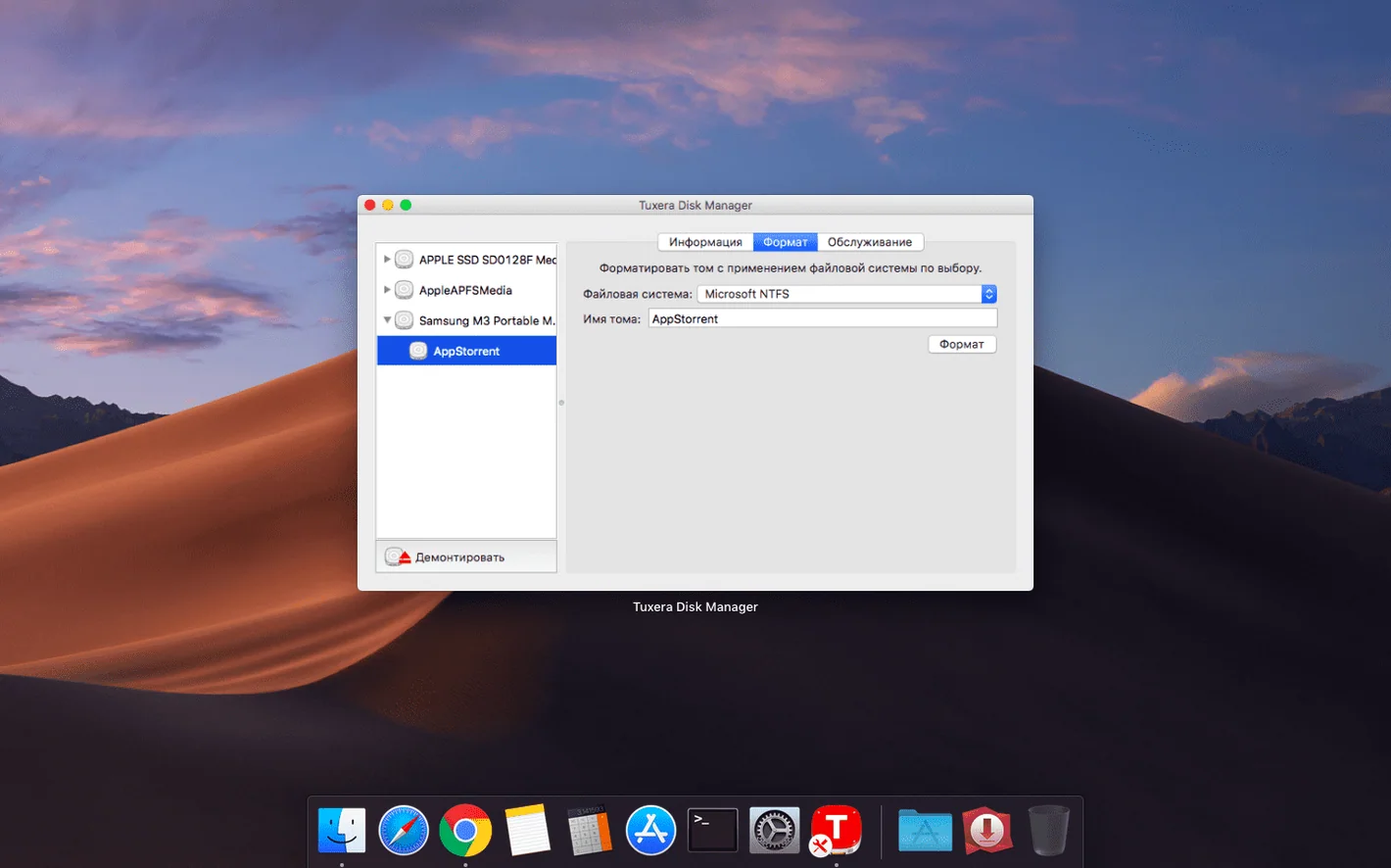
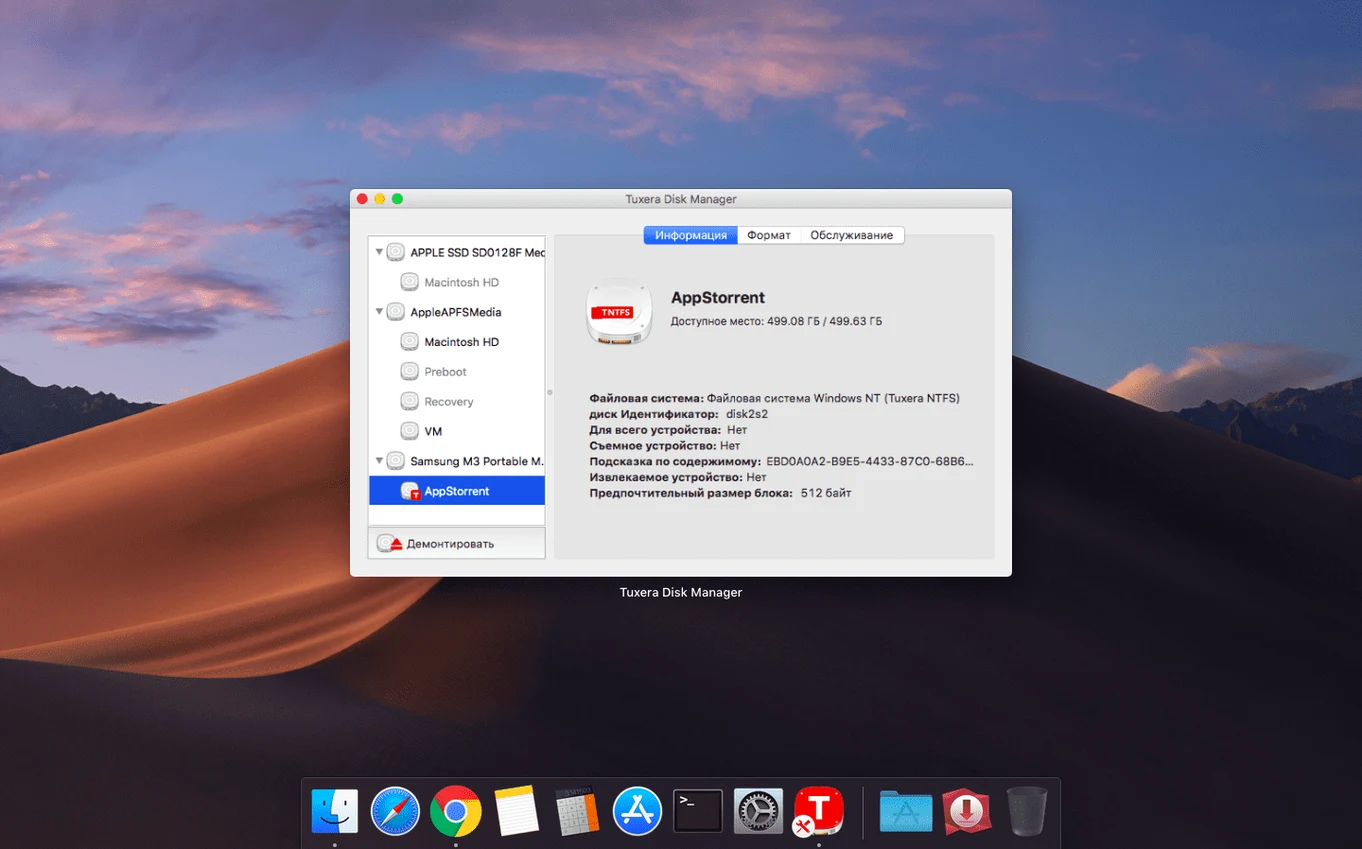
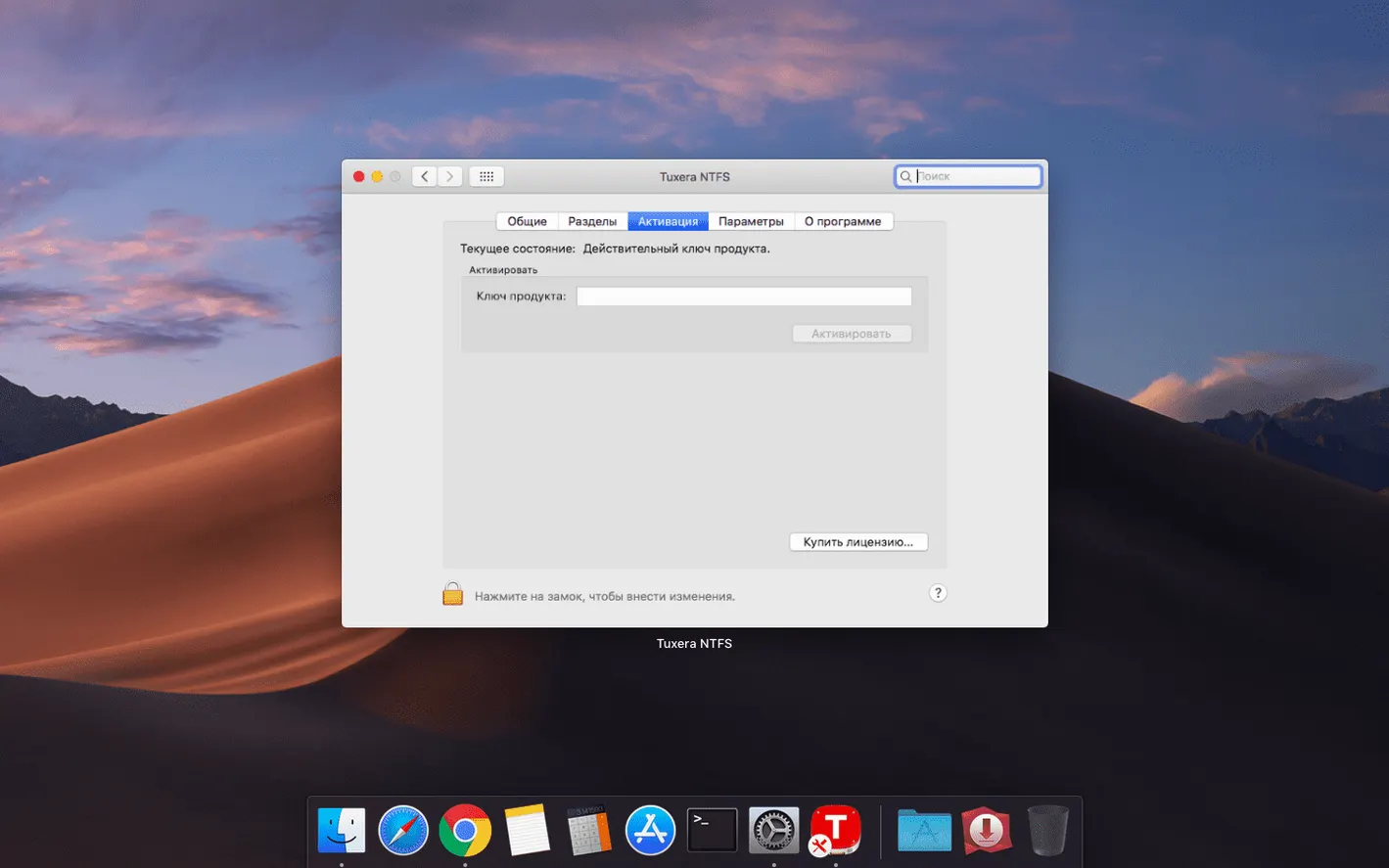
You plug a Windows USB drive into your Mac. macOS reads it but won’t let you copy a file to it or delete anything. That’s where Tuxera NTFS 2023.1 comes in — it adds write support for NTFS volumes so you can edit, move, and delete files on those drives. It also creates new NTFS volumes and disk images, which makes it useful if you regularly swap drives between a PC and a Mac, or run both operating systems on the same computer.
How does Tuxera NTFS fit with macOS’ built-in NTFS support?
macOS can read NTFS out of the box but cannot write to it. Tuxera NTFS is a file system driver that fills that gap — no workaround scripts or terminal commands needed. Once installed, NTFS drives behave like any other volume in the Finder.
Runs on Intel and Apple Silicon from OS X 10.9
Yes. It runs on Intel and Apple Silicon Macs, from OS X 10.9 up to current macOS versions. The interface is available in 32 languages.
Frequently asked questions before installing
People often ask whether Tuxera NTFS interferes with existing USB drives that are already formatted as FAT32 or exFAT. It does not. The driver only activates when macOS detects an NTFS volume. Drives formatted with other file systems keep working exactly as before.
Another common question is whether the driver slows down drive access. NTFS is a journaling file system, so write operations involve more overhead than FAT32. You will notice that large file transfers behave the same way they do on Windows — the driver does not add extra delays beyond what NTFS itself requires.
Some users ask if they can uninstall the driver later without leaving remnants on the system. The uninstaller included in the disk image removes the driver and its preferences. A reboot after uninstall clears any cached driver data.
People running Windows in a virtual machine under macOS sometimes wonder if Tuxera NTFS conflicts with the VM's own NTFS access. It does not. The driver operates at the macOS level, so the VM sees the drive through its own tools. You can safely use both side by side.
Supports all Macs from 2013 onward including M-series
Tuxera NTFS 2023.1 supports macOS OS X 10.9 and later on both Intel and Apple Silicon architectures. That covers machines from 2013 onward, including all Macs with M-series processors. The driver does not require a specific macOS version beyond that minimum.
Installing from the disk image follows the standard macOS procedure — mount the image, run the installer, and enter the registration keys from the provided link when prompted. The activation stays in place after official updates, so you do not need to re-enter keys after a point release.
The interface appears in 32 languages, which are selected automatically based on your system language settings. If your macOS display language is not among those languages, the driver defaults to English.
Write operations on NTFS volumes work at the file system's native speed, limited by the drive itself and the connection interface. The driver does not impose its own speed cap.
Background driver with no user-facing settings exposed
Paragon NTFS for Mac
Paragon's driver covers the same core function — NTFS read and write on macOS. The main difference is in how each handles NTFS volume creation and repair. Tuxera NTFS includes tools for creating NTFS volumes and disk images, plus verification and repair of existing volumes. Paragon's offering focuses more on the driver layer and leaves disk management to macOS Disk Utility. If you need to create or repair NTFS volumes from the Mac side, Tuxera gives you those tools built in.
macFUSE-based NTFS implementations (ntfs-3g)
ntfs-3g is an open-source driver that runs on top of macFUSE. It provides NTFS read and write access but with higher CPU usage and potential stability issues on macOS, especially on Apple Silicon machines. Tuxera NTFS is a native kernel-level driver, which means it integrates directly with macOS's file system layer. The difference shows in reliability during large transfers and compatibility with newer macOS releases. Tuxera also supports creating and repairing NTFS volumes, which ntfs-3g does not do well on macOS.
macOS's built-in NTFS read support
This is not a separate app, but it is the default state of any Mac. Read-only access means you can view files on an NTFS drive and copy them off, but you cannot edit, delete, or move them on the drive. Tuxera NTFS upgrades that to full read and write. If you only occasionally need to read files from a Windows drive, the built-in support might be enough. If you regularly move files back and forth, the driver saves the step of using a middleman like a network share or a cloud service.
Fixes read-only mounts by re-running the installer
Drive mounts but shows as read-only. This usually means the driver is not active or the registration was not applied. Re-run the installer and confirm the registration keys were entered correctly. A reboot can also help if the driver did not load properly.
Drive does not appear in the Finder. Check Disk Utility to see if the volume is listed there. If it is grayed out, the drive might need repair. Use the repair tool included with Tuxera NTFS or run chkdsk from a Windows machine. If the drive does not appear at all, try a different USB port or cable.
File timestamps are off after copying. This was the bug fixed in version 2023.1. If you are running an earlier version, update to 2023.1. If you still see timestamp issues after updating, the drive might have a corrupted file table that needs repair.
Unmount errors when ejecting. Make sure no application has files open on the NTFS volume. Check activity in the Finder — a thumbnail preview, a media app scanning the drive, or even a terminal session sitting in a directory on the drive can prevent clean ejection. Close those first, then eject.
Slow performance on first write after mounting. NTFS journals metadata, so the first write operation after mounting a drive can take a moment while the driver initializes the journal. This is normal and subsequent writes proceed at full speed.
Verifies driver activation after installation
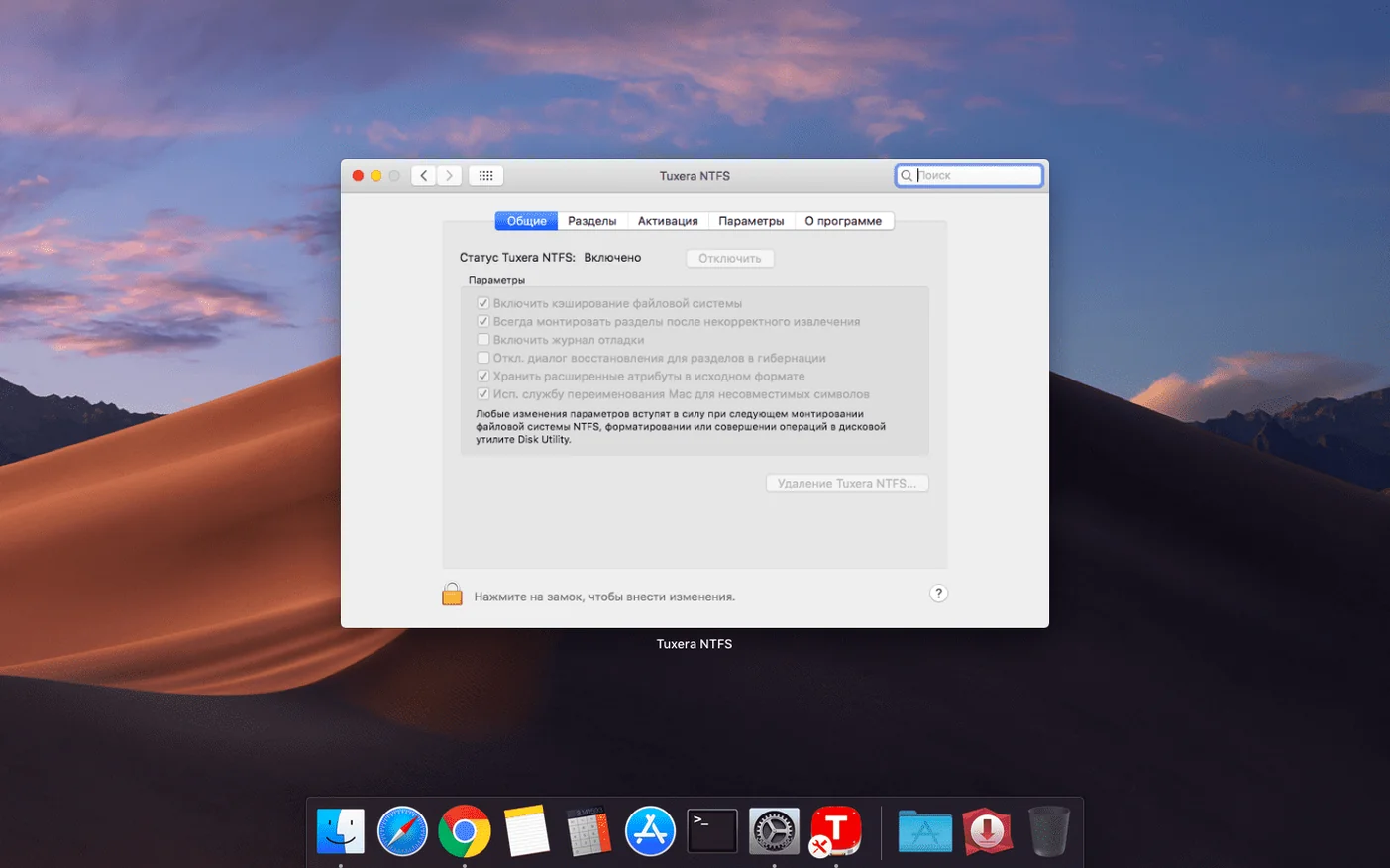
Tuxera NTFS does not expose many user-facing settings because it works as a background driver. The main configuration happens during installation. A few things worth checking after setup:
- Confirm that the driver is active by connecting an NTFS drive and trying to copy a file to it. If the copy succeeds, the driver is working.
- If you use multiple user accounts on the same Mac, verify that each account has the necessary permissions. The driver runs system-wide, but file permissions on the NTFS volume depend on how the volume was originally formatted.
- For drives that need frequent repair, use the included verification and repair tool before the volume shows signs of corruption. Running it on a healthy volume as a preventive check takes little time.
No other settings require adjustment for normal use. The driver reads your system locale and applies the appropriate language automatically.
The 2023.1 release fixes a bug that caused incorrect date or time stamps when copying files to NTFS volumes. No other changes were mentioned.
- Fixed an issue that would result in incorrect date or time stamps for files copied to NTFS volumes.
- macOS OS X 10.9 or later
- Intel or Apple Silicon Mac
Questions from the notes
Can Tuxera NTFS create new NTFS volumes?
Yes. It can create both NTFS volumes and disk images, which is useful if you need a fresh NTFS drive for data exchange.
Does an official update remove the activation?
No. Official updates do not remove the activation, so you can update without re-entering your license key.
Install procedure
- Launch the downloaded disk image and follow the standard installation procedure.
- Download the registration keys from the provided link.
Reports from players
Sign in or create a tester account to file a report.
No reports filed yet.