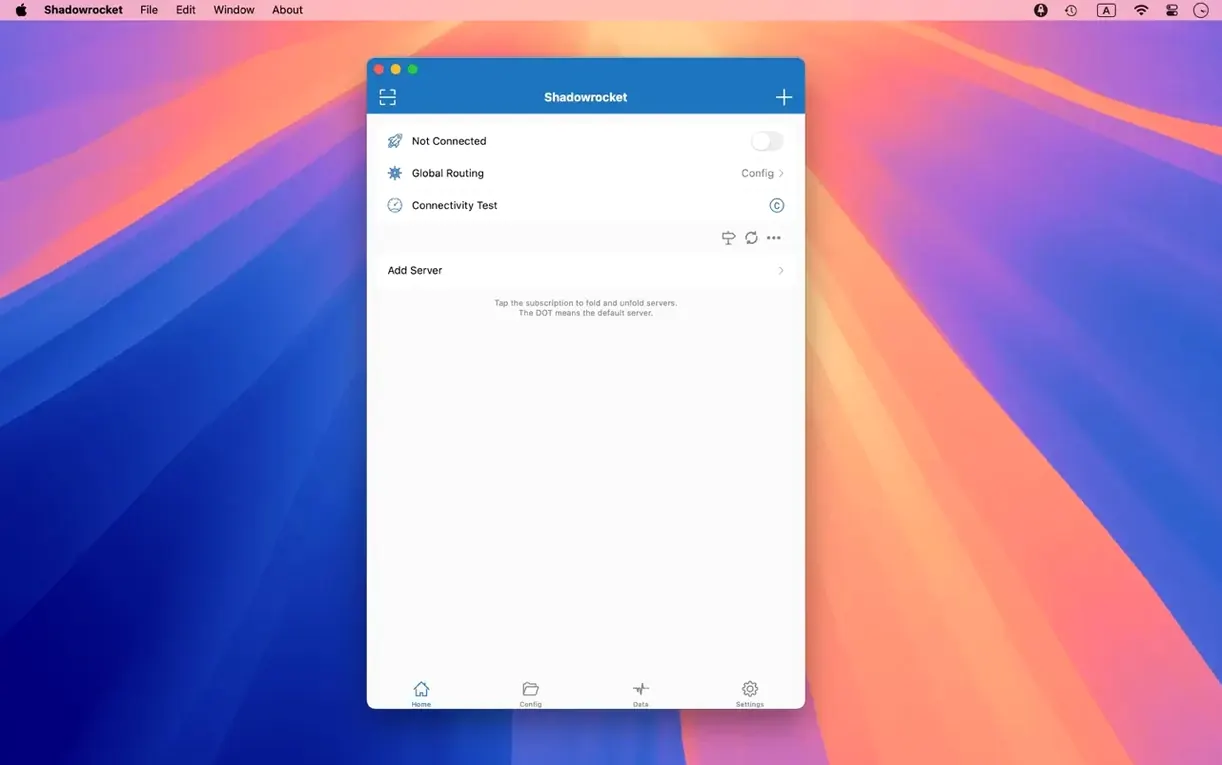
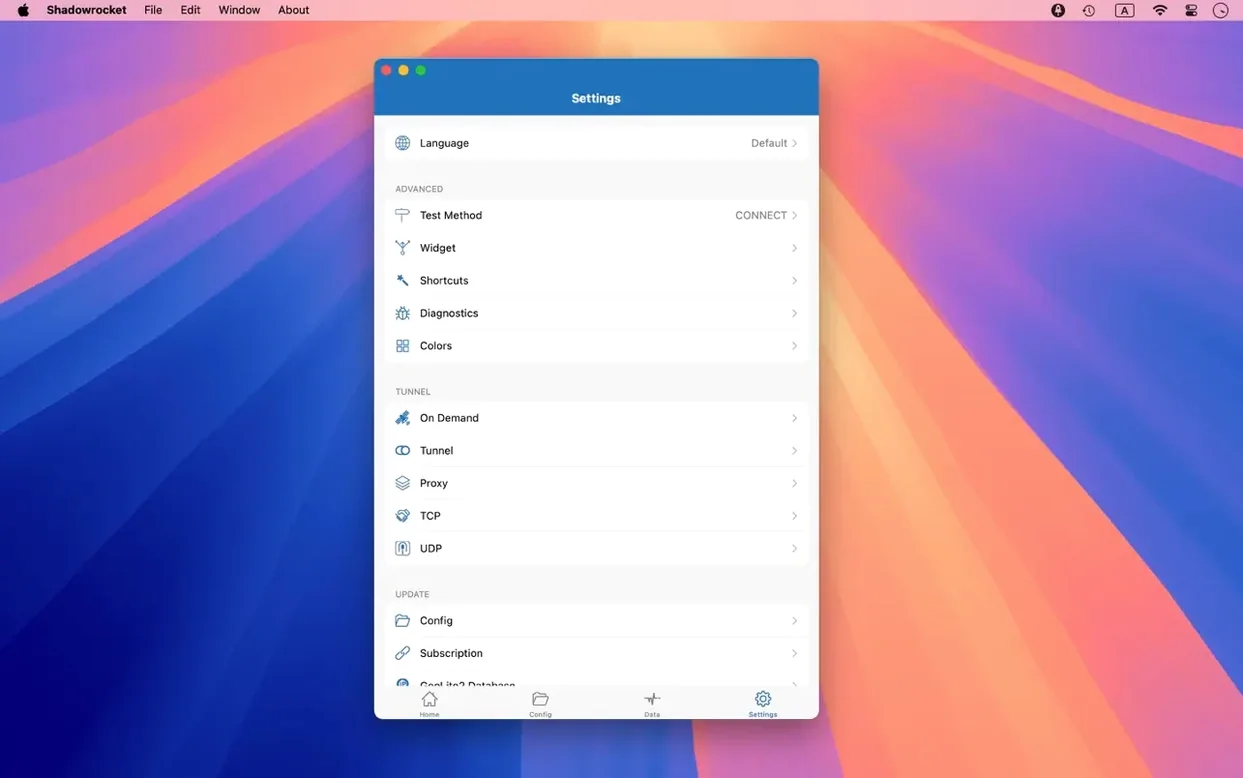
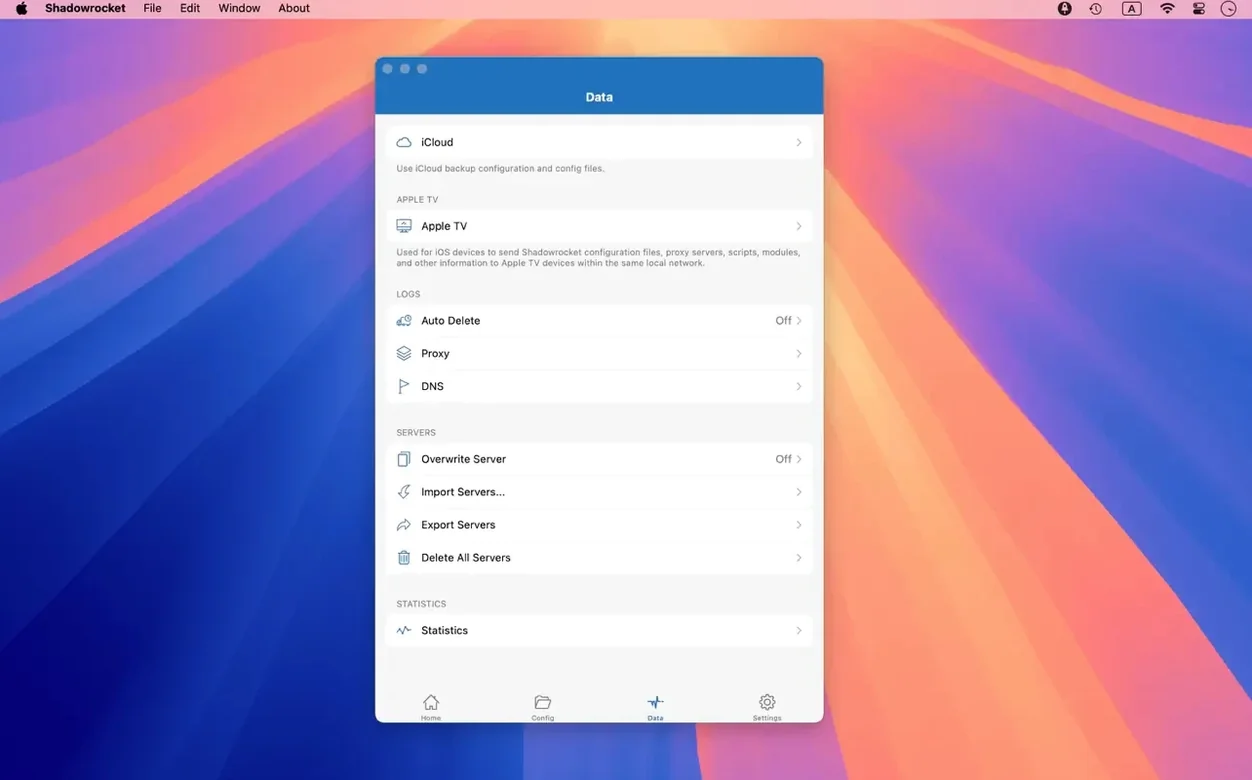
You have a proxy server set up, but the apps on your Mac don't all need to go through it. Shadowrocket for macOS sorts that out with rules based on domain matches, suffixes, keywords, CIDR IP ranges, and GeoIP lookup. It intercepts HTTP, HTTPS, and TCP traffic from apps and sends it to a proxy server — or lets it pass through, depending on the rule.
Supports Shadowsocks, V2Ray, SOCKS5, and proxy chains
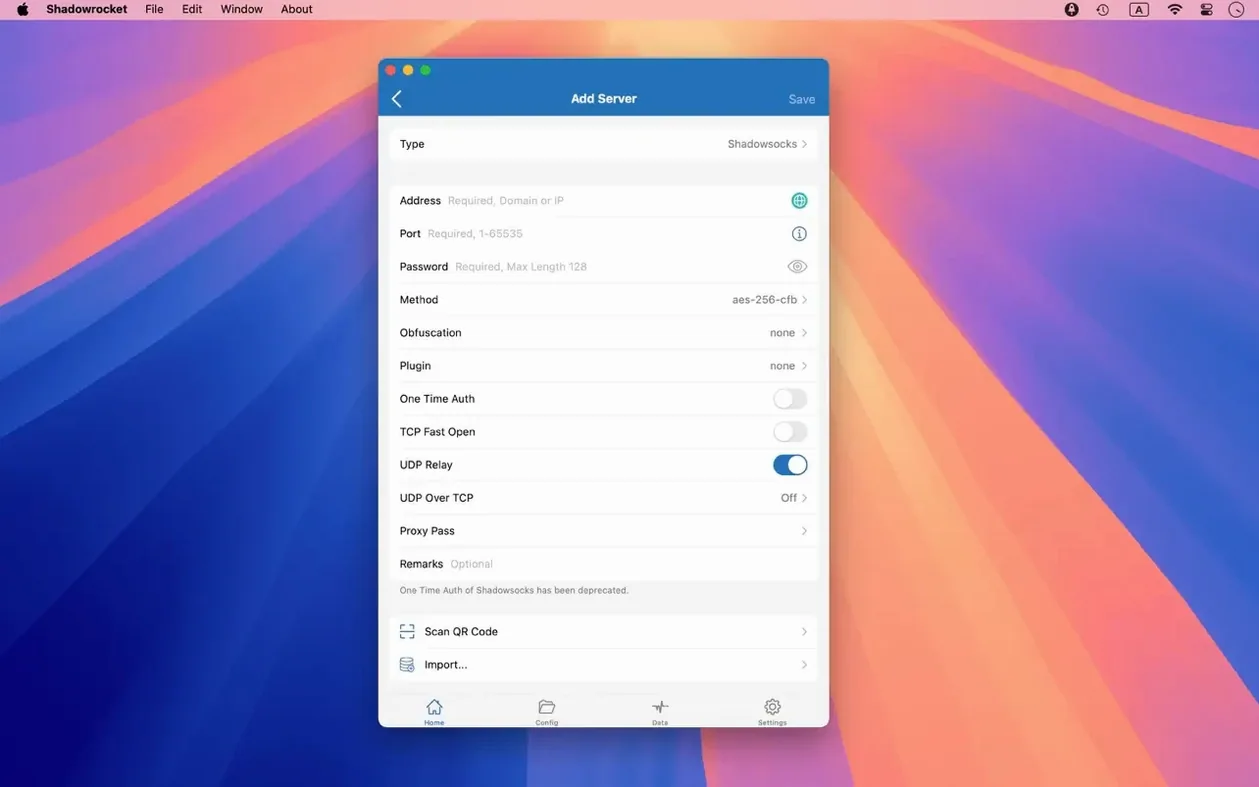
Shadowrocket supports Shadowsocks, V2Ray, and SOCKS5 protocols, plus plugins like kcptun, cloak, gost, and v2ray. Multi-level proxy chains are supported, so you can route traffic through several servers in sequence. URL rewriting works as well, which helps when a resource sits at a different address than requested.
Practical details before you install
The build runs on both Apple Silicon and 64-bit Intel Macs, with full IPv6 support and local DNS mapping. You'll want to check the interface language — it ships in Russian, English, Vietnamese, Traditional Chinese, Simplified Chinese, Korean, and Japanese. Installation is a standard drag-and-drop: open the disk image, drag the app into Applications, then launch it from Launchpad.
Bug fix for multi‑select in server tables
The latest release, version 2.2.92, addressed macOS-specific UI bugs that affected three areas of everyday operation. Server tables now handle multiple selection properly — you can shift-click or command-click to select several servers and apply a bulk action without the table resetting or highlighting the wrong entries. The menu bar items were fixed: if you relied on the drop-down menu from the icon in the top bar, the commands now respond consistently, and the proxy status indicator updates as expected when you switch rules or servers. The Dock icon behavior was also corrected, so right-clicking the Dock icon to access recent servers or quit the app works without the menu freezing or showing stale options.
None of these changes introduce new features. The release is a stability pass on the Mac interface, which means the app works the same way it did before, just with fewer UI hiccups when managing multiple servers or toggling settings from the menu bar.
Scenario: A developer debugging API calls
A frontend developer working with a mix of local and remote APIs can use Shadowrocket to isolate traffic from specific domains. After adding the proxy server details, you set up a rule that directs api.staging.example.com through the proxy while letting everything else go direct. The HTTP request capture feature logs the headers and response bodies of requests hitting that domain, so you can confirm the app is sending the right payload without running a separate proxy debugging tool. If the API returns a 301 redirect to a new endpoint, URL rewriting steps in to adjust the target automatically. The developer doesn't need to modify the app code — the rewrite happens at the proxy level. The traffic measurement readout shows the data consumed by that single domain, which helps spot unusually large responses or repeated failed requests that inflate bandwidth usage.
Requires macOS 10.15 or later and a permission prompt
Shadowrocket requires macOS 10.15 or later. The disk image contains a single app bundle; dragging it to Applications takes under a minute. First launch prompts macOS to grant network filtering permissions — the system dialog appears once, and after you allow it, the app runs in the background without repeated prompts. The interface loads in the language set in your system preferences, though you can switch it at any time from the in-app settings.
Because the app intercepts traffic, it needs to stay running to apply rules. When you quit Shadowrocket, proxy rules stop applying and traffic flows normally. The menu bar icon shows the current status: connected, disconnected, or bypassing. If you use multiple proxy servers, the server table in the main window lists them with their latency and data usage. The Dock icon badge displays total traffic, which you can disable if you prefer a clean Dock.
Order rules top‑down for specific domain matches
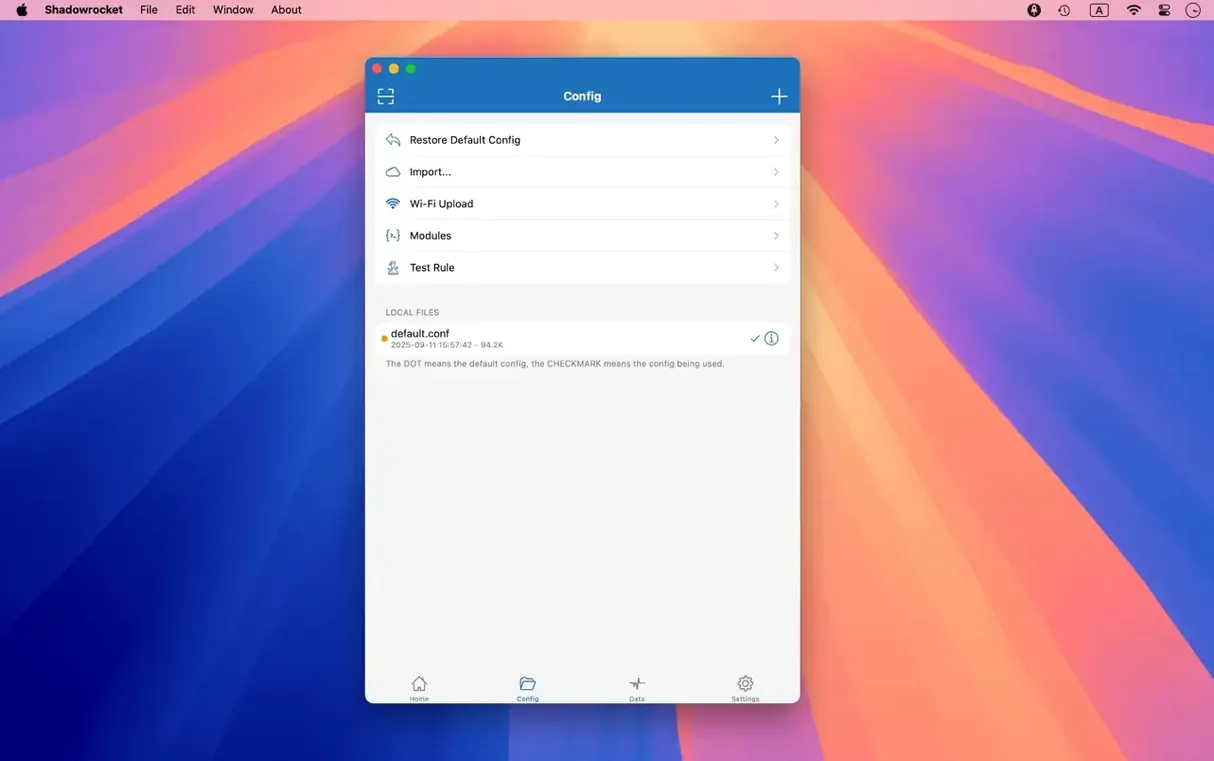
- Rule import order — Rules process top-down. Move your most specific domain matches above broad CIDR ranges or GeoIP rules to avoid unexpected routing. The app lets you reorder rules by dragging them in the list.
- DNS over HTTPS or TLS — If your ISP's DNS returns blocked or altered results, enable DNS over HTTPS or DNS over TLS in the DNS settings. This keeps DNS lookups inside the proxy tunnel. The app also supports DNS over QUIC if your server supports it.
- HTTPS decryption toggle — Decrypting HTTPS traffic requires installing a local CA certificate. Only enable this if you need to inspect or rewrite HTTPS requests — otherwise leave it off to avoid the certificate trust prompt.
- Script filters — You can attach small scripts to rules to modify requests or responses. The feature is off by default; if you write scripts, start with a single test rule before applying them globally.
- Interface language — The default follows your system language. If the menus appear in an unexpected language, switch to English from the settings panel — it avoids confusion with translated technical terms.
These settings are accessible from the main window and don't require restarting the app. Changes to rules take effect immediately. The traffic measurement counters reset when you close the app, so if you track usage over time, keep the app running between sessions.
- Fixed macOS UI bugs in server tables, the menu bar, and the Dock icon.
- macOS 10.15 or later
- Apple Silicon or 64-bit Intel
Install procedure
- Open the downloaded disk image.
- Drag the app into the Applications folder alias.
- Launch the app from Launchpad after copying finishes.
Reports from players
Sign in or create a tester account to file a report.
No reports filed yet.