

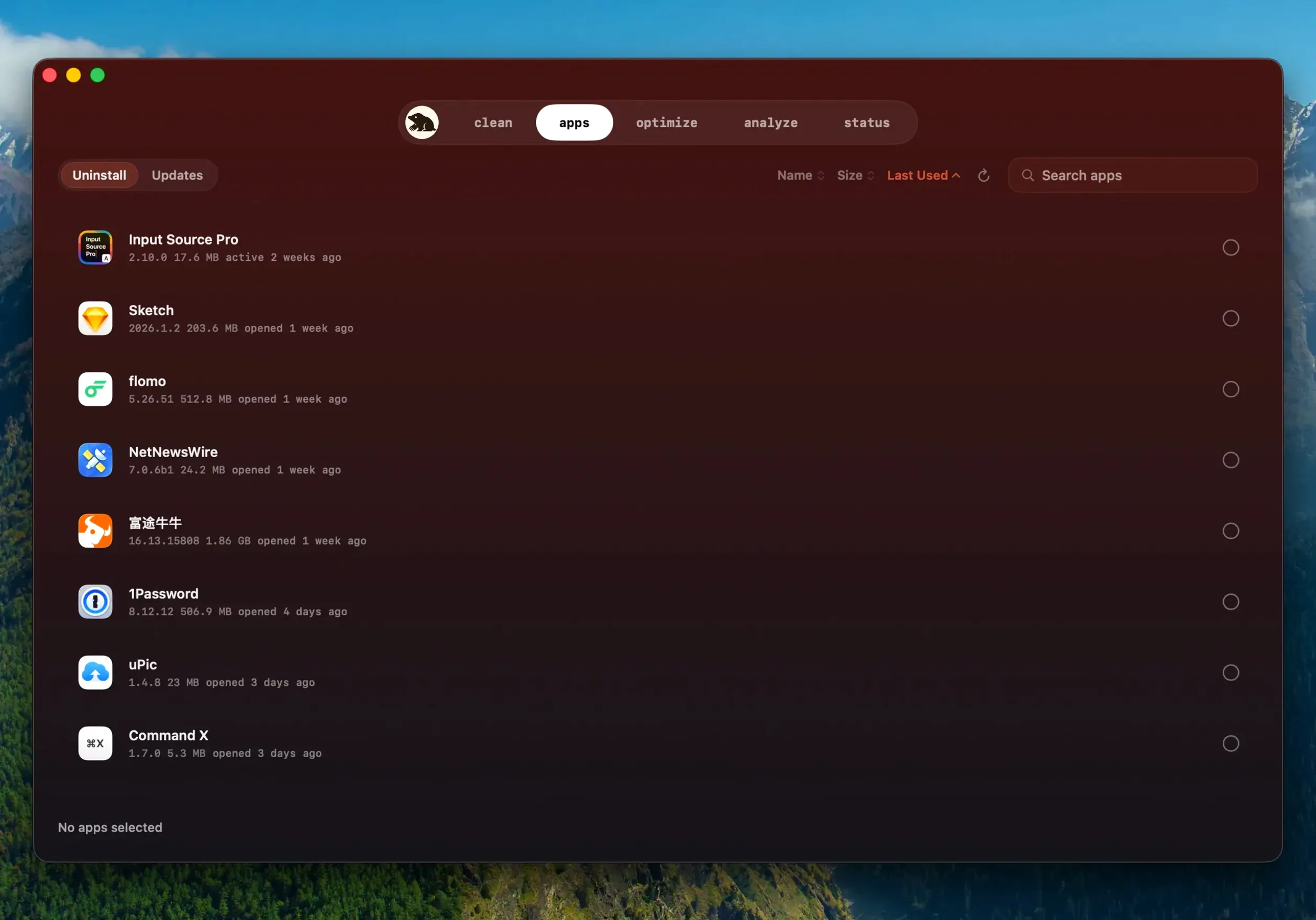
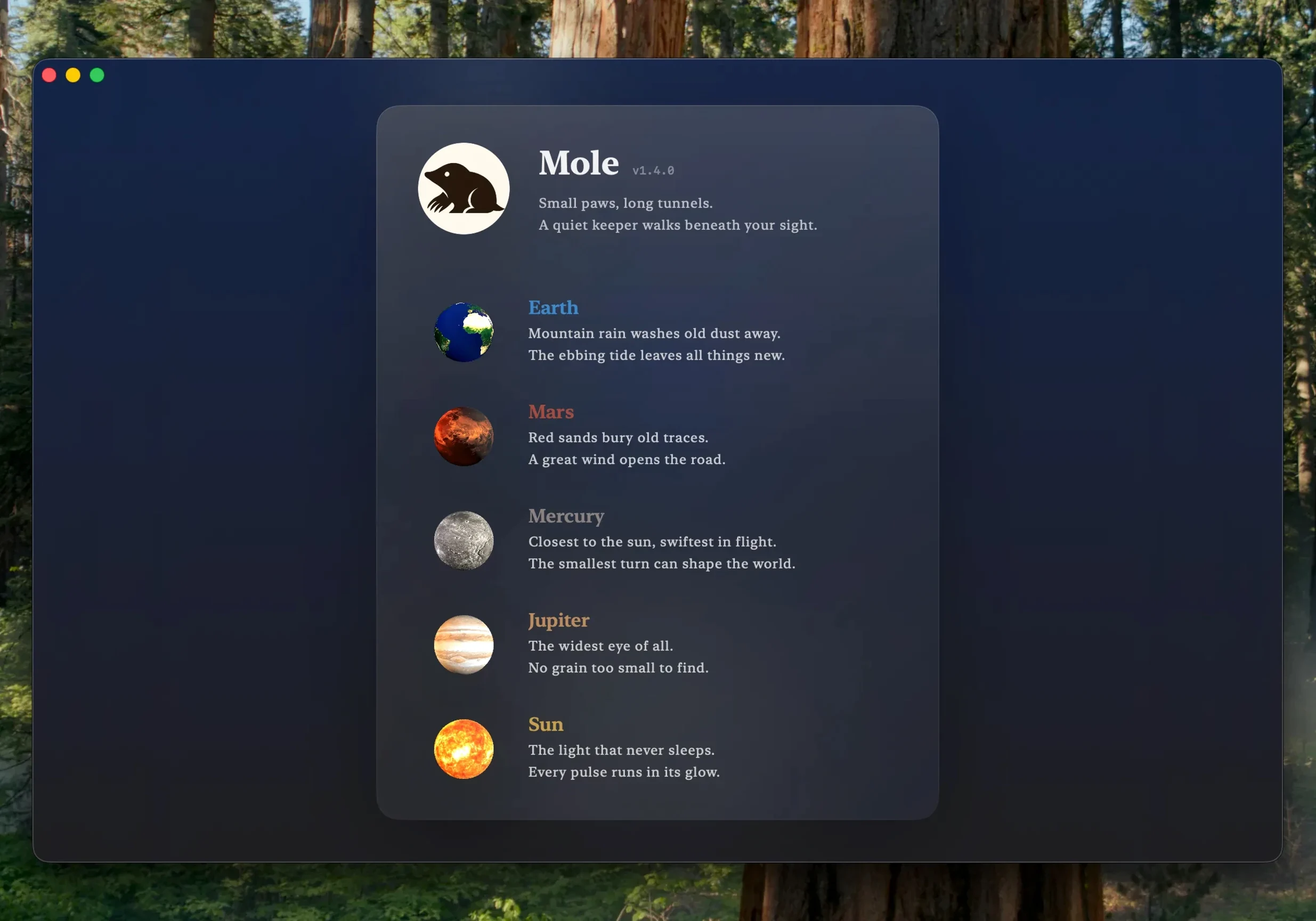
Mole 1.14.0 changes how app updates behave. When an app downloaded from a website needs a newer build, Mole now handles the update inside itself. The application prompts before exiting, installs the update, and relaunches it upon completion. If a download finishes but the install fails, it reuses that download instead of fetching it again. It also detects when a newer build of the same version exists, so you are not stuck on an older patch.
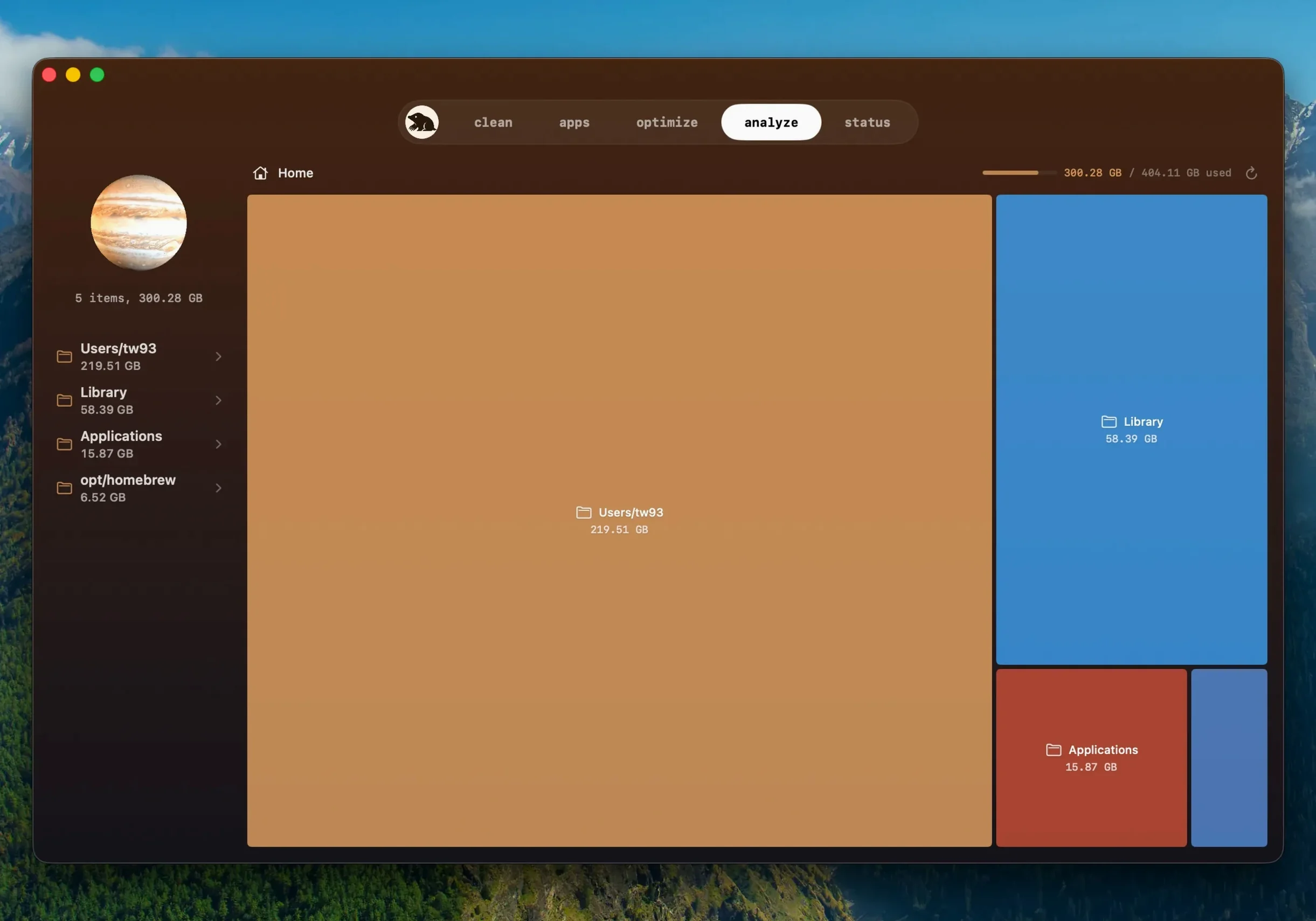
Beyond updates, Mole is a general maintenance tool. It cleans caches, logs, and temporary files, shows you a list of files with sizes before anything is removed, and requires you to confirm before processing starts. It runs system maintenance tasks with one click, removes apps, and gives you a look at overall system status. It supports both ARM and x86 64-bit Macs and runs on macOS 14 or later.
Before installing mole 1.11.0 for mac, the questions people usually ask are about safety and coverage. The confirmation step and file preview answer the first. The combined cleaning, removal, and analysis tools answer the second.
Swap between Final Cut Pro, DaVinci Resolve, and smaller utilities
A freelance video editor who swaps between Final Cut Pro, DaVinci Resolve, and a handful of smaller utilities is a good fit. Over a month, render caches, render logs, and library data from multiple apps pile up. The editor rarely knows which files are safe to delete and which belong to a current project. Mole scans the usual suspects — caches, logs, temporary files — and shows sizes before anything happens. The editor can review the list, skip anything that looks like it might be tied to an active project, and confirm the rest. The same session can also remove leftover preference files from an uninstalled plugin and check that the Dock isn't holding onto a startup item for an app that was deleted last quarter.
Installs via disk image on macOS 14+ with full disk access
Mole is compatible with macOS 14 and newer, functioning on Intel-based Macs and those with Apple Silicon. The installer is a disk image. You open it, drag the app into the Applications folder, and launch from Launchpad. Full disk access is supported, which means deep scanning can reach system-level caches and logs if you grant the permission in System Settings. Without it, the app still cleans the user-level folders that account for most of the reclaimable space.
The interface is available in nine languages: English, German, Spanish, Italian, Traditional Chinese, Simplified Chinese, Korean, French, and Japanese. Nothing requires a separate installer or a command-line companion — the Mac app is a standalone download that works independently of the developer's CLI project.
Opens to system status overview then scans caches and logs
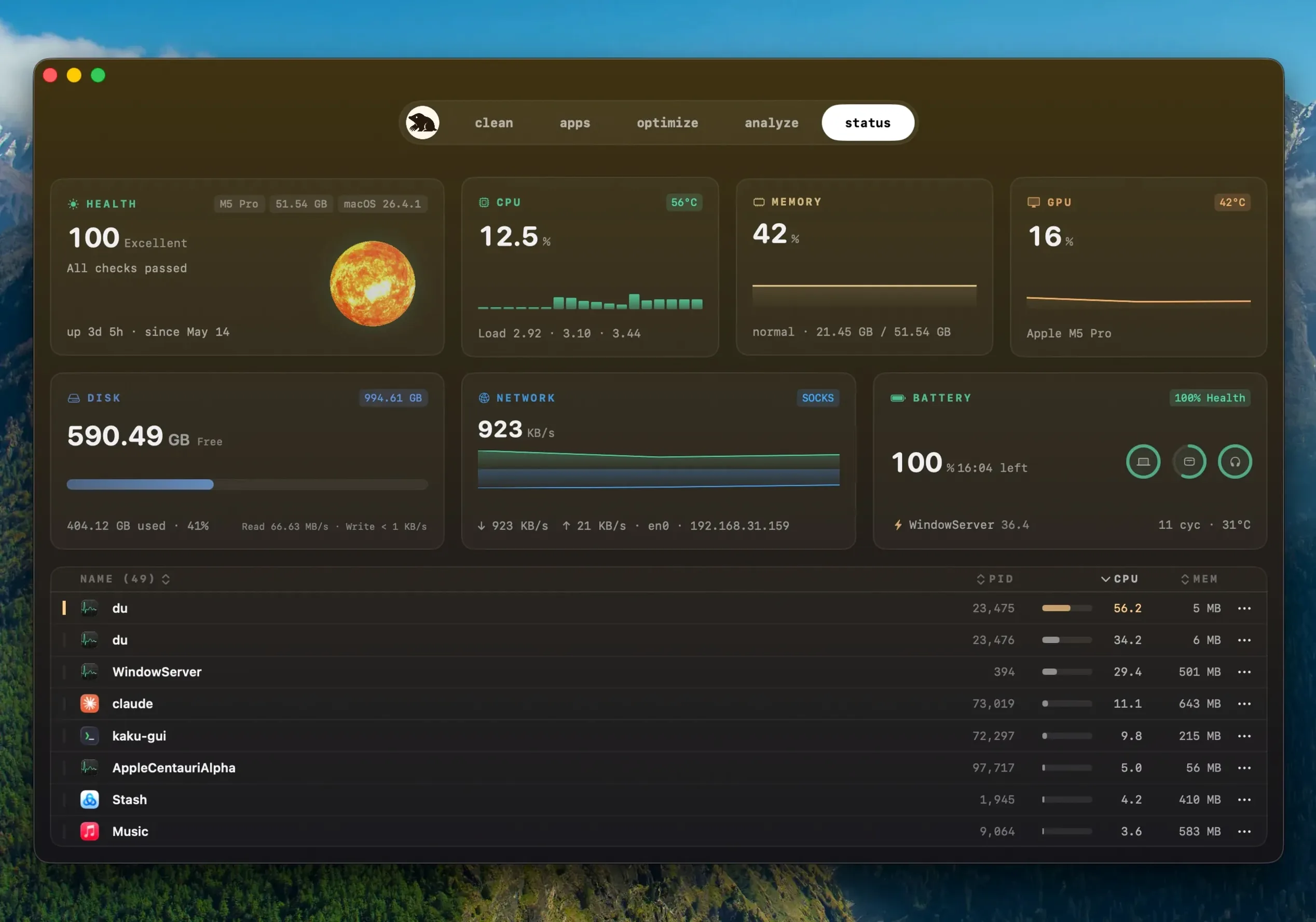
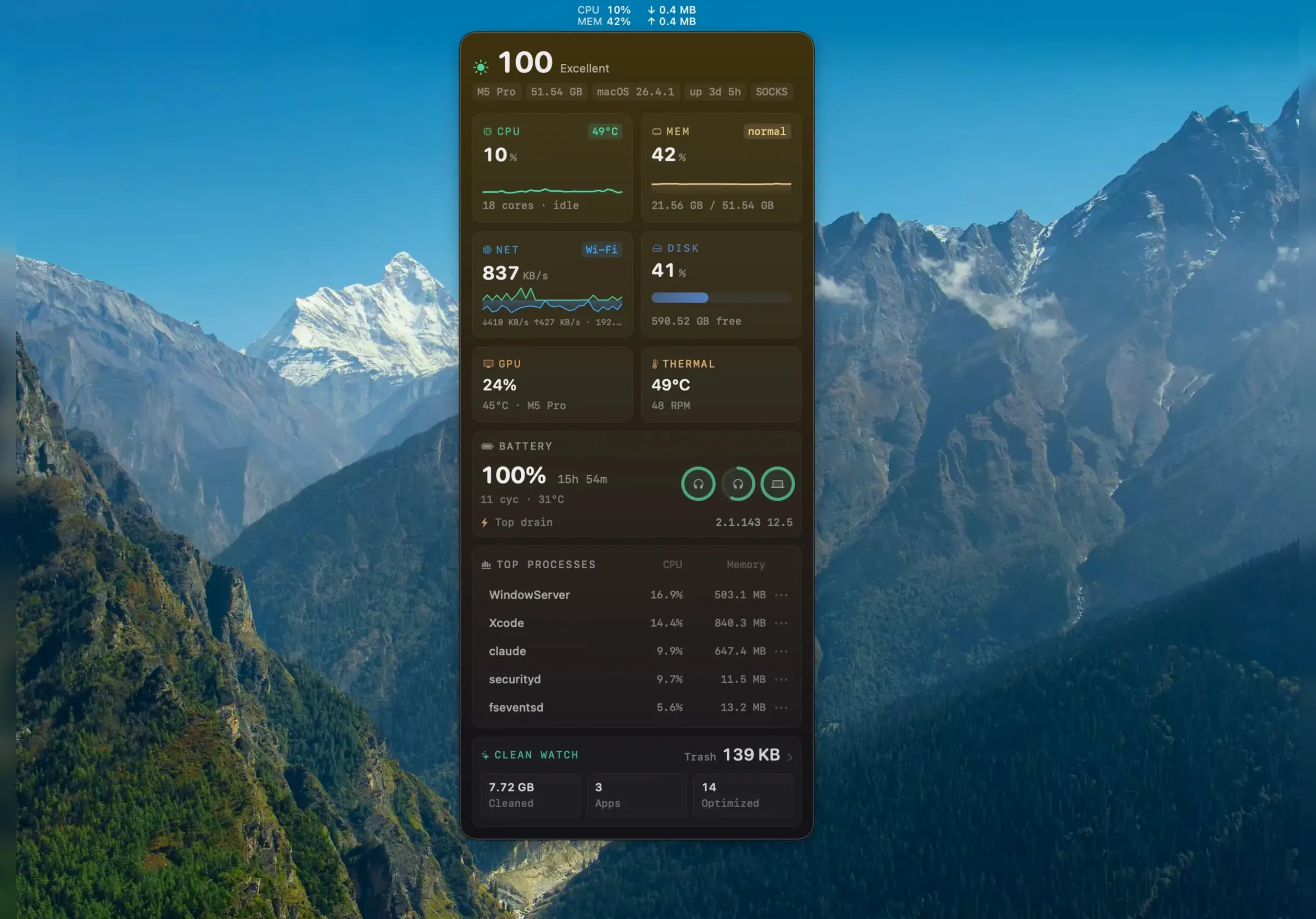
You open Mole from the Dock or Launchpad. The default view shows a system status overview with current CPU and memory usage. You click the cleaning section. The app scans caches, logs, and temporary files. After a few seconds, a list appears with file paths and sizes. You leave the rest unchecked because they look like they belong to active software. You click the confirm button. The app removes the checked files.
Next, you switch to the apps section. You see a list of installed applications. You select one that you know was replaced by a newer version from the developer's website. Mole offers to update it. You agree. The app checks for a running instance, asks to quit it, proceeds with the download, installs the update, and reopens the app. The download is completed in one pass. If something goes wrong during installation, Mole keeps the download and retries without downloading again.
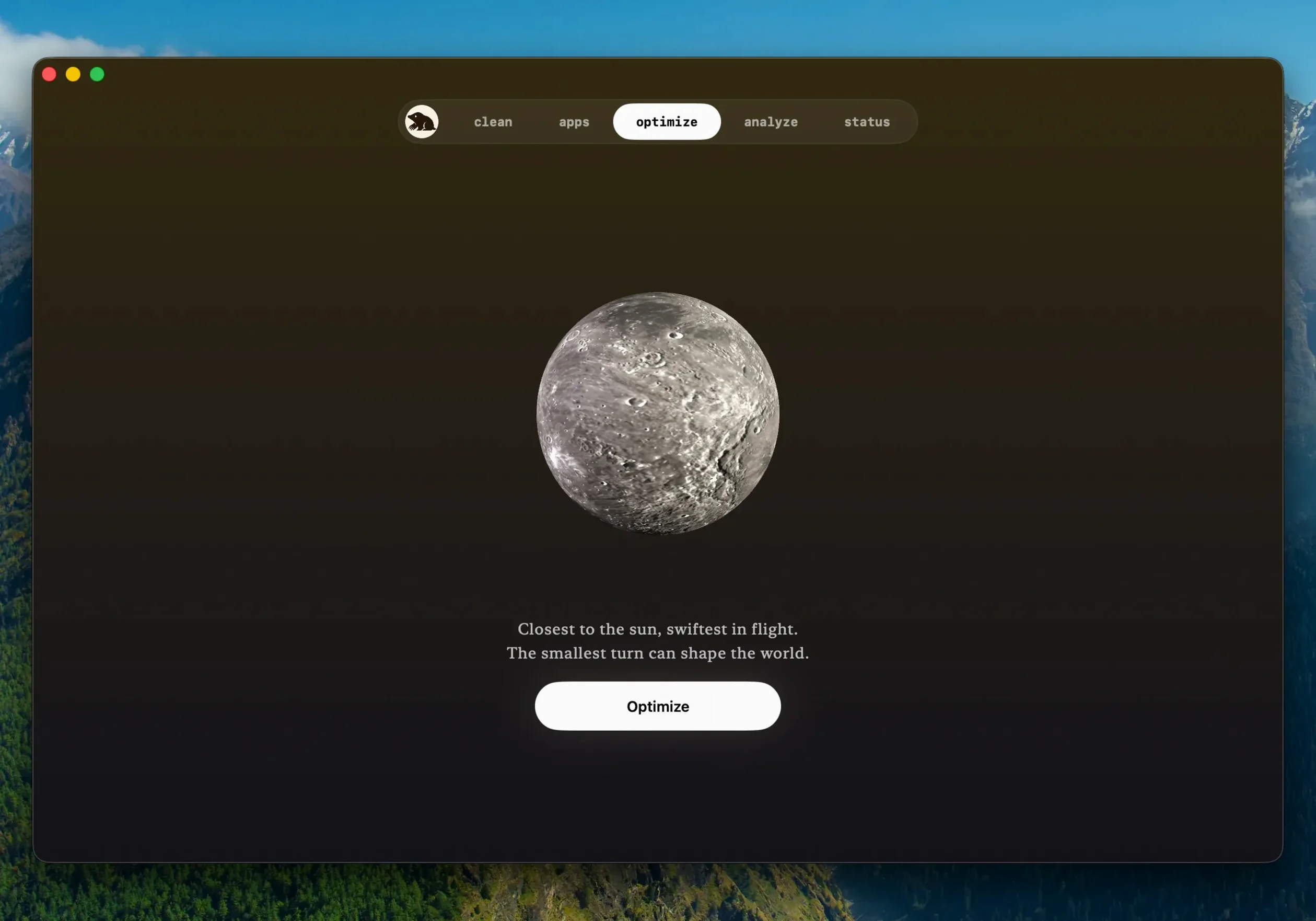
After the update, you run the one-click system maintenance task. It clears out rotation logs, temporary system files, and other macOS housekeeping items that normally require a terminal command or a restart. The entire session — scan, cleanup, update, maintenance — takes a few minutes and requires only a handful of clicks and one confirmation.
Fills macOS storage gaps with file-level previews and selective removal
Mole works alongside the built-in macOS storage management tools. The system's own storage bar in About This Mac shows the same categories, but it does not give you file-level previews or the ability to selectively remove items. Mole fills that gap. It also complements disk utility: Disk Utility handles volumes and partitions, while Mole handles the file clutter inside those volumes.
The app integrates with macOS permissions cleanly. Full disk access is something you grant once in System Settings, after which deep scans work without repeated prompts. The sensor data it shows comes from the same system frameworks that Activity Monitor uses, so the CPU and memory readings align with what you see there, just in a different layout. For users who manage multiple machines, the simplicity of a single disk image and drag-and-drop install makes it easy to set up on each one without scripting or package managers.
- Apps downloaded from websites can update inside Mole.
- A newer build of the same version is detected.
- The app asks before quitting a running app and reopens it after installation.
- macOS 14 or later
- Apple Silicon or Intel x86 64-bit
- Full disk access is supported
Install procedure
- Open the downloaded disk image.
- Drag the app into the Applications folder alias.
- After copying finishes, launch the app from Launchpad.
Reports from players
Sign in or create a tester account to file a report.
No reports filed yet.