People who live inside archives use BetterZip. That includes QA testers pulling build artifacts, designers shipping font packs, and anyone who gets a 7z file from a Windows colleague and doesn’t want to install three utilities to open it. The app handles more than 30 formats, including ISO disk images, so most things that arrive attached to an email just work.
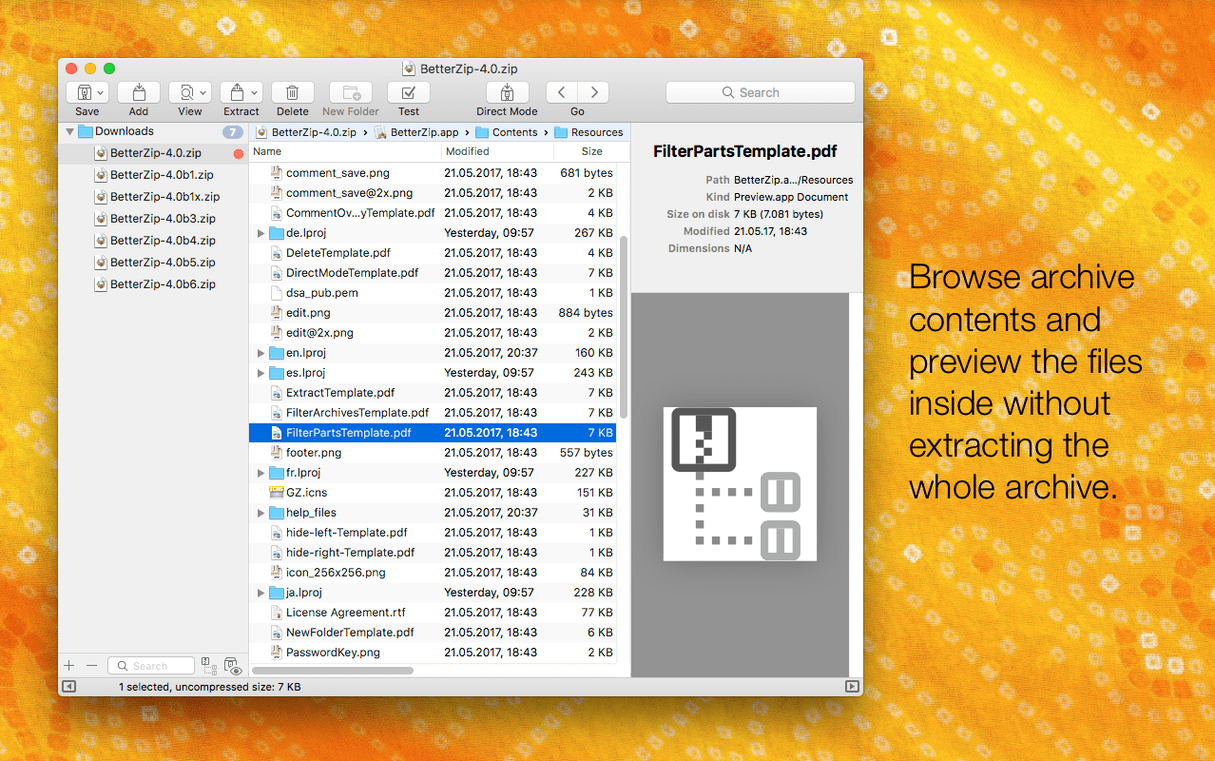
The useful part is editing without repacking. You can drop a file into an existing archive, remove one, or rename entries and the app only rewrites what’s necessary. For RAR archives, you can even attach comments. Quick Look previews mean you don’t extract a whole package just to check one file.
Version 6.0.6 keeps the core tools current. The unrar library got refreshed, the 7z helper moved to v26.03 with Apple Silicon assembler optimizations, and the bundled zstd and brotli tools were updated. There’s also a new option to avoid restoring macOS metadata during extraction — useful when you’re moving files between systems and don’t want .DS_Store clutter.
An operations queue handles direct compression and extraction without babysitting. You set it going and check back when it’s done. The current release also fixes a rare crash involving communication with external helper tools, which is the kind of thing that only shows up in specific setups.
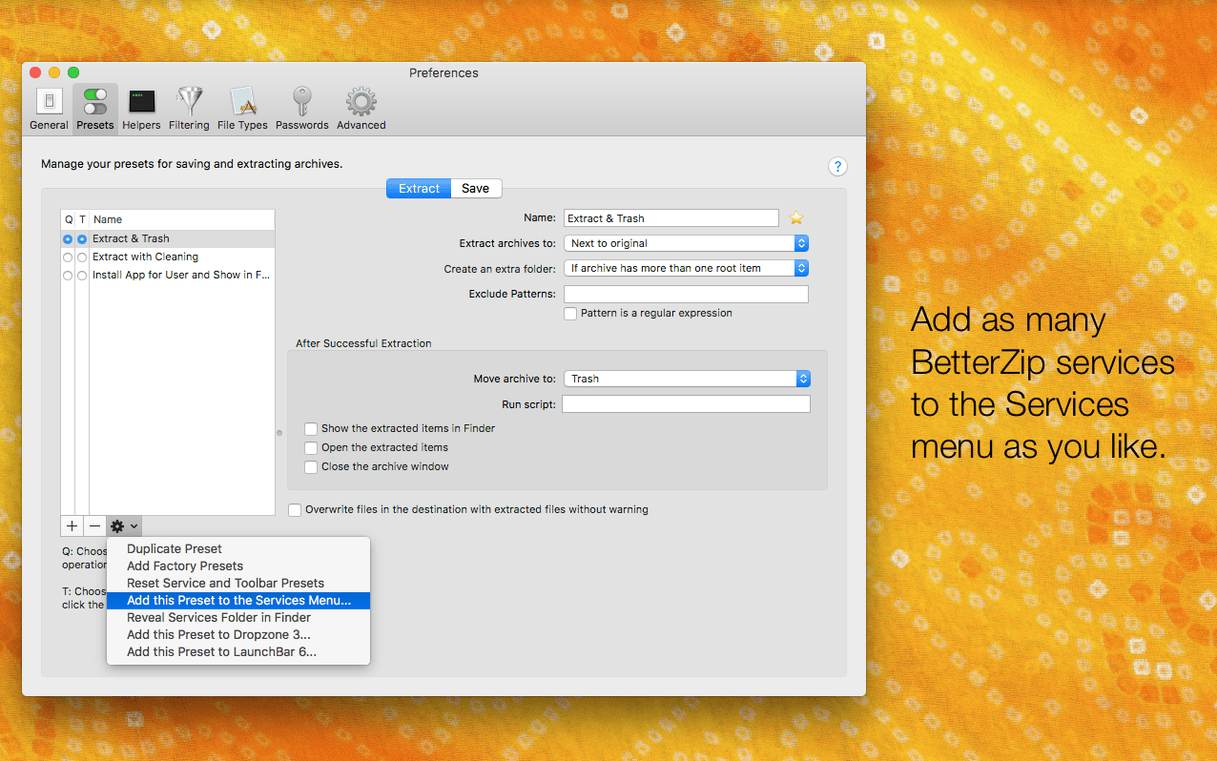
Finder context menu integration
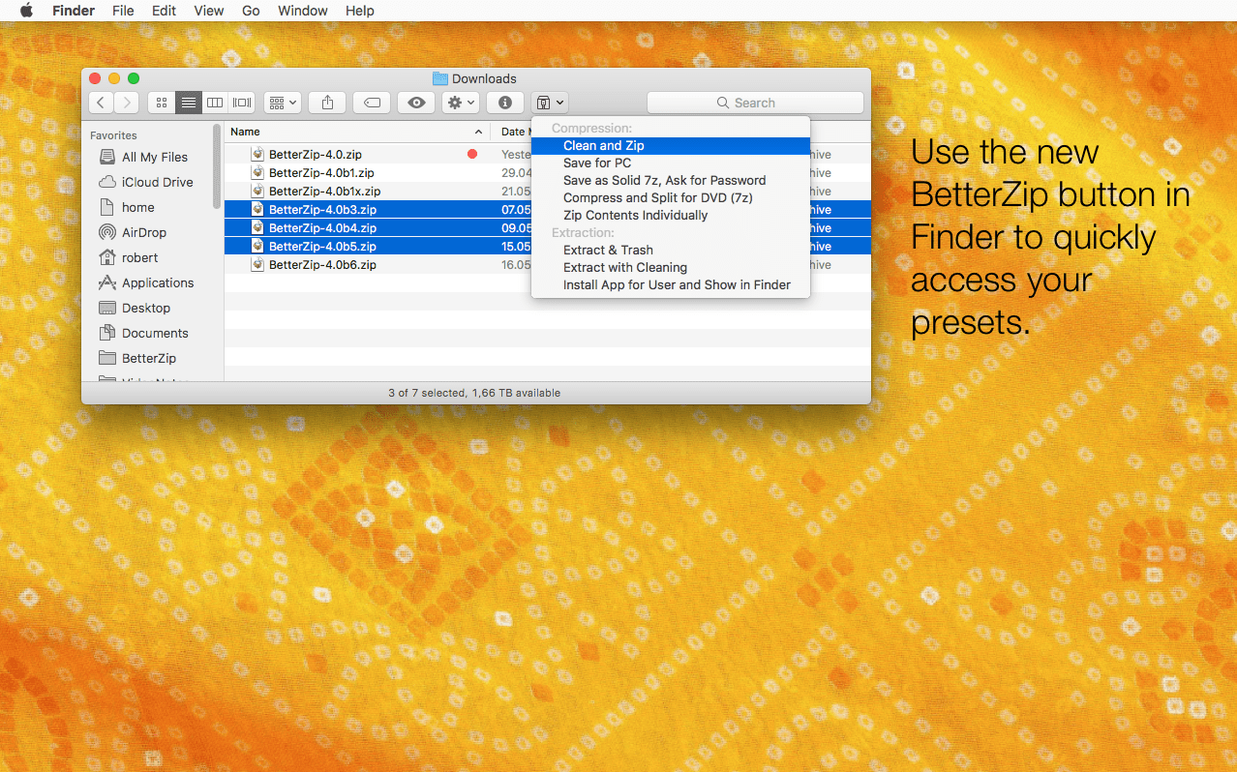
The Finder extension is the bridge between BetterZip and day-to-day file management. You right-click any archive in Finder and see options to extract, open in BetterZip, or compress selected files straight from the context menu. No need to launch the app first — it sits in the background until called.
Quick Look preview integration follows the same logic. Press the spacebar on an archive in Finder and BetterZip shows you what’s inside without opening the full window. That’s useful when you’re sorting through a folder of builds and only need to verify one file name.
AppleScript support lets you call BetterZip operations from scripts. That means batch compression jobs, automated extraction in a CI pipeline, or scheduled archive maintenance can run without manual interaction. The operations queue mentioned earlier is the interactive counterpart — set it up once and let it process a stack of files while you work on something else.
The language override option in version 6.0.6 is relevant if your macOS system language isn’t one of the ten BetterZip supports. Instead of switching the whole OS to English or German, you tell BetterZip which language to display. That keeps menus and dialogs readable without changing system settings.
Native silicon and intel support with 7z optimizations
BetterZip 6.0.6 requires macOS 13.5 or later and runs natively on both Apple Silicon and Intel-based Macs. The 7z helper v26.03 includes assembler optimizations for Apple Silicon, so 7z operations use the native instruction set rather than emulation layers. That matters less for everyday ZIP files and more for large 7z archives where every cycle counts.
The app itself is a single drag into the Applications folder. Gatekeeper will prompt you when you first run it — one Terminal command to bypass, then it’s ready. No daemons, no background services, no installer bloat.
Because it supports over 30 formats, you won’t need separate tools for TAR.GZ, RAR, 7z, or BZ2. If you work with ISO disk images, BetterZip handles those too. The format coverage is broad enough that most archives you encounter will open without searching for a converter.
Workflow automation via applescript and operations queue
People who automate file handling benefit the most. The combination of AppleScript support, the operations queue, and the Finder extension means you can fit BetterZip into existing workflows without changing how you organize files. If you regularly receive archives from mixed-platform teams, the wide format support saves the back-and-forth of asking someone to re-send in ZIP.
Designers and developers who share assets across systems appreciate the metadata extraction option. Turning off macOS metadata during extraction keeps extras like .DS_Store, ._ files, and Finder color labels out of the output folder. That’s one less cleanup step when delivering to a Windows or Linux team.
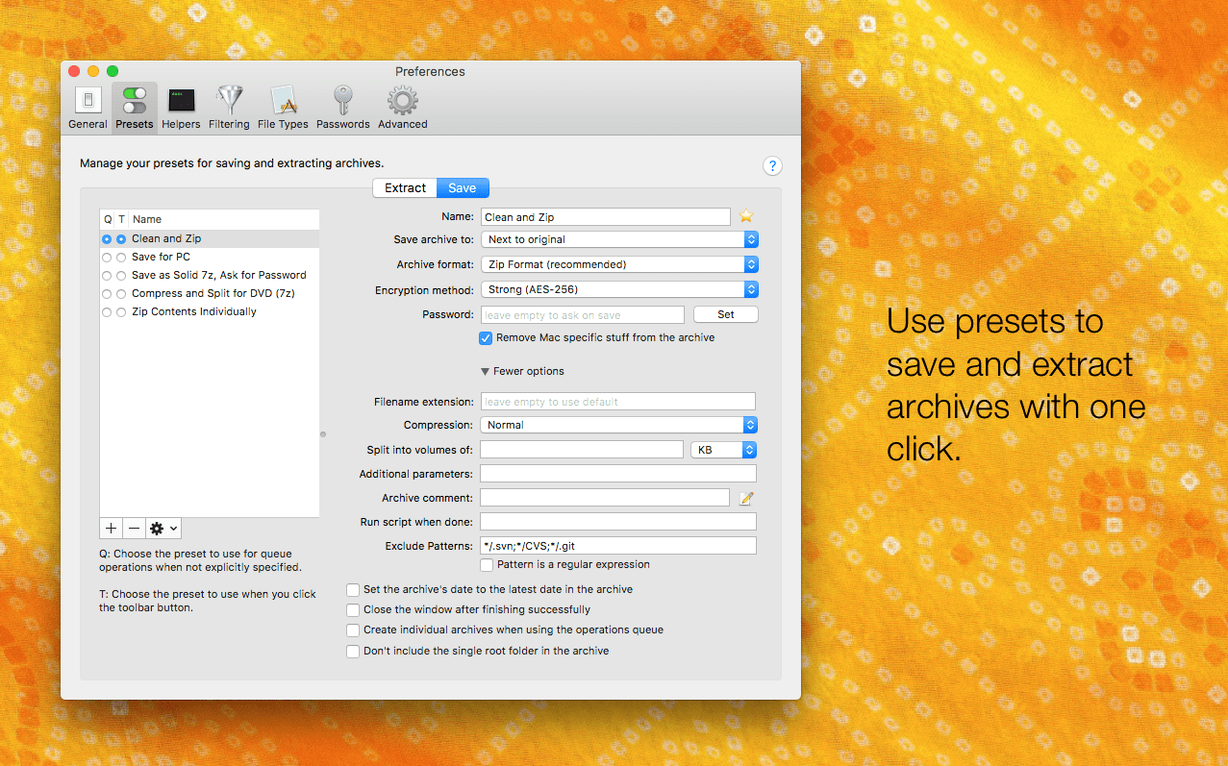
Users who handle password-protected archives will find the AES-256 encryption and the password generator useful. You can create encrypted archives with strong passwords without leaving BetterZip or memorizing a keyfile path.
Direct archive editing instead of extract-then-recompress
The most common slip is assuming an archive can’t be modified after creation. New users extract everything to a temp folder, make changes, then re-compress. BetterZip lets you delete, rename, or move files directly inside the archive. That’s faster and avoids duplicate data.
Another mistake is ignoring the Quick Look preview and extracting the whole archive to check a single file. If you only need to confirm a file name or a date stamp, pressing spacebar in Finder is enough. Extracting a 2 GB archive to look at one line wastes time and disk space.
Some beginners also miss that the language override exists. If BetterZip shows in a language you don’t want, the option is in the preferences — you don’t have to live with it or change your system language.
A less obvious one: forgetting to verify archive integrity after a transfer. BetterZip doesn’t auto-check checksums, so if a downloaded archive fails mid-extraction, the issue is usually a partial download, not the tool. Re-downloading before blaming the app saves troubleshooting time.
BetterZip 6.1 is available. The developer lists the full set of changes on the official site.
- macOS 13.5 or newer
- Apple Silicon or Intel 64-bit
Install procedure
The installer clocks in around 25 MB, needs macOS 13.5 or later, and covers both Apple Silicon and Intel 64‑bit Macs — four steps from download to a working app.
- Open the disk image and double-click Open Gatekeeper friendly.
- Press Enter in the Terminal window that appears to bypass Gatekeeper.
- Drag the BetterZip app into the Applications folder.
- The app is ready to use.
Reports from players
Sign in or create a tester account to file a report.
No reports filed yet.