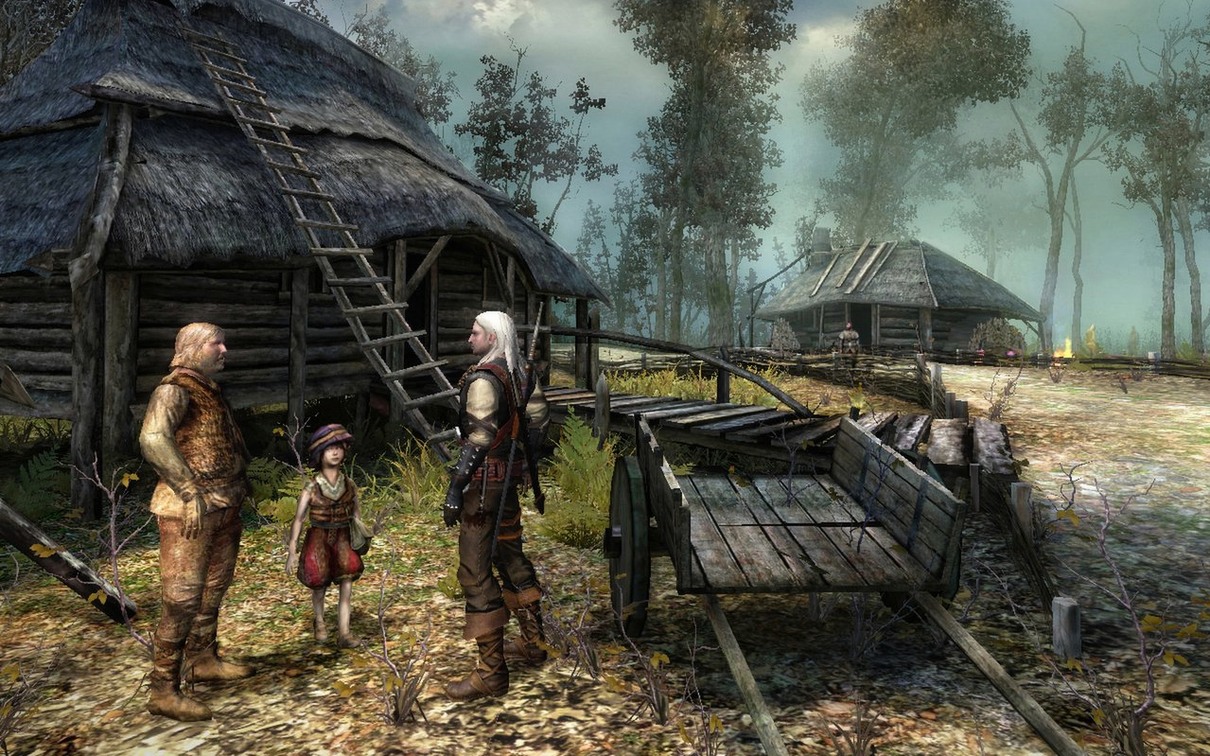
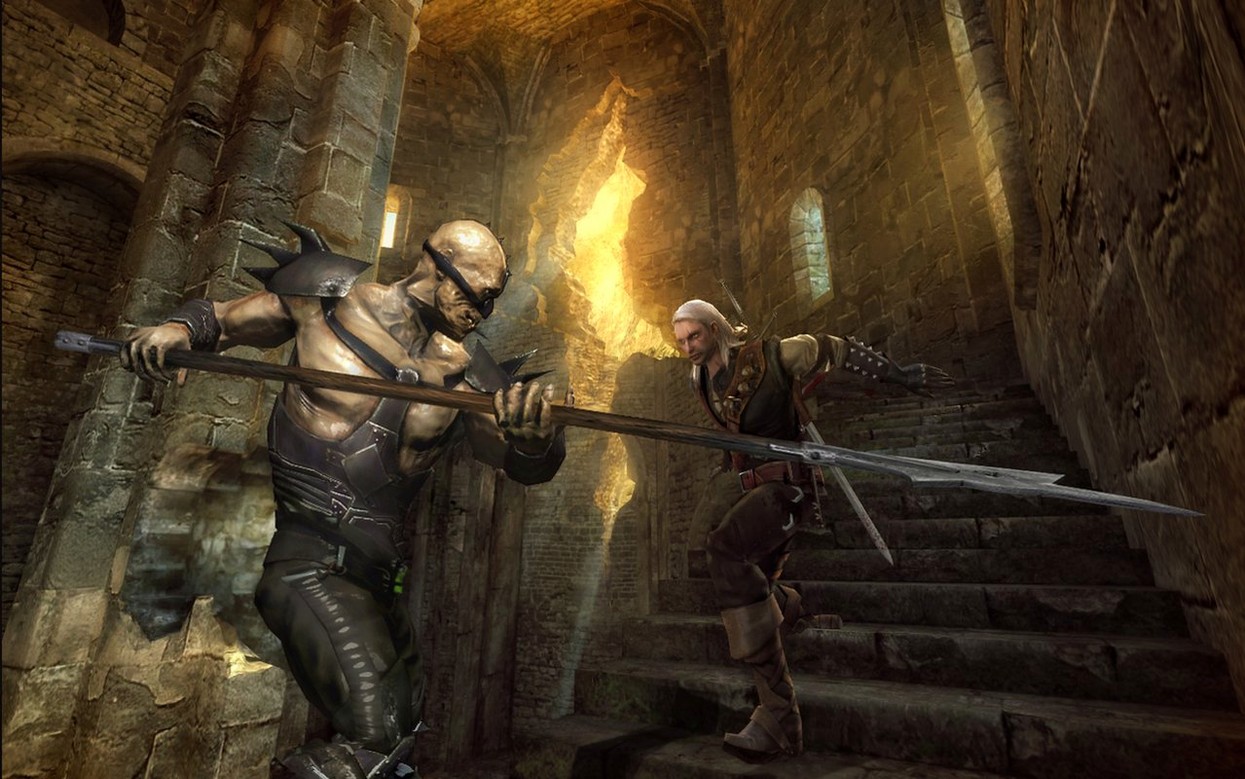
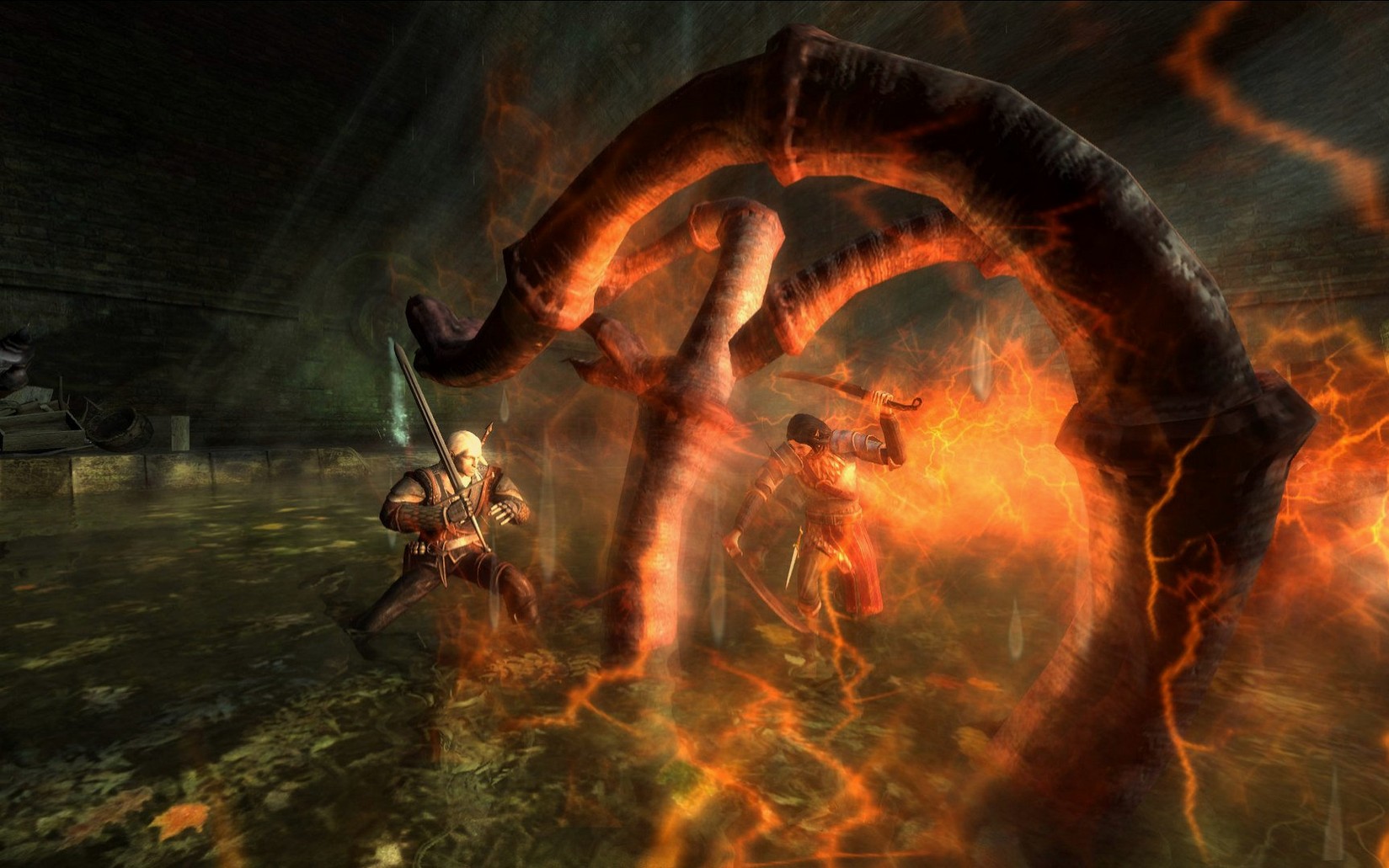
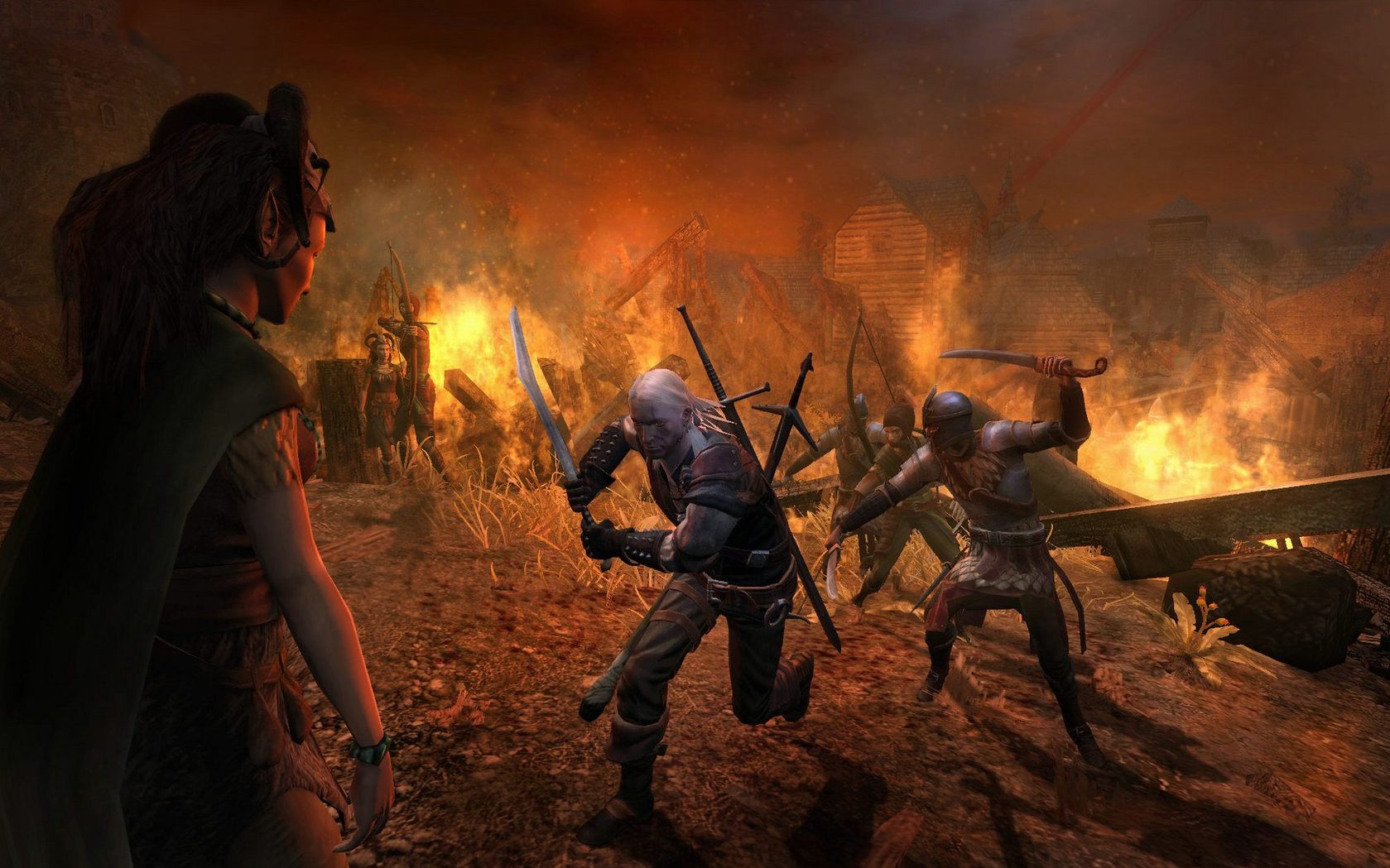
The Witcher is a dark fantasy role-playing game from CD PROJEKT RED, set in a medieval world that carries a modern edge. You play Geralt of Rivia, a witcher who hunts monsters for money, but who starts the story with amnesia and no memory of his past.
A story-driven RPG where preparation beats button mashing
It's a story-driven RPG with quests, choices, and combat that rewards preparation over button mashing. The game's tone is mature, with morally gray characters and consequences that stick.
Gritty fantasy with political intrigue and nine voice languages
If you like your fantasy with grit and political intrigue, and you don't mind a game from 2007 that still holds up mechanically, this is a solid fit. The voice acting spans nine languages, including English, Polish, and Russian, so the original feel is there.
What to expect
Version 2.3a is the current release. The installer asks where to put the game at the end, so you control the install location. The game runs on both Intel and Apple Silicon Macs.
Set your language in the launcher before first play
Once the game is in your Applications folder, start by setting the language in the launcher. The voices default to one of the supported languages depending on your system region, but you can switch between the nine voice tracks before launching. If you want the original Polish voice cast, that option is there.
A few things worth checking early:
- The game saves progress automatically at certain checkpoints, but also lets you save manually from the menu. Get into the habit of manual saves before any major decision or boss fight — the autosave points are not always generous.
- Graphics settings can be adjusted from the launcher, not from within the game. If you find the performance sluggish on an older Intel Mac, lower the texture detail and turn off anti-aliasing before starting a session.
- Quill your journal early. The game hands you a lot of character names and political factions in the first hour, and the journal entries fill in the gaps. Reading them helps with the amnesia angle — Geralt learns alongside you.
A workflow: hunting a monster contract from start to finish
Monster contracts are central to The Witcher. Here is how one plays out from accepting it to collecting the reward.
- Read the notice board. In towns, you find contracts posted on boards. Take the note — it gives you the monster's name, the location, and a suggested reward.
- Talk to the contractor. Usually a village elder or a merchant. They add context: how many people have died, what the monster looks like, and any rumors about its habits. Ask for more details if the dialogue option appears.
- Gather information. Walk around the area and talk to witnesses or other NPCs. Sometimes a child saw the creature, sometimes a hunter knows its lair. The journal updates as you learn facts.
- Prepare. Based on what you learned, decide which potion or oil helps. If the monster is a necrophage, swallow a potion that boosts vitality regeneration. If it is a specter, apply the right sword oil. Meditate to refill potion vials if you have the ingredients.
- Track and fight. Follow the trail markers to the lair. The fight itself demands timing — dodge, parry when prompted, and use your two sword styles. Strong style for armored enemies, fast style for agile ones. Use the magic sign Aard to stun if you have the stamina.
- Collect the trophy. After the kill, loot the body for a trophy. Return to the contractor and collect your coin and experience. Some contracts also open up new dialogue options or quests in the area.
Smaller scope than Dragon Age but denser in atmosphere
Compared to Dragon Age: Origins, The Witcher is smaller in scope but denser in atmosphere. Dragon Age gives you a full party and tactical pause; The Witcher keeps you focused on one character with a tighter, more personal story. Both have reactive choices, but The Witcher's world feels dirtier and more cynical.
Next to Divinity: Original Sin 2, the difference is in combat. Divinity is turn-based with elemental combos; The Witcher is real-time with a rhythm of dodging and striking. The writing in both is strong, but The Witcher leans harder on a single protagonist and a linear narrative rather than a sandbox.
Against Vampire: The Masquerade — Bloodlines, there is a shared mood of moral ambiguity and player choice. Bloodlines is set in modern Los Angeles with a first-person perspective; The Witcher is third-person in a fantasy medieval world. The Witcher's combat is more structured, while Bloodlines favors dialogue and stealth. Both reward replaying to see how different choices play out.
None of these are exact replacements. The Witcher sits in its own corner of dark fantasy on the Mac, with a story that asks you to live with the consequences of your decisions.
- macOS version not specified
- Architecture: Intel and Apple Silicon
Questions from the notes
Does The Witcher support Apple Silicon Macs?
Yes, the listed version 2.3a runs on both Intel and Apple Silicon architectures.
What voice languages are available?
The supported voice languages are Russian, English, German, Hungarian, Spanish, Italian, Polish, French, and Czech.
Install procedure
- Run the installer and follow the standard setup.
- Pick an installation location when the setup finishes.
- Use the Applications folder as the recommended destination.
Reports from players
Sign in or create a tester account to file a report.
No reports filed yet.