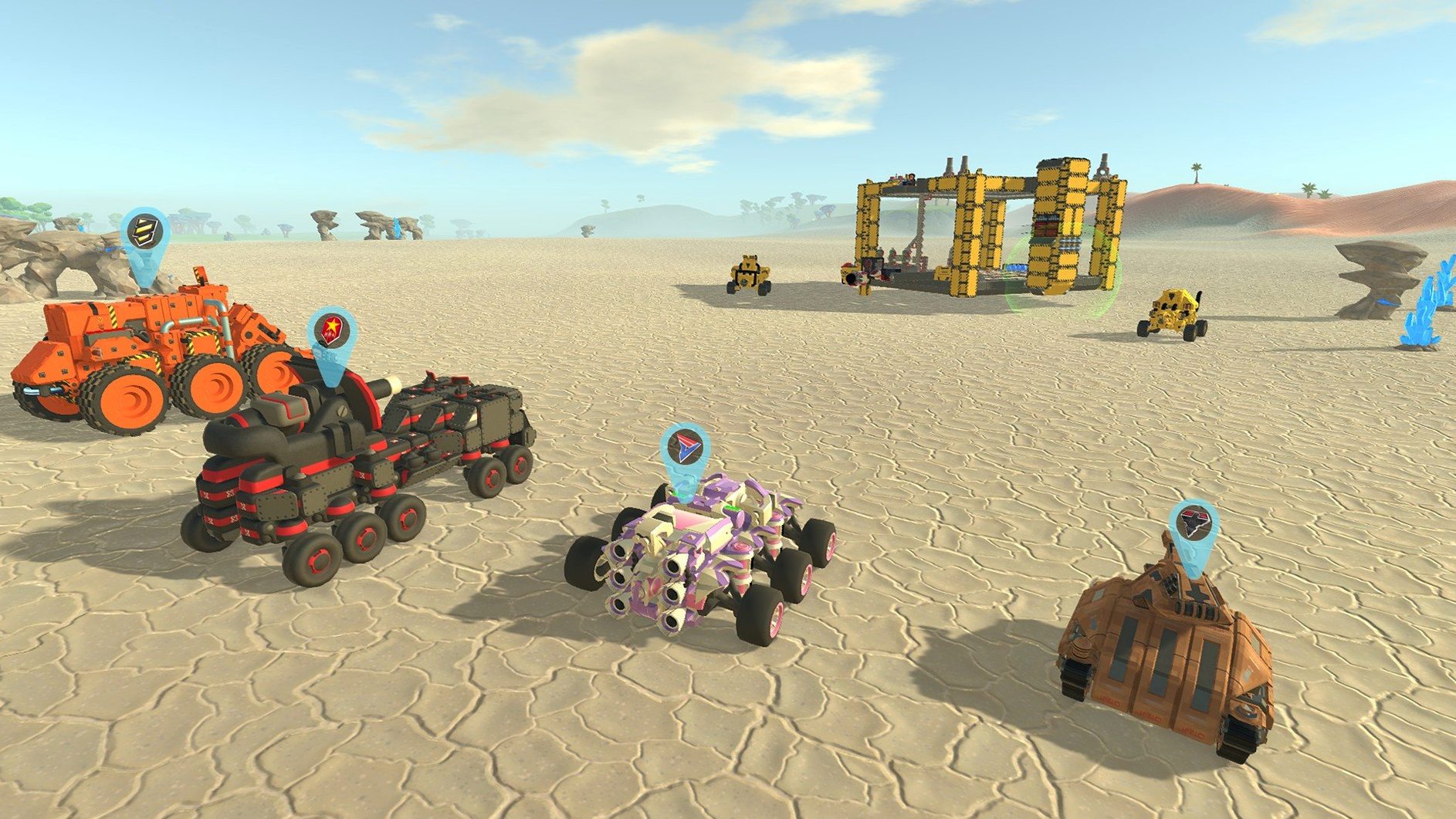
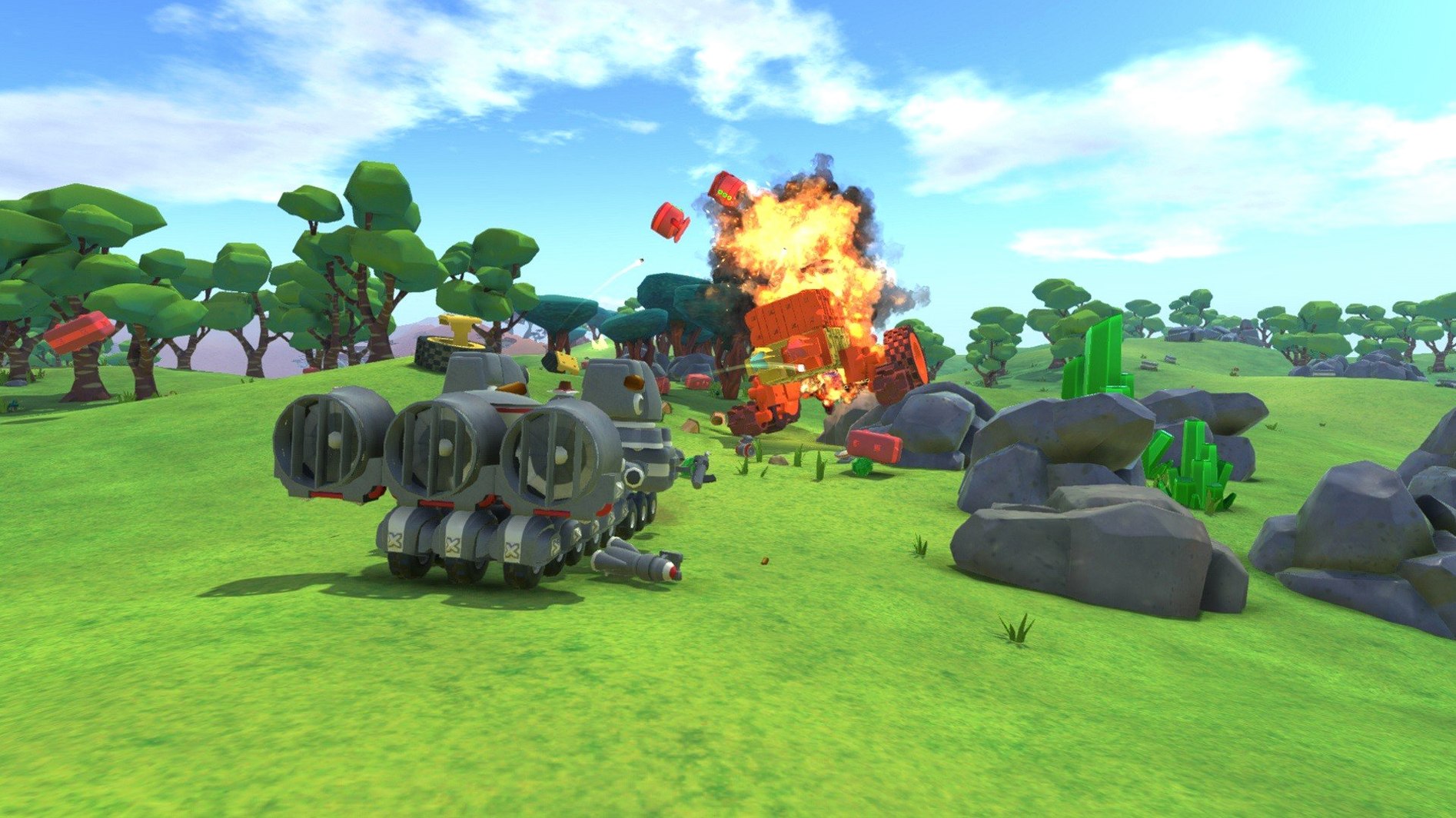
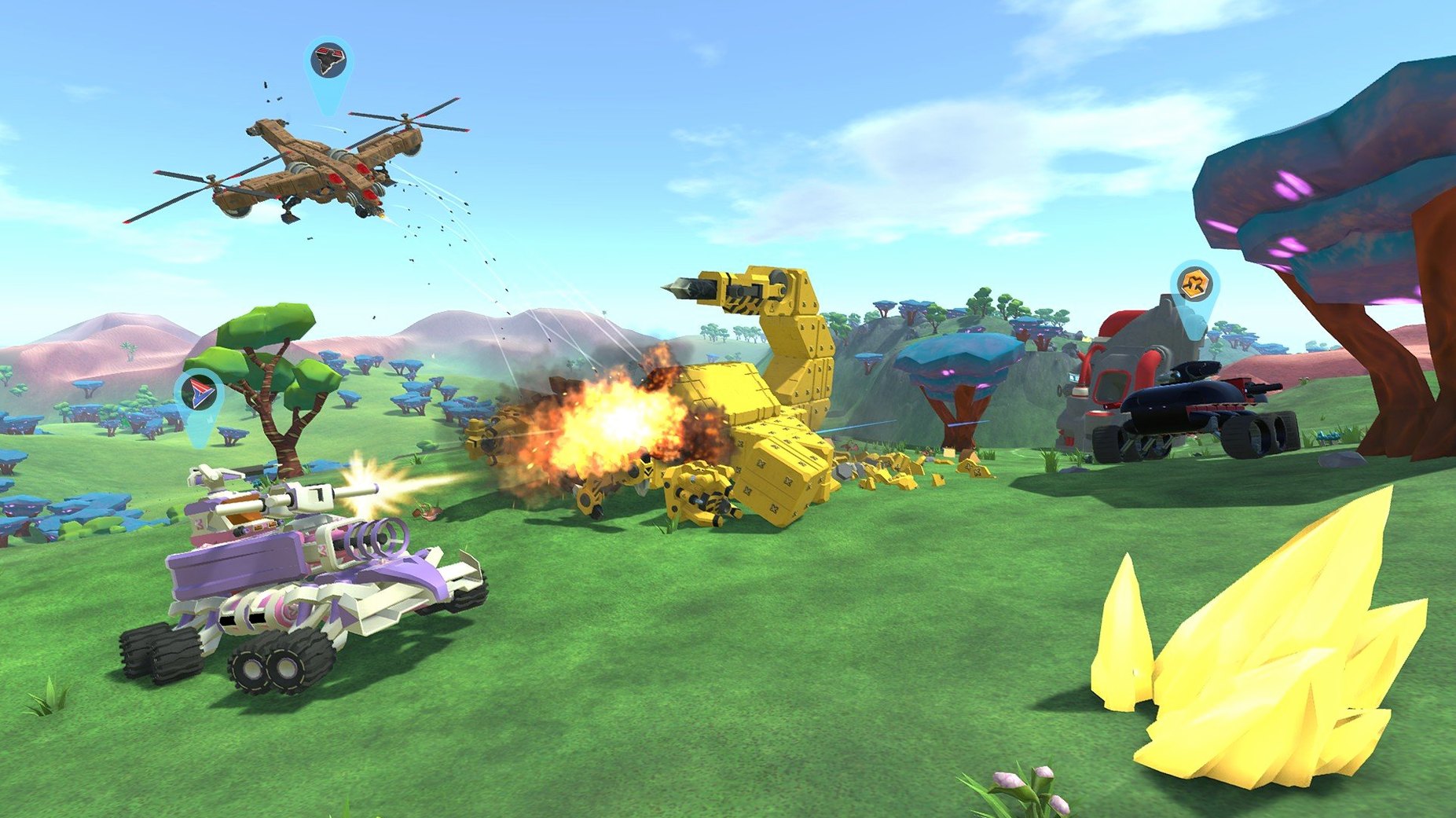
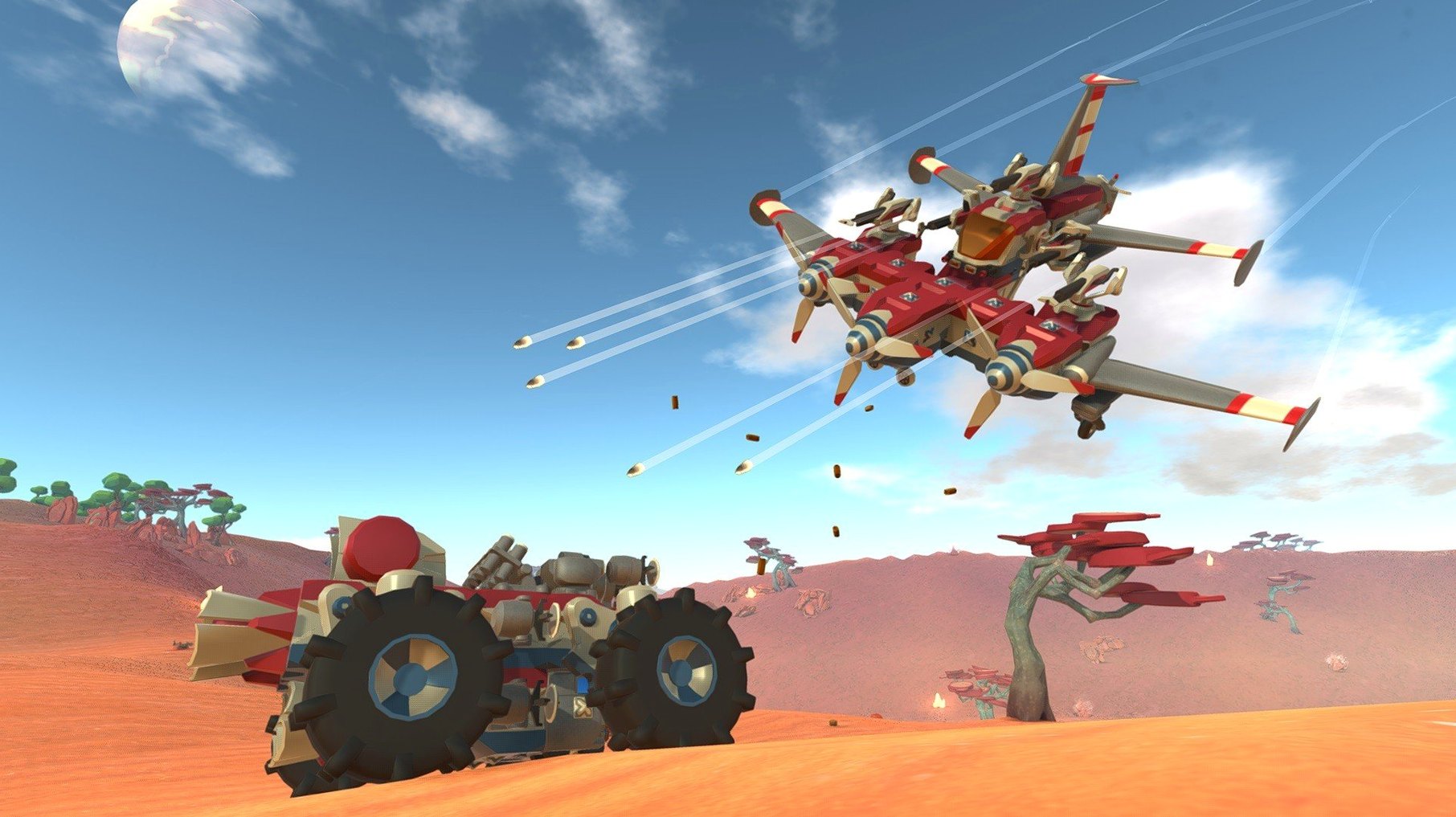
TerraTech runs on both Intel and Apple Silicon Macs. The current version, 1.6.0, was tested on macOS Sonoma on a MacBook Air (M1, 2020), and it holds up well. You get an open-world sandbox where you design vehicles from a large library of blocks, then drive them through procedurally generated worlds. The core loop hasn't changed: gather resources, craft parts, fight enemies, and keep exploring.
Space Junkers corporation adds scavenged builds
Version 1.6 adds the Space Junkers corporation, with a fresh set of blocks to build with. That expands the design options, especially if you like scavenged, asymmetric builds. The rest of the game stays as it was: campaign mode, a challenge mode called Fist, and cooperative play for both campaign and creative sessions. Blocks and items can take damage and get destroyed, so repairs and rebuilds are part of the routine.
Five original corporations and 14 languages remain
The five original corporations — GSO, GeoCorp, Venture, Hawkeye, and Better Future — are still there, each with its own look and specialty. The interface is available in 14 languages, from English and French to Japanese and Korean. TerraTech remains a sandbox first, a combat game second, and that balance hasn't shifted in 1.6.
Bump camera sensitivity for less sluggish steering
A few settings make the early hours less frustrating. The camera sensitivity defaults to a middle value that feels sluggish when you're steering a top-heavy build across a canyon. Bump it up a notch in the options before you start. The other quick change is the control scheme for block placement: the game lets you rotate parts freely, and binding that to a comfortable key saves time when you're trying to wedge a cannon between two wheels. None of these are hidden, but they're easy to skip if you're eager to drive.
Campaign mode starts with a basic buggy and drill
You launch the game and pick campaign mode. The world generates around you — rocky terrain, some scattered vegetation, a few hostile Techs in the distance. Your starting Tech is a basic buggy with a small drill and a smelter. First step: drive toward the nearest resource patch. You tap the drill, collect the raw blocks, and watch the smelter turn them into usable parts. That takes about two minutes.
Once you have a few blocks, you open the build menu. You swap out the starter wheels for something wider, add a layer of armor plates from GSO, and mount a small turret on the roof. The game doesn't pause while you build — enemies keep moving — so you learn to work fast. You drive back toward a group of neutral Techs, trade some scrap for a GeoCorp cab, and install it for the weight bonus. The rest of the session is a loop of driving, fighting, and iterating on the vehicle design until it can handle the tougher enemies that spawn at night.
Runs as a standalone app with normal macOS switching
TerraTech doesn't need a launcher or extra software. It runs as a standalone app after you drag it to the Applications folder. On macOS, Mission Control and Spaces work normally — you can switch to a browser to look up a build guide or check a block's stats without the game complaining. The game respects the system's audio output settings, so if you use aggregate devices or AirPods, they work without extra configuration.
It also coexists well with screen recording tools on macOS. QuickTime Player's screen recording captures the game window at full resolution, useful if you want to document a build or share it with a co-op partner later. The game does not rely on Rosetta if you are on Apple Silicon — it runs natively on both architectures, so you get consistent behavior regardless of your Mac model.
- Added the Space Junkers corporation.
- Added new blocks for Space Junkers.
- macOS version not specified.
- Architecture: Intel and Apple Silicon.
- Tested on macOS Sonoma on a MacBook Air (M1, 2020).
Questions from the notes
Does TerraTech run on Apple Silicon Macs?
Yes, the game supports both Intel and Apple Silicon architectures. It was tested on macOS Sonoma on a MacBook Air (M1, 2020).
What game modes does TerraTech offer?
TerraTech includes a campaign mode, a challenge mode called Fist, and cooperative play for both campaign and creative sessions.
Install procedure
- Mount the downloaded disk image.
- Drag the game to the Applications folder.
Reports from players
Sign in or create a tester account to file a report.
No reports filed yet.