
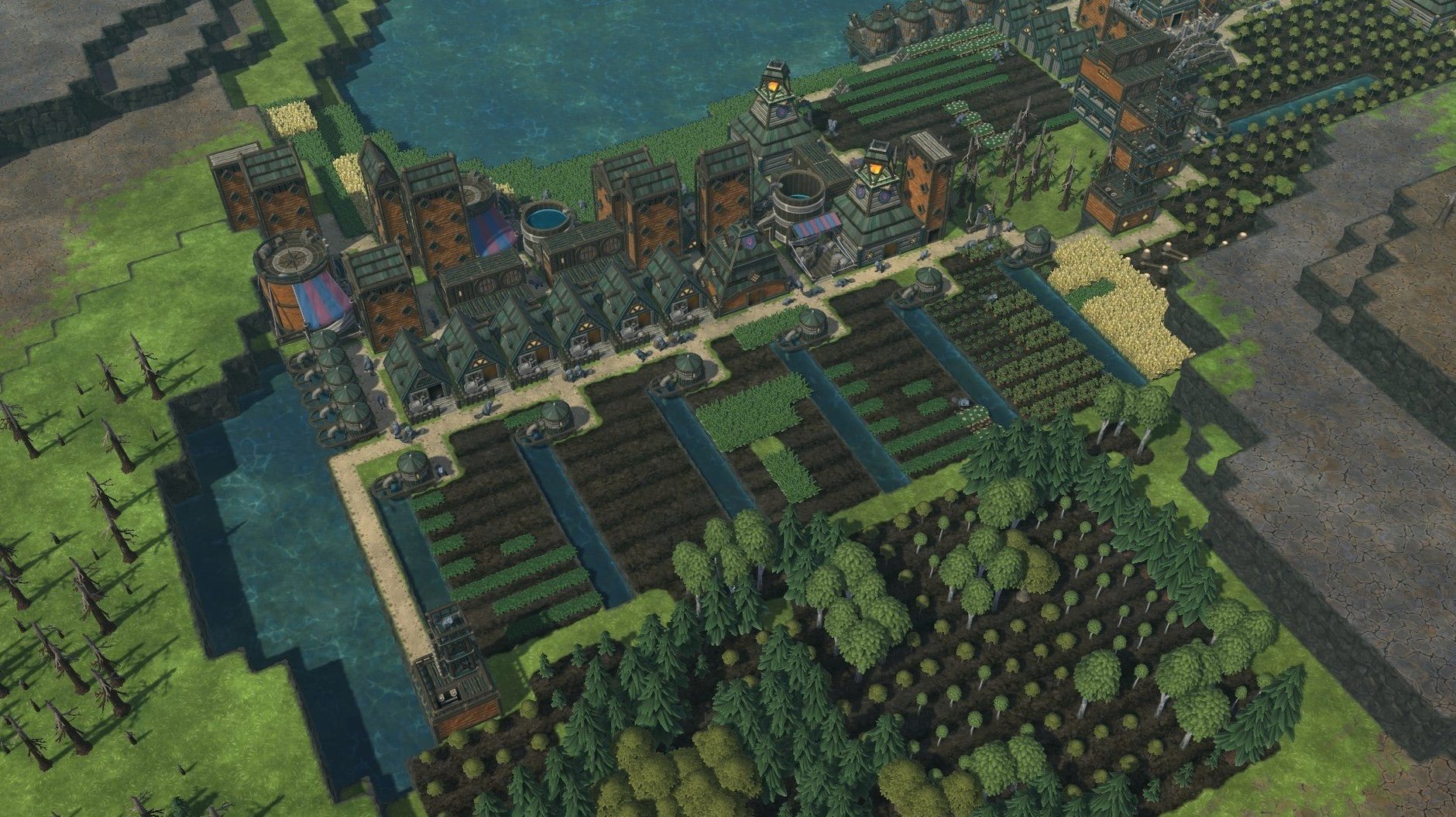
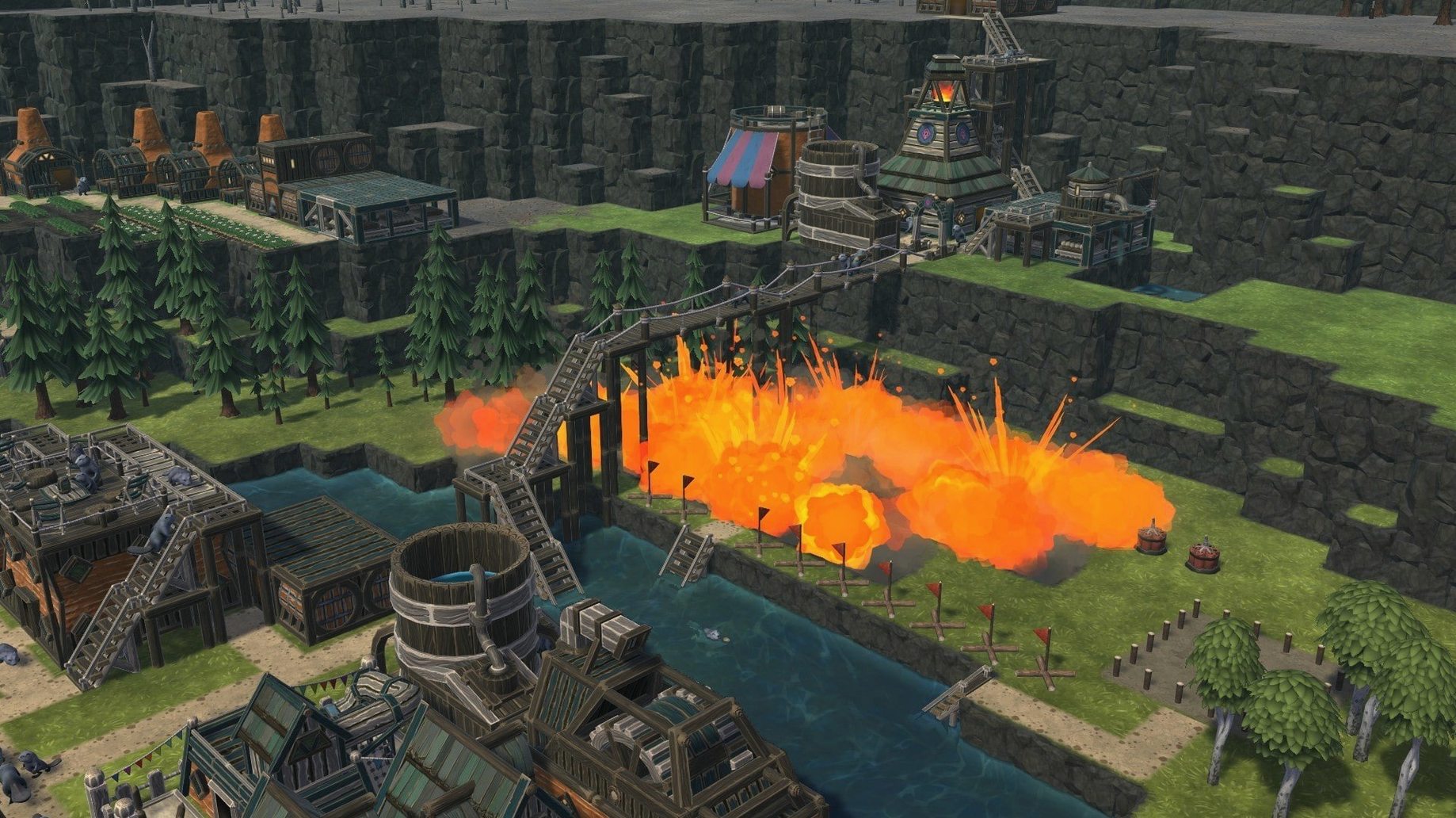
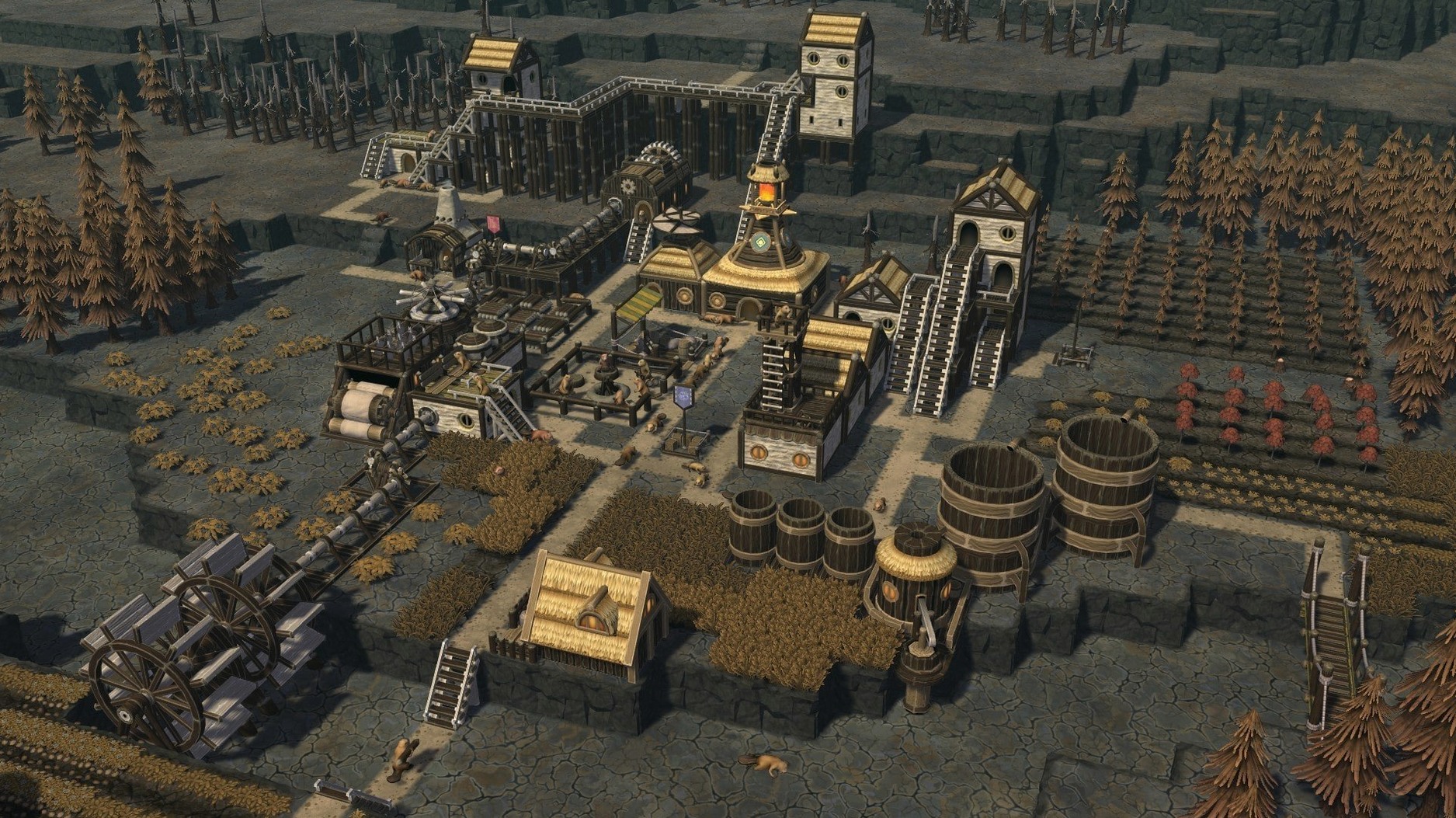
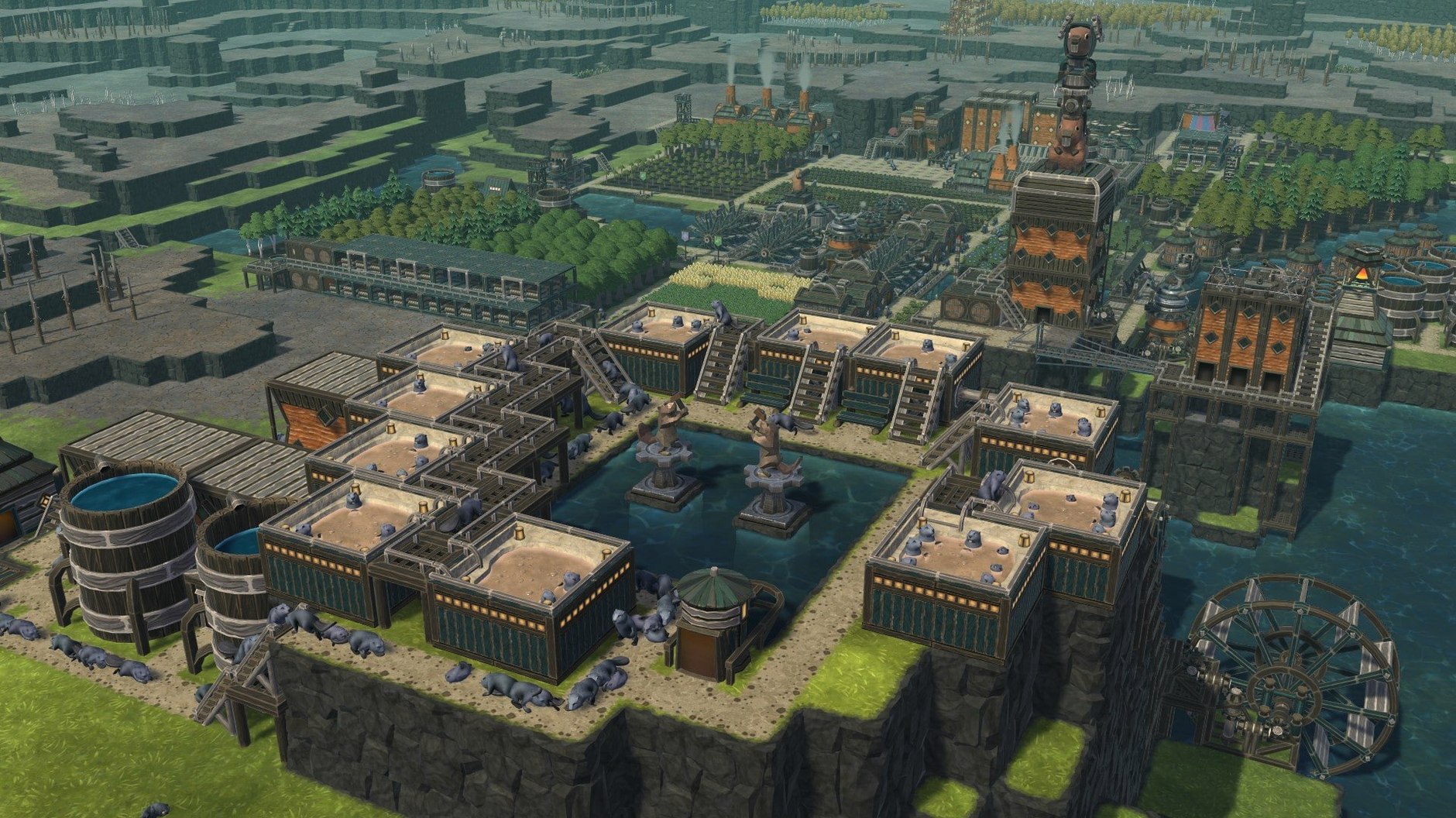
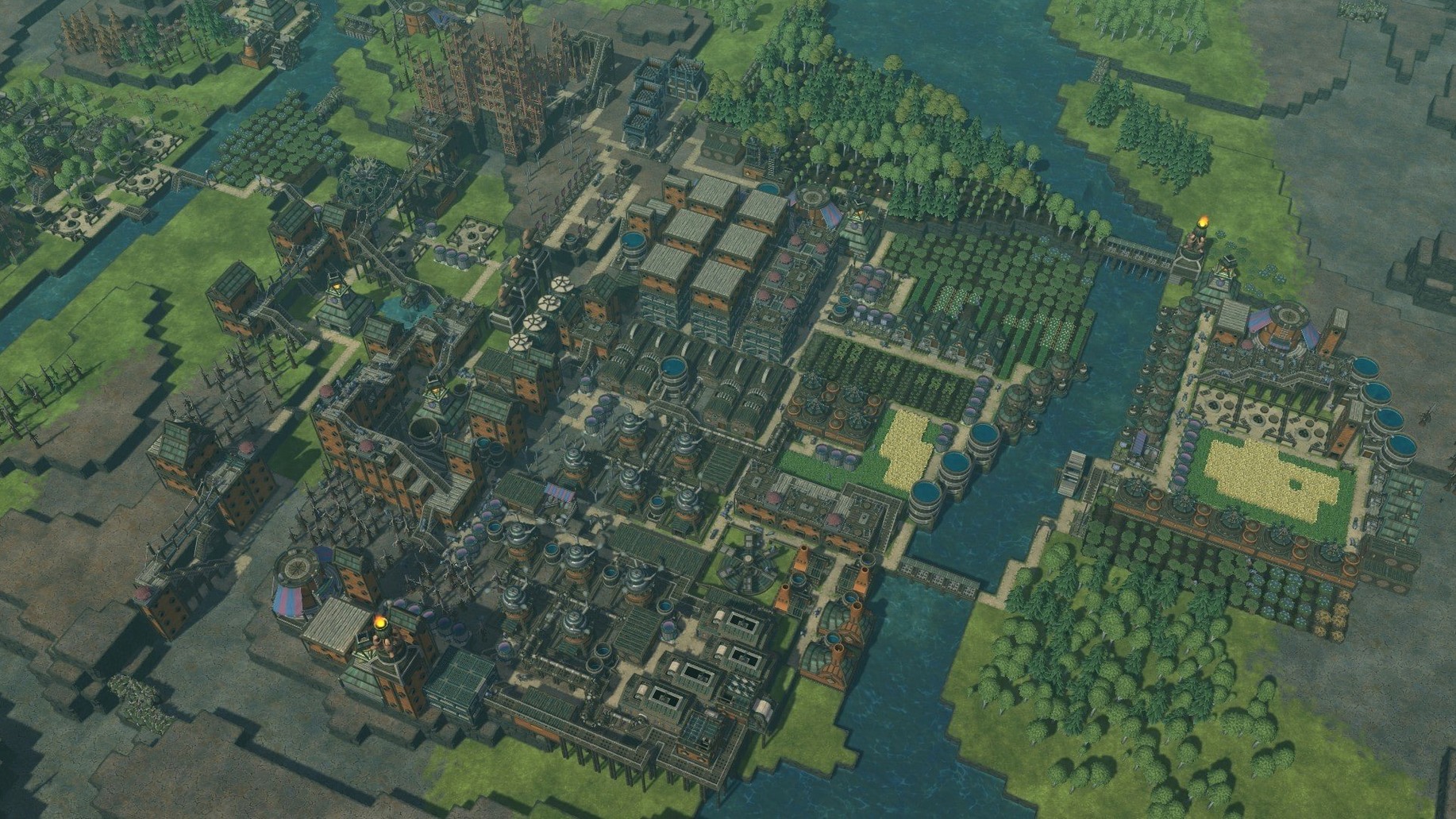
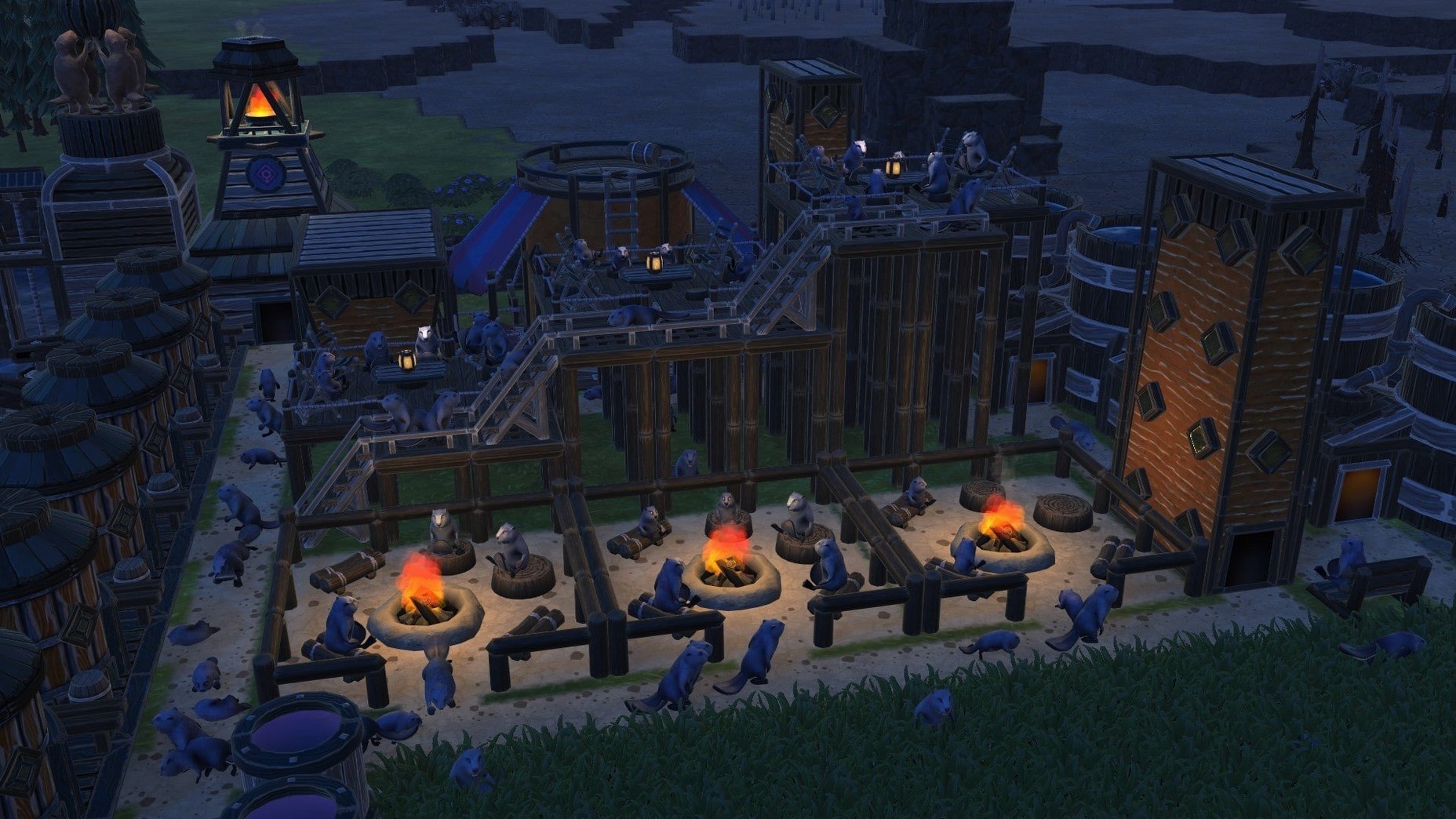
Timberborn on Mac works like a city builder, only the city is a beaver settlement and the roads are canals. Mechanistry’s debut title hands you wood, water, and a river that does not stay where you put it. You carve dams, divert streams, and stack lodges on stilts before the dry season hits.
Timberborn is a colony sim where engineering meets water management
The game is a colony-building simulator with engineering at its core. You manage districts, assign beavers to night shifts, and watch your lumber-based construction hold up against changing water levels. It is available on macOS with a release date of 2021-09-15, and it supports both Intel and Apple Silicon. Interface languages cover English, Russian, German, Spanish, Italian, Simplified Chinese, Korean, Polish, Portuguese, Ukrainian, French, and Japanese.
Modes and content
There is no separate campaign or sandbox toggle; the game is a single simulation mode where you build and survive. With the 1.1 update, fresh maps and additional statistics tools were introduced, offering you extra landscape to submerge and more figures to observe. The challenge is the same throughout: keep the colony alive, keep the water flowing, and do not let the dams break.
Adjust game speed and disable the default auto-pause for a smoother start
Before you start your first colony, open the options menu. Two settings make the biggest difference early on. First, switch the game speed to “Normal” or “Fast” depending on your preference; the default can feel sluggish when you are waiting for logs to pile up. Second, look for the camera sensitivity slider. The default pan speed is slow, so bump it up a notch or two — it saves time when you are scouting river bends for dam placement.
If you are using a trackpad, consider enabling edge scrolling if it is off by default. The game does not assume an input method, so check the controls tab to see what is mapped. Most builders find the middle mouse button for rotating the view essential, but the game does not force a layout on you.
Scenario: a dry-season collapse
Say you are an experienced city-builder player trying Timberborn for the first time. You know resource management, so you build lodges fast, assign beavers to woodcutting, and expand outward. The river looks wide, so you do not bother with a dam early on. Then the dry season hits. Water level drops below your intake pipes. Your beavers stop drinking, food production halts, and within a few cycles the colony starves.
The mistake here is treating water as infinite. In Timberborn, the river is a finite resource that fluctuates. You need storage. A simple log dam across a narrow choke point holds enough water to carry the colony through the lean weeks. Build it before you expand housing. The scenario is common, and the fix is cheap: one dam, placed early, saves the run.
Rushing housing starves your colony before farms can feed it
- Overbuilding housing. More lodges mean more beavers, which means more mouths to feed. Expanding too fast strains your food supply before your farms are productive. Keep the population low until you have a steady food chain.
- Ignoring vertical space. The game lets you stack platforms and bridges, but new players build everything at ground level. Floods wipe out low structures. Raise your workshops and storage on stilts or platforms above the high-water mark.
- Not planning for winter. The game does not have a calendar, but seasons shift. If you exhaust the local tree cover before winter, you have no wood for repairs. Plant new trees early, even when you think you have enough.
- Using one district too long. The district system lets you split your colony, but beginners keep everything central. That works until the river dries up on one end. Spreading to a second district early gives you a fallback water source.
Workflow for building a reliable water reservoir
This task is the core survival move in Timberborn. It takes a new colony from fragile to stable. Follow these steps from a fresh start.
- Scout the map for a narrow valley or a river bend with raised banks on both sides. A short dam covers more width, so a narrow spot needs fewer logs.
- Pause the game. Open the build menu and select the dam under the water tab. Place the dam across the chosen gap. The game shows the projected water level behind it. Aim for a height that holds enough water to last a full dry cycle.
- Assign three or four beavers to woodcutting. Set a high priority on the dam task so they haul logs there before other jobs.
- While the dam builds, place intake pipes downstream at a lower elevation than the dam top. This guarantees water flows into your pipes even when the reservoir is low.
- Once the dam is up, let it fill. Monitor the water level gauge in the top panel. When the dry season starts, the reservoir drains slowly, keeping your intake pipes submerged.
- After the first dry season, check the reservoir’s lowest level. If it dropped below your intake, raise the dam height one tier next time. Repeat until your colony never sees a dry pipe.
That sequence turns a seasonal panic into a solved problem. The rest of the colony grows from that stable water base.
- Added new maps.
- Added statistics features.
- macOS version: not specified
- Architecture: both Intel and Apple Silicon
Questions from the notes
Is Timberborn available on macOS?
Yes, Timberborn has a native macOS version. The Mac release date is 2021-09-15.
What languages does Timberborn support on Mac?
The game supports English, Russian, German, Spanish, Italian, Simplified Chinese, Korean, Polish, Portuguese, Ukrainian, French, and Japanese.
Does Timberborn work on Apple Silicon Macs?
Yes, the game supports both Intel and Apple Silicon architectures.
Install procedure
- Run the downloaded package.
- Follow the standard installation procedure.
- Choose an installation location when prompted.
- Applications is the recommended destination folder.
Reports from players
Sign in or create a tester account to file a report.
No reports filed yet.