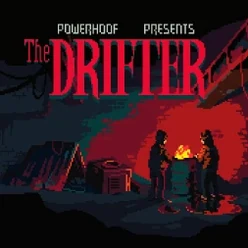
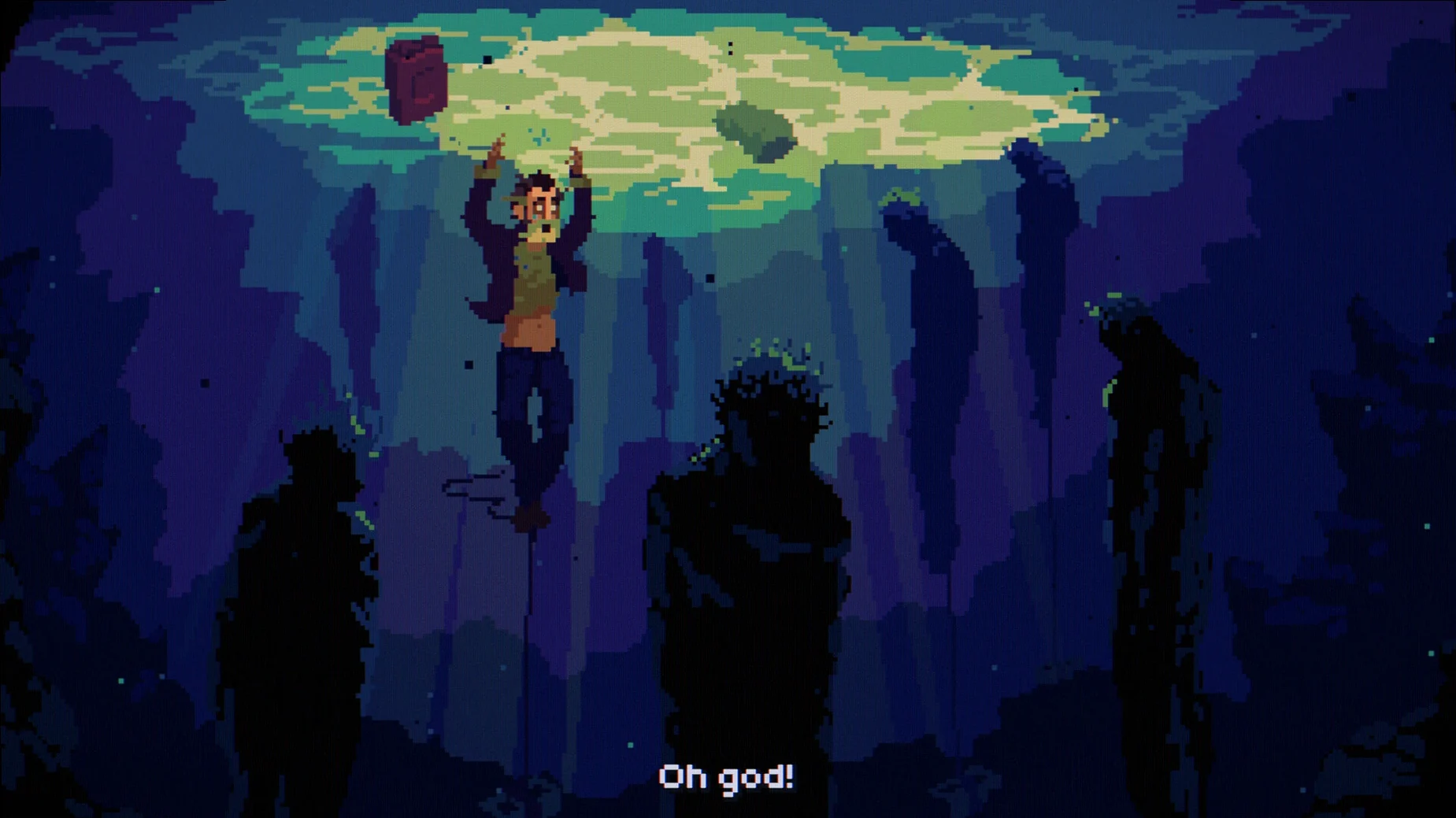
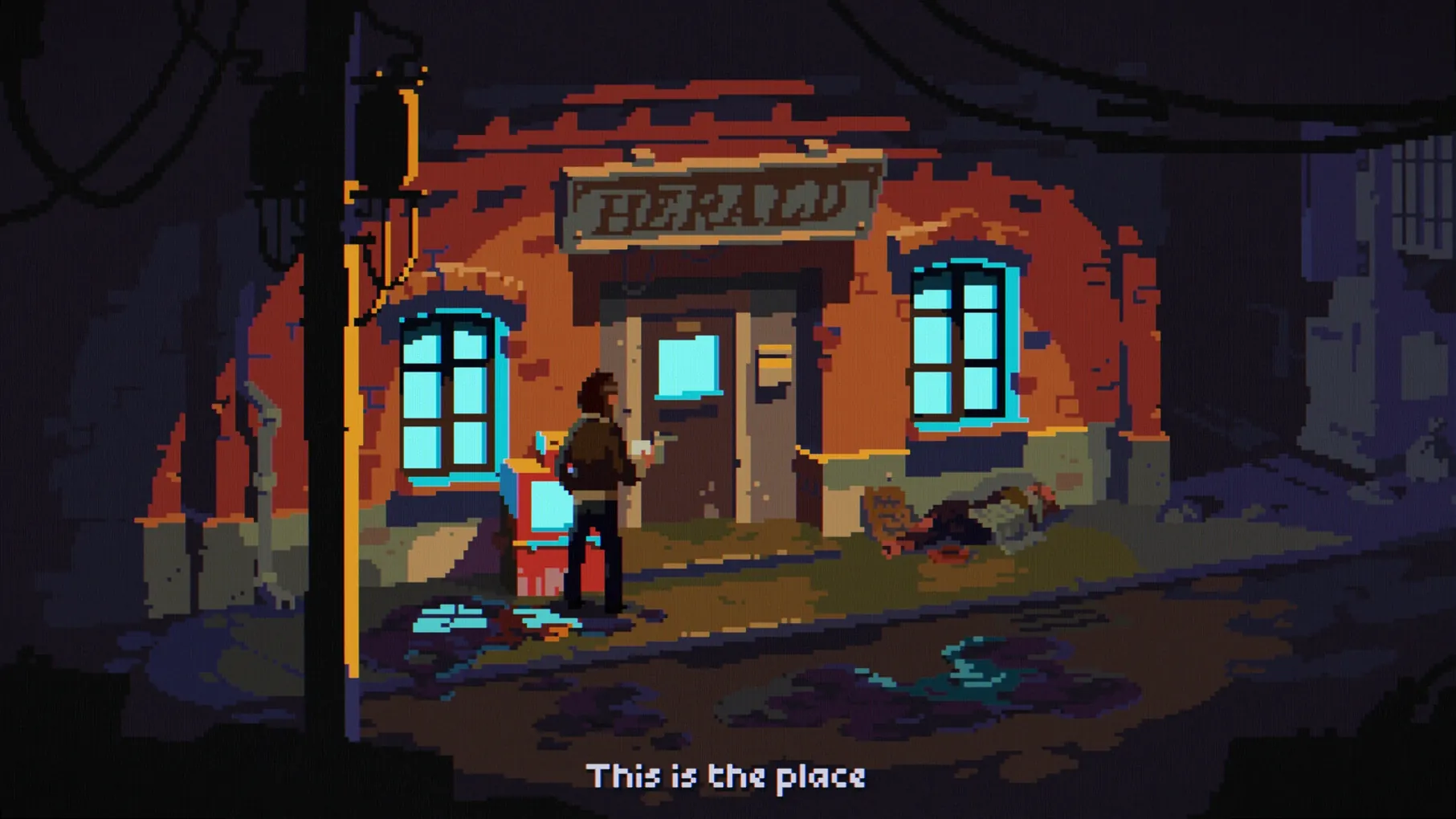
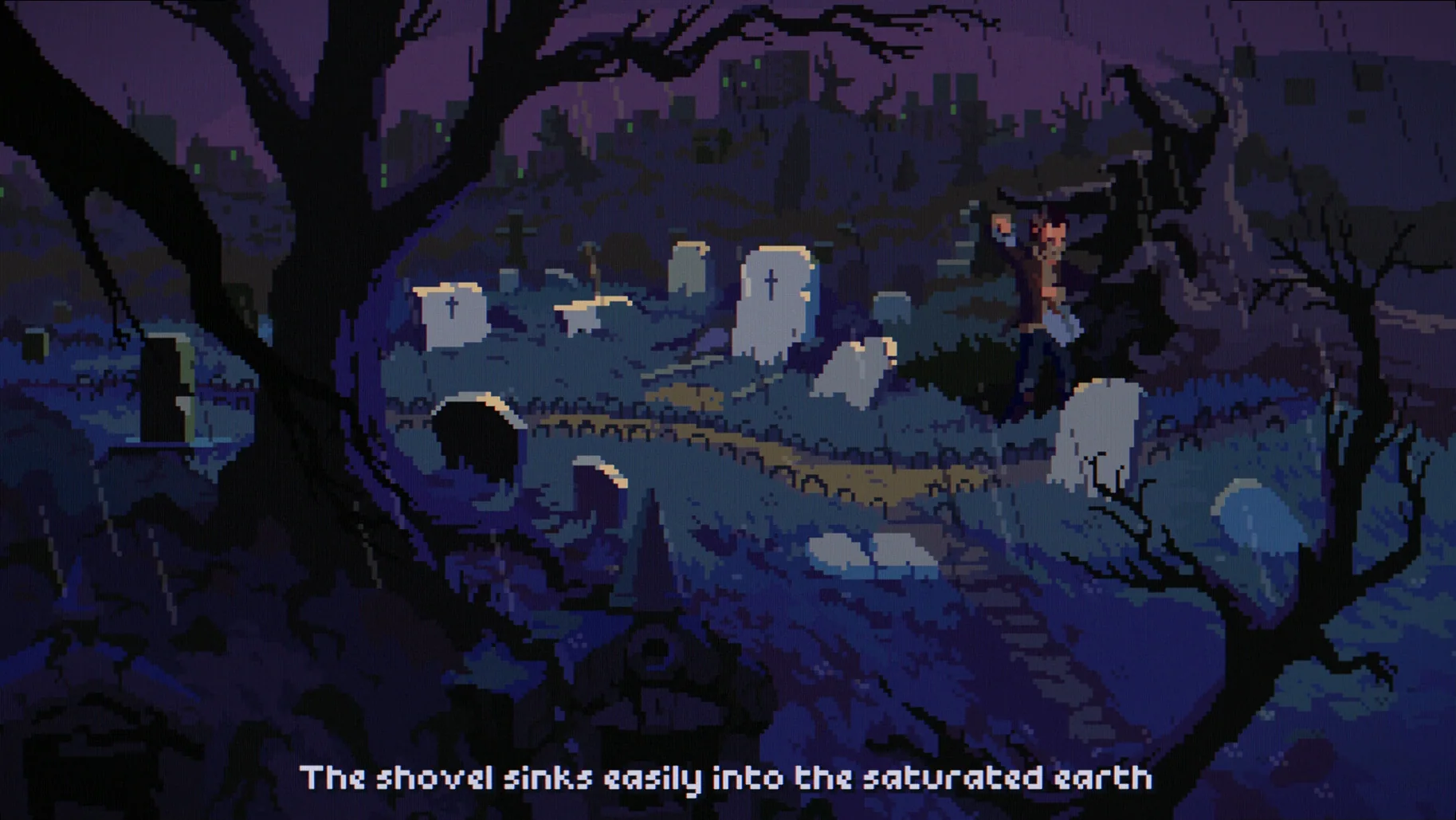
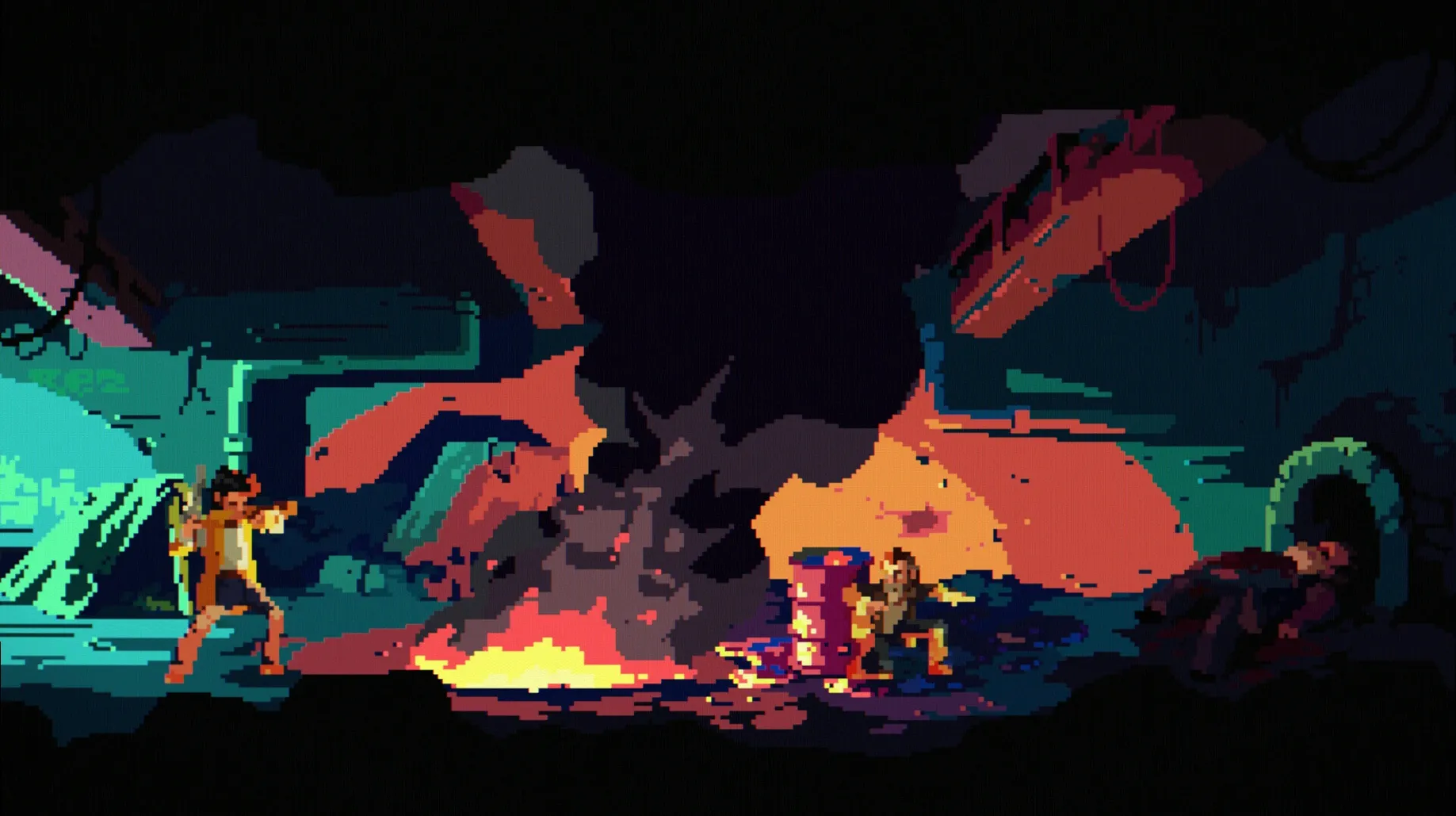
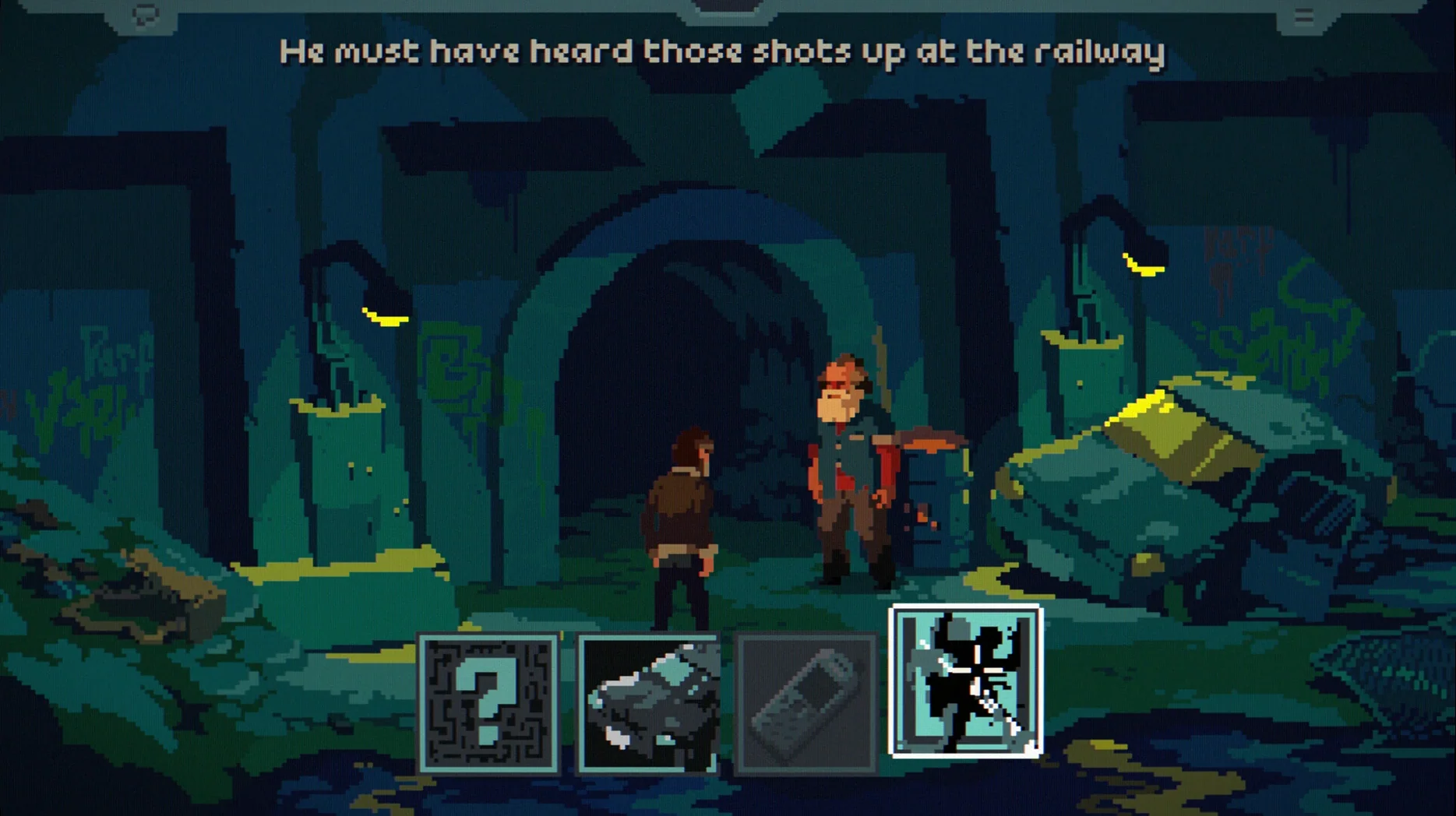
The Drifter is a fast-paced point-and-click thriller about a man swept into a murder conspiracy.
Compatibility
Architecture — runs on both Intel and Apple Silicon Macs.
Controls — mouse or gamepad.
Pixel art, synth soundtrack, and a story that keeps you clicking
Pixel art visuals, a dark synth soundtrack, and a story that keeps you clicking. The genre is Adventure, Indie, and it's also out on Windows and Linux. Developed by Powerhoof and Dave Lloyd, it's a solid pick if you like narrative-driven puzzles with a tense mood.
Hesitating on a hotspot can cost you a clue
New players often treat The Drifter like a traditional slow-paced point-and-click. It isn't. The "fast-paced" tag is literal — scenes can escalate quickly, and hesitating on a hot spot can cost you a clue or trigger a failure state. A few patterns I see repeatedly:
- Not reading the environment before clicking. The pixel art hides interactive elements in plain sight. Beginners click characters first and miss objects that are sitting in the background. Slow down long enough to mouse over everything in a room before you talk to anyone.
- Ignoring gamepad support. The game supports twin-stick control with a gamepad, but most people start with mouse-only and never try the alternative. If you own a controller, it's worth testing — the movement feels more natural for chase sequences.
- Skipping dialogue. Professional voice acting is present, and the story is the reason to play. Speed-reading the subtitles and clicking through skips context you'll need later. Let the audio play through at least once.
- Forgetting that Mick dies early. The premise — he returns to his body seconds before death — means your first failure isn't the end. New players sometimes restart the whole game instead of letting the narrative catch up.
Scenario: a weekend detective
Say you're someone who plays one or two narrative games a month. You sit down Friday night with a drink, headphones on, and you want something that respects your time. The Drifter fits that slot well.
Over a weekend you can get through the main story without rushing. The pixel art looks good on a laptop screen at native resolution, and the synth soundtrack sets a mood that carries through a session. You won't need to take notes — the game's clues are presented clearly enough that a single playthrough is satisfying. The DRM-free build means you can copy the folder to an external drive and pick it up on another Mac without reinstalling.
The only friction for this kind of player is the initial control adjustment. If you normally play slower adventures, the first hour may feel frantic. Stick with it — the pacing is deliberate, not punishing.
Version 1.1.5 fixes a third-act progression blocker
The current build, version 1.1.5, addresses a few quality-of-life issues that affect everyday play on Mac:
- Fixes: Corrected a progression blocker in the third act where an interactive object could become unresponsive after a specific dialogue sequence. Fixed audio desync during a late-game cutscene that affected some Intel Macs.
- Changes: Adjusted subtitle timing on several scenes so the text stays on screen long enough to read at a normal pace. The gamepad dead zone was tightened — less drift on analog sticks during quiet exploration sections.
Neither change alters the core experience. If you played an earlier version, you can update without losing saves; the save format remained compatible.
Switch subtitle language before the first cutscene
Before you start, open the options menu and adjust these two things:
- Subtitle language. The game ships with English, German, and Russian text. If English isn't your first language, switch to your preferred option before the first cutscene — you can't change it mid-playthrough without restarting.
- Control scheme. The default is mouse. If you have a gamepad, switch to it in the controls menu and try the twin-stick layout for at least ten minutes. You can revert anytime, but the game was designed with both input methods in mind.
Everything else — volume, screen mode, text speed — is fine at default values for most setups.
- macOS version: not specified
- Architecture: Intel and Apple Silicon
- Other: none listed
Questions from the notes
Does The Drifter support gamepads on Mac?
Yes, the game works with both mouse and gamepad controls.
Is The Drifter available on other platforms?
It is also available on Windows and Linux.
Install procedure
- Run the installer.
- Pick a destination when prompted.
- Drop it in the Applications folder if you want it there.
Reports from players
Sign in or create a tester account to file a report.
No reports filed yet.