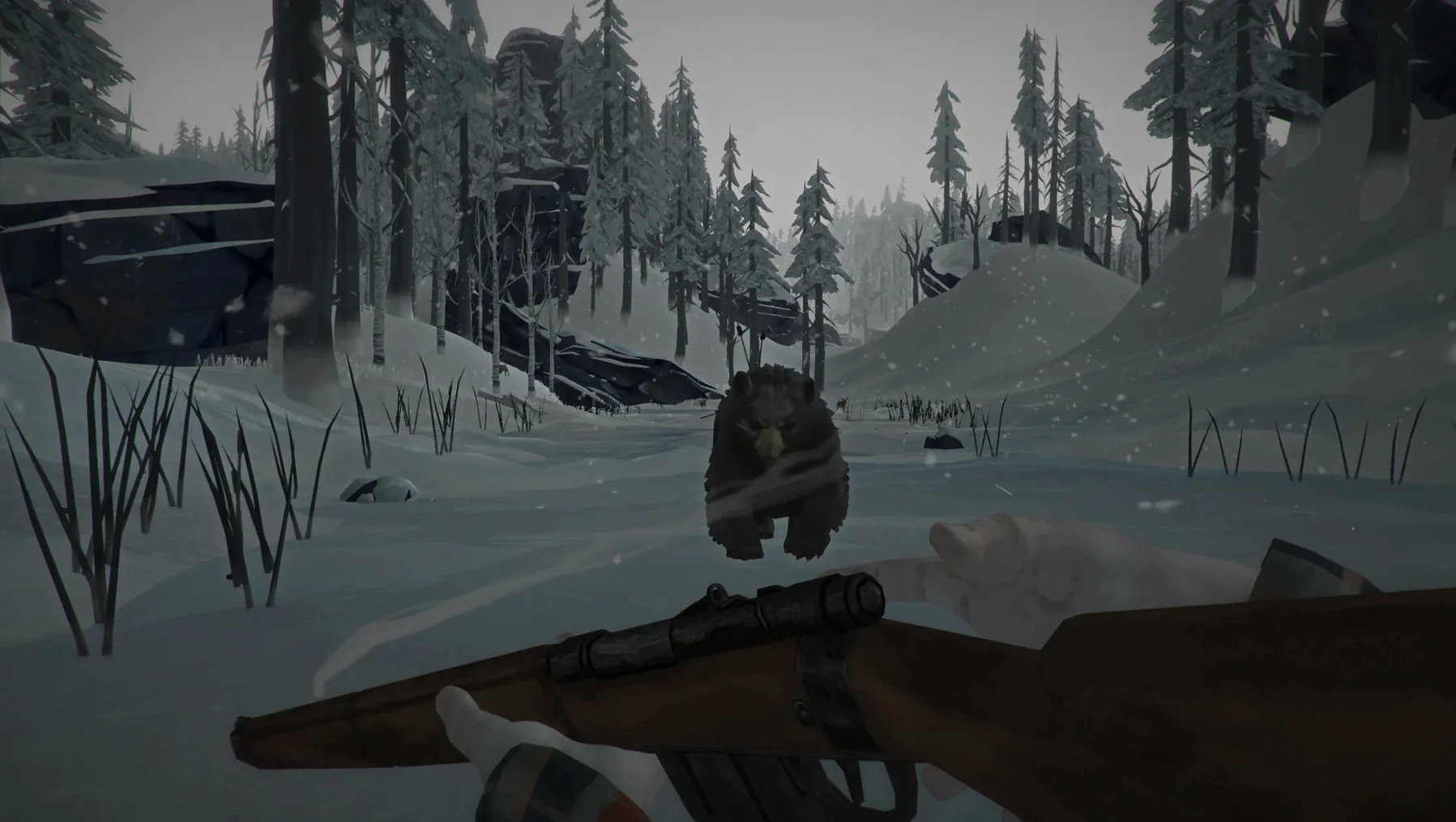
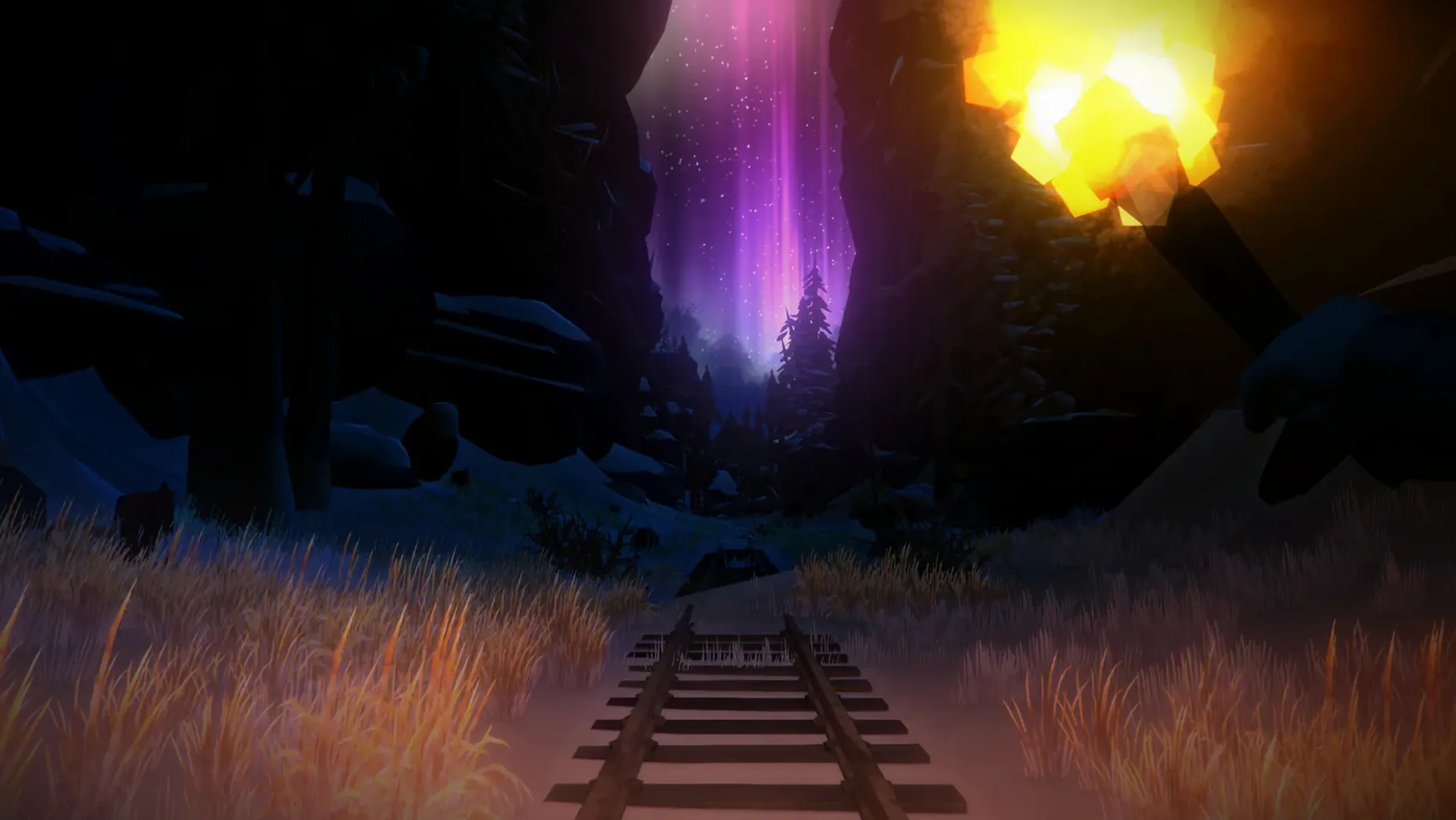
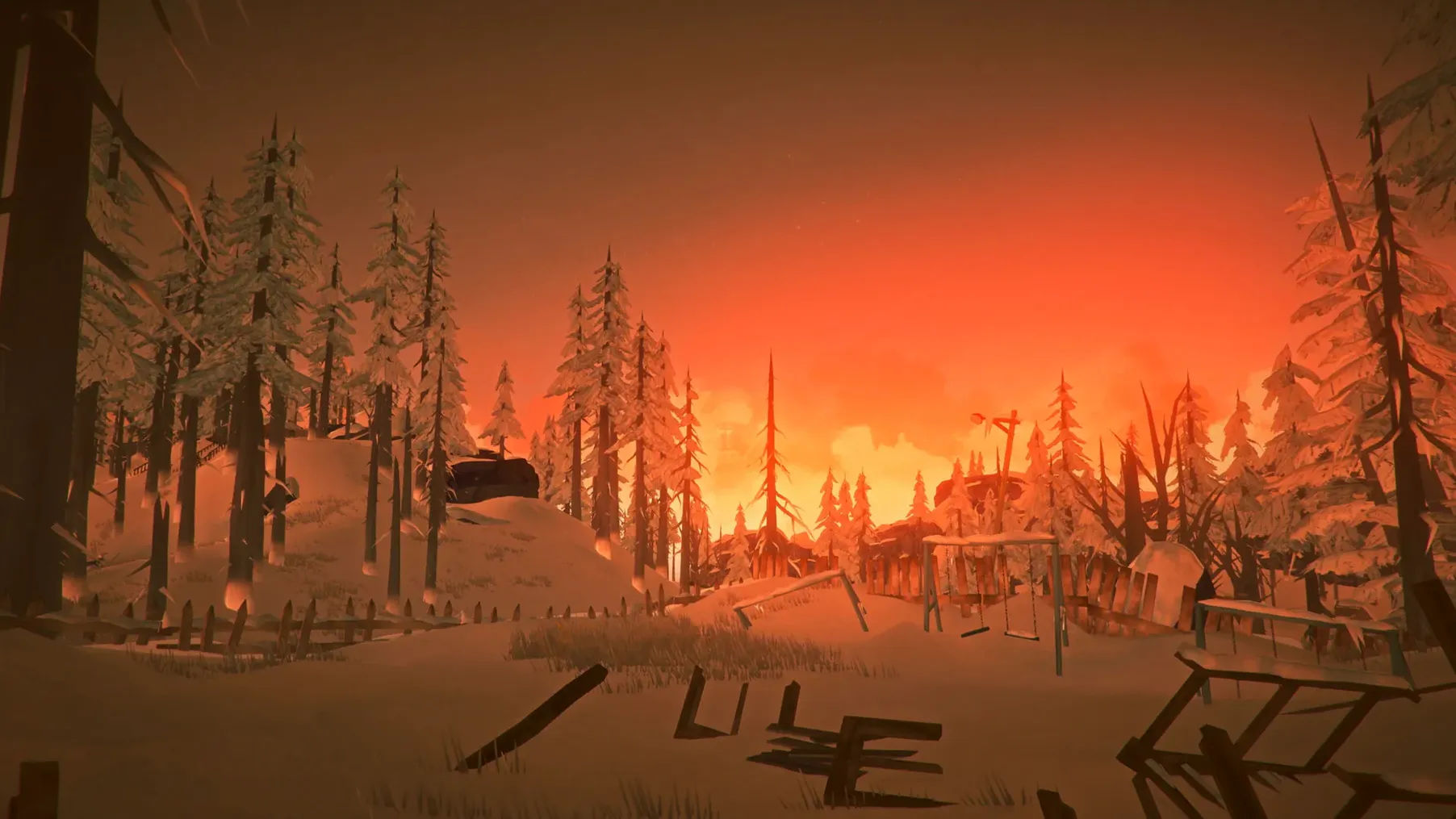
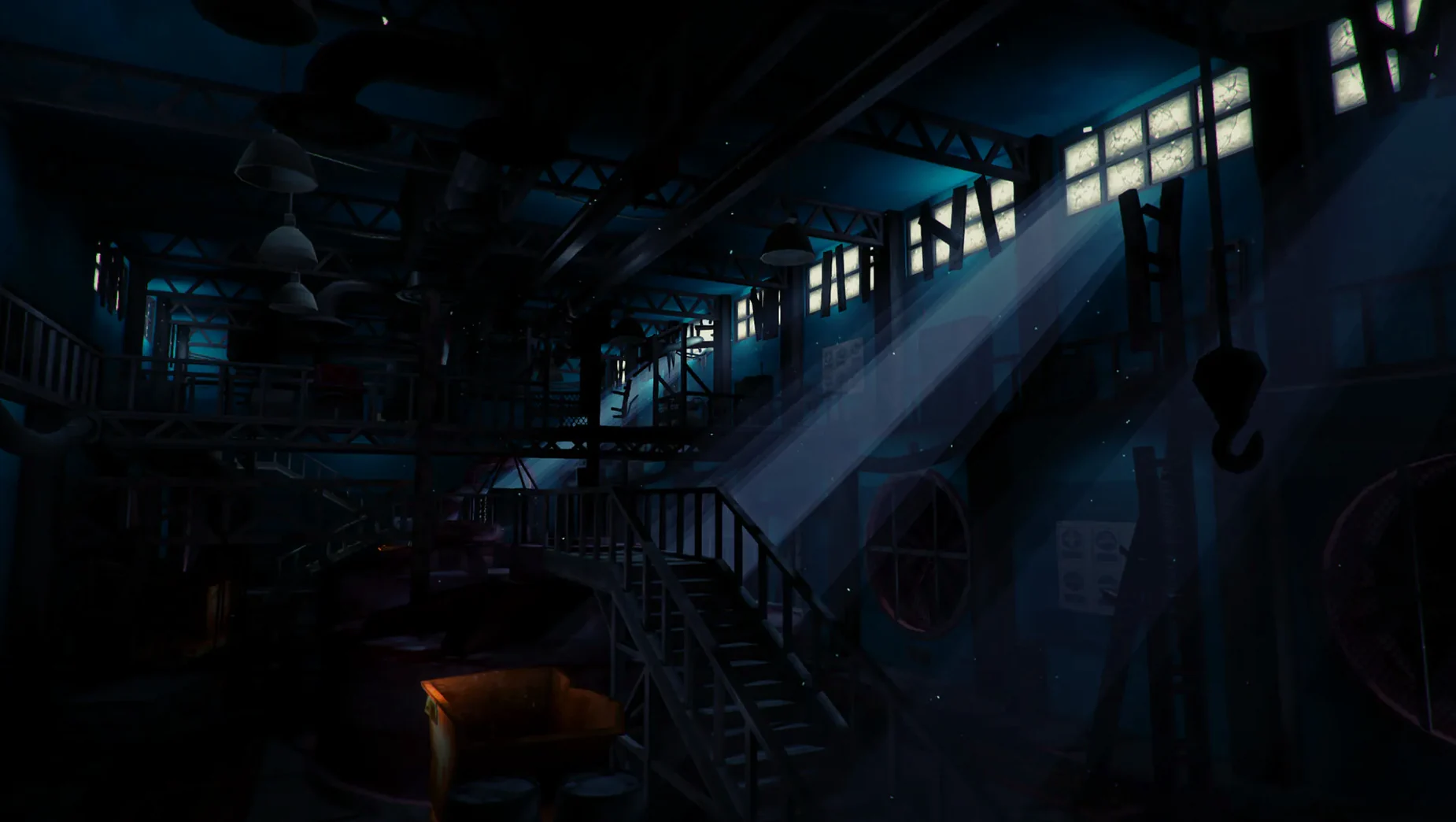
The Long Dark is an exploration-survival game set in a vast, frozen wilderness, designed for solo players who prefer isolation over multiplayer chaos.
You will enjoy it if you like slow, deliberate survival — managing cold, hunger, fatigue, and wildlife while navigating a silent, beautiful landscape. The episodic story mode (WINTERMUTE) follows Will Mackenzie and Dr. Astrid Greenwood through a narrative driven by choices and resource scarcity. The sandbox mode lets you set your own difficulty and simply exist in the cold.
You will not enjoy it if you need fast action, constant combat, or cooperative play. There is no multiplayer, no hand-holding tutorial, and the pacing is deliberately unhurried. The lack of supernatural threats or crafting complexity might disappoint players accustomed to genre hybrids, and the permadeath in survival modes can feel punishing.
White noise on launch and other quirks
The Long Dark version 2.55 is stable on both Apple Silicon and Intel Macs, but a few quirks show up depending on your setup.
- White noise on launch. This is the most frequent issue after copying the app. The game's graphics engine defaults to software rendering on some systems and produces loud, unusable white noise. The fix is straightforward: open Terminal and run
/Applications/tld.app/Contents/MacOS/tld -force-glcore. That flag forces the GLcore renderer, which clears the sound. You only need to do this once — subsequent launches via Launchpad work normally. - App does not open after dragging. A few users drag the folder instead of the .app file inside the disk image. The disk image contains a single application bundle. Drag that bundle (tld.app) to the Applications folder alias shown in the Finder window. Launching from Launchpad afterwards avoids any confusion about where the binary lives.
- Language resets after a crash. The game saves language preferences in the configuration file, but an unexpected shutdown can revert it to English. The workaround is to change the language again from the in-game options menu before resuming your game. The setting sticks once you quit normally.
- Mouse cursor disappears in menus. This happens on some MacBook Air models when running at non-native display scaling. Switching the game to fullscreen mode from the video settings restores the cursor. You can toggle back to windowed mode afterwards if you prefer.
Open the .dmg and drag tld.app into Applications
Here is a reproducible sequence for beginning WINTERMUTE Episode 1 with minimal friction.
- Open the downloaded .dmg file. Drag tld.app into the Applications folder alias and wait for the copy to finish.
- Launch the app from Launchpad. If you hear static or a blank audio stream, quit the app, open Terminal, run
/Applications/tld.app/Contents/MacOS/tld -force-glcore, then close Terminal. Launch again normally. - From the main menu, select WINTERMUTE. Choose New Game. The game defaults to English interface and subtitles with English voice. If you want another language, change it in Settings before starting Episode 1.
- Follow the opening cutscene. The game gives no explicit objectives — your journal and the environment are your guides. Prioritise finding shelter and a fire source within the first in-game hour. The cold drains your condition quickly.
- Save often. The game autosaves at certain checkpoints, but you can also save manually from the pause menu. Permadeath is active in WINTERMUTE, so a wrong step into a wolf den or an empty fuel tank ends the run.
Bind a hotkey for the journal
These are not strategies — just observations that make the first few sessions less frustrating.
- Bind a hotkey for the journal. The journal is your mission log, map, and clue repository. You will open it constantly. Assigning a keyboard shortcut (the game lets you rebind keys) saves time versus digging through menus.
- Learn the visual cues for hazards. The game does not highlight dangerous terrain or animal territories. Cracks in the ice, animal tracks, and wind patterns all signal something. Paying attention to the environment replaces the need for UI warnings.
- Test the audio on headphones first. The Long Dark uses ambient sound for direction — wind, footsteps on different surfaces, distant wolf howls. On internal speakers the directional detail is muted. Headphones let you hear which direction a threat is moving.
- Reserve a save slot for testing actions like lighting a fire without proper fuel or crossing a river. When you find a combination that works, you can reproduce it in your main save without losing progress.
You must play the episodes in order
Do I need to play the episodes in order?
Yes. WINTERMUTE Episode 1 establishes the setting and the initial state of the characters. Episode 2 continues from that point. There is no chapter select or episode skipping in this version. You begin at the start and move forward.
Is this the full game or an early access build?
Version 2.55 is a complete release that includes the first two episodes of WINTERMUTE plus the standalone Survival Mode. It is not early access. The developer, Hinterland Studio, has continued updating the game over the years, and this build incorporates those refinements.
Can I jump straight into Survival Mode without playing WINTERMUTE?
Yes. Survival Mode is separate from the narrative campaign. It uses the same mechanics and map but has no story, no scripted events, and no character progression tied to the plot. You choose your starting gear and difficulty, then survive as long as you can.
Will the game run on a Mac with Intel graphics?
Yes. The installer supports both ARM and x86 64-bit architectures. The game's minimum requirements are modest, and it was tested on macOS Sequoia. If you experience performance stutter, lower the resolution and turn off shadows in the video settings. The -force-glcore startup flag also helps on older Intel GPUs.
How long does a typical Survival Mode session last?
That depends entirely on your settings and luck. A cautious player with favourable weather might last two in-game weeks. An aggressive player who takes risks can die within the first hour. The mode is designed to be replayable, not to deliver a fixed runtime.
For players who value atmosphere, resource management, and a quiet challenge, The Long Dark delivers exactly that.
No specific patch notes were provided for build 2.59 Native. The update brings the client in line with the current native Apple Silicon and Intel binaries.
- Architecture: Apple Silicon, Intel 64-bit
- macOS version not specified by the developer for this build
Questions from the notes
Does The Long Dark have a story mode?
Yes, WINTERMUTE is the episodic story mode that follows the journeys of Will Mackenzie and Dr. Astrid Greenwood.
Install procedure
Great Bear Island fits in a 9.5 GB download, and the build works straight off on Intel and Apple Silicon Macs. Three steps get you into the cold.
- Open the downloaded disk image and drag the app bundle into the Applications folder shortcut.
- Wait for the copy to finish, then launch the game from Launchpad or the Applications folder.
- If the screen fills with white noise on launch, open Terminal and run:
/Applications/tld.app/Contents/MacOS/tld -force-glcore
Reports from players
Sign in or create a tester account to file a report.
No reports filed yet.