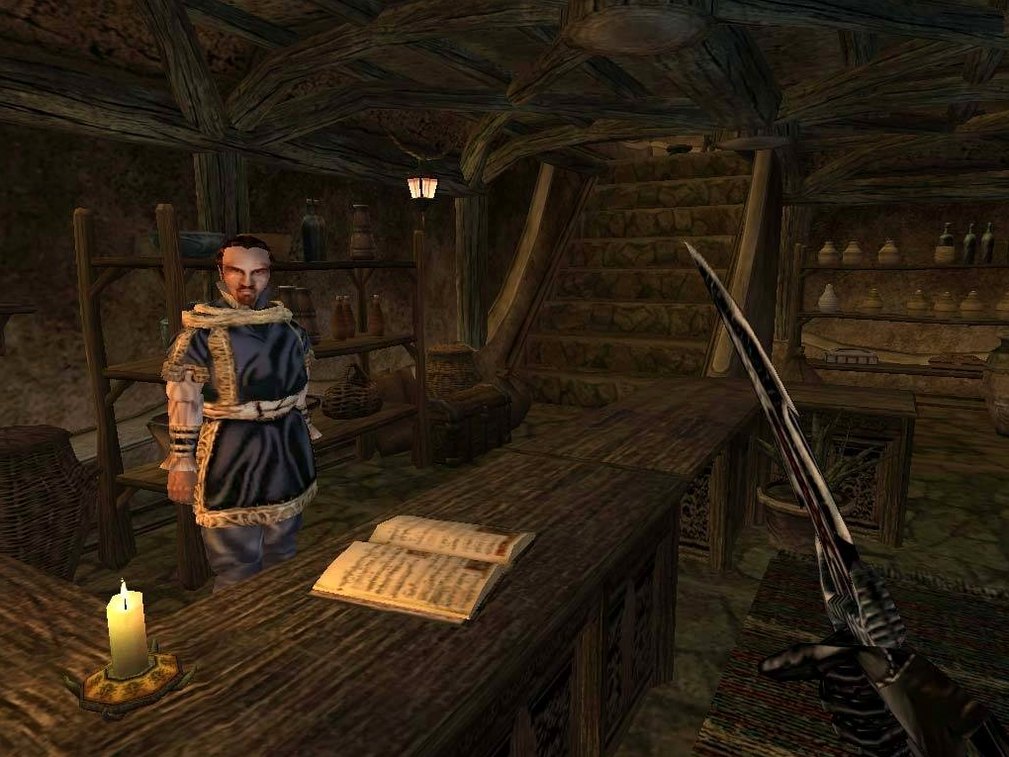
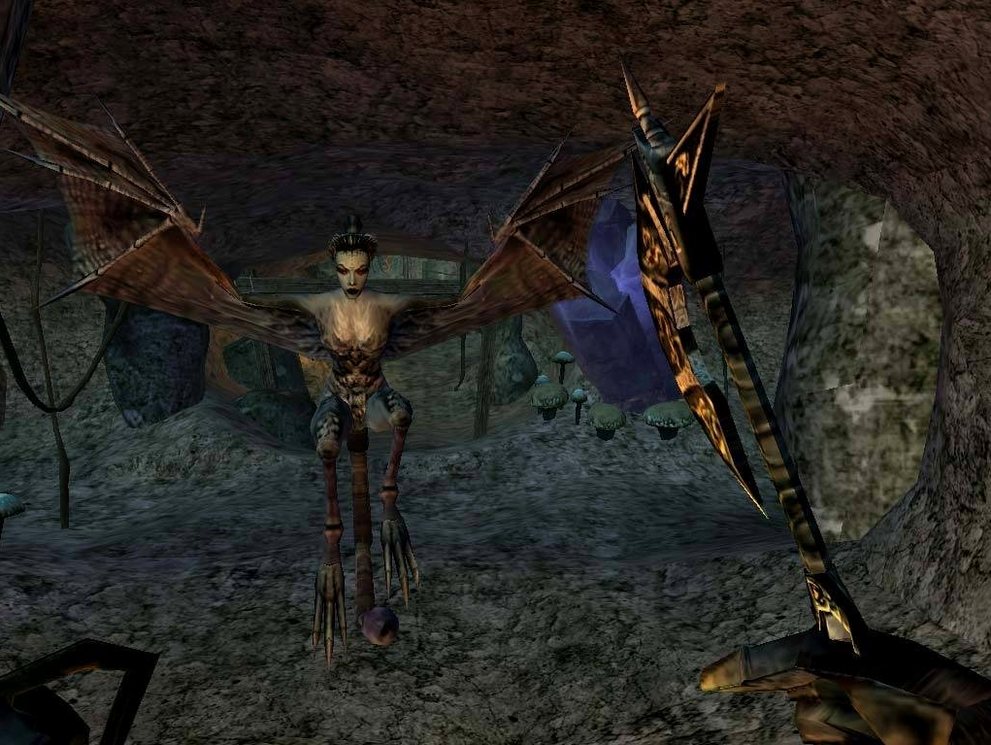
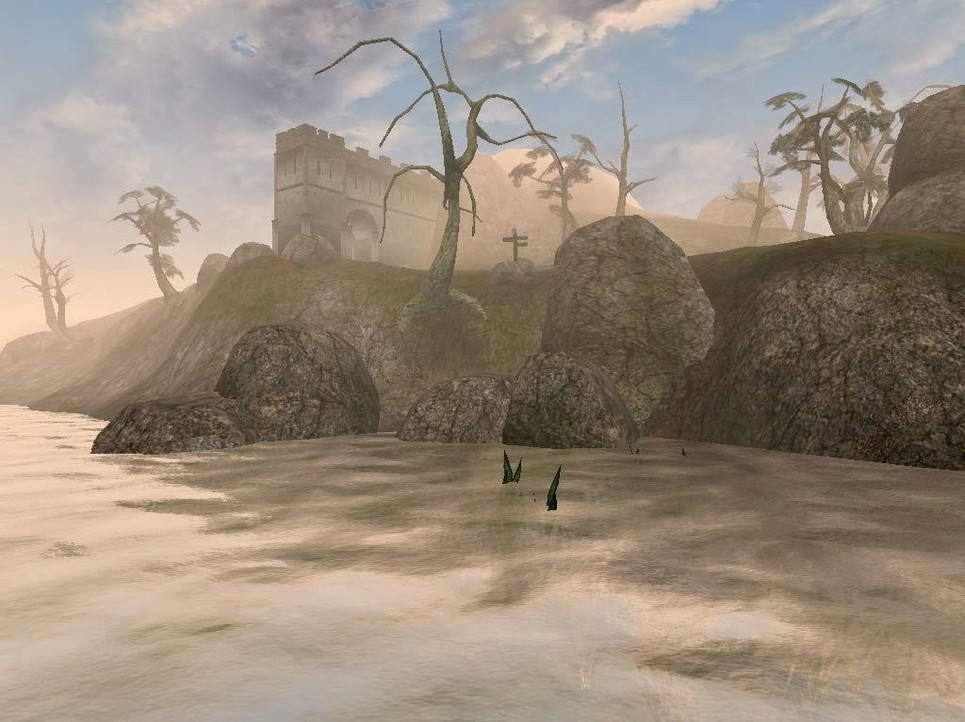
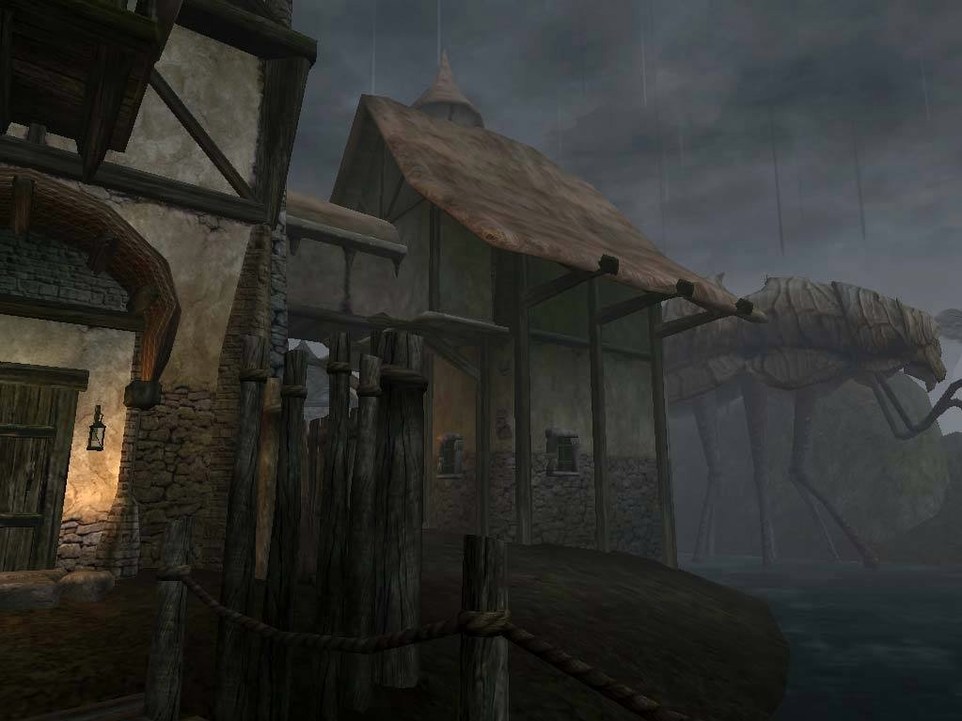
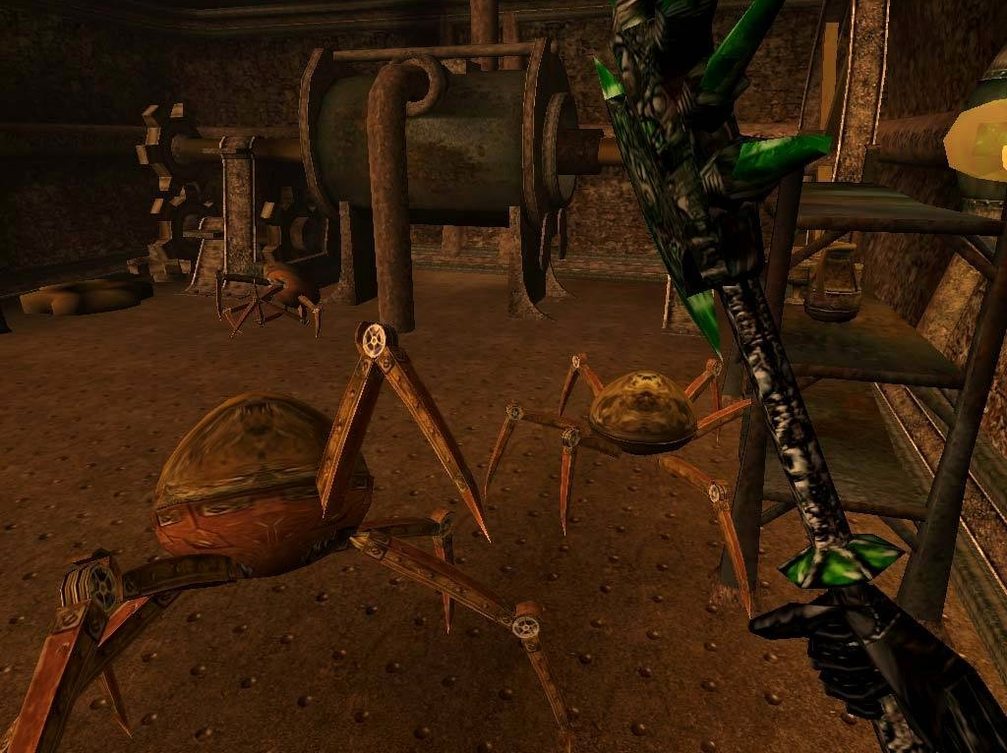
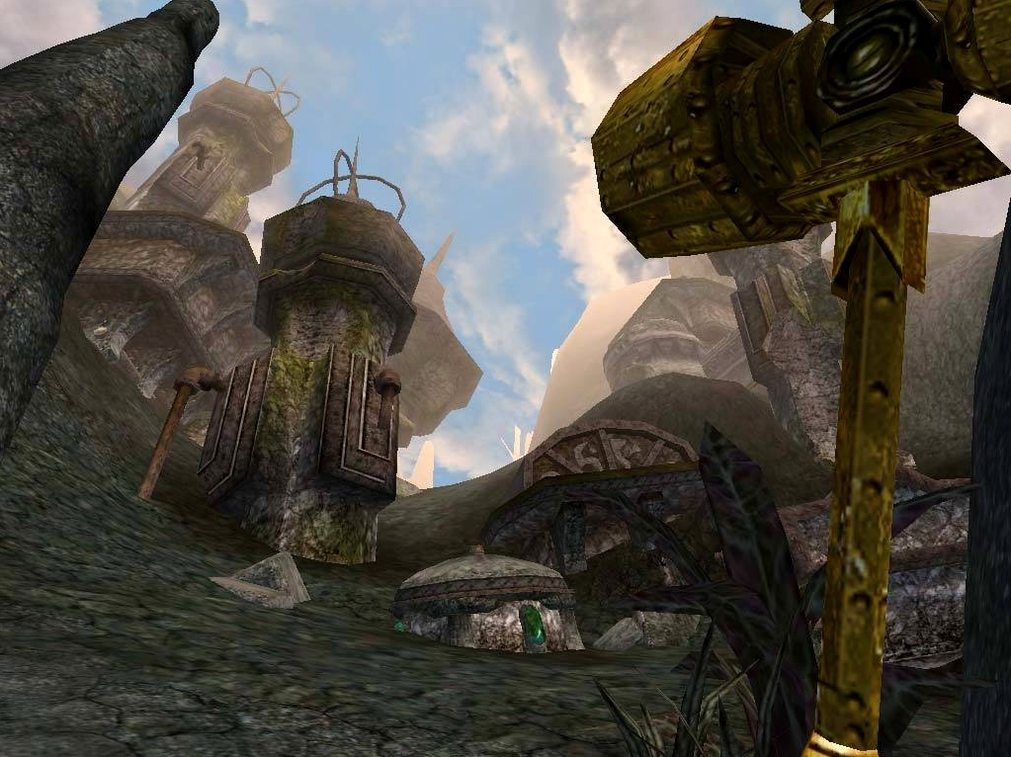
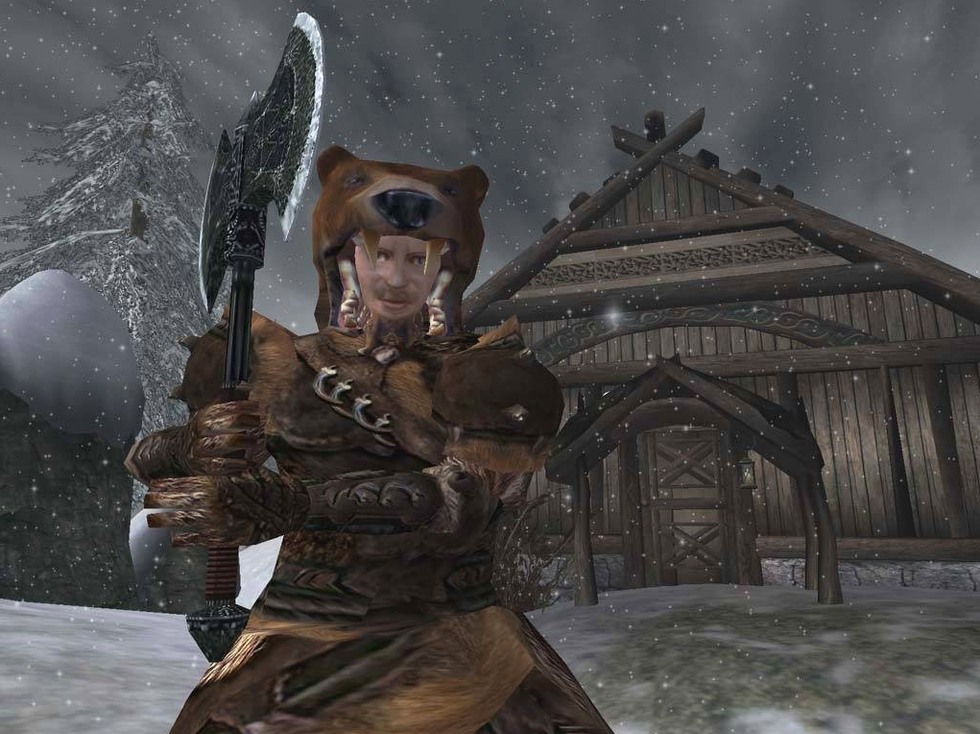
The journal interface in Morrowind is not a quest log you can sort by location; it’s a running text file of everything your character has heard, which means you read through it to find the next step. That is the kind of old-school design you either tolerate or love.
What this is
The Elder Scrolls III: Morrowind for macOS — The 2002 open-world RPG, playable on modern Macs through the OpenMW engine version 0.50.0.
OpenMW — A complete, open-source game engine that runs Morrowind (or custom projects made with OpenMW-CS). It replaces the original executable, adding modern rendering, gamepad support, and fixes for normal/parallax mapping.
The setting — The province of Morrowind on the continent of Tamriel. Eight regions, an active volcano on the island, and a main story you can follow or ignore in favor of free exploration.
Combat — Real-time, dice-roll-based under the hood. You swing, the game calculates hit chance from your stats.
Who it is for — Players who want Morrowind without the original engine’s stability issues and who are comfortable with a journal that does not hold your hand.
Controller support works best for OpenMW players
Morrowind on OpenMW is not the universal solution for every Mac user who wants to revisit Vvardenfell. The people who get the most value out of it share a few traits.
Players who want controller support that works. OpenMW 0.50.0 added proper gamepad handling, which means you can sit back with a controller the same way you would on a console. The original engine’s controller support was minimal and flaky; OpenMW makes it a first-class input method.
Modders who need stability and a scripting API. The expanded Lua scripting in 0.50.0 opens up mods that were impossible or fragile under the original engine. If you already have a mod list or plan to build one, OpenMW is the better foundation. Save files are accessible under /users/your username/Library/Preferences/openmw/saves/ — easy to back up between mod experiments.
Mac users who dislike fighting with Rosetta. The original Morrowind executable is Intel-only and often requires WINE or Crossover to run at all. OpenMW ships as a native Mac app for both Apple Silicon and Intel, so no translation layer. It just launches.
Players who want to explore without quest markers. OpenMW does not add a quest compass or arrow. The game stays true to its 2002 design. If you want to read the journal, talk to NPCs, and follow written directions, this is exactly the version for you.
Workflow: setting up and starting a new game
This walkthrough covers a clean install from the disk image to walking out of the Census and Excise office in Seyda Neen. It assumes you have a legal copy of Morrowind’s data files elsewhere on your machine.
- Open the disk image. Double-click the .dmg file. Read the README inside — it contains the latest notes on where to place your Morrowind data folder if OpenMW does not find it automatically.
- Copy OpenMW to your Applications folder. Drag the app out of the disk image. Launch it once. If you see an error, run the Fix file that ships in the same disk image before trying again.
- Point OpenMW to your data files. The launcher will ask for the path to your Morrowind installation. Navigate to the folder that contains
Morrowind.esm. OpenMW reads the original assets; it does not need the original executable. - Configure graphics before launching. Go to the Advanced tab in the launcher. If you see no picture or a purple screen after launch, come back here and turn off Enable post processing. If the game stutters or crashes on the first loading screen, enable vertical sync under Graphics before you try again.
- Create a character. Start the game. Pick a race, class, and birthsign. The real-time combat may feel clunky at first because hit chance is tied to your skill level — swinging at a mudcrab with a long blade skill of 5 will miss often. That is working as designed.
- Save early. Once you exit the first building, press Escape and save. The game autosaves only when you rest or transition between zones, and the original journal does not track quests by location. A manual save at the start gives you a clean fallback.
Fixes for Morrowind's most frequent issues
People run into the same handful of issues. Here is what they are and what usually fixes them.
No picture or a purple screen
This happens when post-processing effects do not translate well to your Mac’s GPU. Open the OpenMW launcher, go to Advanced, and disable Enable post processing. Relaunch. The game will look slightly flatter but will display correctly.
Game crashes on launch or during loading
Enable vertical sync in the Graphics tab of the launcher. V-Sync keeps it in check.
Downloads fail or stall
If you are pulling the game files from a website that uses direct HTTP downloads, use a download manager such as Free Download Manager or Motrix. Both integrate with Chrome-based browser extensions. For torrent files, use qBittorrent — it handles Mac trackers reliably.
Dark interiors or no lighting at all
OpenMW handles lighting differently depending on whether the game runs in full-screen or windowed mode. If interior cells are pitch black or have no visible light sources, try running the game in windowed mode or in full screen with borders enabled. This forces a different render path that fixes the issue on some Mac GPUs.
Characters look weird or textures flicker
This is usually a missing or misaligned normal map. OpenMW 0.50.0 introduced fixes for normal and parallax mapping, but only if your data files contain the correct textures. If you are using mods that replace the originals, check that they were built for OpenMW and not for the original engine with MGE XE.
The journal is too long to read
That is not a bug. The journal appends every line of dialogue your character hears, in order. There is no quest filter. The best workaround is to open the journal and use the search function (Command-F in the launcher’s settings if you bind a key, otherwise click the magnifier icon in the journal UI). Search for a town name or an NPC name to narrow down what you need.
- macOS: version not specified by the developer
- Architecture: Intel and Apple Silicon
- Interface languages: Russian, English
Questions from the notes
Does OpenMW support gamepads on macOS?
OpenMW 0.50.0 adds improved gamepad support, so you can use a controller with Morrowind on your Mac.
What should I do if the game shows a purple screen?
Turn off Enable post processing in OpenMW under Advanced. If the image still looks wrong, try windowed mode or full screen with borders.
Install procedure
- Open the downloaded disk image and read the README file for the next installation steps.
- If OpenMW shows an error at launch, run the Fix file inside the disk image.
- If the image shows no picture or a purple screen, turn off Enable post processing in OpenMW under Advanced.
- If downloads fail, use Free Download Manager or Motrix with a Chrome-based browser extension; for torrent files, use qBittorrent.
- Save files are located at /users/your username/Library/Preferences/openmw/saves/.
- If there is no lighting, run the game in windowed mode or full screen with borders.
- If the game crashes, enable vertical sync in OpenMW under Graphic before launching.
Reports from players
Sign in or create a tester account to file a report.
No reports filed yet.