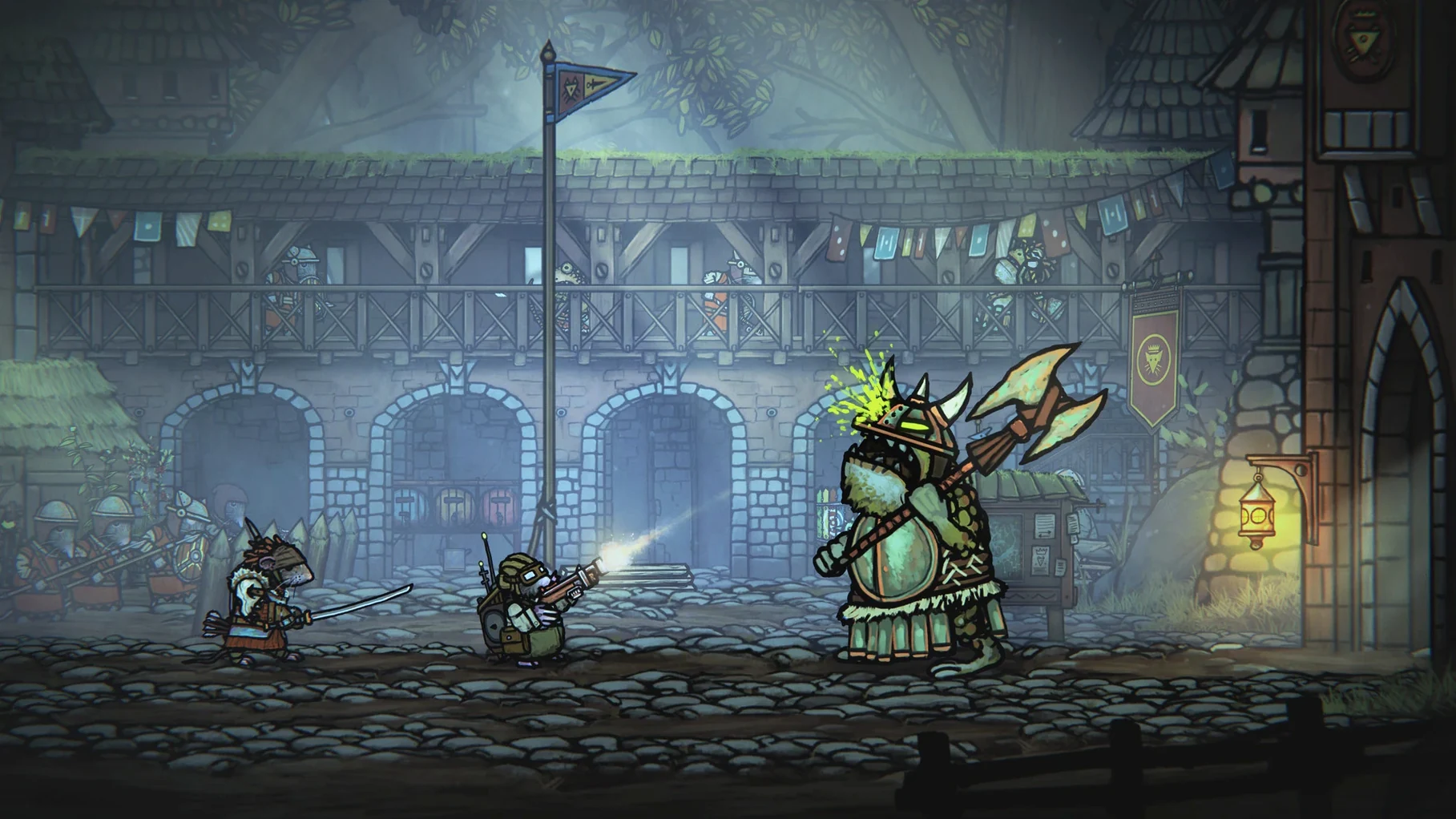
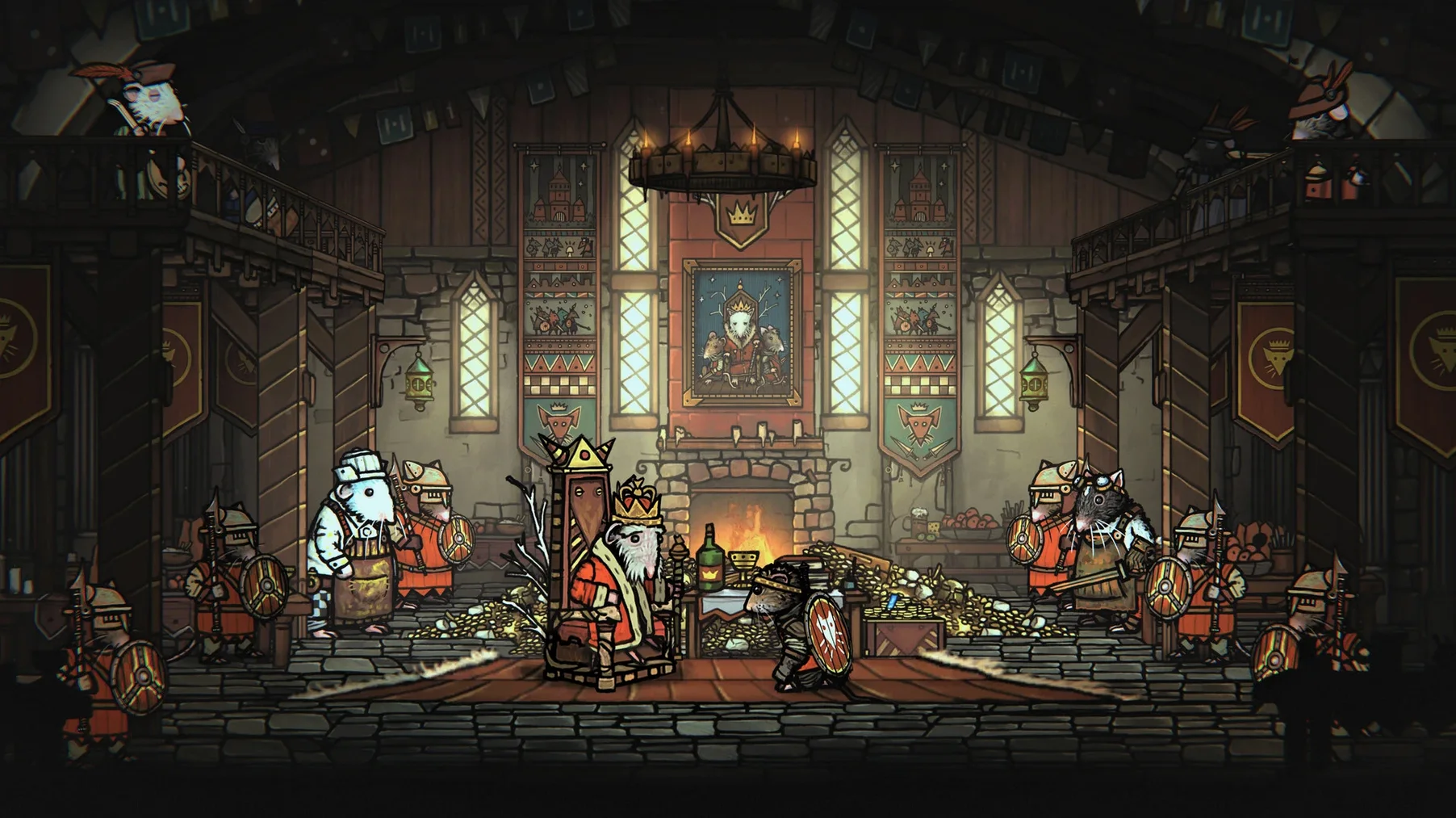
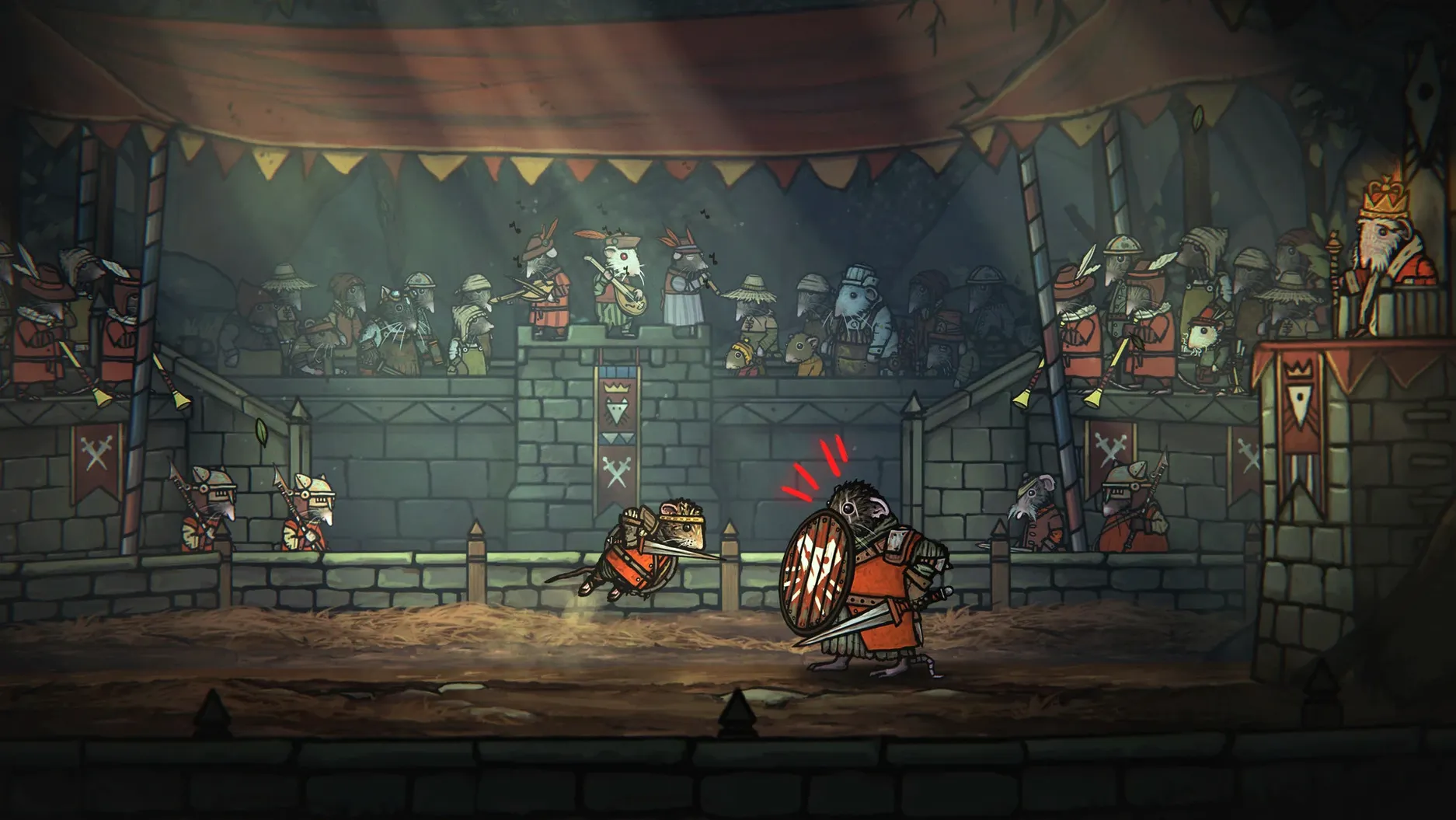
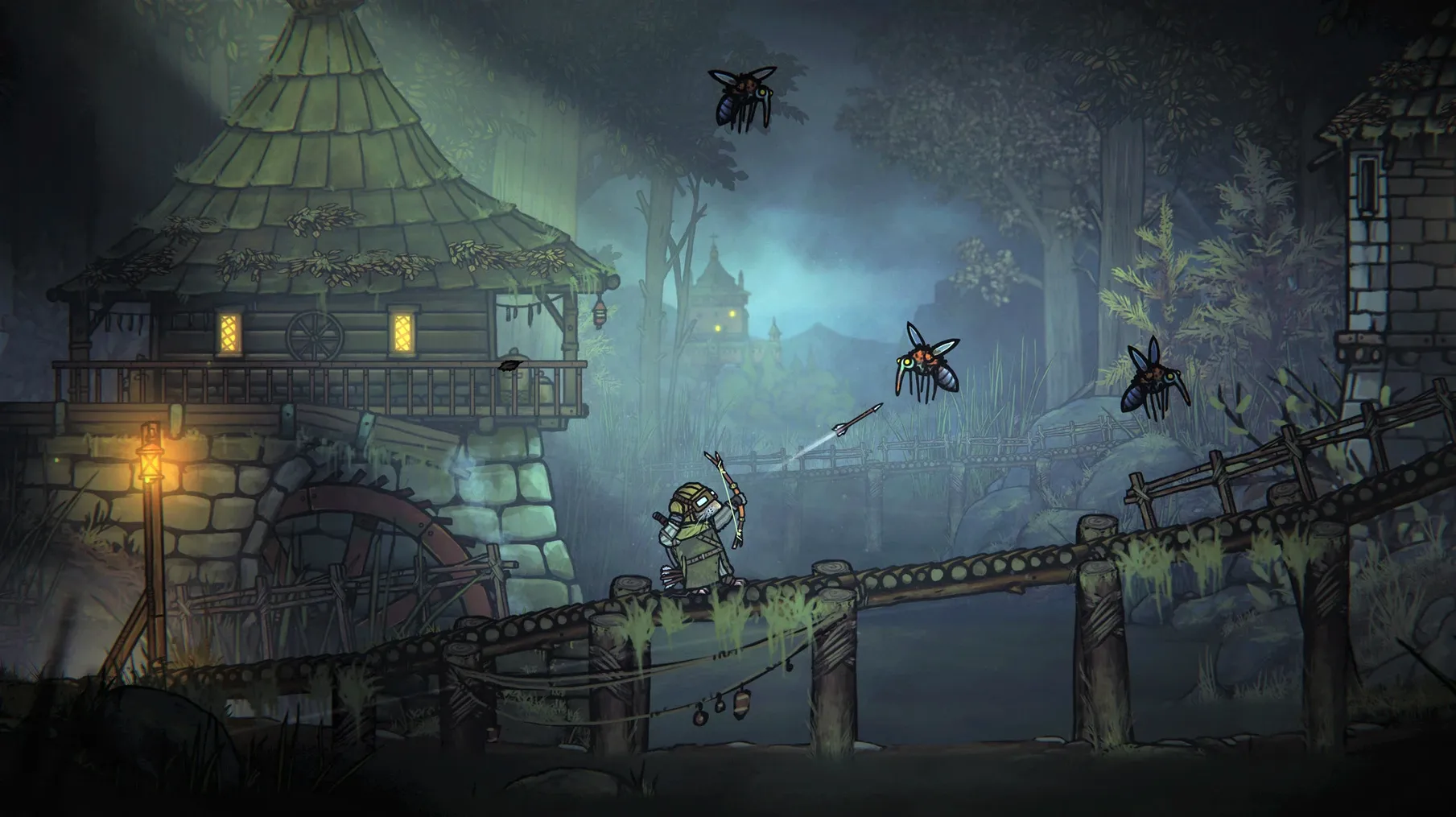
The latest update to Tails of Iron, version 1.52, keeps the focus on stability and polish. It’s still the same grim, hand-drawn action RPG where you play Redgi, heir to the Rat Throne, fighting to drive out the Frog clan. The world is split into six natural zones, and you’ll spend most of your time dodging, parrying, and landing finishing moves on giant Frog commanders. A bow adds ranged options when you need to keep distance.
On a Mac, the game runs on both Apple Silicon and 64-bit Intel machines. It was tested on macOS Sequoia using a MacBook Air with the M1 chip from 2020, and it holds up well at reasonable settings. You can expect solid performance on that hardware, with occasional dips during boss fights when there’s a lot on screen.
Combat is the core, but side quests reward extra gold, which helps with gear upgrades. The game’s hand-drawn art style is distinctive, and the controls map well to a keyboard or controller. If you’re on a Mac and want a challenging action RPG with a dark fairy-tale tone, this is a good fit.
Check every blueprint for meals that raise your max health
Crafting from blueprints isn't just for weapons and armor. The same system covers consumables, so checking every blueprint you pick up is worth the time. Meals cooked from gathered ingredients raise your max health, and that bonus carries across save points, which makes a difference before a boss fight.
The side quests don't just hand out gold. They often sit close to the main path, so grabbing them as you pass through a zone costs little extra travel. Gold from those quests funds gear upgrades, and upgrading early is cheaper than replacing gear later.
The bow is easy to ignore once you're comfortable with parries. It's not just for ranged damage — it lets you pull single enemies out of a group, which keeps fights manageable when the Frog clan sends several at once.
Run the Terminal command if the game won't launch after install
- Game won't launch after first install. This is usually the macOS quarantine flag. Run the Terminal command from the install steps, then launch again.
- Controller not registering. The game handles keyboards and controllers, but if a controller drops input, check the in-game settings before blaming the hardware. Some controllers need the game restarted after plugging in.
- Parry timing feels off. The combat is described as uncompromising for a reason. The dodge has more forgiving timing than the parry, so when you're learning a new enemy pattern, dodge first, parry once you know the wind-up.
- Cutscenes with voice acting. Voice is English only, but the interface has eleven language options. If you want the story in a specific language, set the interface language before starting, since changing it mid-run doesn't retroactively translate earlier lines.
Learn the parry timing in early zones before boss fights
Spend the first session learning the parry against basic enemies, not boss fights. The timing is strict, and the early zones are the cheapest place to make mistakes. If you get stuck on a boss, cook the best meal you can before the fight — the health bonus is a real buffer, not a cosmetic one.
Collect everything you see. Ingredients for meals and materials for blueprints share the same gathering spots, and there's no downside to overharvesting. Blueprints are the long-term goal; grab them whenever they appear.
Finally, don't skip the side quests on your first pass through a zone. The gold they grant compounds through the crafting system, and some of the game's better gear comes from blueprint chains that start as side objectives.
- macOS: unspecified (tested on macOS Sequoia)
- Architecture: Apple Silicon (ARM) and Intel (x86_64)
- Tested on: MacBook Air (M1, 2020)
Questions from the notes
Does Tails of Iron run on Intel Macs?
Yes, the game supports both ARM and 64-bit x86 Macs. It was tested on an Apple Silicon M1 MacBook Air with macOS Sequoia.
What languages are available in Tails of Iron?
The game includes Russian, English, German, Spanish, Italian, Simplified Chinese, Korean, Polish, Portuguese, French, and Japanese.
Install procedure
- Mount the downloaded disk image and drag the app into the Applications folder alias.
- After copying finishes, launch the app from Launchpad.
- If the app cannot be opened, run this Terminal command:
xattr -cr /Applications/TOI.app && codesign --force --deep --sign - /Applications/TOI.app
Reports from players
Sign in or create a tester account to file a report.
No reports filed yet.