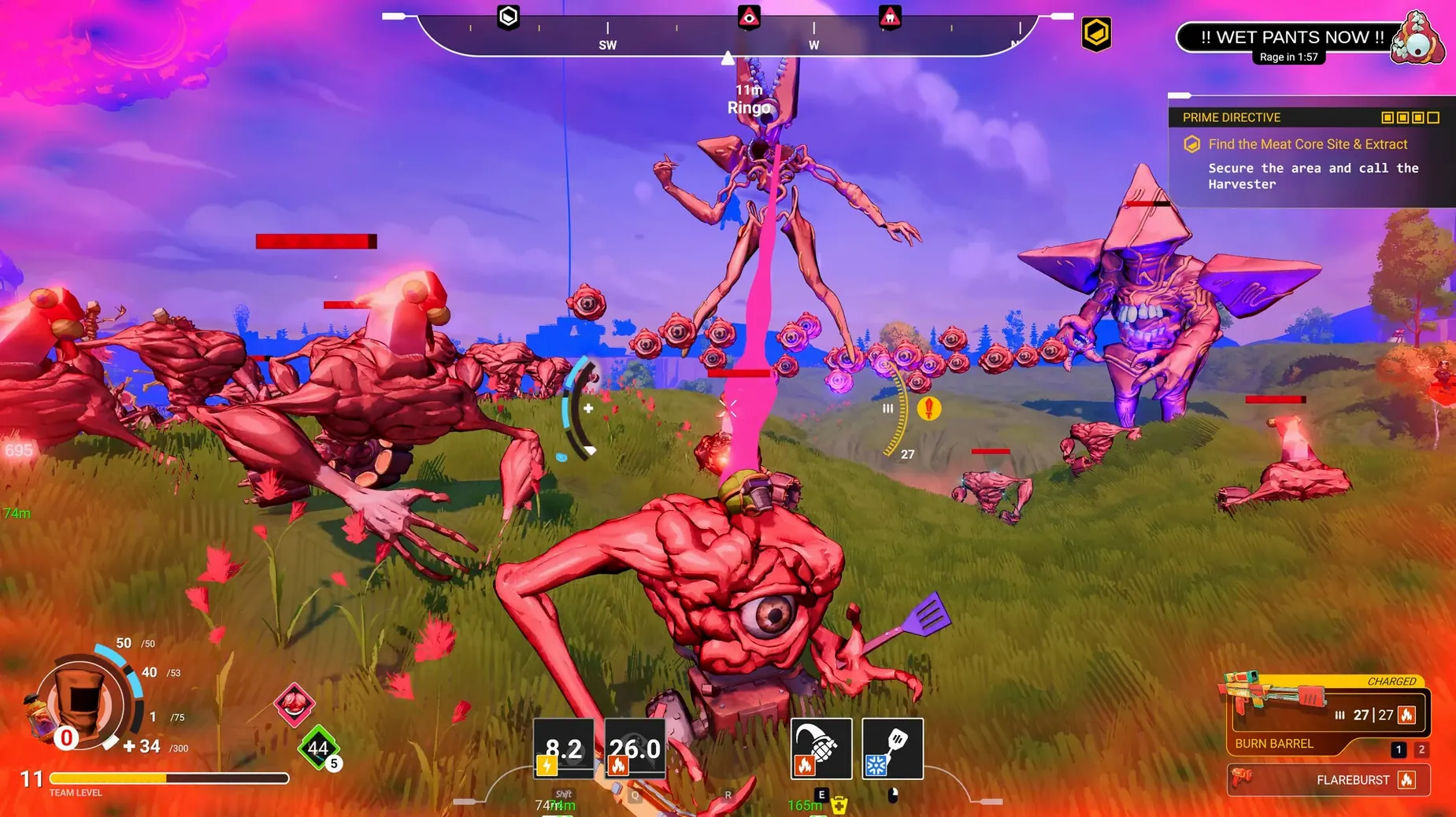

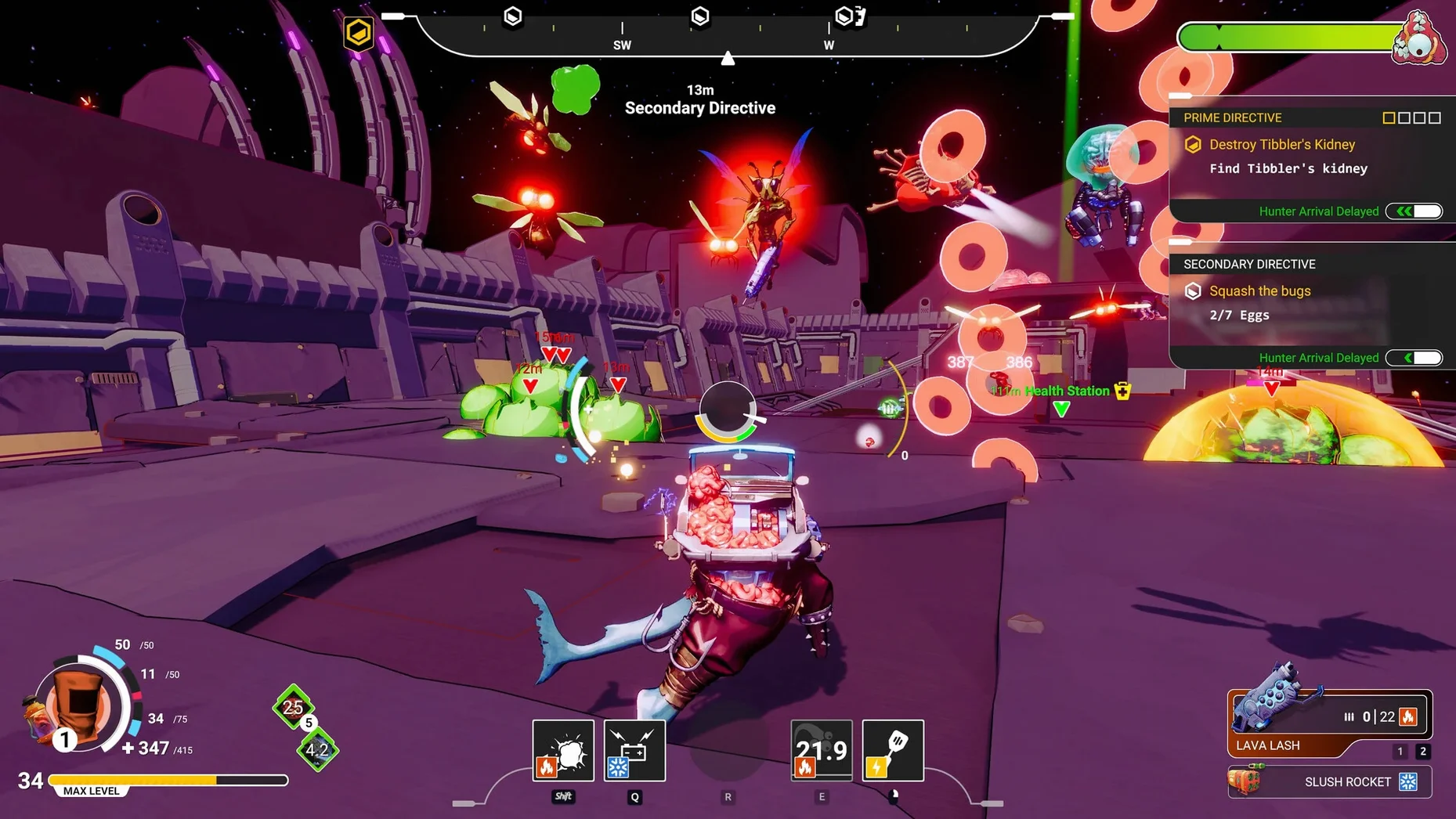
You are three minutes into a run, your human arms replaced by alien claws and a turkey head that launches grenades. That is the normal state of things in Swapmeat, a roguelite action shooter where survival depends on what you are willing to take from the things you kill.
Swapmeat is a third-person action roguelite where body parts change each run
It is a third-person action shooter in the roguelite genre. Each run ends when your body gives out, but the parts you swap in—like legs that grant a triple jump—change how the next attempt plays.
What is the goal?
You fight alien waves long enough to receive an employee evaluation. The body horror is the mechanic, not just the theme.
What does the current version change?
Version 1.8.1 is a hotfix focused on bug fixes. The core loop—shooting, looting alien parts, dying, repeating—stays intact.
Where can it run?
One More Game lists it for Windows, Macintosh, and Steam Deck. The Mac build supports both Intel and Apple Silicon, with English, Spanish, and Portuguese interface options.
Hoarding parts instead of swapping holds beginners back
The most common mistake is hoarding parts. New players find a decent arm or a useful torso and refuse to swap it out, even when a better option drops from the next wave. Swapmeat punishes attachment. The whole loop depends on treating your current body as temporary. If you hold onto a part because it worked once, you are essentially fighting with one hand tied behind your back.
Another recurring issue is ignoring the legs. A triple jump might not sound as flashy as a turret-launching torso, but mobility matters more in the early waves than any single ability. Players who focus only on offensive swaps tend to get cornered fast.
The employee evaluation mechanic also trips people up. It is easy to treat every run as a survival challenge and forget that the game is grading you. Pacing matters. Rushing through every wave without building a loadout that suits the next phase usually ends a run earlier than it should.
Starting a run and swapping a human arm for a claw
You start a run. The first few enemies are basic, predictable. You take one down and see a new arm drop. The swap is quick—you replace your human arm with something that has a visible claw on the end. No stats shown, no tooltip. You just try it and see if it works.
Wave two introduces a larger alien. It takes more hits, and when it goes down, it drops a torso. You slot it in during combat. Suddenly you can place a turret. You drop one, fall back, and let it cover your flank while you pick off the remaining enemies. The flow changes immediately.
By wave four, your build is a patchwork of scavenged parts. The turkey head launches grenades into a cluster of enemies, the legs let you triple-jump over a charging brute, and the torso keeps a turret active near the objective. You are not playing the same game you started. The session keeps moving because the loadout keeps changing.
The run ends during wave six. You see the employee evaluation screen, note where you fell short, and start the next run with a clearer idea of what to look for in the first few drops.
Building a turret-focused loadout from scratch
This workflow assumes you want a run centered on the torso that places turrets. It is not the only way to play, but it gives a clear goal during the early waves.
- Prioritize survival in the first wave. Do not swap anything yet. Let enemies drop parts and see what appears.
- If a torso drops, grab it immediately. The turret ability changes how you handle groups. Place the first turret near a chokepoint and let it thin the wave while you clean up stragglers.
- Look for legs that improve mobility next. A triple jump or a speed boost keeps you out of melee range, which matters when your offensive power is tied to a stationary turret.
- Once the torso and legs are set, fill the remaining slots with anything that adds area damage. A turkey head that launches grenades works well because it clears clusters that the turret cannot reach.
- During later waves, replace parts only when a clear upgrade drops. A torso with a faster turret cooldown or legs that add a dodge are worth the swap. Anything else, leave on the ground.
The turret loadout is not invincible. It struggles in open arenas where enemies come from multiple angles. But for runs where you want a defensive anchor, it gives a structure that beginners can follow without overthinking every swap.
- Hotfix 1.8.1 applied.
- Bug fixes.
- macOS: version not specified
- Architecture: Intel and Apple Silicon
Questions from the notes
Can you swap any body part?
Different alien parts offer different effects—turkey heads launch grenades, and certain legs grant a triple jump.
Is Swapmeat available on Apple Silicon Macs?
Yes, the Mac version supports both Intel and Apple Silicon architectures.
Install procedure
- Open the downloaded disk image.
- Drag the app into the Applications folder alias.
- Once copying finishes, launch the app from Launchpad.
Reports from players
Sign in or create a tester account to file a report.
No reports filed yet.