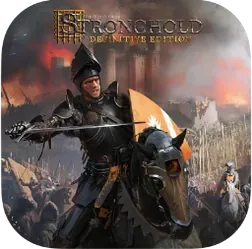
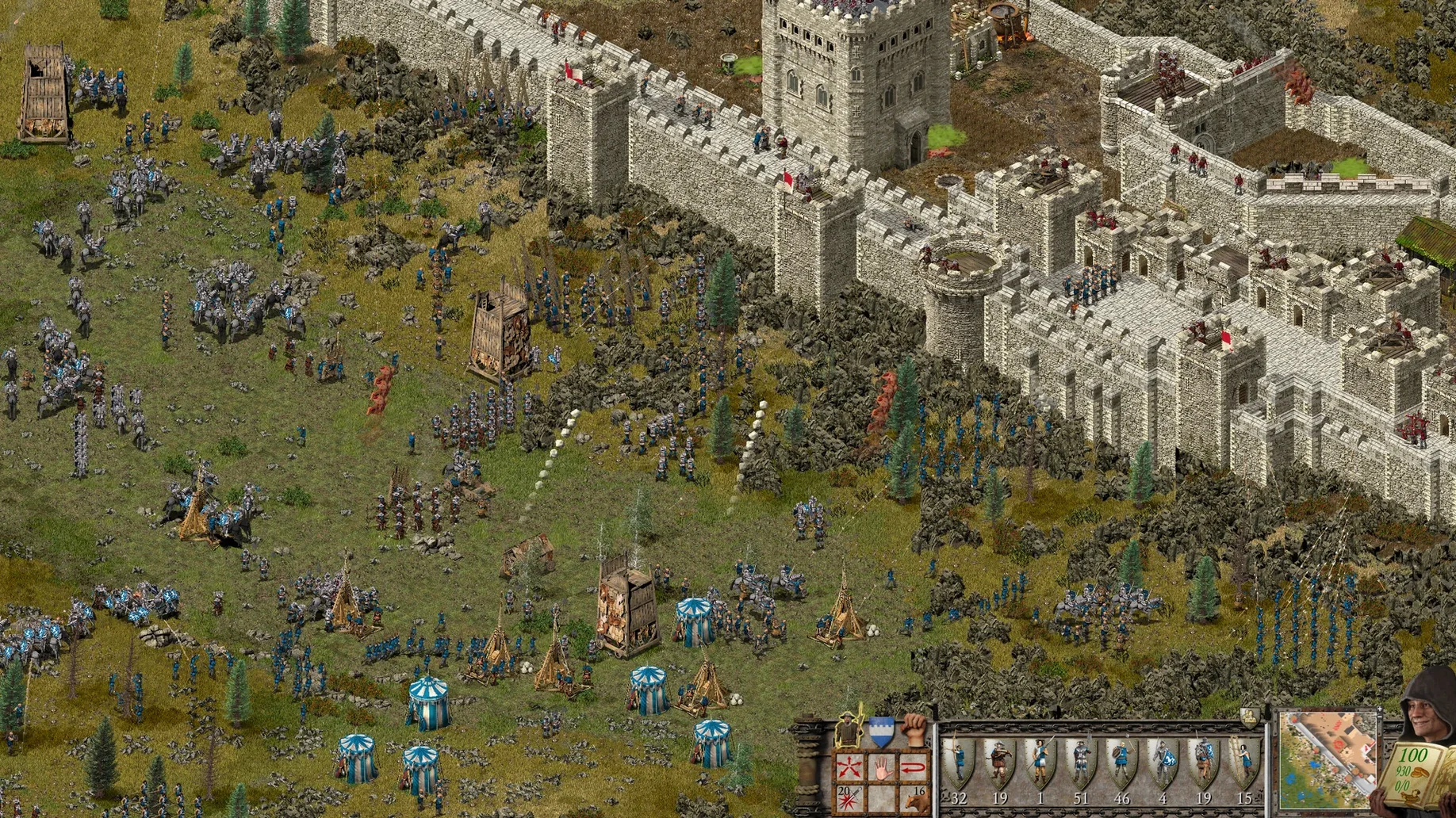
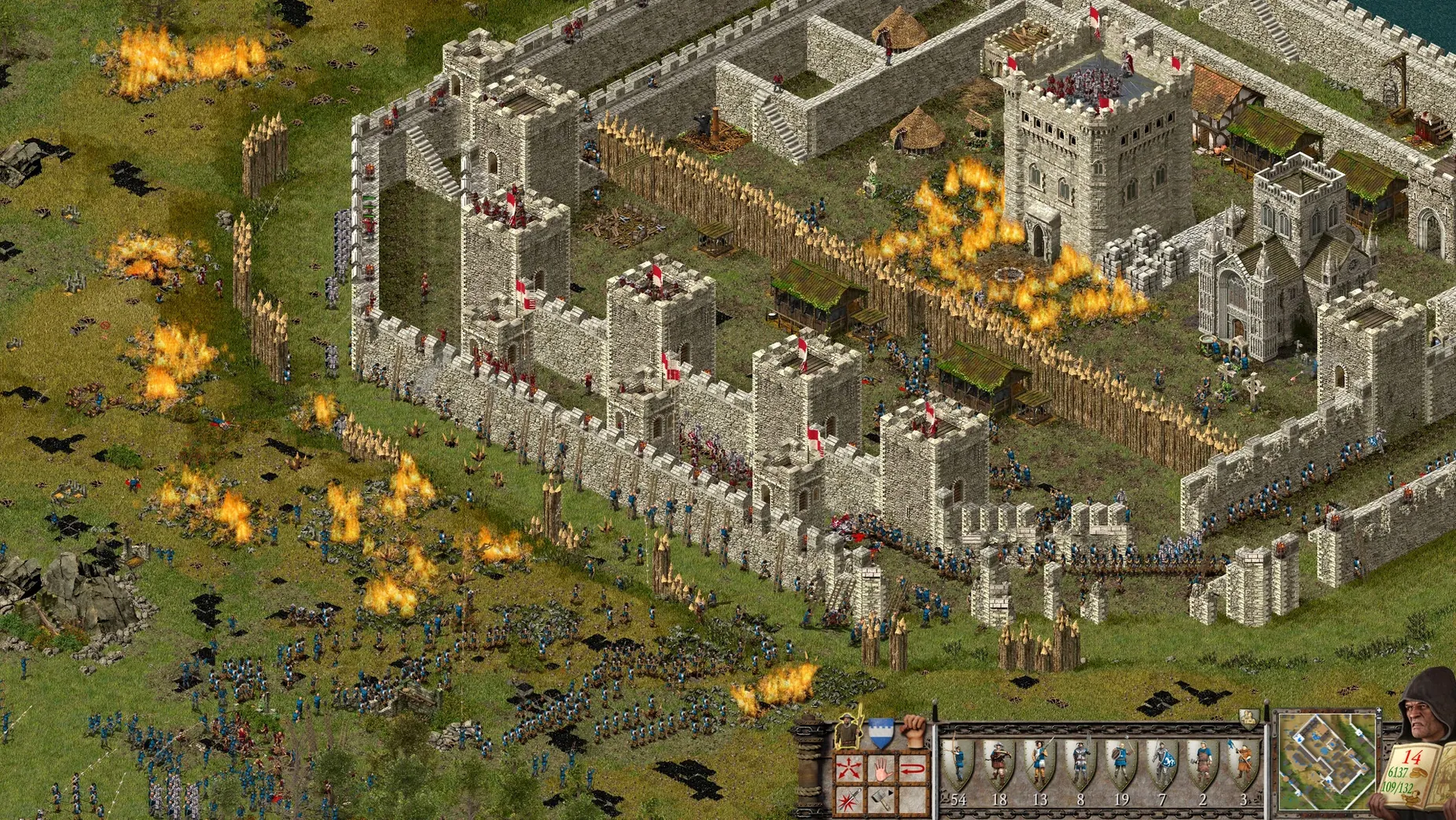
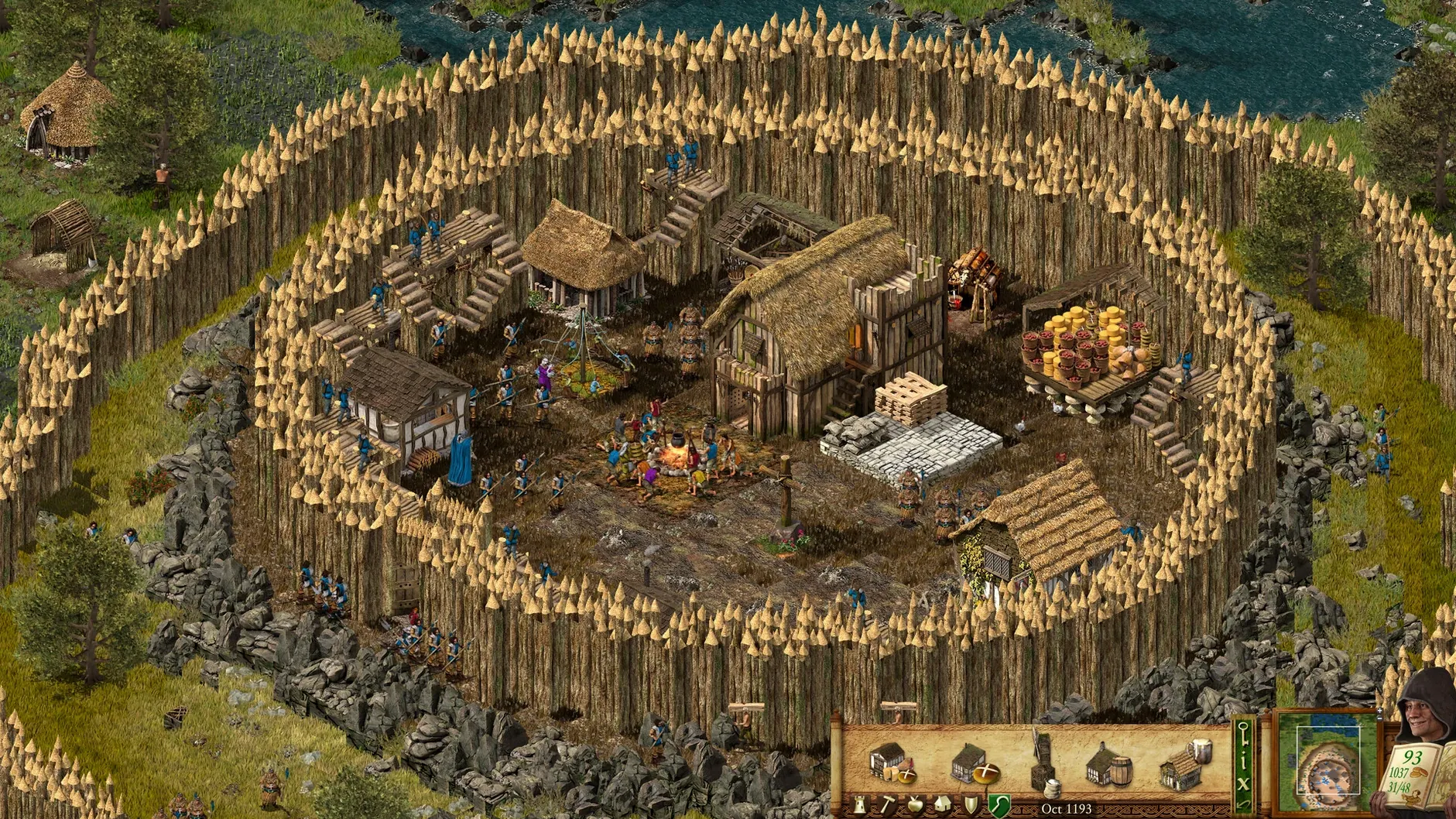
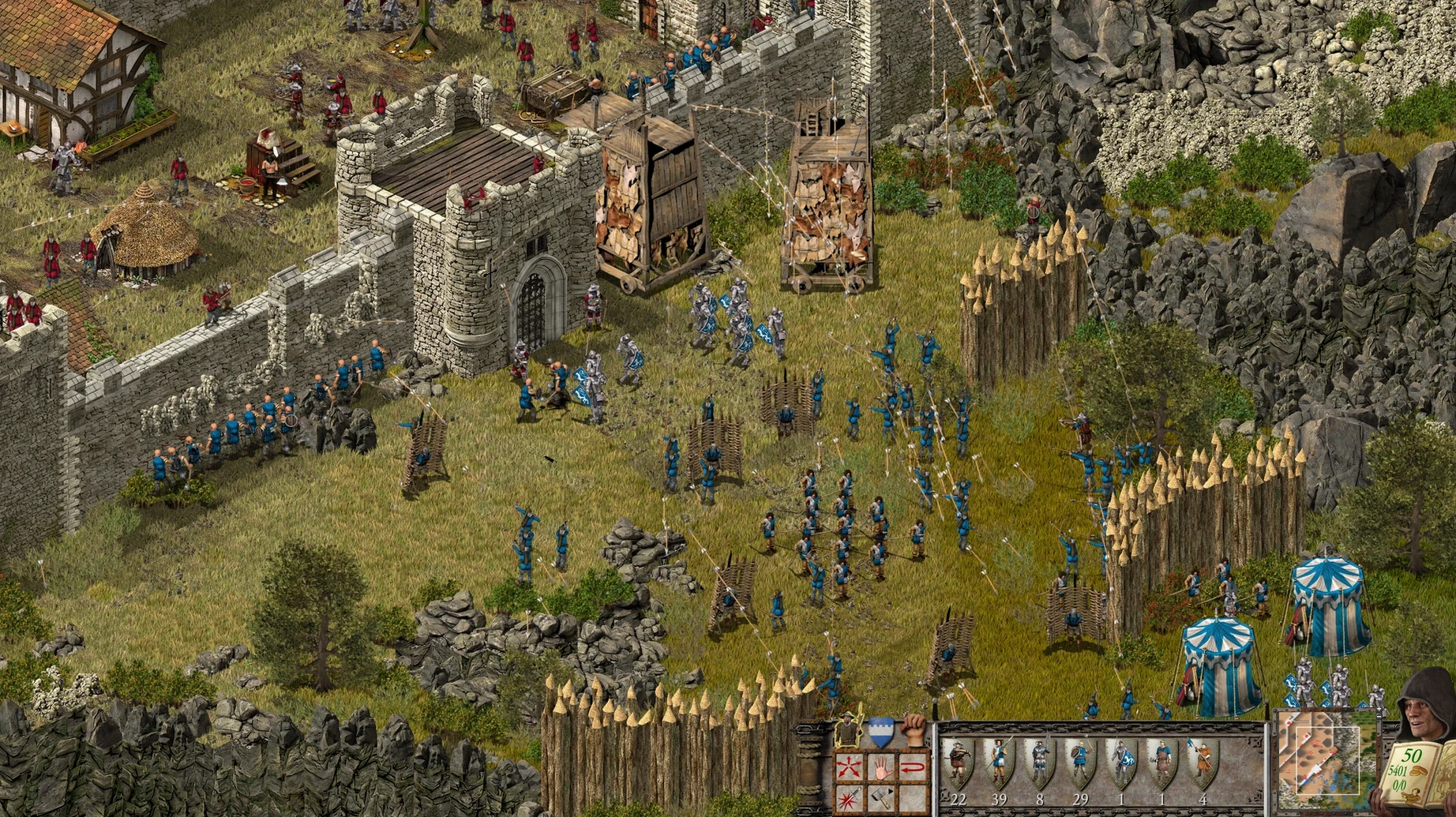
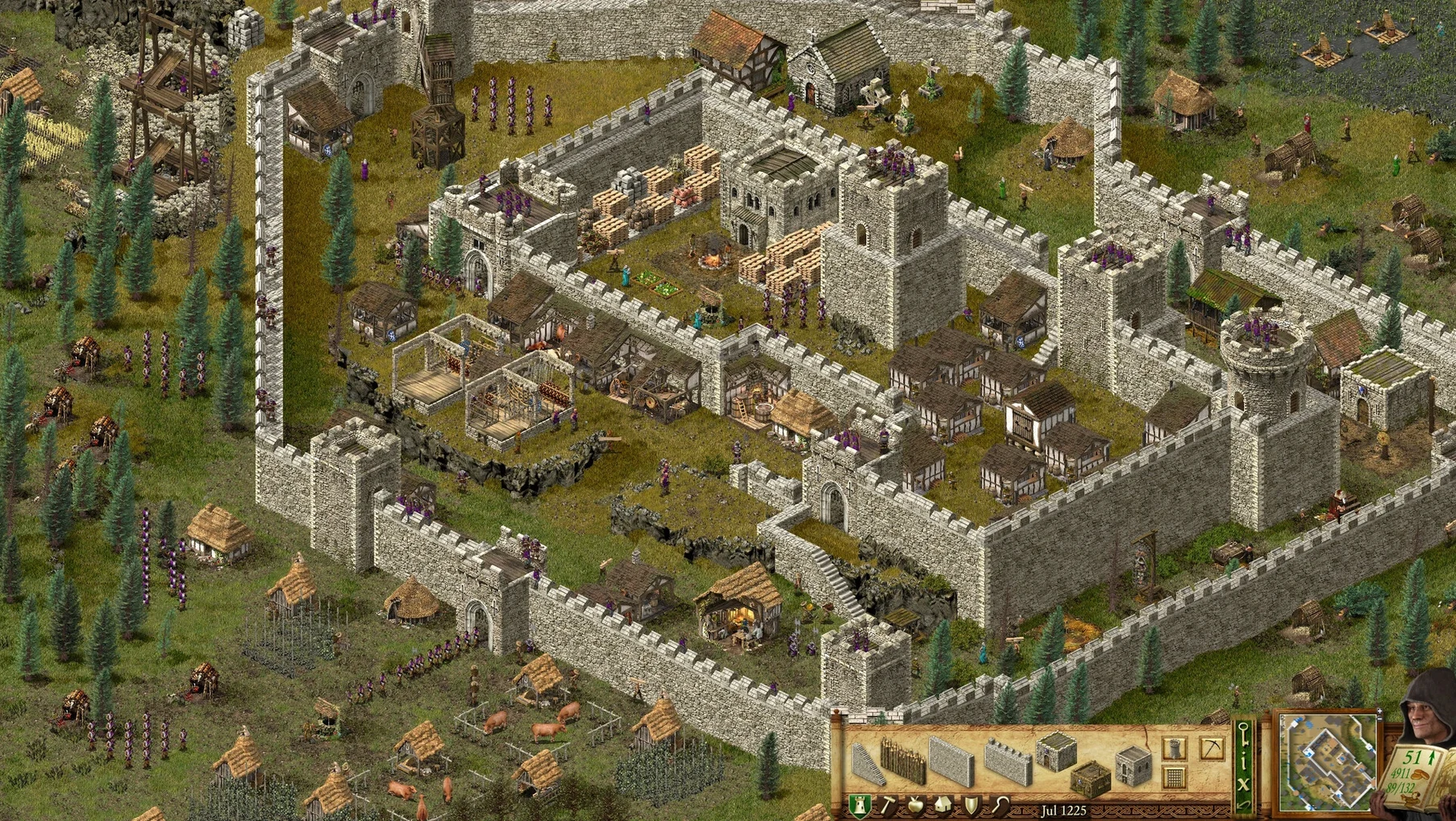
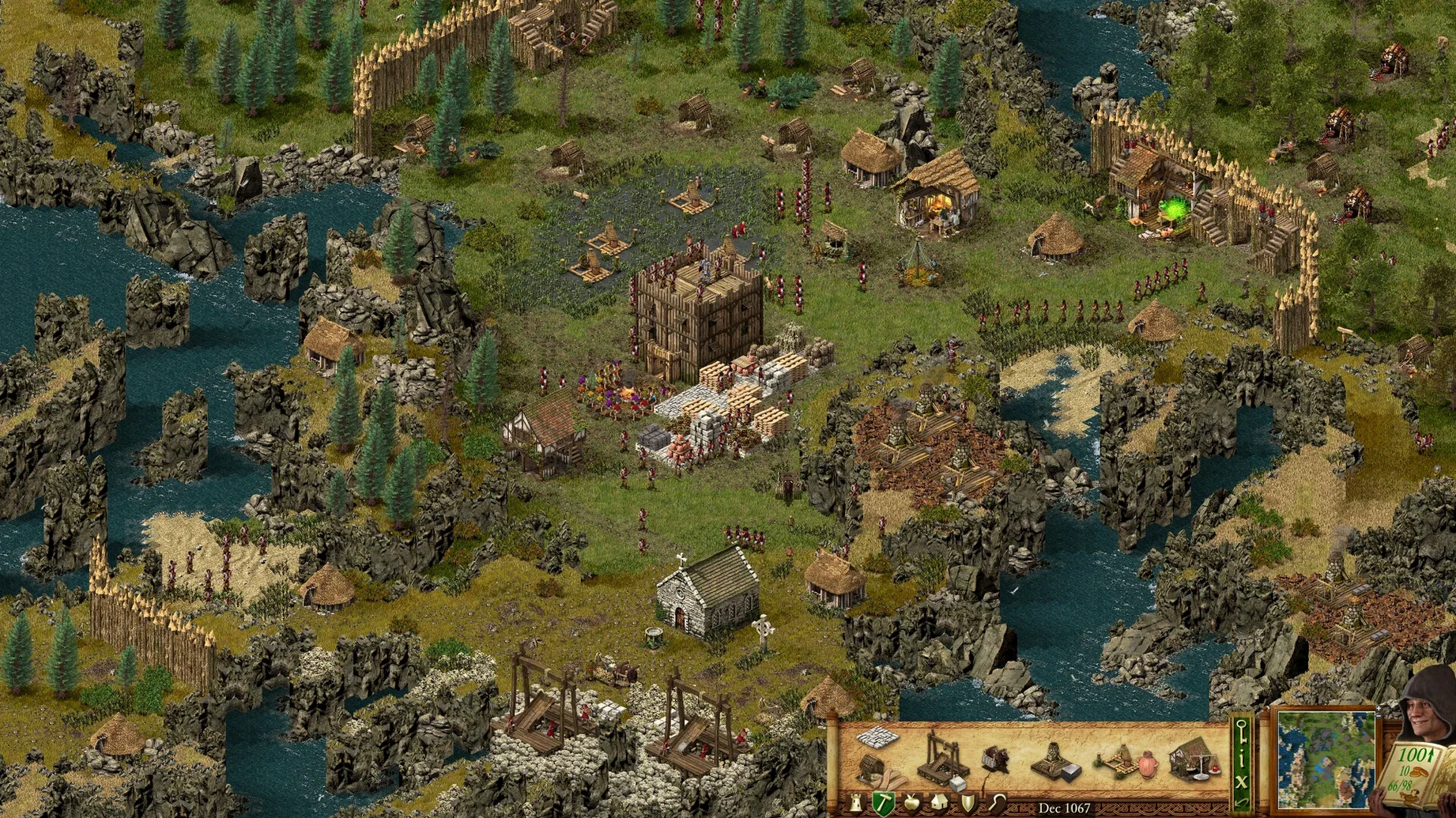
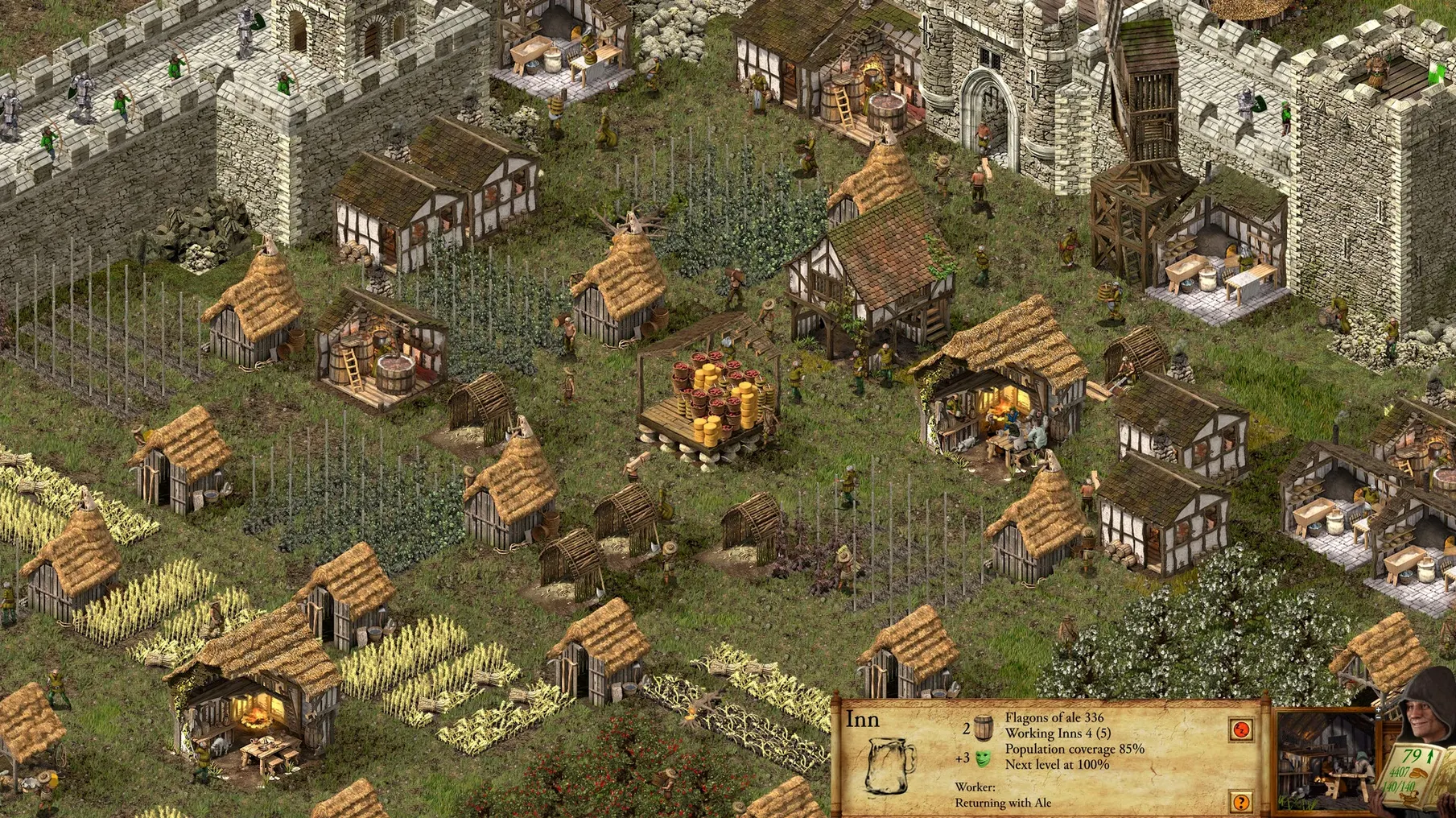
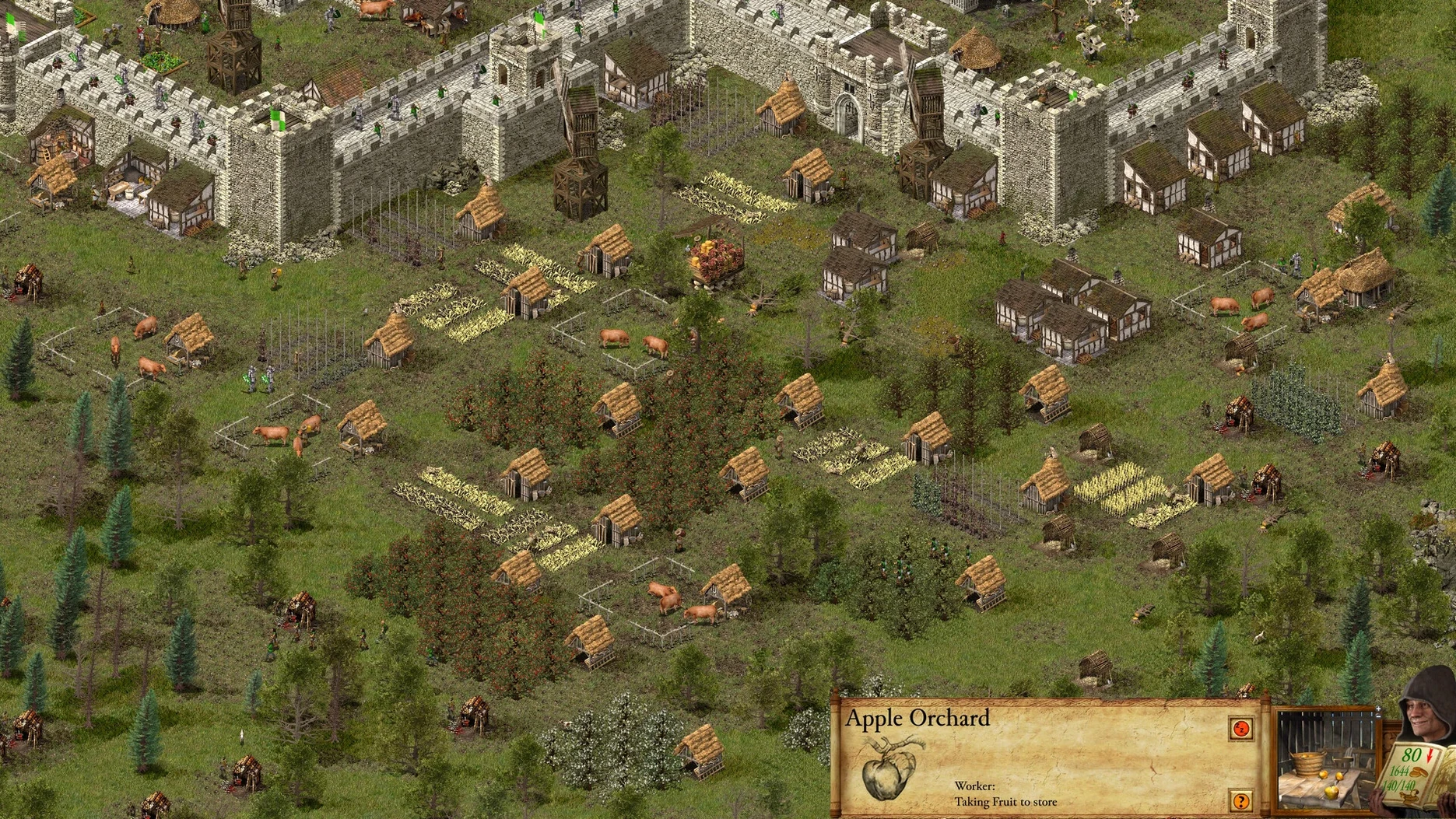
Version 1.33 of Stronghold Definitive Edition brings the classic castle-building RTS to Apple Silicon Macs with updated graphics, a new 14-mission story campaign, and a 10-scenario Castle Trail mode. The soundtrack has been remastered, and new voice recordings add life to the familiar scenes. If you are new to this one, here is where to start.
- Play the new story campaign first. Its 14 missions introduce the core loop—gather resources, build a castle, defend it—at a pace that eases you in.
- Then try the two classic campaigns. These 26 missions are where the original game made its name. Expect tighter economies and tougher sieges.
- Dip into Castle Trail. Ten standalone scenarios let you jump straight to a specific challenge without committing to a full campaign.
- Check the Steam Workshop. Community maps and mods extend the game well beyond the shipped content, and the Mac build supports it.
- Set your language once. The interface covers 17 languages, including English, French, German, and Japanese; voice tracks cover eight, so pick what fits.
That should cover the first few evenings. After that, the multiplayer lobbies are the usual place to get your castle walls tested by someone who takes their moat seriously.
Treating it like a pure city-builder starves your food production
The most common slip is treating it like a pure city-builder. Stronghold's economy is tight—stockpile too much wood early and you starve your food production; build too many farms and you run out of space for walls. New players often neglect the lord's hall upgrades, which unlock key buildings like the armory and the inn. Without those, you cannot train troops or boost morale during a siege.
Another recurring error is ignoring the rat population. Rats eat your stored food, and if you do not place a few huntsmen or invest in granary upgrades, your food stock can vanish before a siege even starts. Also, beginners tend to overbuild walls early. Stone is slow to quarry, and a wall that does not enclose anything useful is just a resource hole.
In multiplayer, the mistake is not scouting. The fog of war hides enemy layouts, and a rush of swordsmen can reach your keep before you have a single tower manned. A few cheap scouts early pay off.
Deliberate pacing rewards planners, not high APM
RTS players who enjoy economy-management alongside combat will find the pacing deliberate but rewarding. You spend the first half of most missions building up, then the second half defending or attacking. It rewards planning, not APM.
City-building players who liked the original will appreciate the updated visuals and the Castle Trail scenarios—those are pure economy-and-defense puzzles with no campaign narrative to follow. The remastered soundtrack and new voice recordings make the rebuilt towns feel more alive.
Multiplayer players on Mac have a small but active lobby scene. Steam Workshop support means you can find custom maps that balance differently for 1v1 or 2v2.
interface and voice languages set separately and stick between sessions
- Interface language can be set to any of the 17 listed options; voice language is a separate choice from eight languages. Switching both takes one menu trip and sticks between sessions.
- Castle Trail mode saves your best time per scenario, so you can replay and beat your own record without redoing the campaign.
- The fix file included in the disk image handles the occasional launch error on macOS Tahoe. Run it once, and the game opens normally afterward—no need to keep the image mounted.
- Steam Workshop mods are browsable and installable from inside the game; no manual file moving required on the Mac build.
- Updated graphics.
- New single-player story campaign with 14 missions.
- Castle Trail mode with 10 scenarios.
- Remastered soundtrack.
- New voice recordings.
- macOS: not specified
- Architecture: Apple Silicon (ARM)
- Other: ARM architecture
Questions from the notes
Does Stronghold Definitive Edition run on Intel Macs?
No. This build is for ARM architecture, so it requires an Apple Silicon Mac.
Can I use Steam Workshop content?
Yes. The game supports the Steam Workshop on the Mac version.
Install procedure
- Mount the downloaded disk image and drag the app into the Applications folder alias.
- After copying finishes, open the app from Launchpad.
- If an error appears at launch, run the Fix file from the disk image.
Reports from players
Sign in or create a tester account to file a report.
No reports filed yet.