
Subnautica is an underwater survival adventure game set on an alien ocean planet, where you crash-land and must figure out how to stay alive.
Scavenge the seafloor and manage your oxygen
- Scavenge the seafloor for resources to craft water, food, and survival gear—staying hydrated and fed is the first problem you solve.
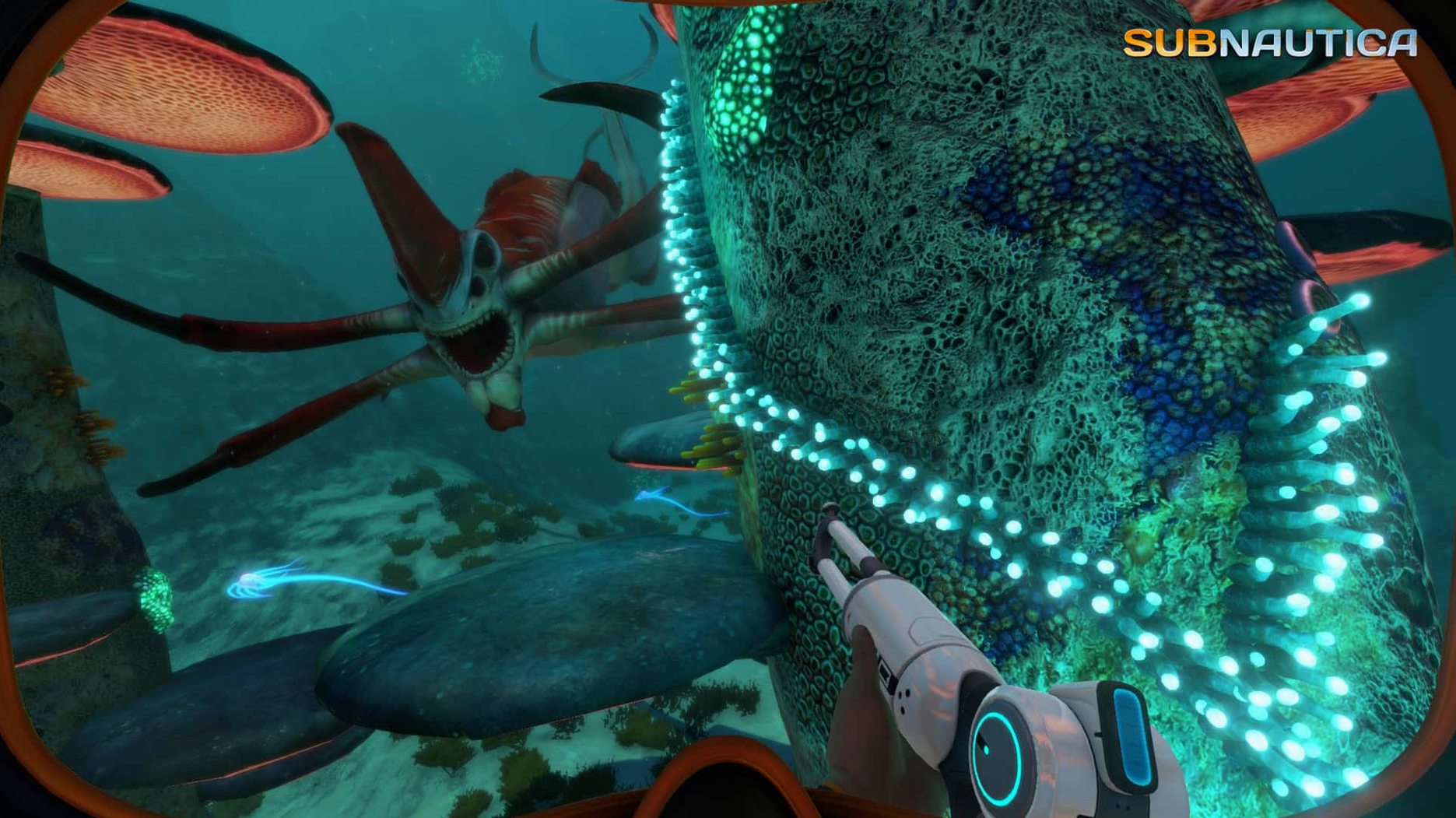
- Dive deeper into the ocean, managing your oxygen and avoiding the predators that become more active at night.
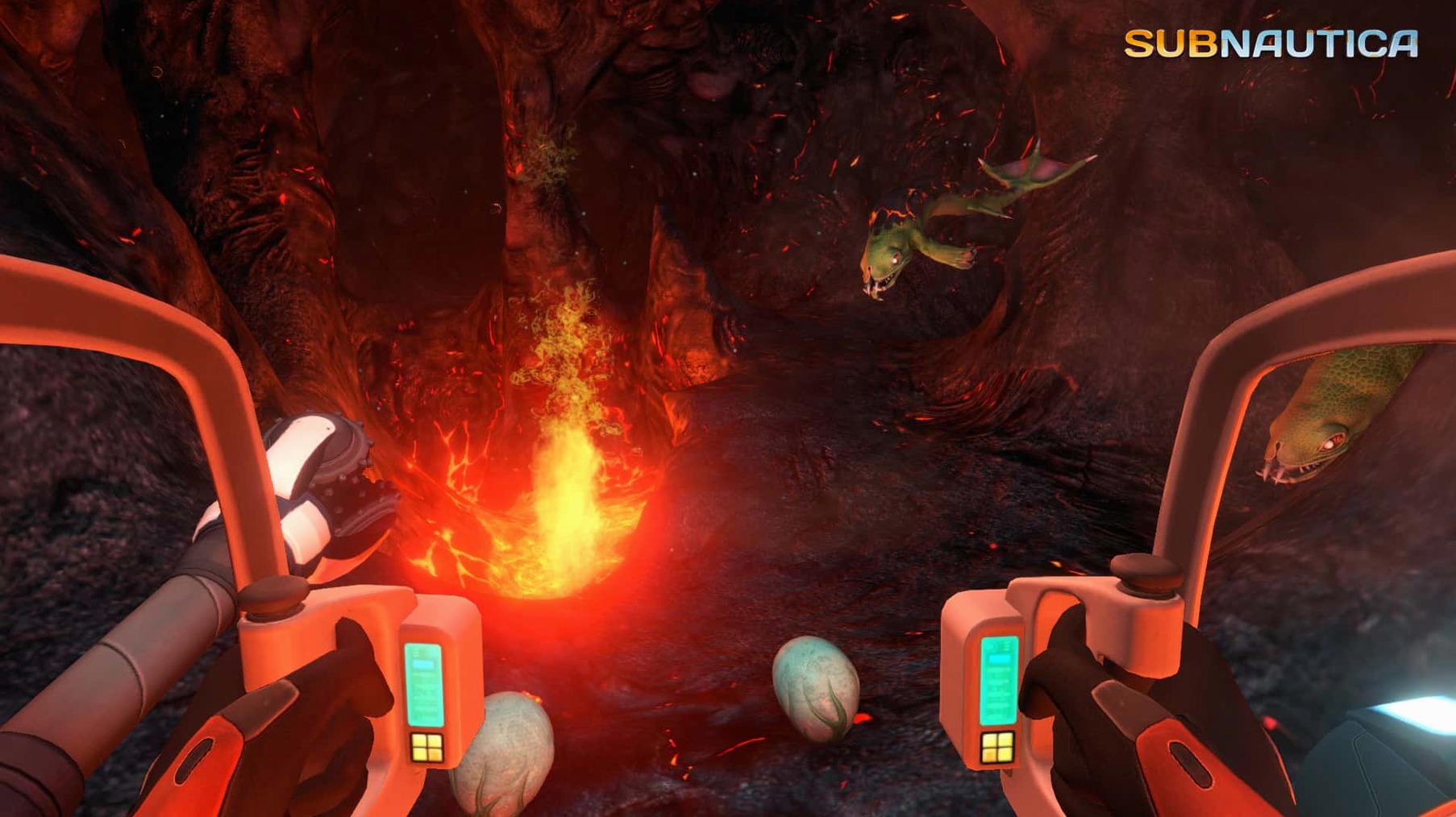
- Build tools like knives and diving equipment, then move on to personal watercraft and eventually the Prawn Suit for high-heat, deep-sea exploration.
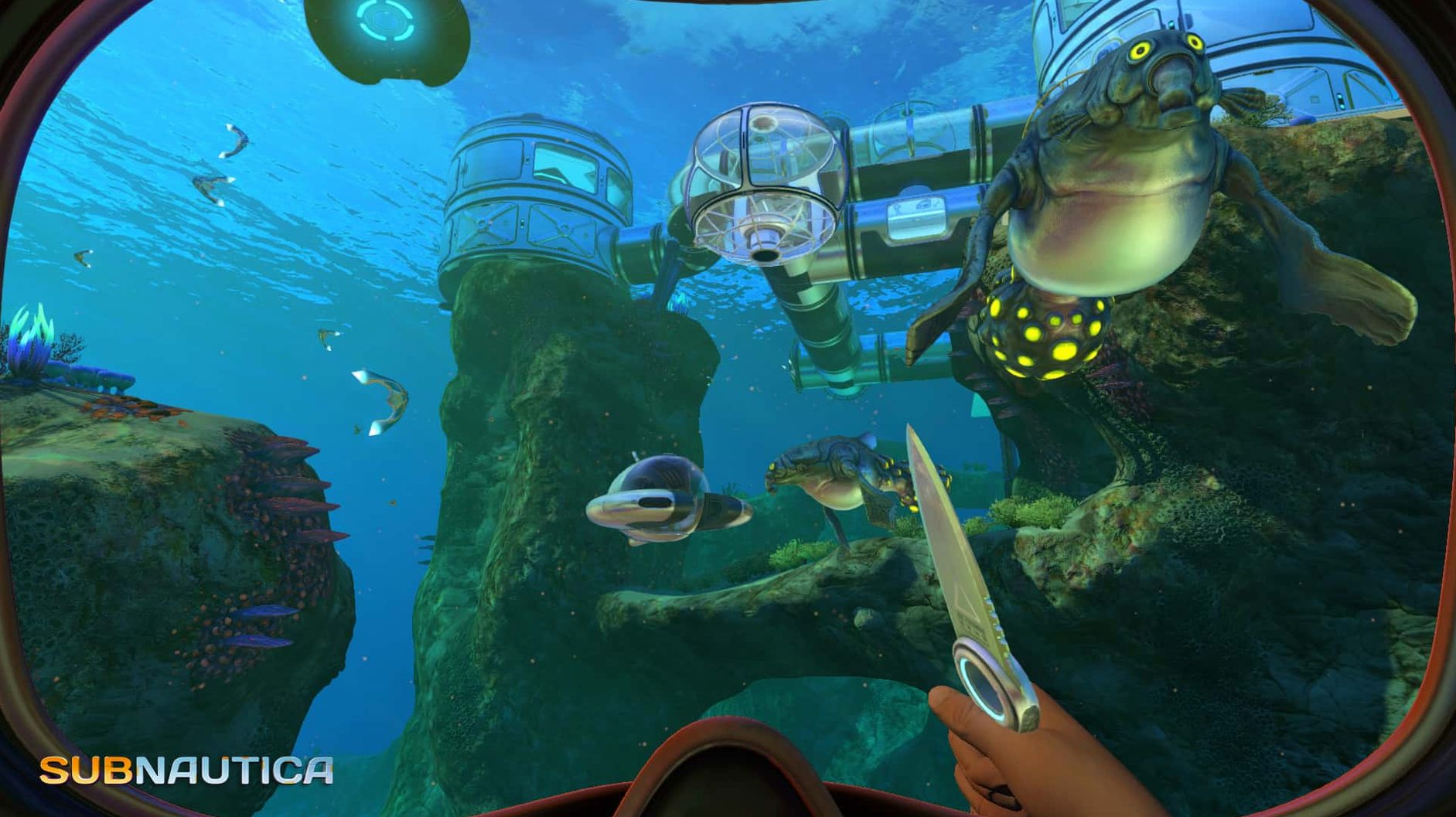
- Construct underwater bases on the sea floor, giving you a safe place to store supplies and recharge between dives.
- Follow the mystery of the planet: a spreading infection among sea life, alien structures, and the question of what happened here.
Crank the field-of-view slider to 90 or 100
Before you start your first dive, open the options menu and adjust two things. The field-of-view slider defaults to a fairly narrow setting that can feel restrictive during base building and vehicle piloting. Crank it up to 90 or 100 for a better sense of your surroundings. Turn off camera shake unless you want motion sickness during creature attacks. The game leaves both at moderate defaults, but neither change affects performance or save integrity, so try them early.
A workflow for building your first deep-sea outpost
This task takes you from surface wreckage to a functioning mid-depth base in about an hour of play. It assumes you have the basic survival loop down—water, food, oxygen—and want a forward operating point.
- The vent provides heat for crafting later, and the depth keeps you below most surface predators but above the truly hostile zones.
- Drop a foundation. Use the build menu to place a multipurpose room. This is your core module. You need titanium and glass—both are common at this depth if you check the rocky outcroppings rather than the open sand.
- Add a power source. Build a solar panel array on the roof. Even at 100 meters, enough light filters down to keep basic systems running during the day.
- Install storage. Place two wall lockers for food and spare oxygen tanks. Keep one locker empty for raw materials you haul up from deeper dives.
- Run a test dive. Leave the base, go down another 50 meters, gather copper and lead, return to the new outpost, and deposit everything in the empty locker. If you can complete that round trip without surfacing, the base works.
Subnautica's ocean survival versus The Long Dark's frozen land
Subnautica sits in a different corner of the genre than most Mac-compatible survival titles. Here is how it stacks up against two common alternatives.
The Long Dark. That game focuses on cold-weather land survival with wolves, bears, and a static map. Subnautica replaces horizontal travel with vertical depth, and the threat comes from creatures that patrol specific depth ranges rather than fixed land spawns. The Long Dark has more crafting recipes but fewer vehicle options—you never build a mech suit in a frozen forest.
Stranded Deep. Another ocean-survival title, but set on procedurally generated islands. Stranded Deep pushes you toward raft building and island hopping. Subnautica keeps you underwater almost the entire time, with base construction on the seafloor rather than on beaches. The mystery story in Subnautica is more structured—you find audio logs and alien ruins with a clear narrative arc, whereas Stranded Deep leaves its plot mostly to the player.
All three run on Mac without issues, but Subnautica is the only one where the environment itself—the depth, the light, the pressure—is the primary obstacle rather than temperature or hunger alone.
How a level designer studied the seamless biome transitions
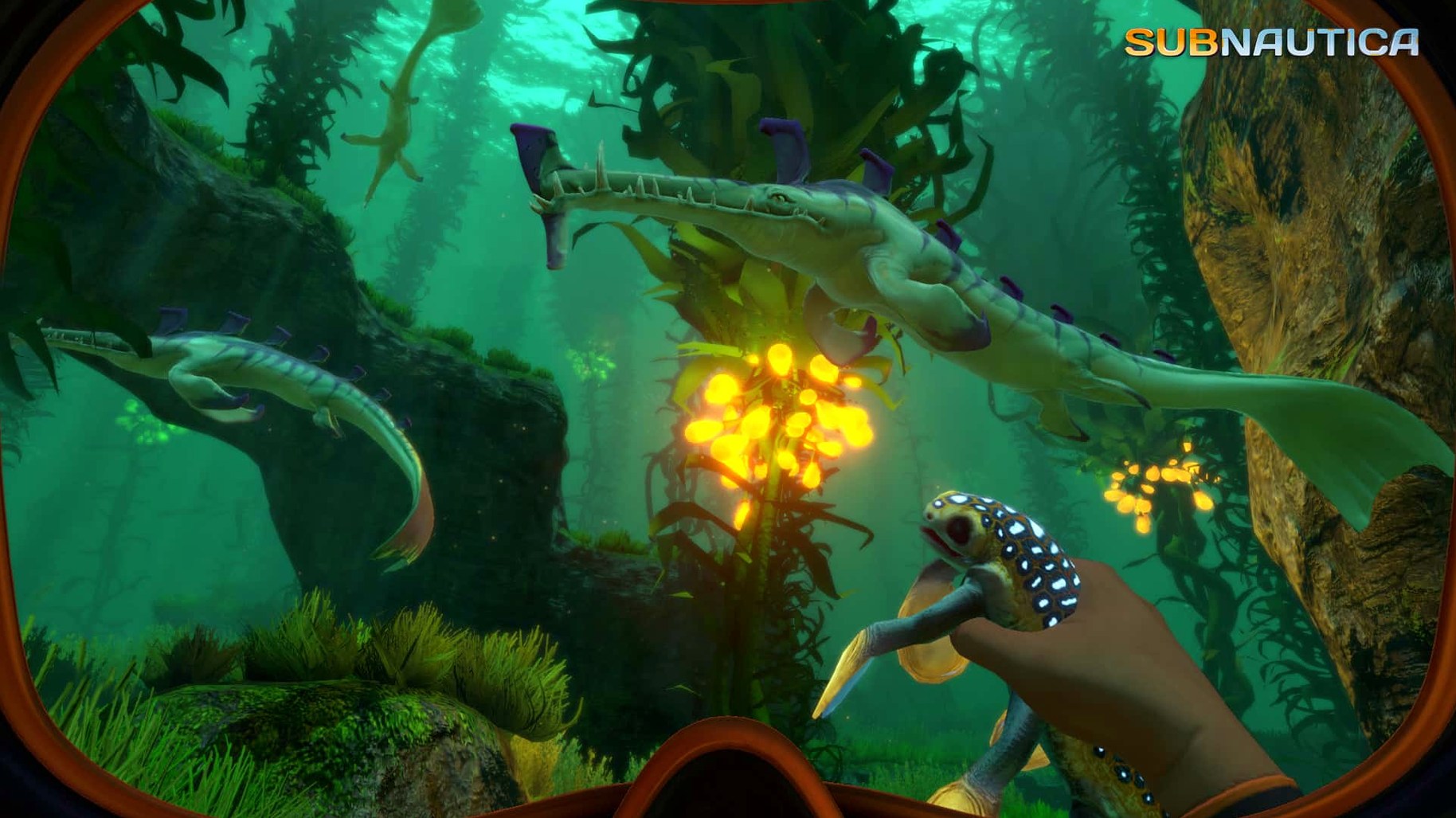
A friend who builds levels for a different underwater game picked up Subnautica to study its vertical biome design. He specifically wanted to see how Unknown Worlds handled the transition between visually diverse zones without loading screens. His take: the game uses sight lines and creature density to signal depth changes. At 50 meters the water still has a green tint and small fish swarm in schools. At 200 meters the light shifts to deep blue and the creatures are larger, slower, and spread farther apart. He noted that the Prawn Suit unlocks exactly when the player would otherwise hit a heat barrier they cannot cross, which feels intentional. For him, the game served as a reference for pacing environmental hazards against equipment progression. He has since applied a similar approach to his own work, spacing his heat zones around specific tool unlocks rather than arbitrary distance markers. Subnautica is not a design tool, but for someone building underwater spaces, it is a useful case study in vertical gameplay pacing.
The game balances exploration with survival pressure—every new depth brings resources and threats, and the night cycle keeps familiar areas from ever feeling completely safe.
- macOS version not specified
- Architecture: ARM and 64-bit x86
Install procedure
- Unpack the archive and move the game to the Applications folder.
- After copying finishes, launch the game from Launchpad.
Reports from players
Sign in or create a tester account to file a report.
No reports filed yet.