The release date is 2025-10-28, and the build runs through Wineskin, so compatibility comes first. It targets Apple Silicon Macs running macOS Tahoe. The test machine was a Mac mini 2024 M4, and it passed. If you are on an Intel Mac, this one will not launch.
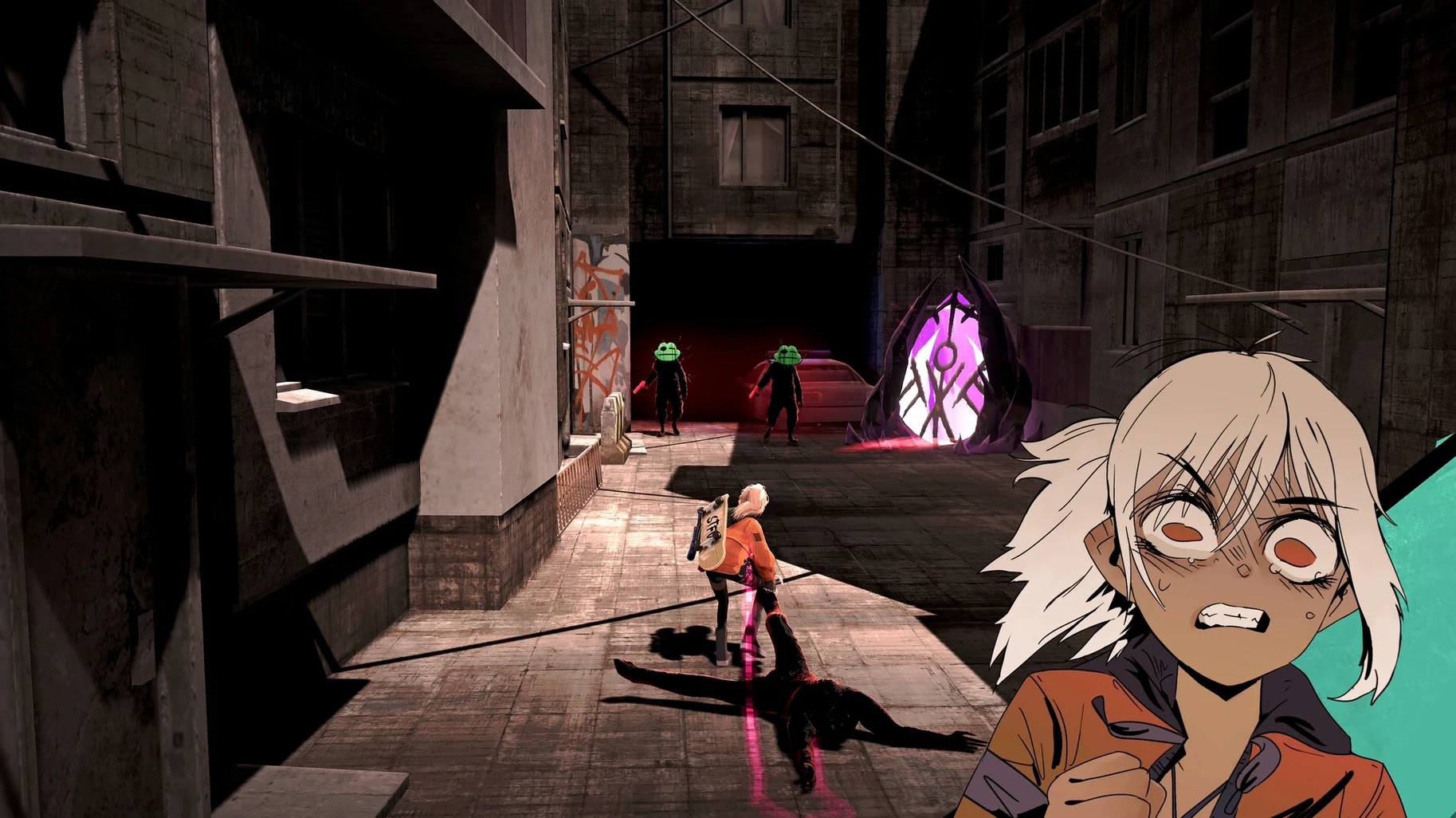
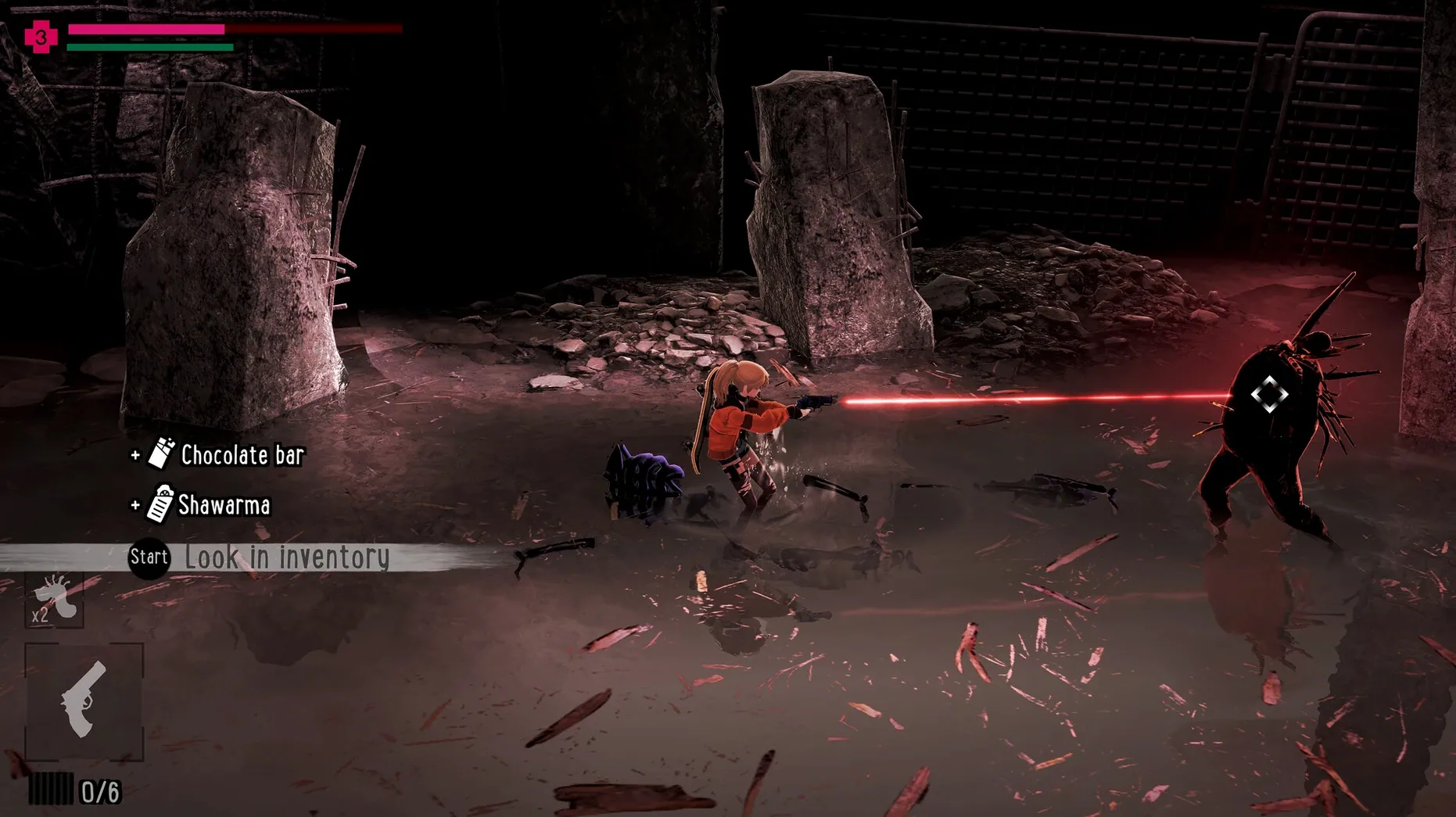
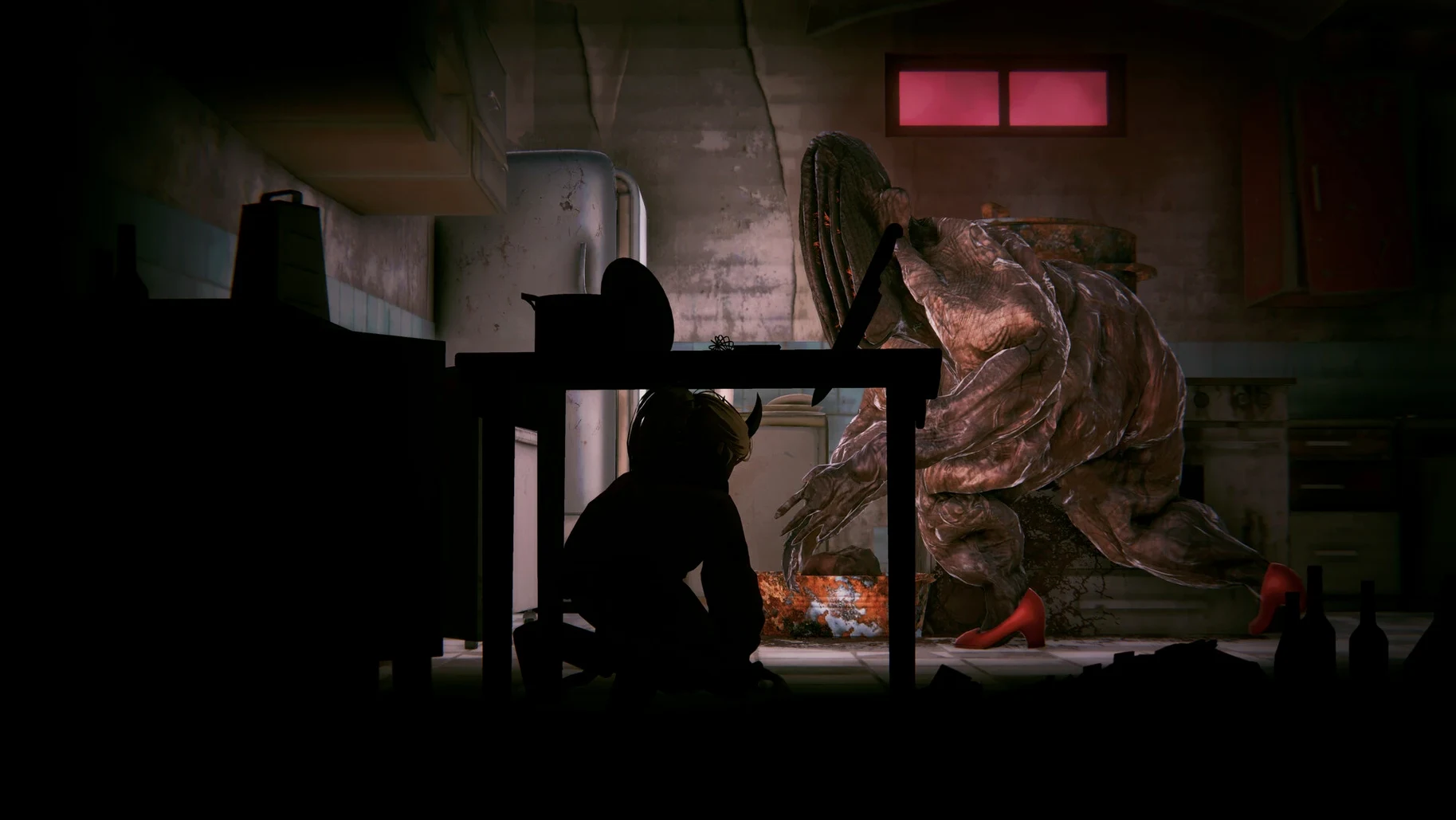
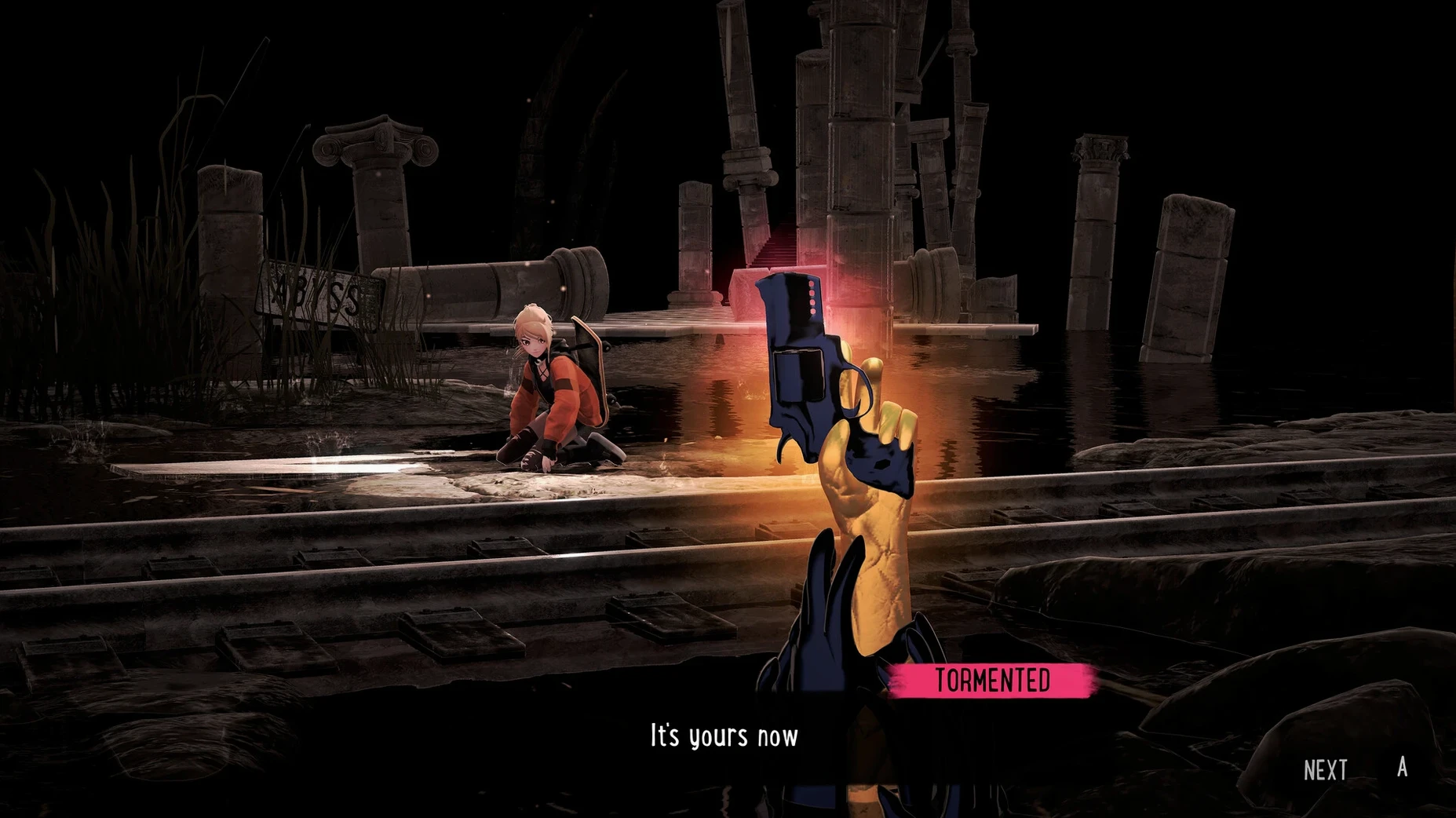
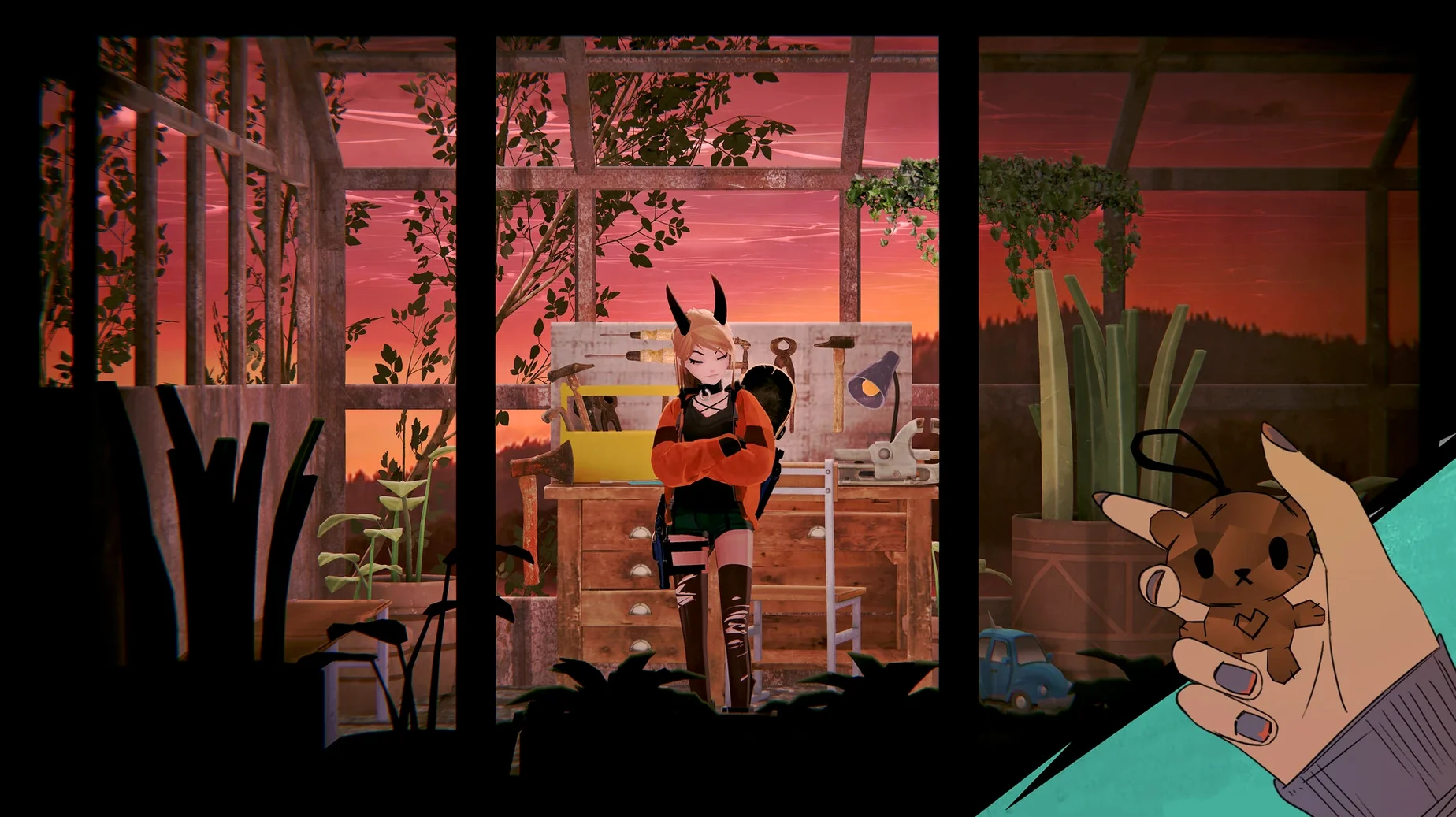
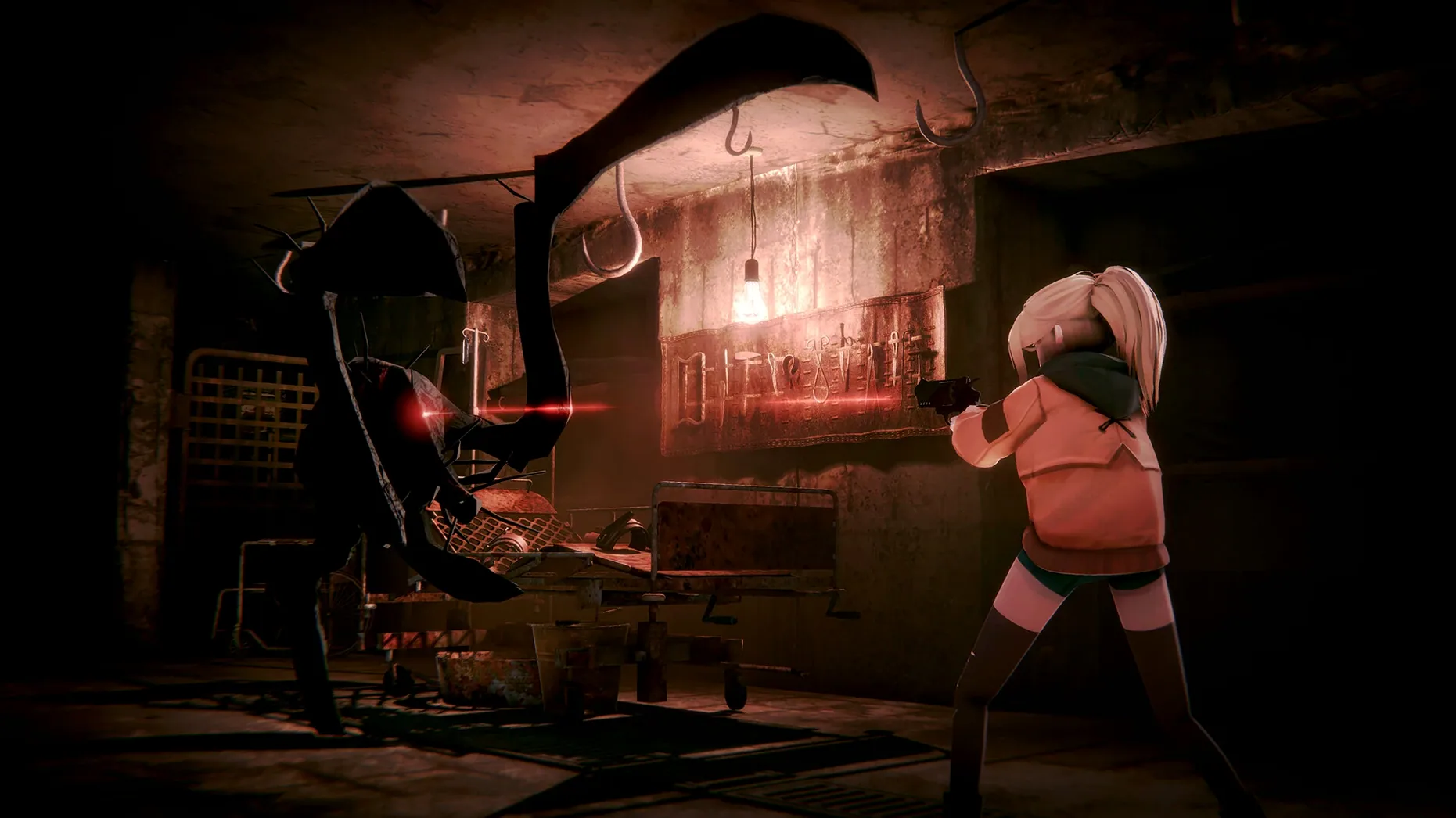
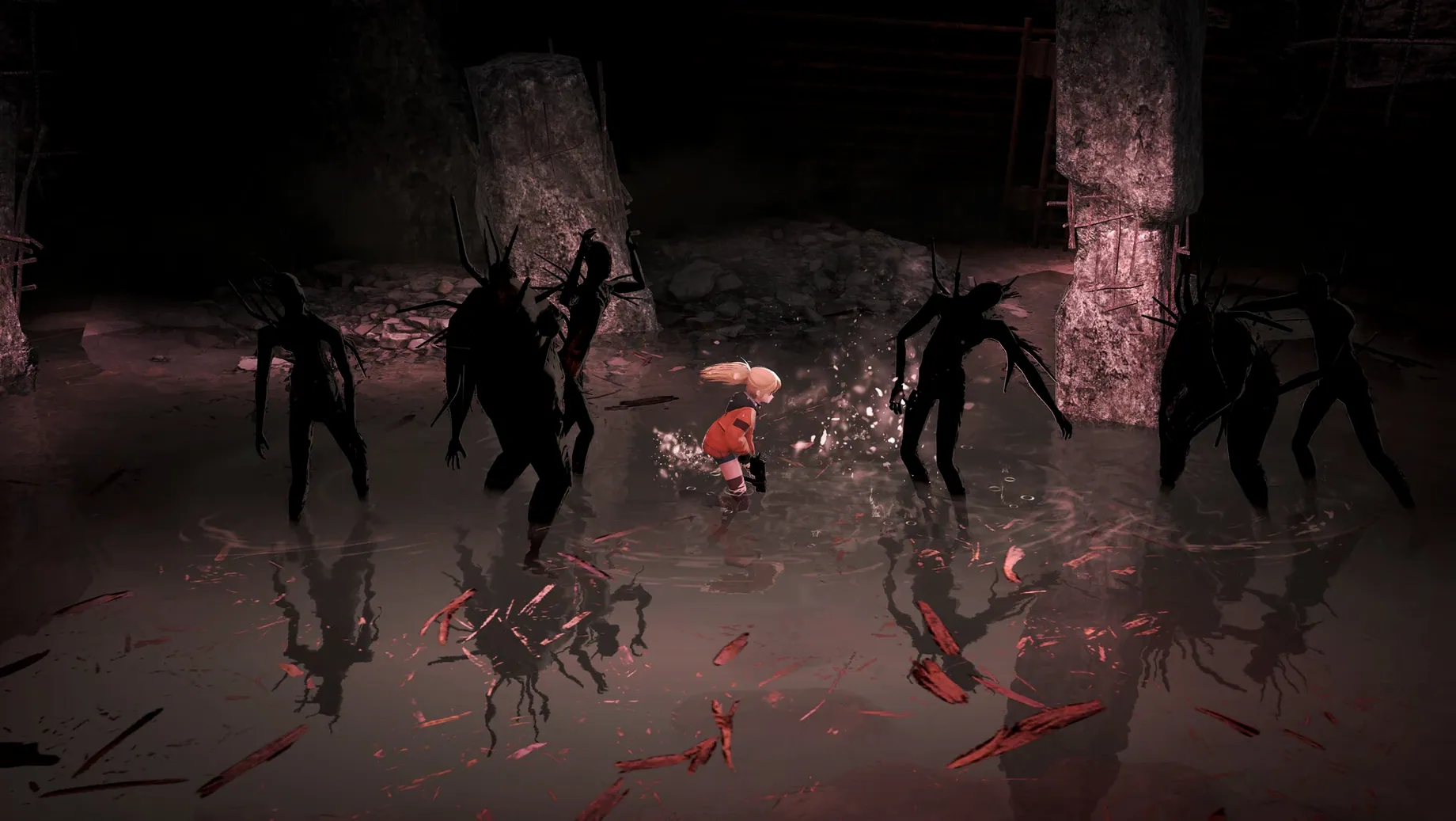
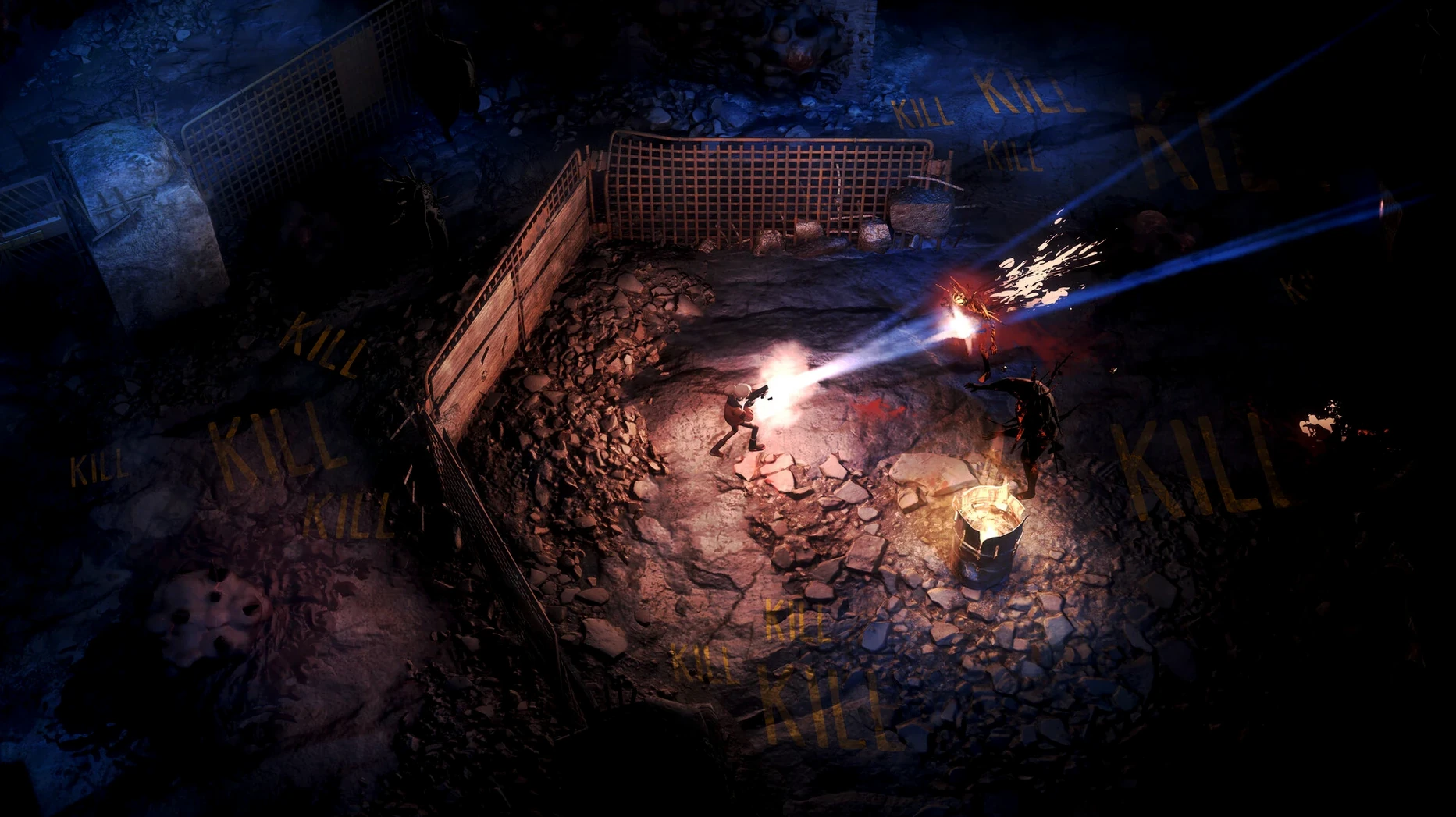
Polly escapes an orphanage and drops into an underground world beneath a dark city covered by deadly fog. The view switches between top-down and side view as you explore dark areas, shoot, and use forbidden magic. Some locals are not hostile, but trust is not advised. English voice acting is in, and the interface supports nine languages including French, German, Spanish, and Japanese.
Install is straightforward: open the disk image, drag the app into the Applications folder alias, then launch from Launchpad. If the game throws an error at startup, run the Fix file inside the disk image—that usually clears it.
For a story-driven action game with a moody setting, this one fits a specific niche. Bring patience for the Wineskin quirks, and you get a solid ride through a fog-choked city.
Workflow: exploring the fog boundary in the first hour
The opening area teaches you the core loop without much handholding. After Polly leaves the orphanage, you enter a top-down street section where the fog creeps in from the edges. Here is a typical workflow through the first exploration segment:
- Move Polly toward the nearest building entrance. The magical bracelet pulses when you approach the fog—back away a step and look for an alternate path.
- Enter a side-view room. Enemies here are slow but hit hard if you stand still. Keep moving, shoot, and learn the timing of the magic bracelet's flash before a fight closes in.
- Find the first ancient knowledge pickup. The game does not mark it on the map; look for glowing objects at the edge of lit areas.
- Return to the top-down street with your newly unlocked spell. Some blocked passages open only when you cast the right magic, so try it on suspicious walls or grates.
- Talk to the non-hostile inhabitant near the second checkpoint. The dialogue is short but tells you which direction the next upgrade lies.
This loop repeats throughout the underground city: explore, fight, learn, backtrack, push deeper. The view switches often, so you alternate between scanning the street layout and focusing on precise jumps or enemy patterns in side-view rooms.
Wineskin wrapper black screen fix
The Wineskin wrapper handles the translation layer, but a few things tend to trip people up. Here is what I have seen come up repeatedly:
- Game launches to a black screen. This usually happens if the wrapper's resolution does not match your display. Close the game, run the Fix file from the disk image once, then relaunch. If it still shows black, check that your Mac is not running in low-power mode—Wineskin sometimes struggles when the GPU throttles.
- No audio or crackling sound. Go to macOS System Settings > Sound and make sure the output device is set to Internal Speakers. Wineskin can get confused if you have Bluetooth headphones connected during launch. Disconnect them, start the game, then reconnect once you hear the menu music.
- Keyboard input not registering in side-view sections. The game expects a specific key layout. Open the in-game settings and confirm the controls are mapped to your keyboard. If the menu itself does not respond, quit and relaunch with only the built-in keyboard/trackpad—some third-party input apps interfere with Wineskin's key capture.
- Stuttering when the view switches. This is a known quirk of the view transition in the wrapper. Lowering the in-game resolution to 1920x1080 or below usually smooths it out. The visual quality drop is minor, and the gameplay benefits more from stable frame pacing.
If none of those fix the issue, delete the game's wrapper settings folder (it is inside ~/Library/Application Support/SillyPollyBeast) and let the game rebuild its config on next launch. That clears most corruption from a bad shutdown.
Stage Manager works inside the Wineskin container
Because this is a Wineskin build, it runs inside its own container. That means some macOS features work normally and some do not. Here is what to expect:
- Stage Manager. Works fine for keeping the game in its own space.
- Quick Look. Not directly useful since the game's save files are inside the wrapper's drive. You cannot preview them in Finder. Use the game's built-in save manager if you need to back up progress.
- Screen recording. macOS's built-in screenshot and screen recording tools work, but the recorded video may have a slight color shift because the wrapper renders in a different color space. QuickTime Player captures it fine for sharing clips.
- Game controllers. The Wineskin wrapper supports PlayStation and Xbox controllers via the standard macOS driver. Pair via Bluetooth before launching the game, then assign buttons inside the game's controller settings. The game reads them as a generic gamepad, so no special software needed.
- Spotlight. Does not index the wrapper's contents, so you cannot search for save files from the menu bar. If you need to find a save, look inside the app bundle at
/Applications/SillyPollyBeast.app/Contents/Resources/drive_c.
The wrapper approach keeps the game self-contained. It does not touch your main system libraries, and uninstalling is just dragging the app to the Trash. No leftover plists or background processes to hunt down.
- macOS Tahoe
- Apple Silicon
Questions from the notes
Does Silly Polly Beast run on Intel Macs?
No. The build requires Apple Silicon and macOS Tahoe.
What languages are supported?
Interface languages include Russian, English, German, Spanish, Italian, Traditional Chinese, Simplified Chinese, Ukrainian, French, and Japanese. English voice acting is included.
What do I do if the game fails to start?
Run the Fix file in the disk image after copying the app to Applications. That usually resolves startup errors.
Install procedure
- Open the downloaded disk image.
- Drag the app into the Applications folder alias.
- After copying finishes, launch the app from Launchpad.
- If the game shows an error at startup, run the Fix file in the disk image.
Reports from players
Sign in or create a tester account to file a report.
No reports filed yet.